6 Best Instagram Post Viewer Tools We Found After Extensive Testing
 By Mike Everett
The complete monitoring experience for your phone
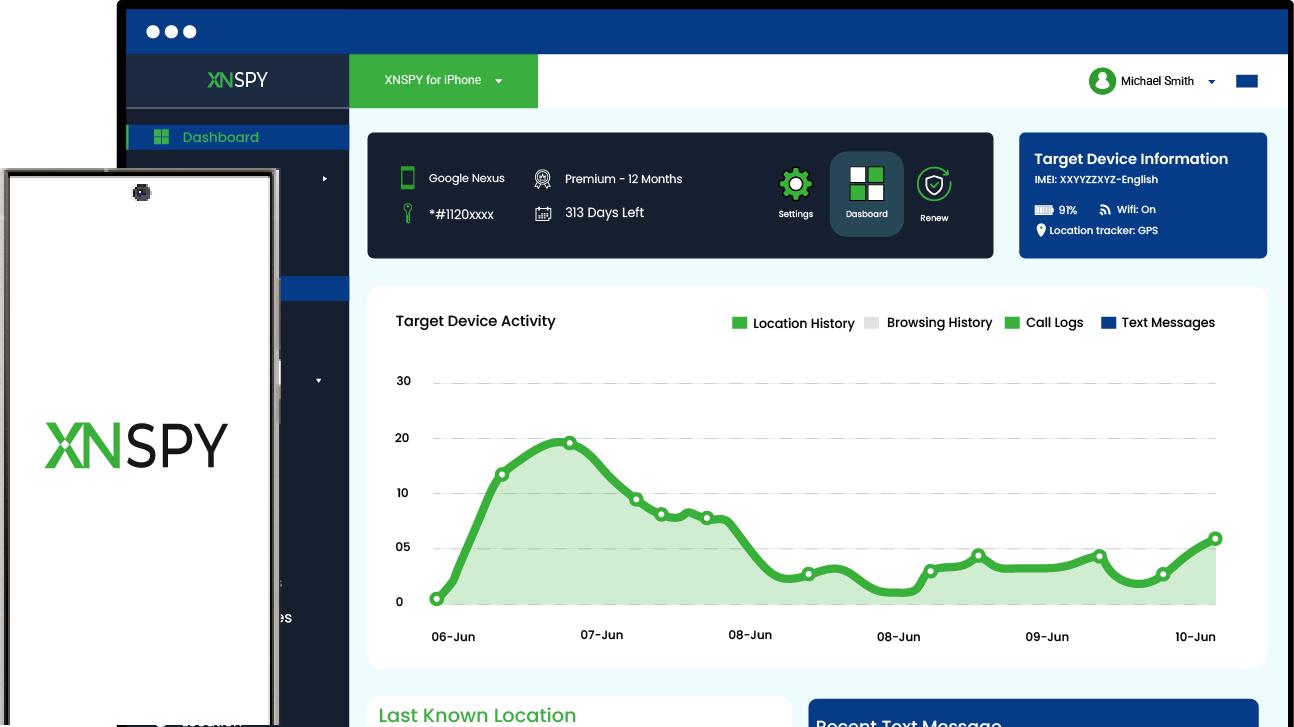
Get XNSPY and start tracking calls, texts, multimedia, locations and more on any phone!
Get Started Now Live DemoInstagram doesn’t make it easy to just look at a post. Open a profile you don’t follow, and you’re prompted to log in first. Even when you are logged in, you’re just an accidental tap away from letting them know that you visited.
With Instagram being the primary source for youngsters to share their personal lives, parents cannot help but worry about whether they are sharing too much. To know for sure, they turn to none other than a reliable Insta post viewer.
However, reliability isn’t always easy to find. To help you out, we put 6 of the more prominent anonymous Instagram post viewer tools through rigorous testing to see which ones actually deliver a clean, no-fuss look at a post, and where the rest fall short of what they advertise.
The Quick-Scroll Verdict on Anonymous IG Post Viewer Tools
- Parents increasingly turn to Instagram anonymous post viewer tools to check what their teen is posting and who’s engaging with it, without tipping the account owner off.
- Xnspy captures Instagram posts, captions, and comments directly from the device through periodic screenshots and keylogging, irrespective of your child having a public or private account.
- Inflact returns accurate captions and posting dates for public posts but caps free daily lookups at one account and three posts.
- Dolphin Radar downloads posts and highlights with adjustable playback, but throttles repeated searches with rate-limit errors.
- IGview.net is free and limitless. It displays captions precisely but returns incorrect posting dates. Moreover, it doesn’t work for private accounts.
- Save Insta Free allows you to extract audio from video posts but shows no like counts, comment counts, or posting dates at all.
- ClevGuard offers remote screenshots and live screen viewing to pull posts directly from the device.
How These 6 IG Post Viewer Tools Compare at a Glance
| Tool | Rating | Pricing | Best For | Main Drawback |
| Xnspy | 9.4/10 | Basic: $4.99/month Premium: $7.49/month (when billed annually) | Full Instagram post and caption visibility, including private profiles | Requires physical device access for installation |
| Inflact | 8.7/10 | Free: (1 account, 3 posts/day) Unlimited: $7.8/month | Downloading public posts and Stories with accurate captions | Frequent ads and no private-account access |
| Dolphin Radar | 8.4/10 | Monthly: 4.49/month Quarterly: $3.66/month Annual: 2.75/month | Downloading Reels and Highlights with adjustable playback | Aggressive rate limiting cut off repeated searches |
| IGview.net | 8.2/10 | Free | Reading precise captions on public posts and Stories | Posting dates were frequently inaccurate |
| ClevGuard | 8/10 | Lite Plan: $9.16/month Premium Plan: $11.6/month Family Plan: $54.67/month | Live and remote screen monitoring of a child’s Instagram, private accounts included | No keylogging or keyword-alert layer for captions |
| Save Insta Free | 7.5/10 | Free | Extracting audio from Reels and videos | No engagement data, dates, or private access |
Why Parents Keep Reaching for an Anonymous Instagram Post Viewer?
Instagram remains one of the platforms teens turn to most for sharing their day-to-day lives, with over 85% of US teens reporting using Instagram and calling it their favorite app. That volume of usage is exactly why so many parents start looking for a reliable way to check in on what their children are actually doing or sharing on Instagram, without turning it into a confrontation.
Here’s why parents typically reach for an Instagram post viewer:
- Discreet Checking: See a post or caption without liking, commenting, or otherwise showing up in the account’s activity.
- Better Awareness: Understand what a teen is posting and how their friends are responding to it.
- Early Risk Detection: Catch oversharing, risky language, or concerning content before it turns into a bigger problem.
- Support for Open Conversations: Use what you see as a starting point for a conversation, rather than reacting to something after the fact.
How We Actually Tested Each Instagram Anonymous Post Viewer
We ran each viewer against the same set of Instagram profiles. Each tool was checked at least three times across separate days to see whether results held up on repeat visits, using Chrome, Safari, Opera, and Edge for browser-based tools and both Android (Samsung Galaxy) and iOS (iPhone) for device-level apps.
We weighted the results against the following criteria built specifically around post-viewing accuracy:
Post-Detail Accuracy — 40%
This point carried the heaviest weight because details like caption, date, etc. give parents the context around a single post. We compared captions, posting dates, and pinned status against what actually appeared on the live profile, checking each post at least three times to rule out a one-off glitch.
Engagement Metrics Accuracy — 30%
Like and comment counts are the numbers most people lean on to gauge how a post is landing, so we wanted to know how far that number could actually be trusted before it’s treated as fact. We checked like counts, comment counts, view counts, and share/repost data against the original post.
Download and Playback Functionality — 20%
Being able to save a post or slow down a video matters when a single glance through a feed isn’t enough to catch what’s actually happening in a Reel or Story. We tested whether posts, Reels, and Stories could be saved, and whether playback speed or audio extraction options worked as advertised rather than sitting behind a paywall or simply failing to function.
Interface, Ads, and Navigation — 10%
A tool that buries results under ads or forces a fresh username search every time you switch tabs isn’t one most people will stick with, regardless of how accurate its data turns out to be. We logged ad frequency, load times, and how many steps it took to move between a profile, its posts, and its Stories.
6 Best Insta Post Viewer Tools That Earned Our Recommendation
With the scoring criteria set, here’s how each tool actually held up once we put it to the test:
1. Xnspy
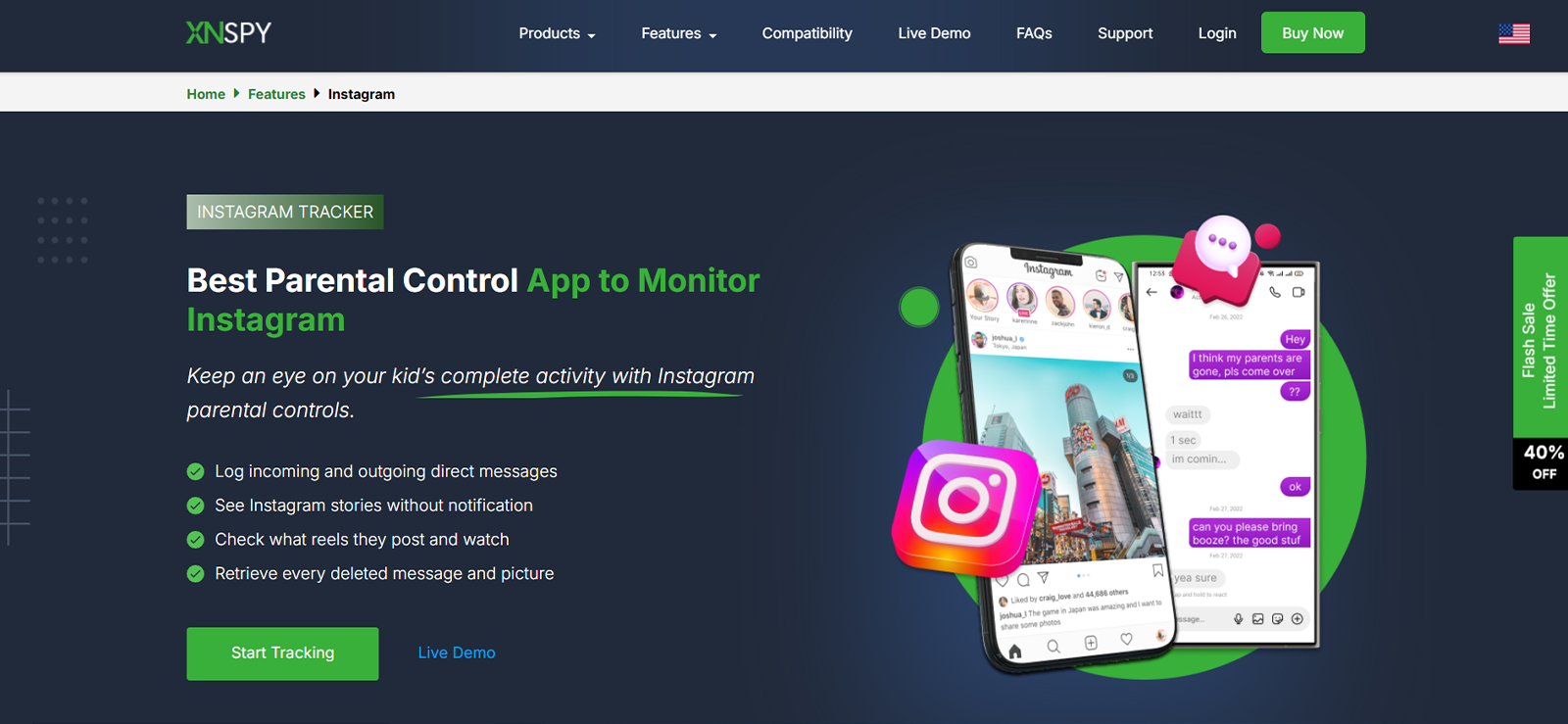
Xnspy approaches post viewing from the device level. Instead of scraping a profile from outside Instagram, it installs on the monitored phone and mirrors what’s actually happening on the screen, which means it doesn’t stop working the moment an account goes private.
In our testing, Xnspy’s screen recorder captured periodic screenshots of Instagram activity automatically, building a running visual record of posts, captions, and comment sections as they were opened on the device.
Alongside that, an on-demand screenshot option let us capture a specific post or comment thread the moment it appeared, rather than waiting for the next automatic capture cycle.
The keylogger added a layer, as it recorded captions and comments and captions as they were typed. We typed around 10 different captions and 7 different comments, all of which were logged in real time. We even tried deleting them afterward, but the dashboard kept successfully retaining them.
Furthermore, Xnspy’s keyword alerts flagged specific words used in captions or comments, which is useful for parents who don’t want to manually scroll through every post to catch something concerning.
The only downsides we came across while testing were that you need one-time physical access to install it on the target device. Moreover, when we took on-demand screenshots, they got saved within the photos section, which was a bit confusing for us and took us some time to realize.
Xnspy Compatibility
Xnspy works on both Android (version 4 onwards) and iOS (version 6.x onwards) devices. Xnspy’s online compatibility checker can confirm support for a specific phone model before purchase.
Xnspy Pricing
- Basic: $4.99/month, if billed annually
- Premium: $7.49/month, if billed annually
Xnspy Pros & Cons
| Pros | Cons |
| Automatic periodic screenshots build a running record of posts and captions | Requires physical access to the device for installation |
| On-demand screenshot captures a specific post or comment on request | Screenshot volume can require you to look closely to find posts |
| Keylogger captures caption and comment text as it’s typed, including edited or deleted text | Higher battery drain from continuous background activity |
| Keyword alerts flag specific words used in captions or comments | |
| Continues working even when the monitored account is private |
Should I Buy Xnspy?
Xnspy is a strong option here for parents who need more than a snapshot of a profile. Because it works from the device rather than the username, it kept returning results in our testing regardless of whether the target account was private, which browser-based Instagram post anonymous viewer tools do not offer.

See Every Post Your Teen Makes, Even the Ones Set to Private
Xnspy gives you complete access to your child’s IG activity.
– Automatic and on-demand screenshots
– Keystrokes to capture captions and comments
– Real-time keyword alerts for risky language
2. Inflact
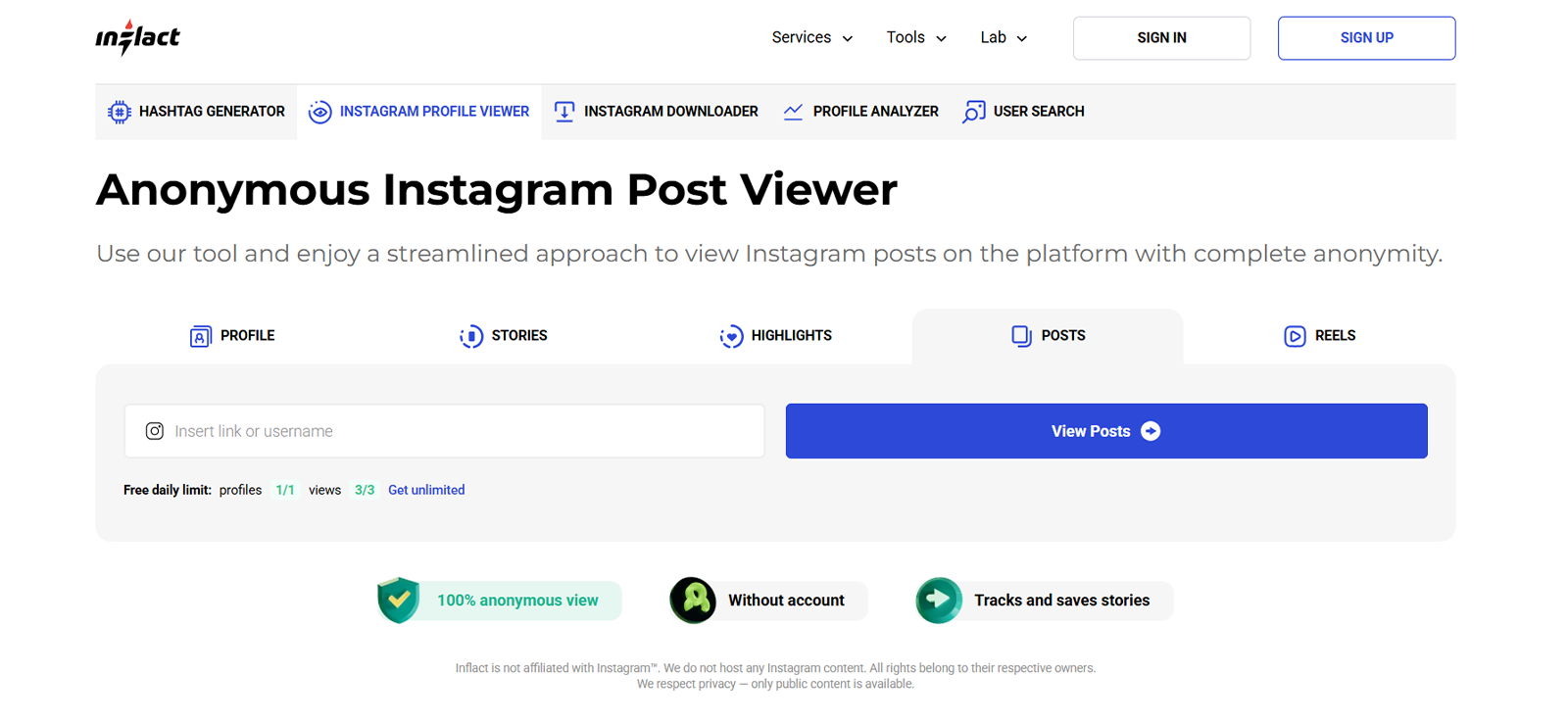
Inflact works as a browser-based viewer built around a straightforward username search, no login required.
In our testing, Inflact returned the correct posting date on every post we checked and displayed captions precisely, word for word. Profile stats, including post count, follower count, and following count, matched the live account each time. Story content also loaded correctly in 5 out of 5 tries. Moreover, all the content, be it a post, highlight, or Story, could be downloaded.
However, the gaps showed up around engagement data. Like and comment counts were inconsistent with what the live post showed. Moreover, Inflact only surfaces a raw number either way; there’s no way to drill down into who actually liked or commented on a post. Share and repost counts didn’t appear at all.
Moreover, for all the 3 accounts we viewed, pinned posts also went unmarked. A pinned post still displayed at the top of the profile as expected, but nothing in the interface indicated that it had been pinned.
The free tier caps usage at one account and three posts per day. However, while testing, in 1 out of our 3-profile search, we noticed it surfacing more than three posts. Moreover, ads appeared frequently during testing, sometimes on nearly every click.
Inflact Compatibility
Inflact runs in the browser with no installation required and worked consistently across desktop and mobile.
Inflact Pricing
- Free: 1 account and 3 posts per day
- Unlimited: $7.8/month
Inflact Pros & Cons
| Pros | Cons |
| Correct posting dates in every test | Free tier limited to 1 account and 3 posts per day |
| Precise, word-for-word captions | Inconsistent like and comment counts with no drill-down |
| Downloads available for data | No share or repost counts shown |
| Accurate profile stats (posts, followers, following) | No pinned-post indicator |
| Displays Story posts as well | Frequent ads |
| Not for private accounts |
Should I Buy Inflact?
Inflact is a solid pick for pulling accurate captions and dates off a public account, and the download function works reliably. It’s not built for private accounts, and the ad load and daily cap on the free tier are worth weighing against the $7.8/month unlimited plan if you need more than occasional lookups.
3. Dolphin Radar
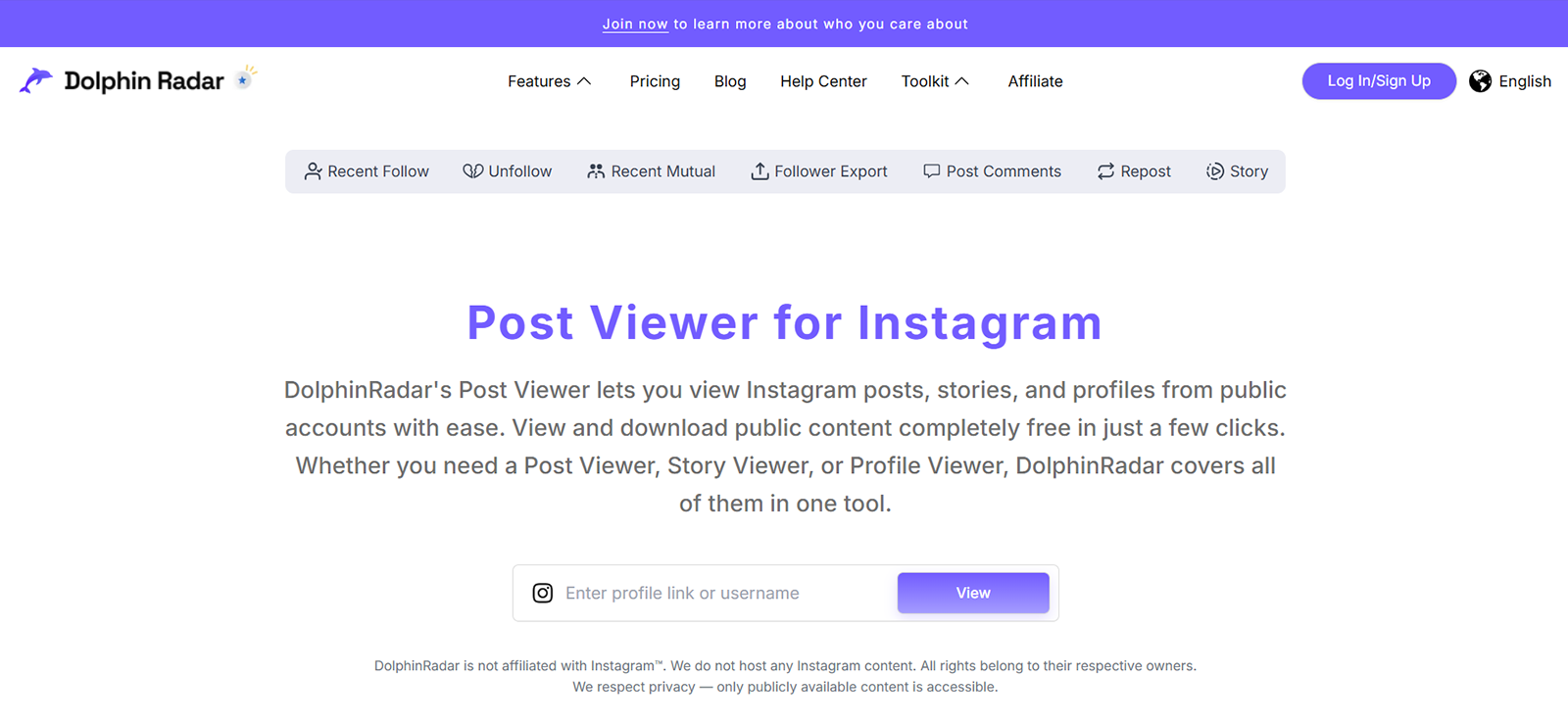
Dolphin Radar is a browser-based Instagram post and comment viewer focused on downloading Instagram media, with adjustable playback speed as its standout feature.
In our testing, Dolphin Radar returned an accurate posting date and time for every post checked, along with correct profile stats for posts, followers, and following. Downloads worked across posts, Highlights, and Reels, and playback speed could be adjusted up to 2x. A PNP mode was also available during our sessions.
The bigger issue was access itself. Across four separate test attempts, Dolphin Radar let us search two profiles in a row twice, and restricted us to a single profile search the other two times. That inconsistency made it difficult to rely on for anything beyond a quick, one-off lookup.
Dolphin Radar also doesn’t show captions at all, and it skips Stories entirely, though Highlights do display. Like and comment counts were inconsistent with the live post, with no option to see who liked or commented. As with the other browser-based tools, pinned posts weren’t flagged, and share or repost data wasn’t available as well.
Dolphin Radar Compatibility
Dolphin Radar runs through all web browsers without installation, though the rate-limiting behavior we saw applied regardless of the browser used.
Dolphin Radar Pricing
- Monthly: 4.49/month
- Quarterly: $3.66/month
- Annual: 2.75/month
Dolphin Radar Pros & Cons
| Pros | Cons |
| Accurate posting date and time on every post | Rate-limited to 1–2 profile searches before errors appeared |
| Correct profile stats (posts, followers, following) | No captions shown |
| Downloads available for posts, Highlights, and Reels | Does not display Stories |
| Adjustable playback speed up to 2x | Inconsistent like and comment counts, no share/repost data |
| PNP mode available | For public profiles only |
Should I Buy Dolphin Radar?
Dolphin Radar’s download and playback features are genuinely useful for public Reels and Highlights, but the repeated rate-limit errors we hit made it unreliable for anything beyond checking one or two profiles at a time.
4. IGview.net
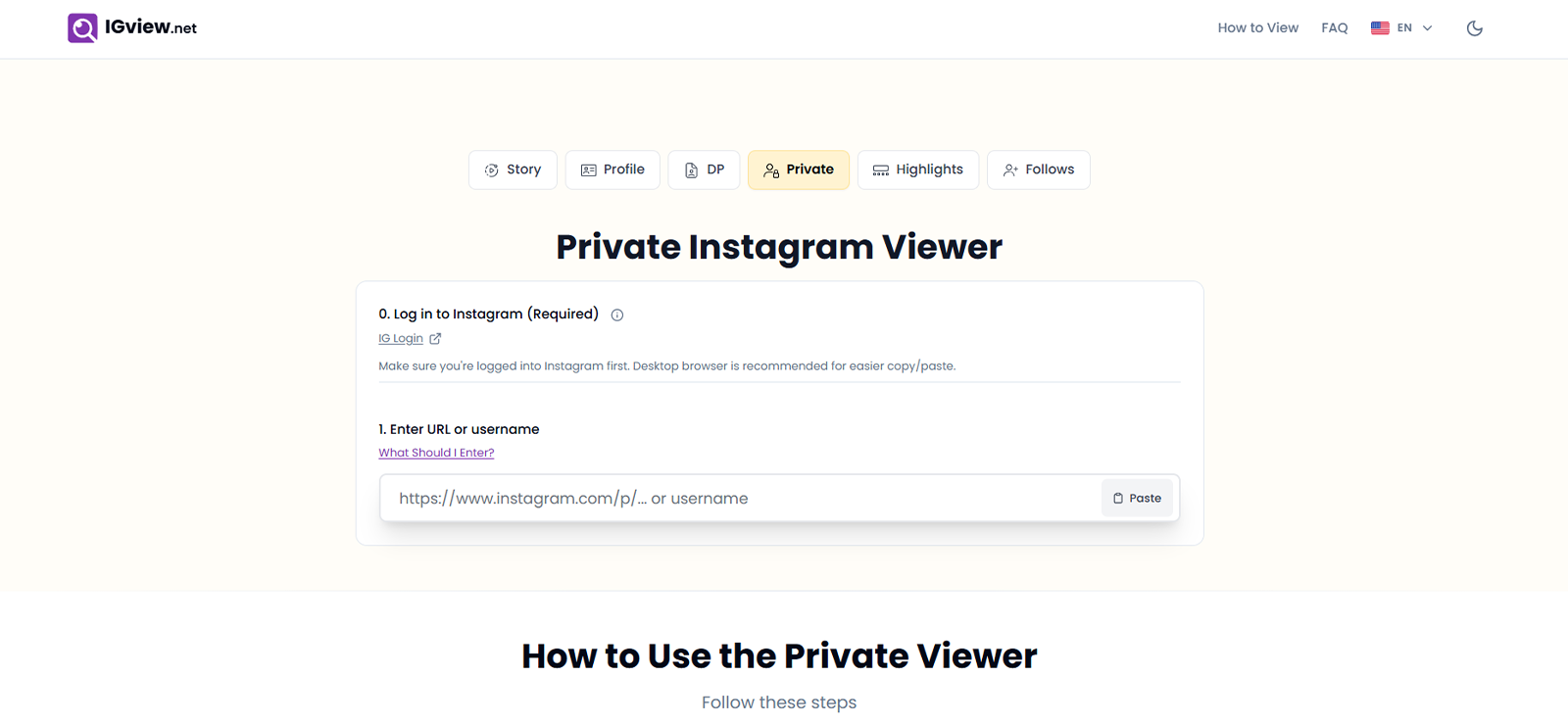
IGview.net is yet another IG post viewer that is to be used on browsers. It is built around reading captions precisely and downloading whatever it retrieves.
In our testing, IGview.net displayed captions with full accuracy across every post checked, and everything we saw was also downloadable. Profile stats for posts, followers, and following also matched the live account.
However, posting dates were the weak point, as IGview.net returned an incorrect date on a notable share of the posts we checked, which undermines its usefulness for anyone trying to establish a timeline of activity.
There’s also no option to adjust playback speed on video content. Like and comment counts were inconsistent with the live post, with no way to see who liked or commented, and share or repost figures weren’t shown at all. Pinned posts weren’t flagged, consistent with what we saw across the other browser-based viewers.
IGview.net Compatibility
IGview.net operates entirely through different browsers, with no app or login required, across both desktop and mobile.
IGview.net Pricing
Free
IGview.net Pros & Cons
| Pros | Cons |
| Precise, accurate captions on every post | Posting dates were frequently incorrect |
| Downloads available for all data | No playback speed adjustment |
| Displays Stories in addition to posts | Inconsistent like and comment counts, no share/repost data |
| Accurate profile stats (posts, followers, following) | Not for private accounts |
| No indicator for pinned posts |
Should I Buy IGview.net?
IGview.net is worth using if caption accuracy is the priority, since it was the most precise tool we tested on that specific point. The unreliable posting dates are a real limitation if timeline accuracy matters for your use case.
5. ClevGuard
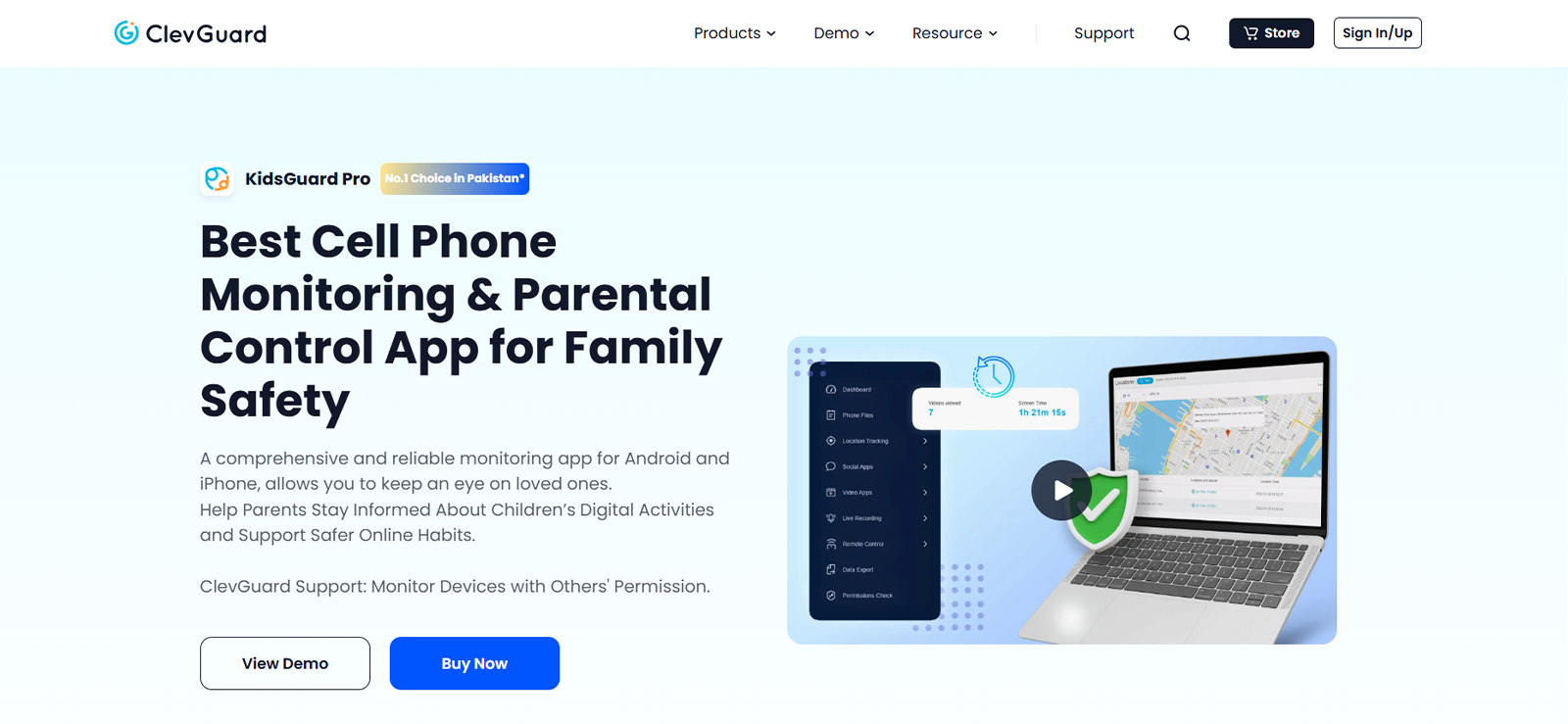
ClevGuard takes the same device-level approach as Xnspy, installing on a monitored phone rather than working from a username search.
In our testing, ClevGuard’s remote screenshot capture pulled images of Instagram activity directly from the device on request, and its screen recording feature built a similar activity trail to what we saw with Xnspy’s automatic capture.
The live screen option went a step further, letting us view what was happening on the monitored device in real time as posts, comments, and captions were being viewed or typed.
Because this data comes from the device itself, ClevGuard kept working on a private Instagram profile in our testing. Where it fell short of Xnspy was on the caption-capture layer specifically: ClevGuard’s keylogger didn’t capture captions in real-time. Moreover, it was quite resource-intensive, as it consumed quite a lot of the target phone battery.
ClevGuard Compatibility
ClevGuard’s KidsGuard Pro installs on Android and iOS devices, with physical access to the target phone required for setup.
ClevGuard Pricing
ClevGuard’s KidsGuard Pro plans are as follows:
- Lite Plan: $9.16/month
- Premium Plan: $11.6/month
- Family Plan: $54.67/month
ClevGuard Pros & Cons
| Pros | Cons |
| Remote screenshot capture on request | Requires physical device access for installation |
| Screen recording builds an ongoing activity trail | Relatively pricey |
| Live screen view shows Instagram activity in real time | Delayed keylogging data |
| Continues working even when the monitored account is private | Resource extensive |
Should I Buy ClevGuard?
ClevGuard is a reasonable option for parents who specifically want live screen viewing of Instagram activity. Moreover, as it provides device-wide monitoring, parents wanting complete visibility can go for it.
6. Save Insta Free
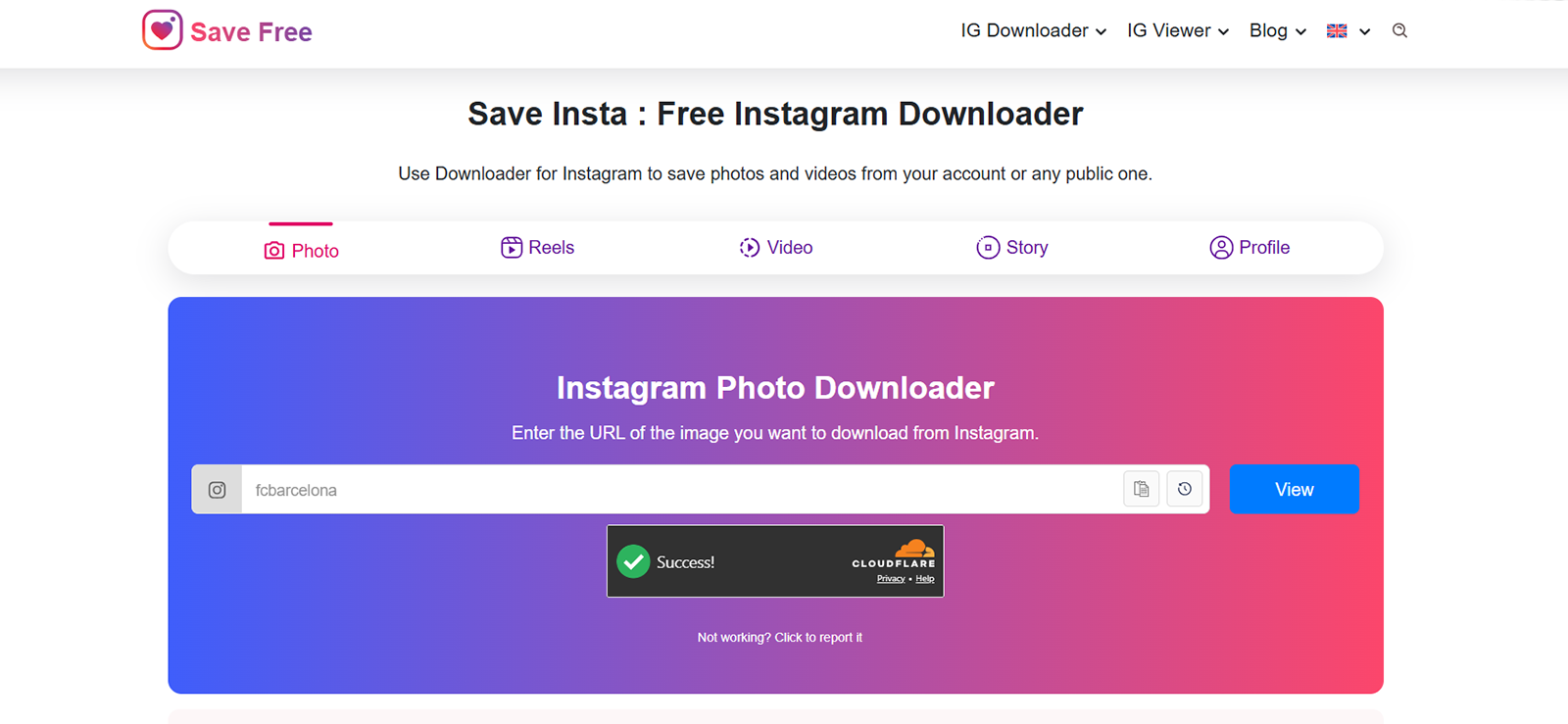
Save Insta Free centers on media extraction, downloading Reels, posts, and audio, rather than surfacing engagement or profile data.
In our testing, Save Insta Free’s most distinctive feature was audio extraction from video posts and Reels, paired with adjustable playback speed up to 2x and a PNP mode. Downloads were available across the content types we tested.
Everything else about the post was left out. There were no like counts, comment counts, or profile stats of any kind, and no posting date appeared on any content we checked. Stories and Highlights weren’t available either.
The interface added friction on top of these gaps: posts, Reels, profile data, and Stories/Highlights each lived on separate tabs, and each required re-entering the username from scratch.
There was no way to return to the tool’s home page after searching one content type, as hitting back took us to the Google search results page instead of back into the tool. Profile loading was also noticeably slower than the other Insta post viewer tools we tested, and ads appeared each time we tried to view content.
Save Insta Free Compatibility
Save Insta Free runs in-browser without installation, on both desktop and mobile.
Save Insta Free Pricing
Save Insta Free is completely free to use.
Save Insta Free Pros & Cons
| Pros | Cons |
| Audio extraction option for Reels and videos | No like counts, comment counts, or profile stats |
| Adjustable playback speed up to 2x | No posting date on any content |
| PNP mode available | No Stories or Highlights |
| Download option available | Separate tabs for each content type, each requiring a fresh username search |
| No way back to the home page; back button exits to Google search | |
| Slow profile load times, frequent ads, and no private-account access |
Should I Buy Save Insta Free?
Save Insta Free is narrowly useful if audio extraction from a Reel is specifically what you need. For anything involving engagement numbers, timestamps, or general ease of navigation, the other tools on this list performed noticeably better in our testing.
FAQs
Can I see an Instagram post’s caption without following the account?
If the account is public, the caption is visible to anyone, including most browser-based Insta post viewer tools, and our testing found this to be one of the more reliably accurate data points across tools. On a private account, a caption isn’t visible externally at all; the only way we could confirm exact caption text on a private profile during testing was through device-level monitoring on an authorized phone.
Why do Instagram post anonymous viewer tools show different like and comment counts than the app itself?
Instagram lets account holders hide like counts on their own posts or across their whole feed, which limits what any outside tool can recover. Several of the viewers we tested also only display a raw number with no way to see who actually liked or commented, so a discrepancy doesn’t necessarily mean the tool is broken; it may simply be reading a number Instagram itself has restricted.
Can these tools tell me if a post was pinned to someone’s profile?
Not reliably. None of the browser-based anonymous Instagram post viewer tools we tested flagged pinned status, even though a pinned post still displayed at the top of the profile grid as expected. Instagram marks pinned posts with a small icon inside its own app, but that signal isn’t something third-party viewers were able to pick up in our testing. However, you can match the first post’s posting date and get an idea.
Is it legal to use an Instagram post and comment viewer to check someone else’s account?
Viewing information that a public account already makes visible to everyone isn’t restricted. Using device-level monitoring software on someone else’s phone is a different matter and generally requires either owning the device or having the account holder’s consent, for example, a parent monitoring a minor child’s own phone. Laws vary by location, so it’s worth checking local requirements before installing anything on a device that isn’t yours.
Can an Instagram post viewer show me if someone deleted or edited a caption after posting?
Browser-based Instagram post and comment viewer tools only show what’s live on the profile at the moment you check it, so an edited or deleted caption’s original wording is gone by the time you look. During testing, the only way we could recover that kind of history was through a device-level tool like Xnspy, where the keylogger had already captured the caption as it was originally typed.
Leave a reply:
Your email address will not be published. Required fields are marked*
Mike Everett
Member since October 20, 2014
Mike Everett
Member since October 20, 2014
Mike Everett is a consumer technology journalist with expertise in hands-on testing and evaluation of iOS and Android monitoring applications. With over 11 years in the industry, he focuses on how mobile monitoring tools perform in real-world conditions, including accuracy, feature reliability, device compatibility, and practical usability for parents.
He conducts live-device testing of monitoring apps to assess how well their features function beyond marketing claims. His work primarily includes comparative reviews, feature breakdowns, and buyer-focused guides designed to help parents understand which tools actually deliver usable results in everyday scenarios.