6 Best Facebook Profile Viewer Tools Tested Beyond Their Claims
 By Mike Everett
The complete monitoring experience for your phone
Get XNSPY and start tracking calls, texts, multimedia, locations and more on any phone!
Get Started Now Live DemoLooking up a Facebook profile sounds straightforward until you try doing it without logging in or run into a locked account.
That is where a Facebook account viewer can help, but only if you understand what the tool is actually capable of retrieving.
Browser-based viewers generally work with information Facebook already exposes publicly, while device-monitoring applications show profiles that appear during Facebook activity on an authorized monitored device.
That distinction shaped our entire testing process.
Instead of accepting claims such as “anonymous,” “private access,” or “real-time” at face value, we checked:
- How consistently each application found the correct account,
- Whether the profile information matched Facebook,
- How current the returned details were, and
- What happened when we tested less-visible public or private accounts.
After those checks, six tools were usable enough to make this list, although they differed substantially in what “viewing a profile” actually meant.
TL;DR: Top Facebook Private Profile Viewer Tools
- Xnspy: Best for parents who need to see Facebook profiles their child actually visits on the monitored device along with proper context.
- Maskster: Best for checking current public-profile information, with generally fresh results but occasional failures and stale visual elements on less-prominent accounts.
- KidsGuard for Facebook: Best dedicated Facebook monitoring alternative when you want profile context alongside Facebook activity, though occasional data lag and product fragmentation keep it below Xnspy.
- SocialSchedulify: Best for quick public-profile checks, but its 10-search daily limit, private-profile restriction, and occasional layout differences make it less capable.
- Viewri: Best for occasional basic public lookups, although a five-search daily limit, one unexplained failed request, and inaccurate profile-associated counts reduced its reliability.
- MoniMaster: Best treated as supplementary Facebook activity context. While it can surface relevant profile screens, synchronization delays and missed data made profile review the least efficient of the six.
We Tested the Best Facebook Anonymous Profile Viewer Tools, and These 6 Stood Out
| Tool | Rating | Pricing | Best For | Main Drawback |
| Xnspy | 9.3/10 | Basic from $4.99/month with annual billing | Profile context from a child’s actual Facebook activity | Cannot search arbitrary profiles on demand |
| Maskster | 8.8/10 | Free tier | Direct public-profile checks | No private-profile access; occasional stale information |
| KidsGuard for Facebook | 8.4/10 | From $7.50/month with annual billing | Dedicated Facebook monitoring | Activity can lag and deeper functions are split across products |
| SocialSchedulify | 8.0/10 | Free | Quick browser lookups | Public profiles only; 10 searches per day |
| Viewri | 7.6/10 | Free | Occasional no-login profile checks | Five daily lookups and inconsistent secondary profile data |
| MoniMaster | 7.2/10 | From $7.49/month with annual billing | Additional Facebook activity context | Delayed synchronization and cluttered profile discovery |
Why Parents May Need a Facebook Account Viewer
For a parent, using an anonymous Facebook account viewer can be less about browsing strangers’ accounts and more about establishing context around the people interacting with a child.
A teen may mention someone only by a display name or repeatedly interact with an unfamiliar account. In those situations, profile-level information can help you understand who the account represents before discussing the interaction with your child.
There are two practical approaches.
A public web viewer can help you check information Facebook already exposes openly without requiring you to sign into your own account.
Monitoring applications provide a different layer of context. When installed on your child’s phone, they can preserve Facebook profiles that they actually open.
However, neither approach should be confused with bypassing Facebook privacy controls.
How We Tested Every Facebook Private Account Viewer for Fair Scoring
We tested the two groups of Facebook anonymous profile viewer tools, browser-based and monitoring apps, separately while keeping the underlying evaluation criteria consistent.
For browser-based tools, our testing team used the same 12-profile sample, consisting of 4 well-known public accounts, 5 lesser-known public accounts, and 3 private profiles.
Each of the 12 profiles was checked once during the initial test cycle. We then repeated 6 public-profile searches, giving every browser-based application 18 lookup cycles in total.
For device-monitoring applications, our parental-control reviewer used authorized test devices and completed 12 controlled Facebook sessions per application.
During each session, we deliberately opened one Facebook profile and left it visible long enough for the application’s monitoring process to detect the activity.
The sample consisted of 7 public profiles and 5 private profiles that the test Facebook account already had permission to view.
We then reviewed the corresponding monitoring dashboard to determine whether it preserved enough profile context for later review.
Then, to keep the final scoring comparable, we evaluated all six applications against the same four criteria.
Profile Access and Context — 40%
Profile access carried the greatest weight because the primary purpose of these tools is to help you view a Facebook profile.
For browser-based viewers, we examined how consistently they handled public-profile lookup cycles and whether they could also operate as Facebook private profile viewer tools.
For monitoring applications, we assessed whether the application could preserve enough of what appeared on the device for us to recognize the profile later.
Reliability — 30%
We repeated searches and monitoring sessions because a single successful attempt does not establish that a Facebook viewer is dependable.
For browser tools, reliability was measured across all lookup cycles for each application.. We recorded whether repeated searches behaved consistently and whether the same account could be retrieved again.
We also looked for temporary errors, failed requests, inconsistent responses, and any other behavior that interrupted an otherwise valid lookup.
For device-monitoring applications, we used the same test structure for each tool, which allowed us to assess how consistently profile activity that appeared on the monitored device was preserved for later review.
Accuracy and Freshness — 20%
A profile result is only useful if the information corresponds with the correct Facebook account.
For every usable browser result, we compared the returned profile information with Facebook itself.
On the other hand, for monitoring applications, accuracy depended on whether the captured activity matched the Facebook profile deliberately opened during that session.
Usability and Limitations — 10%
Lastly, we assessed how much effort it took to move from starting a lookup or monitoring session to reviewing a usable Facebook profile.
For browser-based tools, we considered the clarity of the search process, supported input methods, error messaging, and daily restrictions.
Likewise, for monitoring applications, we looked at dashboard organization, the number of steps required to locate relevant Facebook activity, synchronization behavior, and how easily an individual profile could be separated from the rest of the captured data.
6 Best Anonymous Facebook Profile Viewer That Held Up in Our Rigorous Testing
After testing all six tools against the same profile-viewing criteria, we found how well each performed in regular use. The sections below break down where each tool performed well and where its limitations became clear.
1. Xnspy (Best Overall for Parental Facebook Profile Context)
Xnspy ranked first in our testing because it consistently preserved Facebook profiles while also providing enough surrounding activity to explain why those profiles appeared on the monitored device.
During testing, Xnspy preserved enough information to identify the profile afterward in 11 of the 12 sessions, giving it a 91.7% usable-capture rate in our test.
More importantly, the results did not depend only on public accounts; we also retrieved recognizable profile screens from the private accounts we accessed.
In all of these 11 successful sessions, the relevant Facebook profile appeared in the first usable screenshot, which arrived within roughly 10 seconds of the profile being on-screen during our testing.
We could also review the Facebook screen as it had appeared on the phone, including the profile identity and the surrounding interface. As a result, there was less ambiguity about which account the child had actually opened.
Xnspy also added useful context beyond the profile screen itself, including keystrokes, Facebook conversations, screen time, and app blocking.
During continued testing, these features became relevant since they helped us interpret a profile visit. For example, a captured profile provided the identity context, while adjacent Facebook activity helped establish whether the account formed part of a wider interaction pattern rather than a one-off visit.
There was still a clear boundary. Xnspy showed profiles that actually appeared during Facebook use on our monitored device and did not give us an on-demand search box for retrieving unrelated accounts that the test user had never opened.
Xnspy Compatibility
Xnspy supports Android 4 through Android 16 and iOS through 17.0.3.
Xnspy Pricing
Xnspy has the following plans:
- Basic: $4.99/month, billed at $59.99 per year.
- Premium: $7.49/month, billed at $89.99 per year.
Xnspy Pros & Cons
| Pros | Cons |
| Preserves identifiable Facebook profile context | Only shows profiles that appear on the monitored device |
| Captures profile activity at short screen-recording intervals | |
| Covers both public and private profiles, making it a Facebook private account viewer too | Requires physical access for initial device setup |
| Provides supporting Facebook activity around profile visits |
Should I Use Xnspy?
Xnspy is a reliable application for parents who want to understand which Facebook profiles their child actually encounters and the context surrounding those visits. However, the main trade-off is that profile visibility remains tied to activity on the monitored device only.
2. Maskster (Best for Direct Public Facebook Profile Lookup)
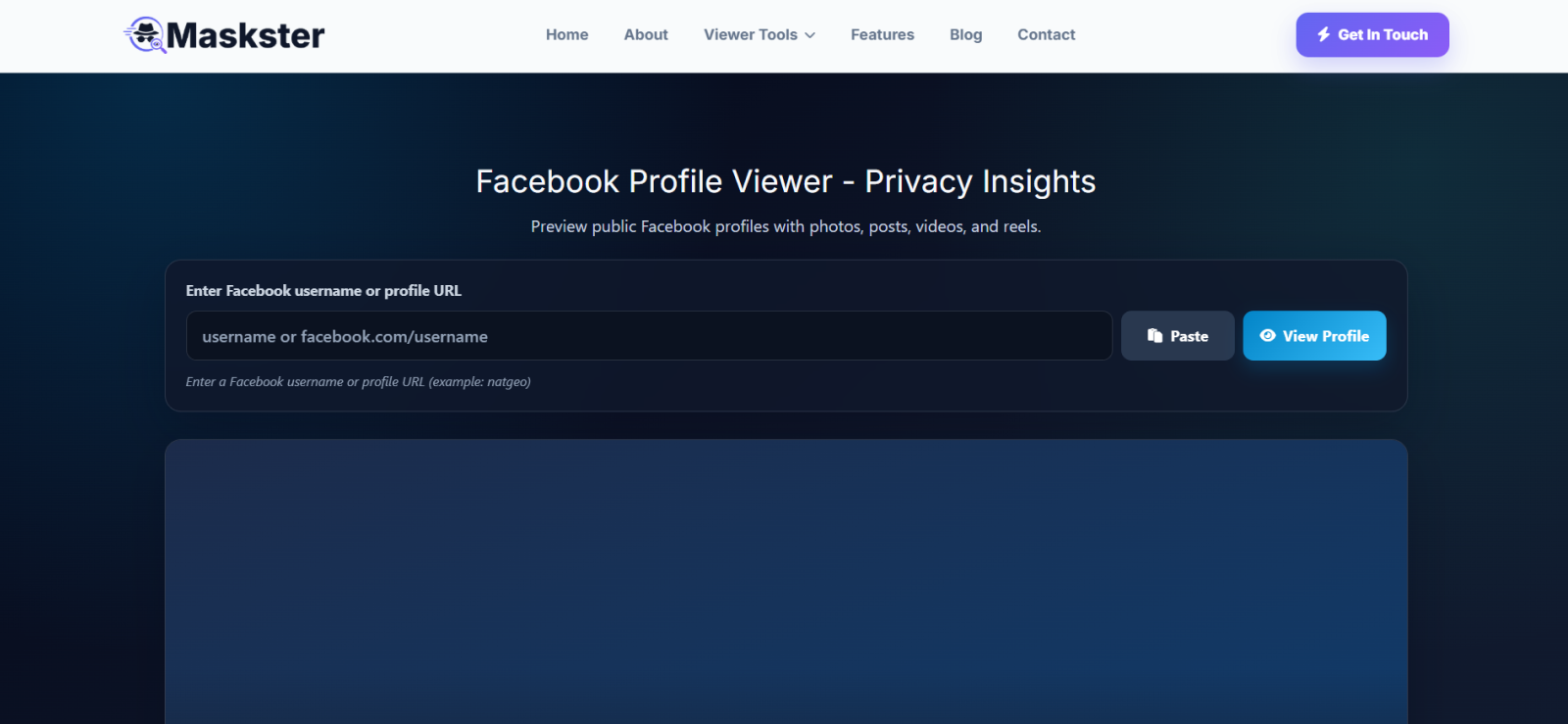
Maskster ranked second because it gave us the strongest direct public-profile lookup experience in our browser-based test.
Its workflow stayed simple throughout, i.e., enter a Facebook username or profile URL, submit the search, and review the publicly available profile information it returned.
When we put it to the test, across the public sample, Maskster returned the correct account in 15 of 15 lookup cycles.
However, first-attempt reliability was slightly lower since 13 of the 15 public checks loaded correctly on the first request, while 2 searches involving lesser-known public accounts initially returned an error and worked after we retried them.
That gave us an 86.7% first-attempt success rate, but a 100% eventual retrieval rate across the public-profile portion of our test.
Freshness was generally strong as well. We compared the returned profile details against Facebook itself and found that 8 of the 9 unique public profiles reflected the current profile information we expected.
The exception was 1 lesser-known account whose cover image had recently changed on Facebook.
While Maskster identified the correct account, it still displayed the previous cover image during our check.
Lastly, the 3 private profiles established a clearer access boundary because Maskster did not expose the restricted profile information in any of those checks, making it an unreliable Facebook locked profile viewer.
From a usability perspective, we were able to complete the testing sequence without running into the restrictive daily lookup limits that affected other browser viewers.
Maskster Compatibility
Maskster is browser-based and works through modern desktop and mobile browsers without requiring an app installation.
Maskster Pricing
Maskster offers a free tier for its common tools, including its Facebook profile viewer.
Maskster Pros & Cons
| Pros | Cons |
| Reliable public-profile lookups | Lesser-known profile lookups are less consistent |
| Generally displays current profile information | |
| No restrictive daily search limit during testing | None of the restricted-profile checks exposed private information |
| No app installation or account required for basic viewing |
Should I Use Maskster?
Maskster works well for quick checks of publicly available Facebook accounts, with accurate matches and mostly up-to-date details. However, key limitations include restricted-profile access and occasional retries on lesser-known accounts.
3. KidsGuard for Facebook (Best Facebook Monitoring Alternative)
KidsGuard for Facebook, a product of ClevGuard, ranked third because its monitoring produced identifiable profile context in most of our sessions, while occasional synchronization gaps lowered its overall score.
While testing the app, we checked its remote dashboard after each session to see whether it saved enough visible information to identify the opened profile. KidsGuard preserved usable profile context in 10 of 12 sessions, giving it an 83.3% success rate in our test.
The results were reasonably balanced across account types. We identified 6 of the 7 public profiles and 4 of the 5 private accounts afterward.
However, update timing introduced the main inconsistency. 7 of the 10 successful sessions appeared during our first dashboard review, while 3 required an additional refresh before the relevant Facebook activity surfaced.
In the remaining 2 sessions, the recorded activity did not preserve enough profile information for us to identify the account confidently.
Regardless, KidsGuard gave us supporting activity beyond the profile screen. Facebook messages, call records, and app-related files appeared within the monitoring environment, which helped us connect some profile visits with the interaction surrounding them.
KidsGuard for Facebook Compatibility
KidsGuard currently supports Android 6.0 through Android 15.0 across major Android phone brands.
KidsGuard for Facebook Pricing
For KidsGuard for Facebook, the current prices are:
- 1-month plan: $24.99 total
- 3-month plan: $39.99 total, $13.33/month
- 1-year plan: $89.99 total, $7.50/month
KidsGuard for Facebook Pros & Cons
| Pros | Cons |
| Provides Facebook and Messenger monitoring | Supports Android devices only |
| Captures screenshots alongside Facebook activity | Requires physical access for initial installation |
| Supports remote dashboard review after setup | Standalone product lacks several broader features and controls |
| Keeps Facebook monitoring separate from a larger multi-app suite | Does not provide on-demand searches for unrelated profiles |
Should I Use KidsGuard for Facebook?
KidsGuard suits parents who want dedicated Facebook profile and activity context from a child’s Android device. It is, however, less suitable for iPhone households, users who need continuous screen recording, or those looking for independent on-demand Facebook profile searches.
4. SocialSchedulify (Best for Quick Public Profile Checks)
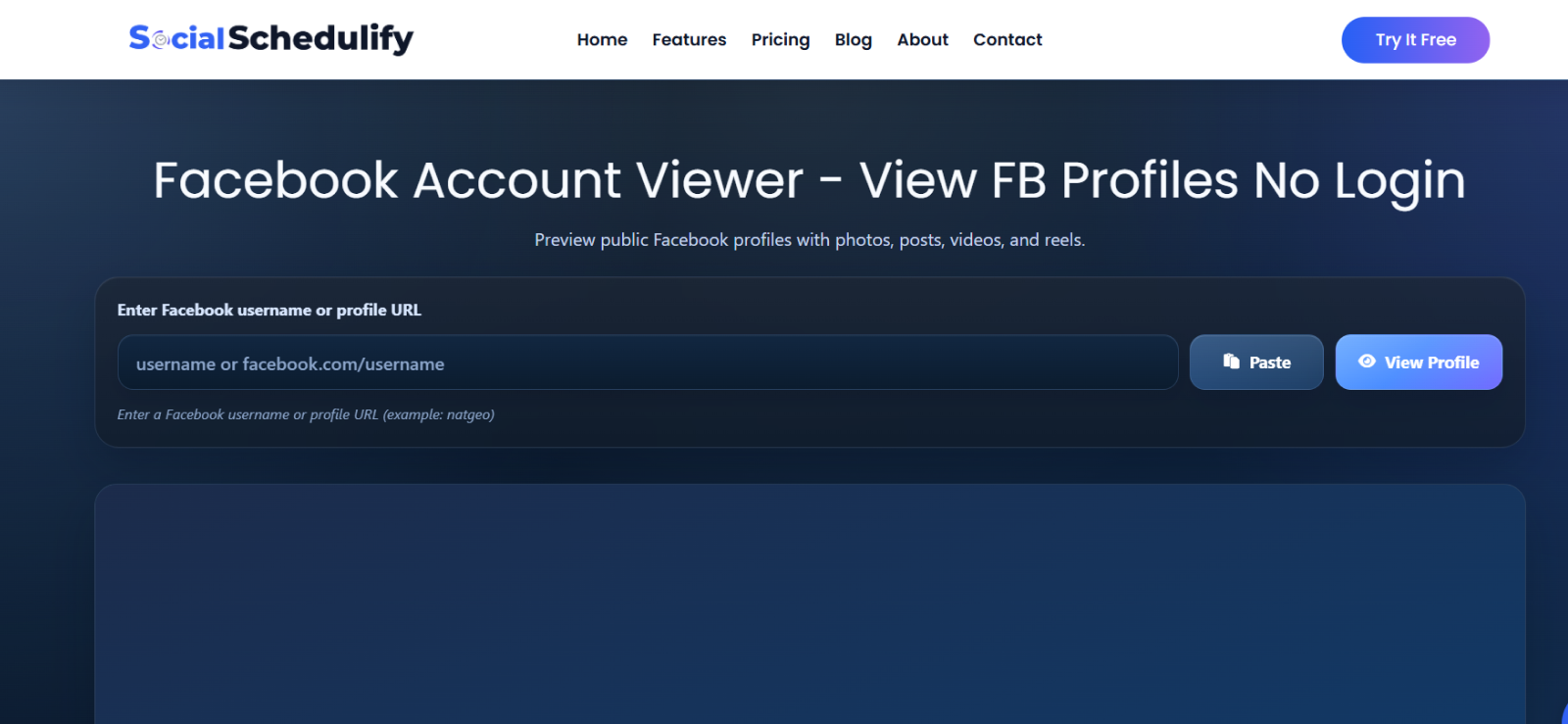
SocialSchedulify ranked fourth because it delivered consistent public-profile retrieval with very little setup.
We tested it across the full browser sample, and SocialSchedulify returned the correct account in all 15 public lookup cycles, giving it a 100% public-profile retrieval rate in our test.
That consistency held across both prominent and lesser-known accounts, and even repeated checks continued to return the intended accounts.
Accuracy at the profile level was similarly strong. Names and other identifying account details matched Facebook across the public sample, and recently updated profile information appeared correctly during our repeated checks.
However, the way SocialSchedulify reconstructed the profile was not always visually exact. On 2 of the 5 lesser-known public accounts, the cover image appeared shifted from its placement on Facebook. While the correct image belonged to the correct account, its positioning changed within SocialSchedulify’s presentation.
The 3 private profile checks clearly established the tool’s limits as a private Facebook profile viewer, since none returned any hidden information.
Moreover, repeated use exposed a 10-search daily limit, which is why we had to complete its test across 2 days.
SocialSchedulify Compatibility
SocialSchedulify’s profile-viewing workflow is web-based and works through a browser without requiring installation on the device.
SocialSchedulify Pricing
The Facebook profile lookup is available free of charge.
SocialSchedulify Pros & Cons
| Pros | Cons |
| Provides straightforward public-profile searches | Does not retrieve restricted profile information |
| Returns clear identifying account information | Reconstructed profile layouts do not always match Facebook exactly |
| Works directly through a web browser | Limits users to 10 searches per day |
| Requires no device installation | Provides less surrounding account context than device-monitoring tools |
Should I Use SocialSchedulify?
SocialSchedulify is a viable choice for users who need quick, occasional checks of public Facebook profiles through a browser. We do not recommend it for restricted-account research and high-volume lookups.
5. Viewri (Best for Occasional Basic Public Lookups)
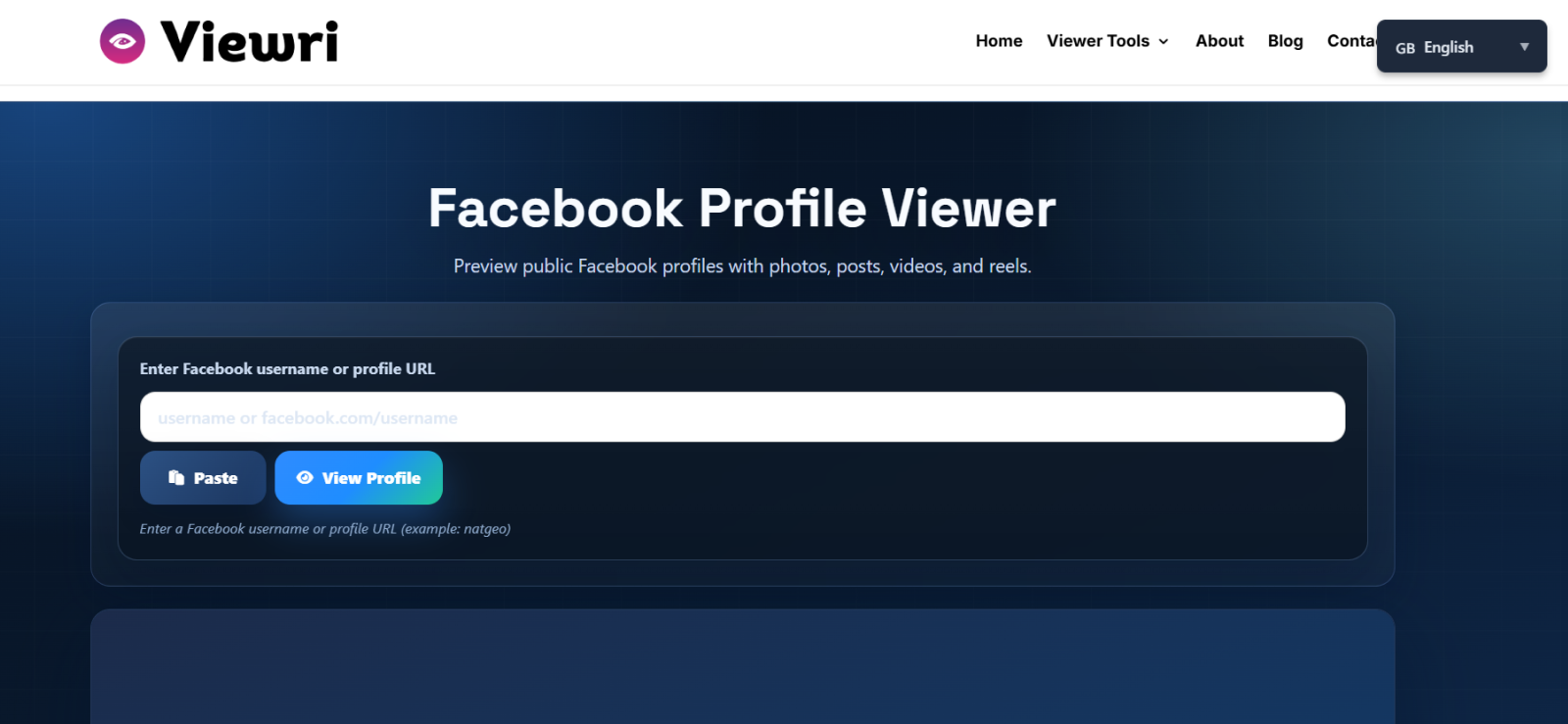
Viewri ranked fifth because its core public-profile information remained dependable during testing, but a stricter daily limit, one failed request, and incomplete profile data introduced unnecessary friction.
When we tested Viewri, 14 of the 15 public checks loaded successfully on the first attempt, while 1 valid profile URL returned “Request failed.” Retrying that profile later produced the correct account, giving Viewri a 93.3% first-attempt success rate.
Once a profile loaded, the identifying information remained consistent. Across the 9 unique public accounts in our sample, the names and general profile details matched the corresponding Facebook accounts.
The weaker point, though, was the supplementary information attached to those profiles.
During our testing, the reported photo total did not match the corresponding Facebook account, and Viewri displayed only the first 10 media files associated with a result.
The 3 private profile checks also confirmed its access boundary, as none exposed information hidden by Facebook’s privacy settings.
Repeated testing exposed another practical restriction: Viewri allowed only 5 searches per day, which is why completing our 18-cycle evaluation took us 4 testing days.
Viewri Compatibility
Viewri is browser-based and works through desktop and mobile browsers without requiring application installation.
Viewri Pricing
Viewri’s anonymous Facebook profile viewer is available for free.
Viewri Pros & Cons
| Pros | Cons |
| Provides accurate core public-profile information | Limits users to five searches per day |
| Offers a simple profile-link lookup process | Occasionally returns unclear request errors |
| Works directly through a web browser | Shows only publicly accessible profile information |
Should I Use Viewri?
Users who need a small number of straightforward public Facebook profile checks without installing an application can use Viewri. However, it is not suitable for those requiring frequent lookups and restricted-profile research.
6. MoniMaster (Best as Supplementary Facebook Activity Context)
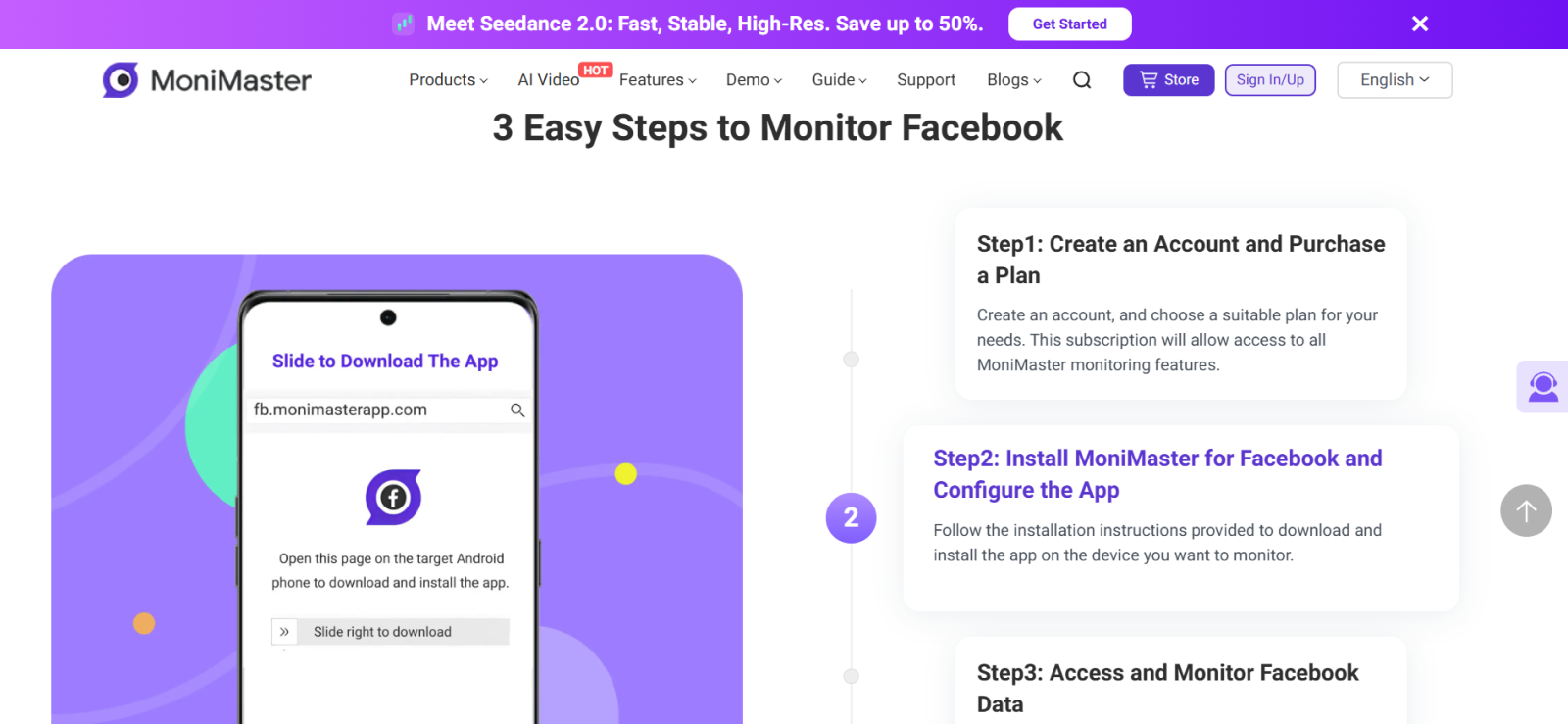
MoniMaster ranked sixth because it preserved Facebook profile activity in most of our controlled sessions, but locating and interpreting a specific profile required more manual work.
To test it, we opened each test Facebook profile and then reviewed its Social Apps dashboard to find collected information and check its ability to make the captured profile identifiable.
MoniMaster produced usable profile context in 9 of 12 sessions, resulting in a 75% successful identification rate.
However, MoniMaster arranged message data and screenshots separately rather than as one continuous record, which made complete context harder to locate.
Therefore, in 2 of the 9 successful sessions, we had to compare the screenshot with surrounding activity manually before confidently identifying the profile that had been opened.
Synchronization added another layer of friction. Of the 9 sessions that eventually produced usable profile information, 7 appeared within roughly 5-10 minutes, while 2 took longer to reach the dashboard.
MoniMaster Compatibility
Facebook monitoring is supported on Android devices from Android 6.0 through Android 14.0, with one-time physical access required for installation.
MoniMaster Pricing
MoniMaster for Facebook has the following plans:
- 1-month plan: $24.99/month.
- 3-month plan: $13.33/month, billed $39.99 every 3 months.
- 1-year plan: $7.49/month, billed $89.99 every year.
MoniMaster Pros & Cons
| Pros | Cons |
| Preserves Facebook profile context from monitored-device activity | Organizes Facebook data within a broader Social Apps interface |
| Includes screenshots alongside social activity | Synchronization introduces delays in newly collected activity |
| Supports remote dashboard review after setup | Requires Android device installation for Facebook monitoring |
Should I Use MoniMaster?
MoniMaster is recommended for parents who want Facebook profile context as part of broader Android social-media and device monitoring. However, users who prioritize fast profile retrieval and a streamlined way to track individual profile visits should choose another option.
FAQs
Does “People You May Know” mean someone viewed your Facebook profile?
Facebook associates People You May Know suggestions with signals such as mutual friends, shared networks, groups, tags, and uploaded contacts. However, profile visits are not identified as a suggestion factor. Therefore, seeing someone in this section does not prove they searched for or viewed your profile.
Can Facebook locked profile viewer tools tell you who visited your own profile?
Facebook does not provide personal accounts with a list of profile visitors, so third-party profile viewers do not have an official visitor list to retrieve either. Tools claiming to identify specific profile visitors are therefore not showing Facebook-provided viewing data.
Why does an anonymous Facebook account viewer show “Content unavailable” for a public account?
A public profile is not necessarily retrievable by every third-party viewer at every moment. The profile’s visibility may have changed, the URL may no longer resolve correctly, or the viewer itself may have failed to retrieve fresh Facebook data. Therefore, if the account opens normally on Facebook but not in the viewer, the error does not automatically mean the profile became private.
Can someone tell how many times you viewed their Facebook profile?
No. Facebook does not tell personal-profile owners who visited their profile, which also means it does not provide them with a count showing how many times a particular person viewed it. Repeatedly opening someone’s profile therefore does not create a visible profile-visit counter for that user.
Can you view a public Facebook profile without having a Facebook account?
Facebook considers public information visible to people outside Facebook, and public profile details may also appear through search engines or other websites. However, Facebook increasingly places login prompts around direct profile access, so a public audience setting does not guarantee that the complete profile will load while logged out.
Can a private Facebook profile viewer access a deactivated Facebook account?
No current profile is available after deactivation because Facebook states that other people cannot view the person’s timeline or search for the account while it is deactivated. Therefore, while a third-party viewer might still display previously cached public information, that represents older stored data rather than live access to the deactivated profile.
Get the Insights You Need to Stay Informed
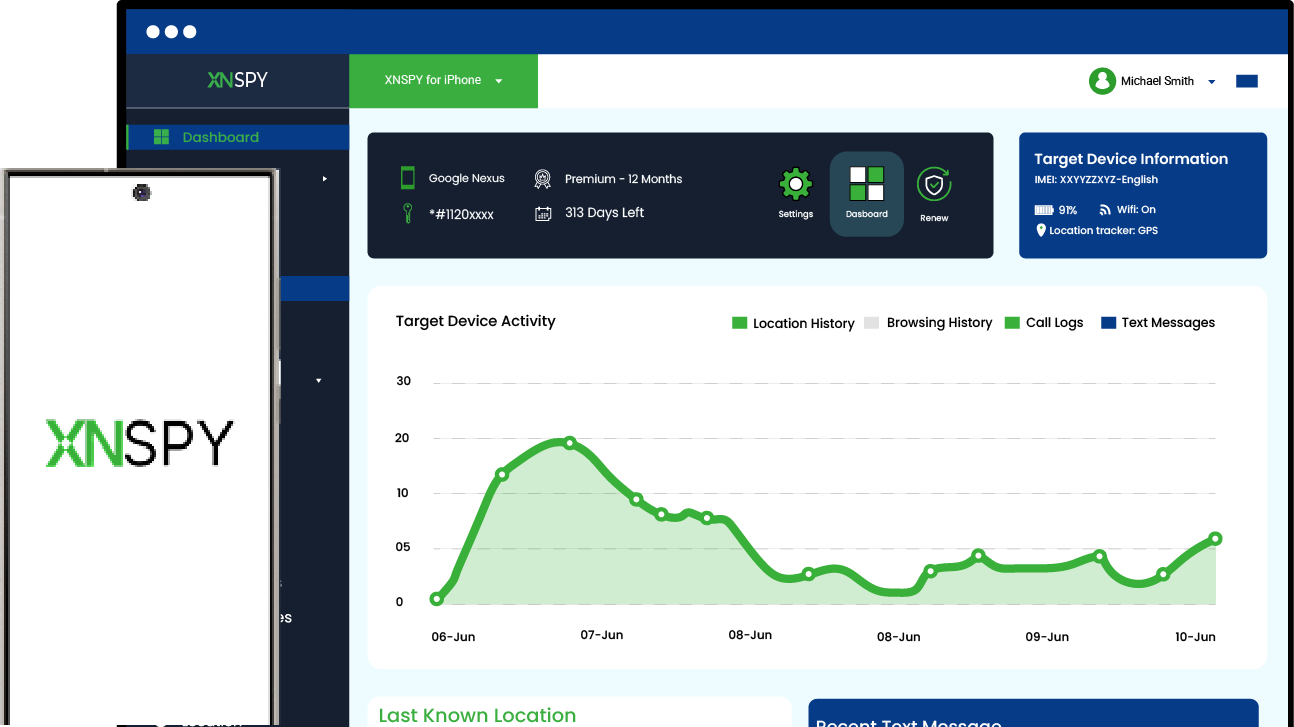
Xnspy gives you a complete view of your child’s activity across their device.
Leave a reply:
Your email address will not be published. Required fields are marked*
Mike Everett
Member since October 20, 2014
Mike Everett
Member since October 20, 2014
Mike Everett is a consumer technology journalist with expertise in hands-on testing and evaluation of iOS and Android monitoring applications. With over 11 years in the industry, he focuses on how mobile monitoring tools perform in real-world conditions, including accuracy, feature reliability, device compatibility, and practical usability for parents.
He conducts live-device testing of monitoring apps to assess how well their features function beyond marketing claims. His work primarily includes comparative reviews, feature breakdowns, and buyer-focused guides designed to help parents understand which tools actually deliver usable results in everyday scenarios.