6 Best Facebook Reels Viewer Tools That Passed Our Tests
 By Mike Everett
The complete monitoring experience for your phone
Get XNSPY and start tracking calls, texts, multimedia, locations and more on any phone!
Get Started Now Live DemoViewing Facebook Reels outside the native app isn’t always straightforward. Login prompts can interrupt playback, while browsing a particular profile’s Reels without signing in may yield limited results. For parents, the challenge is somewhat different, as Facebook doesn’t provide a dedicated parental dashboard detailing the Reels their children watch.
Third-party anonymous Facebook Reel viewer tools address these problems through different mechanisms. Some retrieve publicly available videos using profile URLs, while others provide visual records of Facebook activity on a supervised device.
However, the accessibility and completeness of the retrieved content vary considerably. A tool may load a Reel successfully without displaying its accompanying information, whereas another may struggle to retrieve the video altogether.
To examine these differences, we tested six Reels viewers for Facebook, assessing their content coverage, playback capabilities, data accuracy, and reliability under everyday usage conditions.
6 Best Facebook Private Reel Viewer Tools at a Glance
- Xnspy: Best for reviewing Facebook Reels activity on a supervised Android device through automatically captured screenshots, although Reels aren’t categorized separately from other Facebook activity.
- Americans Viewer: Best for viewing recent public Reels alongside accurate engagement figures and posting times, but repetitive results and retrieval limits restrict browsing.
- FamiSafe: Best for occasional parental screen checks through on-demand and scheduled screenshots, although lengthy capture intervals leave gaps in viewing activity.
- Verifyor: Best for downloading playable public Reels and adjusting playback preferences, but inconsistent video retrieval and missing publication details reduce its usefulness.
- Spylix: Best for retrospective, screenshot-based Facebook activity reviews, although irregular capture intervals and delayed synchronization affect continuity.
- SMTools: Best for occasional public Reel playback and downloading when retrieval succeeds, but its limited content coverage makes profile-based browsing difficult.
Comparing the 6 Best Online Facebook Reel Viewer Tools Side by Side
| Tool | Pricing | Best For | Main Drawback |
| Xnspy | From $4.99/month (billed annually) | Reviewing Facebook viewing activity on a supervised Android device | No separate categorization of Reels |
| Americans Viewer | Free (rate limits apply) | Viewing recent Reels with publishing time | Duplicate results and unsuccessful downloads |
| FamiSafe | From $9.99/month (billed annually) | Occasional, on-demand screen reviews | Lack of automatic, continuous captures, and lengthy recording intervals |
| Verifyor | Free | Downloading available Reels in good quality | Inconsistent playback and unordered retrieval |
| Spylix | From $8.33/month (billed annually) | Reviewing previously captured Facebook activity | Irregular capture intervals and delayed uploads |
| SMTools | Free | Occasional Reel viewing and downloading | Extremely limited Reel retrieval |
How We Assessed the Capabilities of Each Facebook Private Reel Viewer
Not all Reel viewers retrieve content directly from the platform. Americans Viewer, Verifyor, and SMTools rely on publicly accessible Facebook content, whereas Xnspy, FamiSafe, and Spylix provide visual records of activity on connected devices.
Given this operational distinction, subjecting all six tools to an identical testing procedure wouldn’t have accurately reflected their capabilities. Therefore, we tested the monitoring applications on Android test devices, simulating regular Facebook usage, including browsing the feed and watching Reels.
For browser-based viewers, we submitted Facebook profile links and examined the retrieved content, associated information, and playback options.
Our evaluation revolved around four weighted criteria.
Reel Accessibility and Viewing Context — 40%
Retrieving a Reel doesn’t necessarily mean a tool provides sufficient context about its content. We examined how many Reels each browser-based viewer retrieved, whether the videos were playable, and whether accompanying captions and engagement figures were available.
For device-based applications, we assessed whether captured screenshots provided sufficient visual context to understand the nature of the Reels being viewed. We also considered whether the applications distinguished Reel viewing from other Facebook activities.
Retrieval Reliability and Playback Consistency — 30%
A viewer’s usefulness diminishes when retrieval becomes unpredictable. We assessed loading failures, repetitive results, unavailable videos, and interruptions in playback across the tested profiles.
For monitoring applications, we examined the consistency of screenshot captures, the intervals between them, and the time taken for the images to appear on their respective dashboards. Particular consideration was given to instances where viewing activity went unrecorded.
Content Accuracy and Data Freshness — 20%
For tools displaying engagement metrics, we examined whether the reported figures corresponded with those visible on Facebook. We also considered the accuracy of publication times and the chronological arrangement of retrieved Reels.
With monitoring applications, our assessment focused on how closely the captured screenshots reflected the sequence of activity on the test device. Delayed uploads and missing captures were considered limitations, as they affected the completeness and timeliness of the viewing record.
Ease of Use and Access Requirements — 10%
We examined the supported search inputs, retrieval restrictions, and additional viewing controls offered by browser-based Facebook Reels viewer tools. These included downloading, playback speed adjustments, full-screen viewing, and picture-in-picture functionality.
For monitoring applications, we considered how much manual involvement was required to capture screen activity and how easy it was to navigate the resulting screenshots.
We also assessed whether a tool’s method of presenting information made reviewing multiple Reels unnecessarily cumbersome.
6 Best Anonymous Facebook Reel Viewer Tools: A Closer Look at Their Performance
Although all six tools provide some degree of access to Facebook Reels or Reel-related activity, their performance differed considerably during testing. Some offered additional playback functionality but struggled with content retrieval, while others provided more comprehensive visual context.
Here’s how each tool performed in our testing.
1. Xnspy — Best for Reviewing Facebook Reel Activity on a Supervised Device
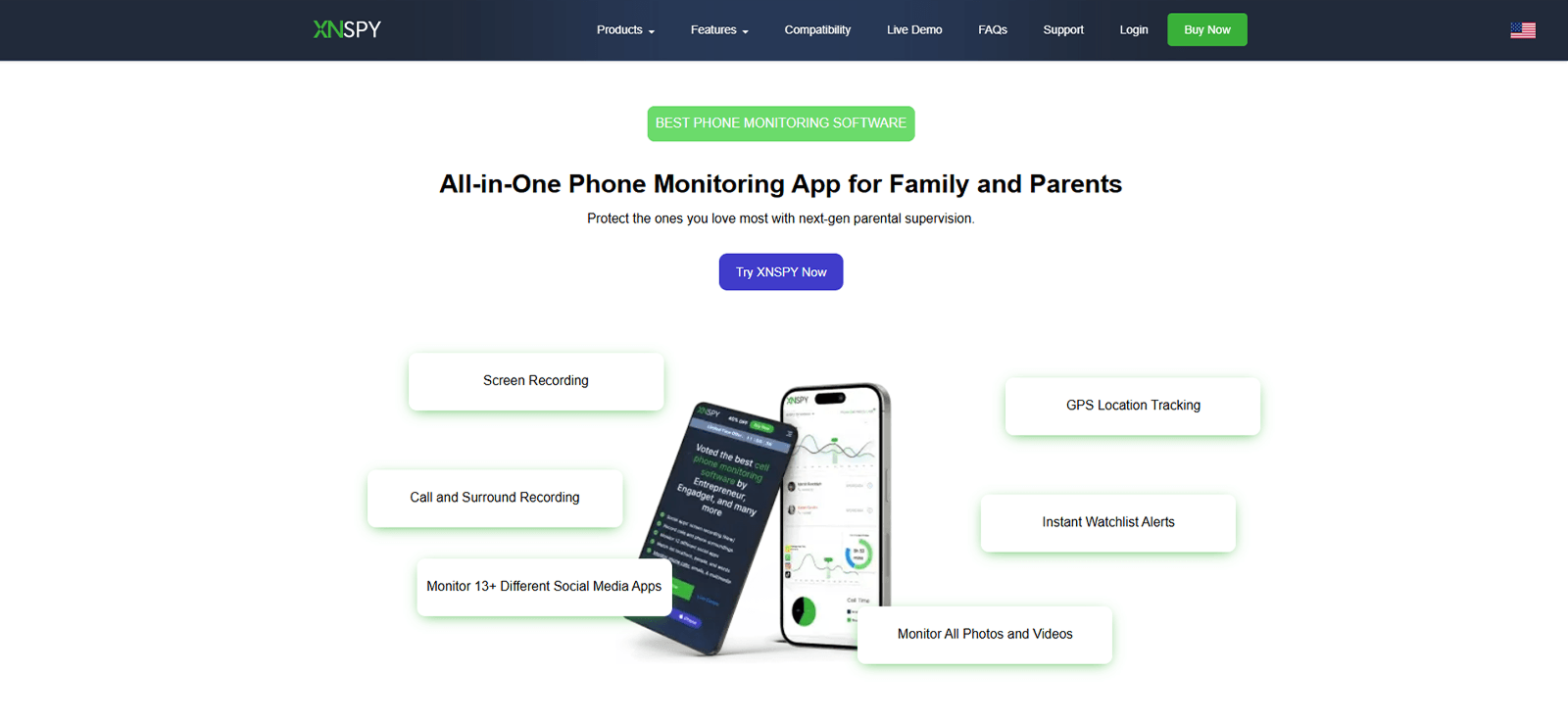
Xnspy approaches Facebook Reel viewing from a device-monitoring perspective rather than retrieving videos from individual Facebook profiles. Its screen recorder generates a visual history of supported app activity, which makes it possible for parents to review the type of content being consumed on a supervised device.
We evaluated Xnspy on an Android test phone across five separate sessions by replicating ordinary Facebook usage. These sessions involved scrolling through the news feed, opening Reels, and alternating between short-form videos and other content within the app.
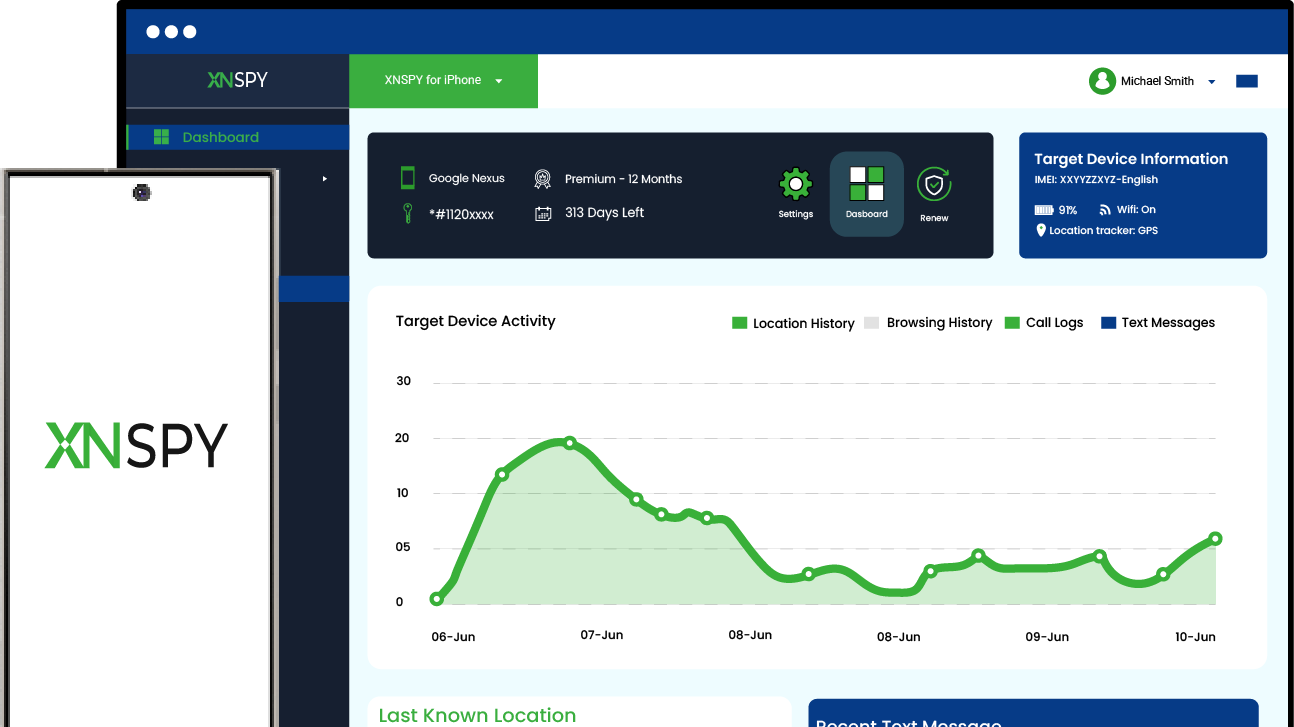
Throughout the five sessions, Xnspy captured screenshots at five-second intervals and uploaded them to its online dashboard. The images appeared chronologically under the Facebook section, which made following the progression of activity relatively straightforward.
What stood out during testing was the consistency of the capture intervals. Since successive screenshots were separated by only five seconds, we could generally establish what a Reel was about by examining several consecutive images rather than relying on an isolated screenshot.
This distinction becomes particularly relevant when reviewing short-form content. A single image may provide little indication of a video’s subject matter, whereas a sequence of captures can offer considerably more visual context.
However, since our test sessions involved both Reel viewing and regular feed browsing, the Facebook section accumulated screenshots of both activities. Xnspy didn’t categorize Reels separately, meaning we had to manually distinguish relevant captures from the remainder of the Facebook activity.
While this preserved the broader viewing context, reviewing longer sessions could become somewhat overwhelming for parents interested exclusively in Reel consumption.
Xnspy Compatibility
Xnspy supports Android and iOS devices.
Xnspy Pricing
Xnspy offers Basic and Premium subscriptions with monthly, quarterly, and annual billing options:
- Basic: $4.99/month (when billed annually)
- Premium: $7.49/month (when billed annually)
Xnspy Pros and Cons
| Pros | Cons |
| Consistent and automatic screenshots | Doesn’t categorize Reels separately from other Facebook activity |
| Chronologically arranged visual records | Reviewing lengthy sessions can be time-consuming |
| App-specific categorization of Facebook screenshots | Requires setup on an authorized device |
| Provides visual context about the content being viewed |
Should I Use Xnspy?
Xnspy is better suited to parents who want to understand the type of Facebook content their children consume rather than users looking to retrieve Reels from a particular public profile. Its consistent screenshot capture intervals and chronological arrangement provided considerably more viewing context than occasional screen checks during our tests. However, the absence of Reel-specific categorization means parents may need to sift through unrelated Facebook activity.

Xnspy: See What Shapes Your Child’s Facebook Feed
Get a clearer picture of your child’s Facebook activity.
– Review Facebook usage through screen captures
– Understand the type of content your child consumes
– Browse chronologically arranged screenshots
– Revisit viewing activity without manual checks
2. Americans Viewer — Best for Viewing Reels With Accurate Posting Time
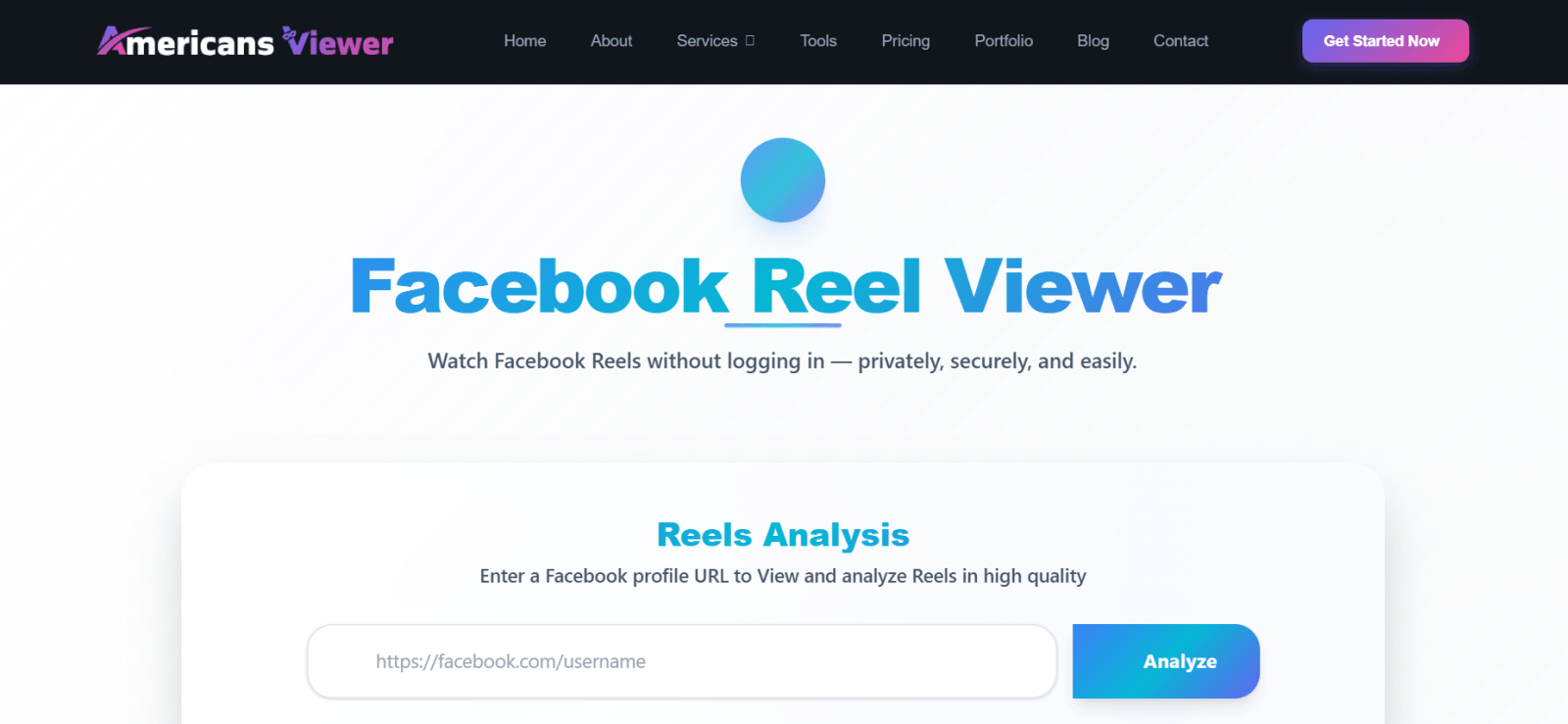
Americans Viewer is a browser-based tool that retrieves publicly available Facebook Reels and presents them alongside selected engagement statistics. Unlike device-monitoring applications, it focuses on content associated with a particular Facebook profile rather than an individual’s viewing activity.
We attempted to retrieve Reels from three Facebook profiles. The first two searches returned results, but a rate restriction prevented us from accessing the third profile. Instead of displaying its Reels, the tool returned a loading error.
Content retrieval was somewhat inconsistent even when searches succeeded.
In both instances, Americans Viewer returned 15 Reel entries. However, the results began repeating after the ninth entry, leaving six duplicate entries among the retrieved content. Consequently, the number of displayed results overstated the actual variety of Reels available for viewing.
We also submitted a direct Reel link to determine whether individual videos could be retrieved independently of their associated profiles. Despite the website advertising direct Reel URL support, the search didn’t return the expected video during testing.
Where Americans Viewer performed comparatively well was in the accuracy of its displayed information. The available posting date/time was accurate for all the reels. However, the view and like counts did not match those visible on Facebook.
Moreover, the viewer didn’t display Reel captions or comment counts, which restricted the amount of contextual information available beyond the video itself.
The playback experience was noticeably better than the retrieval process. Retrieved videos played without noticeable lag, and both the playback speed and picture-in-picture controls worked as intended.
Full-screen viewing was less refined. Switching to this mode enlarged the video excessively, resulting in a noticeable deterioration in visual clarity.
Furthermore, although a download button accompanied the retrieved Reels, every download attempt returned an error. This made the feature effectively unusable during our evaluation.
Americans Viewer Compatibility
Americans Viewer operates through a web browser and can be accessed on desktop computers, tablets, and smartphones without installing a dedicated application.
Americans Viewer Pricing
Americans Viewer is free to use. However, our testing encountered a retrieval restriction after two successful profile searches.
Americans Viewer Pros and Cons
| Pros | Cons |
| Correct relative publication times | Retrieval restriction encountered after two profile searches |
| Smooth video playback | Six duplicate entries among 15 retrieved results |
| Functional picture-in-picture and playback speed controls | Direct Reel links didn’t work during testing |
| Free browser-based access | Download attempts consistently returned errors |
| Doesn’t require application installation | Missing captions and comment counts |
| Full-screen viewing reduced visual clarity. | |
| Inaccurate engagement statistics |
Should I Use Americans Viewer?
Americans Viewer is a reasonable option for users interested in viewing recent public Facebook Reels alongside basic engagement figures. Its responsive video player was its distinguishing strength during testing. However, the repetitive results, retrieval restrictions, inaccurate engagement statistics, and nonfunctional download feature make it less suitable for extensive profile browsing or saving videos for subsequent viewing.
3. FamiSafe — Best for Occasional On-Demand Screen Reviews
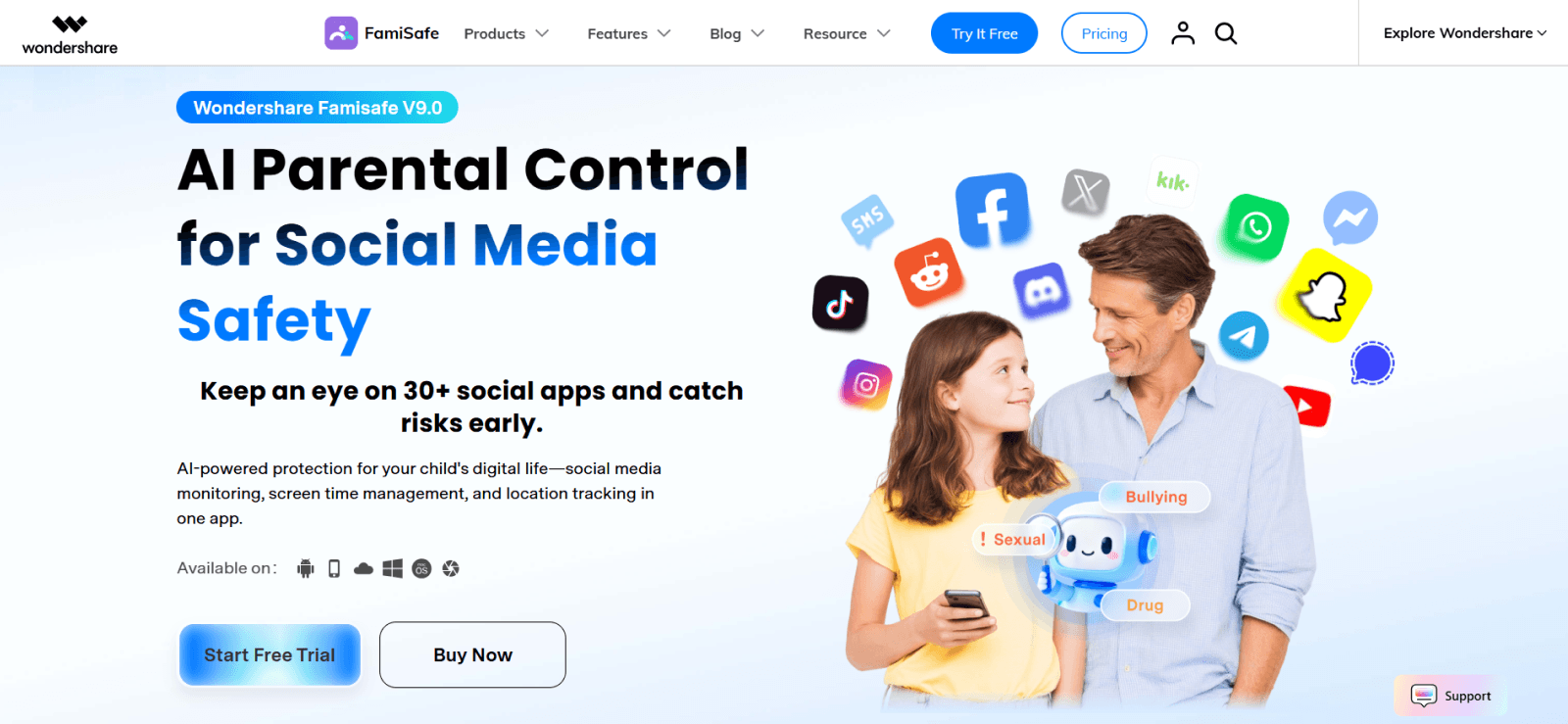
FamiSafe provides a Screen Viewer feature within its broader parental control suite. Unlike applications that automatically generate a continuous sequence of screenshots, FamiSafe allows parents to request individual captures or schedule screenshots at predefined intervals.
We tested both approaches on an Android device to determine how reliably the feature represented Facebook Reel viewing activity.
Initially, we requested 15 on-demand screenshots while using Facebook. Of these, four failed to appear on the dashboard. Two additional screenshots were received after delays of approximately three and seven minutes, respectively.
While the successfully received images provided useful context about what was displayed on the device, the inconsistencies made it difficult to rely on the feature for time-sensitive screen checks.
We subsequently evaluated FamiSafe’s scheduled screen viewing functionality across three sessions, using capture intervals of two, five, and ten minutes.
The application generated screenshots during each scheduled session. However, the intervals between successive captures introduced substantial gaps in the resulting visual record.
During one session, an entire one-minute Reel was watched without appearing in any of the captured screenshots. The video had started and finished between successive captures, leaving no indication of its content in the resulting record.
This illustrates the distinction between periodically checking a device’s screen and maintaining a detailed visual history of short-form content consumption.
FamiSafe’s on-demand functionality offers greater discretion over when screen reviews occur, which may be preferable for parents who don’t require extensive activity records. However, its scheduled intervals proved less accommodating to the brief and rapidly changing nature of Facebook Reels.
FamiSafe Compatibility
FamiSafe supports Android, iOS, Windows, macOS, and selected Kindle Fire devices. However, the Screen Viewer functionality we evaluated applies to supported Android child devices.
FamiSafe Pricing
FamiSafe offers monthly, quarterly, and annual subscription plans. For families, it costs:
Monthly: $14.98/month
Quarterly: $9.33/month
Annually: $9.99/month
FamiSafe Pros and Cons
| Pros | Cons |
| Offers on-demand and scheduled screen viewing | Delays and missing entries can occur |
| Provides control over when screen checks occur | Lengthy capture intervals can leave substantial activity gaps |
| Successfully generated screenshots during scheduled sessions | Device access required for installation |
| Other monitoring features available | Paid plan is required |
| Doesn’t automatically maintain a continuous visual record |
Should I Use FamiSafe?
FamiSafe makes more sense for parents who prefer occasional screen checks over extensive records of their children’s Facebook activity. Its on-demand approach offers greater control over the frequency of supervision. However, the unsuccessful screenshot requests and gaps observed during scheduled sessions limit its effectiveness when reviewing short-form video consumption in detail.
4. Verifyor — Best for Downloading Playable Facebook Reels
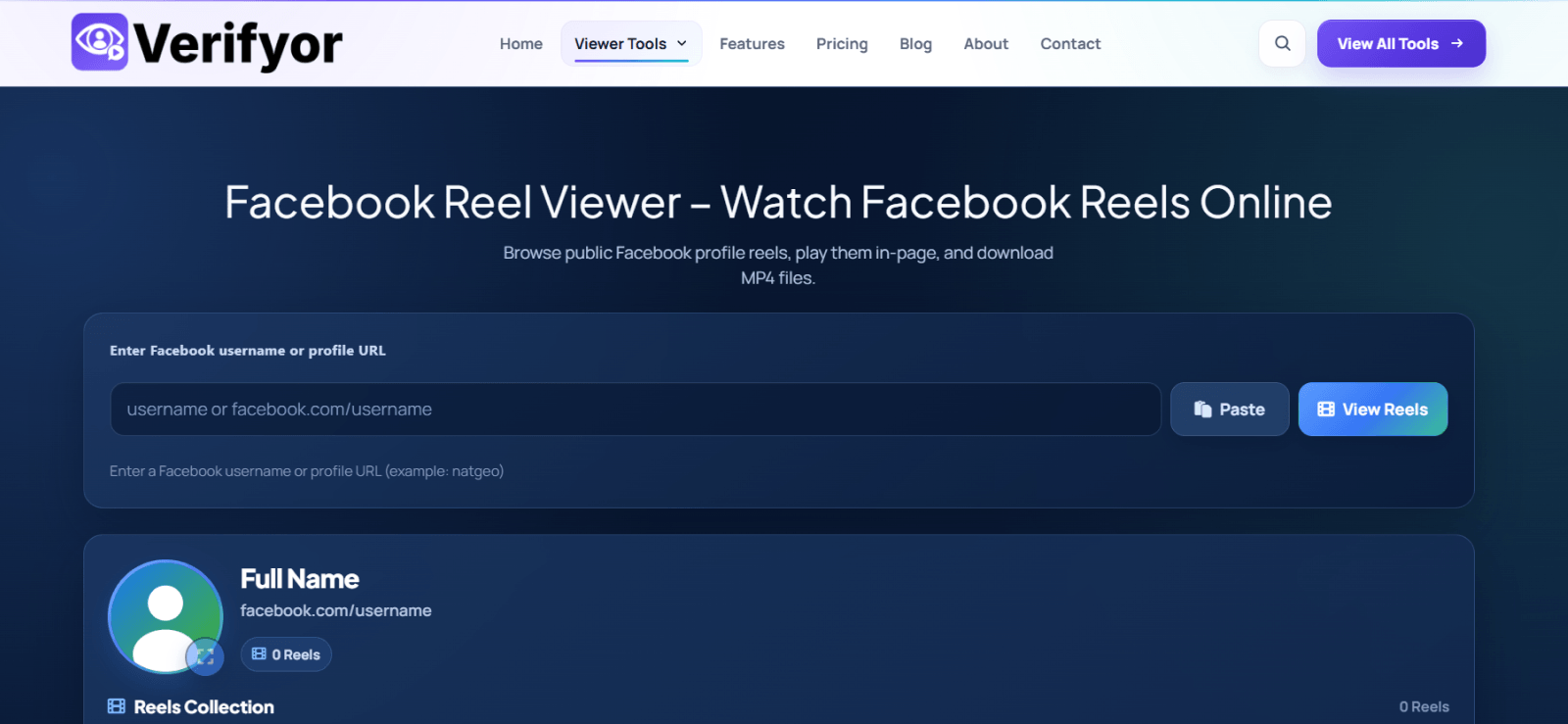
Verifyor is an online Facebook Reel viewer that retrieves publicly available Reels from individual profiles and incorporates several playback and downloading controls.
To assess its retrieval capabilities, we submitted links to three Facebook accounts and examined the returned videos.
Verifyor retrieved ten Reel entries for each tested account. However, the content wasn’t arranged chronologically, making it difficult to establish which videos had been published most recently.
Loading the results also took noticeably longer than expected. Although the viewer eventually populated the interface with Reel entries, their presence didn’t necessarily indicate that the corresponding videos were playable.
The difference between retrieval and successful playback became apparent across all three profiles.
Of the ten Reels retrieved from the first account, only two played successfully. The second account returned just one playable Reel, while seven of the ten retrieved from the third account could be viewed. Collectively, only ten of the 30 retrieved Reel entries were playable during testing.
The download functionality exhibited a similar dependency. Reels that played successfully could also be downloaded, whereas those that failed to load couldn’t be saved.
On a more positive note, the quality of the successfully downloaded videos met our expectations. Its additional viewing controls were also reasonably well implemented. Playback speed adjustments, picture-in-picture viewing, and full-screen mode worked without noticeable issues on playable Reels.
However, Verifyor provided little information beyond the video itself. Captions, like counts, views, comments, and publication times were all absent from the retrieved results.
Combined with the unordered presentation of Reels, this made the tool considerably less useful for users attempting to examine a profile’s recent activity or compare the performance of individual videos.
Verifyor Compatibility
Verifyor is a web-based platform accessible through desktop and mobile browsers.
Verifyor Pricing
Verifyor currently offers its Facebook viewer tools free of charge.
Verifyor Pros and Cons
| Pros | Cons |
| Successfully downloaded playable Reels | Limited playable reels from the retrieved ones |
| Satisfactory download quality | Relatively slow content loading |
| Functional playback speed controls | Reels weren’t arranged chronologically |
| Picture-in-picture and full-screen modes worked well | Retrieves only 10 reels |
| Free access to Facebook viewing tools | Missing captions, engagement figures, and publication details |
| Downloads depend on successful video playback |
Should I Use Verifyor?
Verifyor is worth considering for users who primarily want to download publicly available Facebook Reels that the tool can successfully retrieve and play. Its playback controls and download quality were satisfactory. However, the considerable disparity between retrieved and playable Reels makes it less dependable for browsing entire profiles.
5. Spylix — Best for Retrospective Facebook Activity Reviews
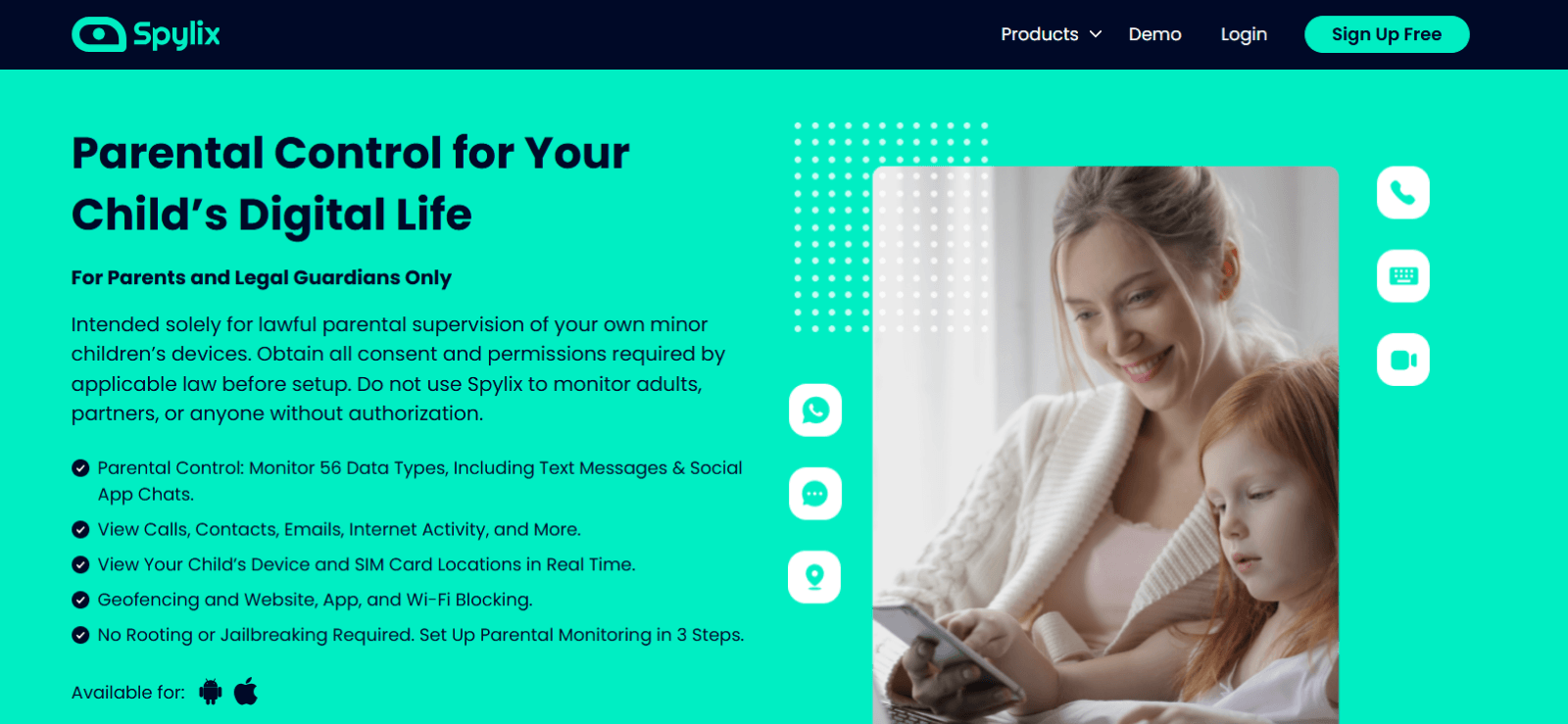
Spylix uses screenshot-based monitoring to provide visual records of activity on connected devices. Rather than retrieving Reels directly from Facebook, it allows you to examine previously captured images through an online dashboard.
We evaluated the application on an Android test device across five sessions of ordinary Facebook usage. These involved watching Reels and browsing other content within the app to determine how consistently Spylix represented the sequence of on-screen activity.
The application repeatedly captured screenshots throughout our test sessions. However, the intervals between successive images weren’t consistent.
While some captures provided enough visual context to identify the content being viewed, others were separated by longer gaps. As a result, portions of the on-screen activity went undocumented.
The irregularity was particularly noticeable when browsing Reels, where the displayed content changes frequently. Missing captures made it more difficult to establish whether consecutive screenshots belonged to the same video or represented separate viewing instances.
Another limitation concerned data synchronization.
Most of the captured screenshots didn’t appear promptly on the dashboard. Instead, they arrived in batches, approximately 15 minutes after the corresponding activity had occurred on the test device.
Although the delayed images remained useful for retrospective reviews, the upload pattern meant that the information available on the dashboard didn’t necessarily reflect the device’s recent activity.
Spylix nevertheless provided a visual record across the five sessions, making it useful for obtaining a general impression of Facebook activity. Its shortcomings became more apparent when we attempted to reconstruct individual Reel viewing instances with greater precision.
Spylix Compatibility
Spylix offers monitoring solutions for Android and iOS devices, although its available functionality differs between platforms.
Spylix Pricing
Spylix operates through paid subscriptions with different billing periods and feature packages.
- Basic: $8.33/month if billed annually
- Premium: $9.99/month if billed annually
- Family for 5 Android devices: $16.67/month if billed annually
- Family for 5 iOS devices: $33.33/month if billed annually
Spylix Pros and Cons
| Pros | Cons |
| Automatic screenshot capturing | Inconsistent intervals between successive captures |
| Provides visual context about Facebook activity | Delayed data syncing |
| Suitable for retrospective activity reviews | Requires device setup and a paid subscription |
Should I Use Spylix?
Spylix may be suitable for parents seeking a general, retrospective understanding of Facebook activity on a supervised Android device. However, its irregular capture intervals make the resulting visual record less comprehensive, particularly when reviewing rapidly changing short-form content. The delayed batch uploads also reduce its practicality for parents who need timely information.
6. SMTools — Best for Occasional Reel Playback and Downloading
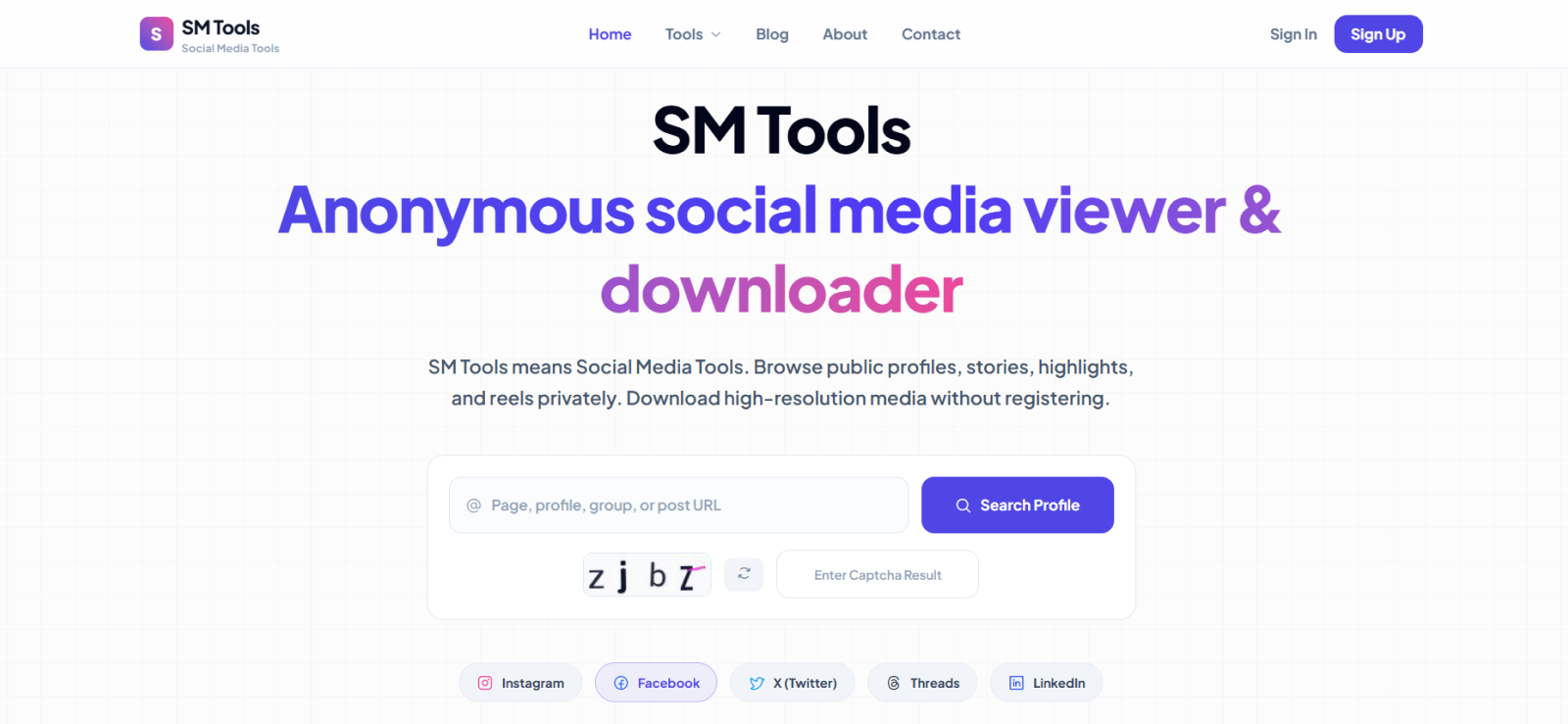
SMTools offers a collection of browser-based social media utilities, including Facebook content viewing and downloading functionality. Its approach resembles conventional public-content viewers, retrieving available material without requiring users to install additional software.
We tested SMTools with three Facebook profiles to examine both its content retrieval capabilities and the functionality of its video player.
The first profile returned only one Reel. Our second search yielded no Reel results, while the third profile returned another individual video.
This left us with just two retrieved Reels across three profile searches. Even among these limited results, the viewing experience wasn’t consistent.
The Reel retrieved from the first profile played directly within SMTools’ video player. Its associated viewing controls were functional, and the playback experience didn’t present any noticeable issues.
The result from the third profile behaved differently. Instead of playing the video within its own interface, SMTools prompted us to open it on Facebook.
Consequently, only one Reel across the three tested profiles could actually be viewed within the tool itself.
For the Reel that played successfully, SMTools’ supplementary functionality worked well. We could download the video, adjust its playback speed, switch to picture-in-picture mode, and use full-screen viewing.
Furthermore, SMTools also omitted the contextual information typically associated with Reels. Neither retrieved entry displayed likes, views, comments, captions, or publication times.
SMTools Compatibility
SMTools operates through a web browser and can be accessed on desktop and mobile devices without installing a dedicated application.
SMTools Pricing
SMTools provides free browser-based access to its public-content viewing and downloading utilities.
SMTools Pros and Cons
| Pros | Cons |
| Free browser-based access | Limited Reel retrieval |
| Functional playback speed adjustments and download functionality | Unreliable playback functionality within the tool |
| Picture-in-picture and full-screen controls worked well | Some content requires playback through Facebook |
| Missing engagement metrics, captions, and publication details |
Should I Use SMTools?
SMTools may be useful for occasional Facebook Reel viewing or downloading when the desired content is successfully retrieved. Its video player and additional controls performed satisfactorily on the available playable Reel. However, the limited retrieval makes it difficult to recommend for regular browsing, extensive content exploration, or examining a particular profile’s Reel history.
FAQs
How does a Facebook Reel viewer without account registration work?
A Facebook Reel viewer without account registration retrieves publicly available video content associated with a supported Facebook URL or profile. It then presents the available information through its own interface, so you can watch supported Reels without necessarily signing into Facebook.
Can someone tell if I viewed their Facebook Reels?
Generally, Facebook Reel creators can access aggregate engagement figures and audience insights rather than a comprehensive list identifying everyone who watched their videos.
However, interactions such as liking or commenting on a Reel may make your profile visible to its creator, depending on the relevant audience and privacy settings. However, if you are viewing a Reel through a third-party viewer, it won’t require you to log in via your Facebook credentials or record any view from your side on Facebook.
Is it possible to view Reels from a private Facebook profile?
Conventional Reel viewers cannot legitimately retrieve Reels restricted by Facebook’s audience settings unless the viewer has the necessary authorized access. Parental monitoring applications operate differently by providing information about supported activity on a supervised device. So, if a private account is logged in on the target device, you can view Reels from that account via a monitoring app.
Can I download Facebook Reels using a third-party viewer?
Yes, certain third-party Facebook Reel viewing tools provide downloading functionality for publicly accessible videos. However, the presence of a download button doesn’t necessarily indicate that the feature works reliably.
Why do some Facebook Reels fail to load on third-party viewers?
Facebook Reels may fail to load because of audience restrictions, deleted content, unsupported URLs, temporary retrieval failures, or limitations within the third-party viewer itself. Changes to Facebook’s content delivery mechanisms may also affect how external services retrieve videos.
Reels Disappear From the Feed. Their Influence Doesn’t
Understand the content your child consumes on Facebook with Xnspy.
Leave a reply:
Your email address will not be published. Required fields are marked*

Mike Everett
Member since October 20, 2014
Mike Everett
Member since October 20, 2014
Mike Everett is a consumer technology journalist with expertise in hands-on testing and evaluation of iOS and Android monitoring applications. With over 11 years in the industry, he focuses on how mobile monitoring tools perform in real-world conditions, including accuracy, feature reliability, device compatibility, and practical usability for parents.
He conducts live-device testing of monitoring apps to assess how well their features function beyond marketing claims. His work primarily includes comparative reviews, feature breakdowns, and buyer-focused guides designed to help parents understand which tools actually deliver usable results in everyday scenarios.