7 Best Instagram Photo Viewer Tools Tested Beyond Their Claims (2027 List)
 By Stephen Hawks
The complete monitoring experience for your phone
Get XNSPY and start tracking calls, texts, multimedia, locations and more on any phone!
Get Started Now Live DemoInstagram does not make browsing particularly convenient when you do not want to sign in. Even when a post is public, opening it outside the app can lead to login prompts, limited previews, or a page that does not load as expected.
This is where a third-party Instagram anonymous photo viewer becomes useful.
However, these tools do not all work the same way. Some retrieve posts consistently, while others struggle with certain links, limit repeated searches, or show very little information beyond the image itself. To find out which ones actually deliver, we tested seven tools and compared how their claims held up during real use.
The Best Instagram Private Image Viewers at a Glance
- Photo viewers can be useful when Instagram limits no-login browsing, public posts do not load properly, or you need a quicker way to view and save accessible photo content.
- Xnspy: Best for Instagram photo viewing on an authorized device, with more context than a standard public-image viewer.
- Maskster: Best for consistent public-post viewing, with reliable carousel support and useful post details before its daily limit kicks in.
- AirDroid: Best for families already using parental controls and wanting Instagram activity alongside wider device supervision.
- Viewri: Best for occasional public-image checks, with captions and profile details but inconsistent retrieval and a strict rate limit.
- StoryView: Best for image quality and downloads, especially when you care more about the photo itself than post metadata.
- KidsGuard Pro: Best for parents who want Instagram monitoring combined with broader social-app and device activity tracking.
- GoodFetch: Best for simple image downloads, though its confusing interface and unstable workflow make repeated use less convenient.
7 Instagram Anonymous Photo Viewer Tools That Stood Out in Our Comparison
| Tool | Rating | Pricing | Best For | Main Drawback |
| Xnspy | 9.3/10 | From $4.99/month on annual billing | Instagram image viewing with better context | Requires device-level setup |
| Maskster | 9/10 | Free | Consistent public-post viewing | Daily rate limit |
| AirDroid | 8.6/10 | From $9.99/month | Family device supervision | Screen mirroring only works on Android |
| Viewri | 8/10 | Free | Occasional image lookups | Rate limit appears quickly |
| StoryView | 7.8/10 | Free | Image and download quality | Very little post context |
| KidsGuard Pro | 7.6/10 | From $9.16/month on annual billing | Wider parental monitoring | Sync delays are quite common |
| GoodFetch | 7.2/10 | Free | Downloading individual images | Unstable download workflow |
How We Tested Every Instagram Image Viewer for Fair Scoring
Not every tool in this comparison accesses Instagram in the same way, so using one test for all seven would have favored one category over another.
For browser-based tools, we used multiple public image URLs, carousel posts, profile URLs, and usernames where the service claimed to support them. We repeated searches to determine whether a successful first attempt was representative or simply a one-off result.
Moreover, we evaluated the extra information a tool gave around the photo. An application received more credit when it preserved useful information such as the username, caption, hashtags, or profile context instead of presenting an isolated file.
On the other hand, device-monitoring tools were assessed separately because they depend on authorized access to a managed phone and can provide Instagram activity that a public URL viewer cannot.
Photo Access and Viewing Context — 40%
Our largest scoring category focused on whether each product actually displayed useful Instagram photos.
For public viewers, we checked single-photo posts, carousel images, profile URLs, and usernames where supported. We also recorded whether the viewer preserved captions, hashtags, usernames, follower counts, or other useful context.
For parental monitoring tools, we focused on the visual Instagram activity available from the managed device rather than treating them as public profile search engines.
A tool lost points when it showed only a cropped preview, omitted most post information, failed on carousel posts, or advertised an input method that did not work during testing.
Reliability and Retrieval Consistency — 30%
A viewer is considerably less useful if the same valid URL works once and fails the next time.
We therefore repeated searches and tracked retrieval failures, loading delays, download problems, rate limits, and instances where the entire page/feature stopped responding.
Image Accuracy and Content Freshness — 20%
Retrieving an image was only part of the test. We compared the returned photo and accompanying details with the live public Instagram post.
We checked image clarity, carousel order, captions, hashtags, usernames, follower counts, and the quality of downloaded files.
Usability, Access Requirements, and Limitations — 10%
Finally, we looked at how much work was required to get an image.
This included supported inputs, loading time, interface clarity, sync delays, login requirements, download steps, rate limits, and private-account restrictions.
7 Best Instagram Private Photo Viewers That Held Up in Testing
The seven tools below did not perform equally, nor did they all serve the same purpose. Some were better at retrieving public Instagram photos quickly, while others stood out for image quality, post context, download reliability, or broader device-based monitoring.
We ranked them according to how well they performed in those areas during testing, while also accounting for the limitations our team faced.
1. Xnspy — Best for Broader Instagram Monitoring
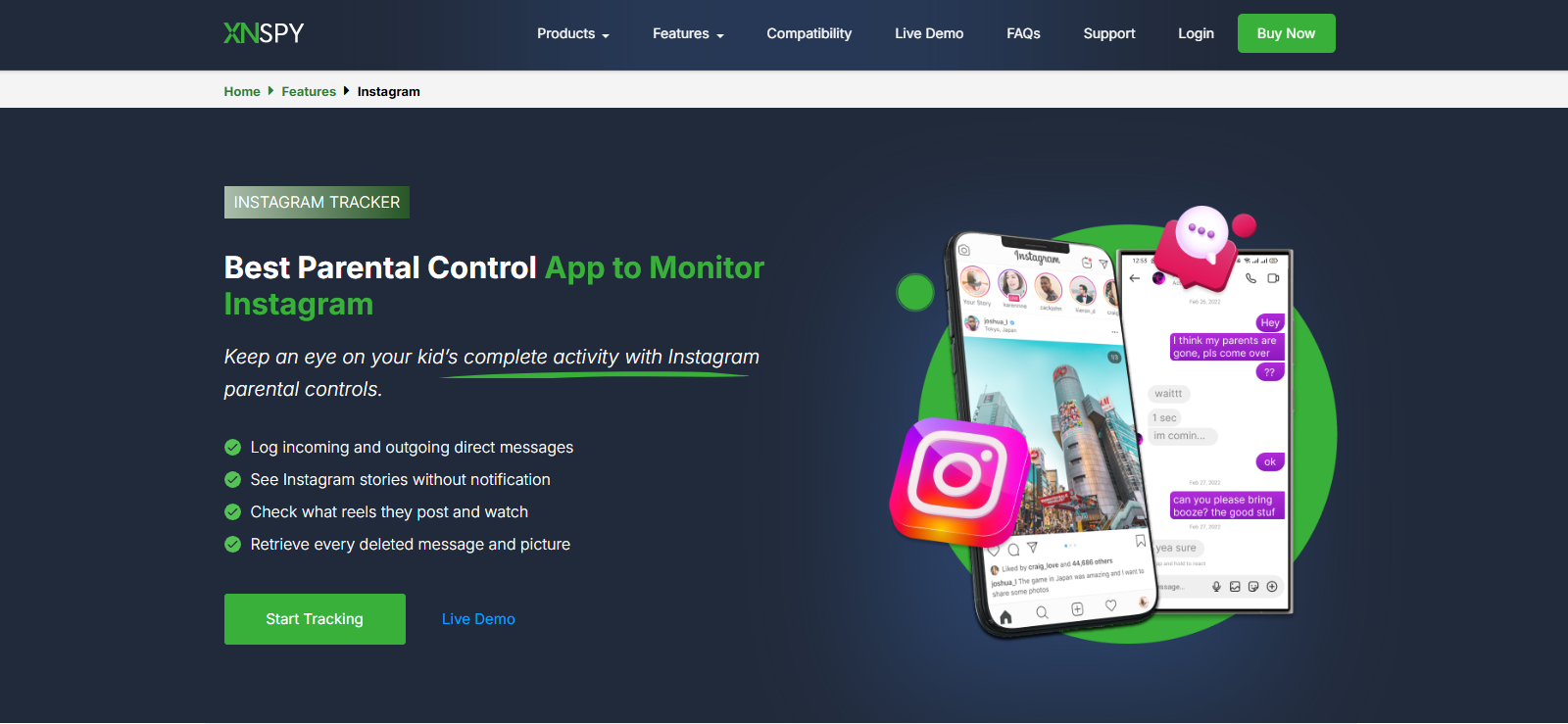
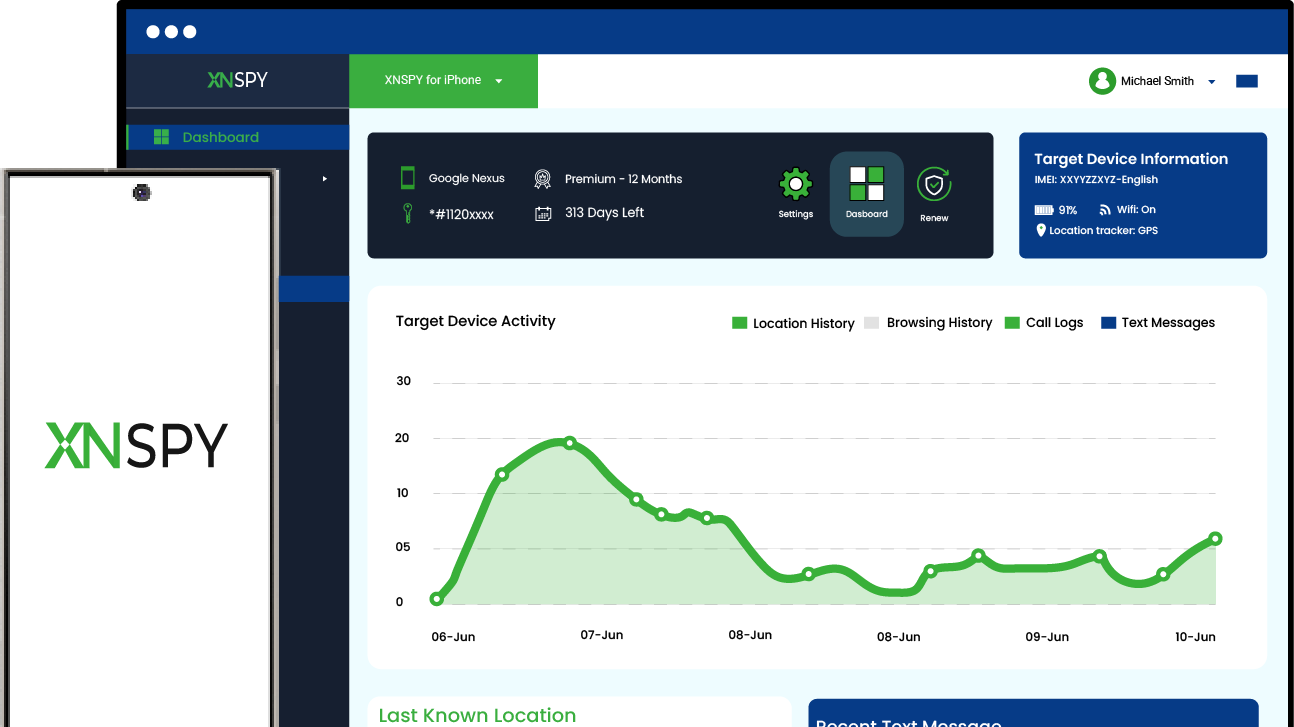
Xnspy ranked first because it provides substantially more Instagram photo context than a single-link web viewer when used on an authorized managed device. Rather than requiring a separate URL for every image, its Instagram monitoring functionality is designed around activity taking place on the phone itself.
The feature that proved most useful during testing was Screen Record. Xnspy automatically takes screenshots of supported on-screen activity at roughly five-second intervals and uploads them to the web dashboard.
We tested it by running several Instagram sessions on an authorized Android phone and deliberately moving between posting new photos, scrolling through old ones, and viewing others’ Instagram photos.
When we remained on a photo for more than a few seconds, the image appeared clearly in the Screen Record history along with the surrounding Instagram interface. Moving through a carousel and scrolling through past photos also produced successive captures of different slides, but some of these were not captured when they slipped through the 5-second interval.
Other than this, the screen captures included timestamps, and we were able to review them from an organized dashboard that contained a separate tab for Insta-related screenshots. While the organization was clean, the number of screenshots captured throughout Instagram activity made it a bit hard for us to review or find our desired photos.
We also tested the separate remote screenshot function, as well as the photos feature that logs every photo saved via Instagram. For remote screenshot, we left different Instagram screens open and triggered screenshots remotely from the dashboard. Out of 10 test runs, the function executed all times, but one of the images experienced a slight sync delay of about 50 seconds.
We also saved 10 different photos from Instagram, and all 10 were logged under ‘Photos’ in the dashboard.
Xnspy Compatibility
Xnspy supports both Android and iOS more broadly. For Android, it works well from version 4.x up to 16. As for iOS, it is compatible with version 6.x and onwards up to 17.0.3.
Xnspy Pricing
Xnspy offers Basic and Premium subscription tiers. You can choose between monthly, quarterly, and annual subscription plans.
- Basic: $4.99/month (when billed annually)
- Premium: $7.49/month (when billed annually)
Xnspy Pros and Cons
| Pros | Cons |
| Automatically captures Instagram screen activity at roughly five-second intervals | Requires setup on an authorized managed device |
| Provides visual context around posts instead of only retrieving the image file | Five-second intervals can miss content displayed only very briefly |
| On-demand screenshots allow immediate remote checks | Screenshots retain the Instagram interface rather than providing clean image-only downloads |
| Timestamped captures make previous activity easier to review | No free trial available |
| Does not require individual Instagram post URLs | |
| Logs photos saved from Instagram | |
| In-depth Instagram and other monitoring features available |
Should I Use Xnspy?
Xnspy is better suited to parents who want continuing visibility into the Instagram content appearing on an authorized managed device. Its main advantage is the combination of automatic and manual capture. However, it may be unnecessary if your only goal is retrieving an individual public image.

Want More Than Just a Public Instagram Photo?
Xnspy gives parents broader visibility through:
– Automatic screen captures at 5-second intervals
– Remote on-demand screenshots
– Instagram activity shown with surrounding context
– Broader device monitoring beyond individual posts
2. Maskster — Best for Consistent Public Photo Viewing
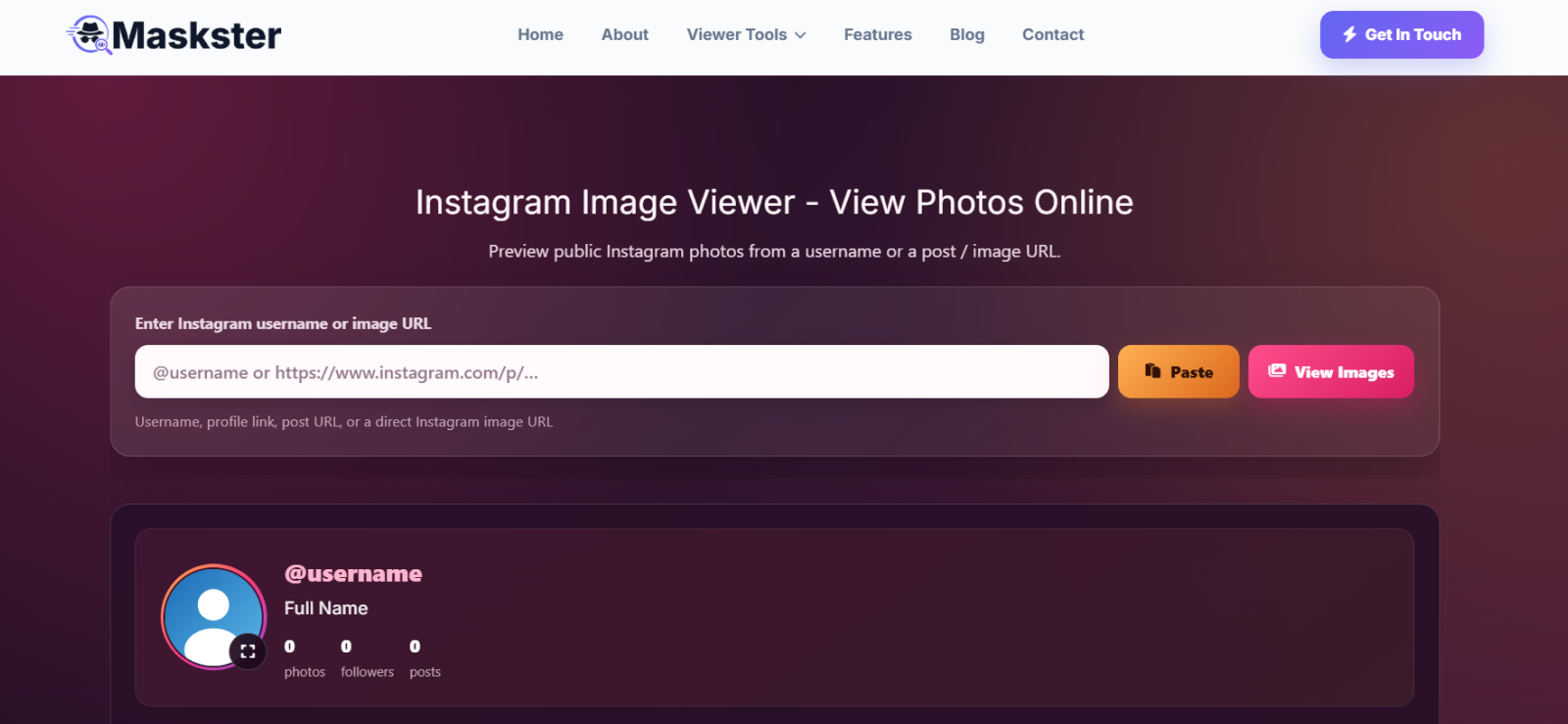
Maskster Instagram private photo viewer ranked second because it was the most consistent of the dedicated browser-based viewers we tested.
Although its page accepts a field labeled for usernames or image URLs, our tests only succeeded when we entered the URL of an individual Instagram image post. Usernames and profile links did not return the same usable photo results.
With valid post URLs, however, Maskster performed consistently. It also handled carousel posts, allowing us to access images contained inside multi-photo uploads rather than limiting retrieval to the first slide.
The amount of context was better than many other options as well. Maskster showed the photo, caption, hashtags, username, and follower count. Follower data was correct for all three profiles we checked.
That said, there were still omissions. Likes, comments, shares, reposts, and the post’s date and time were not displayed at all. Audio attached to an Instagram post also did not play. Furthermore, the downloading feature worked, but the resulting image dimensions were smaller than we expected.
For an anonymous Instagram photo viewer, Maskster is more convincing as a public-post utility than as a complete Instagram replacement. It does not require an Instagram login for the public content it retrieves, but it also did not expose photos belonging to private accounts.
The biggest practical limitation appeared after extended use. After 15 attempts, we received a rate-limit error that prevented further searches for 24 hours.
Maskster Compatibility
Maskster runs through a web browser and does not require a dedicated application. Its site is designed for mobile, tablet, and desktop viewing.
Maskster Pricing
Maskster’s image-viewing tool is completely free to use.
Maskster Pros and Cons
| Pros | Cons |
| Consistent retrieval with supported image URLs | Username and profile-link input did not work in our image tests |
| Works with carousel posts | Rate limit appeared after 15 searches |
| Shows captions and hashtags | Downloaded files had small dimensions |
| Includes username and follower information | Does not show engagement statistics or posting time |
| No Instagram login required | Private posts remain unavailable |
Should I Use Maskster?
Maskster suits users who want to inspect public Instagram photos with more post-related context than a basic downloader provides. Its combination of image, caption, hashtags, and profile information is useful, but heavy users should account for the daily rate limit.
3. AirDroid — Best for Family Device Supervision
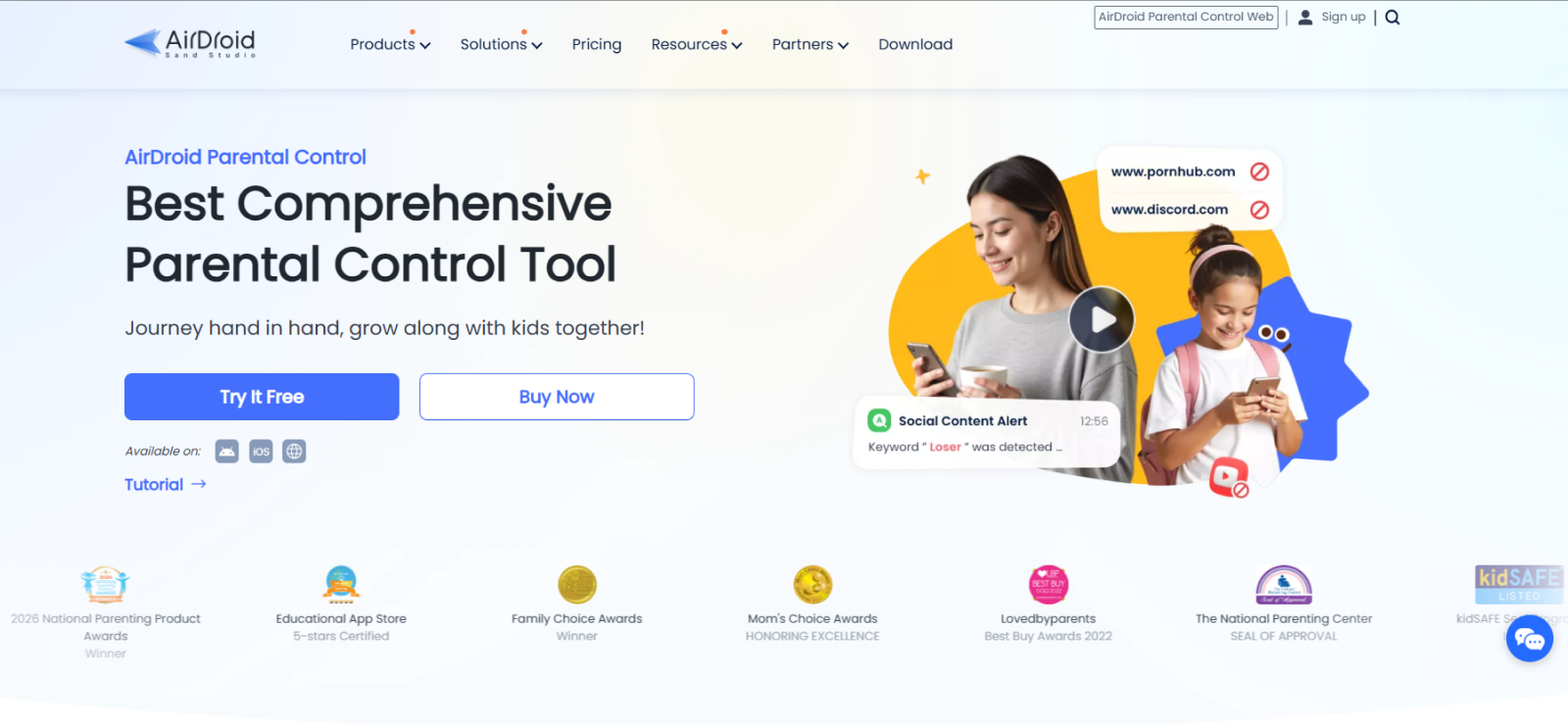
AirDroid’s usefulness comes from family device supervision rather than public Instagram lookups.
AirDroid Parental Control includes screen mirroring, notification syncing, social-content detection, inappropriate-image detection, app controls, and other family-management features.
On supported Android devices, its social-content tools can monitor activity across multiple social applications and provide screenshot context when configured keywords are detected.
That creates a broader visual picture than a public photo URL alone. A parent can use device-level context to understand what is appearing on a child’s phone rather than searching for posts individually.
We tested the screen mirroring feature of AirDroid on our test Android device. The connection was established easily, as the setup was easy and user-friendly. But throughout the mirroring session, there were multiple lags in the execution.
Other than that, the main limitation was that AirDroid did not give us continuous monitoring. So, if a parent doesn’t start a mirroring session while Instagram is being used, they cannot view any photos posted or viewed from the target device at all.
AirDroid Compatibility
AirDroid Parental Control supports child devices on Android and iOS, but its functionality differs considerably between platforms. However, screen mirroring and several advanced monitoring functions are Android-specific.
AirDroid Pricing
AirDroid currently lists Premium at $9.99 per month, $19.99 per quarter, or $59.99 per year.
AirDroid Pros and Cons
| Pros | Cons |
| Broader family-device management | Not designed for direct public-post searches |
| Screen and visual context on supported devices | Requires device setup |
| Social-content detection | Screen mirroring doesn’t work on iOS devices |
| Includes controls beyond Instagram | No continuous screen monitoring option available |
Should I Use AirDroid?
AirDroid makes more sense for households that already need parental controls, screen-time management, content detection, and location features. However, if Instagram photos are the only thing you need to view, a dedicated browser service is much quicker.
4. Viewri — Best for Occasional Instagram Photo Checks
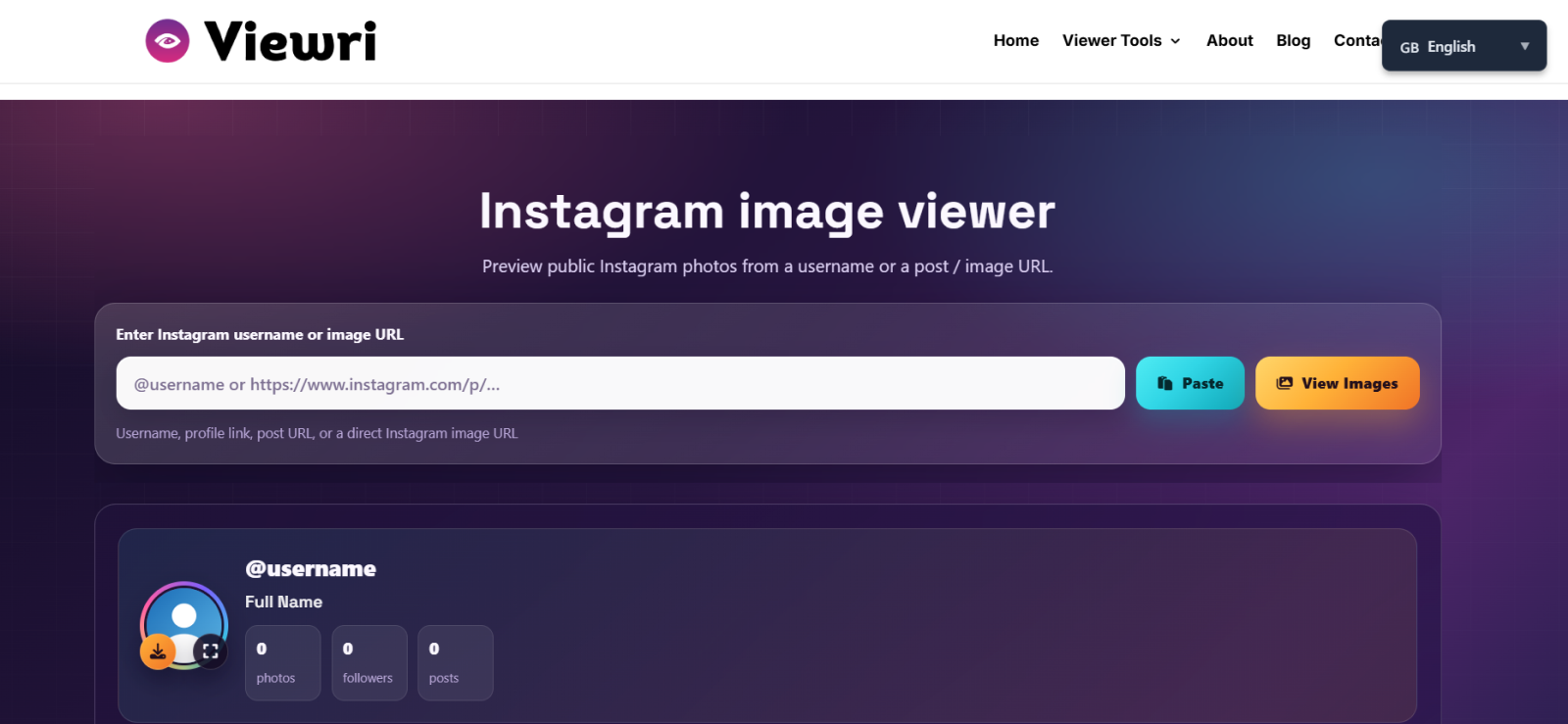
Viewri ranked fourth because it retrieved more contextual information than several alternatives, but its reliability and rate limit reduced its usefulness for repeated searches.
The image tool advertises support for usernames and image URLs, yet our testing produced usable photo results only when we pasted an individual image link. Profile URLs and usernames did not work as advertised within the dedicated image tool.
With a supported link, Viewri displayed the photo, caption, hashtags, username, and follower count. It also handled carousel posts.
Follower information was not entirely reliable. Two of three profiles showed the correct count, while one differed from the live Instagram profile.
The larger problem appeared during repeat testing. With one of three different links, the first lookup worked, but the second and third attempts failed. The same behavior did not occur with the other two links, so the inconsistency was isolated rather than universal.
Viewri also imposed a much tighter usage ceiling than Maskster. After four attempts, we encountered a rate-limit error that stopped additional checks for 24 hours.
Its download feature worked, but the downloaded images had small dimensions. Likes, comments, shares, reposts, and posting timestamps were absent, and music attached to the original Instagram post did not play.
Anyone searching specifically for an Instagram private image viewer should also note the access boundary. Viewri says its image tool is restricted to publicly shared images, which matched our tests; private-account posts did not appear.
Viewri Compatibility
Viewri is browser-based and designed for phones, tablets, and desktop browsers. No Instagram account is required for supported public images.
Viewri Pricing
Free to use.
Viewri Pros and Cons
| Pros | Cons |
| Displays captions and hashtags | Inconsistent execution |
| Supports carousel images | Rate limit appeared after only four attempts |
| Shows username and follower information | Username/profile lookup does not work |
| No Instagram login required | Download dimensions are small |
| Free to use | Follower count wasn’t reliable |
Should I Use Viewri?
Viewri is better suited to occasional checks than repeated research. It provides useful context around public images, but the four-search rate limit we encountered makes it difficult to recommend for higher-volume use.
5. StoryView — Best for High-Quality Instagram Photo Downloads
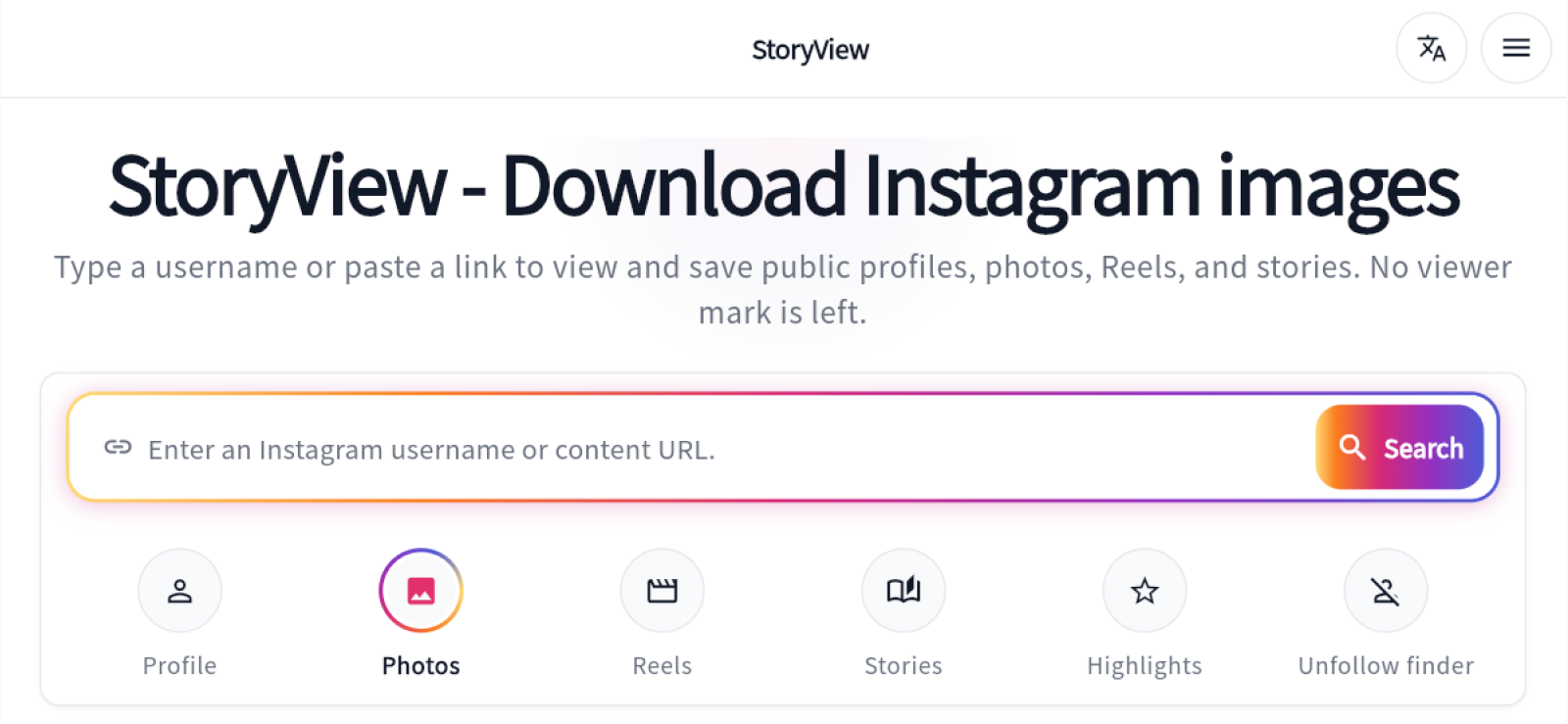
StoryView, despite being one of the most reliable tools in the test, ranked fifth number because it sacrifices contextual information in favor of cleaner image retrieval.
Unlike Viewri and Maskster, StoryView successfully accepted both individual image links and profile-related input. A profile link did not return an entire photo feed in our test, however; it showed the profile picture instead. Entering a username opened broader profile information rather than limiting the result to photos.
For individual post URLs, image retrieval was consistent. StoryView also worked with carousel posts and produced noticeably better image quality than Viewri or Maskster.
Downloads were one of its strongest areas. The files retained useful dimensions and clarity rather than arriving as undersized versions of the photo.
But that quality comes with a substantial context trade-off. StoryView did not show the username, follower count, caption, likes, comments, shares, reposts, or publication time alongside the image.
Loading was also slower. Images generally took around 7–10 seconds to appear in our tests. On the positive side, we did not encounter a rate limit during repeated use.
StoryView Compatibility
StoryView works in all web browsers and does not require an Instagram login or separate app installation.
StoryView Pricing
Completely free to use.
StoryView Pros and Cons
| Pros | Cons |
| Consistent image retrieval | Typically takes 7–10 seconds to load |
| Supports carousel posts | Shows very little contextual information |
| Good image quality | Profile links do not provide the complete photo feed |
| Good downloaded-file dimensions | Does not retrieve private-account posts |
| No rate limit encountered | |
| Accepts more than one type of input |
Should I Use StoryView?
StoryView private Instagram photo viewer is one of the better choices when the image itself matters more than metadata. People who need captions, usernames, follower counts, or posting information will find Maskster more informative, but the ones focused on clean downloads may prefer StoryView.
6. KidsGuard Pro — Best for Broader Social Media Monitoring
KidsGuard Pro offers substantial Instagram monitoring functionality but is less direct than dedicated image viewers.
Its Android product includes social-app monitoring, screenshots, screen recording, stored photos, videos, app activity, messages, and other device-level data. ClevGuard also specifically advertises the ability to review Instagram activity from the monitored device.
We tested its remote screenshot feature while different Instagram screens were open. The command captured the active screen on the device, which meant we could see the Instagram interface together with the photo or conversation visible at that moment. This provided more context than simply retrieving the image file on its own.
The main limitation was that its usefulness still depended on activity taking place on the monitored phone. KidsGuard Pro does not let you enter any Instagram username and browse that person’s public posts remotely. Other than this, the synchronization took longer more often than not throughout our testing.
KidsGuard Pro Compatibility
KidsGuard Pro is available for Android and iOS, but social-monitoring capabilities vary by platform.
KidsGuard Pro Pricing
ClevGuard currently advertises KidsGuard Pro at:
- Lite: $9.16/month (when billed annually)
- Premium: $11.66/month (when billed annually)
- Family Plan: $54.67/month (when billed annually)
KidsGuard Pro Pros and Cons
| Pros | Cons |
| Broad social-app monitoring | Requires installation and configuration |
| Screenshots and screen-recording capabilities | Costs considerably more than browser viewers |
| Combines Instagram context with other device activity | Platform capabilities are not identical |
| Includes wider parental-monitoring functions | Overkill for occasional public-image checks |
| Sync delays are common |
Should I Use KidsGuard Pro?
KidsGuard Pro is suitable for parents who want Instagram activity integrated into wider device supervision. It is less compelling when the objective is simply to open or download an individual public post.
7. GoodFetch — Best for Simple Instagram Photo Downloads
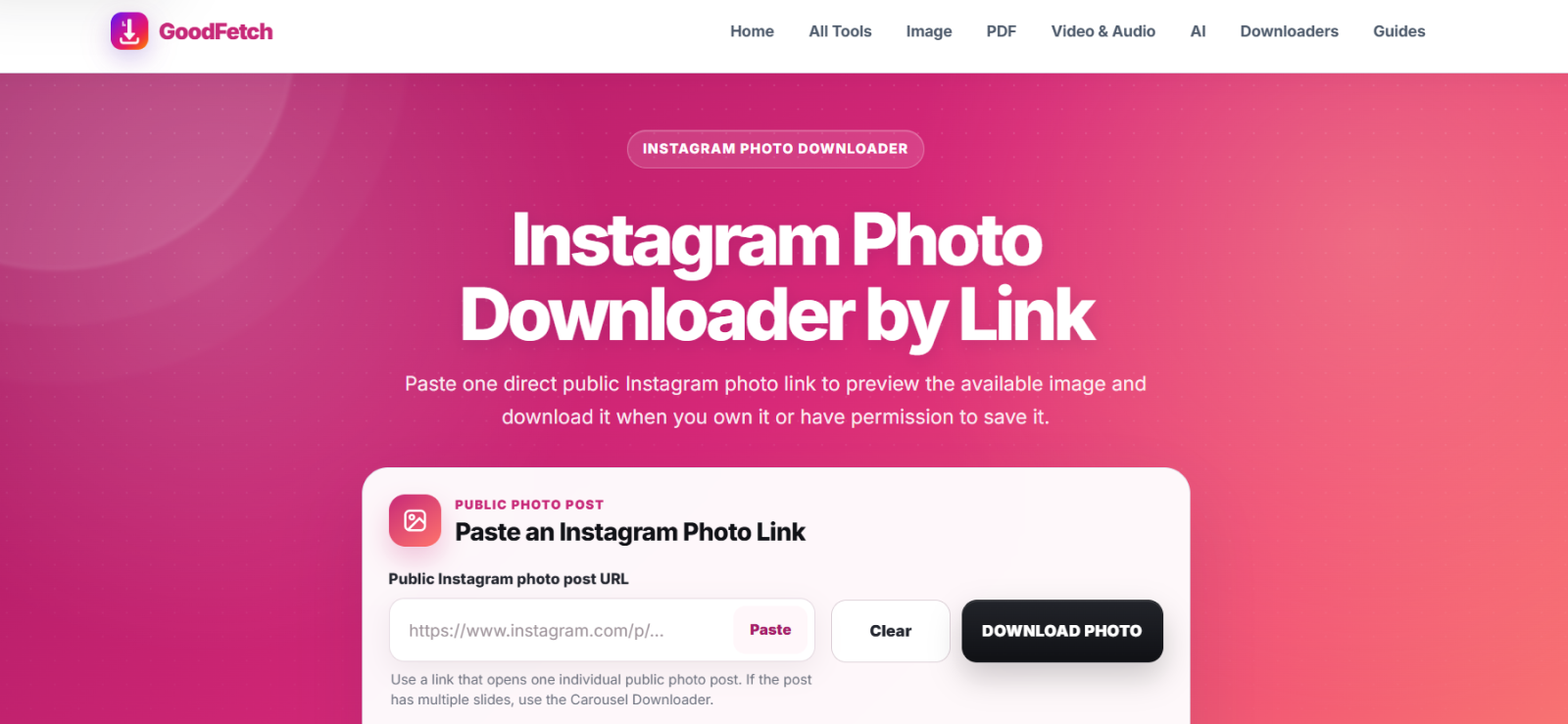
GoodFetch ranked seventh because it produced clear downloaded images but made the process less reliable and intuitive than the other dedicated tools.
The service only worked when we supplied the URL of an individual Instagram image. It did not successfully process carousel posts, which immediately reduced its usefulness for Instagram’s increasingly common multi-image format.
Its interface also creates unnecessary confusion. After pasting a URL, GoodFetch presents a Download button. That wording suggests the file will immediately save, but clicking it instead opens another screen containing a cropped image preview and a second download option.
The preview itself is not particularly useful because the full image is not visible online. The actual downloaded file, however, performed much better. It retained clear quality and suitable dimensions.
That said, reliability was the bigger problem. In seven out of ten download tests, the image successfully downloaded, but the website crashed immediately afterward. We then had to refresh the service before starting another lookup.
Unlike Viewri and Maskster, GoodFetch did not provide supplementary post information. Username, followers, caption, likes, comments, shares, reposts, and publication time were all absent.
We did not encounter a rate limit, but GoodFetch could not retrieve private-account images.
As an anonymous Instagram photo viewer, it therefore works best as a narrow downloader rather than a viewing tool.
GoodFetch Compatibility
GoodFetch is browser-based and can be used without installing dedicated software. Its core workflow depends on supplying the URL of an individual Instagram post.
GoodFetch Pricing
GoodFetch is entirely free to use.
GoodFetch Pros and Cons
| Pros | Cons |
| Clear downloaded images | Does not support carousel posts |
| Good download dimensions | Website prone to crashing after download |
| No rate limit encountered | Cropped online preview |
| Simple URL-based concept | Confusing two-step download flow |
| No captions, profile data, or engagement context | |
| Does not retrieve private posts |
Should I Use GoodFetch?
GoodFetch is reasonable when you already have the URL of a single public image and mainly care about downloading a clear copy. Its unstable workflow, lack of carousel support, and minimal contextual information make it less suitable for repeated photo research.
FAQs
Is an Instagram Image Viewing Tool Safe to Use?
Yes. An Instagram image viewer is usually safe as long as it does not require your login information. Applications that only require a public post URL present no account-security concerns compared to one requesting your Instagram password, verification code, or recovery details. So, avoid entering sensitive login information into unfamiliar third-party websites.
Can I View Instagram Photos Without Logging In?
Yes. Generally, private Instagram photo viewers can display publicly available Instagram photos without requiring you to log into an Instagram account. However, every tool’s capability can differ considerably. Some might support carousel posts and captions, while others will focus mainly on downloading images. No-login viewing still applies to public content; it does not provide automatic access to photos from private accounts.
Can Someone See If I Viewed Their Instagram Photos Through Insta Photo Viewers?
Usually, no. Third-party photo viewers typically retrieve publicly available Instagram content through their own interface, so the profile owner is not directly shown that you opened the photo through the viewer. However, this depends on how the specific tool works. If it requires you to log in with your Instagram account or redirects the request through your account session, the level of anonymity may differ. Tools that work without login generally provide more separation between your identity and the viewing activity.
Can an Instagram Viewer Show Photos From a Private Account?
No. Browser-based Instagram viewers generally depend on content that is already publicly accessible, so they cannot bypass a private account’s follower restrictions. On the other hand, device-monitoring apps work differently because they may show content already visible on an authorized managed device, but that is not the same as unlocking a private Instagram profile remotely.
Do I Need a Photo URL to Use an Instagram Photo Viewer?
It depends on the tool. Some viewers only work when you paste the direct URL of an Instagram photo, while others also accept usernames or profile links. Maskster, Viewri, and GoodFetch work most reliably with direct image URLs. StoryView accepts more than one input type, although profile-based results differed from direct post results. If a viewer supports multiple inputs, direct post URLs are usually the most precise option.
Leave a reply:
Your email address will not be published. Required fields are marked*
Stephen Hawks
Member since February 26, 2026
Stephen Hawks
Member since February 26, 2026
Stephen Hawks is a mobile app security and digital privacy analyst with over 12 years of experience evaluating mobile monitoring technologies, device tracking applications, smartphone data security risks, and more. He is particularly passionate about how monitoring apps function, what data they access, and how securely that data is stored.
Previously working as an IT forensics consultant, he specialized in analyzing app-level data exposure and digital evidence patterns on smartphones. Today, he focuses exclusively on mobile monitoring tools and tracking applications, with an emphasis on real-world performance and security vulnerabilities.
Moreover, he holds industry certifications including CompTIA Security+ and Certified Ethical Hacker (CEH).