6 Best Private Instagram Viewer Tools: 2026 Testing, Rankings & Reviews
 By Mike Everett
The complete monitoring experience for your phone
Get XNSPY and start tracking calls, texts, multimedia, locations and more on any phone!
Get Started Now Live DemoInstagram privacy settings can turn an ordinary profile check into a dead end. And it is particularly true for parents trying to understand who their teen is interacting with or what kind of content may be shaping their online experience. That limited visibility can quickly become frustrating.
This growing limitation has increased interest in tools that help parents view private Instagram profiles to ensure their child’s safety and verify the authenticity of accounts their child interacts with.
However, not all tools claiming to be a private Instagram account viewer work the same way. Some only display publicly available profile details, while others rely on device-level monitoring for deeper insights. Because of this, it is important to focus on tools that provide clear and verifiable results rather than relying on flashy unlock claims.
To find out which ones actually deliver, we tested each tool in real-world use to evaluate their output accuracy and analyzed their pricing transparency. Here is what stood out.
Quick Summary of Our Findings
- Parents often turn to Instagram viewer tools to understand their teen’s social exposure and the risks tied to disappearing content.
- Xnspy offers device-level visibility into a child’s Instagram private account along with detailed records of all other activities.
- GoonView, an Insta private account viewer, is useful for a free profile check, but it requires users to complete external tasks before showing more profile details, and those tasks do not yield any real results.
- AirDroid is a good alternative for families that want Instagram notification visibility and content alerts on a child’s Android phone.
- RizzyView can quickly show basic Instagram profile details, but it requires users to complete an external offer before showing more data, and that offer did not unlock any private content.
- PeekViewer returned follower and following counts, but its subscription is comparatively expensive.
- DF Viewer shows a polished basic profile preview, but its pricing only appears after users provide an email, and the ‘unlock-private-profile’ offer is misleading as it doesn’t return the desired results.
After Hands-On Testing, These 6 Instagram Private Account Viewer Tools Stood Apart
| Tool | Rating | Pricing | Best For | Main Drawback |
| Xnspy | 9.3/10 | Basic from $4.99/month; Premium from $7.49/month, billed annually | Authorized Instagram monitoring on a child’s phone | Requires device access and installation |
| GoonView | 8.9/10 | Free (for basic information) | Quick profile identification | Pulled basic private account data, but lacks in-depth insights |
| AirDroid | 8.4/10 | $9.99 monthly; $19.99 quarterly; $59.99 yearly | Android Instagram notifications and content alerts for parents | Instagram visibility is non-existent on iOS |
| RizzyView | 8/10 | Free (for basic information) | Fast profile preview with name, bio, and counts | Only pulls public data |
| PeekViewer | 7.7/10 | $50.99 for 1 month; $30.03/month for 3 months; $12.74/month for 12 months | Paid profile monitoring from a browser | High entry price |
| DF Viewer | 7.3/10 | 2-week plan: $0.99 per day;1-month plan: $0.89 per day;3-month plan: $0.69 per day | Browser-based profile previews | Does not fully disclose private accounts; only shows public data |
Why Are Private Instagram Account Viewers More in Demand Than Ever?
Instagram has become one of the deeply embedded social apps in teens’ lives, with 55% of U.S. teens using the platform daily and 12% checking it almost constantly. Given this level of engagement, it’s no surprise that Instagram continues to evolve its privacy features by giving users more control over who can view their content and interact with their profiles.
At the same time, Instagram’s privacy settings allow users to hide their posts, stories, and other profile activity from anyone they have not approved.
With so many teenagers using the platform, this limited visibility can leave parents with several unanswered questions about kids’ Instagram usage and online interactions. This helps explain the growing demand for private Instagram viewer tools, as parents seek more context while navigating the boundaries created by the platform’s privacy controls.
How We Selected the Top Instagram Private Profile Viewer Tools
Finding a private Instagram account viewer that returns reliable information requires more than checking whether a website loads. To ensure consistency, we conducted multiple test sessions for each tool across different days and focused exclusively on private profiles.
For browser-based testing, we used Google Chrome, Safari, Opera, and Microsoft Edge, and for mobile testing, we used both Android and iOS devices.
Each tool was tested at least three times per profile to verify accuracy, loading behavior, information accuracy, and consistency of results. We didn’t want to rely on publicly available claims; we wanted to see what actually works and where these tools lack. We then assessed each option against the following criteria.
Verified Profile Retrieval and Accuracy — 35%
We verified usernames, display names, profile images, biographies, and account counts during testing. Tools lost points for missing identity details or imitation Instagram signals.
Evidence of Private-Account Access — 25%
A tool received no credit merely for claiming it could unlock a profile. Because Instagram restricts private posts to approved followers, we required observable evidence rather than loading bars or generic success screens.
Privacy and Payment Safety — 15%
We noted credential requests, registration, outside offers, and recurring-billing disclosures. Any private Insta viewer asking for an Instagram password deserves caution; Instagram lets users review connected third-party apps and websites.
Ease of Use for Parents and Families — 10%
We examined how quickly a parent could locate a profile, understand the result, and distinguish visible data from locked or unverified content. Clear labels and straightforward pricing scored better than theatrical unlock sequences.
Consistency Across Browsers and Devices — 10%
Browser-based tools were checked for usability on mobile and desktop layouts. Installed applications were assessed by supported operating systems and whether Instagram-specific visibility changes between Android and iOS.
Value and Pricing Transparency — 5%
The final score considered not only cost, but also when the cost appeared. A low advertised price has limited value when the user does not see renewal terms or the final charge until late in the sign-up process.
6 Best Instagram Private Viewer Tools That Stand Out
Not all claims made by these tools about unlocking private Instagram accounts are entirely accurate, so we focused on what actually works in practice. The following are the 6 tools that actually worked after testing.
1. Xnspy
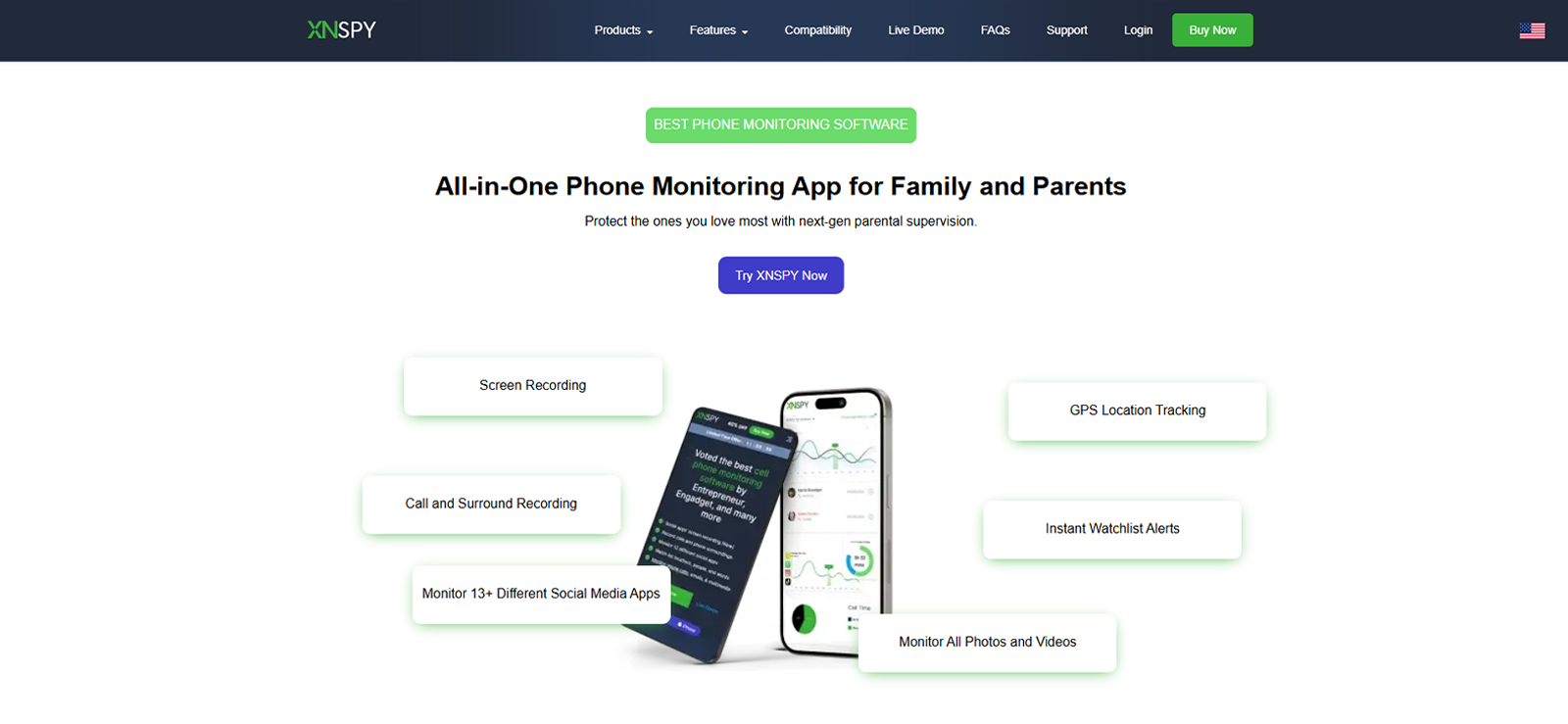
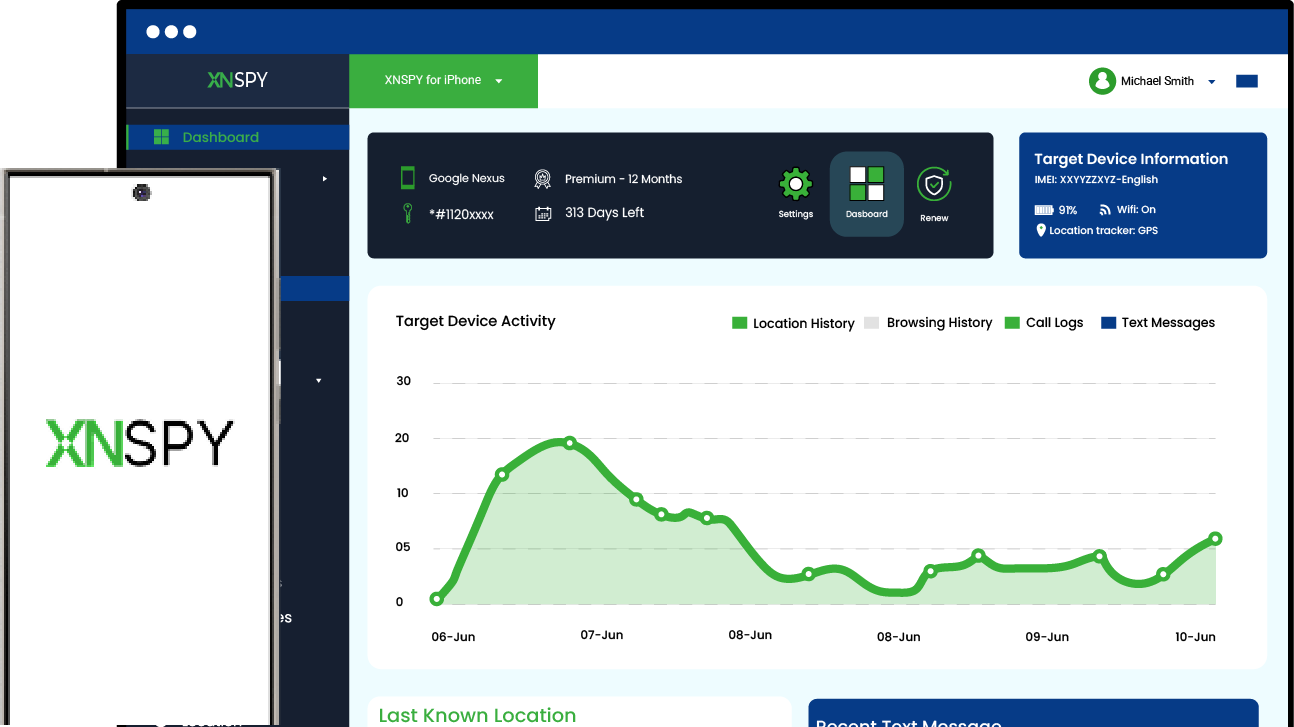
Xnspy works as a private IG account viewer by letting you access activity from a specific Instagram account through the target device. Rather than relying on unreliable username-based methods, it retrieves Instagram data directly from the device and syncs it to a secure online dashboard.
Beyond viewing private Instagram account activity, it also provides a complete picture of Instagram usage. So if the kid is posting, messaging, browsing Stories, or liking content, those activities are captured through periodic screen recording and activity logs.
In our testing, Xnspy surfaced Instagram activity via its screen recorder feature, which captures screenshots at 5-second intervals while the device is in use. These screenshots then appear in a well-organized dashboard that allows parents to review what their kids were doing on Instagram, such as typing messages, viewing Stories, opening private profiles, or browsing content.
Other than that, the keylogger records all keystrokes made on the monitored device. This way, parents can verify whether the child has a private account if he types in a different username or has been interacting with unknown people.
Our reviewer noted that because screenshots are captured at such short intervals, a large volume of data can accumulate over time, which might make it harder for parents to manually scan through everything when looking for something specific.
The dashboard’s search filter helps offset this by allowing activity to be narrowed by app or timeframe, though it still requires a bit of extra navigation to isolate Instagram-specific moments from the rest of the captured activity.
Based on our observations and testing of conventional profile viewers, Xnspy offers a more detailed picture of a child’s Instagram activity. Rather than presenting only a static view of the account, it can help parents understand how their child is using the platform and their ongoing interactions.
Xnspy Compatibility
Xnspy is compatible with both Android and iOS devices. To check whether it works on a specific target phone, Xnspy offers an online compatibility checker.
Xnspy Pricing
Xnspy offers Basic and Premium plans, each with a different price point:
- Basic: $4.99/month
- Premium: $7.49/month
Xnspy Pros & Cons
| Pros | Cons |
| Frequent screenshot capture (every few seconds) builds a near-complete activity trail | Requires Physical device access for installation |
| Search filter helps narrow down large volumes of captured data | Fast capture intervals generate large amounts of data, making manual review time-consuming without using filters |
| Covers multiple apps beyond Instagram | Higher battery drain from continuous background activity |
| Works across Android & iOS |
Should I Buy Xnspy?
Xnspy is a strong choice for parents who want to see their child’s hidden Instagram profiles. When the real goal is to understand what a teen sees or receives inside Instagram, Xnspy’s device-level monitoring provides more context than a browser-based Instagram private viewer.

Get Direct Access to Private IG Profile With Xnspy
Stay informed with reliable Instagram insights to ensure your child’s safety.
– Monitor Instagram activity directly on the device
– Review interactions through a secure dashboard
– Get real-time Instagram visibility
– Available for both Android and iOS
2. GoonView
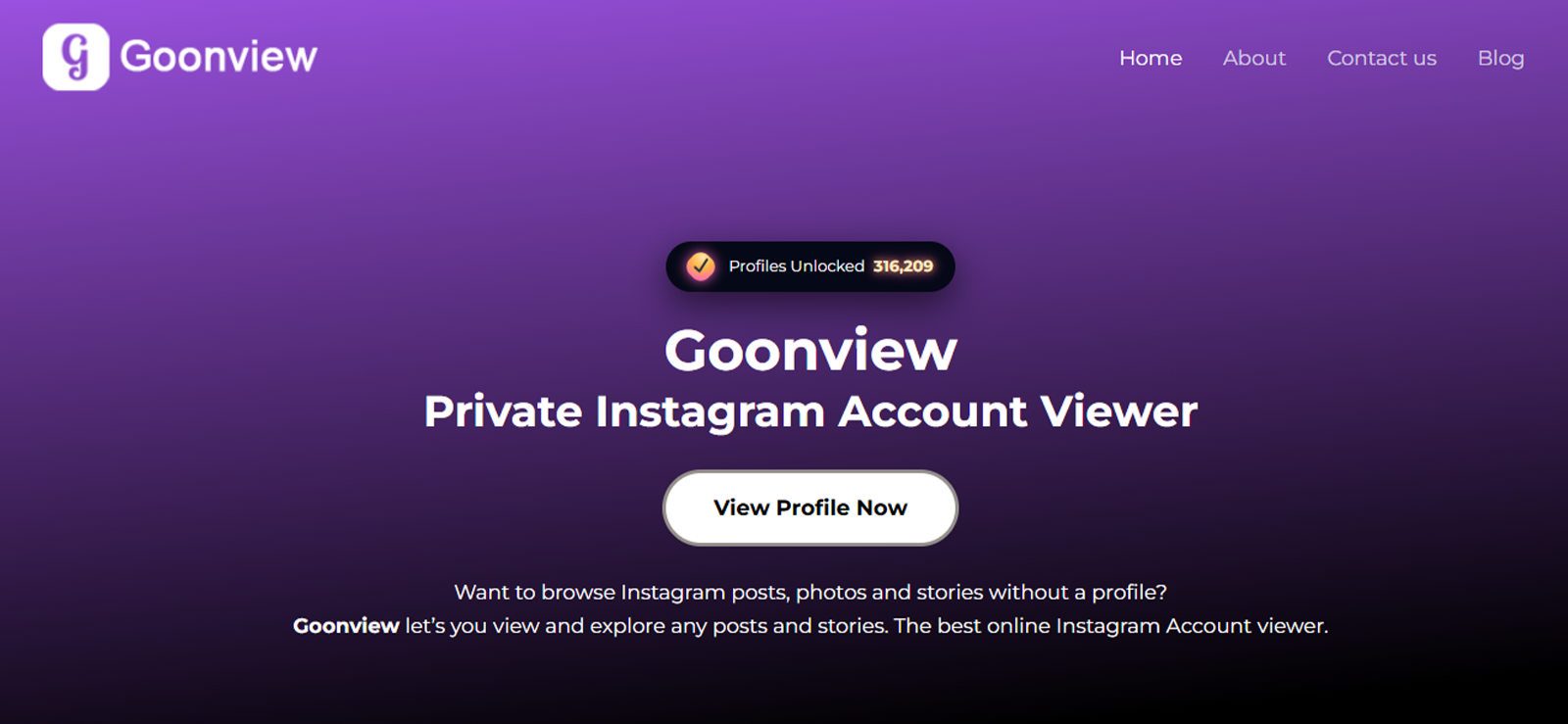
No login screen. No account required. GoonView presents itself as a simple private IG viewer tool that is built around a single function: type in a username, and it pulls up whatever the profile offers.
The flow is straightforward: enter the Instagram username, hit search, verify the profile’s identity, and the tool loads the profile details into a single-page view. There’s no dashboard to navigate and no setup involved, which makes it a more frictionless tool to use in this category.
In our testing, we searched a private Instagram username to see if the tool actually works. After entering the username, the tool displayed the profile and asked us to verify the account’s identity. After confirming the account, it pulled up the private profile, though with one drawback.
It only revealed the basic public information you can see on a private profile. The follower count, following count, and post count all lined up accurately with the profile. The bio text was also pulled correctly and displayed in full.
But all this information isn’t truly accessible; you can see the private account, but you can’t see who they are following or what they have posted. Our UX/UI designer also noticed that GoonView showed a colored ring around the profile image indicating that the profile had posted a story, but that visual can be misleading if the account has no stories posted.
The main limitation appears once you try to move beyond the initial profile preview. GoonView requires users to complete a task before proceeding. This could be anything from watching a video to installing a game or opening a YouTube video to increase its views. Completing these tasks still does not guarantee that you will actually get access to the private Insta profile.
There is also a safety concern here because some of the websites linked through these task flows can be risky, especially if they request permissions or require sign-ups outside the GoonView page. We also tried completing these tasks, but they kept leading to additional tasks, and eventually we stopped as there were no logical results.
For parents, GoonView may be useful for confirming basic profile information, such as follower counts, bio text, or whether an account exists. Realistically, however, it cannot reveal private posts or follower lists, so it should be treated as a limited profile-checking tool rather than a way to monitor a child’s private Instagram activity.
GoonView Compatibility
GoonView runs entirely in the browser, with no app to install. It works across desktop and mobile browsers alike, including Android, iOS, and standard desktop operating systems.
GoonView Pricing
- Free for basic profile lookup.
- Falsely claims to unlock private profiles after completion of tasks such as watching a video or downloading a game.
GoonView Pros & Cons
| Pros | Cons |
| Simple browser-based tool with no login or dashboard setup required | Only shows basic public profile information, not private posts, follower lists, or following lists |
| Free for basic profile lookup | Requires users to complete external tasks to move beyond the initial preview |
| Displays follower count, following count, post count, and bio | Completing tasks does not guarantee access to the private Insta profile |
| Works across desktop and mobile browsers | Linked task flows can be risky and may keep redirecting users to more tasks without clear results |
Should I Buy GoonView?
Based on our testing, GoonView is reasonably accurate for surface-level profile data like counts and bio content, and it’s easy to access without installing anything, but it does not work as a private Insta viewer. It may suit someone who wants a quick look at basic private profile stats, but it does not provide access to private posts or follower lists.
3. AirDroid
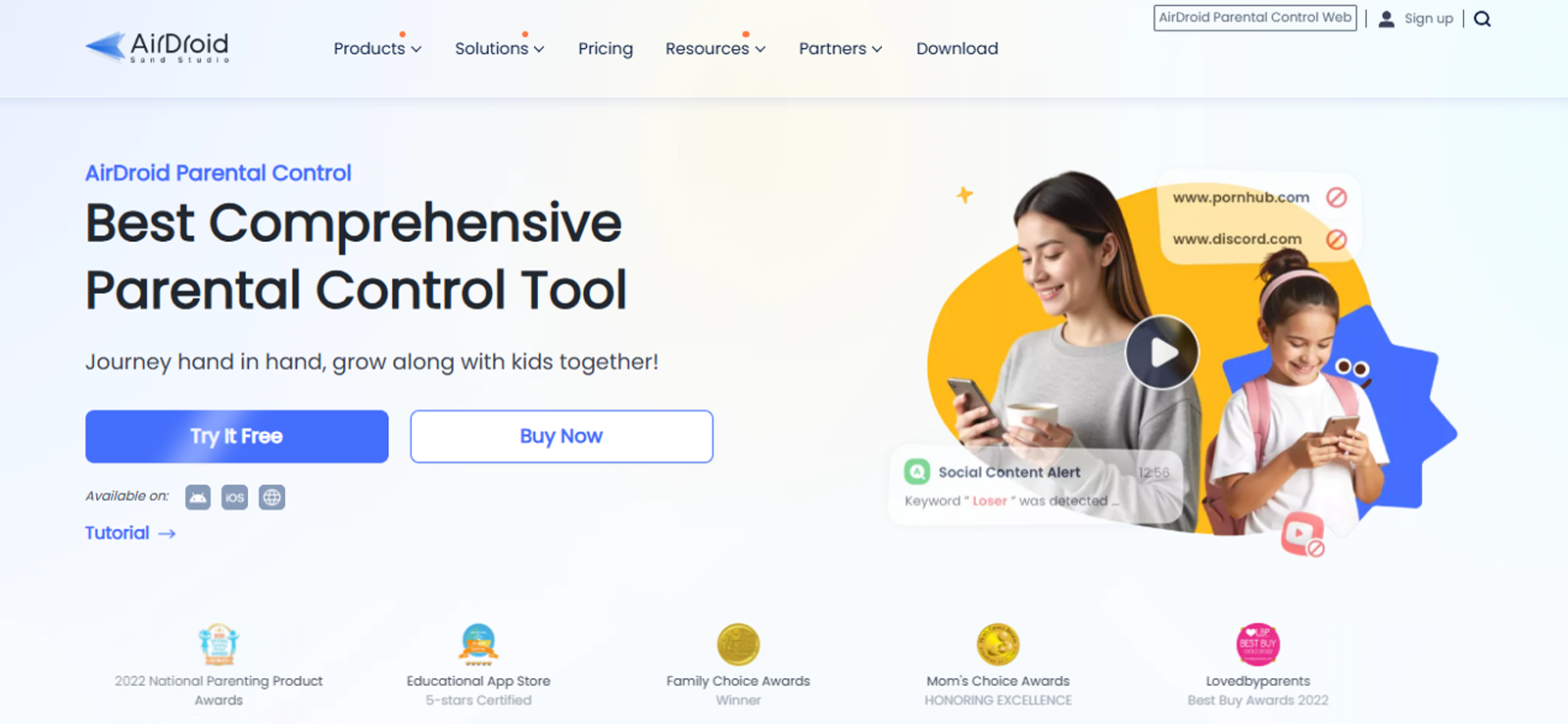
AirDroid takes a different approach from conventional Instagram private account viewer tools. It does not ask users to enter an Instagram username or attempt to open a private profile directly. Instead, AirDroid Parental Control works at the device level by connecting a parent’s dashboard to their child’s phone.
During our evaluation, screen mirroring was the feature that came closest to private Instagram account viewing. Once the account was set up, we could view the Instagram content appearing on its screen. So, if the child has a private account and opens its posts, Reels, Stories, or profile, that activity can also become visible through the mirrored screen.
However, this only worked on Android devices, as on iOS, AirDroid functionality is limited, and the screen capture didn’t work there. Our software researchers also observed that certain features depend heavily on device settings and permissions, even on Android.
For example, notification-based insights may be limited if previews are disabled on the monitored device, and some monitoring capabilities require continuous background access to function properly.
For non-technical parents, this level of setup may feel difficult to manage without guidance.
Overall, while AirDroid offers a structured monitoring approach, its effectiveness is tied to device compatibility, user permissions, and the level of access already available on the monitored Instagram account.
AirDroid Compatibility
AirDroid Parental Control supports monitored devices running:
- Android
- iOS (features are limited on iOS)
AirDroid Pricing
AirDroid Parental Control offers three Premium billing options:
- Monthly: $9.99/month for up to 2 connected devices
- Quarterly: $19.99 every three months, equivalent to approximately $6.66/month, for up to 10 devices
- Yearly: $59.99/year, equivalent to approximately $5/month, for up to 10 devices
AirDroid Pros & Cons
| Pros | Cons |
| Monitor private Instagram activity | Does not function as a simple username lookup |
| Syncs Instagram notifications from Android devices | Requires installation and authorized access to the child’s device |
| Supports keyword-based social content alerts | Instagram-specific monitoring is more limited on iOS |
Should I Buy AirDroid?
AirDroid works for viewing Instagram activity only when the monitored Android device already has access to the private account, as it mirrors on-screen content and notifications. It does not unlock profiles independently. And if parents are looking for iOS-based tools, their effectiveness is limited on iOS, where key monitoring features like screen mirroring and detailed social tracking are restricted.
4. RizzyView
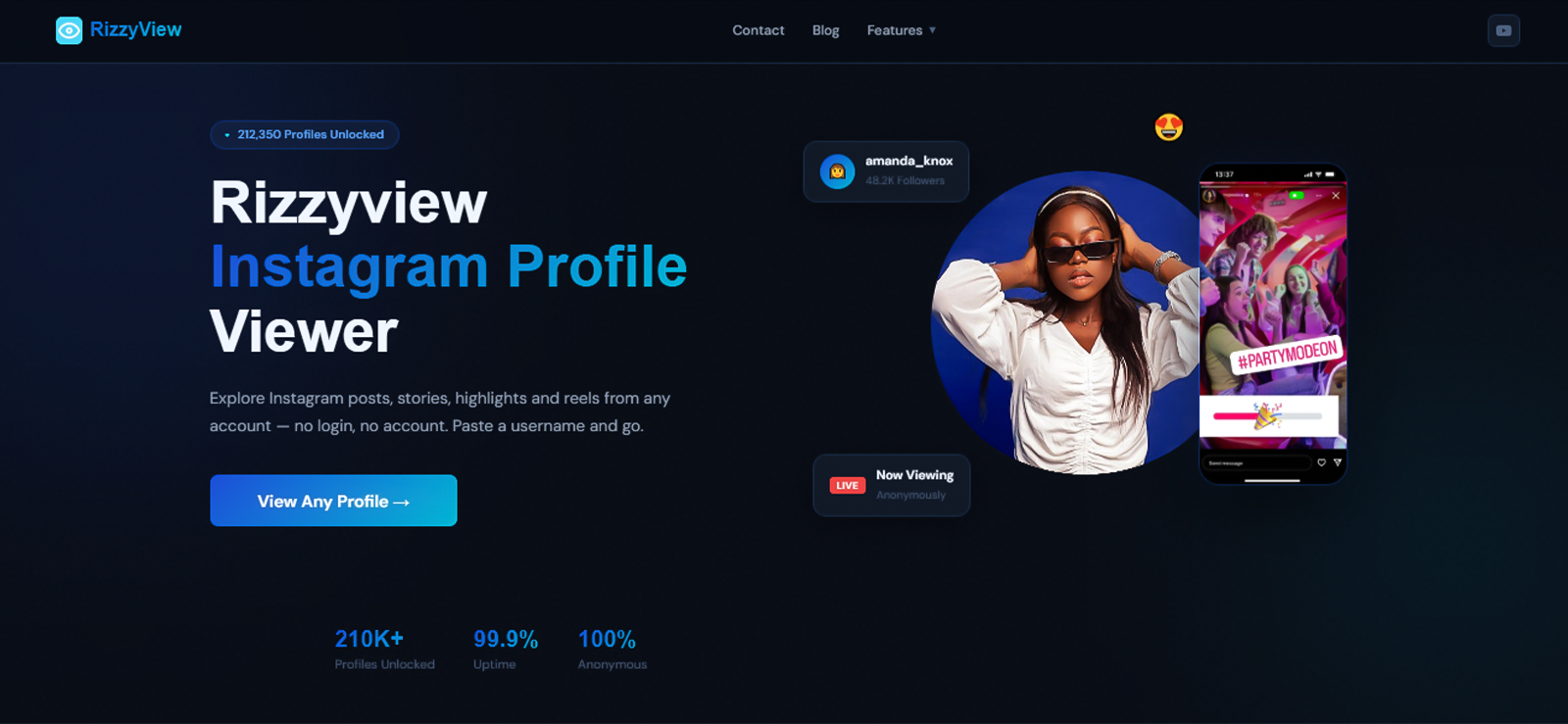
RizzyView is a browser-based tool that claims to provide access to profiles, posts, Stories, and Highlights without requiring an Instagram login. However, during our testing, its actual functionality was more limited than these claims suggest.
After entering the username, RizzyView successfully pulled up the Instagram profile and displayed the correct profile name, bio, follower count, and following count, and the results loaded without requiring us to connect an account.
However, an issue appeared when we tried to access the complete results. The tool displayed basic profile information first but required us to complete an external offer to unlock the remaining data. During testing, the offer asked us to install WPS Office, but even after installing the app, the tool did not load any private profile information. Instead, we kept moving back and forth between the offer page and the viewer page without seeing any real results.
This made the “complete an offer to unlock private profile” more like clickbait rather than a reliable way to view private Instagram content.
Overall, RizzyView worked for retrieving basic Instagram profile details, but it cannot be considered a working Instagram private account viewer tool, as it did not provide the level of access required for private accounts.
RizzyView Compatibility
RizzyView works directly through a web browser and does not require software installation. Therefore, it can be accessed on Android phones, iPhones, tablets, Windows computers, and Macs through a browser.
RizzyView Pricing
RizzyView’s basic Instagram-viewing features are advertised as free, with no credit card or subscription required.
RizzyView Pros & Cons
| Pros | Cons |
| Displays profile information | Limitations compared to a private IG viewer |
| Provides correct follower and following counts | Requires users to complete an external offer to unlock remaining data |
| Does not require an Instagram login | Installing the requested offer app did not unlock any private profile information |
Should I Buy RizzyView?
RizzyView can help parents verify basic profile details, such as the name, bio, and follower count. However, it did not show private posts, Stories, or Highlights during testing, even after completing the required offer. For parental oversight, it works better as a basic profile-checking tool than a private Instagram viewer.
5. Peekviewer
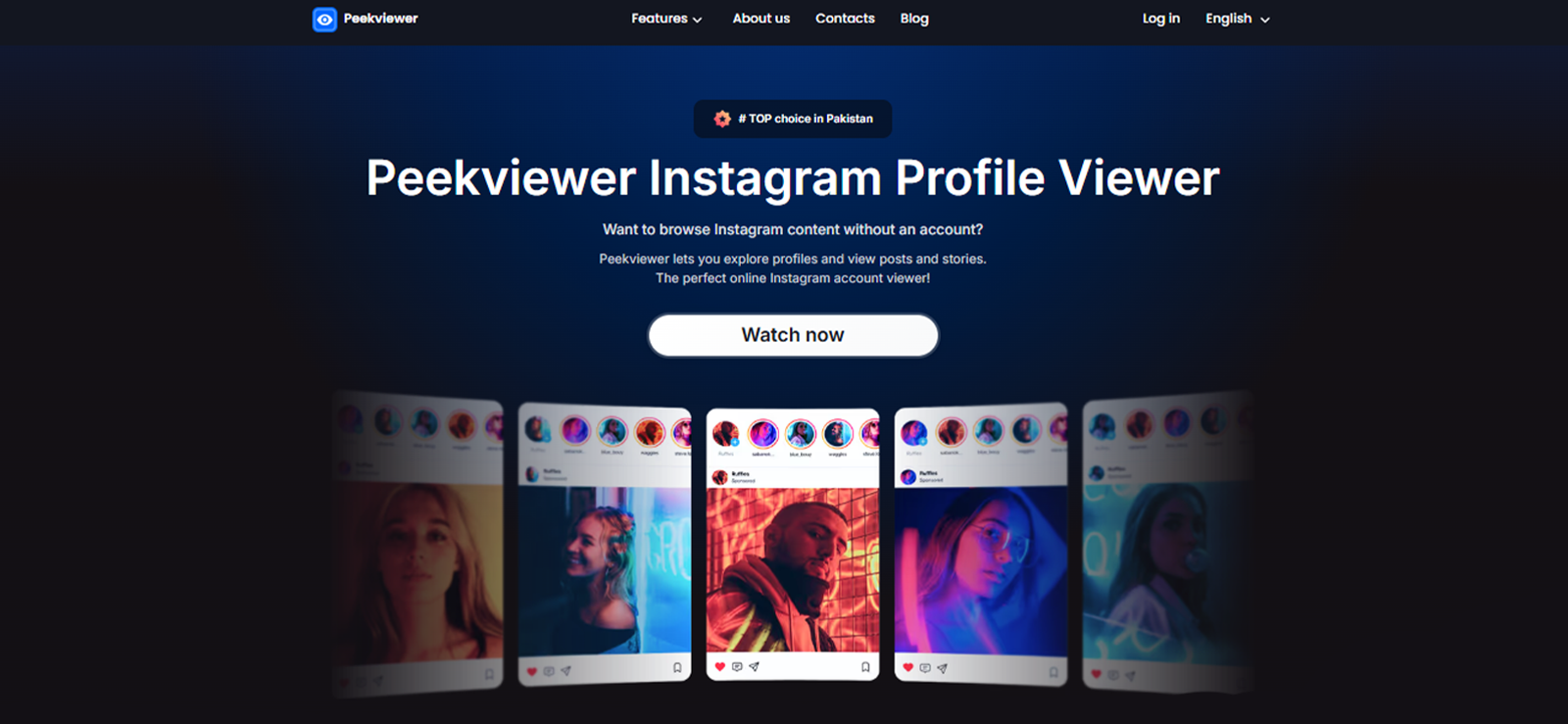
PeekViewer presents itself as an Instagram profile viewer capable of showing content from both public and private accounts. In our test, however, the tool only pulled information that was already publicly visible on Instagram.
After entering the username, PeekViewer displayed the profile name along with follower and following counts. It did not show the account bio, and we were unable to access private accounts’ posts, Stories, Reels, or any other restricted content.
The profile picture also appeared with a Story ring around it, which creates the impression that an active Story is available, but the indicator did not confirm that PeekViewer had actually retrieved any Story content. Users may therefore mistake a visual design element for successful private-account access.
When we tried to move past the profile preview, PeekViewer asked us to complete two steps: first, signing up for an account, and then purchasing a plan. This can create the impression that paid access may unlock the private profile, but PeekViewer’s own feature set appears to focus more on Instagram activity tracking than true private-profile access.
It promotes features such as new posts, content, location tags, cloud space, hot likes, new following, new followers, and comments, which makes it feel closer to an Instagram reach or activity tracker than a tool that can actually open private profiles.
Based on our testing, PeekViewer worked more like a basic Instagram profile lookup tool than a dependable private account viewer. The information it returned was accurate, but it was limited to public profile details.
PeekViewer Compatibility
PeekViewer works on most devices via a browser without login or installation for basic profile lookup, but to unlock more features, you have to sign up.
PeekViewer Pricing
PeekViewer offers separate paid plans for viewing Instagram profiles. The final price varies according to the selected account type and subscription duration. However, it’s free for pulling basic private profile information.
Recently listed prices are:
- 1 month: $50.99
- 3-month plan: $30.03 per month
- 12-month plan: $12.74 per month
It is also worth noting that PeekViewer does not clearly guarantee that purchasing a subscription will reveal genuinely private information or content that is otherwise restricted on Instagram.
PeekViewer Pros & Cons
| Pros | Cons |
| Displays the correct Instagram profile name | Only basic public profile information was confirmed |
| Does not require Instagram login credentials | Private-account access could not be verified |
| Works through a web browser | Paid access may not provide the expected private content |
Should I Buy PeekViewer?
Parents may use PeekViewer to confirm an Instagram profile’s name and follower count information without logging into their own account. However, because our test only returned public details and did not verify access to private content, it is not a reliable option for monitoring a child’s interactions with private Instagram accounts.
6. DF Viewer
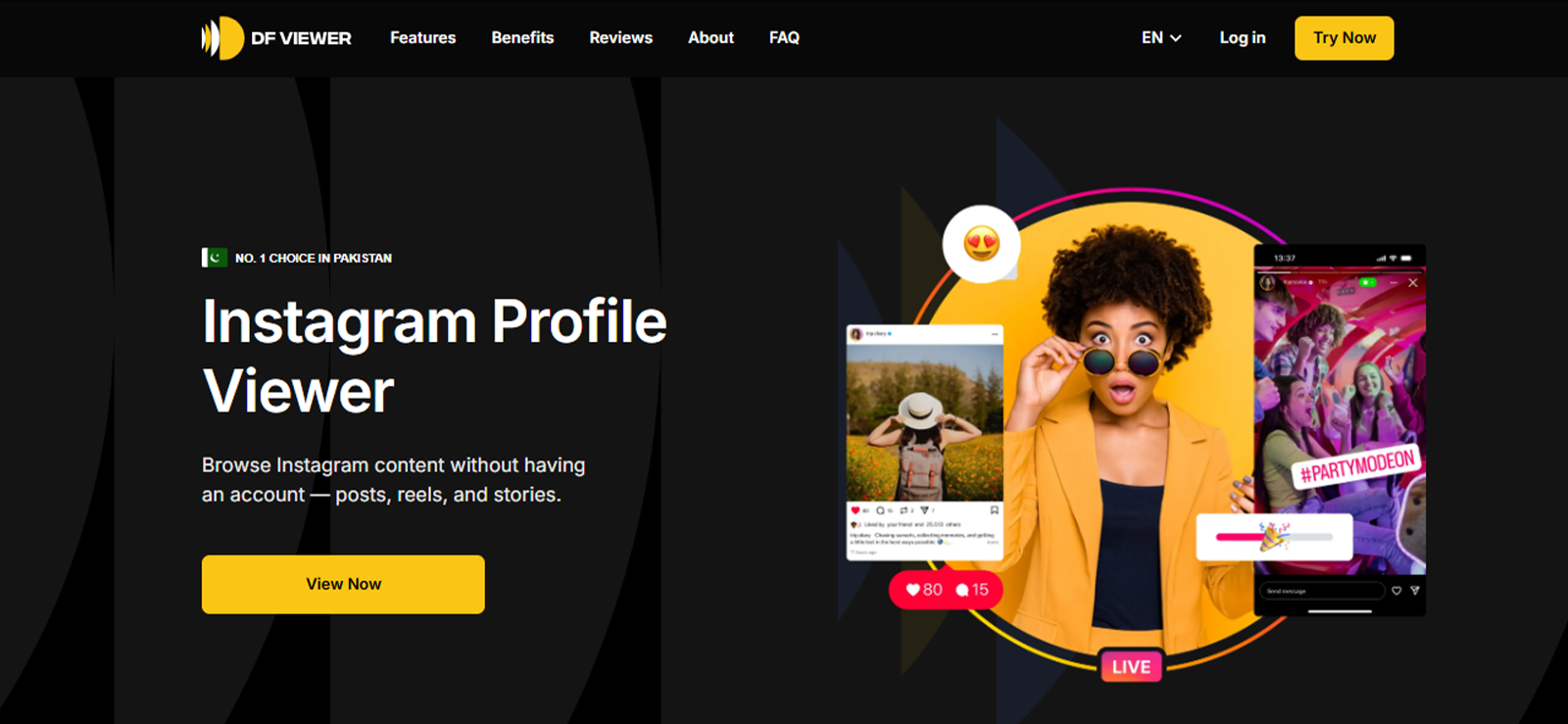
DF Viewer certainly knows how to dress up a search result. It serves as a browser-based private Instagram profile viewer tool that presents basic account details in a polished, Instagram-like format, then prompts users to unlock more information.
Upon testing, the profile picture appeared alongside the username and follower and following counts, giving the initial preview a convincing Instagram-like appearance.
However, the account bio was missing, and our test did not confirm access to private posts or Stories. A blue verification tick also appeared beside the username, but we could not establish whether it reflected the account’s actual verification status, which could be largely misleading.
Similarly, the profile picture was surrounded by a Story ring, although no accessible Story had been confirmed. These visual cues can make the result look more complete than it really is. In practice, DF Viewer initially provided basic profile information rather than verifiable private-account content.
When we attempted to proceed further, the tool asked us to log in or create a DF Viewer account. The complete profile remained locked behind a subscription that required us to provide an email address and add payment details before we could discover whether the promised content was available.
DF Viewer Compatibility
DF Viewer works through a web browser and can be used across Android, iOS, Windows, and macOS devices without installing an app. Although the initial profile search is browser-based, viewing the full dashboard requires users to create a DF Viewer account and purchase a subscription.
DF Viewer Pricing
DF Viewer does not display its subscription prices clearly on the main landing page. After locating a profile, users are prompted to sign up, select a plan, and enter payment information to unlock the complete results.
DF Viewer offers three pricing options:
- 2-week plan: $0.99 per day
- 1-month plan: $0.89 per day
- Marked as the most popular plan
- Includes all features
- Fully anonymous
- No installation required
- 3-month plan: $0.69 per day
DF Viewer claims that its paid plans can reveal private Instagram information. However, users should be cautious when a browser-based tool requests subscription payments without offering a verifiable app or a clear explanation of how it obtains restricted data. This type of setup can be associated with misleading services, and paying does not guarantee that genuine private Instagram posts or account details will be provided.
DF Viewer Pros & Cons
| Pros | Cons |
| Displays the correct profile upon searching | Does not fully disclose private accounts; only shows public data |
| Works through a browser without installation | Blue tick may imply unverified verification status |
| Basic profile lookup is easy to use | Requires account registration and payment details |
Should I Buy DF Viewer?
DF Viewer may be useful for a quick check of basic Instagram profile details, but its value becomes less clear once payment is required. Since private content was not confirmed during testing and some visual indicators may be misleading, it is best to approach it with realistic expectations before purchasing a plan.
FAQs
Can you view a private Instagram account without following it?
Instagram says posts on a private account are visible only to approved followers. A browser tool may still show public profile information such as a username, profile photo, bio, or follower counts, but it cannot be assumed to unlock private posts. The reliable options are receiving follower approval or using lawful parental monitoring on a child’s authorized device.
Do Insta private account viewer tools really work?
They work to different degrees. Some accurately retrieve public profile metadata, while parental monitoring applications can show Instagram activity occurring on an authorized child’s phone. Claims of instant private-post access should be treated as unverified unless the tool demonstrates where the data comes from. Loading animations, verification badges, and “profile unlocked” messages are not proof by themselves.
What is the safest private Insta viewer for parents?
For ongoing parental oversight, a device-based Instagram private profile viewer such as Xnspy or AirDroid is generally more credible than an anonymous unlock website because it collects Instagram activity from a phone the parent is authorized to supervise. Parents should use monitoring openly where appropriate, follow local law, protect dashboard credentials, and avoid any website that requests the child’s Instagram password.
Is there a free private Instagram profile viewer with no survey?
Free tools such as RizzyView may provide an initial profile preview without a card, but deeper results can still be placed behind an offer, survey, trial, or subscription. A genuinely free tool is most likely to show only information Instagram already makes public. Read every offer’s billing terms and do not assume “complete one offer” means no charge.
Can a private IG account viewer show posts, reels, or messages?
A username-based private Instagram account viewer cannot be presumed to show locked posts or reels because Instagram restricts private content to approved followers. Direct messages are even more restricted. Installed parental applications may capture Instagram activity from a child’s authorized device, but the exact data depends on the operating system, permissions, notification settings, and the application’s current technical support.
Xnspy: See What Other Profile Viewers Leave Out
Turn Instagram activity into meaningful insights with powerful monitoring.
Leave a reply:
Your email address will not be published. Required fields are marked*
Mike Everett
Member since October 20, 2014
Mike Everett
Member since October 20, 2014
Mike Everett is a consumer technology journalist with expertise in hands-on testing and evaluation of iOS and Android monitoring applications. With over 11 years in the industry, he focuses on how mobile monitoring tools perform in real-world conditions, including accuracy, feature reliability, device compatibility, and practical usability for parents.
He conducts live-device testing of monitoring apps to assess how well their features function beyond marketing claims. His work primarily includes comparative reviews, feature breakdowns, and buyer-focused guides designed to help parents understand which tools actually deliver usable results in everyday scenarios.