7 Best Instagram Reel Viewer Tools: We Found the Standouts After Testing
 By Stephen Hawks
The complete monitoring experience for your phone
Get XNSPY and start tracking calls, texts, multimedia, locations and more on any phone!
Get Started Now Live DemoInstagram doesn’t make browsing Reels without an account particularly convenient. While some public Reels may open through direct links, login prompts and restricted browsing often make it difficult to explore an account’s videos freely. Even when you can access a Reel, downloading it or checking its engagement details isn’t always straightforward.
This is where third-party Instagram Reels viewer tools come in. However, not all of them perform the same, and their capabilities vary considerably. Some viewers miss Reels, display inaccurate engagement statistics, or restrict the number of free searches. Others offer broader viewing context but require installation and device-level access.
To find out which ones performed reliably, we tested seven Instagram Reel viewing tools. During evaluation, we examined their content retrieval, engagement accuracy, playback functionality, and overall usability.
Here’s how they performed and where each one fell short.
7 Best Anonymous Instagram Reel Viewer Tools at a Glance
- Xnspy: Best for parents who want to review Instagram Reel activity on an authorized device through automatic screen captures.
- Inflact: Best for viewing public Instagram Reels with captions, posting dates, and engagement statistics, but some Reels and comment counts may be inaccurate or missing.
- Tracygram: Best for Reel playback controls and viewing selected comments, although its engagement statistics were largely unreliable in our tests.
- PvGram: Best for free, repeated Reel viewing with captions and reliable like and comment counts, despite slow loading and inconsistent play counts.
- FamiSafe: Best for parents who prefer scheduled or on-demand screenshots of Instagram activity, but its capture intervals can miss shorter Reels.
- IGExport: Best for watching and downloading recent public Reels without additional post information, although profile searches are limited to Reels among the 12 latest posts.
- AirDroid: Best for parents who want to view Instagram Reels through live screen mirroring, provided they can accommodate connection delays and the absence of continuous recording.
7 Best Instagram Reels Viewer Online Tools: Side-by-Side Comparison
| Tool | Pricing | Best For | Main Drawback |
| Xnspy | Basic from $4.99/month, billed annually | Reviewing Instagram Reel activity through automatic screen captures | Requires device-level setup; five-second capture gaps |
| Inflact | Limited free access; paid plans available | Viewing public Reels with captions and engagement information | Missed a Reel and returned an inaccurate comment count |
| Tracygram | Free lookups with limits; additional credits available | Reel playback options and viewing comments | Inaccurate engagement statistics |
| PvGram | Free | Repeated Reel viewing with captions and downloads | Slow loading and inaccurate play counts |
| FamiSafe | From $4.99/month, billed annually | On-demand and scheduled parental screen captures | Screenshot delays and missed short-duration content |
| IGExport | Free | Simple Reel playback and downloading | Profile searches cover only the latest 12 posts |
| AirDroid | From $9.99/month on monthly billing | Live Instagram screen mirroring | Connection lags and no automatic recording history |
How We Tested Each Instagram Reel Viewer Without Account for Fair Scoring
The tools included in this comparison do not all access Instagram Reels in the same way.
Therefore, measuring every product solely by how quickly it retrieves a public profile would not provide a fair assessment.
Browser-based Reel viewers retrieve publicly accessible Instagram content. Their usefulness depends on whether they display the expected Reels, preserve accurate information, and provide reliable playback or downloading features.
Parental monitoring tools such as Xnspy, FamiSafe, and AirDroid take a different approach. They depend on access to a supervised device and display or capture Instagram activity taking place on that phone.
Our three-person team, consisting of a consumer technology journalist, a product reviewer, and a UX researcher, evaluated these categories using different practical scenarios.
We organized the findings around four assessment areas:
Reel Access and Viewing Context — 40%
Our largest evaluation category focused on how much useful Reel information each tool could provide.
For each tested public Instagram reel viewer without account, we examined whether they retrieved the expected Reels, displayed them in the correct posting order, and preserved captions, posting dates, comments, and engagement statistics.
For parental monitoring applications, we concentrated on the Instagram screens captured or displayed during device activity.
A tool was considered less complete when it omitted available Reels, displayed only the video without its accompanying information, or failed to preserve relevant activity on the supervised device.
Reliability and Retrieval Consistency — 30%
A Reel viewer that works for one search but fails on another becomes less practical for repeated use.
We therefore examined missing Reels, loading delays, unsuccessful downloads, screenshot delivery failures, and unstable mirroring sessions.
We also considered whether a failed operation could be completed after another attempt and how much additional effort that required.
Engagement Accuracy and Content Freshness — 20%
Retrieving the right Reel was only part of the evaluation.
For browser-based tools, we compared displayed play counts, likes, comments, captions, and publication information with the original Instagram content.
This was particularly important because an inaccurate engagement figure can be misleading even when the video itself plays correctly.
For monitoring applications, we focused instead on whether captured screens preserved the engagement information visible at that moment.
Usability, Playback Options, and Access Requirements — 10%
Finally, we considered the effort required to use each tool.
This included installation, accepted search inputs, playback controls, picture-in-picture functionality, download responsiveness, free-use limits, synchronization delays, and device compatibility.
We also distinguished between tools that preserve previous activity and those that only display what is currently happening.
7 Best Anonymous Instagram Reel Viewer Tools We Tested for Performance and Reliability
The seven tools below offer different approaches to Instagram Reel viewing. Some are better suited to checking public profiles, while others provide parents with additional context around the content appearing on a child’s supervised device.
Here is how each performed during our testing.
1. Xnspy — Best for Reviewing Instagram Reel Activity on a Supervised Device
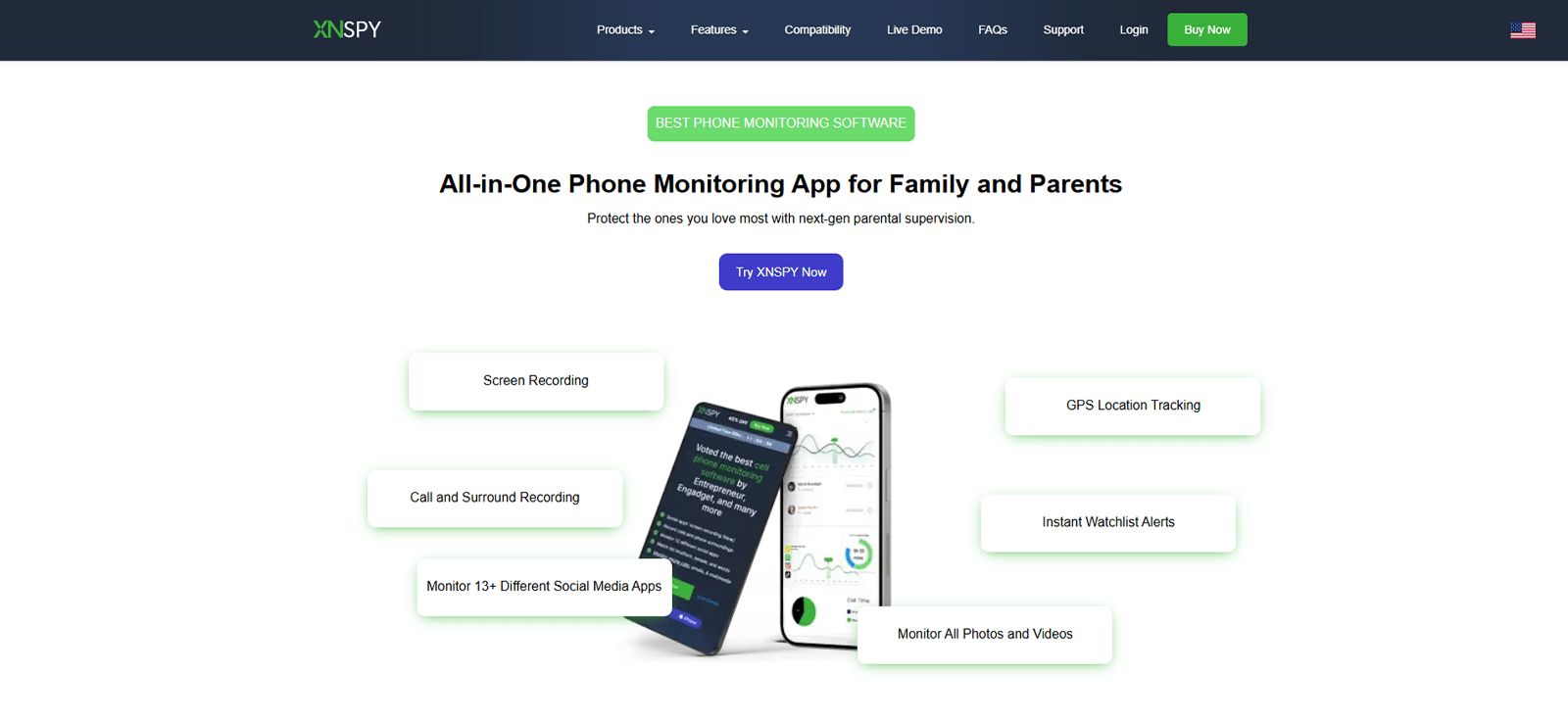
Xnspy approaches Instagram Reel viewing differently from browser-based services. Rather than requiring a username or individual Reel URL, it uses device-monitoring functionality to capture Instagram activity appearing on an authorized phone.
This makes it particularly relevant for parents who want to understand the kind of Reels their children spend time watching or interacting with.
Installation was straightforward during our test, although it involved considerably more steps than opening a browser-based Instagram viewer. The application needed to be configured on the supervised device before the captured information could be accessed from its web dashboard.
For testing, we focused on Xnspy’s Screen Record feature and conducted 20 controlled Instagram sessions.
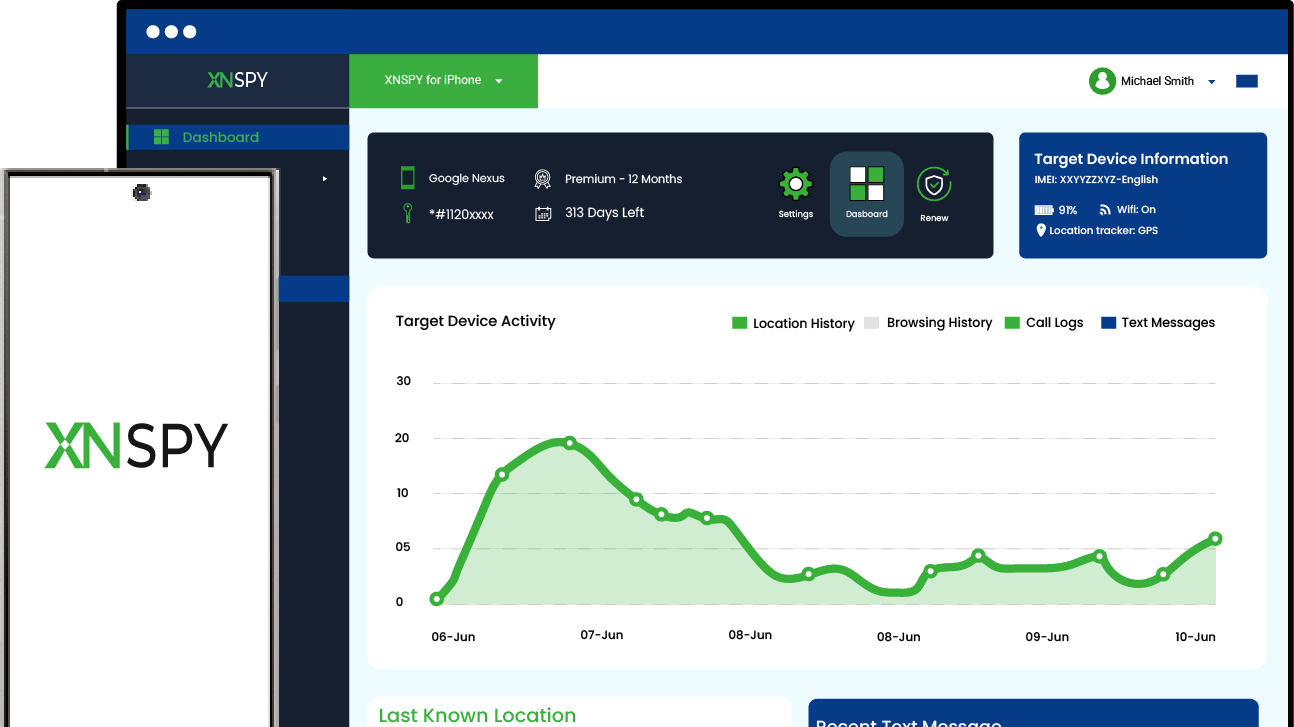
During these sessions, Xnspy captured screenshots at five-second intervals and uploaded them to the web dashboard under the Instagram application tab.
The recorded screens included Reels appearing during our sessions, including content being viewed or interacted with. More importantly, the screenshots preserved the surrounding Instagram interface rather than displaying only an isolated video. So, we could see the engagement figures visible on the screen, including the number of likes and comments.
We also opened the comment sections during five of the 20 sessions. All five appeared in the captured screenshots, allowing us to review the comments that were visible when the captures occurred.
However, this approach has an important limitation.
To test the capture consistency, we deliberately scrolled quickly through a Reel feed and a comment section. Xnspy continued taking screenshots at its five-second intervals, but anything that appeared and disappeared between consecutive captures was missed.
Therefore, the feature does not preserve every Reel encountered during Instagram use. Nevertheless, the regular screenshots were useful for reviewing sustained interactions. A parent interested in identifying recurring content themes or understanding the types of Reels a child spends time engaging with may find this more practical than repeatedly searching public profiles.
Xnspy Compatibility
Xnspy is compatible with both Android and iOS devices.
Xnspy Pricing
Xnspy offers Basic and Premium subscriptions with monthly, quarterly, and annual billing options.
- Basic: $4.99/month, billed at $59.99 annually.
- Premium: $7.49/month, billed at $89.99 annually.
Xnspy Pros and Cons
| Pros | Cons |
| Automatically captures Instagram screens at five-second intervals | Requires installation and configuration on a supervised device |
| Preserves Reels with surrounding engagement information | Briefly displayed Reels can fall between capture intervals |
| Captures screenshots even if an account is private | |
| Uploads captured screens to an organized web dashboard |
Should I Use Xnspy?
For parents who want to review Instagram Reel activity over time on a device they are authorized to supervise, Xnspy can be a suitable choice. Its automatic five-second screenshot captures provide more historical visual context than tools relying on individual public-profile searches or manually initiated mirroring. However, it cannot guarantee capturing every Reel, especially during rapid scrolling.

A Reel Lasts Seconds. What About the Context Around It?
See complete Instagram content your child interacts with.
– Capture Instagram screens every 5 seconds
– View Reels and on-screen engagement stats
– See captured comments and interactions
– Review screenshots anytime from the dashboard
2. Inflact — Best for Viewing Public Reels With Captions and Engagement Details
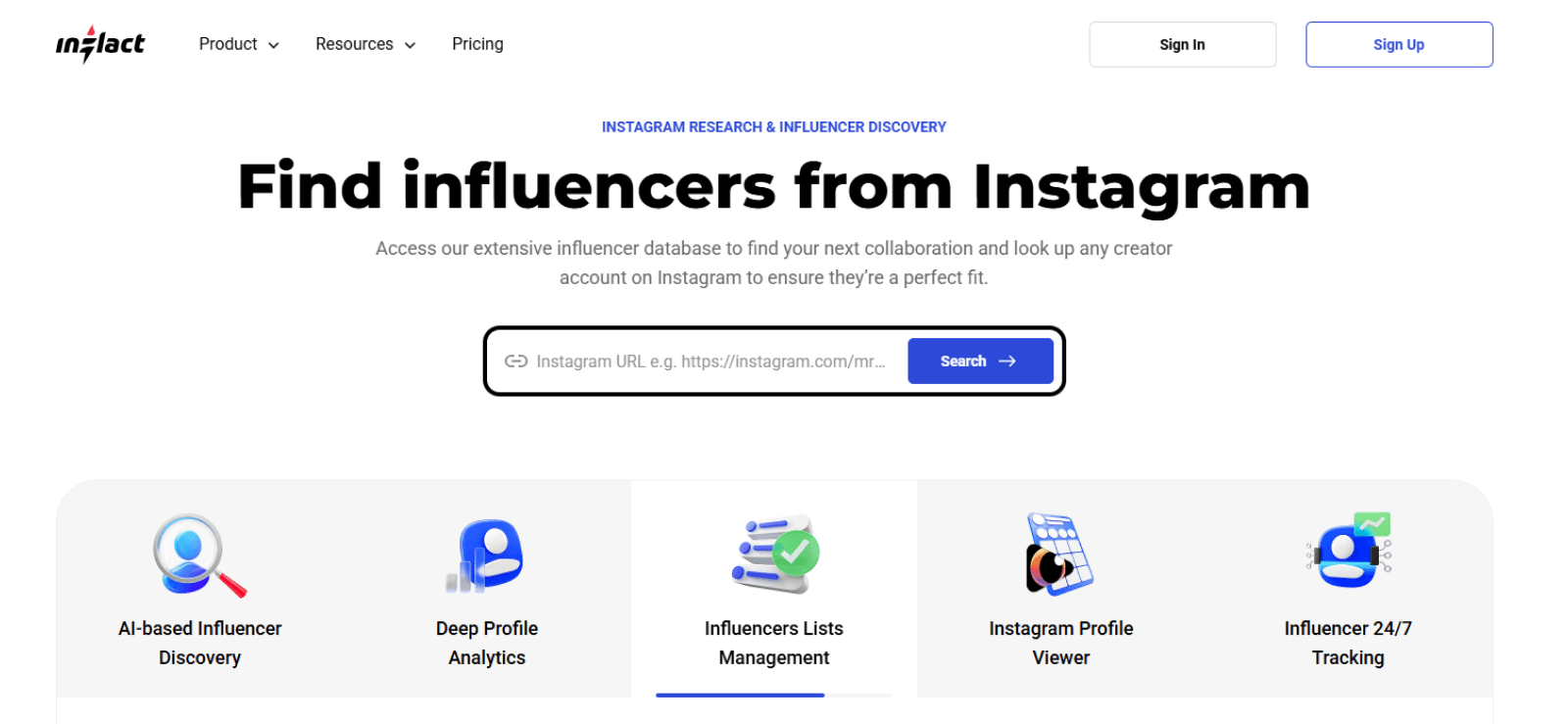
Inflact is an Instagram Reel viewer online tool that provides access to publicly available content without requiring an Instagram login.
Unlike Xnspy, it does not provide device-level monitoring. Instead, it retrieves Reels from public profiles and displays them through its online interface.
During testing, Inflact accepted both Instagram profile links and usernames. Both input methods worked, making the initial search process relatively straightforward. The retrieved Reels were displayed in reverse chronological order, from the latest upload to the oldest.
However, retrieval was not entirely complete.
When we searched an account that contained seven Reels, Inflact returned only six. The missing Reel was present on the original Instagram profile, which indicated that the tool did not retrieve the complete selection.
On the positive side, Inflact provided considerably more accompanying information than some of the other browser-based tools. It displayed the number of plays, likes, and comments alongside the Reels. It also preserved their captions, posting dates, and video durations.
We compared the displayed engagement information with three original Instagram Reels. The like counts were accurate across all three test Reels. However, the comment count for one Reel differed from Instagram’s displayed figure by approximately 1,000 comments.
Other than this, the posting dates, captions, and video durations matched the original content during our checks. However, Inflact did not display the number of reposts or saves, so users looking for complete engagement analytics would still need additional information.
Downloading was another area where the tool performed well. We downloaded three Reels belonging to different accounts, and all three downloads worked successfully.
That said, the biggest usability restriction was its free-access limit. During testing, we were able to look up only one profile before encountering the usage restriction.
Inflact Compatibility
Inflact operates through a web browser and does not require installing a dedicated application for Reel viewing.
Inflact Pricing
Inflact offers limited free access alongside paid subscriptions.
Its paid package starts at approximately $22/month, with other plans and customizable options available.
The free profile-viewing allowance was limited to one profile during our test.
Inflact Pros and Cons
| Pros | Cons |
| Accepts both usernames and profile links | Can potentially miss reels |
| Accurate number of likes | Engagement data is not consistently accurate |
| Shows captions, posting dates, and Reel durations | Does not display repost or save counts |
| Downloading feature is quite reliable | Free usage is limited to one profile only |
Should I Use Inflact?
Inflact is a practical choice for users who want to view public Instagram Reels alongside captions, publication information, and basic engagement statistics.
3. Tracygram — Best for Reel Playback Controls and Viewing Comments
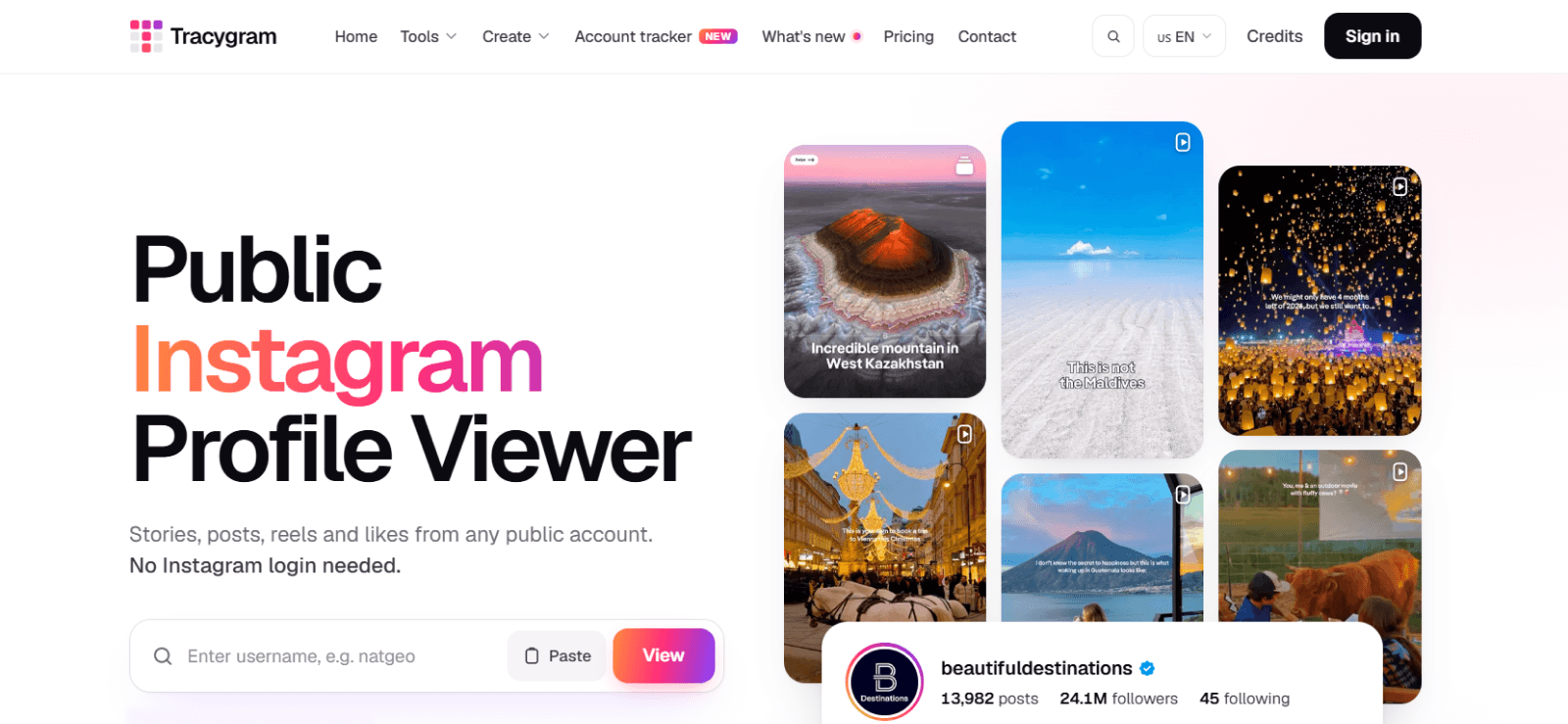
Tracygram is another browser-based Reel viewer that supports public-profile searches without requiring users to log into Instagram. During our tests, Tracygram accepted both usernames and complete profile links, making the search process straightforward.
The retrieved Reels generally appeared in posting order, from newest to oldest. However, we noticed that the service separately highlighted one Reel as the top Reel even though it was not pinned on the original Instagram profile. This did not prevent us from accessing the content, but the distinction could confuse users who expect the displayed ordering to reflect Instagram’s original presentation.
Tracygram performed better when it came to video playback. It offered playback-speed controls, picture-in-picture mode, downloading, and a full-view option. We tested these controls, and all worked reliably.
It also displayed comments directly beneath the Reels. The interface initially showed eight comments, with an option to load additional comments using credits. This was useful because most of the other dedicated viewers in our comparison displayed comment counts without showing the discussion itself.
That said, unfortunately, the engagement statistics were substantially less reliable. We examined seven Reels and found that Tracygram displayed zero plays for four of them, even though the original Reels had recorded views. Its displayed like counts were also inaccurate in most cases. Only one of the seven checked Reels showed the correct number of likes.
Moreover, Tracygram did not display Reel captions or posting dates and times. It also omitted repost and save counts. These omissions made it difficult to understand the content’s performance or publication context without returning to Instagram.
Tracygram Compatibility
Tracygram works through a browser on supported desktop, tablet, and mobile devices.
Tracygram Pricing
Tracygram offers free lookups with optional paid credits for additional usage.
However, its advertised free allowance is inconsistent. The Tracygram homepage mentions five free daily lookups, while the pricing page advertises twenty. Our team encountered the free-use restriction after only three lookups.
For additional usage, Tracygram offers credit packages starting at $10 for 500 credits, with larger packages available.
Tracygram Pros and Cons
| Pros | Cons |
| Playback speed and picture-in-picture controls worked reliably | Inconsistent number of plays and likes. |
| Supports Reel downloading and full-view playback | Does not display captions |
| Displays the first eight comments | No posting date or time |
| Displays the first eight comments | No repost or save counts |
| Additional comments can be accessed using credits | Limited free lookups |
Should I Use Tracygram?
Tracygram is more suitable for watching public Reels and examining a few comments than for checking accurate engagement statistics.
4. PvGram — Best for Free Reel Viewing With Captions and Downloads
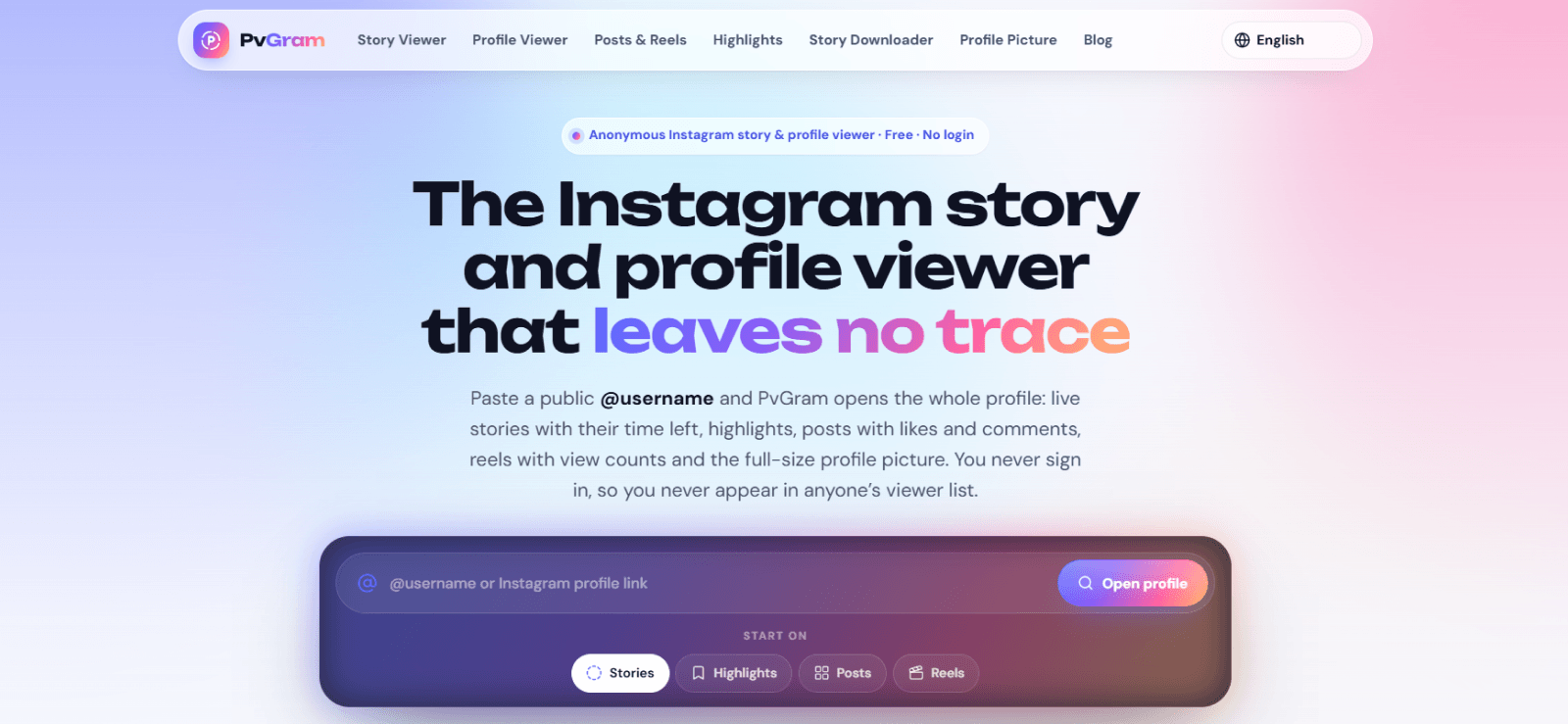
PvGram is a free Instagram viewer that provides access to public profiles, including their Reels, posts, stories, and highlights. For Reel viewing, it accepts both usernames and profile links. Both methods worked during testing.
Like Inflact and Tracygram, PvGram arranged retrieved Reels from latest to oldest. We first searched a profile containing seven Reels. The tool displayed six, leaving one Reel missing from the results. However, when we searched two additional profiles, PvGram retrieved all the Reels we expected to find. This suggested that its completeness could vary depending on the account rather than following a consistent restriction.
The results were also mixed when we examined engagement statistics. Of the six Reels retrieved from our initial seven-Reel profile, only two displayed the correct number of plays. The remaining four showed zero plays, even though their original Instagram versions had nonzero figures.
On the other hand, PvGram displayed accurate like and comment counts in our checks. It also preserved Reel captions and posting dates, providing more useful context than tools that display only the video. That said, we did not find repost or save counts.
Furthermore, PvGram included several useful playback features, including playback-speed adjustment and picture-in-picture mode. Both worked reliably during testing.
Downloading was available as well, although the button was not particularly responsive. In one test, we had to click the download button five times before the process started. Nevertheless, the resulting video was of good quality.
The most noticeable usability issue was the loading time. PvGram frequently took longer than expected to display Reels, which made repeated searches less convenient. On the positive side, its main advantage was the absence of a free-lookup limit, as we did not encounter any search restrictions during testing.
PvGram Compatibility
PvGram operates through a web browser and is accessible on desktop computers, tablets, and smartphones. It does not require a separate application or Instagram login for supported public accounts.
PvGram Pricing
PvGram is completely free to use.
PvGram Pros and Cons
| Pros | Cons |
| Correct like and comment counts | Can miss reels when retrieving |
| Displays captions and posting dates | Inconsistent play counts |
| Playback-speed and picture-in-picture features worked | Reels frequently took a long time to load |
| Downloaded Reel retained good quality | Download button required repeated clicks |
| No free-lookup limit encountered | Does not show repost or save counts |
Should I Use PvGram?
PvGram is worth considering, as it offers useful captions, posting dates, and reliable like and comment counts. However, slow loading, missing Reels, and inaccurate play counts make it less suitable for anyone who requires complete or consistently accurate statistics.
5. FamiSafe — Best for On-Demand and Scheduled Instagram Screenshots
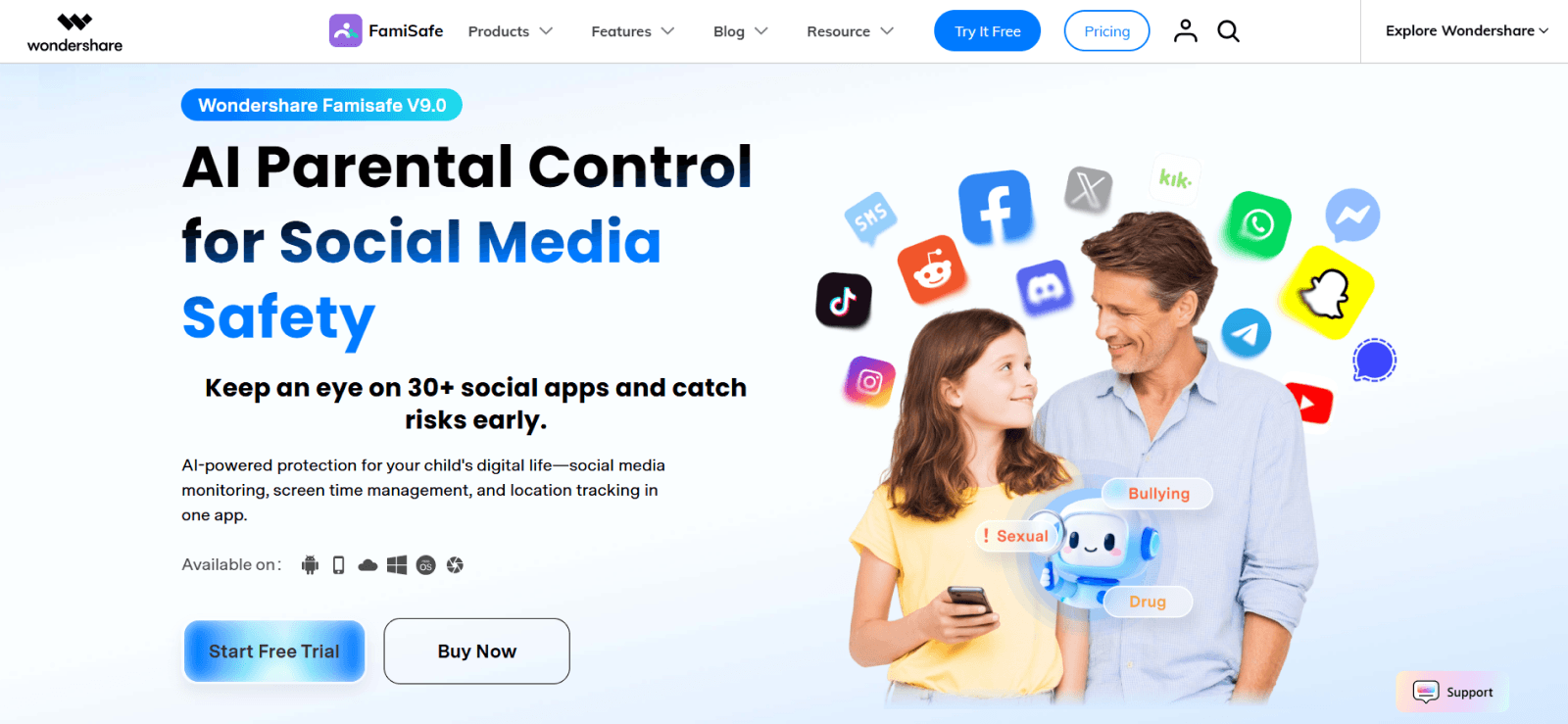
FamiSafe is a parental monitoring application rather than a conventional Instagram Reel viewer.
Instead of retrieving Reels through a public profile link, it allows parents to capture screenshots from a connected, supervised device using its Screen Viewer functionality.
The application supports both on-demand screenshots and scheduled captures. The installation process took our team some time, particularly when compared with the instant access provided by browser-based viewers.
Once the supervised device was configured, we tested FamiSafe’s screenshot functionality by triggering ten on-demand capture requests. Seven screenshots appeared on the dashboard within two minutes. One additional screenshot took approximately five minutes to become available and required repeated dashboard refreshing before we could see it.
The remaining two requests did not produce results on their first attempts because the commands failed to trigger. However, when we retried those two operations, both screenshots eventually appeared on the dashboard.
We also evaluated scheduled screenshot captures over three interval periods lasting two, five, and ten minutes. The resulting captures were consistent when they occurred, but the periodic approach had an important limitation.
Instagram Reels can be considerably shorter than 2 minutes (the last interval setting available) between scheduled screenshots. As a result, a Reel could appear, finish playing, and disappear from the screen without being captured.
Consequently, the feature is more useful for obtaining occasional visual snapshots of device activity than for creating a detailed history of short-form video consumption.
FamiSafe Compatibility
FamiSafe supports Android and iOS devices.
FamiSafe Pricing
FamiSafe offers monthly, quarterly, and annual subscriptions.
- Monthly: $9.99.
- Quarterly: $19.99.
- Annual: $59.99, equivalent to approximately $4.99/month.
FamiSafe Pros and Cons
| Pros | Cons |
| Produces reliable results on execution | Occasional sync delays can occur |
| Provides wider parental-control functionality | Long intervals can miss short Reels |
| Screenshots preserve visible Instagram context | Requires setup on a supervised device |
Should I Use FamiSafe?
FamiSafe is suitable for parents who want occasional visual checks of a child’s Instagram activity alongside broader parental controls. However, its scheduled screenshot intervals are relatively long for Reel viewing, and our on-demand tests revealed occasional command failures and sync delays.
6. IGExport — Best for Simple Instagram Reel Playback and Downloads
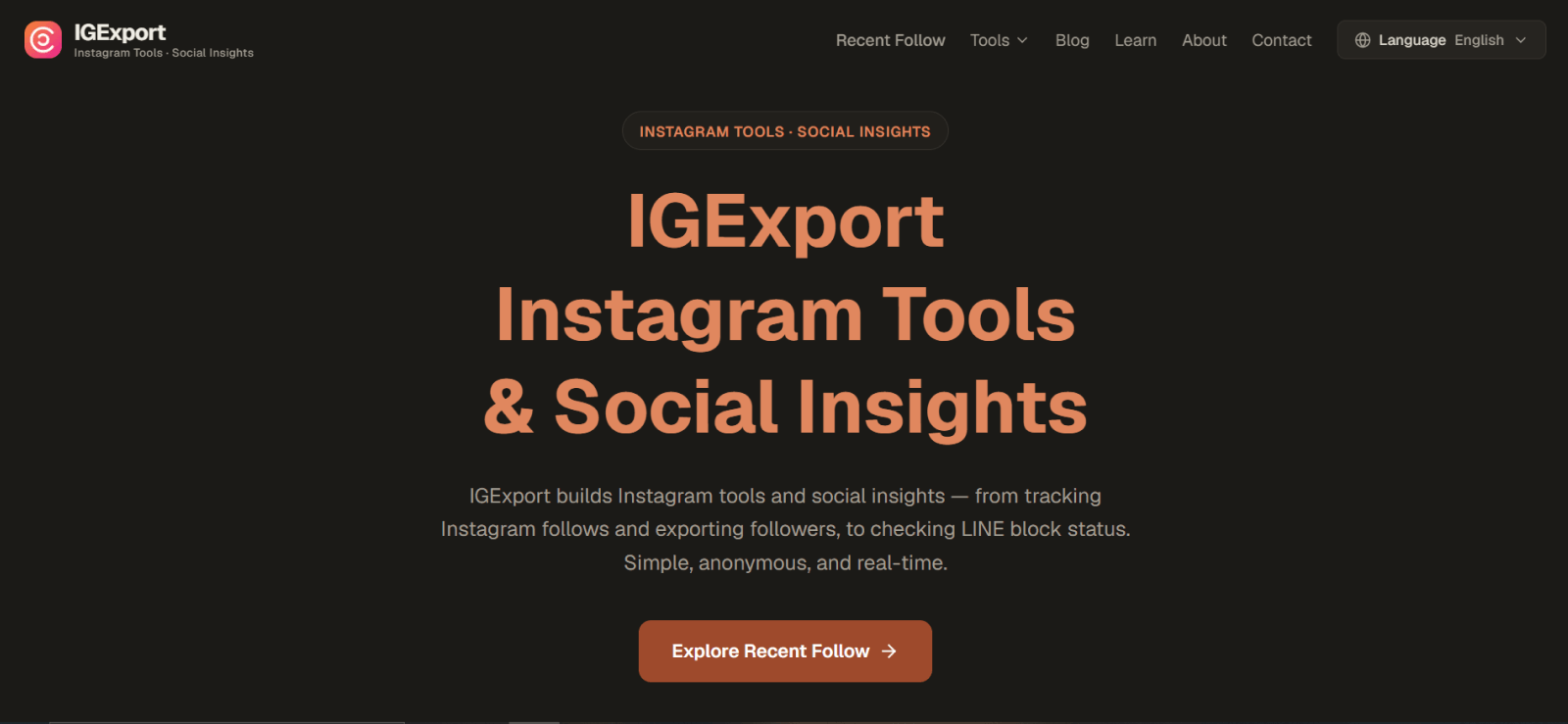
IGExport is a browser-based Instagram viewer for Reels designed for people who want to watch or download publicly available Reels without signing into Instagram. Its interface is comparatively simple, with fewer content details than Inflact or PvGram.
During testing, IGExport accepted both Instagram profile links and usernames. However, the way it retrieved Reels created a significant limitation. Rather than searching the account’s entire Reel history, its profile-based viewer displayed only Reels included among the profile’s 12 most recent posts.
For example, when we searched an account whose last 12 posts contained no Reels, IGExport did not return any Reel results, even though the account had published Reels earlier.
Another limitation was the complete absence of accompanying post information.
The service did not show play counts, likes, comments, or other engagement statistics.
It also omitted captions and posting dates, leaving users with little context beyond the video itself.
Nevertheless, IGExport performed reliably in its playback-related functions. We tested its download option, playback-speed controls, full-screen viewing, and picture-in-picture mode. All worked without the responsiveness issues we encountered with some competing services.
This makes it a straightforward option for users who mainly care about watching a Reel or saving the video rather than examining its performance.
IGExport Compatibility
IGExport works through a web browser and can be used on any device without requiring any additional software installation.
IGExport Pricing
The tool is free to use.
IGExport Pros and Cons
| Pros | Cons |
| Free browser-based access | Older Reels do not appear in profile results |
| Download option worked reliably | No engagement statistics |
| Playback-speed controls functioned correctly | Does not display captions |
| Supports full-screen and picture-in-picture viewing | Posting dates are unavailable |
| Limited Reel context |
Should I Use IGExport?
IGExport is a reasonable choice for users who want a simple Instagram Reel viewing tool with working playback and download features.
However, its limited profile-search range and lack of engagement information make it considerably less useful for researching an account’s full Reel history or comparing the performance of different posts.
7. AirDroid — Best for Viewing Instagram Reels Through Live Screen Mirroring
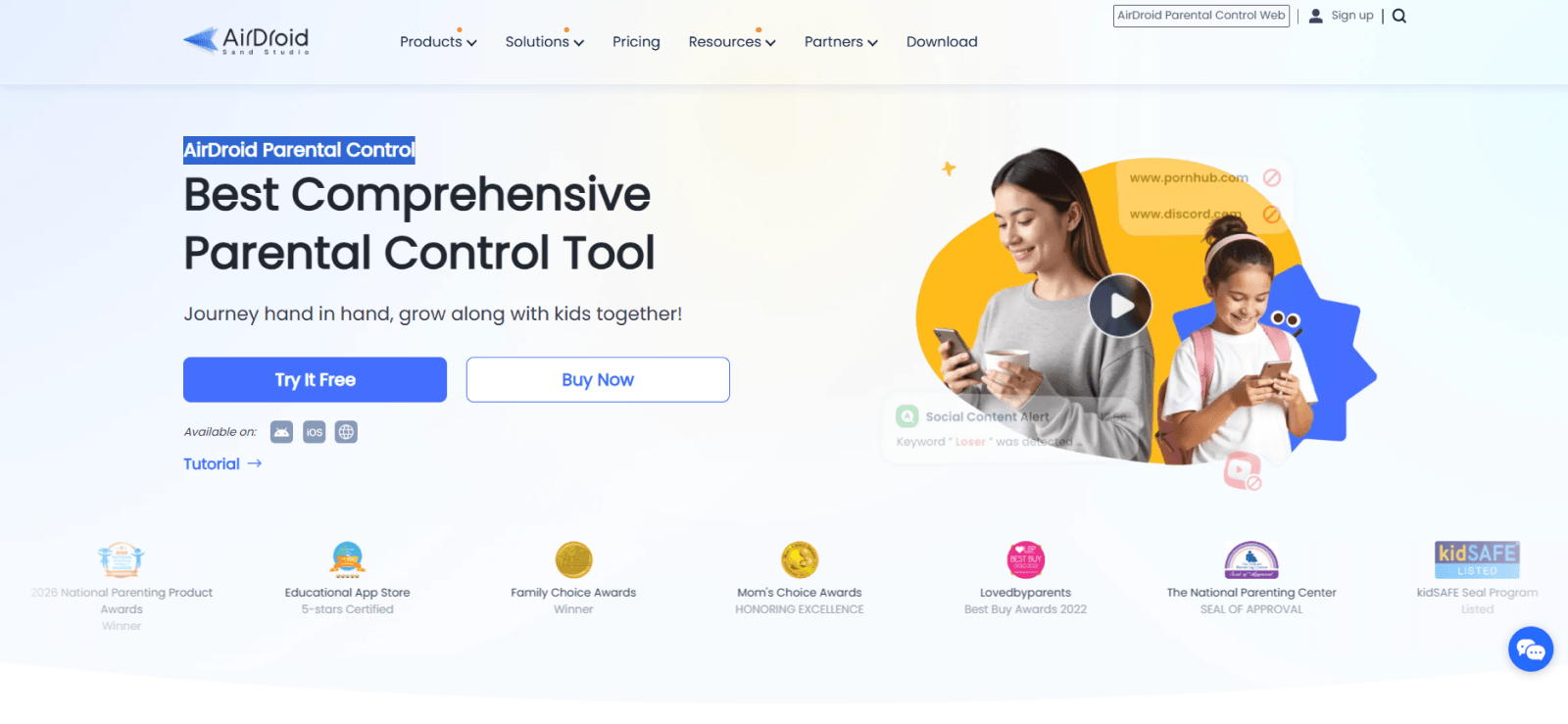
AirDroid Parental Control approaches Instagram Reel viewing through live screen mirroring rather than public-profile searches or periodic screenshots. The feature allows parents to see what is currently displayed on a connected, supervised device.
When Instagram is open, the mirrored screen can show the Reel being played, the surrounding feed, and any engagement information or comments visible during the session. This gives parents access to the original Instagram interface instead of a simplified third-party viewer.
During our testing, the installation was straightforward during our testing, although the complete setup process was relatively lengthy compared with browser-based Reel viewers.
Once AirDroid was configured, we activated five separate mirroring sessions while using Instagram on the supervised test device. Three sessions were reasonably smooth, with only occasional lags. However, the remaining two sessions experienced consistent delays, making it more difficult to follow the on-screen activity comfortably.
Moreover, AirDroid allowed us to view Instagram activity while the mirroring session was active, but it did not independently preserve a complete history of the Reels encountered. Therefore, if a parent starts mirroring after a child has finished using Instagram, the earlier Reel activity cannot be reconstructed from that session.
This makes AirDroid more useful for live supervision than for reviewing previous viewing patterns.
AirDroid Compatibility
AirDroid Parental Control supports Android and iOS devices, but the Screen Mirroring feature is available for supported Android child devices only.
AirDroid Pricing
AirDroid Parental Control offers the following subscription options:
- Monthly: $9.99.
- Quarterly: $19.99.
- Annual: $59.99.
AirDroid Pros and Cons
| Pros | Cons |
| Displays live Instagram activity on a supervised device | Mirroring sessions can lag |
| Shows Reels within the original Instagram interface | Requires an active mirroring session |
| Includes additional parental-control features | Does not automatically preserve previously viewed Reels |
| Installation takes more time than browser-based alternatives | |
| Screen mirroring is restricted to supported Android child devices |
Should I Use AirDroid?
AirDroid is worth considering for parents who want to observe Instagram Reel activity in real time as part of a broader family-device management setup. Its live mirroring provides direct visual context, but our tests revealed inconsistent performance.
FAQs
Can I view Instagram Reels without an account?
Yes. Several browser-based Instagram viewing tools for Reels allow you to watch publicly available Reels without signing into Instagram. Inflact, Tracygram, PvGram, and IGExport support public-content viewing through their websites, although their retrieval completeness, engagement information, and usage restrictions differ.
Can someone see if I viewed their Instagram Reel through a third-party viewer?
Generally, no. Browser-based viewers that retrieve public content without your Instagram account also do not attach your account identity to the viewing activity. Nevertheless, anonymity should not be confused with complete privacy from the third-party service itself. The website may still process technical information associated with your visit.
Can an Instagram private Reel viewer access Reels from private accounts?
No. A standard browser-based viewer cannot legitimately bypass Instagram’s private-account restrictions. Tools such as Inflact, Tracygram, PvGram, and IGExport primarily work with content that Instagram makes publicly accessible. Parental monitoring applications operate differently. With appropriate authorization, they may capture Instagram screens displayed on a supervised device, including content the device user is permitted to view.
Can I download Instagram Reels using an online viewer?
Yes. Several tools offer video downloads. For instance, Inflact successfully downloads Instagram Reels when needed. Moreover, Tracygram and IGExport can provide reliable download functionality. That said, downloading a Reel does not transfer ownership or grant permission to republish someone else’s content.
Can parents see which Instagram Reels their children have watched?
Parental monitoring tools can provide some visibility into Instagram Reel activity on a supervised device, but the amount of information depends on the capture method. Xnspy, for instance, captures Instagram screens every five seconds. On the other hand, FamiSafe provides on-demand and scheduled screenshots, while AirDroid allows you to view activity during active mirroring sessions.
See the Bigger Picture with Xnspy
Get a clearer understanding of your child’s online activity.
Leave a reply:
Your email address will not be published. Required fields are marked*

Stephen Hawks
Member since February 26, 2026
Stephen Hawks
Member since February 26, 2026
Stephen Hawks is a mobile app security and digital privacy analyst with over 12 years of experience evaluating mobile monitoring technologies, device tracking applications, smartphone data security risks, and more. He is particularly passionate about how monitoring apps function, what data they access, and how securely that data is stored.
Previously working as an IT forensics consultant, he specialized in analyzing app-level data exposure and digital evidence patterns on smartphones. Today, he focuses exclusively on mobile monitoring tools and tracking applications, with an emphasis on real-world performance and security vulnerabilities.
Moreover, he holds industry certifications including CompTIA Security+ and Certified Ethical Hacker (CEH).