7 Best Telegram Channel Viewer Tools: Separating the Useful From the Useless
 By Mike Everett
The complete monitoring experience for your phone
Get XNSPY and start tracking calls, texts, multimedia, locations and more on any phone!
Get Started Now Live DemoTelegram channels aren’t always easy to view outside the app. Public channel previews may show limited content, while certain media requires opening Telegram. Private channels also require authorized access, so choosing the right viewing tool matters.
This is where channel-viewing tools can help. Some provide browser access to public channels, while parental-control applications allow parents to review channel activity on a supervised device.
However, these tools differ in what they display and how reliably they work. To understand those differences, we compared seven Telegram channel viewers and examined their channel-viewing features, performance, and limitations.
Everything You Need to Know About the 7 Best Telegram Channel Viewing Tools
- Xnspy captures joined-channel activity on supervised devices, but requires initial phone access.
- Telegram Web Preview opens public channels without signing in, though some videos require Telegram.
- OpenTG shows the latest 10 updates, but temporary previews expire after 10 minutes.
- KidsGuard Pro records Telegram channel visits, although short clips and upload delays can interrupt reviews.
- list.tg helps discover channels by category, but some listings may be irrelevant or missing.
- AnonyTG displays public channel content, with limited history and occasional media restrictions.
- AirDroid Parental Control mirrors channel activity live on Android, but doesn’t save viewing history automatically.
7 Best Telegram Channel Viewer Online Tools That Stood Out in Our Comparison
| Apps | Ratings | Pricing | Best For | Drawback |
| Xnspy | 9.2/10 | Basic: $4.99/month; Premium: $7.49/month (billed annually) | Reviewing joined Telegram channels on a supervised device | Requires initial device access |
| Telegram Web Preview | 8.8/10 | Free | Viewing public channels directly in a browser | Some media requires opening Telegram |
| OpenTG | 8.4/10 | Free | Checking recent public-channel updates | Previews show only 10 updates and expire after 10 minutes |
| KidsGuard Pro | 7.9/10 | Lite: $9.16/month; Premium: $11.66/month; Family: $54.67/month (billed annually) | Recording Telegram channel visits on Android | Short clips and delayed recordings |
| list.tg | 7.7/10 | Free | Discovering public channels by category | Irrelevant category results and incomplete listings |
| AnonyTG | 7.4/10 | Free | Quickly checking public-channel content | Incomplete history and restricted media previews |
| AirDroid Parental Control | 7.1/10 | $9.99/month; $19.99/quarter; $59.99/year | Watching Telegram channels through live screen mirroring | Connection interruptions and no saved viewing history |
How Does a Telegram Channel Web Viewer Work?
Browser-based viewers allow users to open public Telegram channels without installing the Telegram app. You can enter a channel’s public link, and the viewer will display the content available online. Telegram also offers its own web previews, so you can read public channels without signing in.
However, not every viewer shows the same amount of content. Some may display only recent updates, while certain media might require you to open Telegram. This means the viewing experience can differ from one tool to another.
This becomes even more important with private channels, as they require an invitation or existing membership. A Telegram private channel viewer must rely on an account that already has access, since public web tools cannot bypass these restrictions.
How We Tested and Ranked the Seven Telegram Channel Viewing Tools
A Telegram channel may open successfully, but that doesn’t always mean its content is easy to view. With this in mind, we focused on the viewing experience and used six factors to evaluate each tool.
Channel Access and Viewing Success — 35%
Channel access carried the most weight in our evaluation. We looked at whether browser-based tools could display actual channel posts rather than just a channel name or description.
For parental-control applications, the focus was different. We considered how effectively they could capture channel activity already displayed on an authorized device and make that content available for review.
Visible Content and Accuracy — 20%
A channel preview is only useful when its content is readable. We therefore considered how clearly each tool displayed channel posts and whether images, videos, and other visible details were accessible.
We also looked at content restrictions. Missing updates, incomplete previews, and media that required switching to Telegram affected how useful a tool could be.
Privacy and Access Requirements — 15%
Access requirements can make a considerable difference to the viewing experience. We considered whether a tool required device installation or additional permissions before users could view channel content.
Ease of Use — 15%
We paid attention to how easily users could reach the channel content they wanted to see. Entering a channel link should be straightforward, but the experience also depends on how easily someone can browse available updates.
For tools that record activity on a supervised phone, we considered the additional steps involved in accessing those recordings.
Reliability Across Devices and Sessions — 10%
A useful viewer should provide a consistent experience beyond the first attempt. Temporary previews that expire, media that fails to load, or recordings that take time to appear can interrupt channel viewing.
For this reason, we judged reliability by how consistently each tool could provide access to the content it supports.
Viewing Limits and Overall Value — 5%
Finally, we considered what users actually receive for the price. Free tools may restrict the number of visible updates, while paid applications can require additional setup and subscriptions.
Rather than rewarding tools for unrelated features, we focused on whether their channel-viewing capabilities justified those costs.
The 7 Best Telegram Private Channel Viewer Tools We Tested
To examine all seven tools, we compared how they handled Telegram channel viewing and noted where their limitations appeared. The following reviews explain our findings.
1. Xnspy — Best for Parents Viewing Joined Channel Activity
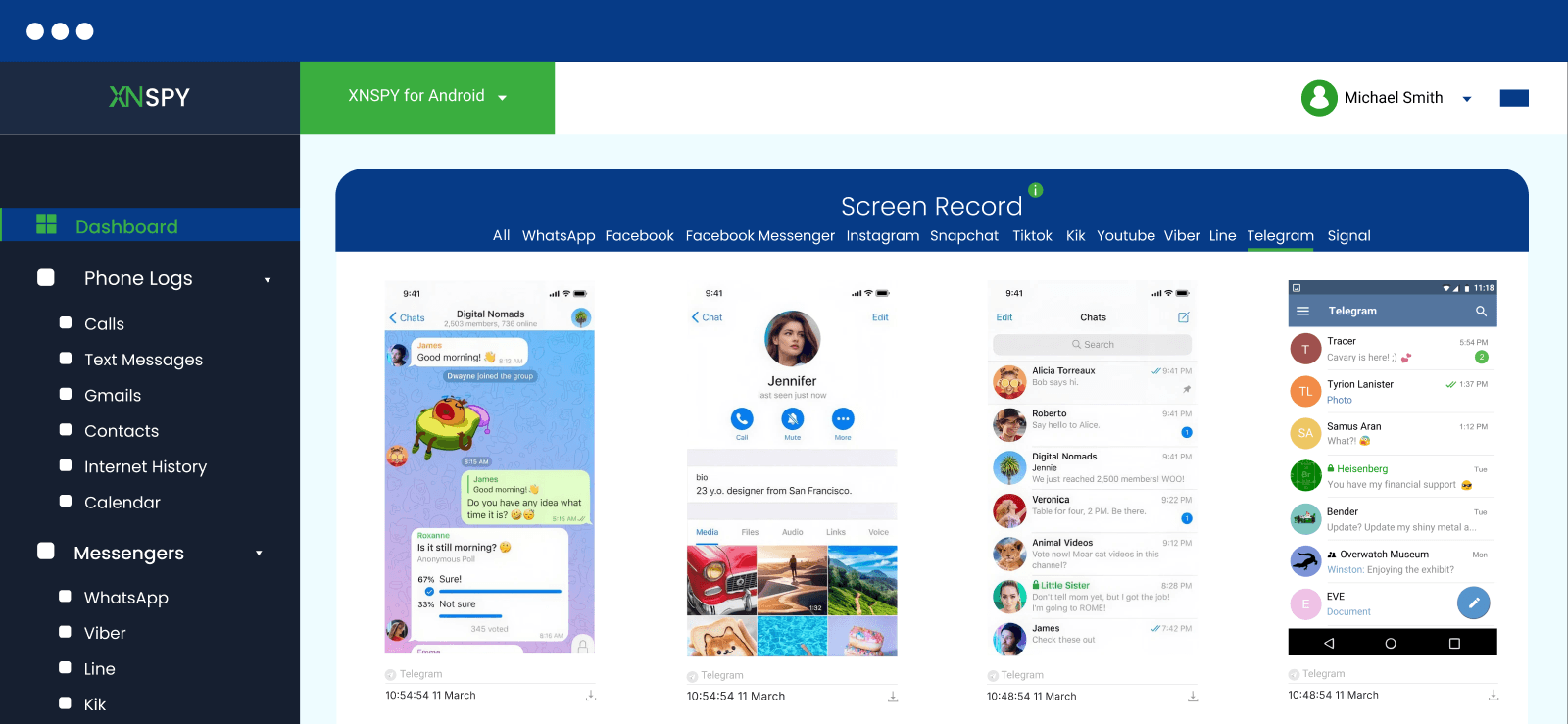
Xnspy is a parental-control application that helps parents review Telegram channel activity on a supervised device. Unlike browser-based viewers, it works through the phone itself, allowing parents to see channels their child has joined or created.
For channel viewing, we focused on Xnspy’s Screen Record feature, which captures screenshots at five-second intervals.
After installing and setting up Xnspy on our Android test device, we opened two public and two already-joined private Telegram channels three times each, completing 12 viewing sessions. Screenshots from 11 sessions accurately reflected the channel activity, while the remaining session had around four to five brief screen views that weren’t captured.
To check the accuracy of these captures, we compared them with the original Telegram screens. The channel names and visible content were readable, including updates from the joined private channels.
On closer inspection, the missing views appeared to involve content that remained on-screen for less than five seconds before moving to another update. Since Xnspy captures screenshots at five-second intervals, such brief changes may not always appear in the saved sequence. The available screenshots could still be reviewed later without reopening Telegram.
Xnspy Compatibility
Xnspy supports both Android and iOS devices.
Xnspy Pricing
Xnspy offers Basic and Premium subscriptions with monthly, quarterly, and annual billing options.
- Basic: $4.99/month, billed at $59.99 annually.
- Premium: $7.49/month, billed at $89.99 annually.
Xnspy Pros and Cons
| Pros | Cons |
| Captures Telegram channel activity through automatic screen captures | Requires initial setup on the supervised device |
| Provides visibility into channels already joined on the device, including private ones | Requires a paid subscription |
| Preserves channel content with its original on-screen context | |
| Allows parents to review available captures through an online dashboard. |
Should I Use Xnspy?
Xnspy is a suitable choice for parents who want to review Telegram channel activity on a supervised device. Since it captures on-screen content automatically, parents can revisit activity from public and already-joined private channels through the online dashboard. This also means they don’t have to open each channel again to check what appeared on the phone. However, initial device access is required for setup.

Xnspy: Bring Telegram Activity to Light
See captured activity from any phone through an online dashboard.
– Review screenshots of visible Telegram channel updates
– Check activity from channels the device has already joined
– Revisit captured content without reopening Telegram.
2. Telegram Web Preview — Best for Official Browser Access to Public Channels
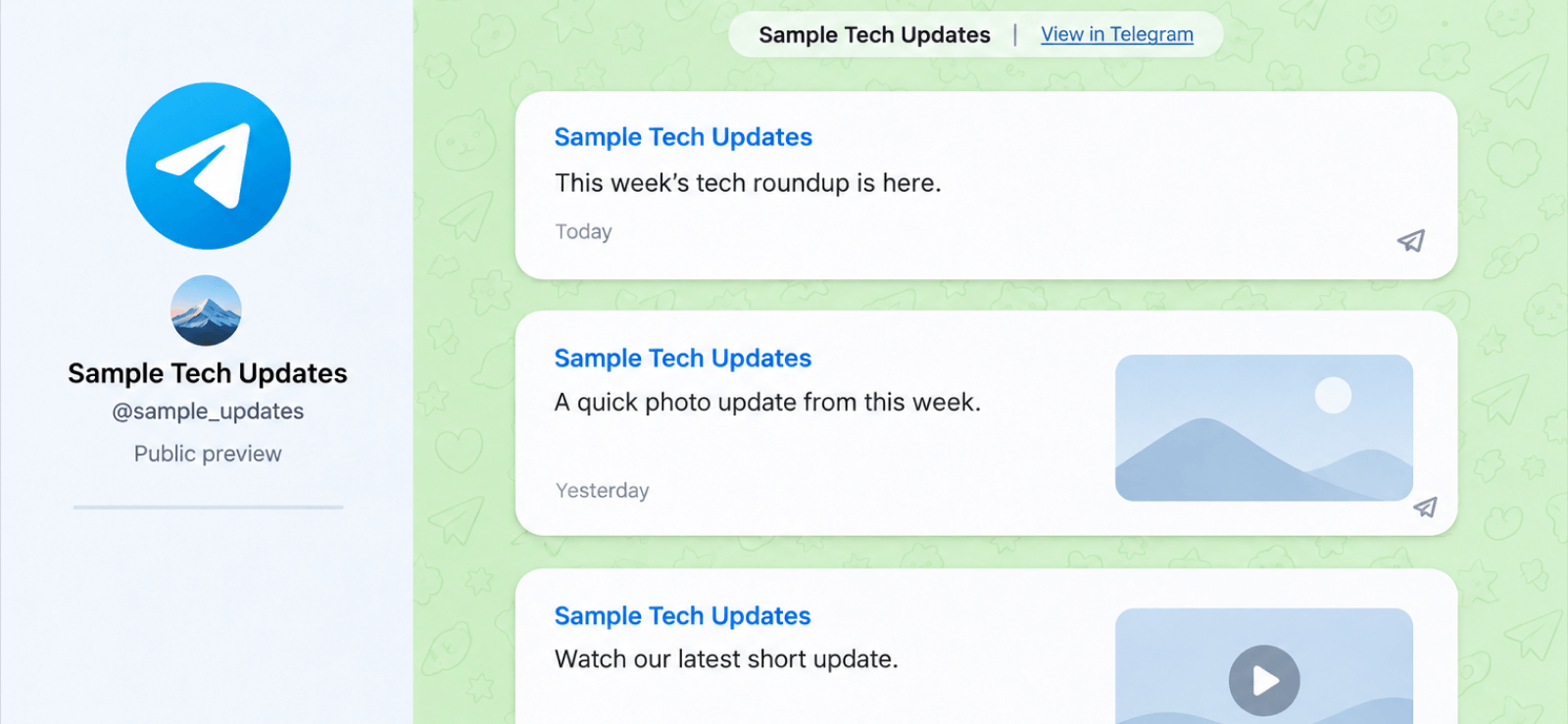
For anyone looking for a Telegram channel viewer online, the official web preview provides access to public channels through browser links. It doesn’t require an account or app installation, so we found it useful for checking channel updates without opening Telegram.
To check its viewing capabilities, we inspected 30 posts across three public channels: Channel A, Channel B, and Channel C. All three previews showed channel names, subscriber counts, and post-view figures. The text and shared links were readable. We also noticed reaction totals on Channel C.
Media viewing was less reliable. Nine video posts in Channel A and all 10 posts in Channel B displayed unsupported-media notices. Four posts in Channel C showed similar restrictions.
Although the accompanying text remained visible, we couldn’t access all the media through the browser. In comparison, Telegram’s app supports voice messages, forwarded-source details, and reactions where available. So, the browser showed reaction totals, but it didn’t include identifiable voice messages or forwarded labels to compare.
Overall, we found Telegram Web Preview useful for reading public updates. However, its media restrictions limited how much channel content we could view. Private channels were also inaccessible through these public previews.
Telegram Web Preview Compatibility
Telegram Web Preview works through web browsers on Android, iOS, Windows, and macOS. Users can view public channels without installing Telegram.
Telegram Web Preview Pricing
Telegram Web Preview is free to use.
Telegram Web Preview Pros and Cons
| Pros | Cons |
| Opens public channels without an account | Cannot display private or invite-only channels |
| Displays available channel updates directly in a browser | Some videos require opening Telegram |
| No app installation needed | No built-in channel discovery or search feature |
Should I Use Telegram Web Preview?
We recommend Telegram Web Preview for users who want to read public channel updates without installing an app. It’s free and easy to access, although limited media playback and the inability to view private channels may make it unsuitable for more extensive viewing.
3. OpenTG — Best for Quick Public-Channel Previews
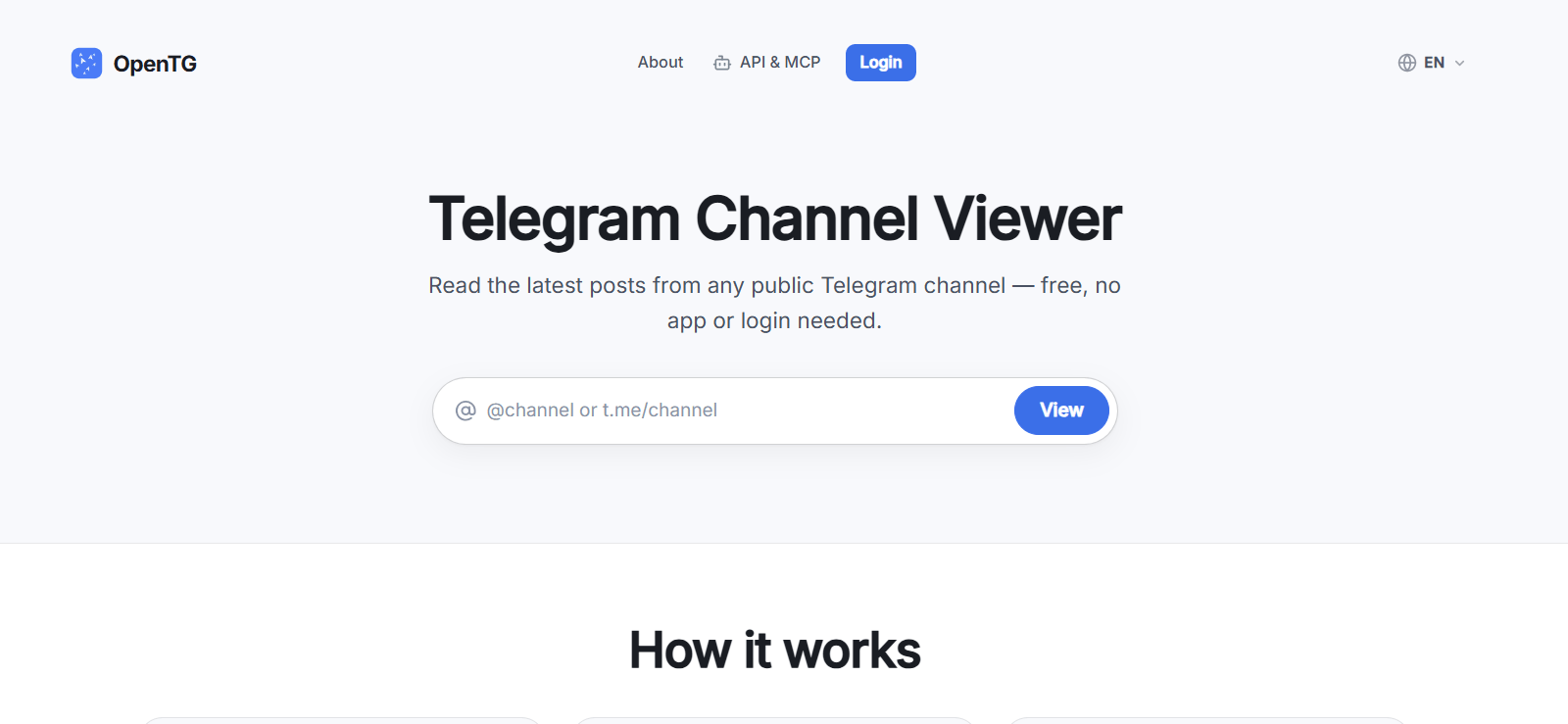
OpenTG is an online Telegram channel viewer that accepts a public channel’s username or link. Its interface has a simple input field and a View button. Once a channel is found, users can open its available updates through the browser.
We examined the viewer alongside three indexed channels: Channel A, Channel B, and Channel C. All three pages displayed channel names, usernames, descriptions, and subscriber counts. The posts also showed publication dates and text previews, with a Read More option for longer content.
The directory offered another way to find channels. We could browse its listings and see filters for language, subscriber count, and visibility. However, the available results depended on which channels OpenTG had indexed.
Media viewing was more restricted. The channel pages identified posts containing photos or videos, but these labels didn’t provide a complete viewing experience. OpenTG’s temporary viewer highlights media rather than hosting it, so users may need to open Telegram to view the actual files.
The preview also has a short viewing window. It shows only the latest 10 updates and expires after 10 minutes. Although indexed channels have permanent pages, those listings may leave out forwarded posts, shorter text updates, and media without captions.
Considering these limitations, we found OpenTG more suitable for checking recent channel activity than following every update. We also noted that its public viewer doesn’t provide access to private channels without authorization.
OpenTG Compatibility
It works through web browsers on Android, iOS, Windows, and macOS. Since it is browser-based, no application installation is needed to view public channels.
OpenTG Pricing
OpenTG is free to use.
OpenTG Pros and Cons
| Pros | Cons |
| Opens public channels without registration | Cannot access private channels |
| Provides quick access through a channel username or link | Temporary previews show only the latest 10 updates. |
| Offers permanent pages for channels already indexed on OpenTG | Previews expire after 10 minutes |
| Media may require opening Telegram for full viewing. |
Should I Use OpenTG?
OpenTG is a suitable option for users who want to check recent updates from public Telegram channels without signing in. We find its username-based search useful for quickly accessing available channel content. However, temporary previews display only the latest 10 updates and expire after 10 minutes. These restrictions make it less practical for users who want to explore older posts or spend more time browsing a channel.
4. KidsGuard Pro — Best for Recording Telegram Channel Viewing on Android
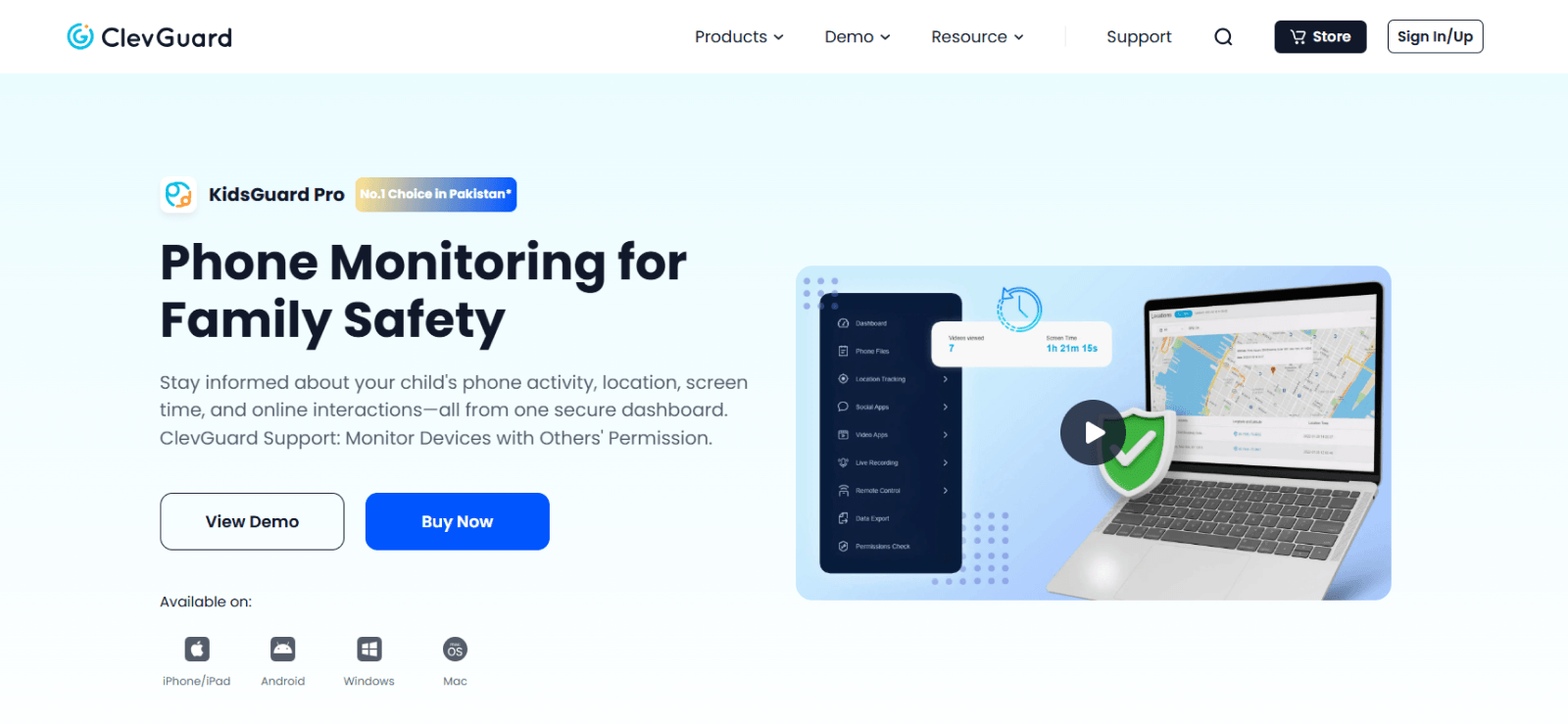
KidsGuard Pro is a parental-control application by ClevGuard that allows parents to record activity on a supervised Android phone. Instead of opening channels through public links, it uses its Record Screen feature to capture what appears when a child opens a channel. The recordings can then be reviewed through its online dashboard.
To assess its usefulness, we opened two public and two already-joined private Telegram channels on our Android test device. We carried out 12 recording sessions and checked how much channel activity appeared in the saved clips. Nine recordings showed readable channel names and visible content, while three ended before we could capture the full viewing sequence.
The recording duration was a noticeable restriction. KidsGuard Pro supports clips between 15 seconds and 2 minutes, so longer channel visits required multiple recordings. This made it difficult to follow the content continuously, especially when we scrolled through older updates.
Our reviewer also noticed that recordings were not always available immediately in the dashboard. Some took several minutes to appear, which made reviewing recent channel activity less convenient.
While KidsGuard Pro provided useful recordings of joined Telegram channels, its recording limits made it less practical for extended viewing. It worked better for reviewing specific channel visits than exploring an entire channel’s history.
KidsGuard Pro Compatibility
KidsGuard Pro is compatible with Android versions 6.0-13 and iOS 9.0-16.0.
KidsGuard Pro Pricing
KidsGuard Pro offers three subscription plans with monthly, quarterly, and yearly billing options. Their monthly rates, when billed annually, are:
- Lite: $9.16/month
- Premium: $11.66/month
- Family: $54.67/month
Note that the screen recorder feature is only available in the Premium and Family plans.
KidsGuard Pro Pros and Cons
| Pros | Cons |
| Records visible Telegram channel activity | Recordings are limited to short clips. |
| Captures content from already-joined private channels | Upload delays can prevent immediate viewing |
| Allows recordings to be reviewed through a dashboard |
Should I Use KidsGuard Pro?
We recommend KidsGuard Pro for parents who want to review recorded Telegram channel activity on their child’s Android phone, including channels they have already joined. Its screen-recording feature can help parents revisit what appeared during a channel visit. The main drawback is its short recording duration, which can leave gaps between clips. Delays in accessing recordings through the dashboard also make it less convenient for timely reviews.
5. list.tg — Best for Finding Channels by Category
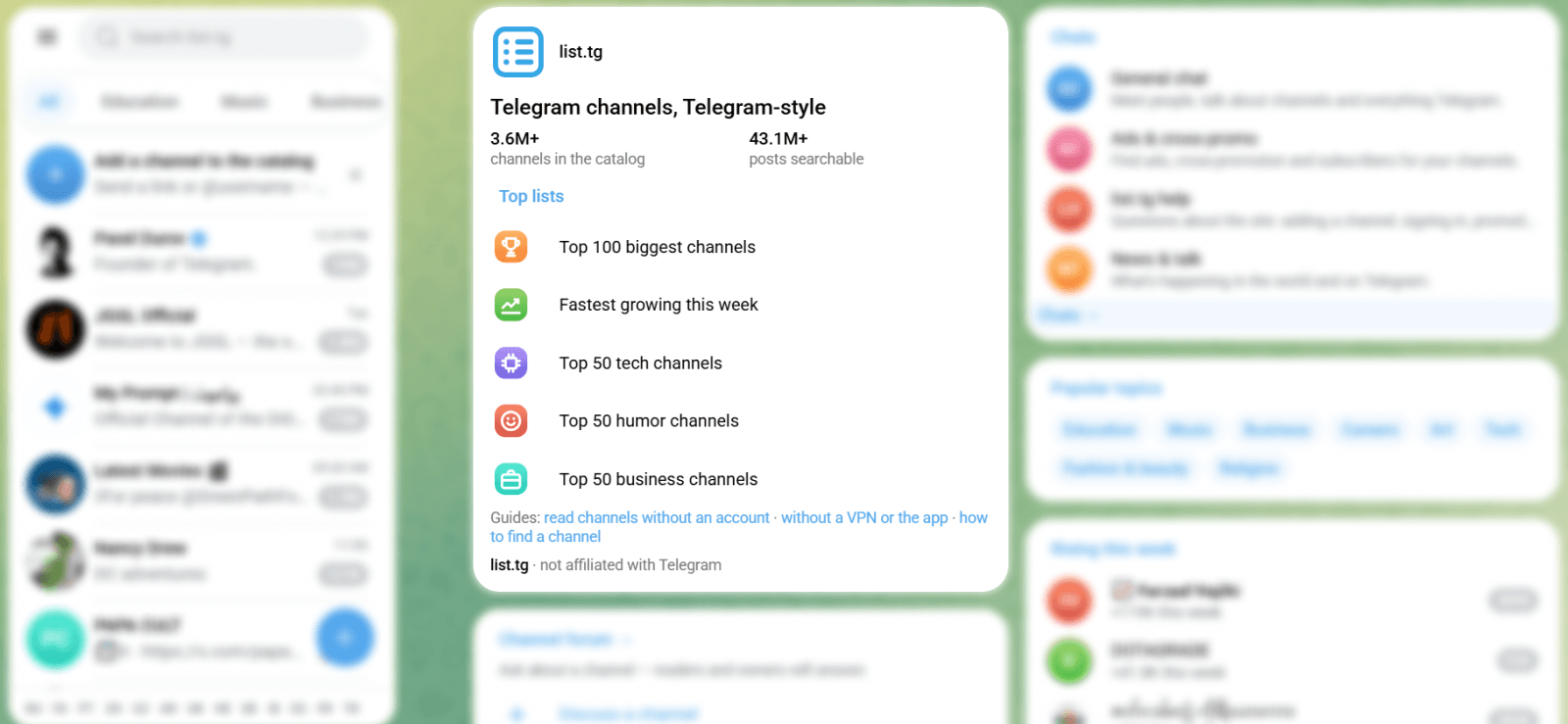
Unlike a typical Telegram channel web viewer that requires a specific link, list.tg helps users discover public channels through categories and search. We could explore different topics without knowing a channel’s username.
We started with the Business category and examined its first five channels. Four were broadly connected to entrepreneurship or technology founders. However, we also came across ABC.COM, a channel focused on modified apps and games. Its presence among the Business listings made the category results less relevant than expected.
To understand what users could see before selecting a channel, we examined three indexed channel pages. These displayed subscriber figures, average post reach, and engagement rates. We could also check how frequently each channel published updates.
One education channel had approximately 30,800 subscribers, but its average post reach was only 1,600, with a 5.2% engagement rate. Another had around 15,700 subscribers and an average reach of 839. These figures helped us assess how actively readers engaged with the available content.
Another issue was the accuracy of the available listings. list.tg only displays channels included in its catalog, so some public channels may be missing. We also found that subscriber figures are updated periodically rather than continuously.
Paid placements can appear above regular results, although they carry a Promo label. Consequently, users may need to look beyond the first few suggestions to find channels that genuinely match their interests.
Based on these findings, we found list.tg is useful for discovering public channels and comparing their activity. Still, category mismatches, incomplete listings, and delayed statistics reduced the reliability of its recommendations
list.tg Compatibility
list.tg works through web browsers on Android, iOS, Windows, and macOS. Users can explore public Telegram channels without installing an application.
list.tg Pricing
list.tg is free to use for browsing public Telegram channels.
list.tg Pros and Cons
| Pros | Cons |
| Helps users discover channels through categories and search | Some channels may appear under unrelated categories |
| Displays public channel posts before subscribing | Channels missing from its directory won’t appear in search results |
| Provides channel statistics and activity details | Cannot display private or invite-only channels |
| Subscriber statistics may not reflect the latest figures |
Should I Use list.tg?
We believe list.tg is a good fit for users who want to discover Telegram channels based on their interests. It offers a convenient way to explore different categories and check available posts before choosing a channel. However, the mismatched results and sponsored listings may make it less suitable for those who want consistently relevant channel recommendations.
6. AnonyTG — Best for Simple Public-Channel Viewing
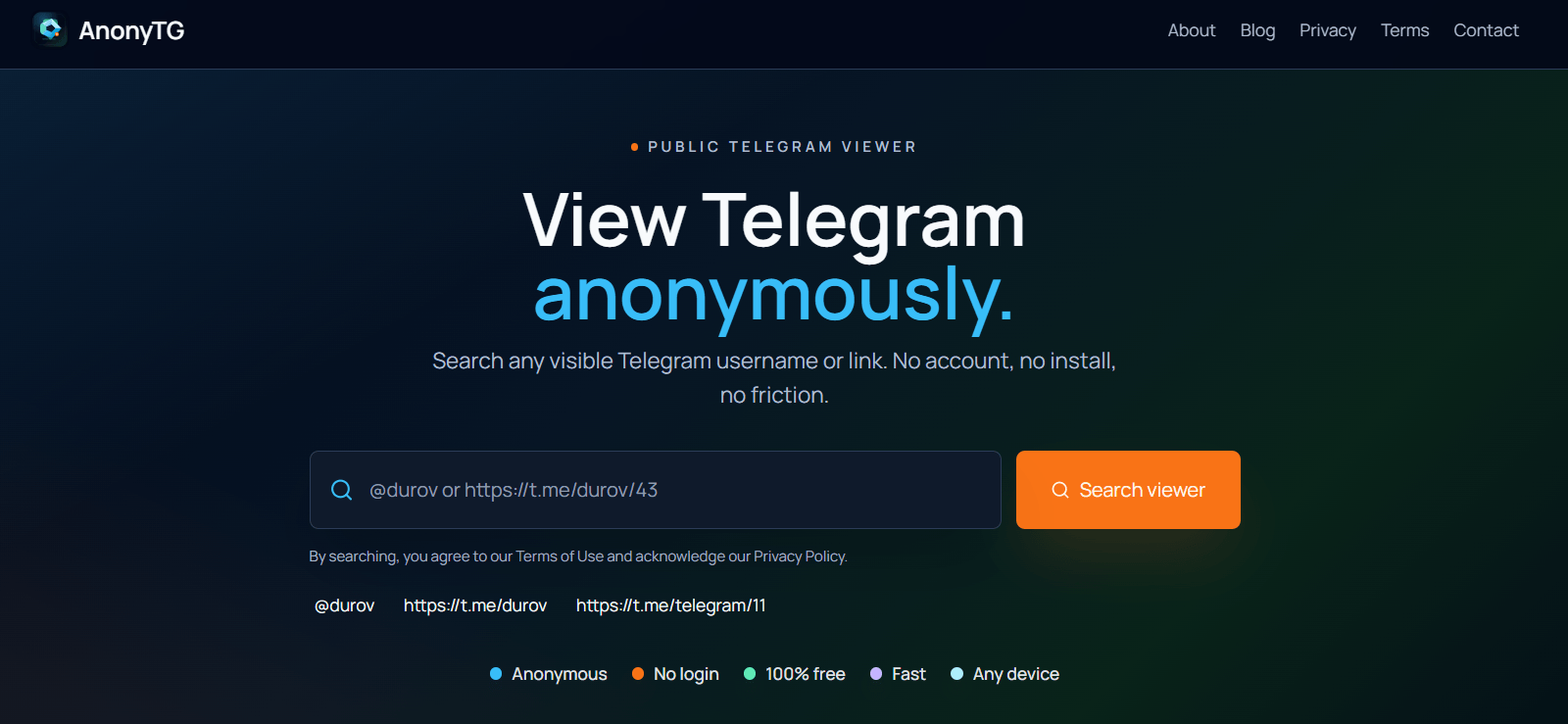
AnonyTG is a browser-based Telegram viewer that lets users open public channels through their usernames or links. Its interface provides channel information alongside separate sections for available content.
To explore its viewing features, we checked four public channels: Channel A, Channel B, Channel C, and Channel D. All four displayed their names, usernames, descriptions, and subscriber counts. The figures ranged from 152,763 for Channel C to over 10 million for Channel A.
Moving to the channel posts, we found that AnonyTG displayed text previews and links to the original content. On Channel C, opening a post revealed the complete description alongside a 12-second video that played directly in the viewer.
The experience wasn’t consistent across posts, though. A post from Channel C displayed its text but showed no media preview. Similarly, five visible post cards on Channel D contained text excerpts and placeholder icons rather than playable media.
Another drawback was the browsing experience. Large advertising banners appeared near the channel content, while sponsored placements interrupted the post listings. This made moving through the available updates less convenient.
We also couldn’t confirm reaction counts or forwarded-source labels in the posts. Since AnonyTG only retrieves content available through Telegram’s public interface, complete channel history isn’t guaranteed either.
Overall, we found AnonyTG useful for checking public channel details and reading available updates. However, inconsistent media previews and interruptions from advertisements made it less suitable for browsing channel content extensively.
AnonyTG Compatibility
AnonyTG works through web browsers on Android, iOS, Windows, and macOS. No application installation is required.
AnonyTG Pricing
AnonyTG is completely free to use.
AnonyTG Pros and Cons
| Pros | Cons |
| Opens public Telegram channels without signing in | Cannot access private or invite-only channels |
| Supports channel usernames and direct post links | Does not provide complete channel history |
| Shows available posts and media previews | Some media previews may be missing or restricted |
| Deleted or unavailable posts cannot be retrieved. |
Should I Use AnonyTG?
AnonyTG is a good choice for users who want to check public Telegram channel updates without signing in. We find it useful for quickly accessing individual posts through direct links. Still, its incomplete channel history and occasional media restrictions make it less reliable for users who want to browse older content in detail.
7. AirDroid Parental Control — Best for Viewing Channels Through Screen Mirroring
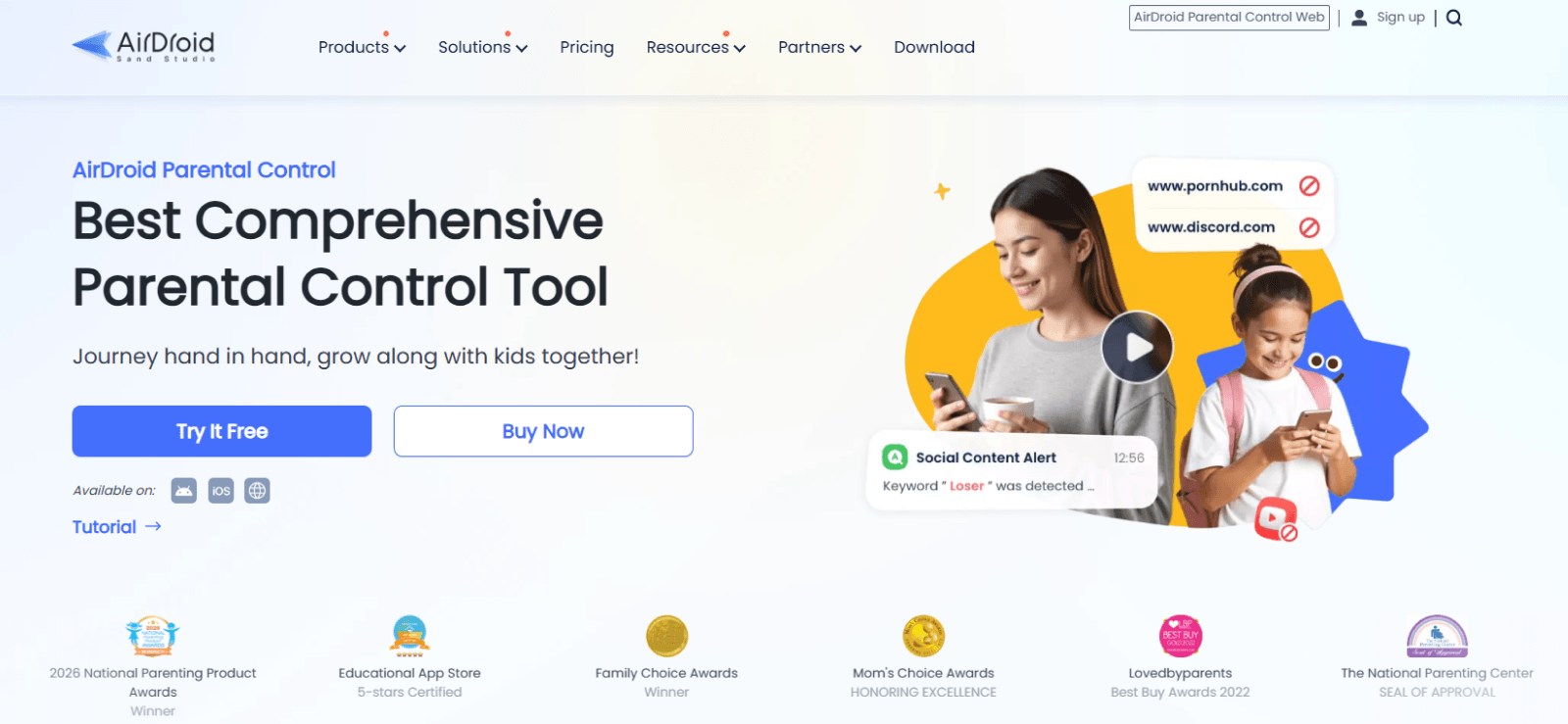
AirDroid Parental Control allows parents to view their child’s Android screen remotely through its Screen Mirroring feature. When Telegram is open, parents can see the channels being viewed, including those the child has already joined.
The setup involves installing AirDroid Kids on the supervised Android device and AirDroid Parental Control on the parent’s phone. Both devices must be connected using a binding code, and the required permissions need to be enabled for mirroring to work.
Once the setup was complete in our evaluation, we opened Telegram on the Android phone and viewed its screen through a parent’s iPhone. We planned six five-minute sessions to examine how clearly channel posts appeared under different network conditions.
Four sessions provided a readable view of channel names, posts, and images while scrolling. However, the remaining two showed limitations that could make monitoring difficult.
In one session, the mirrored display paused when the connection switched from Wi-Fi to mobile data. Another session required background permissions to be restored before the screen could reconnect.
This could become frustrating for parents who are away from their child’s phone. If the background service stops or the connection fails, restoring the live view may require additional troubleshooting on the supervised device.
We also found an important limitation in how the feature handles previous activity. AirDroid doesn’t automatically save a continuous history of the channels viewed during mirroring. Consequently, parents who miss a channel visit cannot return later to replay that activity.
Another restriction is device compatibility. Although parents can use an iPhone to view a connected Android screen, the Screen Mirroring feature doesn’t support children’s iPhones.
AirDroid can be useful for parents who prefer watching Telegram channel activity as it happens. Nevertheless, connection interruptions, permission requirements, and the absence of automatic viewing history make it difficult to rely on for regular monitoring.
AirDroid Parental Control Compatibility
AirDroid Parental Control supports Android and iOS devices. However, Screen Mirroring works only when the child’s supervised device runs Android 8.0 or later. Parents can access the feature through a compatible Android phone, iPhone, or web dashboard.
AirDroid Parental Control Pricing
AirDroid Parental Control offers three subscription options:
- Monthly: $9.99
- Quarterly: $19.99
- Annually: $59.99
AirDroid Parental Control Pros and Cons
| Pros | Cons |
| Displays Telegram channel activity through live screen mirroring | Connection interruptions can affect the viewing experience |
| Shows channel posts and images within the original Telegram interface | Background permission issues may require troubleshooting |
| Allows parents to view joined private channels on a supervised Android device | Does not automatically save channel-viewing history |
| Initial device pairing and configuration are required | |
| Screen Mirroring is unavailable for iPhones |
Should I Use AirDroid Parental Control?
We recommend AirDroid Parental Control for parents who want to watch Telegram channel activity live on their child’s Android phone. Its screen mirroring makes channel posts easy to follow as they appear. However, connection interruptions and the lack of saved viewing history make it less suitable for parents who need to review activity later.
FAQs
Why does a Telegram channel sometimes fail to open in a browser?
A Telegram channel may fail to open if its link is incorrect, the channel has been deleted, or it is no longer public. Sometimes the problem comes from the third-party viewer rather than Telegram itself. Try opening the channel’s updated public link in Telegram’s official web preview. If it works there, the issue is likely with the viewer.
Can changing a channel username break an old viewer link?
Yes. Public Telegram channel links are based on usernames, so changing a username can make the previous link stop working. Third-party viewers may also continue showing the outdated address until their listings are refreshed. To access the channel again, find its current username and use the updated link.
Why do some viewers show only a channel’s recent content?
Some Telegram channel viewers display a limited number of updates instead of loading the entire channel history. Others depend on indexed content that may not include older posts. As a result, scrolling through a preview doesn’t always reveal everything previously published. Opening the channel directly in Telegram may provide access to more of its available history.
Can Telegram channel admins see who viewed their posts?
No. Telegram shows the total number of views on channel posts, but administrators cannot see a list of the individual accounts behind those views. However, admins may see who subscribes to their channel, and identifiable comments can reveal participation. Simply opening and reading a channel post does not identify you as its viewer.
Should you enter a Telegram login code into a third-party viewer?
No. You should never share your Telegram login code with an unofficial channel-viewing website. These codes are used to access your account, and entering one on an untrusted website could compromise it. If a viewer requests a login code just to display a public channel, avoid using it. Public channel previews generally do not require Telegram account authentication.
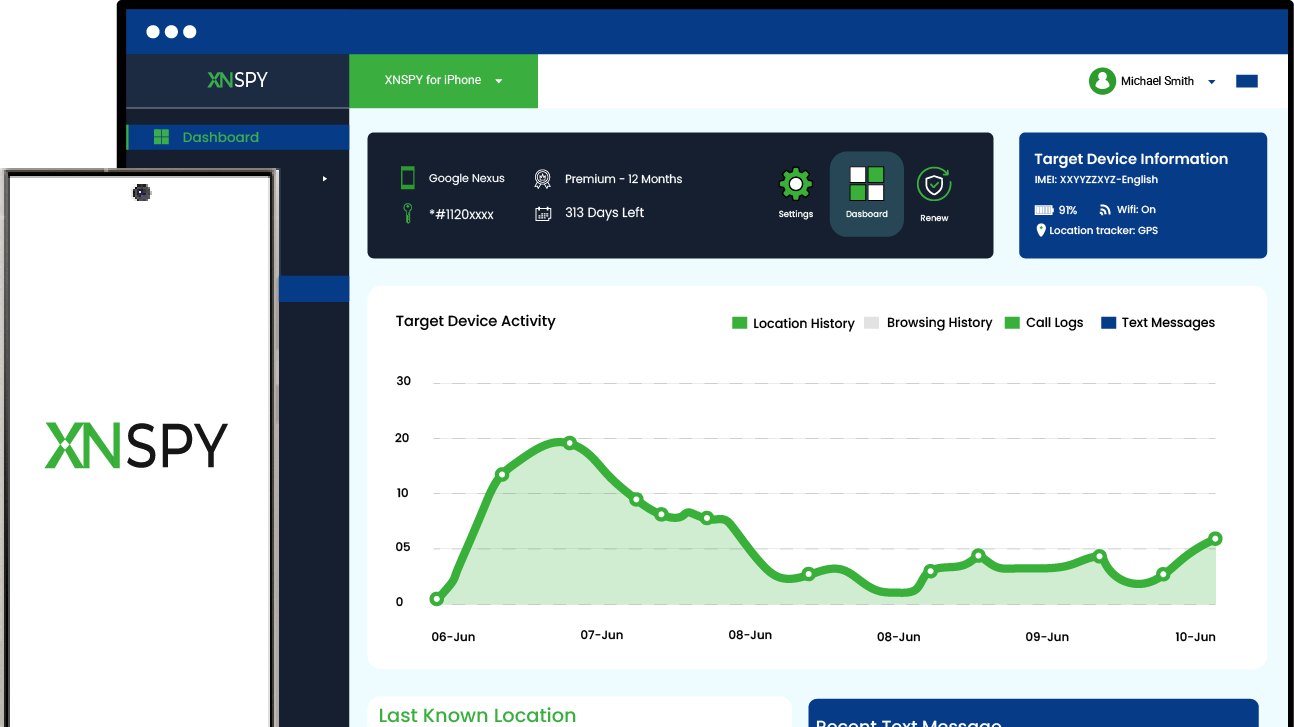
Xnspy: Stay Informed About Your Child’s Digital Activity
Understand device activity and make informed decisions about online safety.
Leave a reply:
Your email address will not be published. Required fields are marked*

Mike Everett
Member since October 20, 2014
Mike Everett
Member since October 20, 2014
Mike Everett is a consumer technology journalist with expertise in hands-on testing and evaluation of iOS and Android monitoring applications. With over 11 years in the industry, he focuses on how mobile monitoring tools perform in real-world conditions, including accuracy, feature reliability, device compatibility, and practical usability for parents.
He conducts live-device testing of monitoring apps to assess how well their features function beyond marketing claims. His work primarily includes comparative reviews, feature breakdowns, and buyer-focused guides designed to help parents understand which tools actually deliver usable results in everyday scenarios.