6 Best WhatsApp Story Viewer Tools: Tested and Compared in Detail

The complete monitoring experience for your phone
Get XNSPY and start tracking calls, texts, multimedia, locations and more on any phone!
Get Started Now Live DemoWhatsApp statuses disappear after 24 hours, and so do any clues about what was shared or who responded. For parents who want to stay connected to their child’s online life, the disappearing window can be frustrating.
One way to address this is to use a WhatsApp Story Viewer. These tools let you check WhatsApp status updates without appearing on the “Seen” list. We spent 3 weeks testing 6 of them across Android and iOS, in real-world sessions, to find out which ones actually work and which ones fall apart.
WhatsApp Story Viewer Tools: Key Takeaways in Short
- WhatsApp Status updates disappear after 24 hours, making passive oversight difficult without a dedicated tool.
- Anonymous viewer tools let you see status content without triggering a “seen” notification on the account.
- Xnspy’s screen recorder captures WhatsApp status activity in the background, without sending a “Seen” notification to the monitored account.
- WAIncognito is a free, open-source Chrome extension that works directly inside WhatsApp Web.
- FlexiSpy uses an App Screenshot feature that captures WhatsApp content whenever the app is active.
- AirDroid mirrors the target device’s live screen, letting parents watch WhatsApp statuses play out in real time.
- Status Saver WA is a free Android tool for previewing and saving status content before the 24-hour window closes.
- WhatsApp Web in incognito mode is a working, no-install method for one-time checks.
We Tested to Find the Top WhatsApp Story Viewer Apps for Parents, and These 6 Worked Best
| App | Rating | Pricing | Best For | Drawback |
| Xnspy | 9.6/10 | From $4.99 per month. | Complete anonymous WhatsApp monitoring. | It requires a brief one-time access to the target device. |
| WAIncognito | 8.0/10 | Free. | Anonymous status viewing on Google Chrome. | No support for other browsers. |
| FlexiSpy | 7.4/10 | From $79.00 per month. | App Screenshot capture of WhatsApp status. | Expensive. WhatsApp monitoring requires a Premium plan or above. |
| AirDroid | 7.2/10 | From $5.00 per month if billed annually. | Screen Mirroring of WhatsApp statuses. | Complicated to set up for non-techy parents. |
| Status Saver WA | 7.0/10 | Free. | Minimal UI with built-in preview before saving. | It is not available on iOS. |
| WhatsApp Web | 6.0/10 | Free. | One-time incognito status check. | You can only view statuses visible to your contact list. |
Do WhatsApp Status Viewer Tools Actually Work?
Yes, these status viewer tools actually work, but they are not without limitations.
It is important to note that a WhatsApp Status Viewer can only show content that is already visible to you as a WhatsApp contact. These online tools cannot access private accounts or override “My Contacts Except” settings.
Browser-based tools that claim to show the status of any account without being an existing contact are generally unsafe to use. The tools that genuinely work either read WhatsApp’s local media cache or passively capture statuses on the device via screen recording.
How We Tested and Ranked These 6 WhatsApp Status Viewer Tools
Our team of four reviewers, which included a UX analyst and a device performance tester, spent three weeks testing every tool across a Samsung Galaxy A-series phone and an iPhone.
We replicated the real-life conditions a parent faces, i.e., limited time, no technical background, and a teenager who regularly posts WhatsApp Status updates.
Every tool was tested at least five times, across both strong and weak network connectivity.
We also created WhatsApp accounts with public-visibility statuses to verify whether any activity sent a “Seen” notification on the monitored account.
Here is how we weighted our scoring:
We Verified Anonymity Through Repeated Tests — 30%
Anonymity is the whole point of any Online WhatsApp Story Viewer.
We viewed the same WhatsApp status multiple times with each tool and checked whether we appeared on the “Seen” list.
We Measured Viewing Reliability Across Sessions — 25%
We repeated viewing sessions over multiple days to check loading speed and confirm that the status appeared without errors.
We Assessed the Depth of Parental Visibility — 20%
Tools scored higher when they provided parents with actionable insights beyond a single manual status check.
We Evaluated Ease of Use for Non-Technical Parents — 15%
A tool that a non-technical parent could set up in under ten minutes ranked higher than one requiring multiple permission screens or workarounds.
We Compared Platform Coverage and Value — 10%
We noted whether each tool works on Android, iOS, or both, and whether the features justify the cost. The free tools were not penalized, but the paid ones were held to a higher standard.
6 Best Anonymous WhatsApp Story Viewer Tools
Each tool below was chosen because it produced consistent results in our testing.
Whether you want an anonymous check or a continuous view of your child’s WhatsApp activity, there is an option here that fits your needs.
1. Xnspy — Best WhatsApp Anonymous Story Viewer for Parents
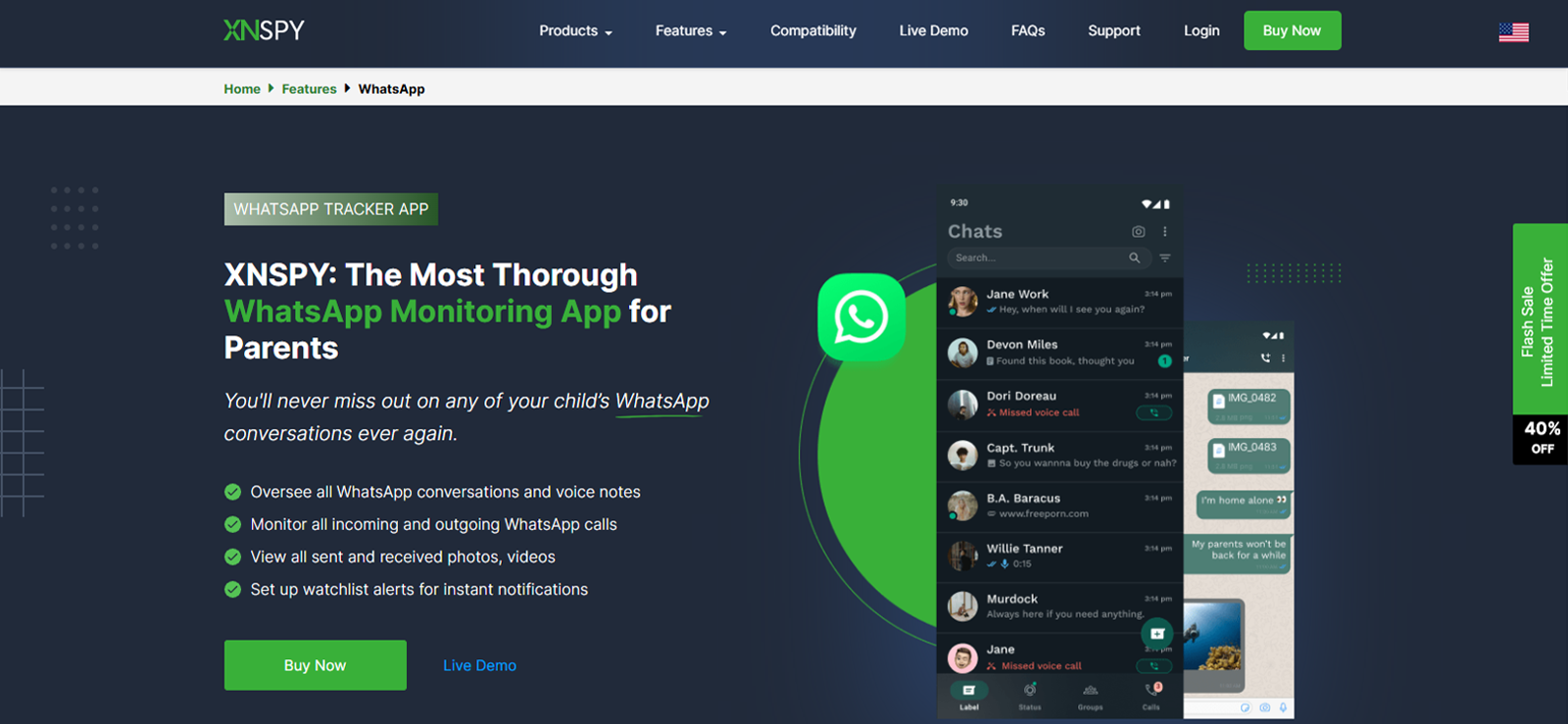
Xnspy passively captures status activity by running a Screen Recorder in the background on the target device. The account never receives a “Seen” notification because no direct status-viewing happens.
During our testing, the Screen Recorder captured WhatsApp statuses as they were being viewed on the targeted devices. Across six testing sessions, Xnspy successfully captured statuses in all six, with screenshots appearing in the dashboard within 10 to 30 seconds under stable connectivity.
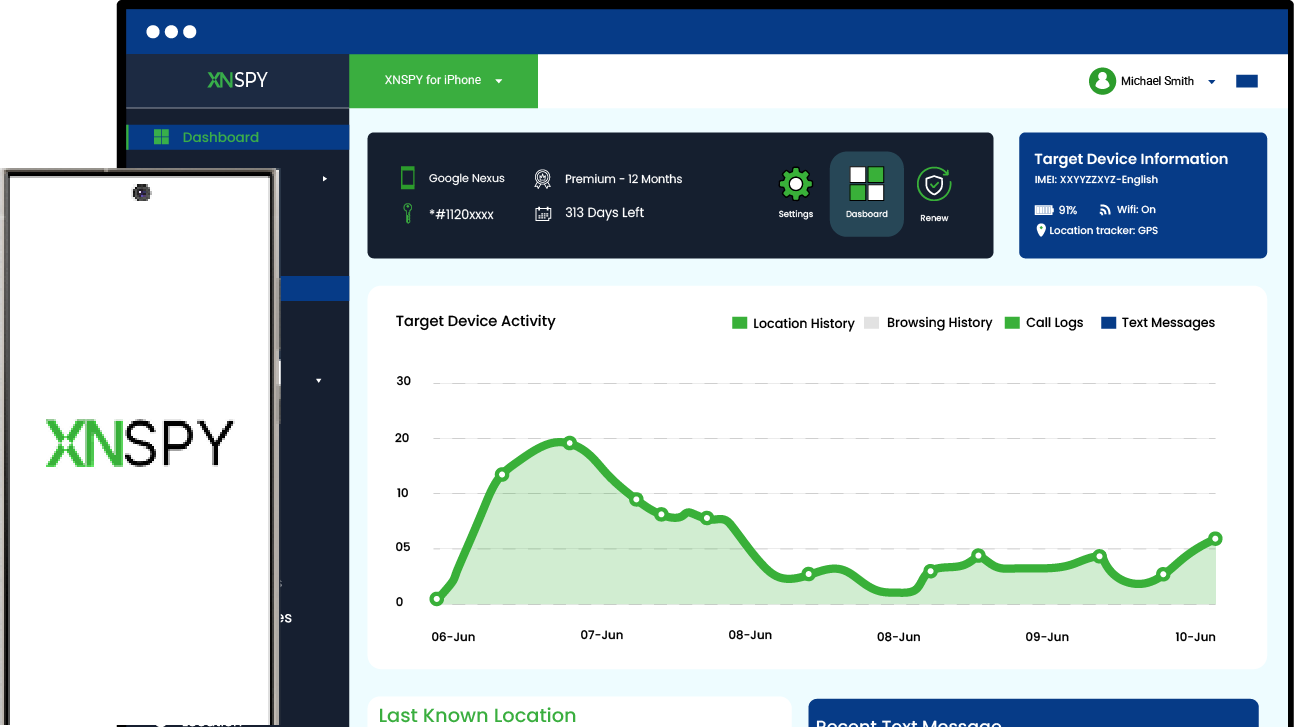
These captures appeared in the dashboard under a dedicated WhatsApp tab, so a parent could scroll through exactly what was viewed without sifting through unrelated content.
What particularly stood out to our Performance Tester was offline resilience. We disconnected the target device from the internet during three separate sessions while statuses were being viewed. In all three cases, Xnspy continued capturing in the background and bulk-uploaded them to the dashboard once connectivity resumed.
Xnspy Compatibility
Xnspy works on Android (version 4.x and above) and iOS (version 6.x and above).
The parent dashboard is accessible in any web browser, such as Chrome, Firefox, Safari, etc.
Xnspy Pricing
- Basic Plan: $4.99/month if billed annually.
- Premium Plan: $7.49/month if billed annually.
You can choose to pay monthly, quarterly, or annually, depending on your needs.
Xnspy Pros and Cons
| Pros of Xnspy | Cons of Xnspy |
| It captures WhatsApp statuses passively without any “Seen” notification. | It requires a one-time brief access to the target device for installation. |
| The screenshots are organized by app in the dashboard. | There is no free trial. |
| Xnspy continues to capture data offline and uploads it when the connection resumes. | The customer support is chat only. |
| It works on both Android and iOS. |
Should I Buy Xnspy?
Xnspy works passively in the background and captures WhatsApp status content without sending a “Seen” notification.
The parental dashboard organizes captured screenshots by app. It continues to sync data even if the phone has no internet connectivity, but the installation process requires a one-time, brief access to the targeted device. Parents who want continuous visibility will find it to be a good choice.

Xnspy: Keep an Eye on Your Child’s WhatsApp Activity
Stay informed about what your kids share and view on WhatsApp.
– Capture WhatsApp statuses via screen recording
– View shared media, chats, and contacts
– Get instant alerts when flagged words appear
– Block or restrict apps remotely in seconds
2. WAIncognito — Best Browser Extension for Anonymous WhatsApp Status Viewing
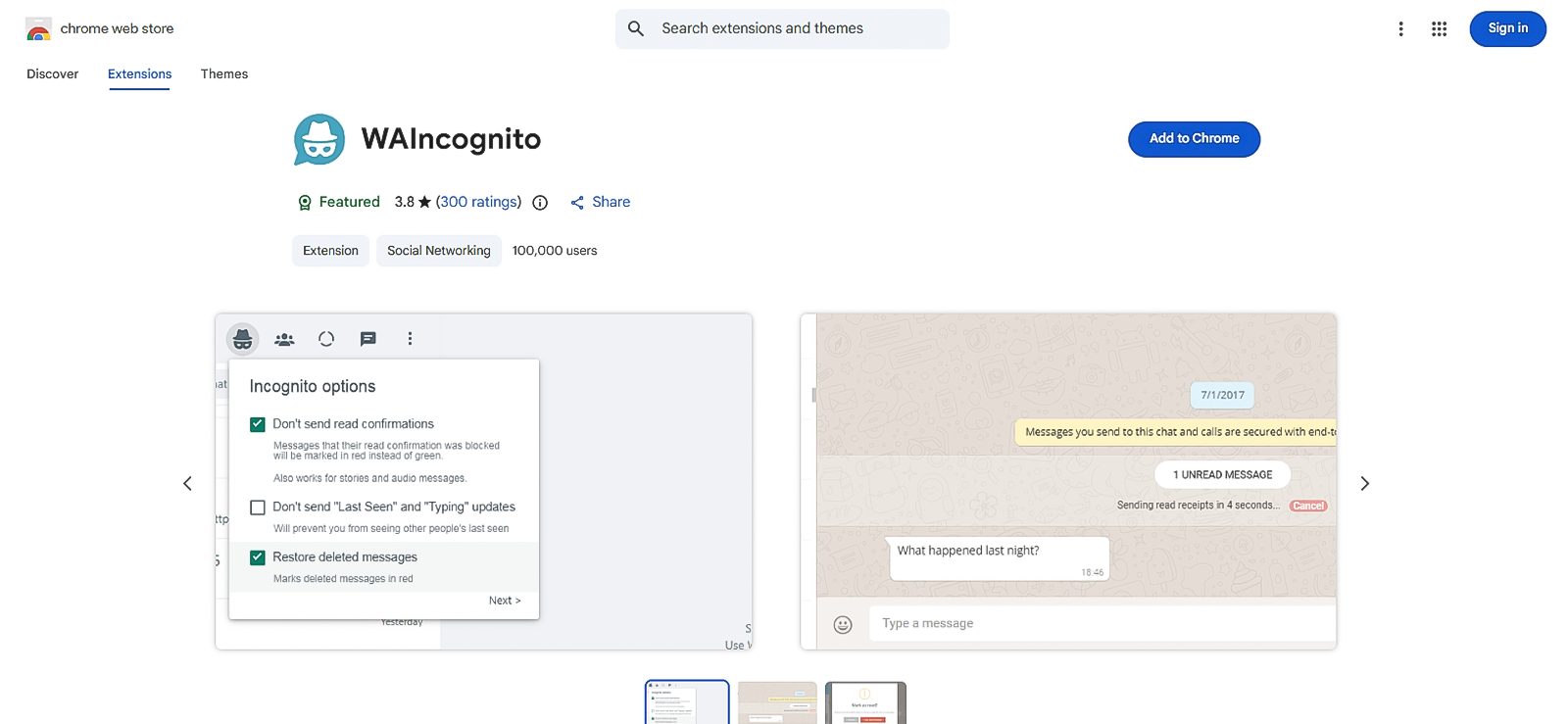
WAIncognito is a free, open-source Chrome extension that works directly inside WhatsApp Web. Rather than reading from a cached folder on the phone after a view has already been logged, WAIncognito intercepts the outgoing data packets between your browser and WhatsApp’s servers, hiding the “Seen” signal.
When a parent opens a child’s status on WhatsApp Web with WAIncognito active, WhatsApp never receives confirmation that the view happened.
During testing, we enabled WAIncognito on a Chrome browser linked to a test WhatsApp account and opened status updates from 5 contacts across 3 separate sessions. Out of 15 attempts, no “Seen” notification appeared in 13.
The failures resulted from the extension being activated after WhatsApp Web had already loaded status data, causing the view to be registered before WAIncognito could apply its protections.
Status content was also downloadable directly from the extension, with photos and videos saved to the desktop in one step.
The extension works well when it is aligned with the current WhatsApp Web version, but it can temporarily fall out of sync after updates.
WAIncognito Compatibility
WAIncognito works on any desktop running Google Chrome: Windows, macOS, or Linux.
WAIncognito Pricing
Free. No subscription, no in-app purchases, no account is required.
WAIncognito Pros and Cons
| Pros of WAIncognito | Cons of WAIncognito |
| Suppresses the “Seen” signal before it reaches WhatsApp’s servers. | Desktop only. |
| No access to the child’s device is needed at any point. | Occasional compatibility breaks after WhatsApp Web updates. |
| Open-source with a confirmed no-data-collection policy. | Only shows statuses visible to the parent’s own WhatsApp contact list. |
| Status download built in. | Only available on Google Chrome. |
| Completely free to use. |
Should I Buy WAIncognito?
WAIncognito is the right fit for parents who regularly use WhatsApp on desktop and are already connected to their child as a contact. Parents who primarily use smartphones, or who want visibility into a child’s device activity beyond what statuses reveal, will find it too narrow in scope.
The desktop-only requirement is a real constraint for parents who don’t regularly browse WhatsApp on a computer. For those who do, it is the only tool in this list that blocks the “Seen” event at the network level.
3. FlexiSpy — Best for Real-Time WhatsApp Status Snapshots

FlexiSpy captures WhatsApp activity using its App Screenshot feature. Parents select up to 10 apps to monitor from a list, and FlexiSpy automatically captures still images of the screen whenever one of those selected apps is active on the target device. The screenshots are then uploaded to the parent dashboard.
In our tests, the App Screenshot feature captured WhatsApp status activity in 7 out of 10 sessions. The three missed captures both involved statuses that loaded and closed very quickly.
WhatsApp monitoring is locked behind the Premium plan at $79 per month, which makes FlexiSpy the most expensive option on this list by a wide margin.
FlexiSpy Compatibility
It is available on both Android and iOS. Do note that iOS requires a jailbroken device.
FlexiSpy Pricing
- Lite Plan: $29.95/month (no WhatsApp monitoring)
- Premium Plan: $79/month
- Extreme Plan: $119/month
FlexiSpy Pros and Cons
| Pros of FlexiSpy | Cons of FlexiSpy |
| App Screenshot captures WhatsApp status on interaction. | Most expensive option on this list by far. |
| Runs in stealth mode on Android with no visible icon. | iOS requires a jailbroken device for full functionality. |
| Dashboard includes timestamps on all captures. | No free trial. |
| WhatsApp monitoring requires the Premium plan minimum. |
Should I Buy FlexiSpy?
FlexiSpy automatically captures WhatsApp status activity whenever the app is active on the monitored device and uploads screenshots to a parent dashboard. The Premium plan at $79 per month is more expensive than every other option here, and iOS parents will need a jailbroken device to access full functionality.
4. AirDroid — Best for Live Screen Mirroring of WhatsApp Status
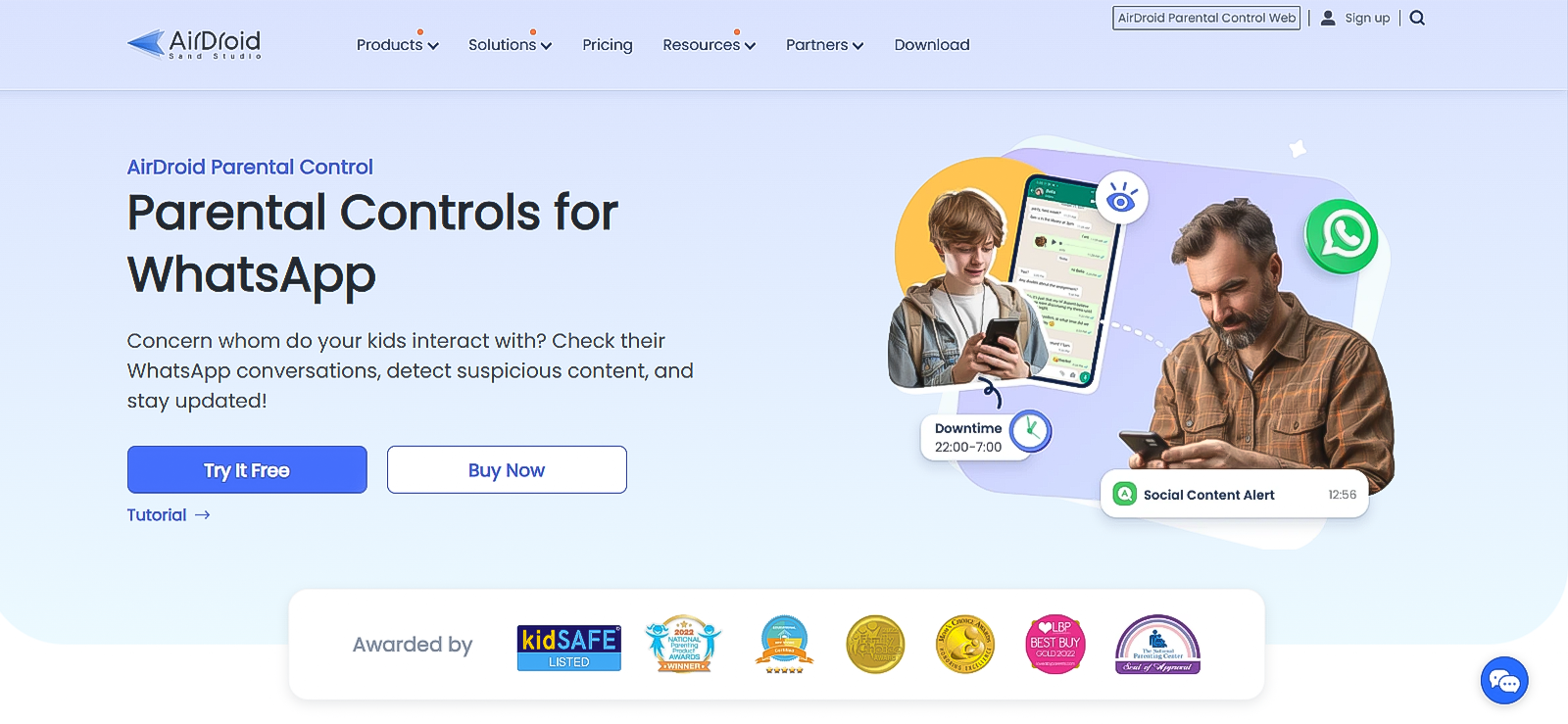
AirDroid mirrors the target device’s live screen to a parent’s browser or phone, making it uniquely effective for viewing WhatsApp status. Rather than waiting for a screenshot to upload, a parent watching the mirrored feed sees a WhatsApp status playing in real time as the child views it, with no interaction required on the parent’s end and no notification sent to the account holder.
The live mirroring feature worked consistently in our tests, maintaining a stable feed in 8 out of 10 sessions. We observed occasional lag during peak hours in the remaining two sessions, with delays of roughly 4 to 7 seconds. Still, for status viewing, the content remained visible long enough that nothing was missed.
Notification syncing also surfaced WhatsApp alerts on the parent’s device in real time, which adds a secondary layer of passive awareness even when the mirror is not actively being watched.
Setup required more steps than any other tool on this list, and our UX analyst flagged the configuration process as a friction point for non-technical parents. Once connected, however, the session remained stable on both Android and iOS.
AirDroid Compatibility
Android (8.0 and above) and iOS (15 and above). The parent dashboard is accessible via browser and the AirDroid Parental Control app.
AirDroid Pricing
- Monthly: $9.99 (billed annually) for 2 devices.
- Quarterly: $6.66 (billed annually) for 10 devices.
- Annual: $5.00 (billed annually) for 10 devices.
AirDroid Pros and Cons
| Pros of AirDroid | Cons of AirDroid |
| Live screen mirroring shows WhatsApp status in real time. | Most involved setup of any tool here. |
| No “Seen” notification triggered on the account. | Occasional lag during mirroring. |
| Notification sync surfaces WhatsApp alerts passively. | The monthly plan covers only 2 devices. |
| Works on Android and iOS |
Should I Buy AirDroid?
Parents who are comfortable with a more involved setup and want to see their child’s WhatsApp activity playing out live, rather than reviewing screenshots after the fact, will get the most out of AirDroid. The installation process requires patience and some technical knowledge. Non-technical parents may find the initial setup frustrating, and the occasional lag during peak hours can hinder the experience.
5. Status Saver WA — Best for Fast Anonymous Status Saving
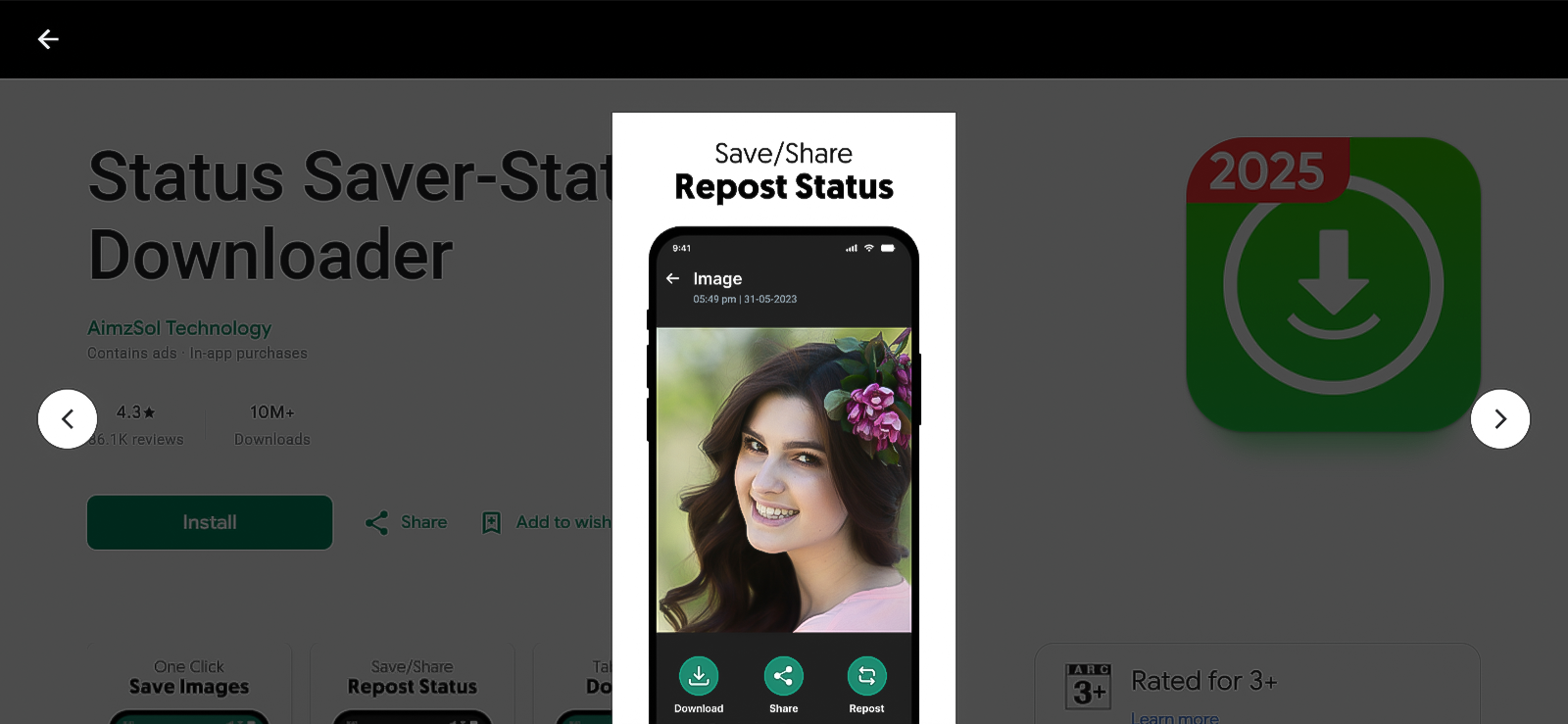
Status Saver WA lets a parent preview any status inside the app before deciding whether to save it, which is useful for quick content checks without saving every item to the gallery. Auto-sync moves anything saved directly into the device gallery with no file management required.
In testing, navigation between photos, videos, and GIFs was smooth across all 10 sessions we ran. Saved files appeared in the gallery immediately in 9 out of 10 attempts, with one instance requiring a manual gallery refresh before the file appeared. The app requires no login and keeps all files locally on the device, avoiding any third-party server involvement.
Status Saver WA shares the ceiling of every status-saver app in this category. It is Android-only, works only within existing contact relationships, and provides no remote access or continuous monitoring.
Status Saver WA Compatibility
Android only. Works with WhatsApp and WhatsApp Business.
Status Saver WA Pricing
Free. No in-app purchases or subscription required.
Status Saver WA Pros and Cons
| Pros of Status Saver WA | Cons of Status Saver WA |
| Clean, minimal interface. | Android only. |
| Built-in preview before saving. | No remote access or monitoring dashboard. |
| Auto-syncs saved files to the device gallery. | Requires the device to be physically accessible. |
| No login required. All files stay on-device. | |
| No “Seen” notification triggered. |
Should I Buy Status Saver WA?
Families with Android devices who want a simple, free way to preview and save a child’s WhatsApp statuses during in-hand checks will find Status Saver WA straightforward and reliable. The built-in preview before saving is a useful detail for parents who want to assess content before saving it to the gallery.
It does not suit households that rely on iOS, situations that require remote access, or any parent who wants ongoing visibility rather than periodic manual checks.

Did You Know?
You can now restore deleted images on WhatsApp.

6. WhatsApp Web — The Incognito Method
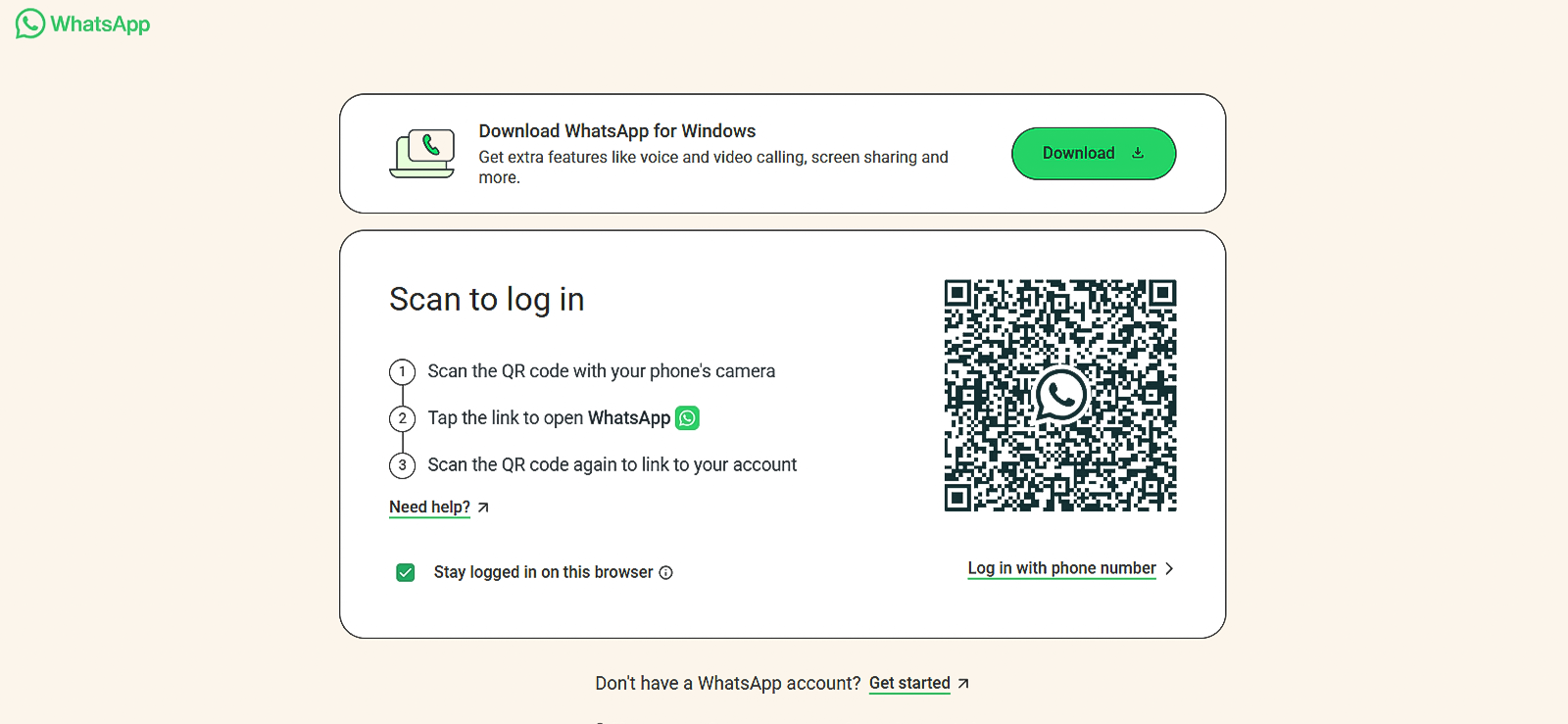
WhatsApp Web is not a third-party application, but it remains a working approach for parents who want to check a status anonymously without installing anything. The method combines WhatsApp’s linked-devices feature with an incognito browser session. Used correctly, it lets a parent view a WhatsApp status without a “Seen” event being logged.
Our team confirmed this method still works in 2026, completing the sequence without triggering a “Seen” event in 4 out of 5 attempts. The one failure occurred when WhatsApp Web was opened in a normal tab rather than in Incognito Mode.
WhatsApp Web Compatibility
Works in any browser. Compatible with Android and iOS devices running WhatsApp.
WhatsApp Web Pricing
Free. No additional software or account required.
WhatsApp Web Pros and Cons
| Pros of WhatsApp Web | Cons of WhatsApp Web |
| No third-party software needed. | Must be set up again for each new session. |
| Free to use. | Not practical as an ongoing monitoring method. |
| Works on Android and iOS. | |
| Incognito mode keeps browser history clean. |
Should I Use WhatsApp Web?
Parents who want a one-time, no-cost way to view a child’s WhatsApp status without installing anything will find this method reliable. This method is better suited to occasional, isolated checks than to any ongoing monitoring.
FAQs
Can an Online WhatsApp Status Viewer access private accounts?
No. Every tool on this list is limited to status content that is already visible to you as a WhatsApp contact. Privacy settings such as “My Contacts Except” and “Only Share With” restrict visibility at WhatsApp’s server level, and no third-party tool can override them. Any online WhatsApp status viewer claiming to surface content from accounts outside your contact list should be treated with serious skepticism, as such claims are almost always misleading.
Will the person know if I used a WhatsApp Anonymous Story Viewer?
For most tools on this list, no. Status Saver WA reads from WhatsApp’s local device cache after the status has already loaded, so no new view event is sent to the server. WAIncognito suppresses the “Seen” signal before it even reaches WhatsApp’s servers. The WhatsApp Web incognito method avoids triggering a view, provided the session is opened in Incognito Mode. Xnspy, FlexiSpy, and AirDroid all passively capture status content on the device, meaning the account holder never receives any view-related notifications.
Which tool is best suited for parents looking for a WhatsApp Private Story Viewer?
If the goal is to access a child’s WhatsApp private story content on their device without alerting anyone, Xnspy is the strongest option. Because it captures status activity via a screen recorder running passively in the background, it functions as a true WhatsApp Private Story Viewer: the content is recorded as the child views it, without any direct interaction from the parent. Tools like WAIncognito and Status Saver WA are useful for occasional manual checks, but neither provides the continuous, passive visibility that Xnspy does.
Do these tools work on both Android and iPhone?
It depends on the tool. Xnspy and AirDroid support both Android and iOS. FlexiSpy also supports both platforms, though iOS requires a jailbroken device for full WhatsApp monitoring functionality. WAIncognito is desktop-only and works exclusively on Google Chrome, so it is not tied to either mobile platform. Status Saver WA is Android-only and offers nothing for iPhone users. WhatsApp Web works across both platforms, provided WhatsApp is installed. Parents whose children use iPhones should confirm iOS compatibility before purchasing any subscription.
Is it legal for parents to use a WhatsApp Story Viewer on their child’s phone?
In most jurisdictions, parents are legally permitted to monitor devices they own and provide to their minor children. Tools like Xnspy and AirDroid are designed for this use case and recommend transparent communication with children as a best practice. Laws vary by country and region, so reviewing local regulations before using any monitoring tool is advisable. Installing monitoring software on an adult’s device without their knowledge or consent is generally prohibited under applicable privacy law.
Ready to See Everything on Your Child’s Phone?
Get Xnspy and stay informed about your child’s online activity.

1 Comments
Leave a reply:
Your email address will not be published. Required fields are marked*

Muhammad
June 30, 2026 at 12:28 amI didn’t see anything yet