7 Best Instagram Profile Picture Viewer Tools Tested Beyond the Hype

The complete monitoring experience for your phone
Get XNSPY and start tracking calls, texts, multimedia, locations and more on any phone!
Get Started Now Live DemoInstagram compresses one of the most recognizable parts of a profile into a tiny circle, but that small image can leave surprisingly big questions unanswered.
Who is actually behind the account? Is the picture genuine or reused? And can you view it properly without relying on Instagram’s limited thumbnail?
That is where an Insta DP viewer comes in. These tools are not always easy to find, and many users do not even realize they exist, but the right one can make a profile picture much easier to inspect.
However, not every option delivers a genuinely clearer image or a dependable lookup.
Therefore, in this guide, we break down 7 tools that stood out for image quality, reliability, ease of access, and overall usefulness during our testing.
Top Instagram PFP Viewer Tools: Our Final Picks
- Xnspy: Best for parents who want profile-picture context from the child’s actual Instagram activity.
- Save Insta Free: Best for clear, downloadable profile pictures without extra functionality getting in the way.
- Insta Saver: Best for routine profile-picture lookups where consistency matters, although the first preview can look noticeably worse.
- Social Dawn: Best for quick, low-effort checks when you only need a clearer look at an avatar, but its 320×320 output makes it less suitable.
- MoniMaster: Best treated as an additional source of Instagram context rather than a dedicated profile-picture viewer.
- Clips Saver: Best only for occasional basic lookups due to slow responses, stale results, weak image quality, and unclear failure messages.
- Inflact: Best for users who already use its wider Instagram toolkit, but for profile pictures alone, private-account limitations, sign-in requirements, and daily free limits make it less compelling.
We Tested the Best Insta DP Viewer Tools, and These 7 Won Us Over
| Tool | Rating | Pricing | Best For | Main Drawback |
| Xnspy | 9.4/10 | Starting from $4.99/month | Parent-focused on-device Instagram PFP viewing | Device-level setup; not an HD username downloader |
| Save Insta Free | 8.9/10 | Free | Clear HD viewing and downloads | False “wrong username” errors; 8/11 successful attempts |
| Insta Saver | 8.6/10 | Free | Consistent view-and-download flow | Initial preview often distorted |
| Social Dawn | 8.0/10 | Free | Fast no-login lookups | Download measured only 320×320 |
| MoniMaster | 7.7/10 | Starting from $9.16/month | Android screenshot context | Inconsistent auto capture and mixed dashboard feed |
| Clips Saver | 7.3/10 | Free | Basic browser lookup | Slow, stale results, blurred output |
| Inflact | 7.0/10 | Free; paid starting at $7.80/month | Username suggestions and broader toolkit | Sign-in friction, daily caps, small downloaded image |
Why Parents Need an Instagram Profile Pic Viewer
For parents, the value of an IG profile pic viewer usually goes beyond simply making a small image larger. Instead, for them, a clearer profile picture can add context when their child mentions a new, unfamiliar friend or changes their own avatar without much explanation.
More specifically, parents can have different reasons to use such tools:
- Enlarging Small Instagram Profile Pictures: A larger avatar makes it easier to recognize a face, logo, symbol, or other visual details that are hard to identify in Instagram’s circular thumbnail.
- Checking Profile Images More Clearly: When two accounts use similar names, a clearer profile image can help you confirm whether you are looking at the right account before discussing it with your teen.
- Saving or Downloading an Instagram Profile Photo: Some tools let you save a local copy, which can help when documenting a suspicious account or checking whether a teen’s profile picture has changed.
How We Put Each Instagram PFP Viewer to the Test
To keep the comparison consistent, we tested the browser-based tools against the same eight-account sample, split evenly between four public and four private accounts.
We also added a deactivated account as a failure case, which helped us see how clearly it explained an unsuccessful lookup.
Then, wherever the tool supported both methods, we searched using the username as well as the full Instagram profile URL.
More importantly, we repeated the searches instead of treating one successful lookup as enough evidence, since a tool that works once but fails on the next attempt is difficult to call reliable.
The device-level apps, however, required a different approach because they do not work like conventional viewers where you simply enter a username.
Rather than forcing them into that same workflow, we tested them during actual Instagram use and focused on how effectively they captured profile pictures as they appeared on the monitored device.
Image Resolution — 40%
Since the main reason to use an Instagram profile picture viewing tool is to see an avatar more clearly, image resolution carried the greatest weight in our scoring.
Once a tool returned a result, we compared the initial preview with the enlarged or downloaded version. We also looked closely for blur, distortion, cropping, thumbnail enlargement, and artificial-looking upscaling.
Lookup Reliability — 30%
Using the same account sample, we tested whether repeated attempts produced the same result and whether public- and private-account profile pictures were handled consistently.
Zoom and Download Functionality — 20%
After confirming that a viewer could find the right account, we moved on to what you could actually do with the resulting profile picture. We tested whether the image could be enlarged and whether the download control worked as expected.
Where downloads were available, we also compared the saved file with the on-screen preview to determine whether it offered better resolution.
User Interface — 10%
That naturally led into the final part of our scoring, i.e., the overall user experience.
During each test, we noted loading time, sign-in requests, stale search results, and how quickly we could move from entering an account to seeing a usable profile picture.
The 7 IG Profile Pic Viewer Tools That Held Up in Real Use
After putting all seven tools through the same testing framework, we compared each Instagram profile pic viewer’s results to see which ones delivered the most reliable lookups. Our final findings are detailed below.
1. Xnspy (Best for Parental Monitoring)
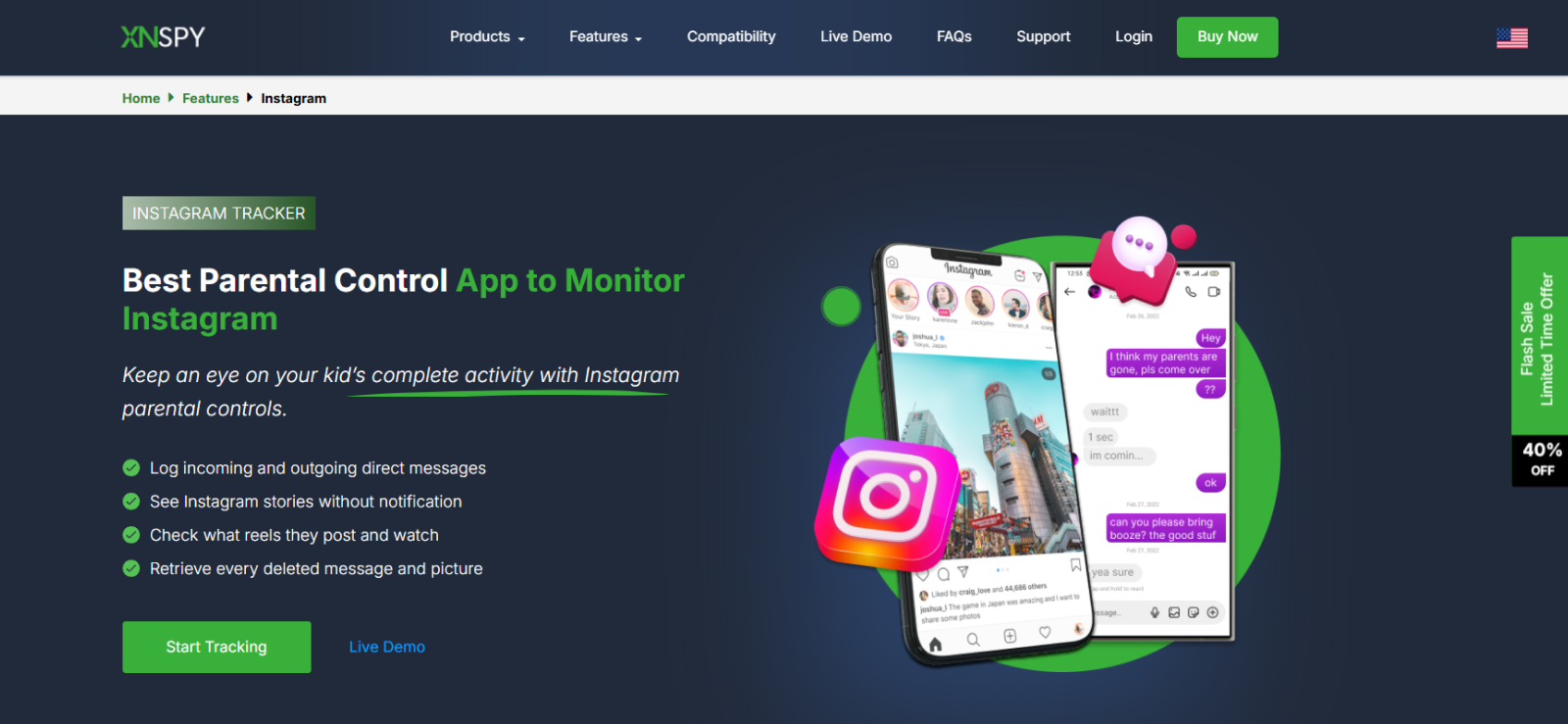
Based on our evaluation, Xnspy works as an Insta PFP viewer at the device level because it records what appears on the monitored phone. And that makes it easier to view Instagram DPs as they appear on the device. To test Xnspy, we repeatedly opened Instagram on a test device and moved through different profile pages while Xnspy’s screen recorder was active.
Across 12 sessions, 11 produced usable Instagram screenshots, with captures appearing roughly every 10 seconds.
Since those screenshots reflected the device screen itself, we could see profile pictures in the same context in which the user encountered them rather than as isolated downloaded images.
The way those captures were presented also affected how easy they were to review.
Xnspy organized screenshots by application, so once activity started accumulating, we could move directly into the Instagram subcategory instead of searching through screenshots from every monitored app.
That made profile-picture-related activity easier to trace, although finding a particular avatar still depended on whether the monitored user had actually brought that account on-screen in the first place.
We also tried the remote screenshot feature to see whether it gave us more control over what we could inspect.
Of 10 attempts, 9 returned a usable capture. However, unlike automatic screenshots, it let us request a current view of the device and captured only what was visible at that moment.
Lastly, gallery access provided one additional route when profile pictures or similar images had been saved on the device. In those cases, we could find the file among the phone’s stored images and compare it with what had appeared in Instagram.
Xnspy Compatibility
Xnspy supports Android 4 through 16 and iOS through 17.0.3.
Xnspy Pricing
- Basic: $4.99/month when billed annually at $59.99
- Premium: $7.49/month when billed annually at $89.99
Xnspy Pros & Cons
| Pros | Cons |
| Device-level profile-picture context, including private-account screens | Requires device-level installation/setup |
| Automatic screenshots build a visual record | |
| Remote screenshots capture the current device screen | Not a direct HD profile-picture downloader |
| Gallery access can reveal saved profile-image files |
Should I Use Xnspy?
Overall, Xnspy gave us several ways to encounter and review profile pictures, but all of them remained tied to activity taking place on the monitored phone. That makes its experience fundamentally different from the browser-based viewers in this list, where the profile picture itself is the starting point rather than a by-product of wider Instagram activity.

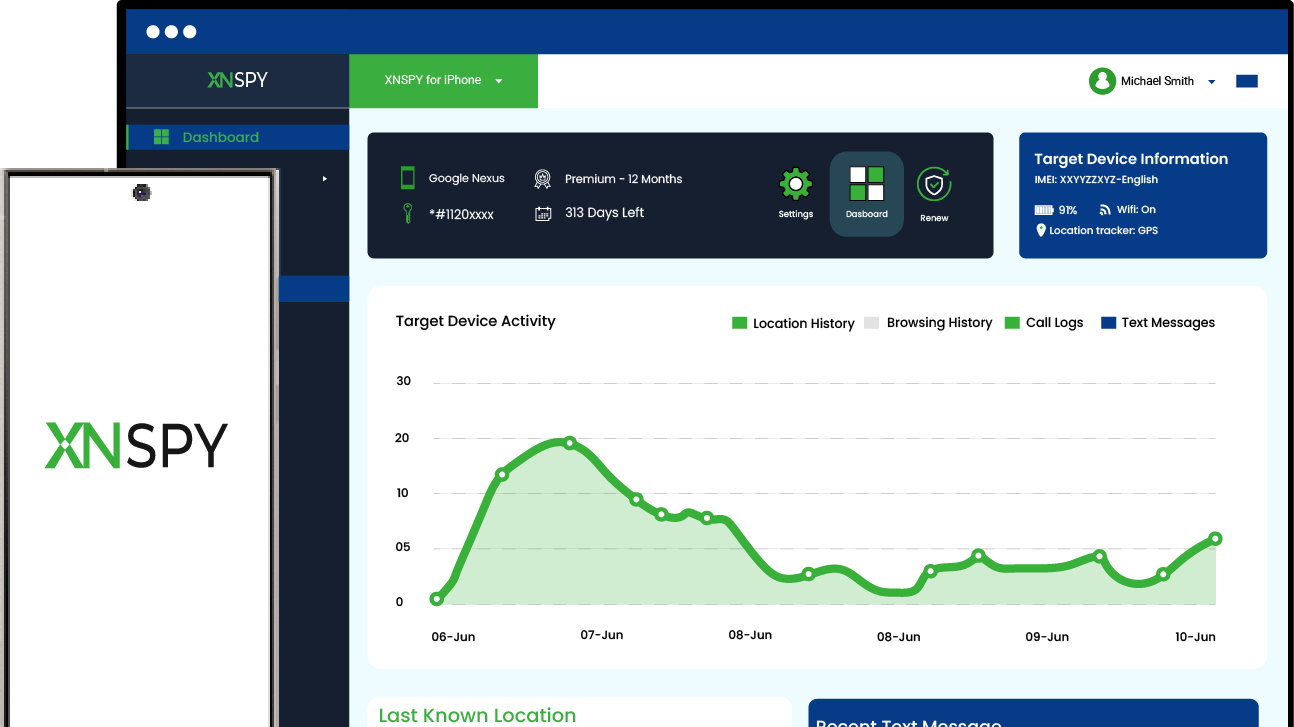
Xnspy: See Your Teen’s Instagram DP & Activity in Context
Understand your teen’s Instagram activity at a glance.
– Periodic and automatic screenshots
– On-demand live screen capture
– Access to the gallery’s photos and videos
– Detailed message and other activity records
2. Save Insta Free (Best for HD Downloads)
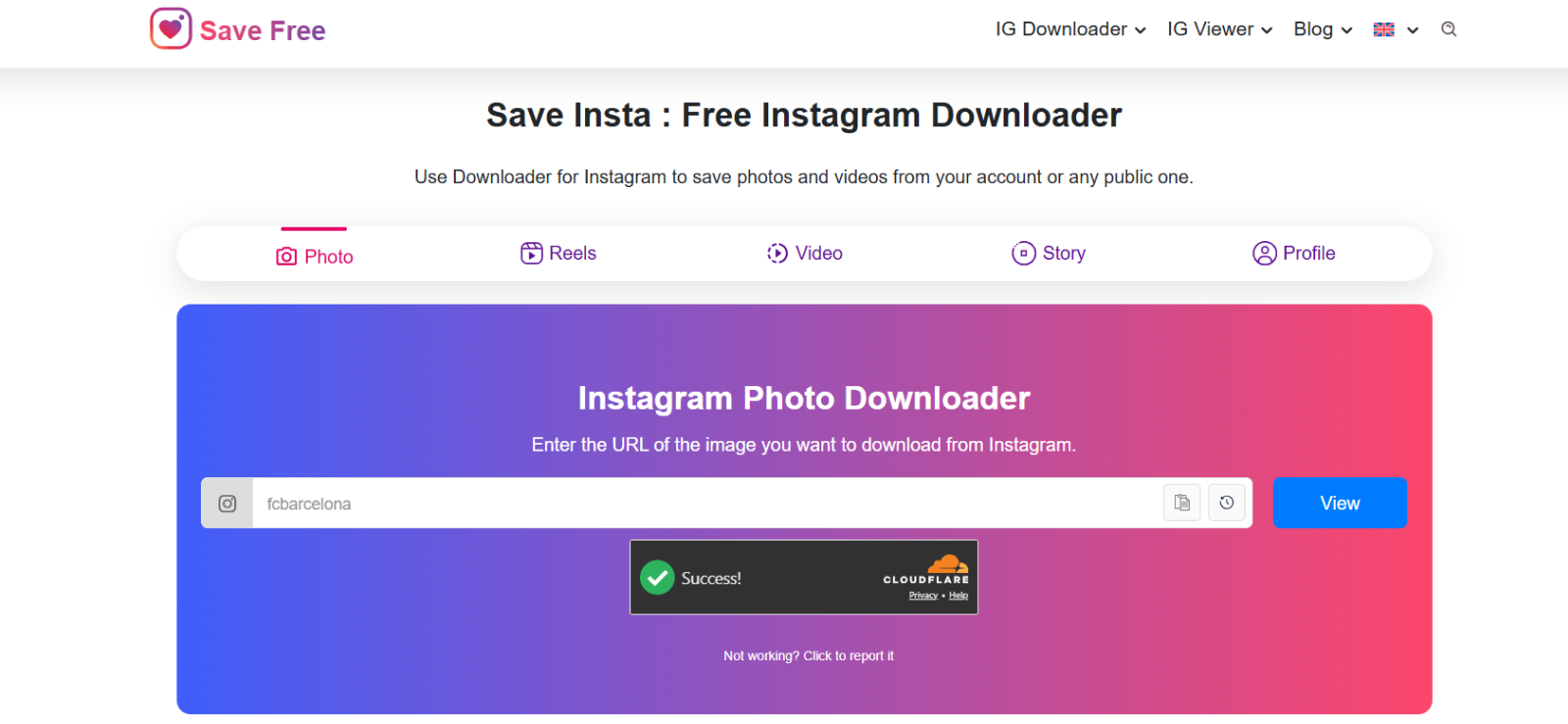
Save Insta Free looked like one of the more straightforward Insta DP viewer tools when we first opened it.
There was no complicated setup to work through since we could either enter the Instagram username or paste the full profile URL, after which the tool pulled up the profile picture with options to enlarge and download it.
During testing, the first thing that stood out was image quality.
Across the successful lookups, Save Insta Free returned some of the clearest profile pictures we saw during testing.
When we opened the enlarged view, the image did not immediately become soft or obviously stretched, which is something we noticed with several other tools.
Moreover, the downloaded version also retained that clarity, so in practical terms, it gave us a more usable result than simply enlarging Instagram’s standard thumbnail.
That stronger image quality, however, was offset by inconsistent lookup reliability.
We made 11 attempts in total, of which 8 completed successfully.
The main issue appeared with one valid account that repeatedly returned a “wrong username” message even though we had entered the correct handle.
Rather than stopping there, we retried the same lookup several times, and the profile eventually loaded correctly. That made it clear during testing that this particular error message could sometimes reflect a failed lookup rather than an invalid username.
As for deactivated accounts, we saw a different outcome. Save Insta Free could not retrieve its profile picture at all, and repeated attempts did not change the result. So while the tool performed well when it successfully found an account, we would not rely on a single failed search as definitive proof that a profile does not exist.
Save Insta Free Compatibility
Save Insta Free runs in a browser.
Save Insta Free Pricing
Free.
Save Insta Free Pros & Cons
| Pros | Cons |
| Clear HD-looking zoom and download | Valid username sometimes returned a false error |
| Worked with public and private-account profile pictures | |
| Accepts username or profile URL | Requires retries |
| No usage cap |
Should I Use Save Insta Free?
Save Insta Free suits parents who want a focused profile-picture viewer rather than an overloaded Instagram utility. Its appeal lies in its simple functionality, from a username to a larger, downloadable image. However, where it becomes less useful is account verification, since its lookup results are not always dependable on the first try.
3. Insta Saver (Best for Reliable Lookups)
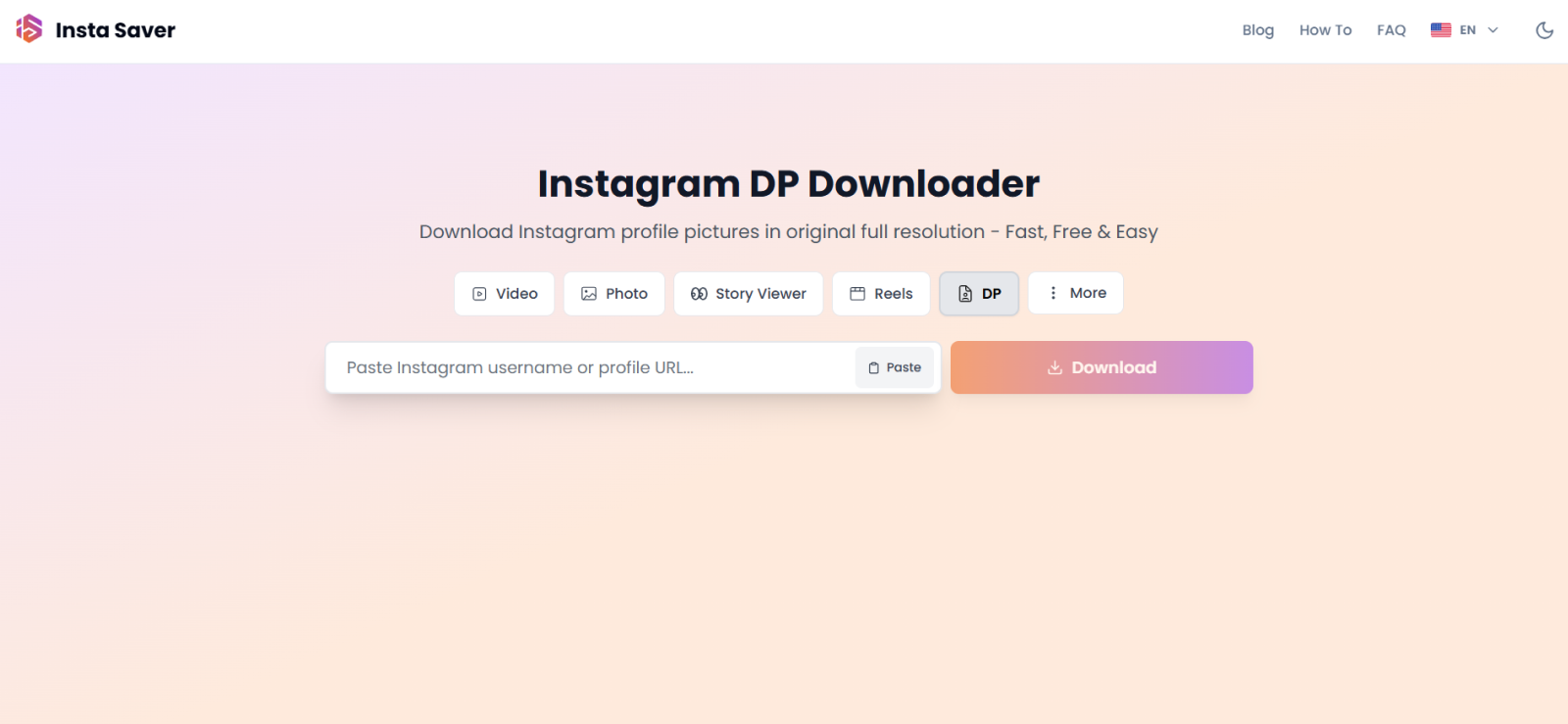
Insta Saver gave us a much smoother experience from the outset. The tool accepts either a username or a full Instagram profile URL, after which it loads the profile picture with options to view it more closely or download it.
To check whether that simplicity was matched by consistency, we ran eight accounts through the tool twice. All 16 lookups completed successfully, so unlike Save Insta Free, we did not have to repeat searches because of incorrect username errors.
The main weakness, however, appeared after the profile picture loaded. At first glance, the preview often looked slightly distorted, which made the image quality seem poorer than it actually was.
However, once we opened the zoomed version, the picture became noticeably clearer, and the downloaded file also looked better than the initial preview. So with Insta Saver, the first image you see is not necessarily the best representation of the final result.
Adding to it, its handling of unavailable accounts was less informative. When we entered the deactivated account, Insta Saver simply displayed a generic no-image icon rather than explaining why the profile could not be retrieved.
The same response can appear when a lookup fails for other reasons, which makes it difficult to tell whether an account is deactivated or simply not being found by the tool.
Insta Saver Compatibility
Insta Saver is browser-based and requires no Instagram login. Its current DP tool accepts either a username or profile URL and works across desktop and mobile browsers.
Insta Saver Pricing
Free.
Insta Saver Pros & Cons
| Pros | Cons |
| 16 of 16 standard repeat checks completed | Initial preview frequently looked distorted |
| Zoomed view and download looked clearer | |
| Accepts username or profile URL | Failure state only shows a generic no-image icon |
| No Instagram login required |
Should I Use Insta Saver?
Insta Saver is a good Instagram DP viewer. Overall, it felt more dependable for routine profile-picture lookups, but its weaker initial preview and vague failure state prevent the experience from feeling equally polished from start to finish.
4. Social Dawn (Best for Quick Viewing)
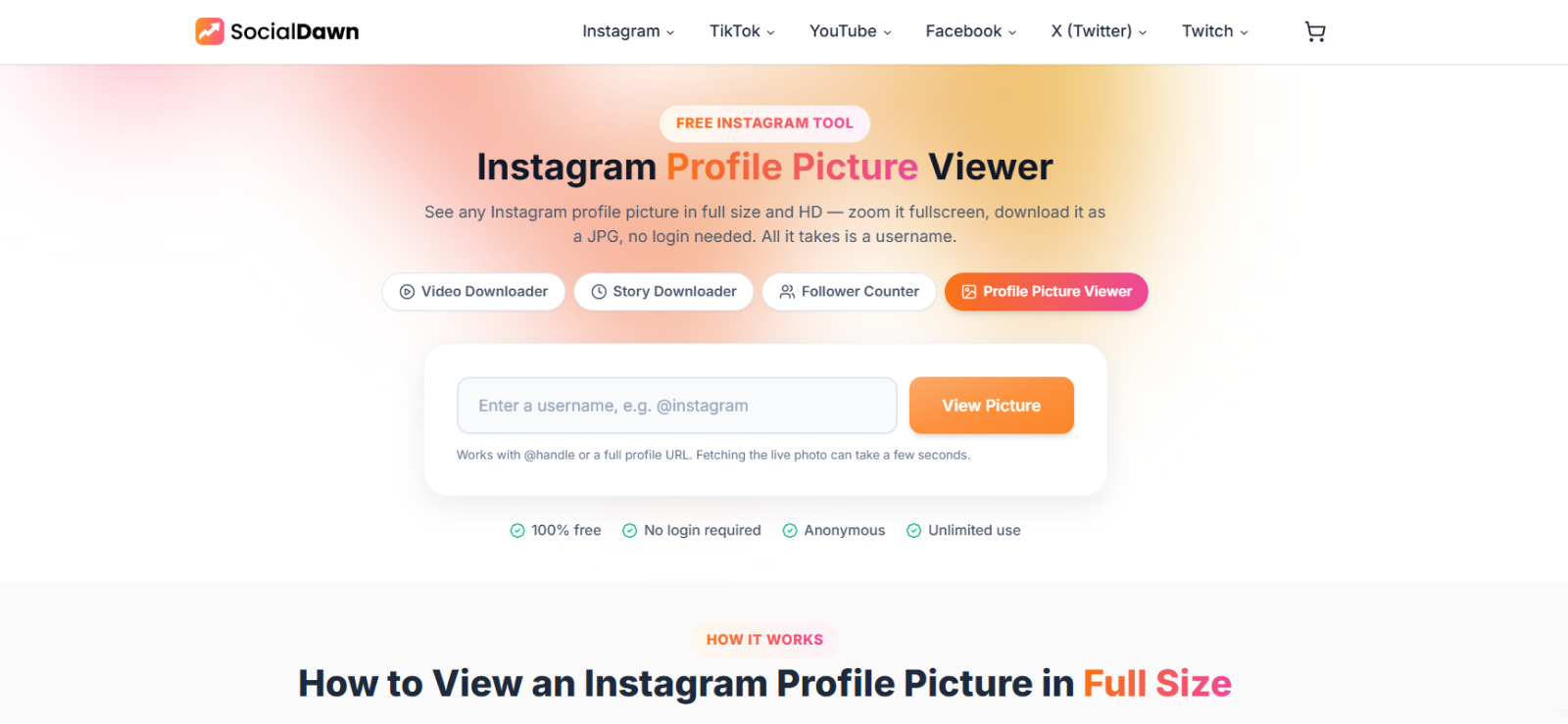
Social Dawn made a strong first impression because there was very little between us and the profile picture.
We entered the username, waited briefly for the account to load, and could then open the image without signing in.
The same process worked across the public and private accounts we checked, so the basic lookup experience felt quick and uncomplicated.
The limitation became clearer once we moved beyond the initial result and looked more closely at image quality. Although Social Dawn offers a “full-screen” view, opening it did not give us the kind of substantial enlargement the label suggests.
We saw the same limitation in the downloaded file, which measured 320×320 pixels.
That was large enough to make an avatar easier to inspect, but it fell short of the higher-resolution output we expected from a tool positioned around full-size profile-picture viewing.
We then checked how Social Dawn handled an account it could no longer retrieve. Our deactivated test account simply returned no result, without any explanation.
Social Dawn Compatibility
Social Dawn runs in the browser and currently accepts either an @handle or a full Instagram profile URL.
Social Dawn Pricing
Free.
Social Dawn Pros & Cons
| Pros | Cons |
| Fast browser lookup | Download measured only 320×320 |
| No Instagram login required | “Full-screen” view was not genuinely full screen |
| Same behavior across public/private avatars | Lower output quality than top free options |
Should I Use Social Dawn?
Social Dawn makes sense for parents who want a low-effort way to put a face to an unfamiliar Instagram account. However, it is not as useful for close inspection and high-quality copy due to its size limitation.
5. MoniMaster (Best for Activity Context)
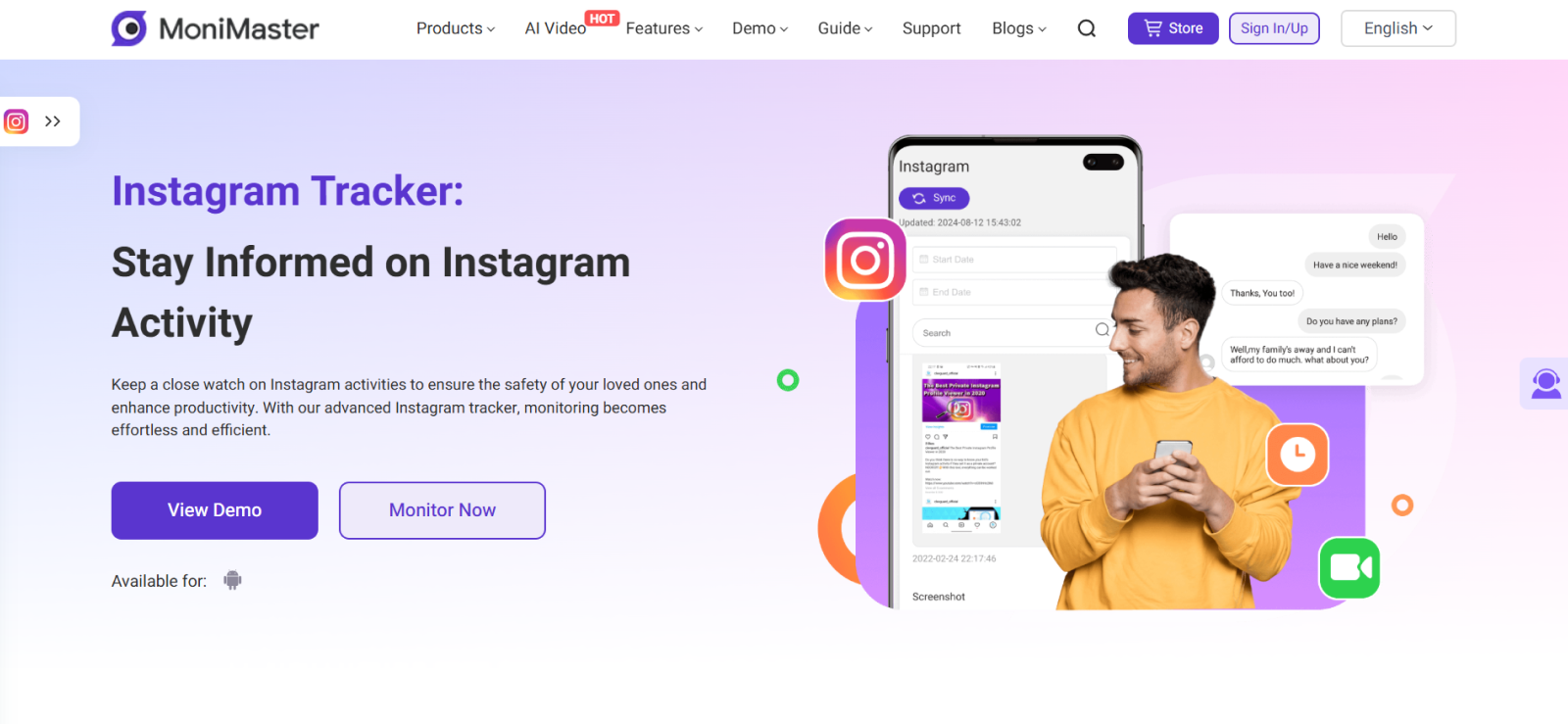
MoniMaster works differently from a conventional Insta profile pic viewer because it relies on device monitoring rather than direct username searches.
That difference became noticeable almost immediately during testing, since we could not simply enter an account and retrieve its profile picture. Instead, we had to wait for the image to appear naturally within the monitored user’s Instagram activity.
That made finding a specific profile picture much less predictable.
Even when MoniMaster did capture a relevant screen, finding it was not particularly straightforward because screenshots were not separated into a dedicated Instagram gallery or visual timeline.
Instead, they appeared alongside messages and other Social Apps activity in the same scrolling feed.
As that record grew, we often had to work through surrounding entries to determine which screenshot belonged to which interaction and where a particular profile picture had appeared.
Overall, a screenshot could provide useful context because the surrounding messages helped explain what the user was doing at the time, but the tradeoff was that locating one specific image became more laborious.
Capture consistency added another limitation. Across 12 Instagram-use sessions, Auto Screenshots produced usable captures in only 5, which made it difficult to rely on Auto Screenshots as a complete visual record.
MoniMaster also included a separate remote screenshot command, but that only partly solved the problem. It captured whatever was visible on the screen when the command ran, so its usefulness still depended on timing.
MoniMaster Compatibility
MoniMaster Pro supports Android and iOS, but the Instagram screenshot workflow is available only on Android.
MoniMaster Pricing
- 1 month: $39.99
- 3 months: $59.99 total ($19.99/month)
- 1 year: $109.99 total ($9.16/month)
MoniMaster Pros & Cons
| Pros | Cons |
|---|---|
| Screenshots add visual context to Instagram activity | Instagram screenshot workflow is Android-focused |
| Remote screenshot command available | Screenshots and message data cluttered in a single window |
| Can capture avatars as they appear on device | Not a direct profile-picture downloader |
Should I Use MoniMaster?
Overall, MoniMaster is more useful for adding visual context to existing Instagram activity than for locating a particular profile picture on demand.

What Did We Find Out After Testing MoniMaster?
Our hands-on testing revealed where MoniMaster works well and where it doesn’t.

6. Clips Saver (Best for Basic Lookups)
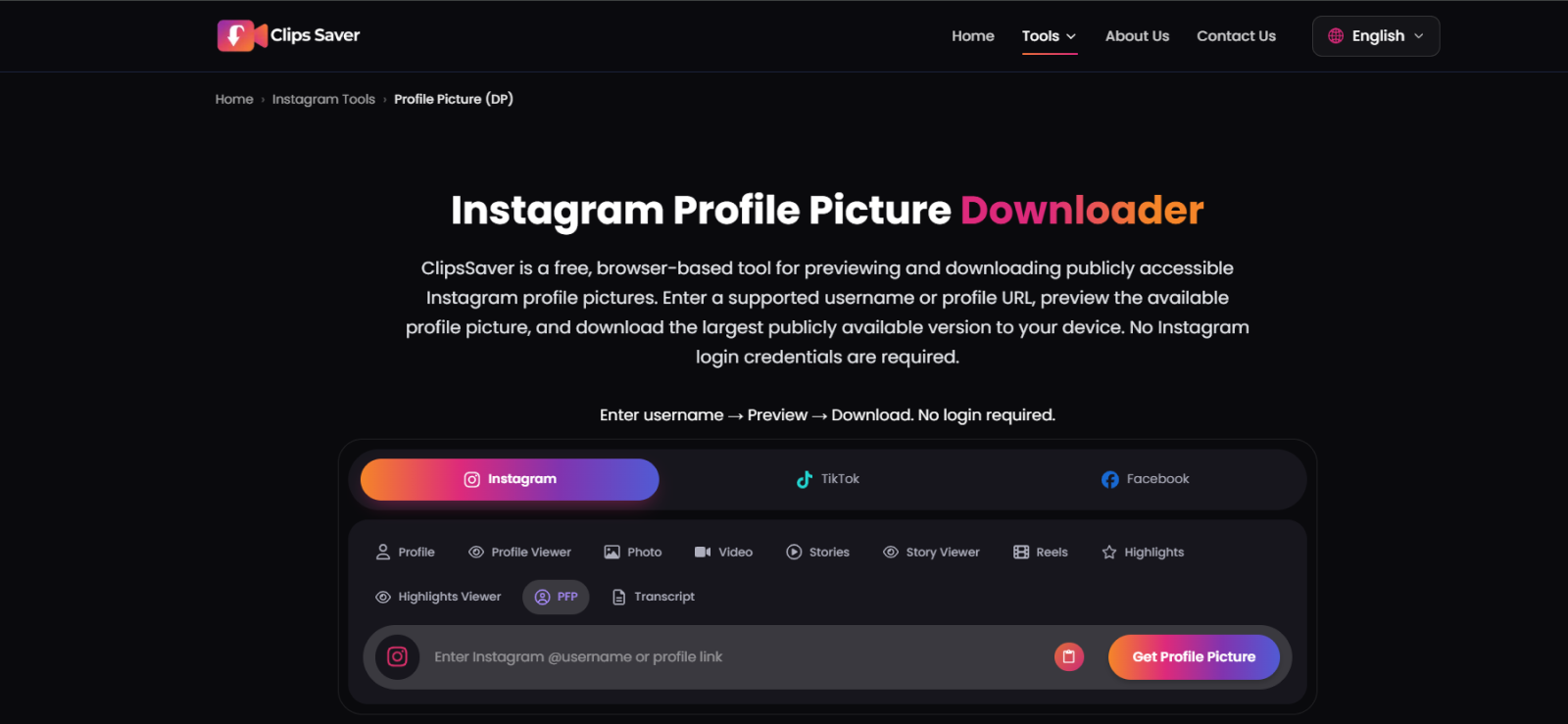
Clips Saver looked simple at first, much like the other browser-based tools we had already tested. Nonetheless, the difference became apparent once we started using it because the overall experience was slower and noticeably less dependable.
The first issue was lookup consistency. One search returned an “Instagram server is busy” message and only worked after a retry. Later, another failed search continued to display the previous account’s profile picture, which was more problematic.
That stale result created a real risk of associating the wrong image with the username we had just entered, so every result needed an extra check before we could trust it.
The image itself did not make up for that uncertainty. The preview looked blurred and somewhat distorted, while the downloaded version remained close to Instagram’s standard avatar size instead of offering a meaningful enlargement.
We also encountered an email sign-in prompt when using the download option. It could be dismissed, but it returned after subsequent searches, adding another interruption to an already uneven experience.
Public and private-account profile pictures were handled in much the same way, but the deactivated-account check exposed another weakness in how Clips Saver communicates failed lookups.
Rather than indicating that the account was unavailable, it returned an “Adult Content” security message. Since that description did not match the actual status of the test account, it made the failure state more confusing rather than more informative.
Clips Saver Compatibility
Clips Saver is browser-based and works across phone and desktop browsers.
Clips Saver Pricing
Free.
Clips Saver Pros & Cons
| Pros | Cons |
| Free browser tool | Slow loading and server-busy errors |
| Public/private avatars behaved similarly | Preview was blurred and distorted |
| Email prompt can be dismissed | Misleading deactivated-account message |
Should I Use Clips Saver?
Clips Saver is functional when the lookup succeeds, but we would not make it a first choice for parents who need a dependable identity check. Slow loading, stale results, and weak image quality create too much room for confusion.
7. Inflact (Best for Multiple Instagram Tools)
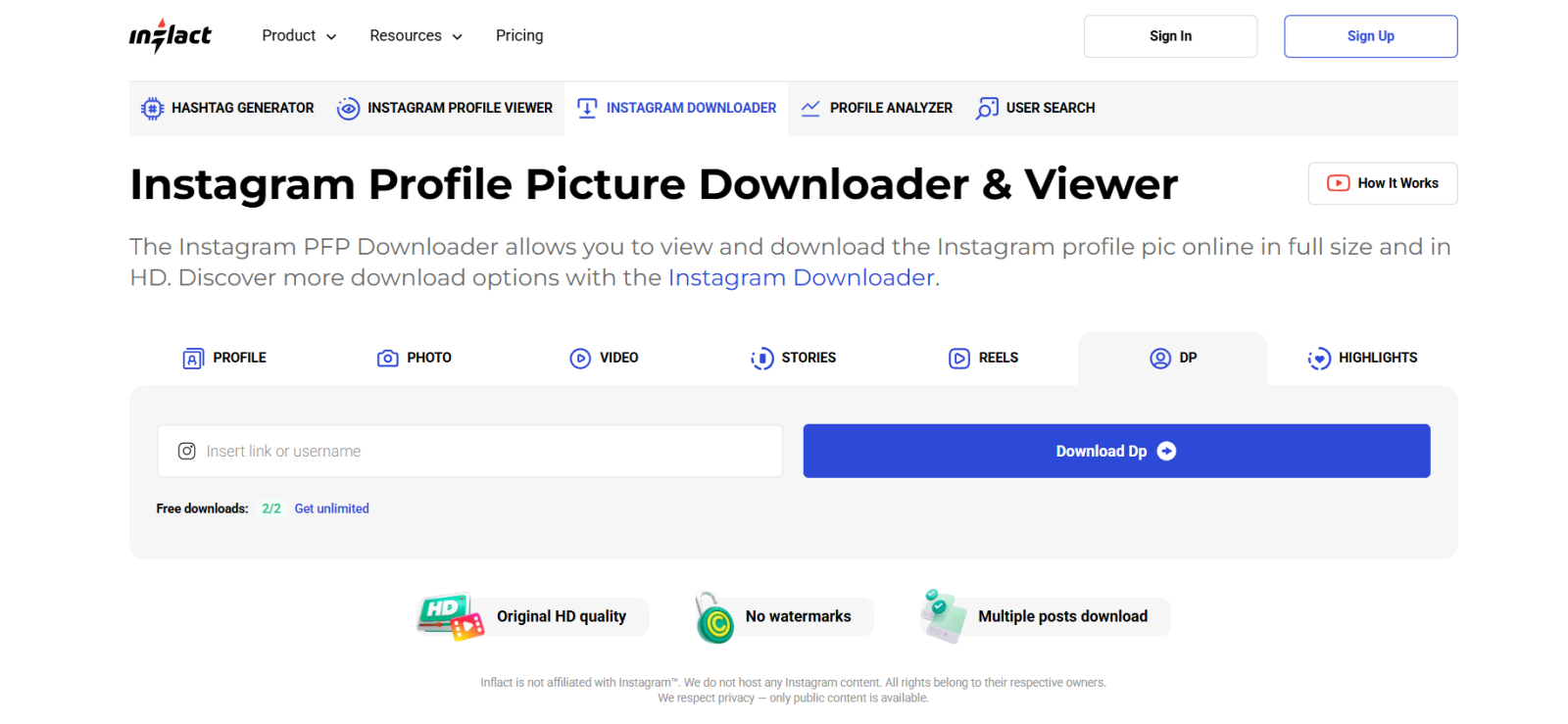
Inflact felt noticeably busier than the other browser-based viewers we tested.
Its interface brings several Instagram utilities together, so the profile-picture function does not stand out immediately.
Once we reached it, though, the search itself was responsive. Account suggestions appeared as we typed, which made it easier to confirm the correct username before opening the result.
That convenience faded once we tried to do more with the image.
For example, private-account profile pictures were not accessible. On the other hand, public account DPs appeared in preview form, but getting a more useful view or downloading the image required a sign-in.
Even after completing that extra step, the downloaded picture remained close to Instagram’s standard avatar size, so we did not get the substantial enlargement we were looking for.
The usage limits added another layer of friction since Inflact currently allows 8 views and 2 downloads per day on the free tier.
We then also tried the paid route to see whether it improved the profile-picture result itself, but the image did not become meaningfully larger.
Where Inflact performed better was in its handling of failed lookups. When we entered the deactivated account, it did not reduce the problem to a generic wrong-username message. Instead, it indicated that the account could be blocked, age-restricted, or otherwise unavailable.
Inflact Compatibility
Inflact is web-based and works across modern desktop and mobile browsers.
Inflact Pricing
- Free: 8 views and 2 downloads per day
- Premium downloader: $7.80/month for unlimited use
Inflact Pros & Cons
| Pros | Cons |
| Username suggestions help identify the right account | Sign-in required for fuller view/download flow |
| Clearer unavailable-account messaging | Free cap: 8 views and 2 downloads/day |
| Browser-based | Downloaded profile image stayed small in our test |
| Premium removes usage caps | Paid plan did not improve our profile-picture result |
Should I Use Inflact?
Inflact makes sense if you already use its broader Instagram toolkit and only occasionally need an IG PFP viewer. However, for profile pictures alone, the sign-in step, free limits, and small downloaded result made it the weakest in our test.
FAQs
Can an Instagram DP viewer show a profile picture in full size?
Yes, some tools can display a larger version of a profile picture. However, “full size” does not always mean original resolution. Some tools retrieve a higher-quality image, while others simply enlarge Instagram’s existing thumbnail, which can still look soft or pixelated.
Can an Insta PFP viewer work with private accounts?
Yes, many tools can display a private account’s avatar because profile pictures generally remain publicly visible. However, this does not provide access to other private account content since it is restricted.
Does an IG PFP viewer require an Instagram login?
Not necessarily. Many browser-based tools let you search by username or profile URL without logging into Instagram. Regardless, some services may still require their own account or sign-in before allowing downloads or additional usage.
Can I download a profile picture in HD from an Insta profile pic viewer?
Yes, some tools allow you to download a higher-resolution version of an Instagram profile picture. The final quality, however, depends on the image source available to the viewer. Therefore, an HD label does not necessarily guarantee additional detail if the original profile-picture file is relatively small.
Does Instagram notify someone when I view their profile picture?
No. Instagram does not notify users when someone views their profile picture. This also means simply checking an avatar through an Instagram profile picture viewer does not trigger a profile-picture notification. However, third-party tools may have their own privacy and data-collection practices.
Are Instagram PFP viewer tools safe to use?
Third-party Instagram profile pic viewer tools are generally safe to use as long as they do not ask for unnecessary login credentials and permissions. On the other hand, parental monitoring apps such as Xnspy require broader device permissions by design, so their data handling, storage, and privacy practices should be reviewed before use. When installed lawfully and used as intended, these apps are safe too.
Get the Insights You Actually Need To Protect Your Kid
Xnspy can show you your child’s full activity on their device.
Leave a reply:
Your email address will not be published. Required fields are marked*
Tiffany Ross
Member since October 8, 2025
Tiffany Ross
Member since October 8, 2025
Tiffany Ross is a child digital safety educator and family technology researcher, with an M.Ed. in Learning Technologies, University of Texas at Austin. After graduating in 2016, she has continued to work in the industry for 9 years. During this time, she has focused on practical digital parenting strategies and responsible use of monitoring apps. Moreover, her work includes abuse prevention, healthy screen habits, social media safety, and other key concerns. Over the years, Tiffany has also contributed to more than 200 research-informed guides and family safety resources covering online risks, screen time management, and digital wellbeing practices for modern households.