7 Best Anonymous Snapchat Story Viewer Tools for Parents [2026]
 By Jenny Nicole
The complete monitoring experience for your phone
Get XNSPY and start tracking calls, texts, multimedia, locations and more on any phone!
Get Started Now Live DemoParenting, what once was viewed as a beautiful and simple journey, now seems like a movie running at lightning speed. New trends, apps, slang, and platforms pop up faster than you can keep track of, and at the same time, concerns about your child’s online safety loom large. You wonder what they are seeing, who they are interacting with, and what they are sharing with the digital world.
Balancing freedom and protection becomes a daily struggle, leaving many parents silently asking themselves how they can stay aware without intruding. In this guide, that is the very question we will address. We will explore practical tools that help you stay informed without being that fussy or overprotective parent.
At a Glance: What Matters Most
- Anonymous Snapchat story viewers let parents view Snapchat stories without appearing on viewer lists
- Most tools only access public stories; private content requires installed monitoring apps
- Xnspy delivers full monitoring with screenshots, alerts, and deep Snapchat activity tracking
- StoryLooker offers fast, free, browser-based anonymous viewing with no login required
- mSpy enables real-time story tracking, chat logs, and deleted content recovery
- Storyclone provides simple anonymous viewing, plus access to previously posted stories
- StoryViewer focuses on quick viewing with minimal setup and lightweight browser access
- Eyezy combines screen recording, alerts, and broader parental control insights
- Megastory allows anonymous viewing and playback of past stories through a web interface
Why Do Parents Need to Buy an Anonymous Snap Story Viewer?
Parents want to understand what their children are exposed to and what they are sharing on platforms like Snapchat without directly interfering with their online activity. Since Snapchat stories disappear quickly and reveal viewer identities, anonymous viewer tools can help parents stay informed while remaining discreet.
Here are some key reasons why parents may consider using an anonymous Snapchat viewing tool for Snapchat stories:
- Discreet Monitoring: Allows parents to view public Snapchat stories without appearing on the viewer list.
- Better Awareness: Helps parents understand trends and content circulating in their child’s social circle.
- Early Risk Detection: Enables parents to identify signs of cyberbullying, peer pressure, or inappropriate content.
- Support for Online Safety: Gives parents insights that help them guide their children toward responsible social media use.
We Tested Some of the Best Anonymous Snapchat Viewer Apps, and Here Are Our Top Picks
| Apps | Rating | Price |
| Xnspy | 9.3/10 | Starting from: $4.99/month |
| StoryLooker | 9/10 | Free |
| mSpy | 8.5/10 | Starting from: $11.67/month |
| Storyclone | 8.2/10 | Free |
| StoryViewer | 7.9/10 | Starting from: $2.9/month |
| Eyezy | 7.4/10 | Starting from: $7.99/month |
| Megastory | 7/10 | Free |
How We Tested These Apps to Find the Best Snapchat Anonymous Viewer Tools?
To identify the most reliable anonymous story viewers for Snapchat, we followed a structured and hands-on testing process. Our team subscribed to each service where paid plans were available and used the tools over a two-week testing period to evaluate their real-world performance.
During this time, we tested them on multiple devices, including Android phones, iPhones, laptops, and tablets, as well as on different browsers to see how consistently they worked across platforms. After completing the testing phase, we ranked the tools based on the following parameters:
Anonymity & Privacy Protection – 30%
This was the most important factor in our evaluation. We tested whether the tools could truly view Snapchat stories without appearing on the viewer list. We also checked whether the services required login credentials or stored user data, which could affect privacy.
Ease of Use – 20%
We assessed how simple each tool was to set up and operate. During testing, we focused on whether parents could easily enter a username, access stories, and navigate the interface without technical knowledge or complicated installation steps.
Compatibility – 15%
We tested the tools across different platforms, including Android smartphones, iPhones, tablets, and desktop browsers. This helped us determine whether parents could access the viewer consistently regardless of the device they were using.
Feature Set – 15%
Beyond anonymous viewing, we examined additional features offered by each tool. These included options such as story downloads, monitoring capabilities, alerts, or activity insights that could provide extra value for parents.
Speed & Reliability – 10%
We measured how quickly stories loaded and whether the tools worked consistently during repeated tests. Tools that frequently failed to load stories or experienced downtime scored lower in this category.
Pricing & Value – 10%
Finally, we compared subscription costs and overall value. Our evaluation considered whether the features offered by each tool justified the price and whether free tools provided sufficient functionality for basic use.
Top 7 Snapchat Anonymous Story Viewer Apps Parents Can Rely On
With apps like Snapchat, monitoring what kids interact with can be challenging. Anonymous story viewer tools can help parents stay aware of their child’s digital environment without causing friction. After testing several solutions, we compiled a list of reliable tools that allow discreet monitoring while prioritizing safety and usability.
1. Xnspy
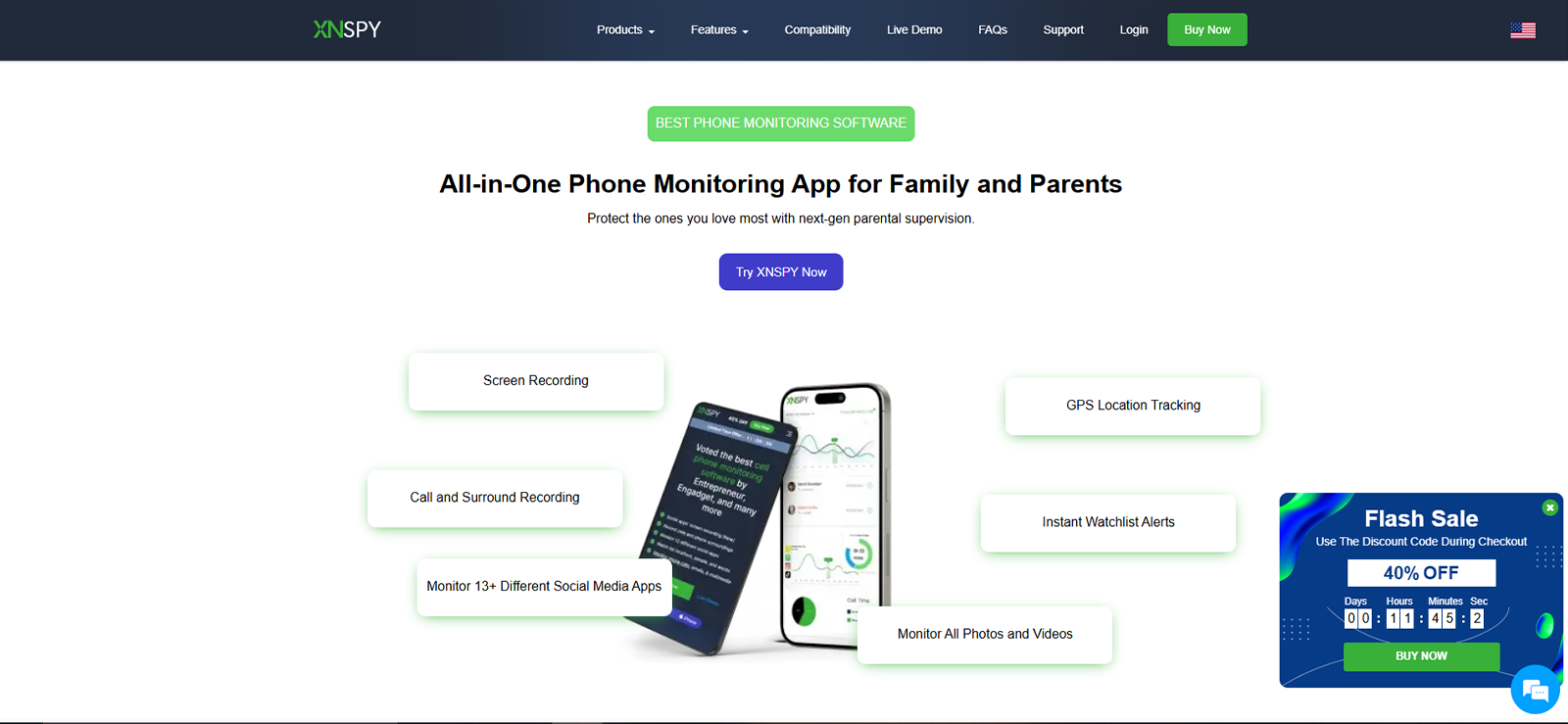
In our testing, Xnspy stood out as one of the most comprehensive monitoring tools for parents who want visibility into their child’s social media activity. While it is widely known as a parental monitoring solution, we found its ability to track Snapchat interactions particularly useful.
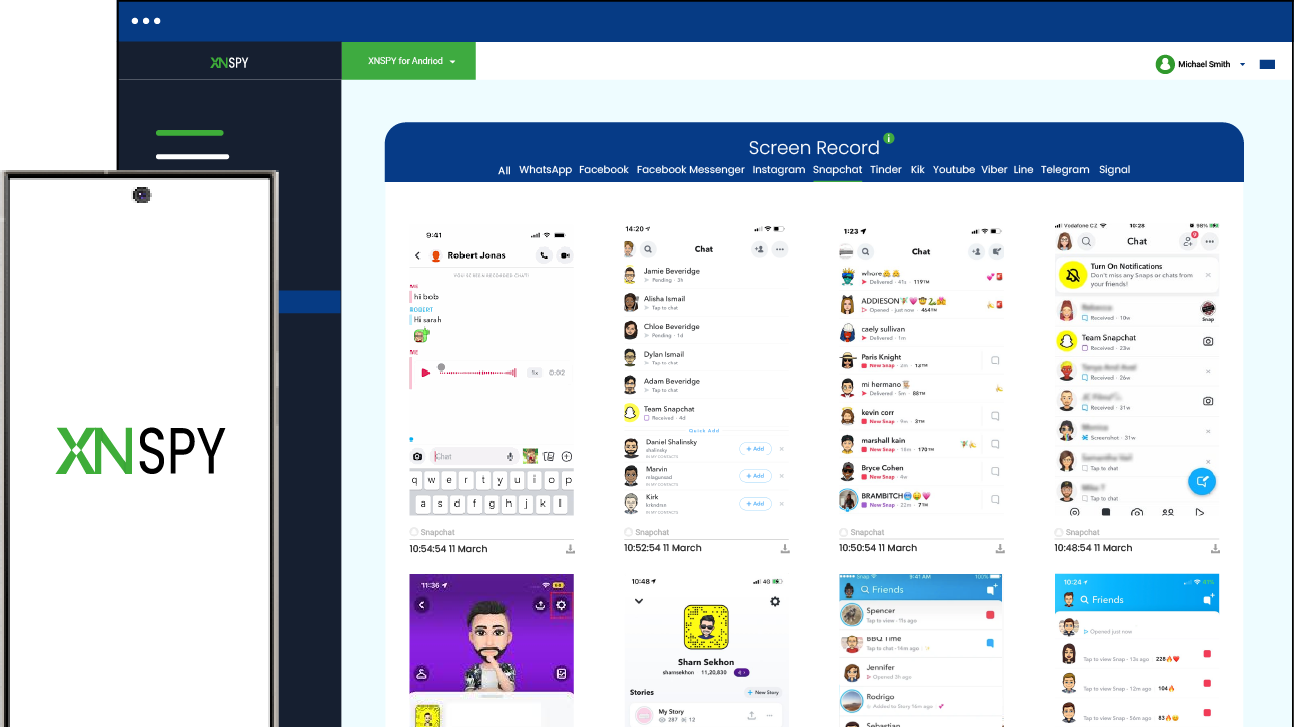
During testing, we installed Xnspy on a test device used by a teenager and monitored activity through the web dashboard. What impressed us most was the depth of insight. The app captures screenshots of all device activities automatically and continuously.
Once captured, Xnspy then organizes the screenshots app-wise. All the Snapchat-related screenshots are compiled to help parents understand the context of stories and chats, even though Snapchat normally deletes them.
Xnspy also logs messages, tracks multimedia files, and alerts for certain activities like using specific, pre-defined words, interaction with specific contacts, etc. For parents, this means you can see how your child interacts on Snapchat and ensure they are not exposed to harmful or inappropriate content.
Another Xnspy feature we appreciated is app blocking. Parents can easily block specific apps remotely from their dashboard in case of emergencies. The dashboard itself is very intuitive, making it easy for parents with minimal technical experience.
Overall, our experience with Xnspy was pretty smooth, and we deemed it fit for the number one spot in this list due to the level of insight it offers.
Xnspy Compatibility
When we tested Xnspy, one of the things we paid close attention to was how well it worked across different devices that families typically use. In our experience, the app offers solid compatibility for both iOS and Android, which makes it easier for parents to monitor their child’s activity regardless of the device they use.
During our testing phase, we installed Xnspy on both an Android smartphone and an iPhone, and the setup process was straightforward. The application worked smoothly in the background without affecting the phone’s performance or battery life.
Xnspy Pricing
Xnspy offers two subscription tiers:
- Basic plan: $4.99/month (annual billing)
- Premium plan: $7.49/month (annual billing)
Xnspy Pros and Cons
| Pros | Cons |
| – Extensive monitoring features – Real-time updates – Intuitive dashboard for parents – Automatic screenshots | – No free trial available |
Should I Buy Xnspy?
If your priority is complete visibility into your child’s Snapchat behavior, we found Xnspy to be one of the most reliable tools available. It offers detailed monitoring while remaining easy for parents to manage.

Go Beyond Anonymous Viewing With Full Snapchat Insights
Get the full picture of your child’s Snapchat behavior with Xnspy.
– Auto screenshots of Snapchat activity
– Tracks chats and shared media
– Sends keyword and contact alerts
– Remote app blocking and dashboard access
2. StoryLooker
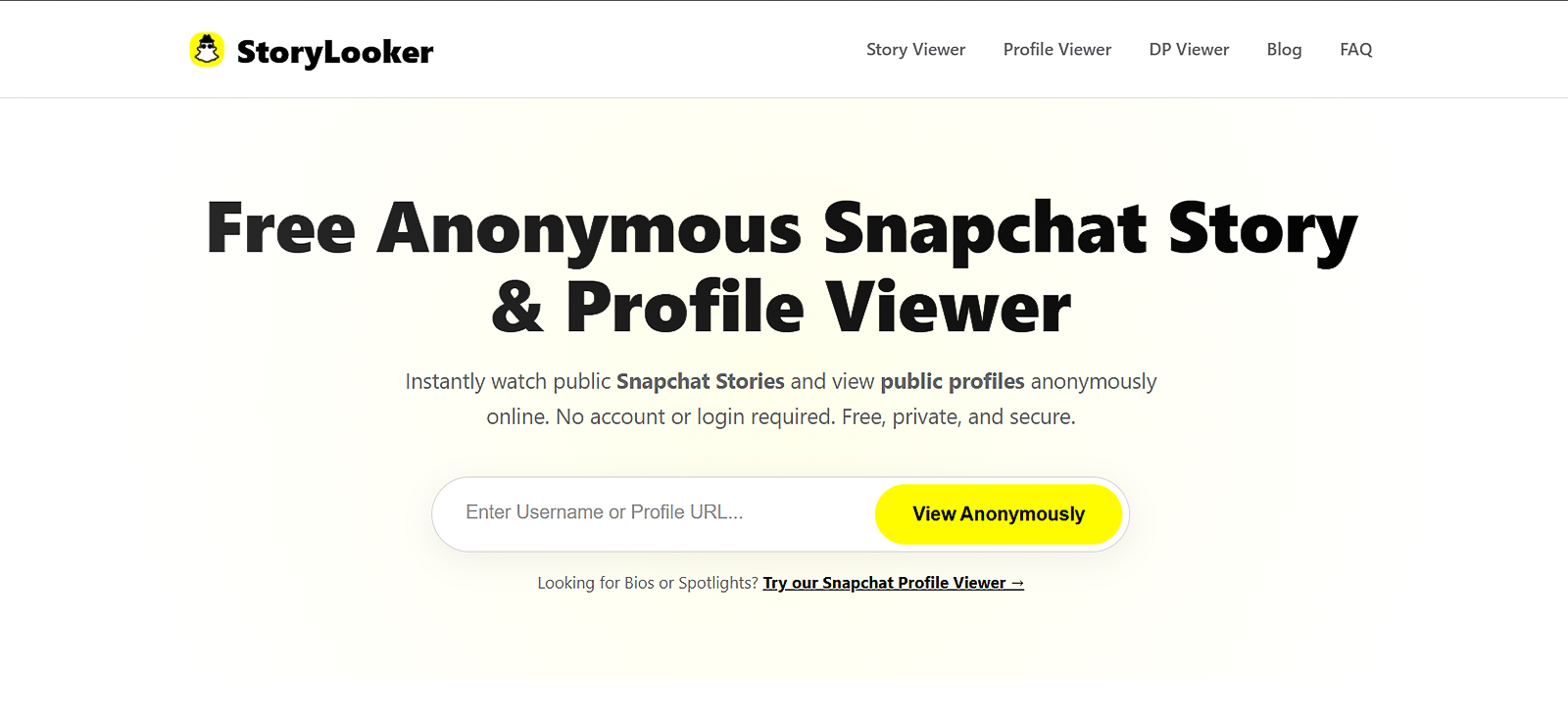
When we tested StoryLooker, our focus was on its ability to view Snapchat stories anonymously. Unlike comprehensive monitoring tools, StoryLooker is designed specifically for viewing stories without appearing on the viewer list.
In our trial, we used StoryLooker through its web-based interface. The process was straightforward: enter the Snapchat username, and the platform fetches available stories. For parents who want a quick way to view public stories or verify content their child interacts with, this simplicity can be helpful.
One thing we appreciated during testing was how fast this anonymous Snapchat viewer loads story content. It does not require installing anything on the child’s phone, which some parents may prefer.
However, it’s important to note that StoryLooker is more of a lightweight viewer tool rather than a full monitoring platform. It doesn’t track chats, alerts, or other phone activities.
Still, we found it useful for parents who simply want to occasionally check stories without revealing their identity.
StoryLooker Compatibility
When we tested StoryLooker, we found its compatibility impressively flexible. Unlike monitoring apps that require installation on the child’s device, StoryLooker is entirely web-based, which makes it accessible from any standard browser.
During our testing, we used Chrome, Safari, and Firefox, and the platform performed smoothly on all three, loading Snapchat stories quickly and without glitches. This means parents can use it on both desktop computers and mobile devices via any suitable browser.
StoryLooker Pricing
StoryLooker is a free anonymous Snapchat story viewer. This means that you don’t have to pay for any services, including downloading or viewing the stories.
StoryLooker Pros and Cons
| Pros | Cons |
| – Easy to use – No installation required – Quick access to stories | – Works only on public accounts – Does not offer any additional monitoring features |
Should I Buy StoryLooker?
If you only need occasional anonymous story viewing, StoryLooker can be a very convenient tool for parents, especially for those who want a quick check on the type of content their child is posting without raising concerns or installing software on the child’s device.
3. mSpy
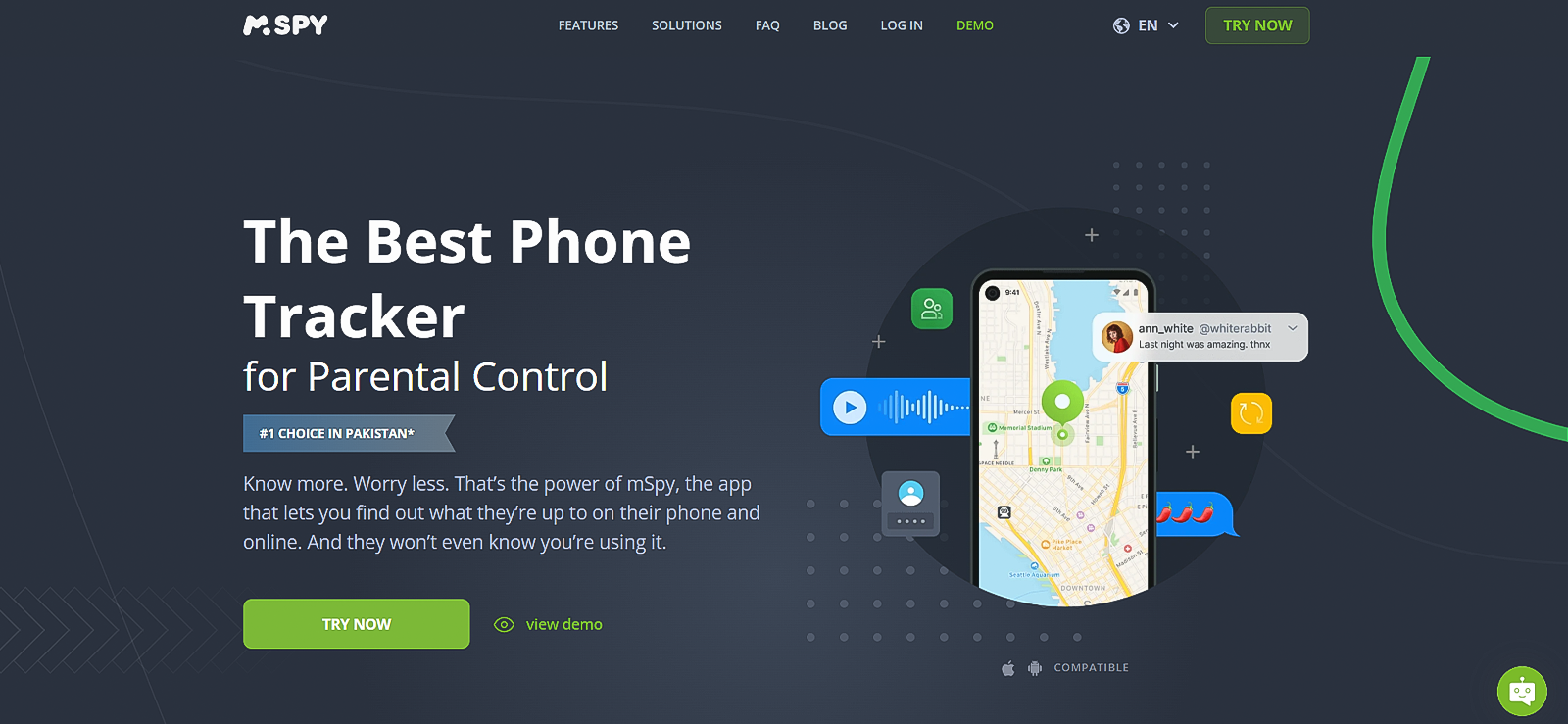
In our evaluation of the top anonymous Snapchat story viewer apps, we ranked mSpy at number 3 due to its reliable functioning. When we tested it with Snapchat activity, it provided a strong balance between monitoring capabilities and usability.
The setup process was fairly straightforward. After installation on the test device, we accessed all monitoring information through the mSpy online dashboard. What we liked most was the social media tracking functionality.
For Snapchat, mSpy captures conversations, screenshots, and shared media. This helps parents understand interactions that might otherwise disappear due to Snapchat’s temporary messaging system.
However, the main feature that stood out during testing was screen recording. Parents can view activity as it happens, which can be extremely helpful when trying to understand how their child uses the app. This is the very feature that allowed us to anonymously view Snapchat stories from afar.
mSpy Compatibility
During our hands-on testing of mSpy, we paid close attention to how well the platform works across the devices that most families commonly use. We found it to work smoothly on both Android and iOS devices. However, some features were missing on the iPhone due to iOS’s security settings.
mSpy Pricing
mSpy offers a premium and an extreme subscription. They are priced as:
- Premium: $11.67/month
- Extreme: $23.99/month
mSpy Pros and Cons
| Pros | Cons |
| – Strong Snapchat monitoring features – Reliable performance – Detailed dashboard | – The level of access is limited on iOS devices – Relatively pricey |
Should I Buy mSpy?
Based on our testing experience with mSpy, we found that the platform is best suited for parents who want comprehensive digital monitoring rather than simply viewing Snapchat stories anonymously. This is exactly why it is a bit pricey as well. So, if you can afford to pay this much, you will get a good deal with additional monitoring features. However, if you only need Snapchat story viewing, opting for a lower-priced or free option might be a better approach for you.
4. Storyclone
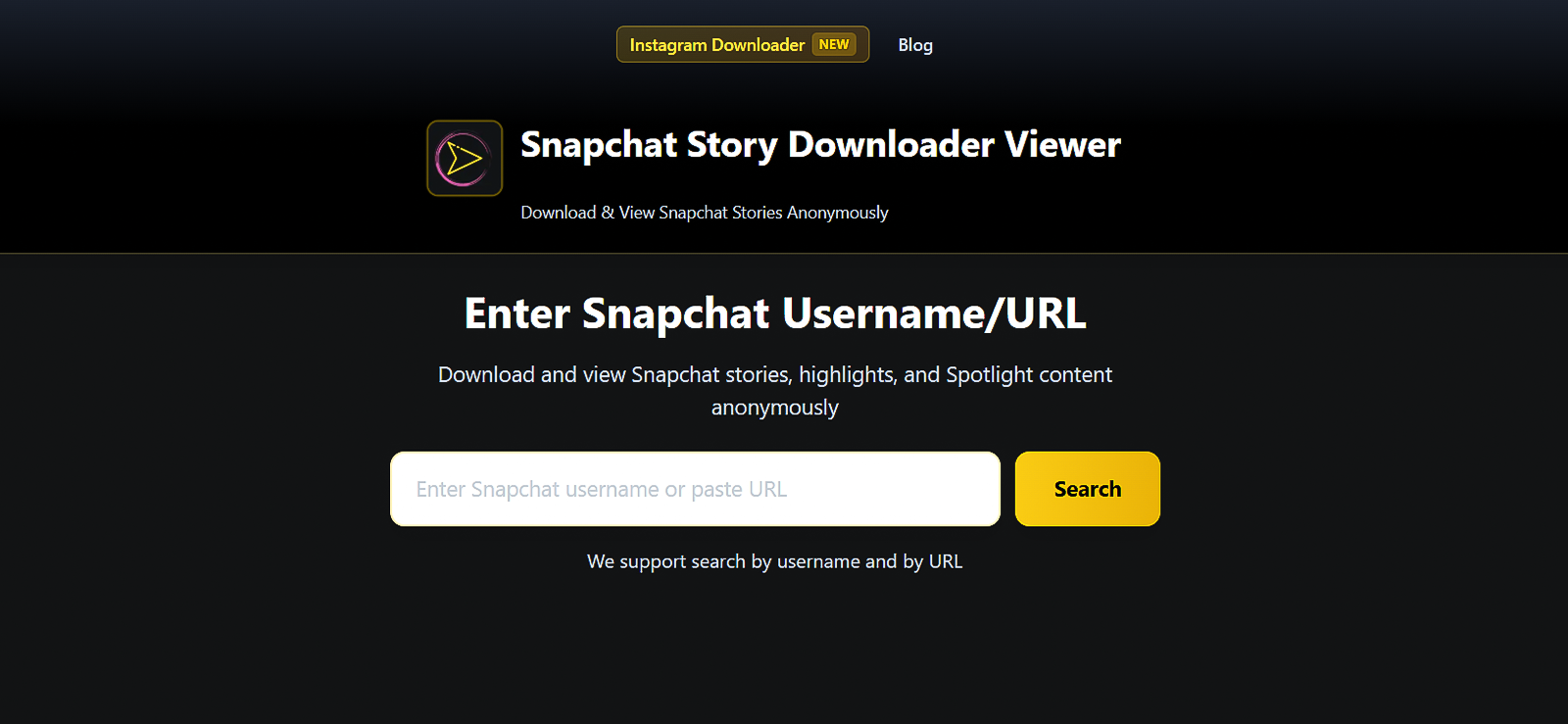
We tested Storyclone to see how well it works as a quick Snapchat anonymous story viewer. The platform focuses primarily on letting users access Snapchat stories discreetly.
During testing, we found the interface minimal and easy to understand. Parents simply enter the username of the Snapchat account, and the tool retrieves available story posts.
One thing we appreciated was that Storyclone doesn’t require account login credentials. This reduces security concerns for parents who prefer not to connect external tools to their own Snapchat accounts.
While testing with multiple accounts, the loading times were relatively slow, as it prompted us to see a 5-second ad before proceeding to view the story. However, one huge benefit that we noticed was that it also showed the expired stories, irrespective of when they were posted.
For parents, the biggest benefit is the ability to verify the type of content their children are posting online without revealing their identity. However, like most free anonymous Snapchat story viewer tools, Storyclone does not provide alerts, message tracking, or parental control features.
Storyclone Compatibility
During our testing of Storyclone, we found that the platform offers fairly simple and flexible compatibility, which makes it convenient for parents who want quick access without complicated setup. Since Storyclone is a browser-based tool rather than a downloadable application, it can be accessed through any web browser on both desktop and mobile phones. Parents do not need to install software on their child’s phone or on their own device, which many families may find reassuring from a privacy and security standpoint.
Storyclone Pricing
We discovered that Storyclone operates as a completely free browser-based tool. Parents can access the platform without creating an account, installing software, or paying for a subscription. All that is required is the username of a public Snapchat profile.
Storyclone Pros and Cons
| Pros | Cons |
| – Simple and fast – No installation required – Shows past posts as well | – Excessive ads – Limited functionality |
Should I Buy Storyclone?
Storyclone is best suited for parents who simply want a quick and anonymous way to check Snapchat stories. However, parents should keep in mind that Storyclone is a basic viewer tool rather than a full parental monitoring app. It can help verify what kind of public content is being shared, but it does not provide deeper insights such as message tracking, alerts, or device activity reports.
Looking For More Functionality?
Try Xnspy for a more detailed and feature-rich experience.
5. StoryViewer
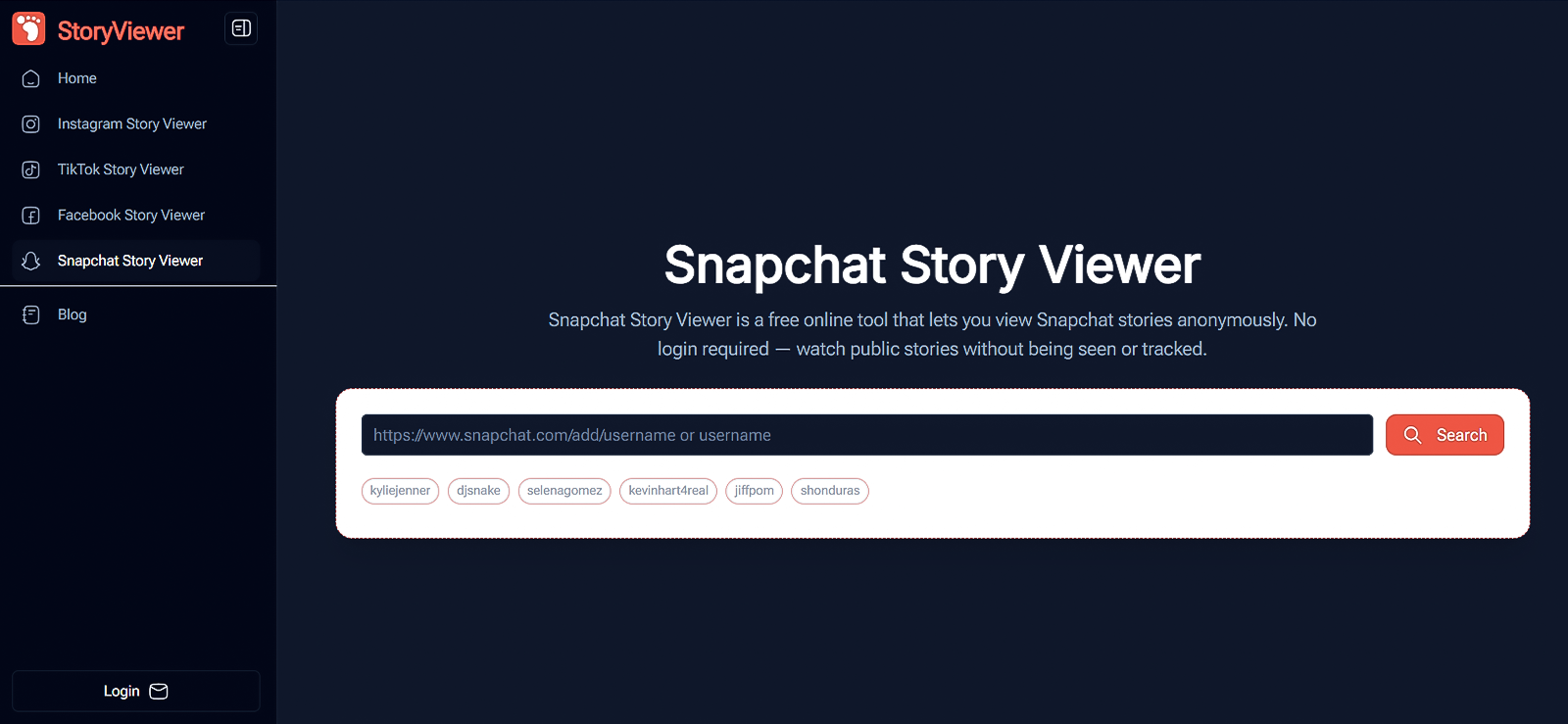
During our testing of StoryViewer, we focused on ease of use and reliability. The tool is designed to allow users to watch Snapchat stories without appearing in the viewer list.
The interface is straightforward. Parents can simply enter a Snapchat username and view available story content. In our tests, the tool worked smoothly on both desktop and mobile browsers. However, it only showed the current story (if any) of the target account.
One thing we liked was how lightweight the platform is. There are no app downloads or complicated configurations involved. For parents, this ease can allow them to quickly verify what type of content is circulating among their child’s peers.
Another upside of this Snapchat anonymous viewer is that it has several other features as well, including, but not limited to instagram and TikTok story viewing, etc. It also comes with AI features for image editing.
StoryViewer Compatibility
Like other online story viewers, this app also works across different browsers on both desktop computers and mobile phones.
StoryViewer Pricing
The pricing plans are as follows. You can choose either an annual payment or a monthly payment.
- Basic: $2.9/month
- Pro: $9.9/month
StoryViewer Pros and Cons
| Pros | Cons |
| – Very easy to use – No installation required – Fast story loading | – Limited monitoring features – Only works with public story content – Does not show expired stories |
Should I Buy StoryViewer?
Based on our testing, StoryViewer is ideal for parents who want a fast and anonymous way to view Snapchat stories without installing any apps or logging into accounts, as it works entirely through a web browser. However, if you are looking to view the story of a private account, this app will fail to work.
6. Eyezy
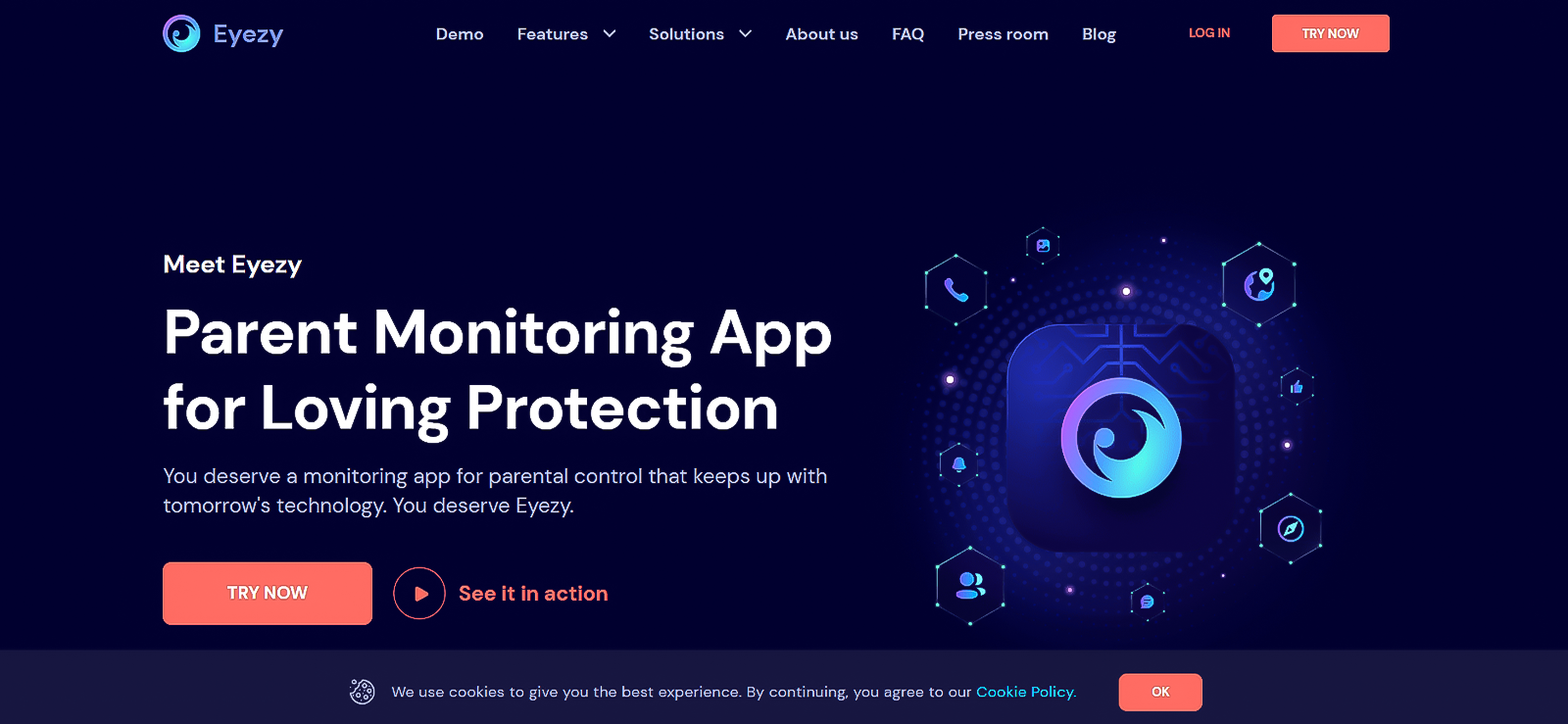
When we evaluated Eyezy, we were particularly impressed by how well it balances monitoring power with ease of use.
In our testing period, we installed Eyezy on a smartphone and monitored its activities throughout use via the dashboard. The platform provides extensive insights into social media usage, including Snapchat activity.
One feature we found particularly helpful is screen capture monitoring, which records activity happening within apps. For parents, this helps reveal interactions that would normally disappear on Snapchat, like messages, stories, or snaps.
Eyezy also includes location tracking, app usage reports, and keyword alerts. These features help parents stay informed while also understanding broader patterns in their child’s online behavior.
From our experience, Eyezy feels like a modern, user-friendly, anonymous Snapchat story viewer app that doesn’t overwhelm parents with complicated settings.
Eyezy Compatibility
When we tested Eyezy, one of the first things we looked at was how well it works across different devices. Eyezy is compatible with Android smartphones and tablets. It allowed us to monitor the test device without any noticeable lag or performance issues.
On iPhones and iPads, the app also worked effectively, though some features depended on the device’s configuration and iOS security settings. What really stood out during testing was the browser-based parent dashboard, which lets parents access all monitoring information from any device, whether it’s a laptop, tablet, or smartphone.
Eyezy Pricing
- Premium: $95.88/year
- Family: $685.56/year
Eyezy Pros and Cons
| Pros | Cons |
| – Strong parental monitoring features – Modern dashboard design – Social media tracking | – Expensive |
Should I Buy Eyezy?
From our testing experience, Eyezy stands out as a strong option for parents who want more than just a basic Snapchat story viewer. While testing it alongside apps like Snapchat, we found that Eyezy provides a much broader picture of a child’s digital activity through features like screen monitoring, social media tracking, and activity reports. This gives parents better insight into how their child is interacting online rather than just viewing isolated content.

Before You Decide
Planning to use Eyezy? Go through our test results first.

7. Megastory
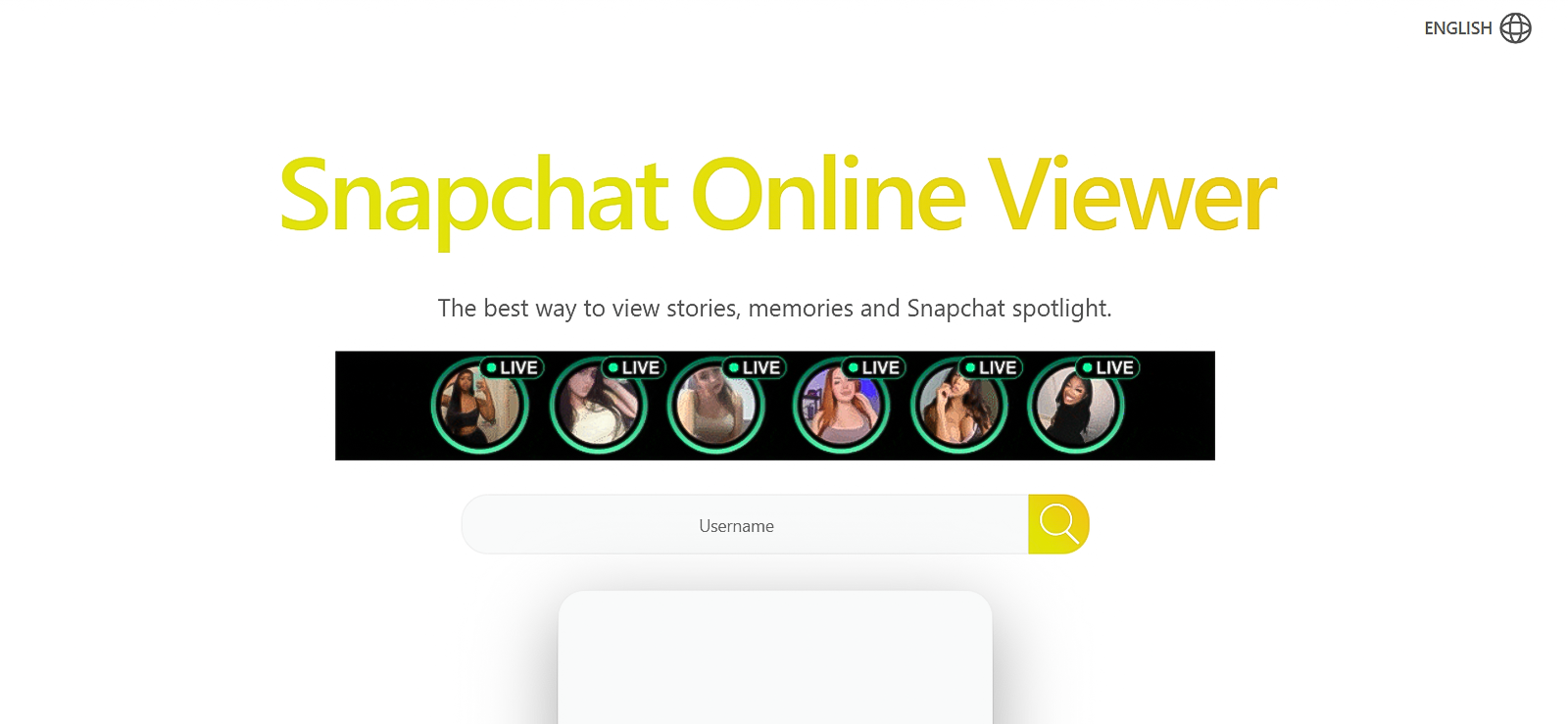
Our testing of Megastory showed that it focuses on simple anonymous story viewing.
The tool operates through a web interface, which is why parents don’t need to install software or access their child’s device. During testing, we entered several Snapchat usernames and were able to load available stories quickly.
One thing we particularly liked was the fact that this platform also loaded previous stories and memories. For videos, it even offered options like ‘picture in picture’ mode and adjustable playback speed.
However, one major disappointment for us was the fact that it did not show the timestamp or date of any upload. Other than this, when you enter a username and search it, it redirects you to another page containing an ad, which is a bit annoying.
But overall, Megastory is designed for ease of access. Parents can check stories from any device, making it convenient for quick monitoring. While it lacks the deep monitoring capabilities of apps like Xnspy or mSpy, it still serves as a lightweight option for parents who simply want to observe story content discreetly.
Megastory Compatibility
During our testing of the Megastory anonymous snap viewer, we found that its compatibility is one of its most convenient aspects for parents. The tool is entirely browser-based, which means it can be accessed through any modern web browser such as Chrome, Safari, or Firefox. Parents do not need to download or install any application on their device or on their child’s phone.
Megastory Pricing
The tool is completely free for both Snapchat stories and spotlights.
Megastory Pros and Cons
| Pros | Cons |
| – No installation required – Easy to use – Works across devices | – Limited features – No message monitoring – Does not give access to private profiles |
Should I Buy Megastory?
Megastory is best suited for parents who want a quick and simple anonymous Snapchat story viewer without installing monitoring apps. However, if you’re looking for something more advanced with additional monitoring features, opting for an app like Xnspy will be a better option.
FAQs
How to Ghost View on Snapchat?
Ghost viewing on Snapchat generally refers to watching someone’s story without appearing on their viewer list. This is typically done using anonymous snap story viewer tools that load public stories through a separate web interface. These tools allow parents or users to enter a public username and view available stories discreetly. However, ghost viewing only works with public stories, since Snapchat’s privacy system prevents unauthorized access to private content.
Do Snapchat story anonymous viewer tools require a Snapchat account to work?
Most anonymous Snapchat story viewers do not require a Snapchat account to function. These tools operate through web-based interfaces that fetch publicly available stories directly from the platform without requiring a login. This makes them convenient for parents who want to quickly check public story content without creating or linking their own Snapchat account. However, the absence of a login also means the tools are limited to publicly accessible content.
Can an anonymous Snapchat story viewer app show stories from private accounts?
No, these tools generally cannot display stories from private accounts. Snapchat restricts access to private stories so they are only visible to approved friends within the app. However, if you choose to go for a more advanced monitoring app, it can give you visual insights about the stories from a private account as well. However, for this purpose, you first need to install the monitoring app on the target device.
Can you download Snapchat stories using an anonymous snap viewer?
Yes, most of such tools include the option to download publicly available stories for offline viewing. In our testing, several platforms allowed users to save images or videos directly to their devices after entering the public username. This feature can help parents review content later if they are monitoring what their child might be exposed to on Snapchat. However, downloading typically works only with public stories, not private or restricted content.
Can Snapchat detect when someone uses an anonymous story viewer for Snapchat?
No, the platform cannot detect a Snapchat story anonymous viewer. This happens because the story viewing happens through external tools that access public story data outside the app interface. As the viewer is not logged into the platform, their identity does not appear on the story’s viewer list. However, this only applies to public stories. If someone views a story directly within Snapchat, the platform will always record the view and display the username to the story owner.
Xnspy: Stay Connected To What They Do Online
Access the information you need for safer online habits.
1 Comments
Leave a reply:
Your email address will not be published. Required fields are marked*

Alessandra Kane
April 23, 2026 at 2:35 pmThank you for a few free options, I am tired of installing apps and running them only to find out they have a hidden cost.