6 Best Family Tracking Apps for Android and iOS: Parent-Approved Picks
 By Mike Everett
The complete monitoring experience for your phone
Get XNSPY and start tracking calls, texts, multimedia, locations and more on any phone!
Get Started Now Live DemoDifferent routines and busy schedules; families nowadays rarely get seated together for even a meal. But, no matter how occupied, the subconscious remains stressed about the whereabouts and activities of your loved ones. So much so that one wishes ensuring family safety to be as easy as a few clicks here or a couple of taps there. Fortunately, that is now possible with the help of family tracker apps.
However, the market is filled with many options, and choosing one from them can put you under a lot of pressure. ‘Do I go for this one?’ Or ‘Will that one be the better option?’ You won’t be able to decide. To help you with this, we bring you this guide featuring the 6 best options out there.
We Tested the Best Apps for Tracking Your Family — These Are Our Picks
| Apps for Family Tracking | Rating | Price |
| Xnspy | 9.3/10 | – Basic: $4.99/month – Premium: $7.49/month |
| FamiSafe | 9/10 | – Monthly: $4.99/month – Quarterly: $6.67/month – Yearly: $9.99/month |
| AirDroid | 8.7/10 | – Monthly: $9.99 – Quarterly: $6.66 – Yearly: $5.00 |
| Life 360 | 8.3/10 | – Gold: $12.49/month – Platinum: $20.83/month |
| Norton Family | 8/10 | – Norton Family Premier: $4.17/month |
| mSpy | 7.8/10 | – Premium: $11.67/month – Extreme: $23.99/month |
What Was Our Approach to Testing the Best Family Tracking Apps for iPhone & Android?
A reliable family tracking app should offer strong functionality, steady performance, and simple usability, all while remaining affordable for long-term use. To highlight solutions that genuinely help you stay connected and informed, we evaluated each app using four core performance pillars that matter most in everyday use.
Feature Set – 35%
A great family tracker does more than show a location on a map. We assigned 35% of the total score to the depth and usefulness of each app’s features, including real-time location sharing, geofencing alerts, check-in prompts, activity history, and safety zones.
Reliability – 30%
Tracking only matters when the data you receive is dependable. Our 30% of the ranking focused on reliability, whether updates arrived consistently, whether location accuracy held up across different environments, and how often the app maintained stable performance without crashes or missed information. Solutions that demonstrated strong, uninterrupted tracking performed best here.
Ease of Use – 20%
Even feature-rich apps can falter if they’re hard to use. We dedicated 20% of the score to how intuitive each app feels, from initial setup and family member invitations to everyday useand alert management. Apps that made it easy to find key information and adjust settings without confusion earned higher marks.
Value for Money – 15%
Tracking should be affordable and worthwhile. We reserved 15% of the overall score to evaluate cost relative to performance. We checked this by comparing subscription plans, feature access at different price tiers, refund policies, and alignment between pricing and usefulness.
6 Reliable Family Tracking Apps to Ensure Children’s Safety
1. Xnspy
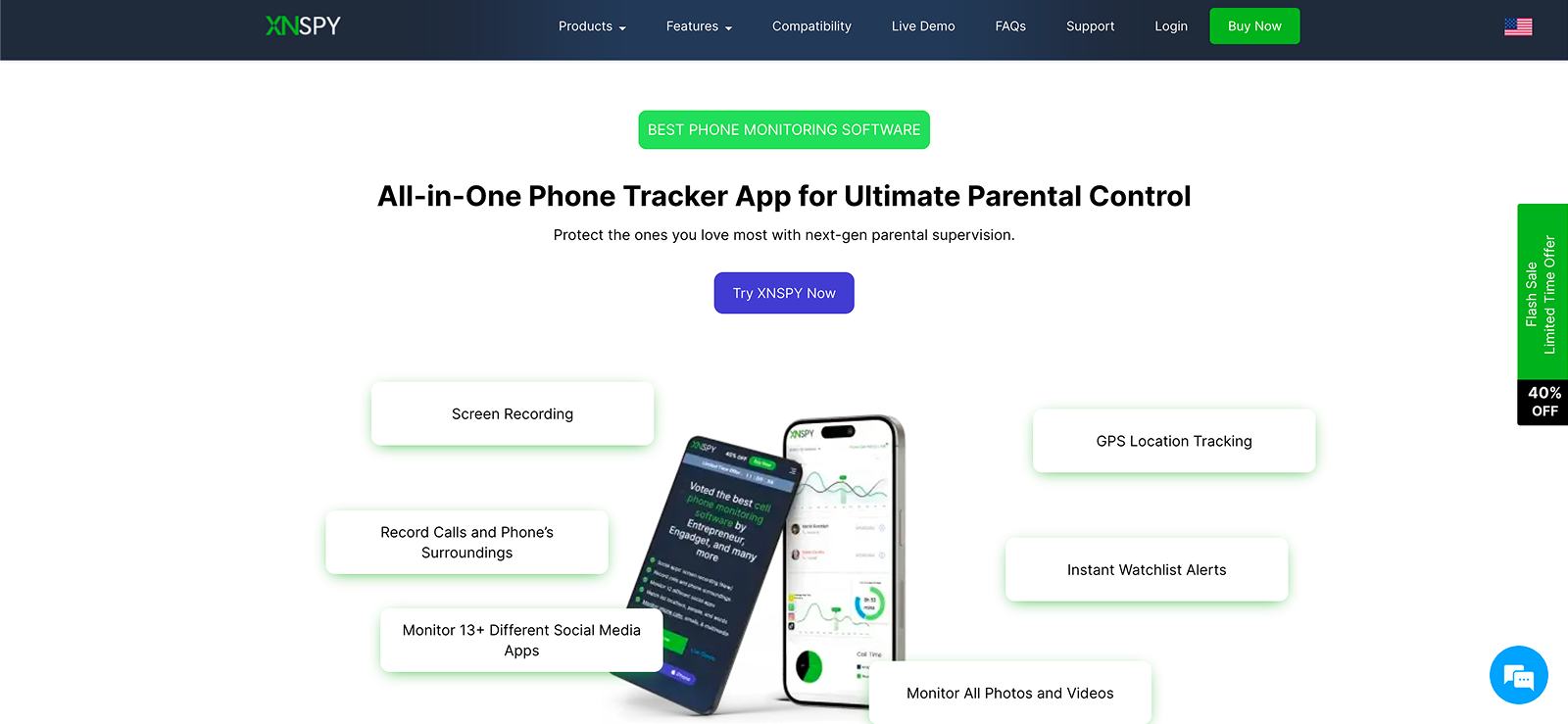
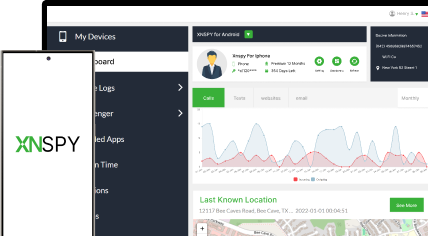
Xnspy is the best family locator app designed for those who want comprehensive oversight of their loved ones’ device activity. What sets it apart from basic tracking tools is its wide range of features, including location tracking, remote controls, and extensive monitoring capabilities, all accessible from a secure online dashboard.
Whether you, as a parent, are concerned about where your child goes or what they do on their phone, Xnspy offers a robust set of tools to help you stay informed.
Xnspy Features
Location Tracking
Xnspy provides real-time GPS tracking so you can see your child’s current whereabouts and view their location history. You can see the complete address of the location, coordinates, map view, and date and timestamps as well.
Geo-Fencing
With geo-fencing, parents can create safe zones around important places such as home or school. If the monitored device crosses these boundaries (enters or leaves), Xnspy instantly sends a notification to parents for peace of mind about their child’s safety.
Surround Recording
Xnspy lets parents activate the microphone remotely to record ambient sounds around the target device. This feature worked well in our testing. It can help in understanding the environment the child is in, especially when the parents are unable to reach them directly.
Wipe Phone
In case of loss or theft, this app provides a remote wipe function that lets parents erase all data on the device to prevent sensitive information from falling into the wrong hands. This adds an extra layer of security beyond tracking alone.
Social Media Monitoring
Xnspy lets parents monitor activity across popular social media apps like WhatsApp, Instagram, Facebook, Snapchat, and more. They can view sent and received messages, shared media, contact details, and timestamps. This helps parents understand who their child is interacting with and spot risky conversations or signs of online bullying early, without jumping to conclusions.
Xnspy Compatibility
Xnspy supports both Android and iOS devices, including smartphones and tablets. In testing, we noticed that the app runs discreetly in the background and works across a wide range of OS versions without displaying an icon on the target device to prevent accidental uninstallation.
Xnspy Pricing
- Basic: $59.99/year
- Premium: $89.99/year
Xnspy Pros and Cons
| Pros | Cons |
| – Comprehensive physical and online safety features – Remote controls like lock and wipe phone for added security – Real-time updates for timely insight and timely intervention – Easy and hassle-free installation process – The app comes with an intuitive dashboard that makes it easy for you to understand and use it. | – No option for a free trial. |
Should I Buy Xnspy?
If you need a high-end monitoring solution that goes beyond simple tracking to include remote controls and detailed device monitoring, we think Xnspy is worth considering. Its real-time location tracking, geofencing alerts, and remote surveillance tools make it ideal for families who want full visibility into both physical and digital activity.

Know What Your Child Is Exposed To Online
Use the Xnspy family locator app for detailed insights into their activity.
– Know your family’s live location and history
– See complete social media activity
– Get alerts on location, words, and more
– Block apps, lock phone, record surroundings, etc
2. FamiSafe
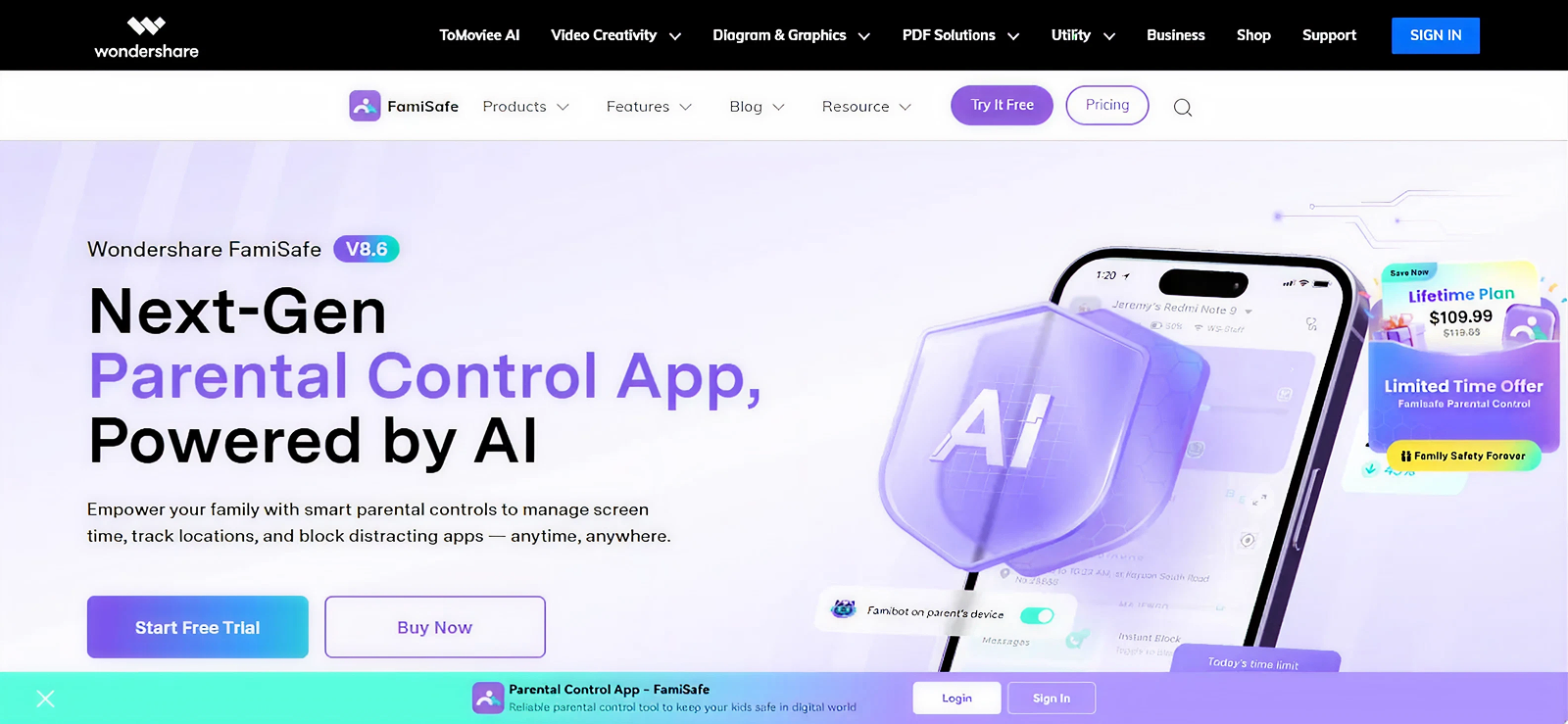
FamiSafe is yet another family tracking app we chose because it gives parents peace of mind with its broad feature set. With its ability to run quietly on the targeted phone, parents get to have all the required updates without frustrating their family members.
Moreover, the fact that it features numerous safety functions allows parents to sit back and relax, knowing their family is safe at all times. Here are the key functions we loved while testing this app.
FamiSafe Features
Location Tracking
FamiSafe allows parents to easily see where their family members are currently and have been throughout the day with its location tracking feature. We found the layout to be quite user-friendly, as one can even view the whereabouts in a map view. Moreover, we were also able to set up geo-fences for added protection of your children.
Driving Report
The most prominent feature that this app offers is the driving report. This report entails all driving habits that help parents spot if their teens are not abiding by the safety rules. One thing we particularly liked was that the analysis showed driving speed (both top and average), instances of overspeeding, high braking, distance, etc.
SOS Alerts
Another helpful feature we noticed was that a child can send their parent an instant SOS alert in case of an emergency. The best part about this feature is that even if the parents’ phone is on silent, they will still get notified within 5 seconds. With this alert, we were able to get the real-time location of the target phone.
One-Way Audio
FamiSafe also allows parents to remotely activate the microphone of the targeted mobile phone. Once active, it records all the noise from the surrounding environment for parents to hear and ensure whether their family members are safe or not.
FamiSafe Compatibility
The app can be used on Android, iOS, and even Windows.
FamiSafe Pricing
- Family Plan: 59.88/year
- School Plan: 239.98/year
FamiSafe Pros and Cons
| Pros | Cons |
| – The safety features of this app make it a good option for family usage. – If you want a free family tracking app for Android and iPhone, FamiSafe offers it. – The app works across most operating systems. | – Occasional lags in location updates. – The setup process is a hassle. |
Should I Buy FamiSafe?
If you have children who have just started driving and need to ensure their safety while they’re out, we believe investing in FamiSafe is a good option. With its detailed reports and instant alerts, parents can rest assured that safety won’t be compromised.
3. AirDroid

When it comes to the best family tracking apps, we could not have compiled a list without mentioning AirDroid in it. With a wide set of parental controls, this app allows parents to keep their family safer than ever.
AirDroid Features
Family Locator
AirDroid helps parents keep track of their family’s location updates. Moreover, they can also set virtual boundaries around set parameters. While testing this geo-fencing feature, the app instantly updated us when the targeted device entered or left a designated area.
Surround Recording
With the surround recording feature, you can remotely send a command to the targeted phone, and its microphone will activate, capturing ambient sound. This way, even if you suspect danger around your loved one, you can easily check on them and intervene if needed.
Live Camera
AirDroid takes things one step further by offering visual cues to parents regarding their children’s surroundings. With its live camera feature, we were able to simply turn the targeted device’s camera on remotely and see live footage of what’s going on around.
Screen Mirroring
To ensure the safety of families in the digital world, AirDroid comes with a screen mirroring feature. When enabled, parents can see what their child is doing on their smartphone, be it to shield them from manipulative interactions, cyberbullying, or exposure to inappropriate content.
AirDroid Compatibility
AirDroid is compatible with both iOS and Android. For iOS, it works with 11th and onward versions, while for Android, it works on version 4.4 and onward.
AirDroid Pricing
- Annual plan: $59.99/year
AirDroid Pros and Cons
| Pros | Cons |
| – Remote camera and microphone access make it easier to ensure safety. – The dashboard is quite easy to use. – Option of a 3-day free family tracking app for Android and iPhone available. | – Location data doesn’t update in real-time. – If you want to monitor an iOS device, features may seem limited and require extra setup. |
Should I Buy AirDroid?
To ensure family safety, AirDroid is a pretty decent option, especially since it allows parents to set up to 10 devices under a single guardian. Moreover, the live camera and surround record feature add to its ability to keep parents posted about their family’s real-time safety.

Bonus
Our Hands-On AirDroid Review After 30 Days.

4. Life360
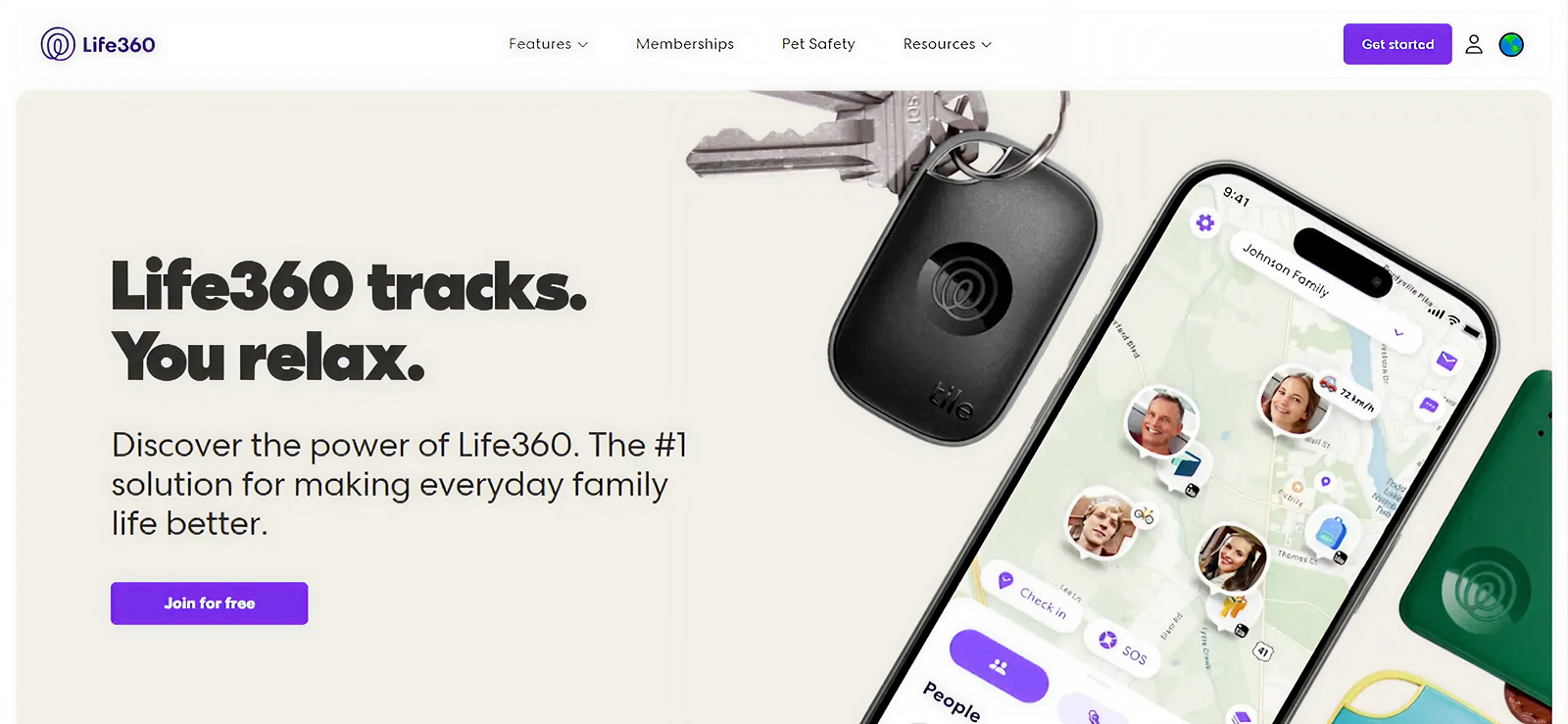
Life360 is one of the most widely used and best tracking apps for family, known for its reliability and comprehensive safety-oriented features. Unlike many other options out there, Life360 focuses on giving a combination of monitoring and assistance for a more solution-oriented approach. During testing, we found the app to be both simple and effective for family location sharing and emergency response because of its clean interface.
Life360 Features
Location Sharing
Life360 allows parents to see the live location of their family members and view their location history throughout the day. While testing, we found the map interface to be user-friendly as it clearly displays movement, arrival, and departure notifications.
Roadside Assistance
One of Life360’s standout features is its built-in roadside assistance option. If your family member runs into trouble, whether due to a flat tire, dead battery, or any other mechanical issue, the app can connect them with professional roadside support.
Emergency Dispatch
Life360 offers a dedicated emergency dispatch feature that can automatically send first responders to the target device’s location during severe crashes, thanks to its crash detection technology. When an incident is detected, Life360 alerts both emergency services and family members, helping ensure timely aid.
Medical Assistance
For additional protection, Life360 includes medical assistance support within its premium plans. Whether access to a nurse hotline, medical advice, or help locating nearby urgent care facilities is needed, the app provides quick access to resources that can assist during health-related emergencies.
Life360 Compatibility
Life360 is compatible with both Android and iOS devices. Its cross-platform support ensures all family members, regardless of the phone they use.
Life360 Pricing
- Gold: $149.88/year
- Platinum: $249.96/year
Life360 Pros and Cons
| Pros | Cons |
| – Robust emergency response features, including crash detection. – Cross-platform compatibility for family members. – Roadside and medical assistance options are available. | – Some advanced features are locked behind higher-priced subscriptions. – Real-time tracking can occasionally lag depending on signal strength. – There is no option for a free trial. |
Should I Buy Life360?
If you are looking for the kinds of apps for family tracking that go beyond simple location updates and provide true emergency support, Life360 is one of the strongest options available. Its blend of real-time location tracking along with support options will give you the much-needed mental peace.
5. Norton Family
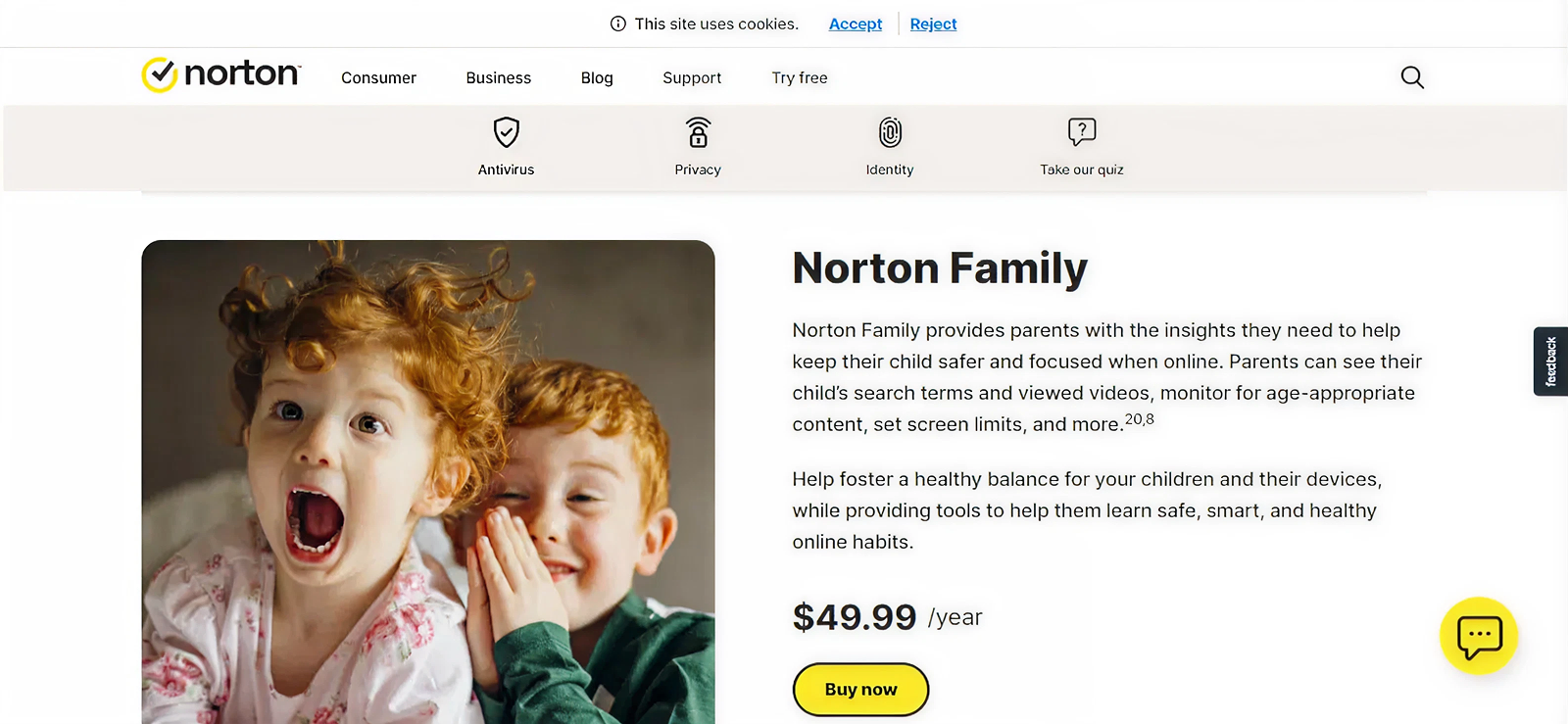
Norton Family is a comprehensive tracking app for families. Norton Family combines location monitoring with robust digital safety tools, making it a great choice for parents who want to oversee both physical and online safety. When tested, we really liked that its intuitive interface makes it easy for even less tech-savvy parents to set up and manage the app without hassle.
Norton Family Features
Favorite Locations
Norton Family allows parents to mark specific locations as favorites, such as home, school, or a friend’s house. Once marked, they can receive alerts when their child arrives or leaves these locations, helping them keep track of their routine and ensure their child stays within safe boundaries.
Alert Me
With this feature at hand, parents can schedule specific dates and times to receive automatic and consistent location alerts from their child’s device without constant manual checking.
Web Browsing
Set rules to guide your child’s online experience. Norton Family allows parents to block websites and content they don’t want their child to access. In this way, parents can protect them from inappropriate or harmful material while they browse the internet.
Norton Family Compatibility
Norton Family works on Android, iOS, and Windows devices. However, some features, like web monitoring and app blocking, are more robust on Windows and Android compared to iOS.
Norton Family Pricing
- Annual Plan: $49.99/year
Norton Family Pros and Cons
| Pros | Cons |
| – Combines location tracking with digital safety tools – Real-time alerts for location and online activity – User-friendly interface for parents | – Limited functionality on iOS devices – Some features may lag depending on network connectivity |
Should I Buy Norton Family?
If the goal is to monitor both your family’s physical safety and digital behavior, Norton Family is a strong choice, as per our experts. Its real-time alerts make it easy to stay informed, while the focus on online safety sets it apart from basic location-tracking apps.
6. mSpy
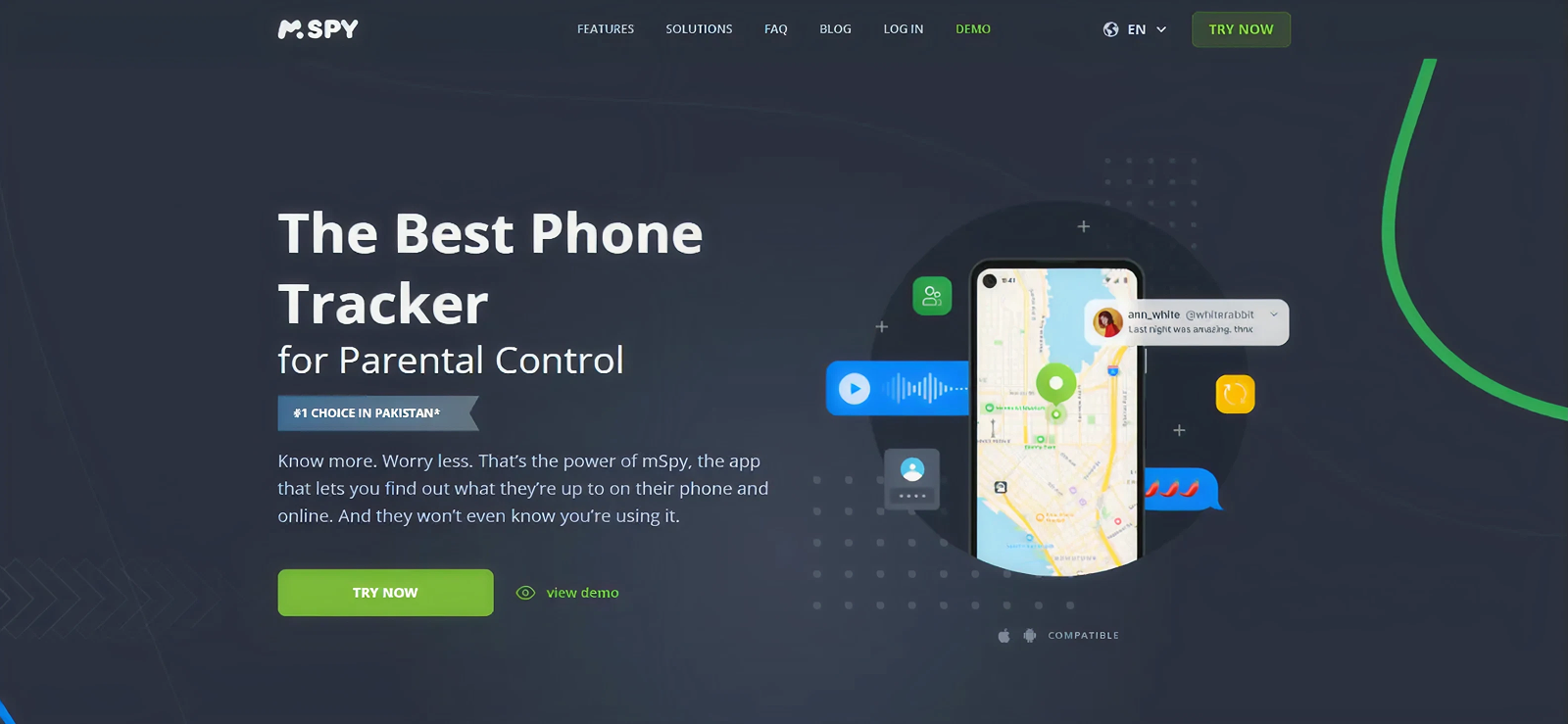
mSpy is a versatile family monitoring app designed for parents who want to keep tabs on their children’s location and smartphone activity. Known for its stealth mode operation, mSpy runs quietly in the background, allowing you to track essential data without interrupting your child’s device usage.
mSpy Features
GPS Locations
mSpy provides real-time GPS tracking so parents can see their child’s current location and location history. The intuitive map view makes it easy to monitor their movements throughout the day.
Geo-Fencing
With this app, parents can set up safe zones using geo-fencing and receive instant alerts when their child enters or leaves designated areas.
Installed apps
mSpy allows parents to monitor the apps installed on their child’s device. We were able to see which apps are being used during testing as well. This feature makes it easier for parents to manage exposure to potentially unsafe content or distractions.
mSpy Compatibility
mSpy works with both Android and iOS devices.
mSpy Pricing
- Premium Plan: $140.04/year
- Extreme Plan: $287.88/year
mSpy Pros and Cons
| Pros | Cons |
| – Real-time GPS tracking with location history – Wide range of features for digital and physical safety | – Subscription prices are pretty high – No options for recording surroundings or a live camera |
Should I Buy mSpy?
mSpy is a reliable option for parents who want comprehensive oversight of both physical location and digital activity. However, if you need physical safety features like surround recording or live camera, other options may be more suitable for you.
Final Verdict
Choosing the right family tracking app ultimately depends on what you value most: real-time location tracking, driving safety, digital monitoring, or online security. Apps like Xnspy, mSpy, and FamiSafe stand out for advanced monitoring and detailed reports, making them suitable for parents who want in-depth oversight.
Whereas options like Life360 are excellent for families with drivers, thanks to their crash detection, driving insights, and roadside assistance. However, if your primary concern is managing screen time and online behavior, Norton Family offers strong parental controls.
Frequently Asked Questions
1. Can family tracker apps drain the phone’s battery quickly?
Some tracking apps can increase battery usage, especially those that rely on real-time GPS tracking and frequent location updates. However, most reputable apps like Xnspy use fewer resources as they optimize background activity to minimize battery drain. Adjusting update intervals and permissions can further reduce impact.
2. Do family tracking apps work without an internet connection?
Most apps require an active internet connection (Wi-Fi or mobile data) to update locations and sync data to the dashboard. Without internet access, the app may still record data locally, but will update the information only once connectivity is restored.
3. Is it legal to use tracking apps for families?
Generally, yes, when used ethically and legally. Parents are allowed to monitor their minor children’s devices. However, tracking adults or older teens without their consent may violate privacy laws depending on your region. So, the best practice is to always check local regulations and obtain consent when required.
4. Can multiple parents or guardians access the same account?
Yes, many tracking apps allow multiple guardians under a single account, enabling both parents to monitor children simultaneously. The number of supported devices and guardians varies by app and subscription plan, so it’s best to review plan details before subscribing.
Xnspy – Your Complete Family Tracking Kit
Look out for your family’s safety by tracking their whereabouts and activities.
4 Comments
Leave a reply:
Your email address will not be published. Required fields are marked*

Iyla Gates
March 4, 2026 at 9:31 amPersonally for me, Aura is a horrible option because to even access the basic tracking features, I need to buy their most expensive plan. Not a fan.
William Haley
March 16, 2026 at 11:02 amWhy is mSpy even on the list? I had such a pathetic experience with it that I will not recommend this to my worst enemy.
Clara West
March 18, 2026 at 10:26 amI do think that Xnspy is a good option in this list but I have a few concerns. Where to reach out?
Troy Crane
March 24, 2026 at 2:27 pmBut when I talked to AirDroid's support agent, she said that they offer real-time updates.