FamiSafe Review: An Honest Look at Its Features, Pros, and Cons (2026)
 By Mike Everett
The complete monitoring experience for your phone
Get XNSPY and start tracking calls, texts, multimedia, locations and more on any phone!
Get Started Now Live DemoMost parents don’t start looking for parental control apps until something tips them off: a concerning search history, a late-night screen glow, or a sudden change in behavior that prompts questions. There’s rarely one single trigger; it’s usually a slow buildup. That’s exactly what led our team to put FamiSafe through its paces.
We set out to answer one straightforward question in this FamiSafe review: Does it give parents meaningful visibility and control, or does it only look good on paper?
FamiSafe promises web content filtering, screen time management, location tracking, app blocking, and more. But a feature list doesn’t tell you how well things actually hold up during everyday use.
So instead of relying on marketing claims, we spent over a month testing FamiSafe in real conditions, switching between devices, running restriction tests, measuring sync speeds, and deliberately pushing against the app’s edges. Let us walk you through what we found.
FamiSafe At a Glance
Category FamiSafe Specification Core Purpose Rule-based parental control focused on content filtering and screen time management Compatibility Android, iOS, Windows, macOS Setup Time ~25–30 minutes for full configuration Installation Complexity Moderate (requires permissions on both parent and child device) Free Trial Yes – limited feature access Pricing Monthly: $9.99/month · Quarterly: $19.99/quarter · Annual: $59.99/year (up to 10 devices) Real-Time Syncing Partial (location is mostly near real-time; activity logs have delays) Best For Parents who want structured content controls, screen time rules, and basic location monitoring Not Ideal For Deep communication monitoring or fully discreet background surveillance
How We Tested FamiSafe For This Review?
To make sure this review reflects real-world performance, our team of 4 reviewers ran a structured, hands-on evaluation across multiple devices over more than a month.
We tested FamiSafe on an Android smartphone (OnePlus) and an iPhone, running each core feature through repeated test cycles under varied network conditions. Most features were tested between 5 and 15 times, depending on their complexity and the variability we observed.
Monitoring Accuracy & Coverage – 30%
This was the backbone of our FamiSafe testing. We focused on how accurately the app captures and surfaces activity data across its core monitoring functions. Web content filtering was tested across approximately 30 websites spanning both preset category blocks and manually entered URLs.
Call and message monitoring was evaluated across multiple contacts and conversation types. The Screen Viewer feature was tested at multiple capture intervals, ranging from 5 to 30 minutes, to assess consistency and upload reliability.
Feature Performance Under Real Conditions – 25%
We assessed FamiSafe’s control features through repeated execution cycles under both stable and unstable network conditions. This included screen time scheduling tested over a 7-day usage cycle, geofencing evaluated across 6 configured locations with radii between 300 and 1000 meters, app blocking tested through 15 execution attempts, and the time-extension request flow tested across multiple schedule configurations.
Real-Time Responsiveness & Syncing – 20%
We specifically measured how quickly FamiSafe synced activity data to the parent dashboard. Location updates, app activity logs, screen time records, and screenshot uploads were checked at multiple intervals per day, totaling more than 50 sync observations throughout testing. This helped us identify delays, inconsistencies, and responsiveness gaps under varying connectivity.
Ease of Use – 15%
We performed a full setup on both Android and iOS devices, including Wondershare ID creation, parent and child profile configuration, and permissions setup on both ends. The installation process took approximately 25 to 30 minutes for a complete configuration. Day-to-day usability was assessed by flowing through the app’s main control areas like Screen Time, Content Safety, Location, and Reports, as well as adjusting settings across typical monitoring scenarios.
Cross-Device & Platform Behavior – 10%
We installed and configured FamiSafe separately on Android and iOS test devices. Each key feature was tested multiple times on both platforms to check for behavioral consistency and any platform-specific limitations, particularly around iOS’s dependency on Apple’s Screen Time framework for enforcement.
What Is FamiSafe? A Quick Overview
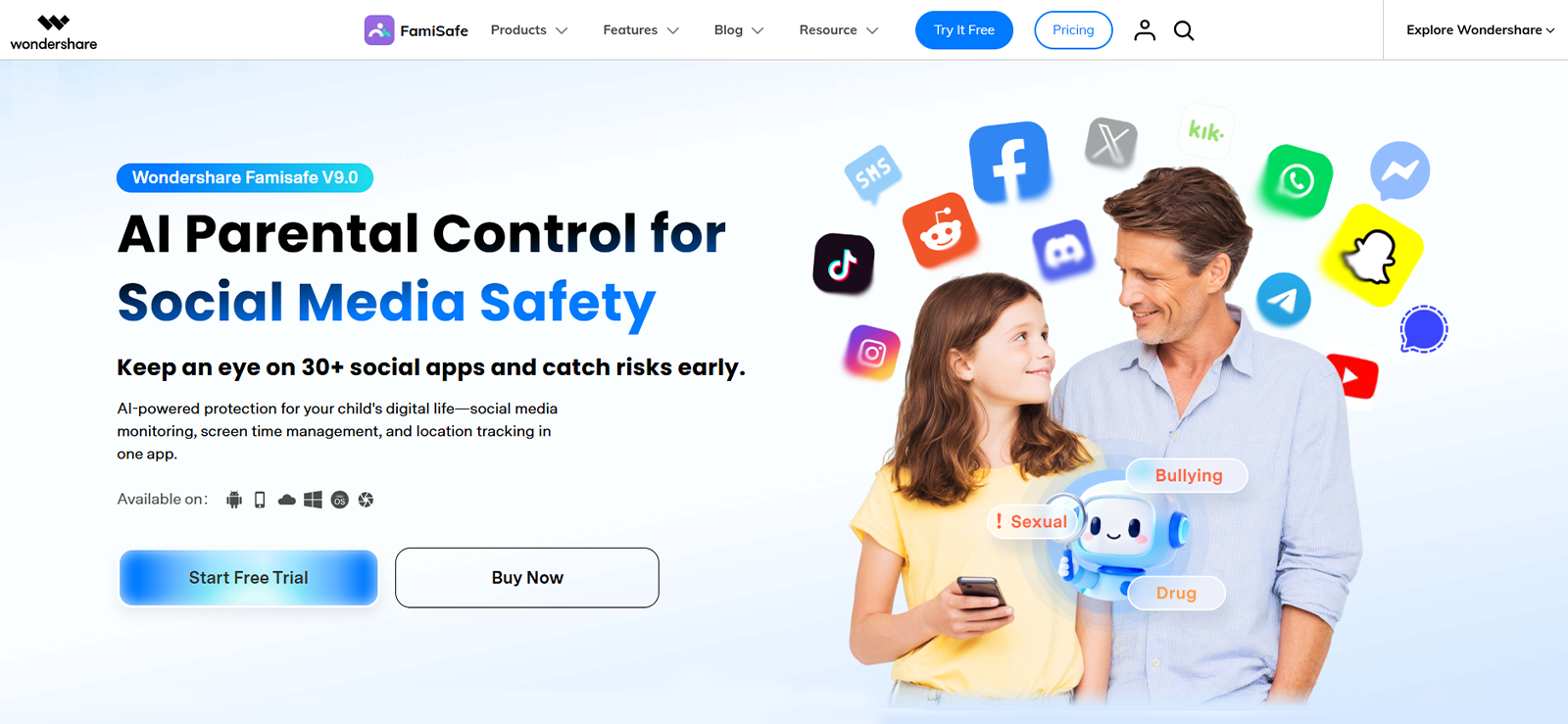
FamiSafe is a parental control app developed by Wondershare, built primarily around guiding and restricting children’s device usage rather than deep background surveillance. Its core emphasis sits on three areas: web content filtering, screen time management, and location tracking.
What stood out during our testing is that FamiSafe is positioned as a visible, rule-based tool. The child typically knows the app is installed, and FamiSafe leans into this with features like screen time request prompts and notification-based alerts. This is a deliberate design philosophy, supervision with transparency.
That said, it’s only part of the picture. Our team evaluated FamiSafe from multiple angles to understand how it performs beyond its core claims. In the sections ahead, we will walk you through exactly what we found.
How Does FamiSafe Work?
From our hands-on testing, FamiSafe operates on a rule-based enforcement model. Parents define controls from a dedicated parent app, and those controls are pushed to and enforced on the child’s device. Activity data is then synced back to the parent dashboard for review.
Setup involves installing the app on both devices: one instance for the parent, one for the child. After linking the two accounts, rules take effect almost immediately, and the dashboard begins populating with activity data.
FamiSafe Installation
Getting FamiSafe running is a relatively smooth process, though it involves more steps than a simple download. We installed the app on a OnePlus Android phone and an iPhone (iOS).
On both platforms, downloading and signing in took under 5 minutes. The more time-consuming part was the configuration that follows. This included creating the child’s profile, assigning age-appropriate settings, granting the necessary device permissions, and linking both devices to the same Wondershare ID. In our experience, a full functional setup across both devices took approximately 25 to 30 minutes.
The app guides you through most of this process step by step, which helps. However, first-time users who are less comfortable with device permissions may find a few of the Android configuration steps require extra attention.
FamiSafe Compatibility
FamiSafe supports a broader range of platforms than most competing apps. It is compatible with Android, iOS, Windows, and macOS as well.
During our testing, we ran the app on:
- Android smartphone (OnePlus)
- iOS device (iPhone)
On Android, the app delivered its most complete feature set. Whereas, on iOS, performance was solid but subject to the same Apple framework limitations that affect most parental control apps. Some content filtering depth and screen time enforcement behaviors depend on Apple’s built-in Screen Time API rather than FamiSafe’s own controls, which narrows what the app can independently enforce.
Overall, the multi-platform support is a genuine plus, especially for families using a mix of devices.
FamiSafe Interface
The FamiSafe interface is one of its stronger points. The parent app is clean, icon-driven, and logically organized, with main categories: Screen Time, Content Safety, Location, and Reports. All of these are accessible directly from the home screen.
During testing, most features were easy to locate without needing to dig through nested menus. The dashboard felt less cluttered than many competing apps, and switching between monitoring views and control settings was generally intuitive.
The one area where the flow felt slightly less smooth was within the content filtering section, where adjusting category-specific rules required several taps to get to the right setting. Our UX reviewer noted this as a minor friction point during initial configuration, though it was easy enough to work around after a session or two.
FamiSafe Pricing
FamiSafe’s pricing is structured around three billing cycles, all covering up to 10 devices per subscription:
- Monthly Plan: $9.99/month
- Quarterly Plan: $19.99/quarter (~$6.66/month)
- Annual Plan: $59.99/year (~$5.00/month)
For our testing, we opted for the monthly plan. This gave us access to the full feature set across both test devices.
One thing worth noting: FamiSafe does offer a free trial, but it comes with significant feature restrictions. Many of the core features, including parts of web filtering and screen monitoring, are not available during the trial period. If you want a true sense of what FamiSafe can do, a paid tier is required.
Compared to annual-only competitors, the monthly and quarterly billing options are a notable flexibility advantage.
FamiSafe Parental Control Features
During testing, FamiSafe’s features showed a range of performance levels. Some delivered reliably; others had gaps worth knowing about before you commit. Here’s what our hands-on evaluation found across each major feature.
Location Tracking
Location tracking was tested over a 3-day window that included movement across urban areas, a shopping mall, and a suburban neighborhood. FamiSafe successfully updated the device’s location in 10 out of 12 refresh cycles, with an average update interval of roughly 2–5 minutes under normal connectivity.
In outdoor environments, accuracy was consistently within 20–40 meters. Indoor accuracy declined somewhat, with deviations of up to 90 meters in a large shopping mall. Overall, location tracking was one of FamiSafe’s stronger performers.
An additional feature worth highlighting is reverse location tracking, which lets a child view the parent’s location in real time. This feature worked reliably, and we found it useful in crowded or unfamiliar environments where a child might need to find their way back to their parent.
Geo-Fencing
FamiSafe’s geofencing allows parents to set a virtual boundary of up to 1000 meters around any saved location. We configured 6 locations during testing, with radii ranging between 300 and 1000 meters.
The system correctly detected entry and exit events in 5 out of 6 test attempts. Alert delivery was generally quick. Most notifications arrived within 1–2 minutes. In one case, a weak GPS signal caused an alert delay of over 7 minutes. Other than that, entry and exit alerts both functioned reliably when signal conditions were good.

FamiSafe Missing the Mark?
Experience a seamless transition to Xnspy for advanced tracking and full control.
Screen Time Management
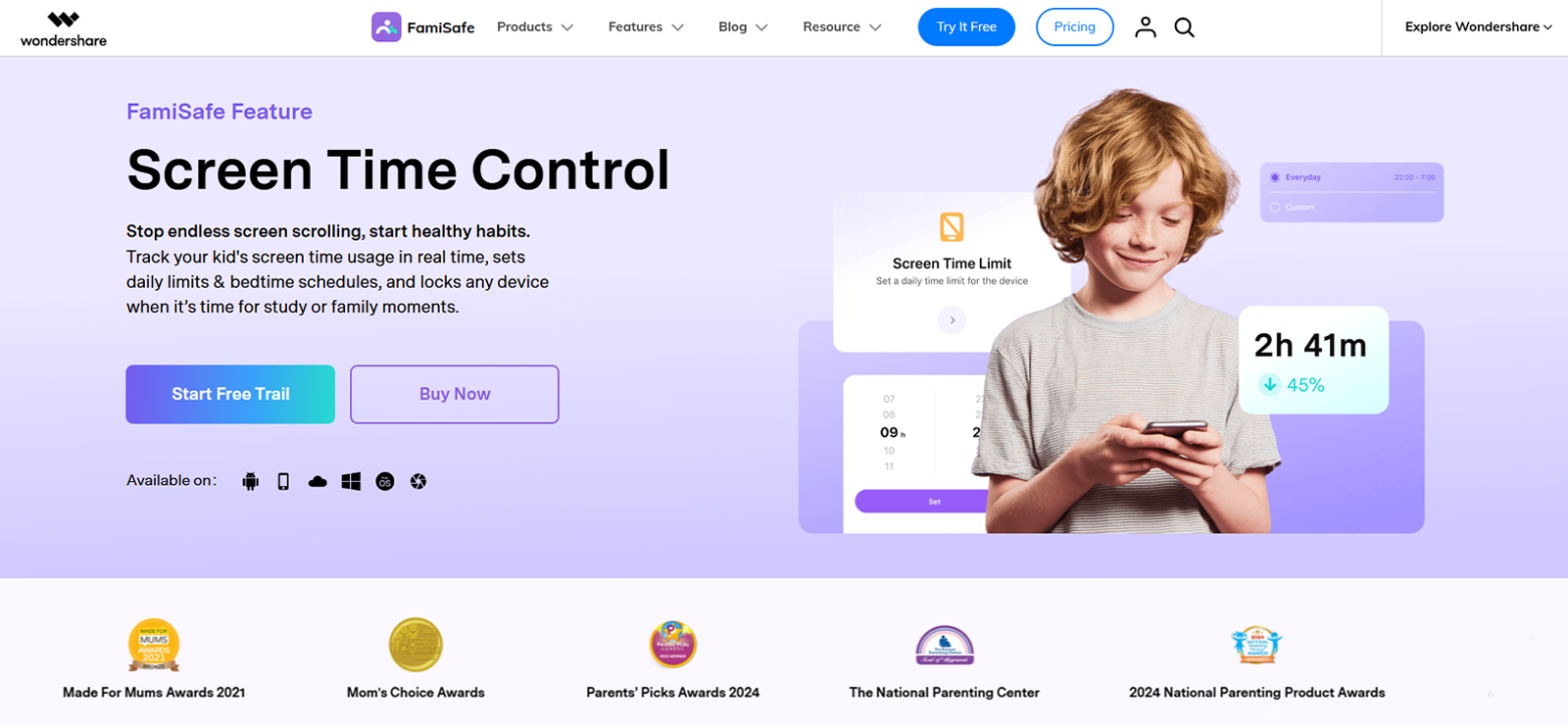
FamiSafe’s screen time controls allow parents to create daily and weekly device schedules, set daily usage limits, and define “bedtime” lock periods. We ran the feature over a 7-day test cycle using a fixed 2-hour daily limit.
In 6 out of 7 days, the device was locked correctly when the allotted time expired. The enforcement was generally prompt; in most cases, the lock applied within 1–2 minutes of the limit being reached. On one test day, due to a sync delay, the device remained usable for approximately 8 minutes past the cutoff.
One design choice that stood out was that when screen time expired, we could send a time-extension request from the target device to the parent phone directly through the app. Parents can approve additional time without altering the existing weekly schedule, which adds a layer of flexibility without undermining the structure.
App Filtering
The app filtering feature gives parents a view of all installed apps on the child’s device and lets them block specific apps remotely. We tested this across 15 block attempts spanning social media, gaming, streaming, and browser apps.
FamiSafe successfully blocked apps on 13 out of 15 attempts. In the remaining 2 cases, the apps briefly opened for 5–10 seconds before the restriction took hold. Newly installed apps occasionally took a few minutes to appear in the parent dashboard list, and in one case, a freshly installed app required a manual refresh to show up.
One limitation we noted was that the apps that were installed and then quickly deleted before a dashboard sync did not consistently appear in the app activity log. For parents specifically concerned with hidden or rapidly deleted apps, this is a gap worth knowing about.
Web Content Filtering
Web filtering is FamiSafe’s flagship feature. The app supports filtering across 15+ content categories, including adult content, violence, gambling, and drugs, and allows parents to additionally block specific URLs manually.
We tested filtering across approximately 30 websites, split across blocked categories and manual URL entries.
For category-based filtering, FamiSafe blocked known high-risk sites quickly and consistently; most pages were blocked within 1–3 seconds of a load attempt. However, we found that slang terms, alternate URLs, and less-indexed variations of blocked content were not reliably caught. If a child searches for restricted content using non-standard terminology, the filter does not always intercept it.
Manual URL blocking functioned accurately, but required entering full URLs rather than domain-level patterns, which made it time-consuming when dealing with multiple related pages.
The feature does show a count of how many access attempts were made to each blocked URL, which is useful for identifying behavioral patterns over time.
Calls and Messages Monitoring
FamiSafe provides basic call and message monitoring: parents can view incoming and outgoing call logs and read captured text messages. This feature gives a general picture of who the child is in contact with.
During testing, call log capture was reliable. Message capture was less complete: although most text messages were recorded, our tests found that emojis and inline images were missed in several instances. Group message threads also had occasional gaps.
There is no call recording functionality. For parents who want to understand the content of communications, not just the contact list, this monitoring is at best introductory. You can see who your child talks to and how often, but not what is being said in voice calls, and not the full context of multimedia-rich text conversations.
Screen Viewer
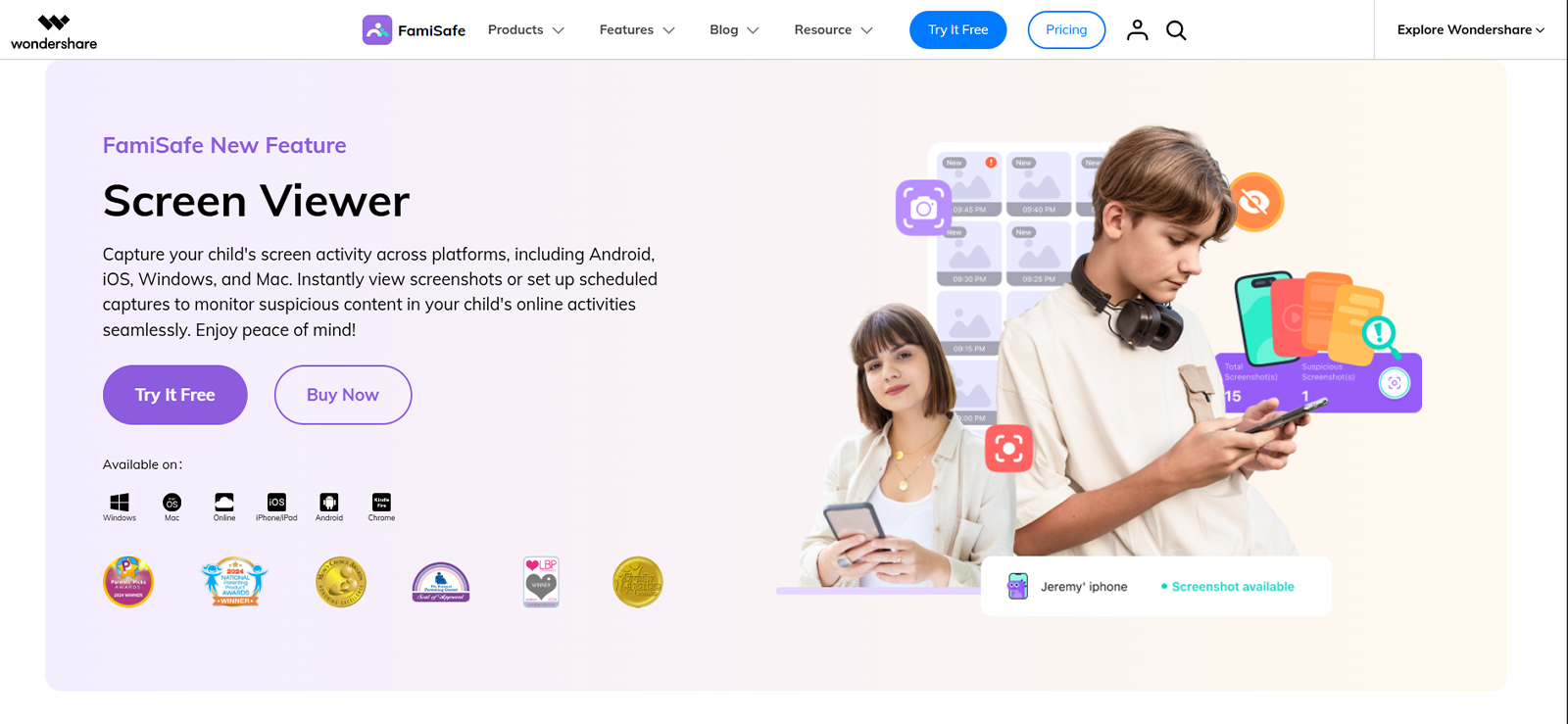
The Screen Viewer feature captures periodic screenshots of the child’s device, with a configurable capture interval of 5 to 30 minutes. We tested this at multiple interval settings over several days.
Screenshot capture was consistent, as the app reliably captured images at the set intervals. Upload to the parent dashboard gallery was generally reliable but showed a slight delay, averaging 2–5 minutes after capture.
The practical limitation here is organization. All screenshots are stored in a single chronological gallery with no app-level categorization or activity tagging. When intervals are short, and the child is actively using the device, the gallery fills quickly with a mix of relevant and irrelevant captures. Reviewing screenshots to identify specific behaviors or patterns becomes time-consuming without any filtering or sorting tools.
Driving Reports
This is one of FamiSafe’s more distinctive features. The driving report provides data on speed, distance traveled, driving time, number of hard braking events, and speeding instances, generated automatically when the child’s device detects driving motion.
In our testing, driving report data was accurate and consistent. Speed readings aligned with real-world conditions, and hard-braking events were correctly flagged during sudden deceleration tests. For parents of teen drivers, this feature adds a meaningful layer of oversight that most competing apps simply don’t offer.
FamiSafe Pros and Cons
FamiSafe Pros
- Web content filtering covers 15+ categories and works quickly for known high-risk sites.
- Screen time scheduling is flexible, with a time-extension request system that keeps things practical.
- Location tracking was reliable and consistently accurate in outdoor environments.
- Driving reports are a unique and genuinely useful feature for families with teen drivers.
- Intuitive parent app interface with straightforward navigation.
FamiSafe Cons
- Web filtering misses slang terms and alternate URLs; full-URL manual entry is tedious.
- Call monitoring shows only logs, no access to call recordings or voice content.
- Message capture misses emojis and multimedia, limiting communication context.
- The Screen Viewer gallery lacks categorization, making review time-consuming.
- Newly installed and quickly deleted apps don’t always appear in monitoring logs.
- iOS functionality is partially dependent on Apple’s Screen Time framework, limiting enforcement depth.
- Free trial restricts access to several key features.
Upgrade to Xnspy – The Clear Winner Over FamiSafe
Leave the limitations of FamiSafe behind for a more comprehensive tracking solution.
FamiSafe Reviews
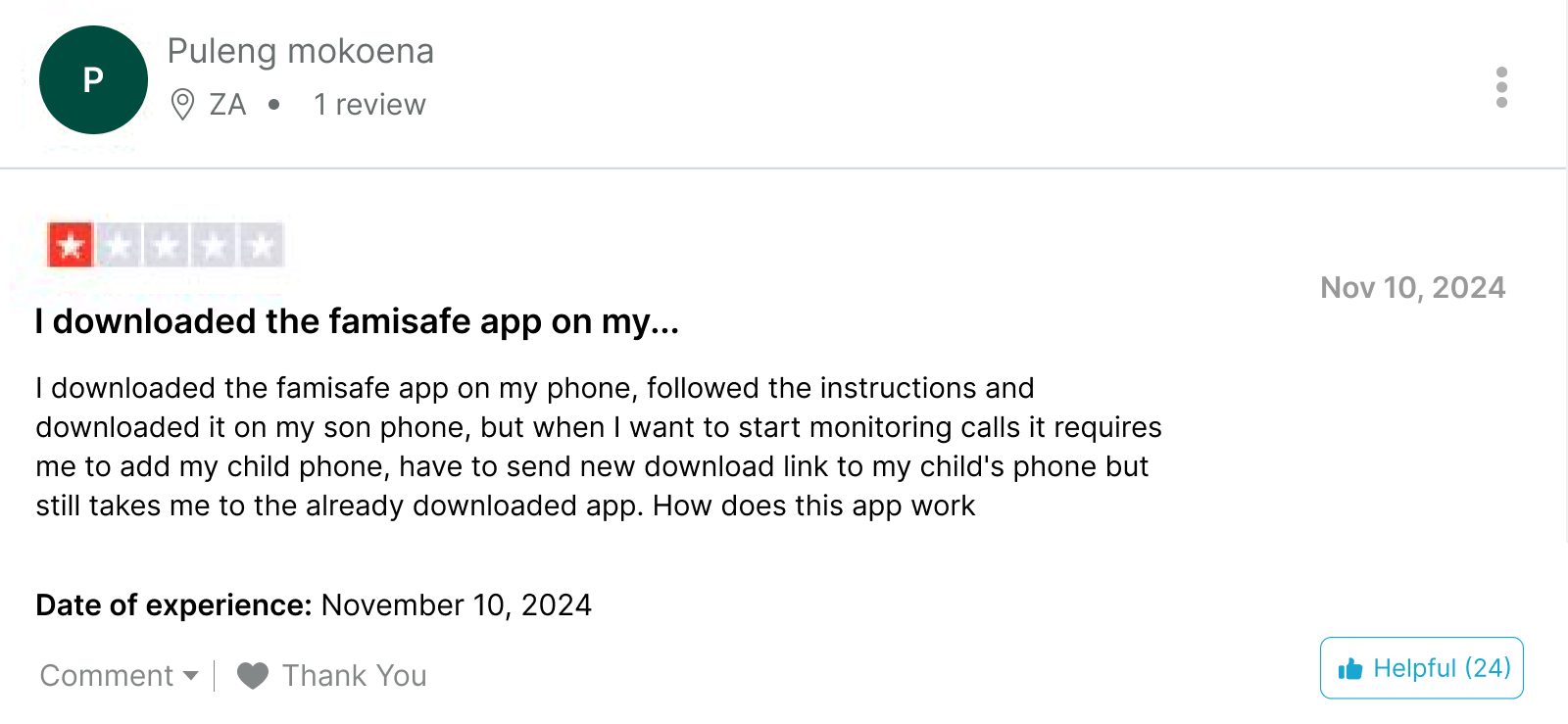
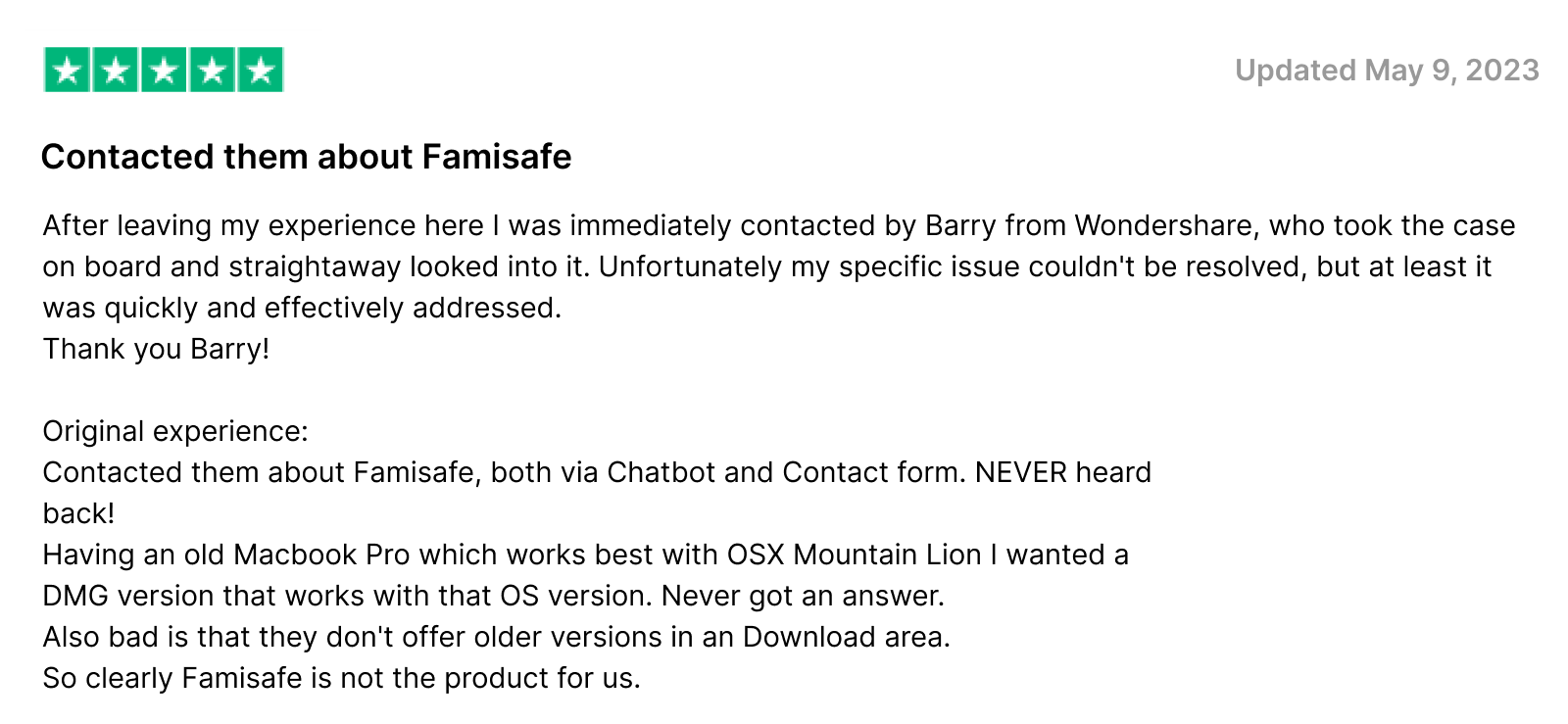
Is FamiSafe Complete Enough for Modern Parenting, or Will You Eventually Need Another App?
After putting FamiSafe through our full testing process, it’s clear that the app delivers meaningfully across several areas, including content filtering, screen time management, location tracking, and driving reports. For parents who want structured, rule-based controls and are comfortable with a visible monitoring approach, it covers the essentials well.
But our testing also surfaced consistent gaps: call content is inaccessible, message monitoring is incomplete, the screen viewer lacks organizational depth, and incognito browsing remains a blind spot. For parents who want more than surface-level visibility into their child’s digital life, those limitations add up.
That’s where it’s worth looking at alternate options like Xnspy, which approaches the monitoring problem from a fundamentally different angle.
What Is Xnspy? A Quick Overview
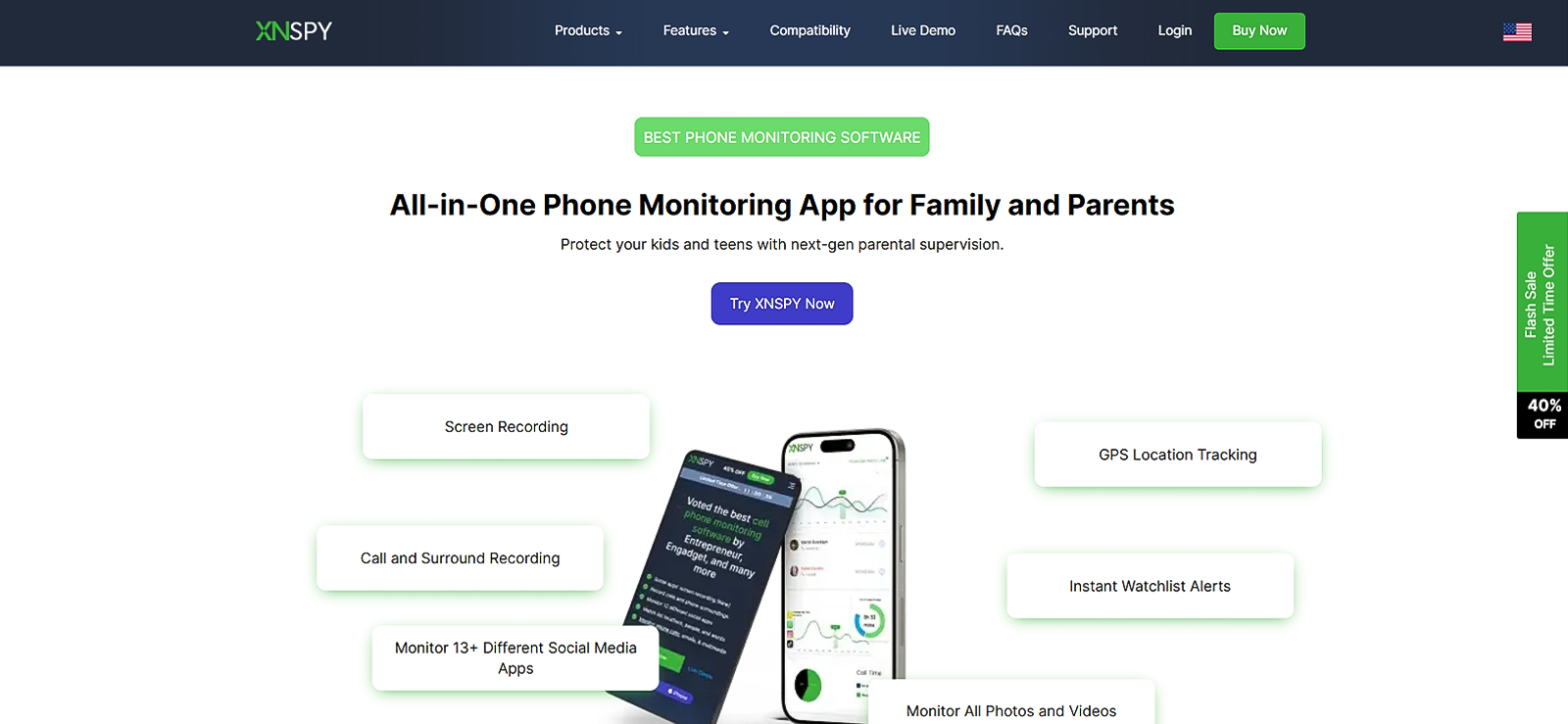
Xnspy is a monitoring solution designed around the depth of data rather than rule enforcement. Where FamiSafe focuses on restricting and scheduling, Xnspy focuses on capturing and surfacing detailed behavioral information, including calls, messages, apps, browsing, and real-time location, through a continuous background sync model.
During our testing, what distinguished Xnspy immediately was how much richer the data picture was. Rather than showing you that a child visited “a social media site,” it shows you what was on the screen. Rather than logging a call, it lets you hear the recording.
How Does Xnspy Work?
Xnspy operates as a background-based monitoring solution. Once installed on the target device, it continuously collects and syncs activity data to a web-based parent dashboard. There are no prompts or notifications visible to the child during normal operation.
We installed Xnspy on both Android and iOS test devices. After linking each device to a parent account, data began syncing automatically. The dashboard updates in near real-time, with activity organized by category along a clearly labeled left-hand navigation panel.
Xnspy Installation
The installation was quite straightforward and didn’t take us long to complete. On Android, due to the hefty amount of permissions, it took us around 12 minutes, whereas on iOS, it only took us around 8-10 minutes.
Xnspy Compatibility
We tested Xnspy on:
- Android smartphone (OnePlus)
- iOS device (iPhone)
Unlike FamiSafe, Xnspy does not support Windows or macOS; it is designed specifically for smartphones and tablets, which was a slight letdown for us. However, on both mobile platforms, the full feature set was available without platform-specific restrictions. We also accessed the parent dashboard across Chrome, Firefox, Brave, Opera, and Safari, all without any lag or functionality gaps.
Xnspy Interface
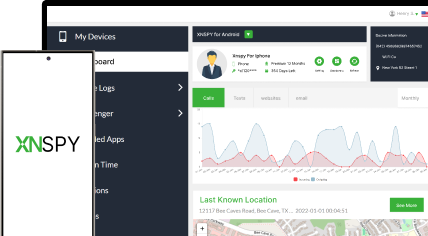
The Xnspy dashboard is web-based and well-organized. All features are categorized along the left panel, including calls, messages, apps, location, internet activity, and screen recordings. This makes navigation fast and logical from the first session.
The one area that took slightly longer to locate was the Watchlist Alerts section. We were unable to find it and thought it was a false claim until we accidentally found it within settings rather than alongside the main monitoring categories. Our team flagged this as a minor UX inconsistency, but it doesn’t materially affect day-to-day usability.
Xnspy Pricing
Xnspy uses a subscription-based model with two plan tiers:
- Basic Plan: $4.99/month (when billed annually)
- Premium Plan: $7.49/month (when billed annually)
Monthly and quarterly billing options are also available. Unlike FamiSafe, Xnspy does not increase renewal pricing after the first year, so costs stay consistent. One limitation, however, is that each subscription covers a single device, so monitoring two devices requires two separate subscriptions.
For our testing, we purchased two separate 1-month Premium plans for both our devices (iPhone and OnePlus), which gave us access to the full feature set without a long-term commitment.
Key Features That Xnspy Has to Offer
Location Tracking and Geo-Fencing
Location tracking was tested over a full week across outdoor and indoor environments. Xnspy successfully logged location updates in 16 out of 17 attempts in near real-time. The one missed sync occurred during a full internet outage on the target device; once connectivity was restored, it synced the gap within 2 minutes.
For geo-fencing, we configured 7 locations (3 with check-in alerts and 4 with exit alerts) with radii ranging from 100 to 1000 meters. All 7 triggered correctly, with alerts arriving within 40–70 seconds.
Final Verdict: Xnspy’s geo-fencing response speed and location update consistency outperform FamiSafe in testing. FamiSafe’s driving reports and reverse location feature, however, remain unique advantages.
Screen Recording
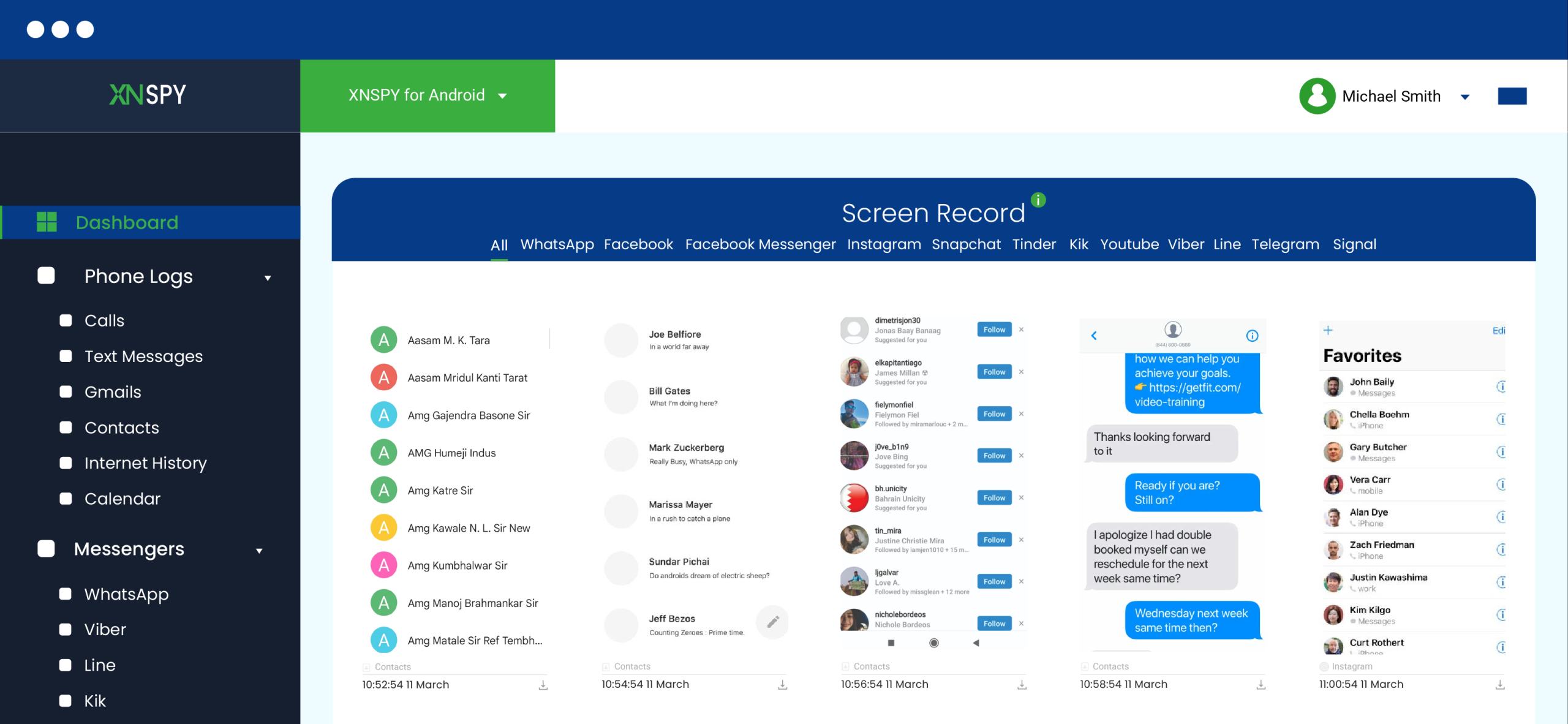
Xnspy’s screen recording captures screenshots at a fixed 5-second interval and uploads them to the dashboard in real-time. During testing, the feature continued operating even when the target device lost internet connectivity. On reconnection, all captures were bulk-uploaded to the dashboard with no data loss.
Critically, screenshots are organized by the app that was active at the time, rather than stored as an undifferentiated chronological gallery. This makes reviewing activity dramatically faster than FamiSafe’s Screen Viewer.
Final Verdict: Xnspy’s automated, app-organized screen recording is significantly more usable than FamiSafe’s manual-interval, unorganized gallery.
Text and Call Monitoring
Text monitoring was tested across SMS and popular messaging apps. Xnspy captured approximately 90–95% of incoming and outgoing messages, including timestamps, contact details, emojis, and multimedia. Messages are displayed in conversational thread format, preserving context rather than presenting a log of disconnected entries. Sync delays averaged 10–30 seconds.
Call recording was tested across multiple call types. Recorded calls were accessible in the dashboard for playback, complete with timestamps and duration data. Xnspy also provides analytics showing call frequency by contact. This helped us in identifying patterns that might otherwise go unnoticed.
Final Verdict: Xnspy provides substantially more communication context than FamiSafe, both through complete message capture (in conversational thread layout) and through call recording with playback access.
Screen Time
Xnspy’s screen time tracking is monitoring-focused rather than enforcement-focused. It captures total device usage time and breaks it down by app to show both most frequently launched apps and most time-spent-in apps, accurate to the second.
One nuance we found was that Xnspy only logs an app launch once the app has fully loaded and become active. In 3 of 7 test instances where an app was opened and closed before it fully loaded, no launch was recorded. However, it doesn’t actually make a difference, as the rationale behind tracking this aspect is the frequency of the app’s actual usage.
What Xnspy does not do is let you set screen time limits or enforce lockouts. It is an observation tool in this category, not a control tool.
Final Verdict: FamiSafe wins on enforcement. If you need to actually limit device time, it has the tools to do it. Xnspy wins on data depth, so if you want to understand usage patterns in precise detail, it provides more granular reporting.
App Lists and App Blocking
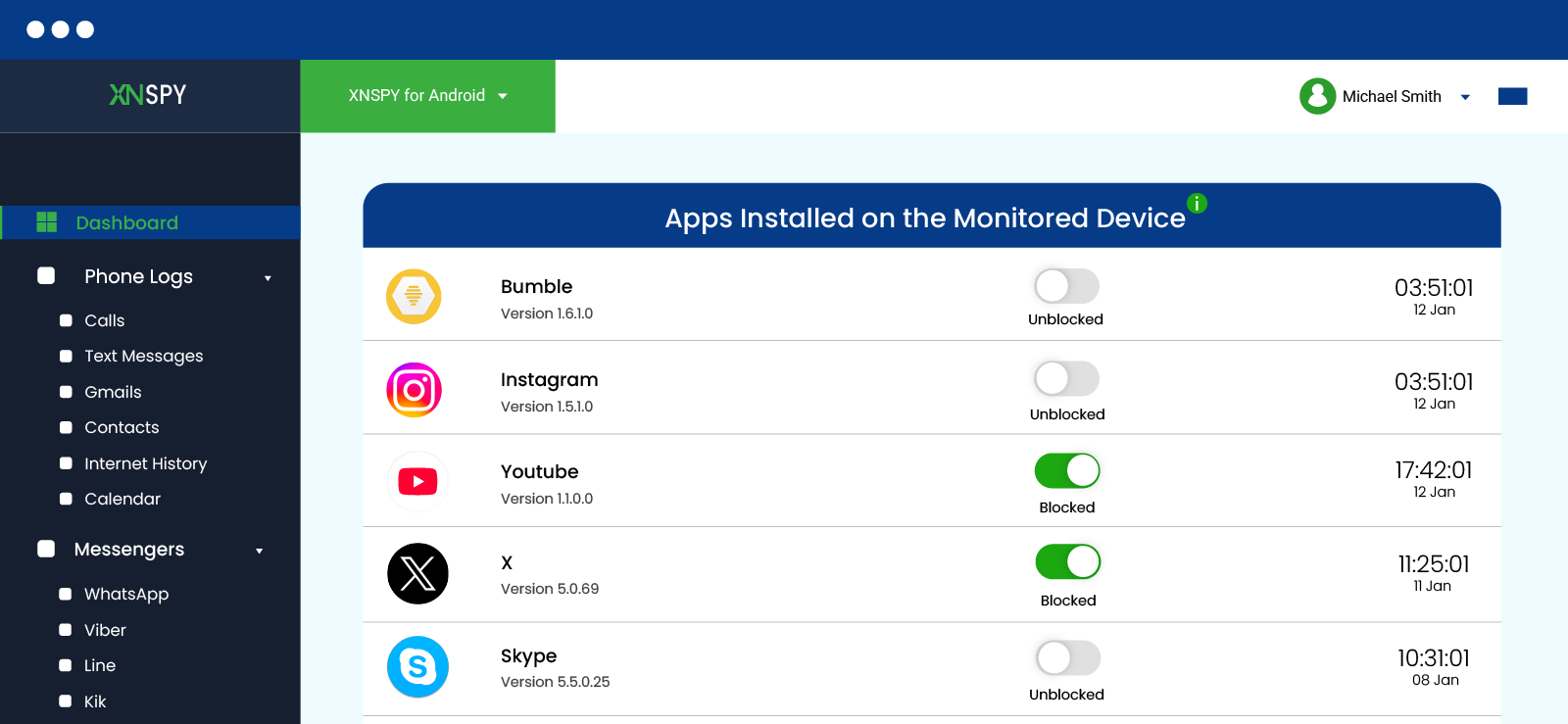
Xnspy’s installed app list detection was highly accurate in testing, including surfacing apps that had been hidden on the device, something FamiSafe did not consistently do. App icons did not load in the dashboard until we refreshed it 4 to 5 times (a minor visual gap), but the app names and data were complete.
App blocking was tested across 15 attempts. 9 were immediately successful; in the remaining 6 cases, apps opened briefly for 5–15 seconds before being blocked. Newly installed apps occasionally required a manual refresh to appear.
Final Verdict: Both apps perform comparably on blocking success rates. However, Xnspy has an edge on hidden app detection.
Internet History
Xnspy tracked 19 out of 20 browsing attempts in testing, including 10 sessions opened in incognito mode. Entries included timestamps, visit frequency, and URL details. Most entries synced within 15–35 seconds. Bookmarks were also logged.
The dashboard highlights most-visited websites and their access frequency, making patterns easier to spot. However, Xnspy does not allow blocking or restricting access to specific websites; this is a monitoring-only feature.
Final Verdict: FamiSafe wins on control as it can block websites, not just log them. Xnspy wins in visibility due to its incognito browsing coverage being more reliable and its browsing analytics being more detailed.
Remote Controls
Xnspy offers several remote commands: device lock, full data wipe, ambient screenshot capture, and surround recording. Remote lock was successfully executed in 8 out of 10 attempts, with average response times of 10–30 seconds. The ambient screenshot command went through in all 5 attempts, though captures are stored in the media/Photos section rather than alongside screen recordings.
Final Verdict: Xnspy’s remote control capabilities go substantially beyond FamiSafe’s. The ability to remotely wipe a device or trigger ambient audio recording covers scenarios FamiSafe simply doesn’t address.
XNSPY Pros and Cons
Xnspy Pros
- Real-time sync for almost all features.
- Screen recordings are organized by app, which makes behavioral review fast and practical.
- Full message capture, including emojis, multimedia, and conversational thread formatting.
- Call recording with playback access.
- Detailed app usage analytics broken down to the second.
- Hidden app detection surfaces activity that most apps miss.
- Remote controls include device wipe and ambient surround recording.
Xnspy Cons
- No screen time limits or web filtering options.
- No free trial available.
- No support for Windows or macOS devices.
- Each subscription covers only one device.
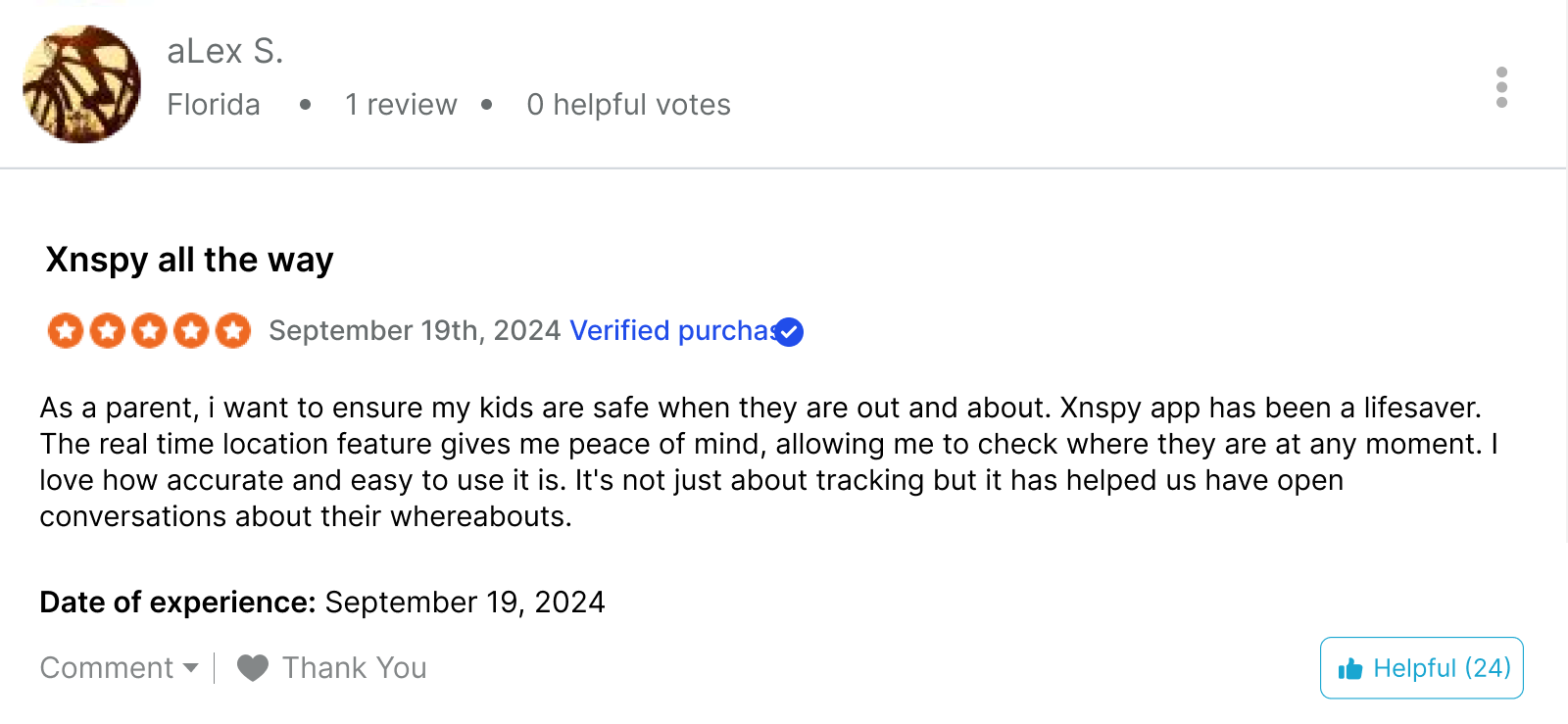
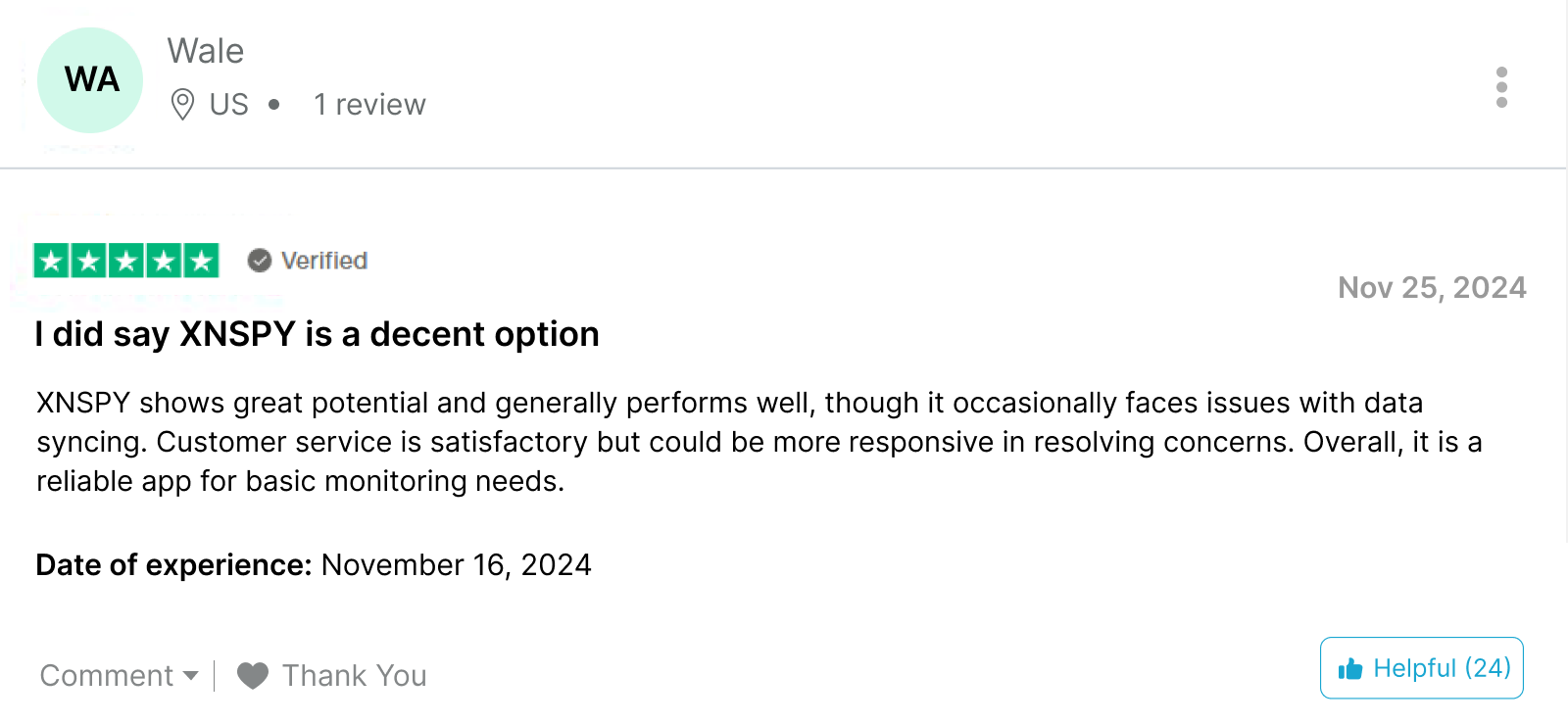
Xnspy Reviews
FamiSafe vs. Xnspy: A Quick Comparison
| Feature | FamiSafe | Xnspy |
| Content Filtering | ⭐⭐⭐ Provides web filtering for 15+ predefined categories like adult content and violence. Requires manual URL entry for additional filtering. | ⭐⭐⭐⭐ Offers detailed internet browsing history, including incognito searches, and alerts for watchlist words or slang in messages. |
| Screen Time Management | ⭐⭐⭐⭐ Allows setting daily schedules for app blocking. Offers detailed reports but may frustrate children with instant blocking. | ⭐⭐⭐⭐⭐ Provides detailed screen time insights for every app, promoting healthy usage through open communication and flexibility. |
| Location Tracking | ⭐⭐⭐⭐ Real-time tracking, geofencing, driving reports, and reverse location tracking to help kids find parents. | ⭐⭐⭐⭐ Real-time tracking with reliable geofencing and location history. Excels in accuracy even with weak internet. |
| App Monitoring | ⭐⭐⭐ Blocks installed apps remotely but struggles with detecting hidden or deleted apps. | ⭐⭐⭐⭐ Tracks all installed apps, including deleted or hidden ones, and allows parents to block apps remotely. |
| Call Monitoring | ⭐⭐⭐ Provides basic call logs but lacks call recording or detailed analytics. | ⭐⭐⭐⭐⭐ Offers call recording, detailed analytics, and insights to identify suspicious interactions or threats. |
| Text Monitoring | ⭐⭐ Captures text messages but misses emojis and multimedia. | ⭐⭐⭐⭐ Captures messages, including emojis and multimedia, for a complete view of communication patterns. |
| Screen Viewer/Recorder | ⭐⭐ Captures periodic screenshots but lacks organization, making it difficult to analyze. | ⭐⭐⭐⭐⭐ Automatically captures social media activities with a focus on posts, comments, and interactions, offering real-time insights. |
| Ease of Use | ⭐⭐⭐⭐ Intuitive interface with straightforward navigation but requires some technical know-how for installation. | ⭐⭐⭐⭐⭐ Easy-to-use dashboard and straightforward installation process suitable for non-tech-savvy parents. |
| Stealth Mode | ⭐⭐ Visible to children, making them aware of monitoring. | ⭐⭐⭐⭐ Operates discreetly in stealth mode, ensuring undetectable monitoring. |
| Driving Reports | ⭐⭐⭐⭐ Tracks driving habits, including speed, distance, and instances of hard braking. | ⭐ Does not include driving reports. |
| Analytical Reports | ⭐⭐⭐ Provides basic summaries of screen time and app usage but lacks depth. | ⭐⭐⭐ Offers detailed analytics with actionable insights into apps, websites, and communication patterns. |
Conclusion
After extensive hands-on testing, both FamiSafe and Xnspy emerge as solid tools, but for distinctly different parenting approaches.
FamiSafe is built for parents who want structured, rule-based control. Its screen-time scheduling, content-category filtering, driving reports, and reverse location tracking are genuine strengths, and its multi-platform support covers more device types than most competitors.
Where it falls short is in the depth of communication monitoring and the completeness of its screen visibility. If you need to understand what your child is actually doing in conversations or online sessions, the data it provides is limited.
Xnspy takes the opposite approach. It doesn’t enforce rules or block content, but it gives you a far richer picture of what is actually happening on the device: full message threads, recorded calls, app-organized screenshots, incognito browsing history, and second-level screen time analytics. If the goal is understanding behavior rather than enforcing schedules, it delivers.
The right choice comes down to intent. If you want to set boundaries and enforce digital rules, FamiSafe might suit you more. But if you believe in communication instead of enforcement and need comprehensive visibility into device activity and the ability to intervene remotely when needed, Xnspy offers more depth.
FAQs
Can FamiSafe monitor social media apps like Instagram or Snapchat?
FamiSafe can track time spent in social media apps and block them if needed, but it does not monitor in-app messages or feed content on platforms like Instagram or Snapchat. For that level of visibility, a deeper monitoring tool like Xnspy’s screen recording would be needed.
Does FamiSafe work without an internet connection?
Most features require an active connection to sync data and enforce controls. Location updates, dashboard activity logs, and screen time enforcement will pause during connectivity gaps and resume once the device reconnects.
Can a child uninstall FamiSafe from their device?
On Android, FamiSafe requires device admin permissions, making removal more difficult without the parent’s knowledge. On iOS, uninstall protection is more limited due to Apple’s restrictions and depends on how the device is configured.
Does FamiSafe track incognito or private browsing?
FamiSafe’s web content filtering applies to most browsers, but incognito mode coverage is not fully consistent across all browsers and platforms. Some private browsing activity may bypass filtering depending on the device and browser used.
Can FamiSafe see deleted app activity?
Apps that are installed and deleted quickly may not appear in FamiSafe’s activity logs if the deletion happens before a dashboard sync. This is a known gap in the app’s detection.
Monitor Each Online Activity without Intruding
Xnspy tracks all online activities, providing you with deep, actionable insights.
4 Comments
Leave a reply:
Your email address will not be published. Required fields are marked*

Sarah Jon
January 20, 2025 at 11:53 amI want to protect my daughter
Maria Elison
January 24, 2025 at 1:10 pmfamisefe not working in iwndows
Raymond
January 30, 2025 at 6:57 amokay
Adam Watson
February 19, 2025 at 10:34 amI am satisfied with XnSpy.