7 Best Apps to See Someone’s Instagram [Top Picks for Parents]
 By Mike Everett
The complete monitoring experience for your phone
Get XNSPY and start tracking calls, texts, multimedia, locations and more on any phone!
Get Started Now Live DemoInstagram is one of the social media apps that dominate the internet, and its popularity appears to be increasing every day. The liberty to post content you want and the freedom of speech have made it the favorite app of the younger generation. In fact, 45% of U.S. teens say they can’t imagine life without Instagram.
As a result, many concerned parents look for monitoring apps to get an overview of the usage and content that children are consuming on Instagram. In this list, we have included the 7 best apps to see someone’s Instagram activity, with detailed reviews so you can choose the right one.
Why Should You See Someone’s Instagram
According to a report by Bernard Marr, each day, 95 million photos and videos are shared on Instagram. Many individuals believed that TikTok would surpass Instagram; however, with the introduction of Reels, it bounced back and captured the market. It was a win for Instagram; however, the increased screen time became a nightmare for everyone.
Adding to the issue of mindless scrolling is the content on the app. Instagram has filters and a filtering system; however, it doesn’t cover everything. For example, the filtering system will not display adult content; however, it does support influencers who create such content.
Additionally, creating a humorous reel based on such content is also acceptable. Sharing such content with friends has become a common practice.
Apart from its unfiltered content, the app is also known for connecting users with strangers.
While many interactions are harmless and provide an opportunity for socializing, there are certain risks associated that one has to be careful about. Not every new connection has the best interests at heart, and children become victims of online scams and predatory behavior.
Monitoring Instagram allows you to stay aware of what your loved ones are posting, who they are talking to, and what type of content they are consuming. Using the right Instagram tracking apps for parents lets you discreetly monitor their activity without disrupting trust, making Instagram a safer place for them.
After Testing the Best Apps to Check Someone’s Instagram, Here Are Our Top Picks
| App | Rating | Price |
| Xnspy | 9.8/10 | – Basic: $4.99/month – Premium: $7.49/month |
| Eyezy | 9.5/10 | – Premium: $7.99/month – Ultra: $19.99/month |
| mSpy | 9.1/10 | – Premium plan: $11.67/month |
| SpyX | 8.8/10 | – ~ €9.95/month (1-year billing) |
| Hoverwatch | 8.6/10 | – Personal: $8.33/month – Professional: $16.66/month – Business: $41.75/month |
| Spylix | 8.3/10 | – Basic: $8.33/month – Premium slightly higher – Family: $16.67/month (Android) or $33.33/month (iOS) |
| AirDroid | 8/10 | – Monthly: $9.99 – Quarterly: $6.66 – Yearly: $5.00 |
Which Tested Features Made an Instagram Monitoring App Stand Out to Our Experts?
Not all Instagram monitoring apps are created equal. Some merely scrape basic info, while others deliver deep insights, dependable performance, and data you can actually act on. To rank the best solutions, we assessed each app based on four core criteria that matter most in real-world use:
Monitoring Depth – 35%
At the heart of any monitoring tool is the scope of insight it provides. We weighted monitoring depth most heavily during testing (35% of the total score) because capturing the full range of Instagram activity is what distinguishes surface-level logs from meaningful oversight.
Reliability – 30%
An app that misses vital updates isn’t reliable monitoring. We assigned 30% of the total score to reliability, whether the app consistently captures activity without crashes, missed logs, or sync failures. This includes stable performance across different devices, networks, and extended use.
Data Presentation – 20%
Raw data alone is difficult to interpret. We dedicated 20% of the score to how well each app presents captured information: organization, readability, labeling, filtering, and whether insights are easy to scan and act on.
Ease of Use – 15%
A monitoring tool should enhance productivity, not create frustration. We reserved 15% of the test score for ease of use. This included how simple the setup process is, how intuitive the interface feels, and how quickly users can access the exact information they need without unnecessary complexity.
Top 7 Apps to Monitor Someone’s Instagram Account
Here are the top 7 Instagram monitoring apps for children that we tried and tested.
1. Xnspy
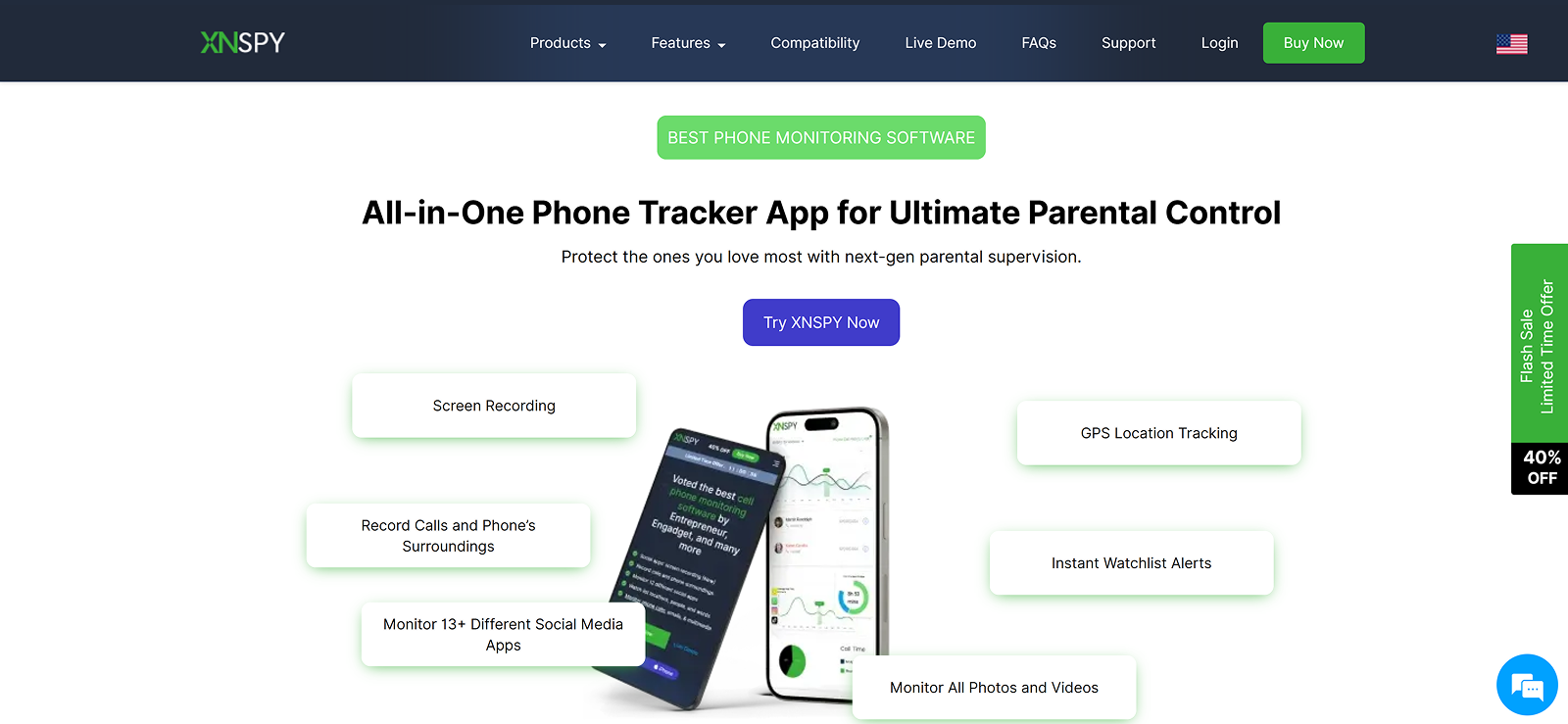
Xnspy is a veteran app that provides a comprehensive overview of online activities. It has various features ranging from call monitoring to social media and location tracking. All these features work in a manner that allows parents to view the overall activities of their child’s phone, whether it involves viewing content, playing games, or installing apps, which can be problematic.
As one of the best parental monitoring apps to track Instagram, Xnspy tracks every activity, including stories, posts, explore section, likes, comments, even the followers and following lists. The most essential feature is the message tracking.
Instagram Messenger offers various options beyond sharing messages. For example, the vanishing mode feature that removes the messages once the receiver views them, and the view once media can hold more information than one may think. Xnspy tracks all and saves it on the dashboard.
Xnspy strives to provide information with ease; this is why the app offers the most straightforward methods of installation and operation. You just need one-time access to the device. Once installed, the app hides itself, and you can view Instagram activities discreetly from the dashboard.
We found the dashboard easy to use and accessible from any browser. To view someone’s Instagram account, parents can use the following features.
Xnspy Features
Direct Messages
Xnspy lets parents monitor Instagram Direct Messages with ease. It displays both sent and received texts in a conversation format, allowing parents to directly check their children’s Instagram messages from the target device. While testing, we were able to view private conversations, see shared links or reels, and even recover deleted Instagram messages.
Installed Apps and Screen Time
With this feature, parents can track all installed apps on the device, including Instagram. While using it, we could see how much time is spent on the app and the frequency of daily visits as well.
Screen Recording
Xnspy captures live activities on Instagram in the form of periodic screenshots. If the goal is to view every activity, this feature comes in handy the most. Parents can also view the videos and pictures shared in DMs. All the screenshots are saved on the dashboard.
Keylogger
The keylogger captures every keystroke typed on the device, including Instagram chats, comments, and search queries. In case you, as a parent, have missed any message, this Xnspy feature can help you fill in the context and provide the information you require. We also verified credentials and tracked search histories with it during the testing phase.
Keyword Alert
The keyword alerts feature of Xnspy instantly notifies parents if their child types or receives certain flagged words on Instagram. We were able to create a watchlist of problematic keywords without word limitations. When tested, all of the alerts came through instantly.
Xnspy Compatibility
Xnspy works seamlessly on both Android and iOS. For Android, you can install Xnspy on version 5.0 and above, and for iOS, it is version 7 and above. You can check the compatibility of your model from the website compatibility portal.
Xnspy Pricing
Basic Plan: Starting from $4.99/month
Premium Plan: Starting from $7.49/month
Yearly subscriptions bring additional discounts, making it even more affordable.
Xnspy Pros and Cons
| Pros | Cons |
| – Comprehensive Instagram monitoring that includes stories, profiles, and content consumption. – 24/7 customer service. – Offline tracking when no internet is available.User-friendly app interface. | – Instagram call logs are not available. |
Should I Buy Xnspy?
Yes! If you are looking for an app that provides complete insights into Instagram. Whether you want to view messages, posts, or stories that your close friends share, Xnspy is the app for you. With features like real-time updates, detailed reports, and easy access to messages and posts, Xnspy Instagram tracker for parents makes staying informed simple and stress-free.

Xnspy: Smarter Instagram Monitoring for Parents
Get clarity and peace of mind while your kids explore social media safely.
2. Eyezy
Eyezy is another worthy contender in our list of the top Instagram monitoring apps for parents. It is very forward with its approach, whether it comes to choosing the names of the features or choosing a bright and bold color palette for the dashboards. However, the question is whether the app can provide the necessary information about Instagram usage.
We looked for the answer to this question in detail. In our experience, the interface can be a bit confusing for first-time users; however, the features are worth the learning curve.
Eyezy Features
The following are the features of Eyezy that parents can use for monitoring Instagram.
Keylogger
As per our experience, Eyezy’s keylogger works effectively while tracking messages and other keystrokes made on social media platforms, including Instagram. However, sometimes, we did think that users can get lost while scrolling through the keystrokes due to a lack of filters.
Keyword Alert
This feature allowed us to set custom keyword alerts for risky or sensitive terms. Eyezy immediately notified us whenever such words appeared in Instagram conversations, search bars, or captions. Also, Eyezy offers customization, like applying a keyword to one or two apps or more. It can be used for Instagram-specific slang words.
Screen Recorder
Eyezy’s screen recorder captures activity on Instagram in the form of periodic screenshots. Whether it is content consumption patterns, chatting with friends, or exploring new pages, parents can see exactly what is happening.
Instagram Messages
With Eyezy, parents can directly access Instagram DMs to view both sent and received messages. This includes photos, videos, and voice notes shared through the app. While testing, we found this feature to work well most of the time; however, we did face slight syncing delays occasionally.
Eyezy Compatibility
Eyezy supports Android 4+ and iOS devices running iOS 7 – 13+.
Eyezy Pricing
Eyezy offers three plans: Premium, Ultra, and Family Kit. The first two plans are available on a monthly, quarterly, and yearly basis.
The yearly per month package is available at Starting Price $7.99 / month and $19.99 / month, respectively.
The family kit is a 6-month plan and is only available monthly, costing $57.13 / month
Eyezy Pros and Cons
| Pros | Cons |
|---|---|
| – Intuitive and beginner-friendly interface. – AI alerts save time by flagging risky behavior. – Multi-app monitoring in one dashboard. – Regular software updates. | – Costlier than some competitors. – Requires a constant internet connection for real-time sync. |
Should I Buy Eyezy?
Eyezy is a great app; it offers various options for tracking Instagram. However, from our point of view, there are a few reasons that make it difficult to operate, such as scrolling through screenshots and keylogging; otherwise, it offers thorough insights into the app’s usage. So, if you are tech-savvy and have the time to go through the activities one by one, this app is good for you.
3. mSpy
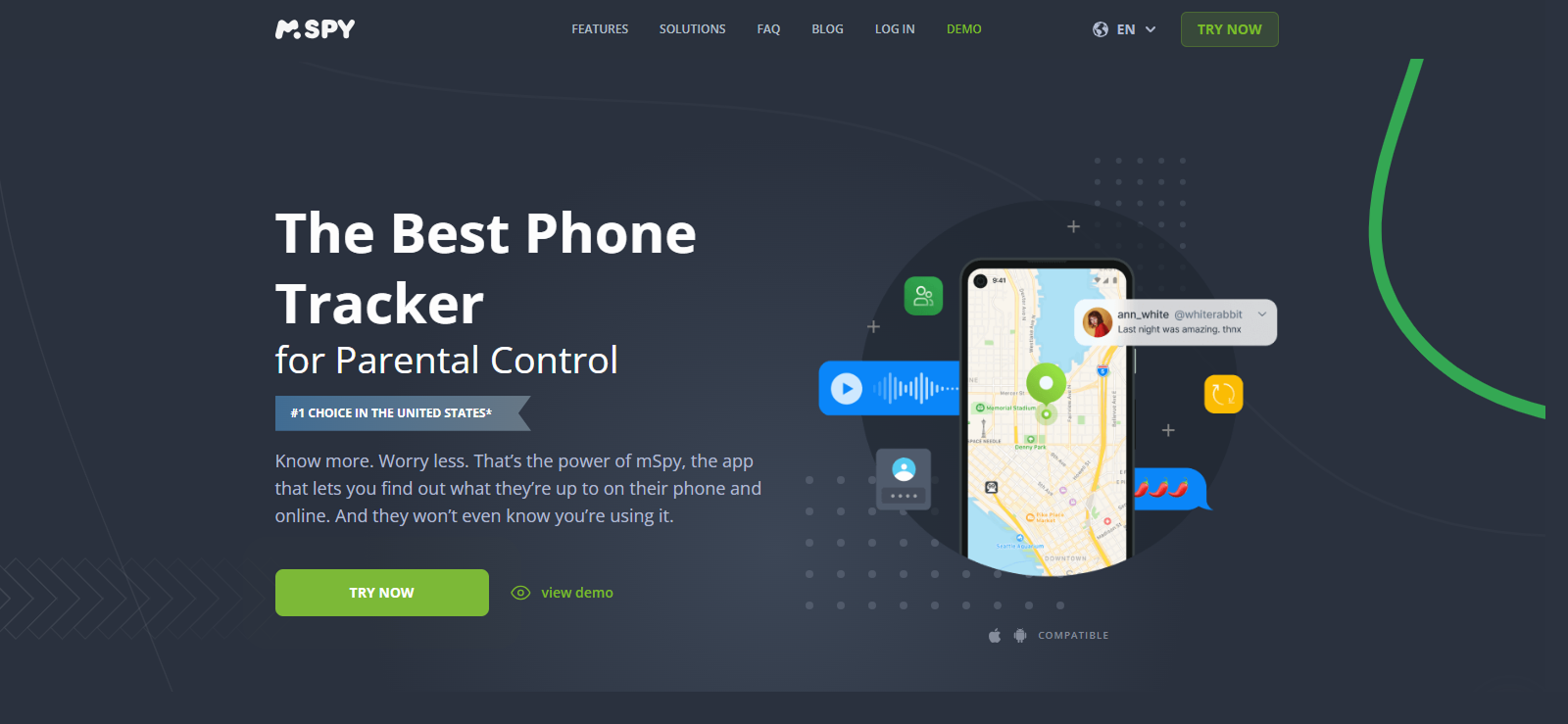
mSpy is another older parental monitoring app, primarily recognized for its extensive features, making it one of the first apps to offer such capabilities. The features encompass social media, calls, messages, and location tracking. In addition to these, it also provides remote features such as app blocking, website blocking, and Wi-Fi blocking.
As one of the leading Instagram tracking apps for children, mSpy gives you access to direct messages, shared media, and account activity. The features are similar to Eyezy and almost work on the same principles. Here is how the app performed in our experience.
mSpy Features
Here are the mSpy features parents can rely on for Instagram monitoring.
Keylogger and Keyword Tracking
mSpy’s keylogger worked adequately during the testing phase. It captured messages and queries on Instagram and also provided the timestamps. Adding keywords was also seamless. Parents can get alerts every time their teen uses a problematic phrase on Instagram.
Screen Recorder
Parents can also view screenshots of Instagram activity. The feature allows parents to be more informed and shows details like reels, chatting in DMs, or checking out new accounts. Like Eyezy, the only downside is that you may end up with a lot of screenshots to sort through.
Instagram Messages
mSpy allows parents to monitor Instagram DMs, including text, images, videos, and voice notes. This feature displays the chats in a conversation format, so you don’t have to go through the lists. It specifically helps if you are just worried about whether you want to view the friends they have on Instagram.
App Blocking
If parents notice their child spending too much time on Instagram or any other app, they can block it instantly. This feature is especially useful for limiting distractions, managing screen time, or preventing access to apps that feel unsafe.
mSpy Compatibility
mSpy works on Android 5+ devices and iOS versions up to iOS 15+. You can also track tablets with the app. mSpy allows you to check the compatibility of the model through their website.
mSpy Pricing
mSpy offers four subscription plans with different pricing options.
The Premium plan starts at $11.67/month for 12 months, with alternatives of 1-month ($49.00), 3-month ($28.00), and 6-month ($17.50).
The Family Kit covers 3 devices at $45.00/month for 6 months or $34.00/month for 12 months.
The Extreme plan for Android costs $100.00/month, $45.00/3 months, $33.99/6 months, or $23.99/12 months.
Finally, the Ultimate plan for iOS is $51.66/month for 6 months or $40.83/month for 12 months.
mSpy Pros and Cons
| Pros | Cons |
| – Strong Instagram DM tracking. – User-friendly dashboard. – Great balance of features for both Android and iOS. – Reliable keyword alerts. | – Pricier than other monitoring apps. – Some features require jailbreak/root |
Should I Buy mSpy?
If you want to monitor someone’s Instagram while staying discreet, mSpy can be a good option. It offers good compatibility, and the features can be helpful. However, according to our experience, there is a high chance that the syncing time can be slow.
4. SpyX
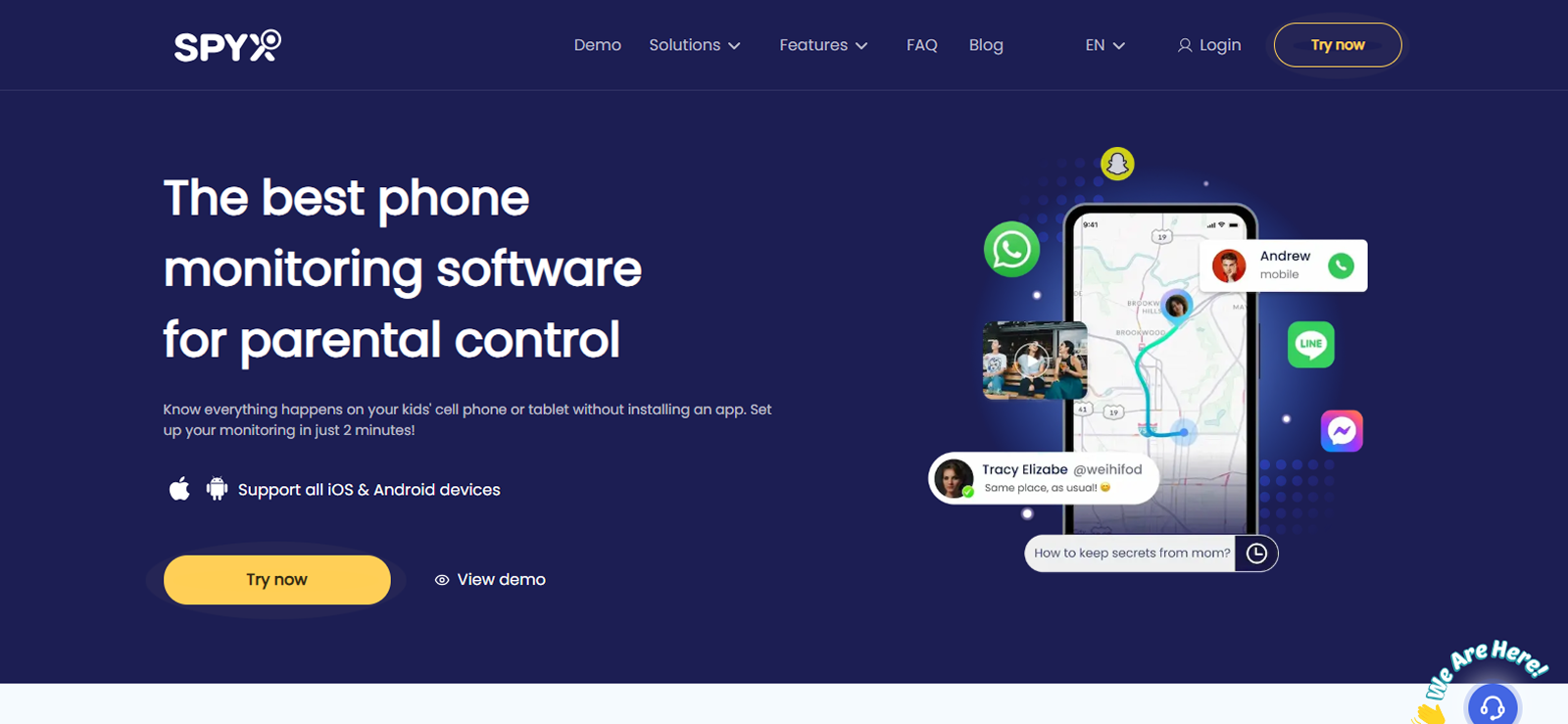
SpyX positions itself as a modern parental monitoring tool. It claims that it doesn’t always require installing an app on the child’s device, as it uses cloud-based methods; however, our testing revealed the case to be otherwise.
For Instagram monitoring, SpyX tracks DMs, media, and in-cloud photos. However, the app doesn’t focus on social media monitoring as much.
Overall, SpyX leans on cloud access and ease of use as its main selling points, but for Instagram tracking, parents need to install the app on the target device.
SpyX Features
Instagram Messenger
SpyX lets parents view Instagram DMs, including text, images, and media shared between accounts. It also saves photos so parents can check what’s being exchanged. While it doesn’t give a highly detailed social feed with direct screenshots, it still shows enough activity to track who the child is talking with on Instagram.
Remote Screenshots
From the remote control options, SpyX allows parents to take live screenshots of the device while Instagram is in use. This gives them visuals of chats, reels, or browsing. It’s helpful for quickly seeing what’s happeningl
Keywords
SpyX includes a keyword alerts feature, which notifies whenever specific words or phrases are typed on Instagram. We think this is useful for identifying and addressing problematic behaviors, such as bullying, unsafe conversations, or inappropriate searches. Parents can set their own custom list of words, and the app will report any matches immediately.
SpyX Compatibility
SpyX is compatible with both Android and iOS devices, but the setup process differs.
SpyX Pricing
SpyX offers monthly and yearly plans, with the 1-year option priced at €9.95/month as the best value. All plans include the same features and allow monitoring of only one device. However, there’s no free plan, no free trial, and no money-back guarantee, making it harder to test before committing.
SpyX Pros and Cons
| Pros | Cons |
| – Affordable long-term subscription. – Easy setup with a cloud-based option. – Covers core Instagram monitoring needs. | – Limited advanced monitoring compared to mSpy or Xnspy. – Fewer parental control extras like GPS or call monitoring. |
Should I Buy SpyX?
For Android users seeking discreet Instagram tracking via screenshots, we think that SpyX is an ideal choice, especially for parents managing multiple devices.

Truth Revealed
We tested SpyX for more than a month under different scenarios.

5. Hoverwatch
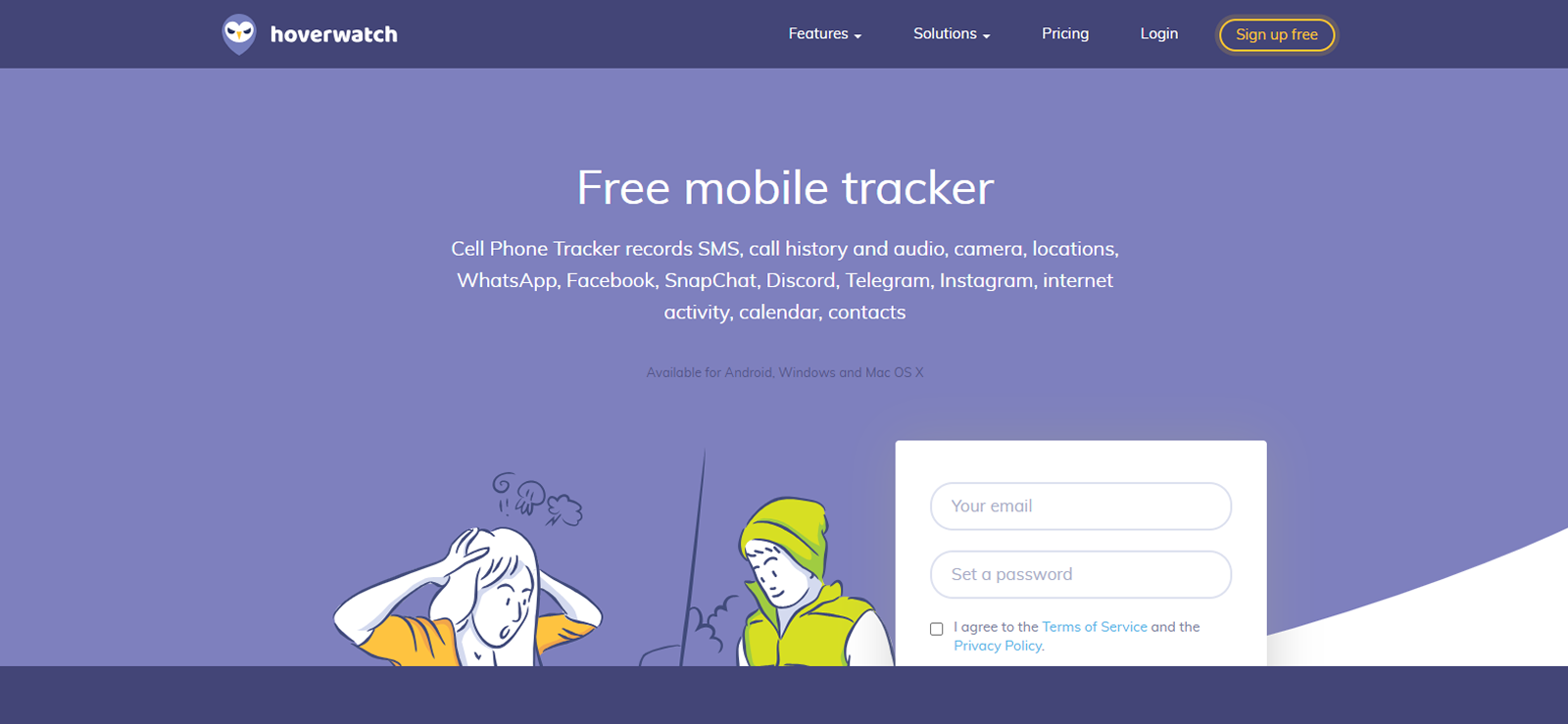
Hoverwatch markets itself as a free tracker app. However, from our experience, we found out that the free offering is limited in access and functionality. One must install the app directly onto the target device once, after which it runs in stealth mode so the user won’t easily spot it.
The Parental Control product is the one to choose for Instagram monitoring. It tracks DMs and shared media through its social-media-focused interface. Overall, Hoverwatch offers a limited view of the target device so that parents can use it for limited oversight. Moreover, because there are no remote-control options, parents might not be able to do anything even if they see something questionable.
Hoverwatch Features
Instagram Direct
Hoverwatch’s parental control lets parents view someone’s Instagram DMs and shared media. It shows conversations in a clear format with timestamps. However, while testing, we were only able to view what was sent and received. Since there are no remote controls, we cannot block or stop anything directly.
Android Keylogger
The keylogger is separate from the parental control app, so it has to be obtained separately. Once installed, it records everything typed on the device, including Instagram messages, usernames, and searches. In our experience, it worked well in the background and sent the data to our dashboard in near real-time.
Screenshots
Parents have to enable the feature first to make it work. After turning this on in settings and setting the timer, the app starts taking screenshots automatically. This helps in seeing activity like chats or reels on Instagram. The problem that we faced is that screenshots aren’t app-specific, so you’ll have to scroll through all of them to find Instagram-related captures.
Internet History
Hoverwatch also tracks websites visited on the device. This can help parents see if Instagram is being used through the browser instead of the app. We noticed that this feature did show us the URLs and frequency of visits, but it did not show actual in-app activity, so it’s more of a supporting feature.
Hoverwatch Compatibility
Hoverwatch only works on Android devices, and it does not support iOS. Parents can also use it on desktop computers. For some Android models, the installation process may vary, so it’s best to check the official website or contact customer support to confirm before setting it up.
Hoverwatch Pricing
Although Hoverwatch advertises itself as a free app, the free version offers very limited features. Paid options include three plans:
Personal (1 device, from $8.33/month, missing the Mobile Viewer App)
Professional (5 devices, from $16.66/month)
Business (25 devices, from $41.75/month). All subscriptions run monthly, quarterly, or yearly, but none come with a money-back guarantee.
Hoverwatch Pros and Cons
| Pros | Cons |
| – More of a modern vibe. – Excellent screenshot capturing for Instagram. – Affordable multi-device plans. | – Android-only (no iOS support). – Limited advanced features compared to Xnspy/mSpy. |
Should I Buy Hoverwatch?
We picked Hoverwatch as one of the top parental monitoring apps to track Instagram for its direct DMs and screenshots feature. So, yes, if you are a parent who uses Android and prioritizes stealth Instagram tracking through screenshots. Hoverwatch is especially suited for parents monitoring multiple devices at once.
Keep Every Instagram Move Visible
Stay informed and in control with Xnspy’s powerful Instagram monitoring features.
– Read private and group messages with ease
– Track shared photos, reels, and stories
– See hidden or deleted chats instantly
– Get real-time updates of Instagram activity
6. Spylix
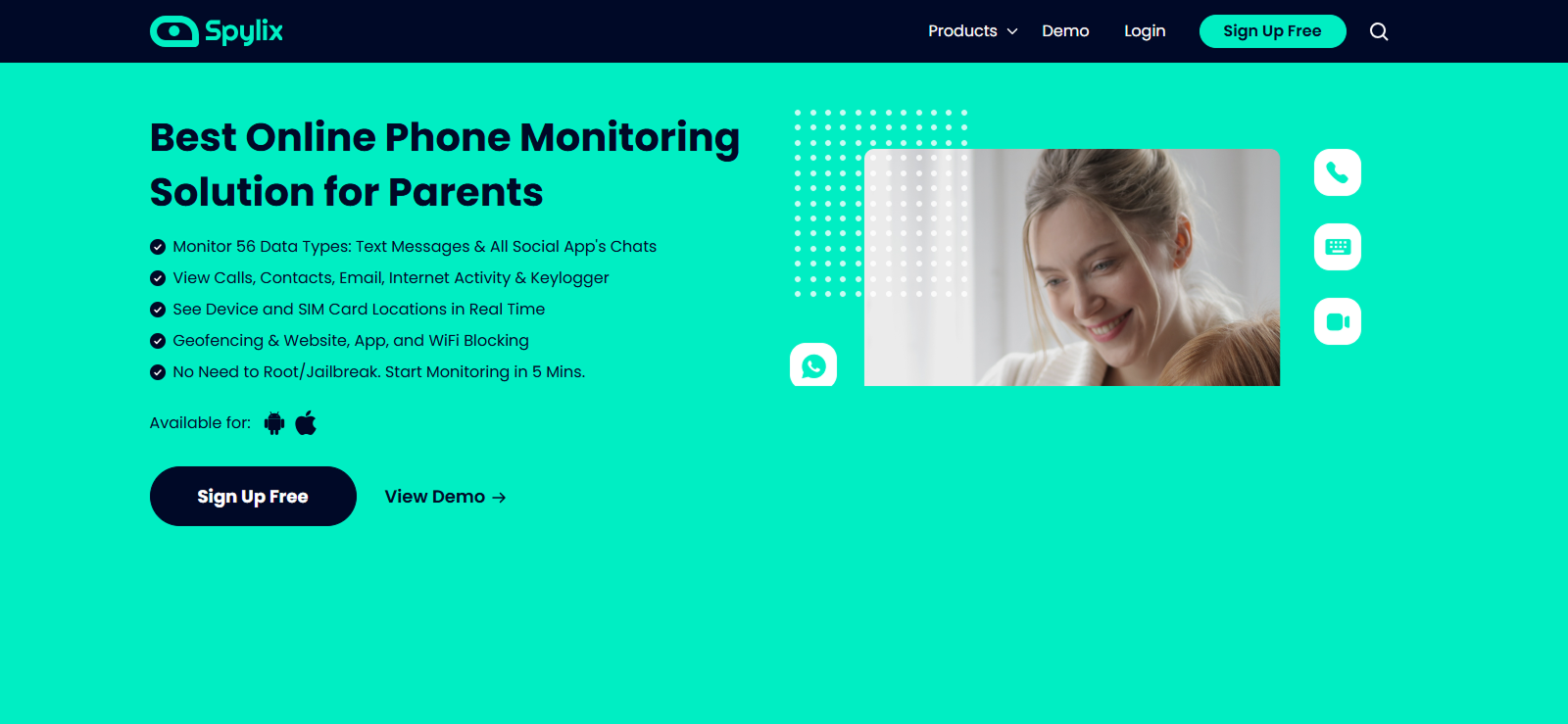
Spylix is a phone monitoring solution designed for parents, helping them understand their children’s online activities. Its features extend beyond Instagram, covering calls, messages, location, and even browsing data. The main dashboard was the highlight of the app for us, as we could see key data summarized here.
When it comes to Instagram, Spylix ensured that we don’t miss out on essential insights throughout the testing phase. It allowed us to monitor Instagram Direct Messages, view contacts, and track content shared, even through vanishing mode or disappearing media, whether it’s private chats, shared reels, or images.
Spylix Features
Messenger Monitoring
Spylix lets parents track conversations across popular messengers, including Instagram Direct. They can also check someone’s Instagram private chats, see who the top contacts are, and view shared media like photos, reels, and videos. Even disappearing and deleted messages are captured and sent to the dashboard.
Screen captures
Spylix captures the screen of the target device periodically when certain apps are in use, like Instagram. It captures various apps, and parents can sift through them by using the filters. Parents can also view screen recordings if those settings are configured. This is useful for Instagram, as it shows stories, chats, or feed activity exactly as they appear.
Keyword and Keylogger
The built-in keylogger records usernames, private messages, and everything else typed on Instagram. Parents can also set keyword alerts to flag risky phrases. For Instagram, this means they’ll know if their child searches or types inappropriate words, engages in cyberbullying, or just wastes their time searching brain-rot reels.
Spylix Compatibility
Spylix works on both Android and iOS devices.
Spylix Pricing
Spylix offers three subscription plans.
The Basic plan costs $8.33/month, billed annually, for one device.
The Premium plan is $9.99/month, billed annually for one device, and includes more features.
The Family plan supports up to 5 devices, priced at $16.67/month for Android or $33.33/month for iOS, billed annually.
Spylix Pros and Cons
| Pros | Cons |
| – Tracks multiple social apps, including Instagram. – Offers no-jailbreak monitoring for iOS. – Intuitive dashboard with easy access. – Strong media and chat tracking features | – Expensive compared to similar apps. – Limited advanced features on the basic plan. |
Should I Buy Spylix?
Yes, if you want a no-nonsense app that gives you reliable insights into Instagram chats and media. While slightly more expensive, it offers robust cross-platform support and a clean, intuitive dashboard experience.
7. AirDroid
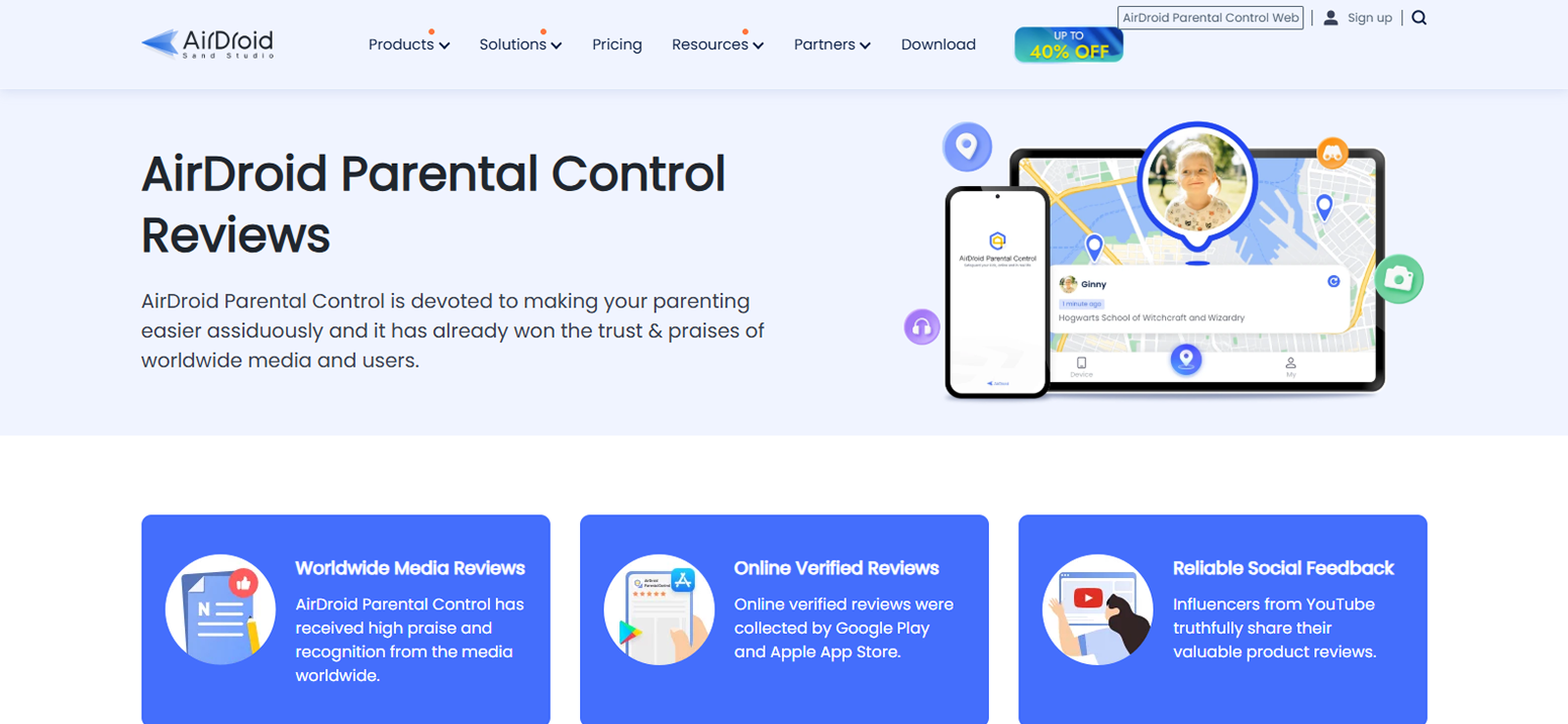
AirDroid Parental Control is a monitoring app that helps parents keep track of their child’s online activity and guide safe digital habits. The app offers slightly different features from other apps, focusing on screen mirroring and live camera capabilities. Both these tools focus on protecting children from online dangers.
When it comes to social media monitoring, the app doesn’t have a direct approach. The screen mirroring feature can help understand the activities of Instagram. Additionally, the app offers social content detection to flag potentially harmful words and monitor risky activities. It provides enough options that allow parents to intervene when necessary.
AirDroid Features
Here is how parents can see their child’s Instagram using AirDroid’s features.
Real-Time Screen Mirroring
AirDroid’s screen mirroring feature can be used to view someone’s Instagram activity. Although this feature allows parents to see whatever the target individual is doing on their phone, when it comes to targeted Instagram monitoring, we noticed that parents would have to wait for the precise moment when their child is using their Instagram.
App & Screen Time Tracking
With AirDroid, parents can track how much time their child spends on Instagram daily. This feature provides insights into whether usage is balanced or excessive. The app allowed us to set customized schedules for each app. Once the limit was reached, the phone would automatically lock.
App Blocker
If Instagram is becoming a distraction or exposing children to unsafe content, AirDroid’s app blocker feature allows parents to restrict access instantly. Blocking can be temporary or permanent. With this feature, parents can effectively maintain balance and ensure digital safety.
AirDroid Compatibility
The AirDroid Parental Control app works on both Android and iOS devices. It supports iOS 13 and later, as well as Android 7.0 and later.
AirDroid Pricing
AirDroid Parental Control offers three subscription options: monthly, quarterly, and yearly.
The monthly plan costs $9.99 and covers two devices.
The quarterly plan, at $6.66 per month, supports up to 10 devices.
For the best value, the yearly plan costs $5.00 per month and also allows monitoring of 10 devices.
AirDroid Pros and Cons
| Pros | Cons |
| – Real-time monitoring via screen mirroring. – Strong parental control features (time limits, alerts). – Works on multiple devices. – Easy setup and user-friendly, | – Not entirely stealthy (kids may notice monitoring). – Limited chat recovery compared to other apps.- Pricier than some competitors |
Should I Buy AirDroid?
Yes, we feel like AirDroid is great for parents who want both control and visibility over Instagram, along with time management tools. However, if you’re looking for complete stealth monitoring, this may not be the best choice.
FAQs
Is there a way to child-proof Instagram?
Instagram doesn’t have a child-proof mode, but you can set up parental controls, enable supervised accounts, limit screen time, and use Instagram monitoring apps designed for parents to track activity.
Can I see my child’s Instagram messages on my phone?
Parents can’t view Instagram DMs directly on their phone through Instagram, but they can use Instagram tracking tools specifically made for parents to remotely check messages and conversations from their child’s account.
Is there a child-friendly version of Instagram?
There is no official child-friendly version of Instagram. Instagram requires users to be at least 13 years old. Parents can use parental control apps or alternatives designed for younger kids.
Can parents see Instagram search history?
Instagram doesn’t allow parents to see a child’s search history directly. To view it, parents need to access the account manually or use Instagram trackers for remote monitoring.
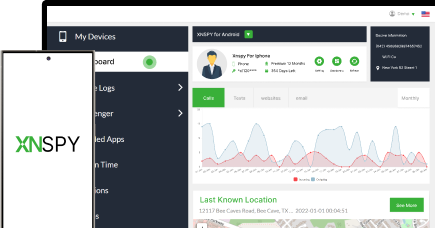
All-in-One Safety Starts With Xnspy
Monitoring is just the start – Xnspy protects where it matters most.
3 Comments
Leave a reply:
Your email address will not be published. Required fields are marked*

Branda Batty
October 15, 2025 at 2:52 pmHmm, I really need to think about this.
Madison Arona
October 16, 2025 at 2:42 pmCan I just not take my daughter's phone away for a few days to teach her a proper lesson instead of monitoring with these apps?
Debora Bertoldi
October 17, 2025 at 2:57 pmSorry, poor english, need spanish