7 Best Call Recording Apps for iPhone: Our Tested Picks for Parents
 By Mike Everett
The complete monitoring experience for your phone
Get XNSPY and start tracking calls, texts, multimedia, locations and more on any phone!
Get Started Now Live DemoAs a parent, keeping tabs on your child’s safety often entails knowing who they’re talking to and what kind of conversations they’re having. However, iOS does not make call recording simple.
Now that seems like a huge roadblock, doesn’t it? Thankfully, there are call recorder apps for iPhone designed to help you stay informed without being intrusive. Whether it’s to ensure your teen isn’t talking to strangers or to review important conversations, the right app can be a lifesaver.
But with so many apps available, it can be tricky to figure out which ones are reliable, easy to use, and safe. We have narrowed it down to the top 7 picks that actually work.
To make this list, we tested every single app ourselves. We installed each one on a real iPhone and recorded calls under different conditions. We checked audio quality, ease of use, and security features, and even ran multiple calls to see how consistent they were. Only the apps that passed all these tests made it onto our list.
Is it Legal to Use iPhone Apps to Record Phone Calls?
Before you hit “record,” it’s important to understand the legal side of call recording. Laws vary depending on where you live, and in some places, both parties on the call must consent, while in others, only one person needs to know.
For parents, monitoring calls involving a child under 18 is generally permitted, since guardians are legally responsible for their child’s safety and well-being. The goal here is to ensure their safety, like confirming they aren’t talking to strangers or being harassed.
That said, laws can still vary depending on where you live and who you are monitoring. So, it is always good practice to understand local laws and obtain informed consent before proceeding with call recording.
We Tested the Leading iPhone Call Recording Apps and These 7 Came Out on Top
| Apps | Rating | Price |
| Xnspy | 9.5/10 | Basic: $4.99/month Premium: $7.49/month |
| TapeACall | 9/10 | Monthly: $10.99/month Annual: $79.99/year |
| mSpy | 8.7/10 | Premium: $11.67/month Extreme: $23.99/month |
| Google Voice | 8.3/10 | Starter: $10 per user/month Standard: $20 per user/month Premier: $30 per user/month |
| Call Recorder iCall | 8/10 | Weekly: $5.99 Monthly: $19.99 Annual: $49.99 |
| Noota | 7.8/10 | Pro: $19 per user/month Business: $39 per user/month |
| NoNotes Call Recorder | 7.2/10 | Unlimited Monthly: $9.99 Unlimited Yearly: $99.99 |
What Did Our Experts Focus on When Testing the Best iPhone Call Recording Apps?
Not all call recording apps for iPhone are built the same. Some promise crystal-clear audio but struggle with consistency. Others work reliably but compromise on storage efficiency or pricing transparency. To separate marketing claims from actual performance, we ranked each app based on four performance pillars that directly impact everyday usability.
Audio Quality – 40%
Call recordings are only as useful as they are understandable. This was the most heavily weighted factor in our testing, accounting for 40% of the total score. We assessed vocal clarity, background noise handling, balance between both speakers, and overall playback quality.
Reliable Performance – 30%
Recording a call is one thing; recording it every time without failure is another. With 30% of the total weight assigned to reliability, we examined how consistently each app captured complete conversations without crashing, cutting off mid-call, or failing to save recordings.
Storage Management – 20%
Frequent call recording can quickly consume device or cloud space. We allocated 20% of the evaluation to how efficiently apps handle storage, including compression quality, organization systems, cloud syncing options, and whether recordings remain accessible without overwhelming device memory.
Cost Effectiveness – 10%
Price alone doesn’t define value; performance does. With 10% of the total testing score focused on cost effectiveness, we considered whether subscription pricing aligns with recording quality, reliability, and storage features offered.
7 Best iPhone Call Recorder Apps for Parents
Now that you have been through a quick overview, let’s dive into the details. In this section, we bring you our own experience of the most efficient call recording apps for Apple.
1. Xnspy
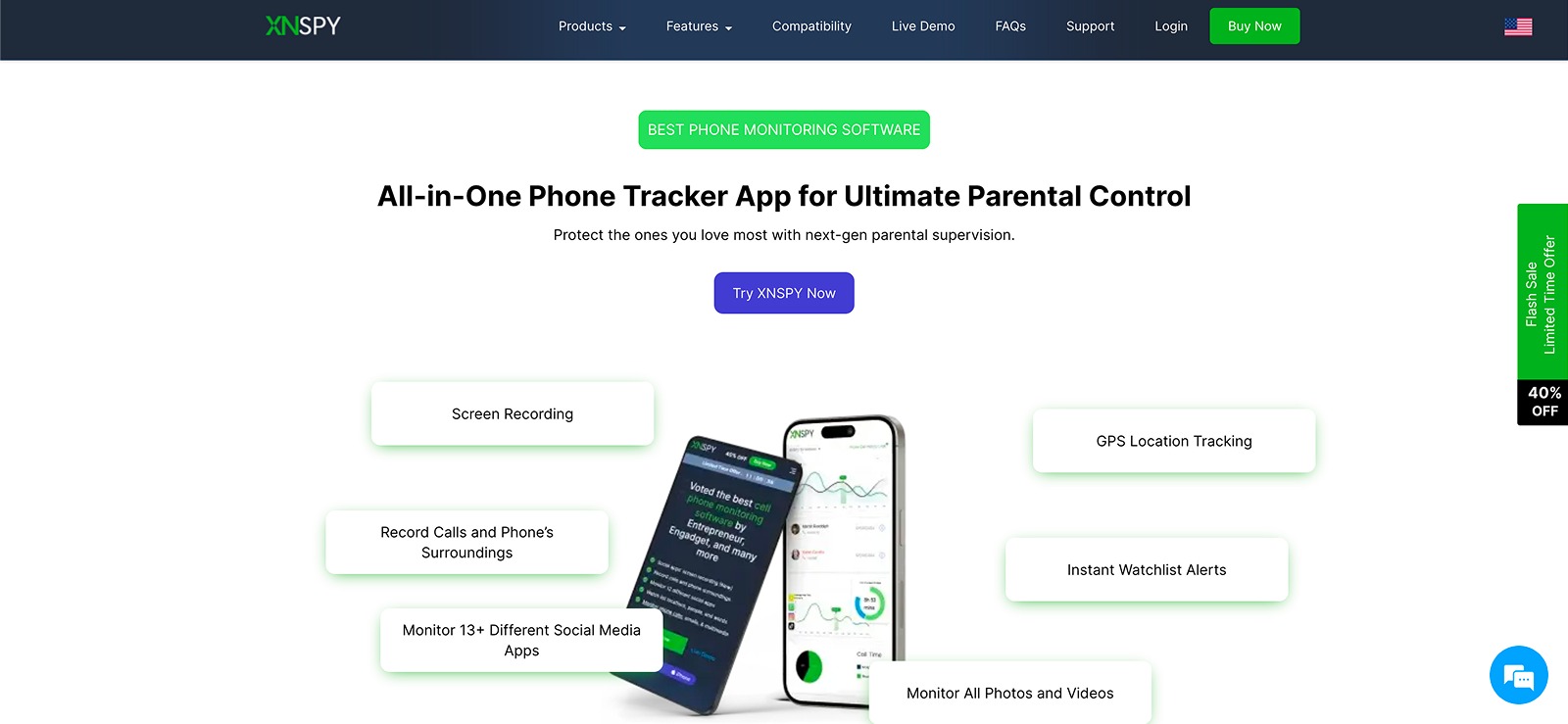
Xnspy is a call recording tool that parents can use if they are looking for a reliable solution to track calls on an iPhone. It runs in the background and collects data from the target device so you can view it through a secure online dashboard.
One of Xnspy’s key capabilities is call recording, where incoming and outgoing calls can be captured and downloaded for later review. Recordings typically include contact names, timestamps, and durations, and the audio quality is clear and lag-free, making it easy to understand both sides of the conversation.
When testing this Xnspy feature, we were not only able to download the audio recordings but also increase the playback speed as per our liking. What makes Xnspy one of the best call recording apps for iPhone is its capability to automatically record every call. You don’t have to manually dictate the app every time.
Xnspy Other Features
Call History
Xnspy logs all incoming, outgoing, and missed calls along with caller details, time stamps, and duration. It also highlights top contacts and patterns, helping parents see who their child communicates with most, and can be exported for deeper review.
Text Monitoring
Xnspy captures all sent and received text messages with contact info and timestamps. This gives parents a chronological view of SMS activity so they can check for concerning conversations or patterns.
Surround Recording
Also called ambient recording, this Xnspy feature lets a parent remotely trigger the device’s microphone to capture sounds around the phone. It records high-quality audio of the surroundings, which can help in understanding the kid’s environment or checking safety.
Xnspy Compatibility
Xnspy works perfectly with all iPhones up to iOS version 17.0.3.
Xnspy Pricing
- Basic: $4.99/month
- Premium: $7.49/month
Xnspy Pros and Cons
| Pros | Cons |
| – Real-time call recording – Smooth and lag-free audio – Adjustable playback speed – Automatic call recording | – No free trial available. |
Should I Buy Xnspy?
When it comes to getting value for money, Xnspy takes the lead, as it offers numerous monitoring features along with call recording. This way, you not only ensure safety on calls, but also on texts, social media, and the browser. We also think that given the price tag this solution comes with, it won’t strain your wallet as well.

Never Miss a Conversation That Matters
Record every call on iPhone to stay aware of your child’s safety.
2. TapeACall
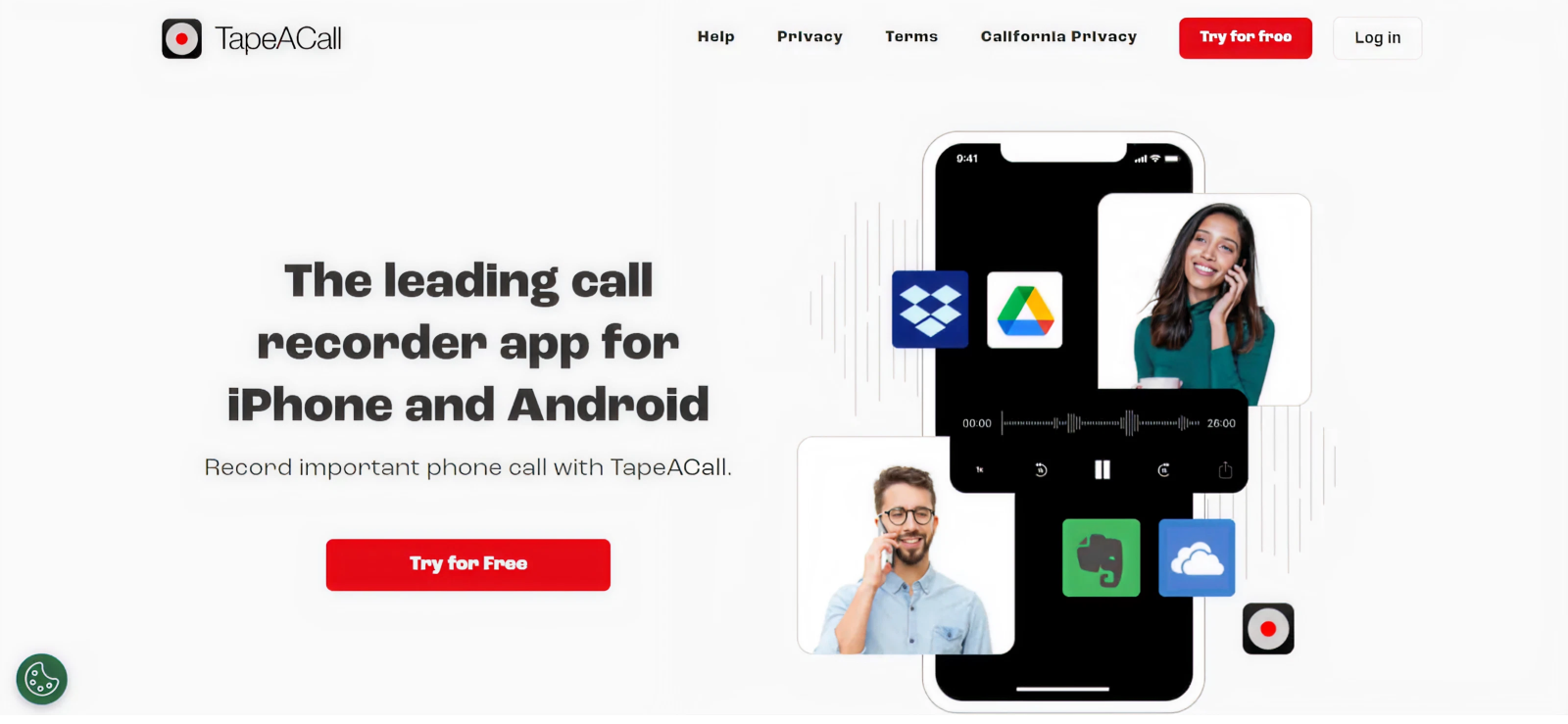
TapeACall is another one of the most well-known iOS apps to record phone calls that many parents use when they want a straightforward way to save phone conversations for safety checks or reviewing potentially important chats later.
We liked that instead of recording through your phone’s microphone, it usually dials a recording line and merges your call into a three-way call, so both sides of the phone conversation are captured clearly.
While using it, we discovered that you can start recording before or during the call, then access the files right from within the app and download them as MP3s for later listening. Most of the time, the recorded audio quality is clear enough to understand what was said, and the process works for both incoming and outgoing calls.
TapeACall Other Features
Transcription
When we tested this app, we noticed a great feature. TapeACall can automatically turn your recorded calls into text using built-in transcription tools. This makes it easier to skim long conversations for key points or safety concerns without having to listen to every second of the audio. Accuracy is generally high when the audio is clear.
Unlimited Storage
We appreciated that with TapeACall, recordings aren’t limited by storage quotas in the app itself. You can save as many calls as you need. This is useful for parents who want to keep an archive of important conversations over time without worrying about hitting a cap.
TapeACall Compatibility
TapeACall is fully compatible with iOS devices, but the app works in a select list of countries.
TapeACall Pricing
- Monthly: $10.99/month
- Annual: $79.99/year
TapeACall Pros and Cons
| Pros | Cons |
| – Easy to use – Good audio quality | – Available in selected countries only – You need to manually trigger recording every time |
Should I Buy TapeACall?
If you need a designated app that can record incoming and outgoing calls, TapeACall is the way to go. However, it is important to see if the app operates in your region. While testing it out, we were also skeptical about this point. Moreover, do remember that you will need to trigger call recording manually every time you want to record a call.
3. mSpy
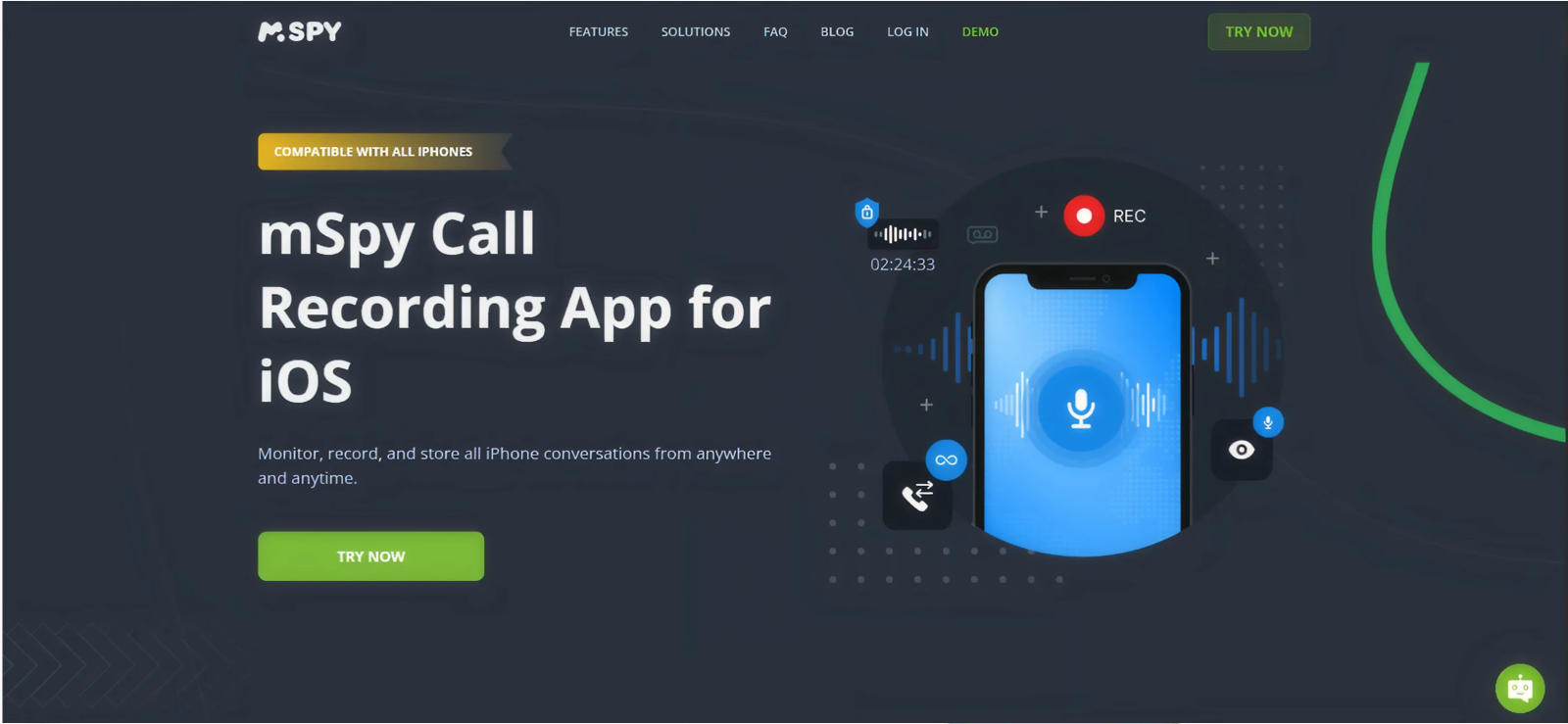
When it comes to iPhone call recording apps, we can’t go ahead without mentioning mSpy. It is a complete mobile monitoring app that many parents use to get a broader picture of what’s happening on a child’s phone. From calls and messages to contacts and online activity, this app can track everything.
Once set up on the child’s Apple device, it relays information to a dashboard that parents can access anytime, helping them stay informed about potential safety concerns. When it comes to call recording, mSpy captures every incoming and outgoing call. However, the audio quality varies and sometimes lags as well.
mSpy Other Features
Contacts
mSpy synchronizes the child’s contacts list, so parents can see names, phone numbers, and sometimes email addresses stored on the phone. This helps parents understand who their child might be talking to regularly and spot unfamiliar contacts that could be cause for concern.
Surround Listening
Another impressive point that we noticed about this app during testing was its surround listening feature. While using this app, we remotely activated the phone’s microphone to record environmental sounds around the device. This is particularly helpful as it gives insight into the child’s surroundings. This can help assess safety in real-world situations.
mSpy Compatibility
mSpy works if the iOS version is 15.0 or later.
mSpy Pricing
- Premium: $11.67/month
- Extreme: $23.99/month
mSpy Pros and Cons
| Pros | Cons |
| – Numerous other monitoring features – User-friendly interface | – Inconsistent audio quality – Relatively expensive – Delays uploading of the audio |
Should I Buy mSpy?
From our perspective, the main strength of mSpy is that it gives you additional features along with call recording for Apple devices. If you wish to have a complete solution, this can prove to be a worthwhile investment.

mSpy: Worth Giving a Try or Not?

4. Google Voice
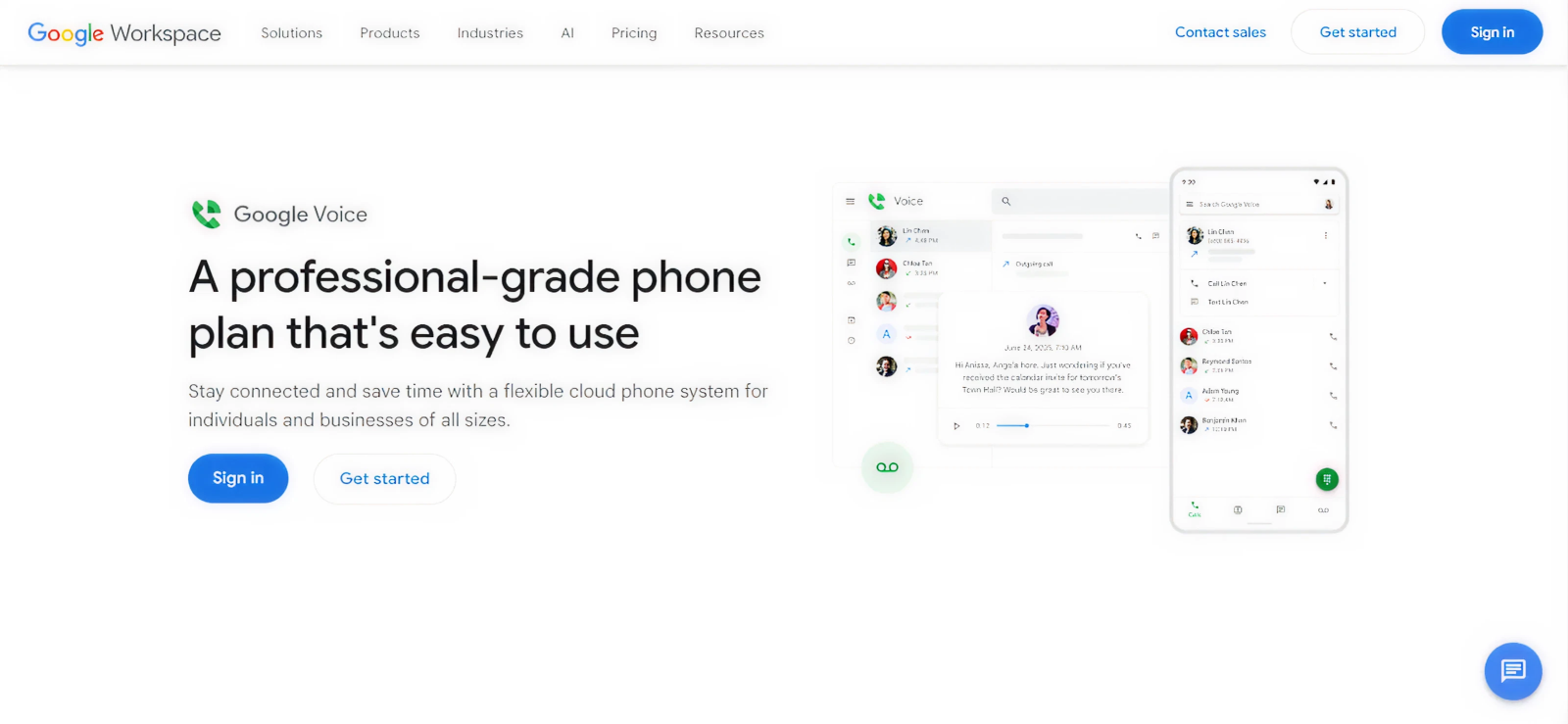
Google Voice is a cloud-based calling service that also falls under the category of apps to record phone calls on iPhone. It offers an efficient call recording feature that parents may find useful for safety and accountability.
However, to use this feature, we had to send a manual command during active calls rather than recording. We also noticed that on-demand call recording is only available on the Standard plan, while automatic call recording is limited to the Premier plan.
In our testing, the recorded calls were saved to our Google Voice account, from where we were able to replay or download them later. The audio quality was usually clear, and recordings included basic call details like time and duration, making it easier to review conversations if concerns arise.
Google Voice Other Features
Voicemail Transcription
Google Voice automatically transcribes voicemails into text, allowing parents to quickly scan messages without listening to audio. We think it is especially helpful for spotting urgent or concerning messages from unknown numbers and deciding whether a follow-up conversation is needed.
Call Forwarding
This feature allows calls made to a child’s Google Voice number to ring on multiple devices or numbers. Parents can ensure important calls aren’t missed and maintain oversight of incoming communication, which can be helpful for safety and coordination without constant phone checks.
Google Voice Compatibility
Google Voice is fully compatible and works smoothly on iPhones.
Google Voice Pricing
- Starter: $10 per user/month
- Standard: $20 per user/month
- Premier: $30 per user/month
Google Voice Pros and Cons
| Pros | Cons |
| – Consistent audio quality – Additional transcription feature | – Quite expensive – Manual call recording in the Standard package – Automatic call recording only in the Premier package |
Should I Buy Google Voice?
If you are looking for a reliable option for call recording only, our testing revealed that Google Voice is worth considering. With the additional feature of transcription, you can get greater ease in reviewing your children’s calls.
5. Call Recorder iCall
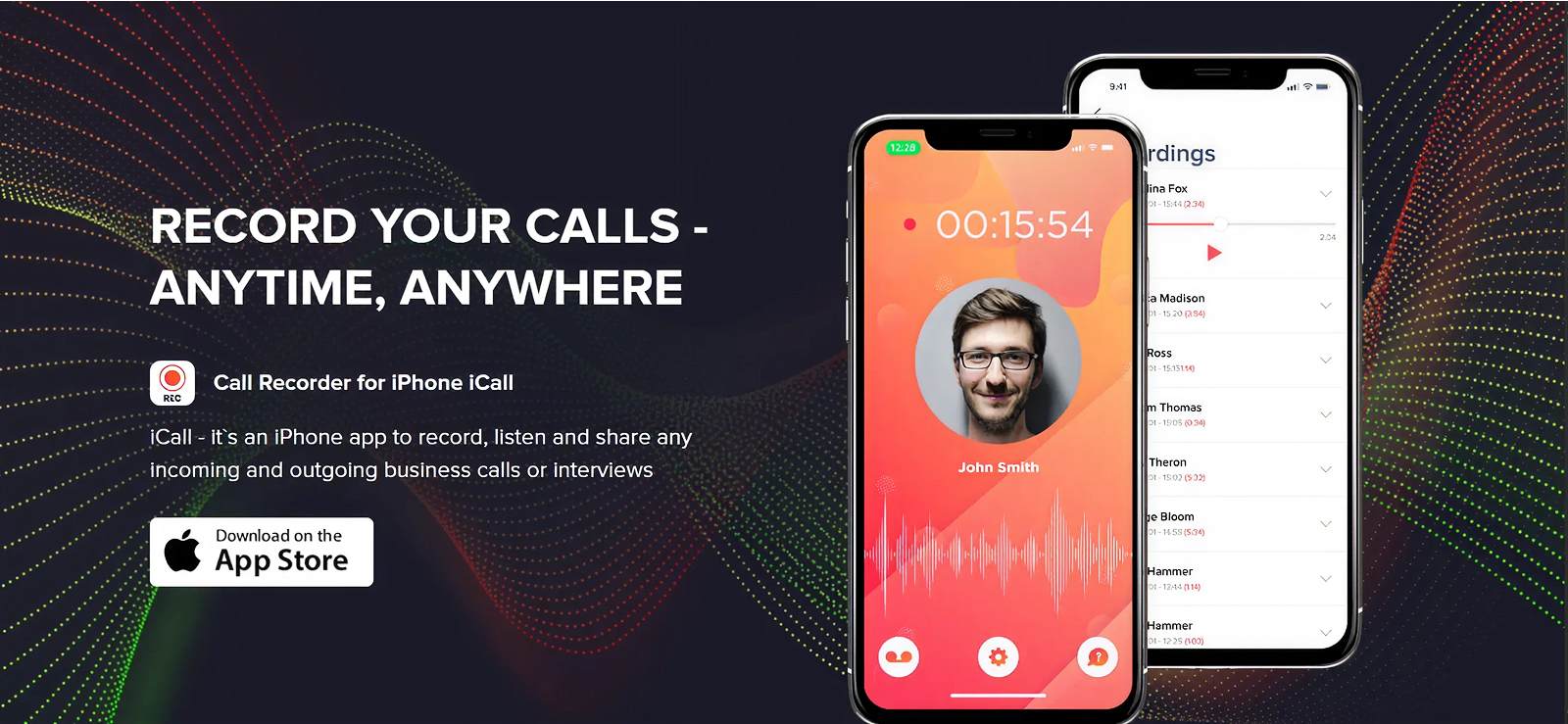
Next on our list of iPhone apps that record phone calls, we have Call Recorder iCall. It is a popular option that reliably records both incoming and outgoing calls. The app uses your carrier’s conference calling feature to capture the audio, and recordings are saved inside the app with date and time labels so you can replay or download them later.
You can record calls of unlimited duration, and while running the test, we found the audio quality generally clear, though occasional lag was noticeable. Recordings are stored securely and are accessible at any time.
Call Recorder iCall Other Features
Easy Sharing
We especially liked that the app lets you quickly share recorded calls through social messaging or email. Parents can forward important conversations, for example, to another caregiver or to keep evidence of concerning interactions, without having to export the audio manually outside the app.
Multilanguage Application
Unlike many other iPhone apps to record phone calls, iCall supports multiple languages in its interface, making it easier for parents who prefer English, Arabic, Korean, French, German, and more. This can help reduce confusion during setup and while reviewing recordings.
Call Recorder iCall Compatibility
From our experience, we have found that the app is compatible with iPhones having iOS version 17.0 or later installed.
Call Recorder iCall Pricing
- Weekly: $5.99
- Monthly: $19.99
- Annual: $49.99
Call Recorder iCall Pros and Cons
| Pros | Cons |
| – Available in multiple languages – Automatic call recording | – Occasional lag in the audio – Add-ons can make the subscription pricey – Does not work on older iOS versions |
Should I Buy Call Recorder iCall?
If you are looking for an option that provides you with additional information like call logs and even texts, iCall might not be the right fit. However, if your priority is to go for an app that is dedicated to call recording, this app can prove to be worth a try.
6. Noota
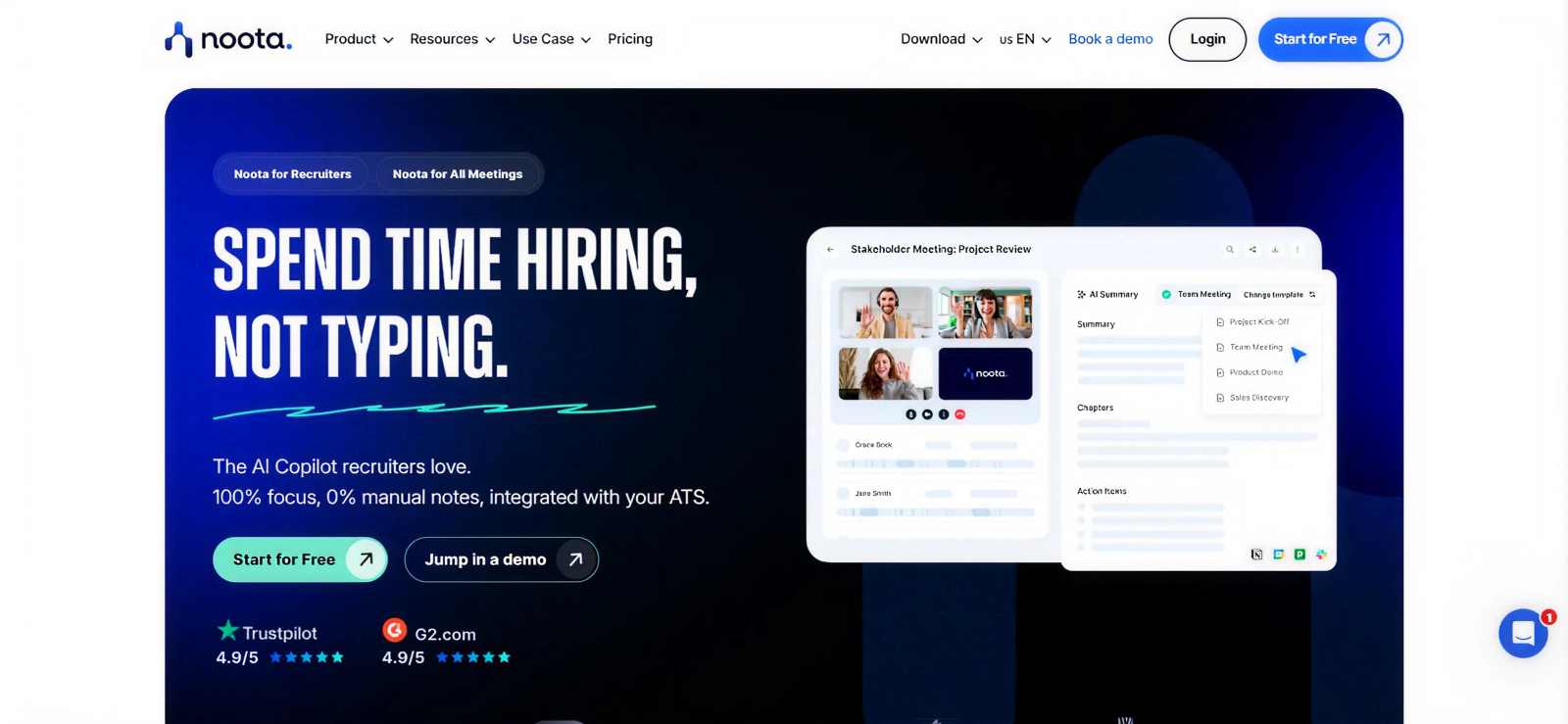
Noota is a call recorder as well as an AI-powered conversation assistant that can capture and analyze phone calls, meetings, and spoken content from many sources. Parents who want a detailed look at what’s being said might use Noota to record calls and get real-time transcriptions and summaries. We tested this feature to review conversations with context rather than just listening to audio, and it was definitely helpful for a quick glance.
The app offers call recording of both VoIP calls and SIM calls, saving both audio and processed text. You can start and stop recording with controls in the app, and all captured material syncs with Noota’s cloud workspace for organized storage and review.
Noota Other Features
Transcription
Noota automatically converts recorded calls into text with timestamps and speaker detection. This makes it easier for parents to skim through conversations and spot safety-related phrases without listening to every minute of audio.
Screen Recorder
In addition to audio, Noota offers a screen recording feature that lets you record visual activity on your device alongside audio. For parents, this can help save context around video calls or shared content, giving a fuller picture of what happened during interactions.
Noota Compatibility
Noota works seamlessly with iOS 15.1 or later.
Noota Pricing
- Pro: $19 per user/month
- Business: $39 per user/month
Noota Pros and Cons
| Pros | Cons |
| – Free trial available – Transcription feature available | – Unlimited storage is only available in the expensive package (Business) – Unlimited minutes are only available in the Business subscription – Relatively expensive |
Should I Buy Noota?
We have included this app because it can be a worthwhile choice if you are looking for a designated call recorder with a couple of supporting features. With its ability to capture screen as well as audio, it stands out in the list of iPhone call recorder apps.
7. NoNotes Call Recorder
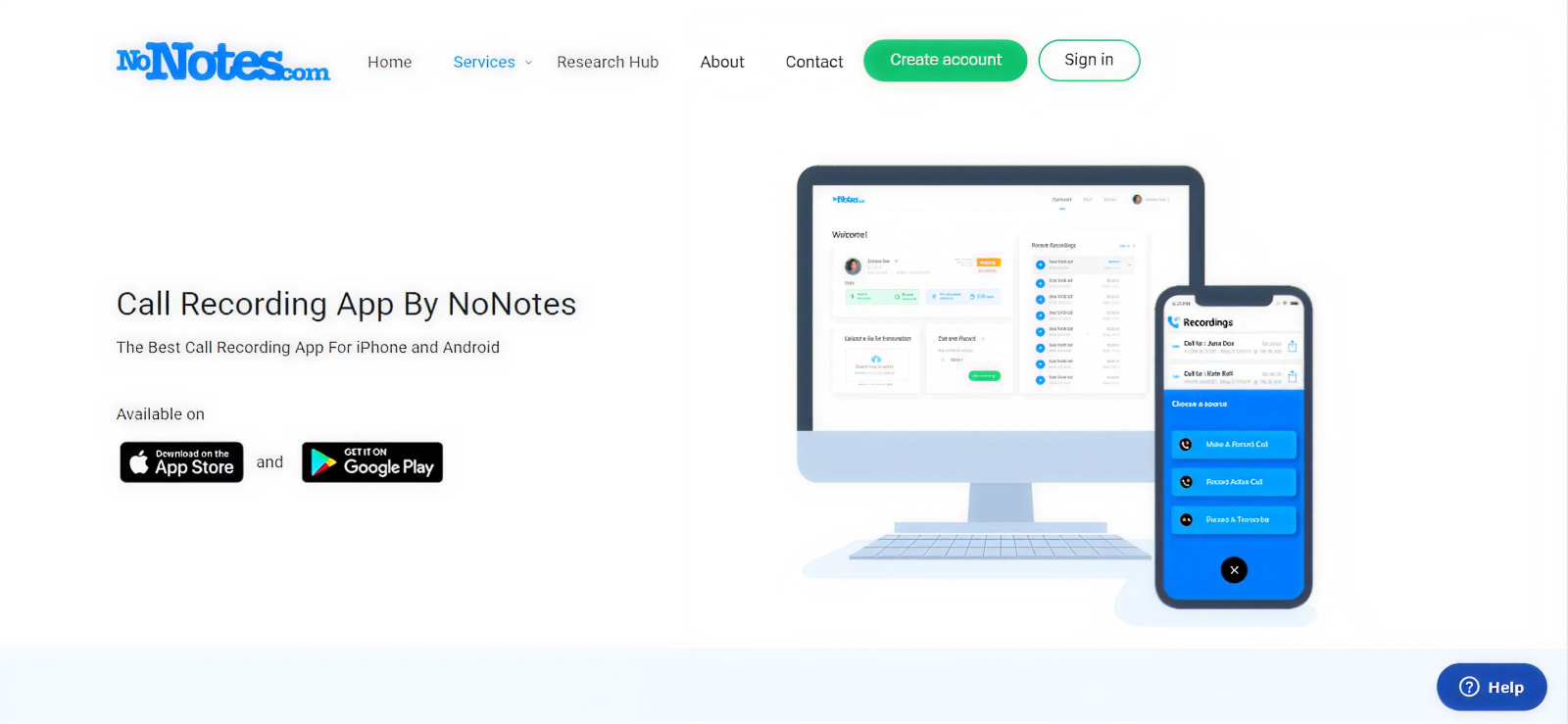
NoNotes Call Recorder is an iPhone app that lets you record incoming and outgoing phone calls for review later; something parents can use to double-check conversations for safety concerns or important details.
During testing, we noticed that this app works by connecting calls through its service, then saving the audio to your account in the cloud, where you can download it as an audio file. You get 20 minutes of free recording time when you start, and after that, you can subscribe for unlimited recording if you need it.
NoNotes Call Recorder Other Features
Robo Transcribe
NoNotes includes a feature called Robo Transcribe that automatically converts recorded calls into text. Parents can use this to quickly scan conversations for concerning keywords or patterns without listening to every recording. However, we found it to be less accurate and to depend heavily on audio quality.
NoNotes Call Recorder Compatibility
NoNotes Call Recorder is compatible with iOS 13.0 and onwards. The app is available on Apple’s App Store for easy downloading.
NoNotes Call Recorder Pricing
- Unlimited Monthly: $9.99
- Unlimited Yearly: $99.99
NoNotes Call Recorder Pros and Cons
| Pros | Cons |
| – Can record conference calls as well – Free trial available – Transcribing feature available | – High price point – Cannot be used on older iPhones |
Should I Buy NoNotes Call Recorder?
If you’re looking for an app that offers you only call recording, NoNotes might be the right option for you. In our experience, the app works well; however, the audio quality fluctuates a lot. In this price bracket or even less, you can get a complete monitoring solution that also offers automatic call recording.
FAQs
1. Can iPhone call recorder apps record both incoming and outgoing calls?
Yes, most of these apps can capture both incoming and outgoing calls, but how they do it matters. Because iOS restricts direct call recording, most apps rely on conference calling or cloud-based recording lines to merge and record conversations. This setup allows both sides of the call to be captured clearly. However, some apps limit recording to outgoing calls unless upgraded, so parents should always check app-specific capabilities before relying on them for safety monitoring.
2. Are call recordings stored locally or in the cloud?
iPhone apps that record phone calls typically store recordings in the cloud. Some apps save files directly to your phone for quick access and offline listening, while most of them upload recordings to secure cloud servers, making them accessible from multiple devices or an online dashboard. For parents, cloud storage can be useful for keeping an organized archive of calls without using up phone memory.
3. Is there a limit to how long I can record a call?
The maximum length of a call recording depends on the app and its storage method. Some apps allow unlimited recording, while others impose limits per call or per month, especially on free or basic plans. For cloud-based apps, restrictions may also depend on your subscription or available storage. Parents should check these limits to ensure they can capture full conversations when needed for safety, rather than only partial calls.
4. Do call recorder apps for iPhone affect call quality?
Most such apps do not significantly affect call quality, but minor changes can happen. Apps that rely on conference calling may cause a brief delay or lag when the call connects, especially on weaker networks. Overall audio clarity usually remains stable if the internet or carrier signal is strong. For parents, using a well-optimized app helps ensure calls stay clear while still allowing safe and effective recording.
5. How secure are apps to record phone calls on iPhone?
Recorded calls are generally secure when using reputable iOS apps to record phone calls, as most rely on encryption and password-protected dashboards to prevent unauthorized access. Cloud-based apps often store recordings on secure servers, while others keep files locally on the device. For parents, security also depends on using strong passwords, enabling two-factor authentication when available, and choosing apps with clear privacy policies to keep sensitive conversations protected.
Xnspy: One App – Total Awareness
Get insights into your kid’s online activities to make digital safety more effective
Leave a reply:
Your email address will not be published. Required fields are marked*
Mike Everett
Member since October 20, 2014
Mike Everett
Member since October 20, 2014
Mike Everett is a consumer technology journalist with expertise in hands-on testing and evaluation of iOS and Android monitoring applications. With over 11 years in the industry, he focuses on how mobile monitoring tools perform in real-world conditions, including accuracy, feature reliability, device compatibility, and practical usability for parents.
He conducts live-device testing of monitoring apps to assess how well their features function beyond marketing claims. His work primarily includes comparative reviews, feature breakdowns, and buyer-focused guides designed to help parents understand which tools actually deliver usable results in everyday scenarios.