7 Best Porn Blocking Apps for Teens Tested & Ranked (Android & iOS)
 By Stephen Hawks
The complete monitoring experience for your phone
Get XNSPY and start tracking calls, texts, multimedia, locations and more on any phone!
Get Started Now Live DemoOne of the worst nightmares of a parent is their kid finding porn. With the advancements in technology, 24/7 availability of the internet, and free access to hundreds of porn websites with just a few clicks, the nightmare comes to reality much sooner than anticipated.
The sad part is that, due to social media apps and many streaming websites, it reaches children who are not even seeking it and leaves an impression that they may not be ready to receive.
Many parents try to keep a close eye on their child’s online activities, but it is impossible to know everything, as something always slips through. The best option to protect teens from adult content is to install the porn-blocking software on their phones.
But the question is which one? We tested several such apps to provide parents with a list of the best porn blockers, along with their most useful features, so you can decide which one suits your requirements the most.
All the Details on the Best Porn Blocking Apps
– Xnspy is the top option becuase of its detailed visibility into browsing, social media activity, screenshots, and strong remote control tools.
– Norton Family focuses on structured website filtering and SafeSearch enforcement, ideal for basic Android protection.
– Canopy stands out with AI-powered image filtering and partial nudity detection, especially effective on iOS devices.
– mSpy combines website blocking with live screen streaming and broader device monitoring.
– Porn Block Plus works best for Safari users seeking simple browser-based adult content filtering.
– Qustodio delivers category-based web filtering, alerts, and balanced parental control features across browsers.
– CleanBrowsing blocks porn at the WiFi level, protecting every connected device without installing apps.
Why Porn Blocker Apps are Essential for Kids?
It’s no secret that watching porn at an early age impacts your mental and emotional health. When kids see adult content without context, it creates curiosity; they become anxious and distracted from what actually matters. Here are the reasons why parents should block early exposure to 18+ content.
Preventing Accidental Exposure
According to a study, approx 58% to 60% of young people who have seen online pornography report that their first encounter was unintentional. They stumbled upon it through social media, ads, website pop-ups, or misleading search results. So, a preemptive measure is the best solution.
Protecting Brain Development
Neurologically speaking, a child’s brain is like a sponge. Research suggests that early exposure to high-intensity sexual imagery can either distort their views of healthy relationships and consent or even compel them to do things that can be harmful to them. According to research, 88% to 90% of pornographic scenes depict some form of physical or verbal aggression, which can lead to the normalization of sexual violence in developing minds.
Avoiding “Malvertising” and Scams
On most of the free porn websites, it is very easy to upload adult content. Similarly, given the high traffic on such videos, many scammers and hackers attempt to access your personal data. One wrong click can infect a family computer or tablet. Even the advertising pop-ups trick you into providing personal data or to “clean” a fake virus, and end up hacking the system.
Encouraging Age-Appropriate Discovery
Porn blocker apps keep teens from reaching explicit content. It allows kids to explore the beneficial parts of the internet, such as homework help, creative games, educational videos, and entertainment channels, without constantly worrying about inappropriate content. It keeps their digital experience aligned with their emotional maturity.
We Tested the Best Porn Blocker Apps – Here Are the Winners
| Apps | Rating | Price |
| Xnspy | 9.2/10 | From $4.99/month |
| Norton Family | 8.8/10 | From $49.99/year |
| Canopy | 8.5/10 | From $9.99/month |
| mSpy | 8/10 | From $11.67/month |
| Porn Block Plus | 7.8/10 | From $9.99/month |
| Qustodio | 7.5/10 | From $54.95/year |
| CleanBrowsing | 7/10 | Free & from $59.99/year |
What Process Did We Use to Test & Find the Best Porn Blockers and Accountability Apps?
Choosing the right porn blocking app is not just about whether it blocks a website. It’s about how clearly it shows what your child is exposed to because, beyond websites, there are several ways children can stumble upon porn. After testing apps that block porn side by side, we ranked them using the following core parameters:
Visibility of What Children Are Watching – 30%
The most important factor in our evaluation was visibility. Before blocking anything, parents need to understand what their child is actually accessing. We gave it 30% weighthage because it provides the context of what needs to be done to protect children.
In our tests, we opened adult websites, including in incognito/private browsing modes, and tracked whether the apps logged them. We also checked if logs were detailed – showing URLs, timestamps, and frequency of access. Apps that provided clear and comprehensive logs scored the highest.
Visibility of Social Media Porn – 25%
Because most children use social media apps and adult reels, partially exposing, sexting, and sharing videos in messenger has become more common, this section got 25% converge. We checked whether the apps could show what videos children were sending or receiving, what content appeared in feeds, and whether media exchanges could be monitored.
Remote Control Features – 20%
Website, app blocking, and other restricting features got 20% because they can be implemented immediately. We assessed how effectively each app blocked porn websites, restricted specific apps, and enforced Safe Search. Additional points were given to apps that allowed remote app blocking, device locking, keyword alerts, or other control tools that helped parents respond quickly.
Bypass Resistance – 15%
There is no point in using apps to block porn if children can easily bypass them, so an essential feature is that children can’t bypass them. We gave it 15% evaluation points. We evaluated how easy it was for a teenager to uninstall the app, disable filtering, use a VPN, or switch to mobile data.
Convenience of Usage – 10%
Finally, we considered how easily parents can use the app and how easy it is to implement. We gave it 10%. This included how easy installation was, how intuitive the dashboard felt, how clearly information was displayed, and whether the app caused device slowdowns.
Top 7 Porn Blocking Software Parents Can Trust for iPhone & Android
We tested most of the apps side by side to obtain accurate, unbiased results. So here are the top 7 apps that actually work, based on the several we tested.
1. Xnspy
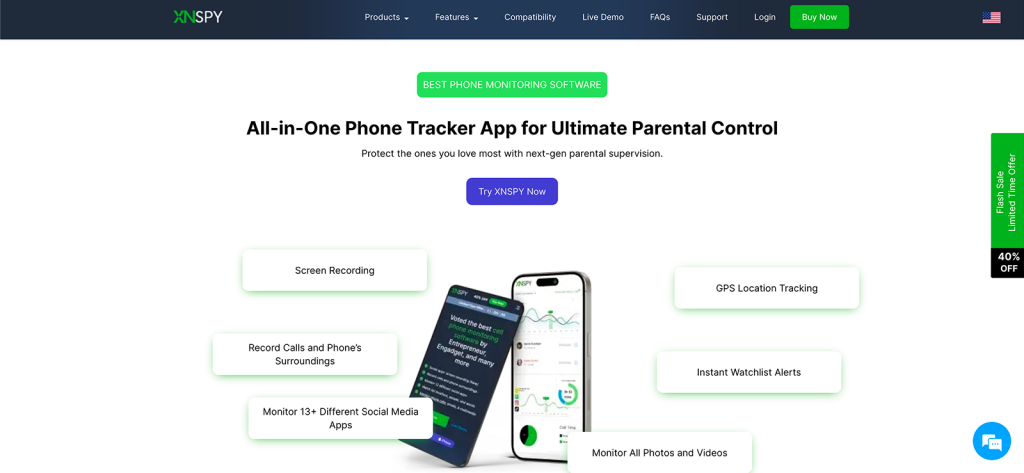
Xnspy ranks first because it offers a range of features, covers a broader range of monitoring, and still doesn’t feel intrusive or controlling. Let’s dive deeper into what the app actually is and how it works as a porn-blocking software.
Xnspy is primarily a parental phone monitoring app that tracks all phone activity on a device. It helps ensure that children use their phones responsibly and avoid harmful content.
Xnspy’s comprehensive monitoring covers calls, messages, social media apps, browsing history, and even location. There are many other features that can assist in clarifying phone activities and also block porn on the target device.
To get Xnspy working, parents must install it on the target device once. The installation process is simple and only takes a few minutes. Once installed, it works in stealth mode and runs in the background. Xnspys interface is simple and easy to navigate. Unlike other apps that block porn, it updates in real time, so parents receive the most up-to-date data.
Xnspy Features
Internet Browsing
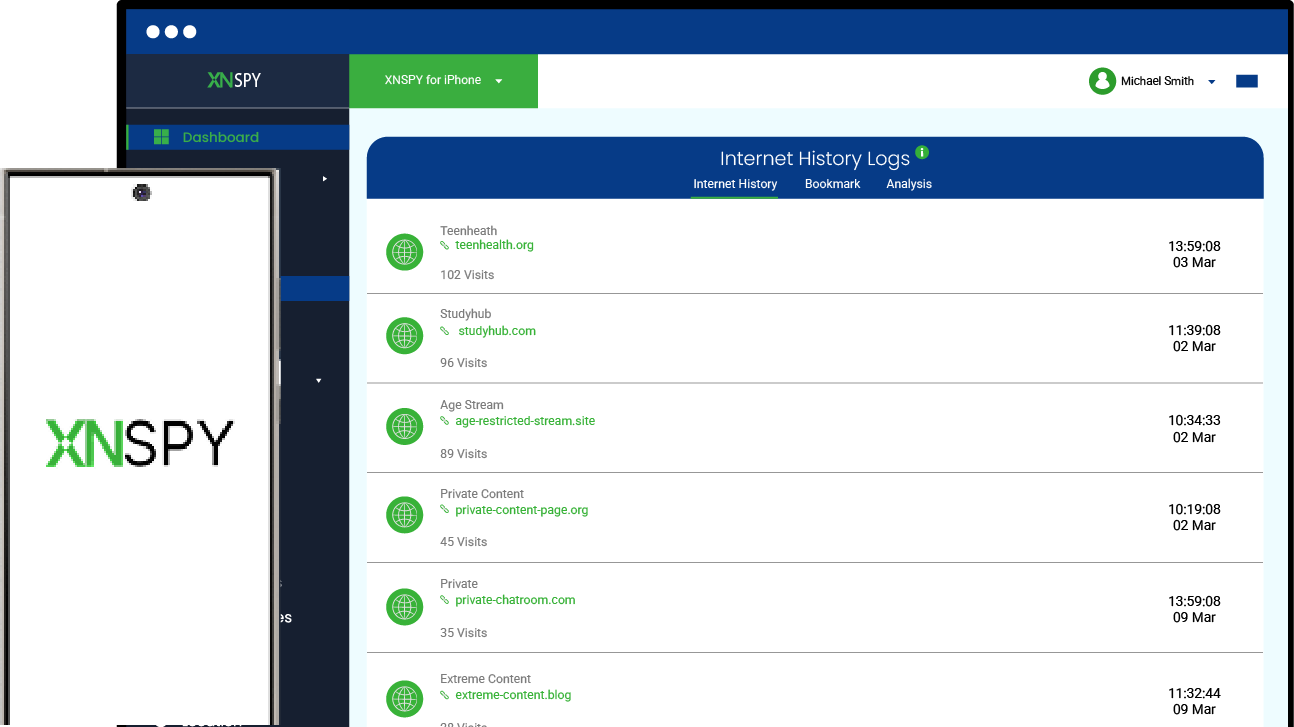
The most-used feature in our tests was internet browsing. We opened several adult websites on both Android and iPhone that have Xnspy installed in them. It captured and logged all websites we opened, including those accessed in private browsing or incognito mode.
After opening many websites, we deleted the history, but Xnspy had already saved them, so we could see everything. The analysis of the most-used websites was also accurate. If parents want to understand the extent of their child’s involvement, this feature is for them.
Keylogger & Watchlist Words
In addition to internet browsing, Xnspy tracks all keystrokes on the target device. Parents can see what teens search for in the browser, what they comment on, or whether they are engaging in sexting. We narrowed down the searches using the keyword feature, which sent alerts whenever an adult word was used.
Live Screenshots
If parents want to be more aware of their child’s activities, likes, and dislikes, they can use Xnspy’s live screenshot feature to see exactly what is happening at any given moment. For the porn shared on social media apps, they can use the screen recording feature. They can also see if children are sexting, sending, or receiving adult media. Using these features, parents can guide them on it and block it with Xnspy remote control.
App Blocking and Phone Lock
For blocking porn on social media apps, parents can use the app blocking feature. We used Xnspy to remotely block many apps, and it worked in real time. For other activities, parents can also temporarily lock the phone. This way, they can ensure that kids are not watching anything secretly.
Xnspy Compatibility
Xnspy is compatible with both Android and iOS devices. It supports Android versions 4 and above and iOS versions 6 and above. Xnspy lets parents add as many devices as they want to the dashboard, and they can track them all from a single platform.
Xnspy Pricing
Basic Plan: $4.99/month
Premium Plan: $7.49/month
Xnspy Pros and Cons
| Pros | Cons |
| – Xnspy can help block porn on the phone, whether it is accessed through browsers or social media apps. – The compatibility range is wider than any other app, and parents can track all browsers. – The dashboard updates in real time, which allows parents to stop activity at once. – 24/7 customer service. – Easy-to-use dashboard. | – Xnspy doesn’t offer a free trial. |
Why Should I Buy Xnspy?
We picked Xnspy because it doesn’t just block porn on websites – it also lets parents see and block adult content on social media. Moreover, it helps them understand their child’s digital behavior. It provides real-time alerts supported by screenshots whenever restricted content is accessed, so parents can respond immediately. Plus, its detailed activity logs make it easy to track patterns and spot potential risks before they escalate.

Track, Block, Protect – That’s Xnspy
Protect kids from unsafe websites and explicit social media content.
– Receive instant alerts for restricted content access
– View detailed logs of browsing and app usage
– Block porn and unsafe apps instantly from anywhere
– Monitor social media feeds and shared media
2. Norton Family
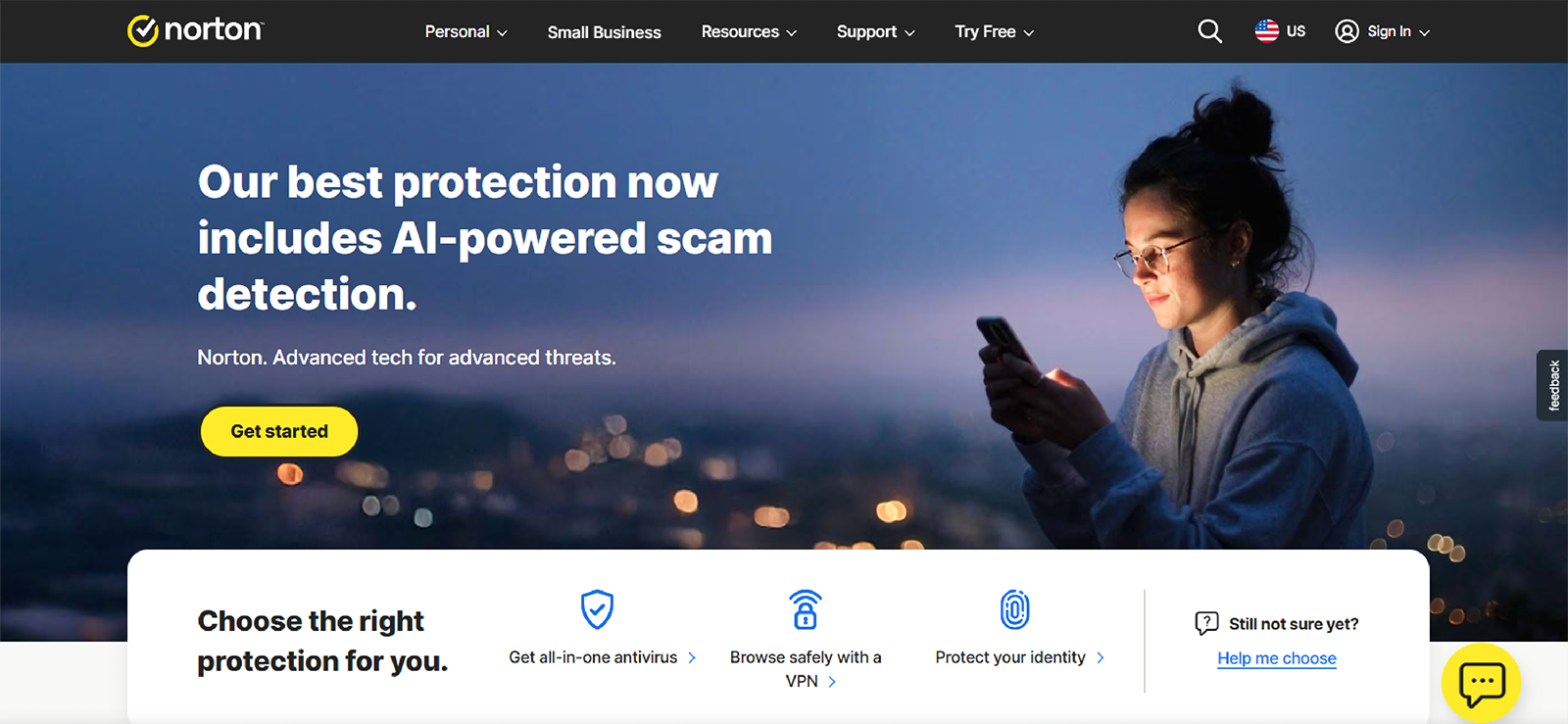
Norton Family focuses more on prevention. It helps parents manage their kid to an extent. They can remotely supervise online searches and restrict access to many websites. The app primarily operates through web filtering and activity monitoring. Once installed on a child’s Android device, parents can manage restrictions through an online parent dashboard. It allows them to choose which types of content are permitted and which should be restricted.
Norton Family Features
While testing, we found the following features useful for precisely blocking porn.
Category Filtering
This is the core feature. Norton Family automatically blocks websites that fall under categories such as pornography, violence, gambling, or mature content. While testing, we customized filters by age level or manually allowed/blocked specific sites. It works well, specifically for blocking porn websites.
Search Supervision
Norton Family tracks what kids search for on major search engines. It automatically enables “SafeSearch” on major search engines such as Google, Bing, and YouTube to filter out explicit images and videos from search results before they are clicked.
Alerts
The app sends notifications when a child attempts to visit blocked websites or searches for restricted terms. Moreover, parents get bypass alerts, screen time alerts, and whenever children try to install a new app. Parents can receive alerts through the dashboard or email.
Norton Family Compatibility
Norton Family is compatible with Android smartphones and tablets, Windows PC and iOS devices. However, during our tests, it works best on Android devices, where filtering and supervision features are more extensive.
Norton Family Pricing
Norton Family is typically available as part of broader Norton plans or as a standalone annual subscription. The standalone pricing usually starts at approximately $49.99 per year, which can be defined as $4.17, but it is billed annually.
Norton Family Pros and Cons
| Pros | Cons |
| – Norton Family offers a 30-day free trial; however, after that, it automatically renews. – The prices are very economical. – Norton Family is highly effective at website blocking, and the alert feature is also helpful. – The app offers a simple dashboard with easy setup | – Norton Family is effective for blocking websites, but it has limited social media monitoring options. Parents cannot see messages or what they are sharing via media. Also, it cannot help with the porn on social media apps. – Norton Family doesn’t track call or text messages. – Teens can easily uninstall or bypass the app. |
Why Should I Buy Norton Family?
We consider Norton to be one of the best porn blocking apps because it is reliable and has a credible position in the market. Also, if parents want to block porn websites on their child’s Android without intruding on their personal space.
3. Canopy
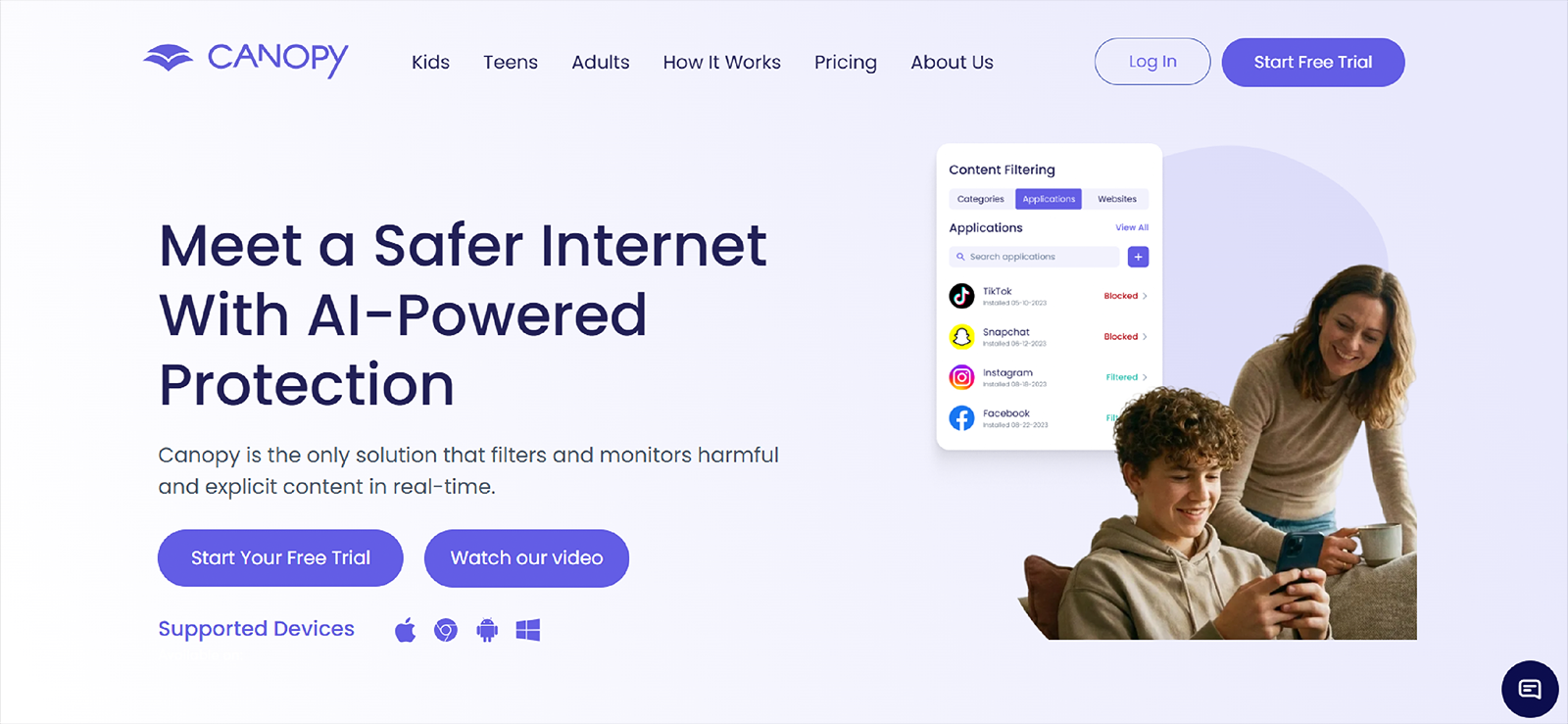
Canopy is a parental control app for families seeking to manage what their children see and do online. It focuses mainly on filtering inappropriate content like porn, violence, and drugs from browsers. The app uses AI-based filtering technology to analyze images and videos and blur them, even if it’s on regular websites. The app works well with iOS as well, with many fewer limitations.
Canopy Features
The following features can be used to block porn on the phone.
Smart Filter
Canopy’s Smart Filter scans websites and blocks explicit content before it fully shows on the screen. When something is inappropriate, it doesn’t block the entire website; instead, it filters it out. In our testing, it blocked porn websites, and many inappropriate pages displayed white boxes, indicating it blocked the content.
Partial Nudity Protection
One of Canopy’s standout features is its ability to detect and blur partial nudity in images. This includes content that may appear on otherwise normal websites, blogs, or image searches. For example, it filters revealing swimwear or lingerie, softcore images, and even provocative poses that standard filters often miss.
App Filtering
Canopy allows parents to block or restrict specific apps that may expose teenagers to adult content. It doesn’t blur data in private messages on social media apps, but if the child is using the web version, parents can see what they’re sharing. In case parents feel any app is dangerous, they can block it remotely.
Canopy Compatiilty
Canopy is compatible with iOS 12.0 or later. Android 5.0 and higher are compatible. Additionally, it works on Windows, macOS, Chromebooks, etc.
Canopy Pricing
- Basic: $95.88 (Monthly) $9.99 (Annually)
- Standard: $107.88 (Monthly) $11.99 (Annually)
- Family: $119.88 (Monthly) $15.99 (Annually)
Canopy Pros and Cons
| Pros | Cons |
| – Canopy offers real-time AI-powered content filtering. It can also help with partial nudity detection and blurring. – Children and Parents apps are available separately. – The app’s interface is user-friendly and doesn’t overwhelm the experience. | – Canopy does not offer any added features like calls, SMS, Social media monitoring, or location tracking. – The prices are competitively higher. – No screen recording or live screenshots are available. |
Why Should I Buy Canopy?
Canopy is ideal if parents’ main concern is preventing exposure to explicit visual content on iPhones or iPads. It made it to our list of best porn blocker apps because it focuses specifically on filtering pornographic material. During testing, the app blocked content most of the time, suggesting it could help parents struggling with these issues.
4.mSpy
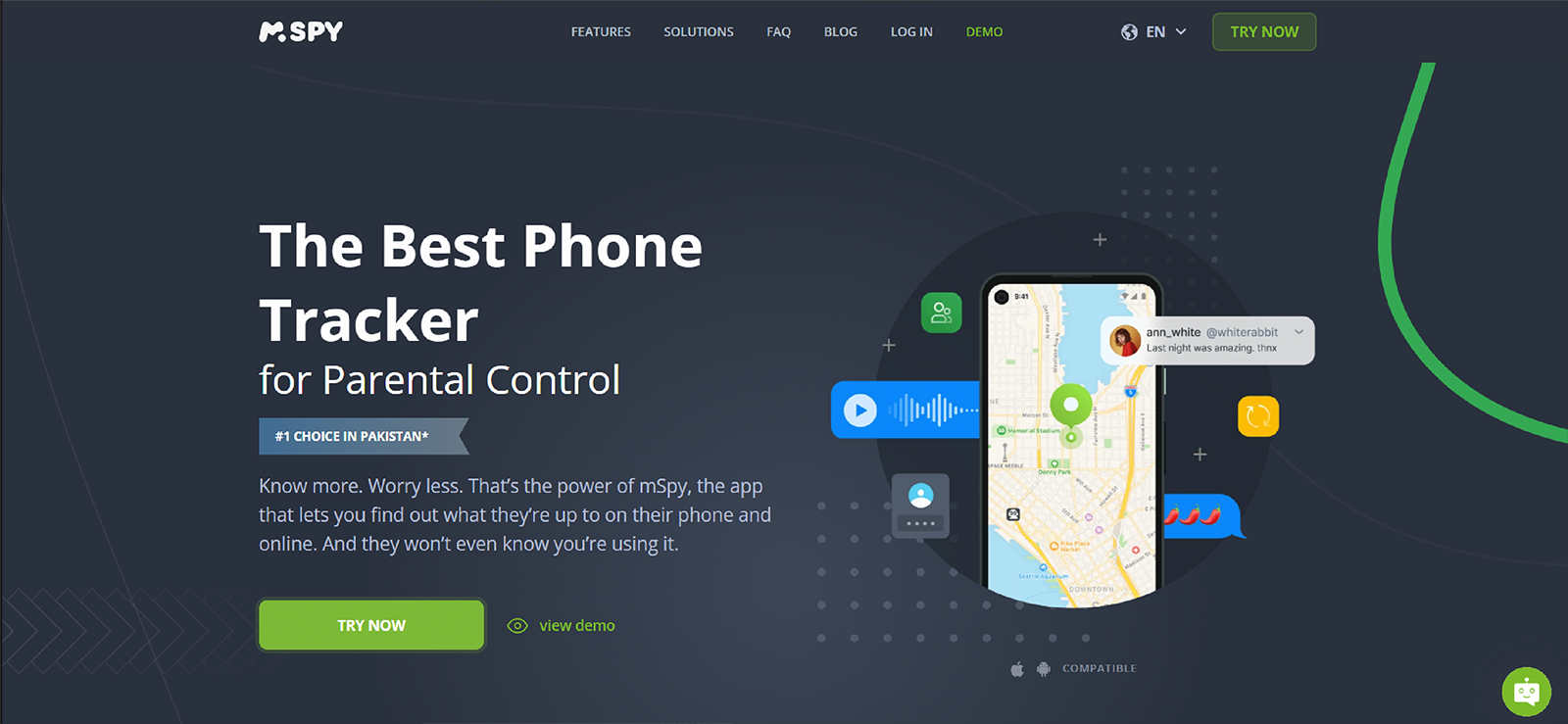
mSpy is a comprehensive parental monitoring app that includes several tracking and remote control tools that can help parents protect their kids from issues like Porn, Screen Addiction, Social media issues, and more. Parents must install the app on the target device once. They can access all the information from the web-based dashboard. During our testing, we used it extensively in Chrome and found it to work well. Let’s dive deeper.
mSpy Features
The following features of the app can be used for porn blocking on the Chrome Browser.
Browsing History
mSpy displayed the complete browsing history, including URLs, timestamps, and other details. Parents can also see the bookmarks. Even deleted browsing history can be viewed in many cases. So if the kid is using Chrome for viewing porn, even with a VPN, parents can track all the websites opened.
Website Blocker
The website blocker blocked most of the porn websites during our testing, restricted access, and prevented further access. Parents can also manually add pornographic or inappropriate websites to the block list.
Live Screen Streaming
While testing, mSpy offered a screen streaming feature that shows what is happening on the device in real time. Parents can use it to see what their teen is browsing and better understand their browsing patterns. This makes it much easier to identify any website one may have missed and to take further action as required.
mSpy Compatibility
mSpy is compatible with iOS and Android devices. It works on Android 5+ devices and iOS 15+. Parents can also track tablets with the mSpy app. Web control features function across major browsers, including Chrome. Certain features may vary depending on device type and setup.
mSpy Pricing
mSpy offers four subscription plans with different pricing options.
- The Premium plan starts at $11.67/month for 12 months ($49.00), 3 months ($28.00), and 6 months ($17.50).
- The Family Kit covers 3 devices at $45.00/month for 6 months or $34.00/month for 12 months.
- The Extreme plan for Android costs $100.00/month, $45.00/3 months, $33.99/6 months, or $23.99/12 months.
- Finally, the Ultimate plan for iOS is $51.66/month for 6 months or $40.83/month for 12 months.
mSpy Pros and Cons
| Pros | Cons |
| – mSpy offers detailed browsing history tracking. Parents can view and block websites remotely. – mSpy offers several monitoring features to help protect children from online risks. – mSpy offers broad device compatibility. | – The app’s interface can be overwhelming. Parents with limited tech knowledge may face issues. – More monitoring-focused than filtering-based. – Higher-tier plans are needed for advanced features. |
Why Should I Buy mSpy?
mSpy is one of the best porn blocker apps for parents who want not only to block porn websites but also to monitor overall device activity. We preferred it for visibility into browsing habits and blocking controls. mSpy is a good option because it offers a more surveillance-oriented approach than basic content filters.
Still Searching for the Right Fit? Try Xnspy
Get clear insight into what your child is watching and block risks before they escalate.
5. Porn Block Plus
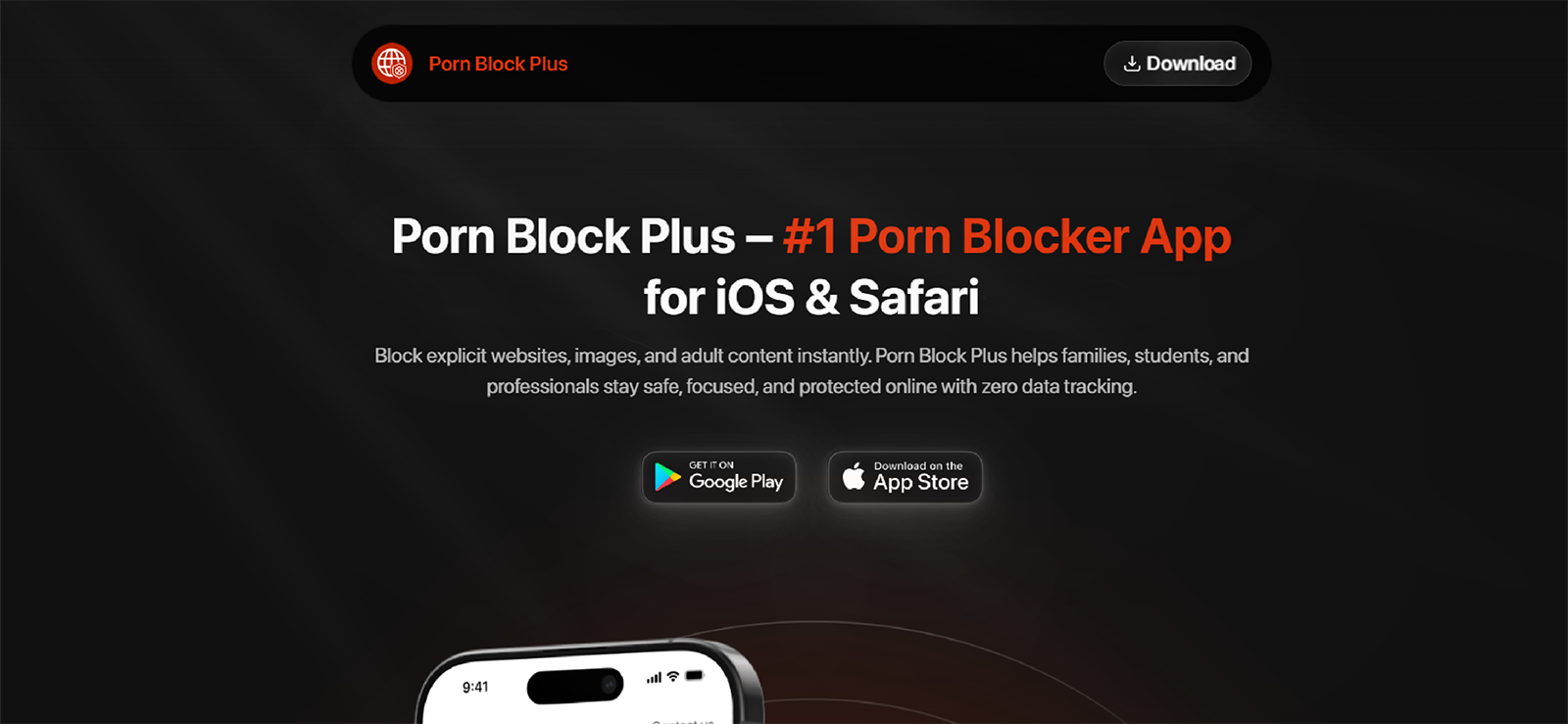
Porn Block Plus is a digital wellness and parental control tool that filters adult content and minimizes distractions across various devices. It is available as an app, but for blocking porn on Safari, we installed the extension. It focuses specifically on blocking adult websites and explicit content through AI-driven filtering technology. It is also helpful for private browsing.
Porn Block Plus Features
Here are the features we used to block Porn on Safari.
Safari Integration
To block porn on Safari, parents need to add an extension that filters websites directly within the browser. To block a child’s phone, parents need to add it to their phone and to common devices like tablets and desktops. Once installed, it automatically blocks known adult domains and suspicious links.
AI-Powered Smart Filtering
The app uses intelligent filtering to analyze webpage content and block explicit material. Instead of just looking at the website’s name, it scans images and thumbnails as they load. If it detects explicit visual patterns, it blocks that specific image or the entire page. This includes adult websites, explicit search results, and inappropriate pop-ups. During our testing, this feature worked most of the time, but occasionally it also blocked clean websites.
Accountability Partner System
One unique feature is the accountability partner system. Parents can add a trusted contact who will receive notifications if blocked content is accessed or filtering is disabled. This allows parents to add an extra layer of security, reducing the risk of unauthorized access.
Porn Block Plus Compatibility
Porn Block Plus is for the Apple ecosystem, though similar versions are available for Android. For iPhone and iPad, iOS 14.0 or later is required, and macOS 11.0 or later is supported as well.
Porn Block Plus Pricing
Por Blocker Plus is free but requires a paid subscription to unlock advanced AI filtering and uninstall protection. The paid plans are as follows;
Standard Subscription Plans
- Monthly: $9.99 per month
- Yearly: $69.99 per year (Best value, roughly $5.83/month)
- Lifetime: Some users have reported a one-time “Pro Lifetime” option for $99.99, though this offer may vary by region or seasonal promotion.
Porn Block Plus Pros and Cons
| Pros | Cons |
| – Porn Block Plus follows a simple process: add an extension to Safari to block porn. – The setup is much easier, and parents can track activities with ease. – Free options and free trials are also available in some regions. | – It may be beneficial for Safarai, but tech-savvy teens can easily circumvent the restrictions. – Porn Block Plus does not monitor social media or messaging apps. |
Why Should I Buy Porn Block Plus?
Porn Block Plus is good for families who primarily use Safari and want direct adult content blocking without complex monitoring tools. It focuses entirely on preventing access to pornographic material rather than broader device surveillance.
6. Qustodio
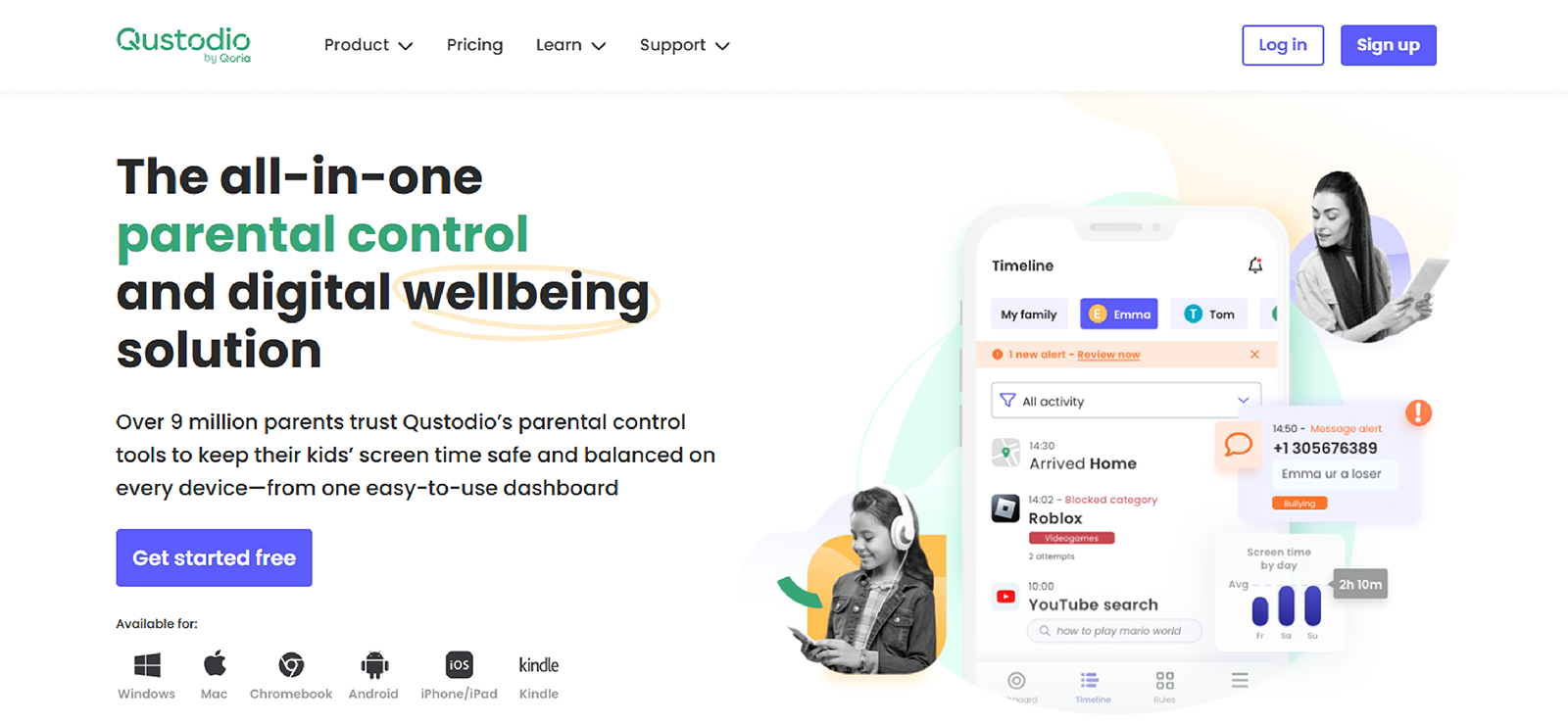
Qustodio is a parental control platform best known for its web filtering, screen time management, and activity monitoring. It uses advanced filters that help parents block porn on the device. It works across all major browsers, including Firefox, and effectively blocks pornographic and inappropriate websites.
Qustodio is easy to use, and parents can select predefined filters from the dashboard without having to search too much.
Qustodio Features
The following features of the app can be used for blocking porn in Firefox.
Advanced Web Filtering
Qustodio allows parents to block specific categories, including pornography, violence, and gambling. In addition to the predefined filters mentioned earlier, the app allows parents to manually whitelist or blacklist websites.
Safe Search
While web filtering blocks the site itself, Safe Search cleans up the gateway to those sites. It takes search engines into Restricted Mode. Once enabled, Qustodio filters out explicit images and links from search results.
Real-Time Alerts
This feature activates when the child attempts to access a blocked pornographic site or searches for related terms on Firefox. Parents can receive the alerts sent via Email and Push Notifications in the dashboard. While testing, we received almost all alerts, and they included the specific site attempted and the time of the event.
Qustodio Compatibility
Qustodio is incompatible with both Android and iOS. For Android, it works on OS 9.0 or later; for iOS, it works on 15.0 or later. It also works on Windows, macOS, and Kindle.
Qustodio Pricing
Qustodio offers two plans;
- Basic: $54.95 (Annual) and $4.58 (Monthly)
- Complete: $99.95(Annual) and $8.33 (Monthly)
Qustodio Pros and Cons
| Pros | Cons |
| – Qustodio offers many filters that can help block other problematic data, like drugs, violence, gambling, etc. – The app’s interface is up to date and easy to use. – The app’s Alert system is quick and alerts even if the child tries to bypass the app. | – Qustodio doesn’t show messages and scrolling activities. There is no way to be informed when the app misses filtering data. – It has been reported many times that filtering may occasionally overblock safe sites. – Qustodio does not have a stealth mode. Tech-savvy teens can find ways to bypass the app. |
Why Should I Buy Qustodio?
Qustodio is a balanced option for parents seeking structured web filtering alongside broader parental control features. It works well if parents want category-based blocking and consistent alerts across multiple browsers.

Stop!!!
Don’t buy Qustodio until you read our full review.

7. CleanBrowsing
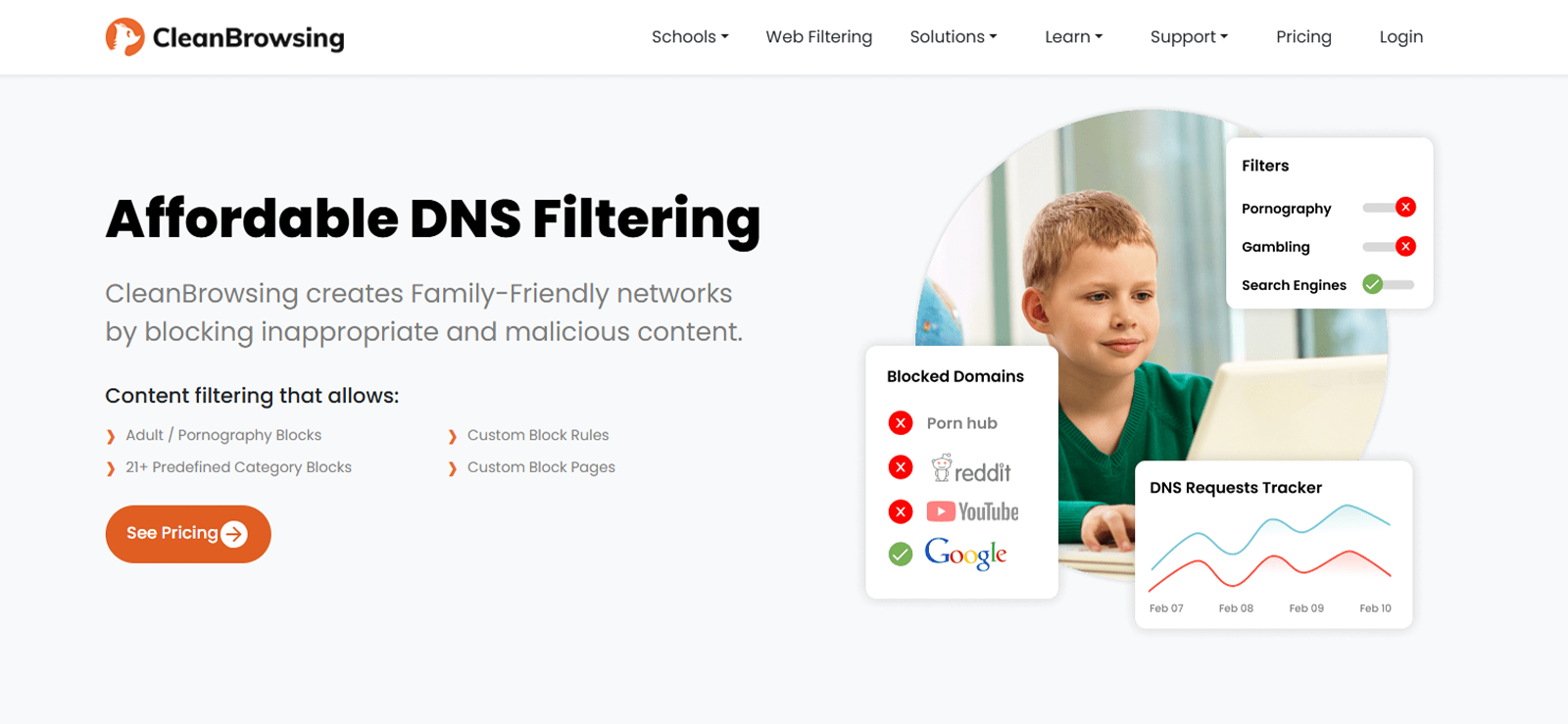
CleanBrowsing is a DNS-based content filtering service that helps parents provide their children with a safe internet experience by blocking adult content, malware, and other unwanted websites at the network level.
It works directly with the internet and restricts access. So if parents have blocked the websites and their kid tries to visit a blocked site, CleanBrowsing effectively stops the page from loading before it even starts.
CleanBrowsing Features
Parents can use the following features of the app to ensure porn remains blocked on their child’s devices.
Activity Logs
While CleanBrowsing is privacy-focused, its logging features provide information about network activities. It logs all the websites opened on the connected devices. Parents can check any new porn apps their child discovered and block them instantly.
Three Free Filtering Tiers
CleanBrowsing is unique for offering three “set it and forget it” levels that don’t even require an account. Parents simply point their router to their specific IP addresses.
Safe Search Enforcement
This feature intersects with the queries submitted to Google. We sent many requests to various browsers for images, but the adult search was automatically restricted.
CleanBrowsing Compatibility
Works on any device connected to the configured WiFi network, including smartphones, tablets, gaming consoles, and computers.
CleanBrowsing Pricing
CleanBrowsing offers a free version and paid versions.
For paid versions, it offers:
- Basic (Home): $59.99 / year
- Pro 50: $110.00 / year
- Pro 100: $220.00 / year
CleanBrowsing Pros and Cons
| Pros | Cons |
| – CleanBrowsing offers network-level blocking. – As it is directly from the router, parents don’t have to install any app in their child’s device or on their phone. – CleanBrowsing comes at the top of the list of free porn blocker apps. | – CleanBrowsing doesn’t monitor any other activity on the child’s device, so there is no way to know whether the child has bypassed the restriction. – Children can easily bypass it by using mobile data. – Advanced logs require a paid plan. |
Why Should I Buy CleanBrowsing?
CleanBrowsing is suitable for families who want to block porn across the entire home network without installing apps on each device. It provides a simple and cost-effective solution for broad content filtering.
Conclusion
In our side-by-side testing, each porn-blocking app performed well. Some focus on strict website filtering, others provide detailed activity tracking, and a few secure the entire home network. The right choice ultimately depends on your family’s specific needs, your child’s age, and the level of oversight you are comfortable with.
In any case, it is essential to understand what your child is actually viewing online. Visibility into online behavior helps you respond wisely rather than react emotionally. Overall, these are the best porn blockers, and they can help extensively, but it is important to combine any tool with open conversations, clear boundaries, and responsible, lawful use to guide children toward safer digital habits.
FAQs
What is the best porn blocking app for Android and iPhone?
The best app depends on what you need. If you want detailed monitoring and broader visibility, Xnspy is the best porn blocking app on both iOS and Android. If you prefer simple website filtering, options like Norton Family or Qustodio can be effective.
Can apps that block porn stop content on social media?
Some apps can monitor or restrict social media activity, but many only block websites. If social media exposure is your concern, choose an app that offers app-level controls in addition to web filtering.
Can my child bypass the porn-blocking software installed on their phone?
Tech-savvy children may attempt to bypass certain apps by uninstalling them, using VPNs, or switching to mobile data. This is the reason it is essential to get an app like Xnspy that also shows what children are actually doing on their smartphones. Choosing such app solution with uninstall protection, alerts, or network-level filtering can reduce this risk.
Is network-level blocking better than installing apps to block porn?
Network-level blocking protects every device connected to your WiFi, which is convenient for families. However, it does not provide visibility into activities and can be bypassed with mobile data.
Are free porn blocker apps safe to use?
Free porn-blocking apps can provide basic filtering, but they vary widely in effectiveness and privacy practices. Some may display ads, collect data, or offer fewer features than paid solutions. Before installing, check reviews, privacy policies, and whether the app comes from a reputable developer to ensure your child’s safety and data security.
Xnspy: Total Visibility, Instant Control
Know what is happening on your child’s device and act when it matters most.
Leave a reply:
Your email address will not be published. Required fields are marked*
Stephen Hawks
Member since February 26, 2026
Stephen Hawks
Member since February 26, 2026
Stephen Hawks is a mobile app security and digital privacy analyst with over 12 years of experience evaluating mobile monitoring technologies, device tracking applications, smartphone data security risks, and more. He is particularly passionate about how monitoring apps function, what data they access, and how securely that data is stored.
Previously working as an IT forensics consultant, he specialized in analyzing app-level data exposure and digital evidence patterns on smartphones. Today, he focuses exclusively on mobile monitoring tools and tracking applications, with an emphasis on real-world performance and security vulnerabilities.
Moreover, he holds industry certifications including CompTIA Security+ and Certified Ethical Hacker (CEH).