7 Best TikTok Anonymous Viewer Tools: 2026 Picks for Parents
 By Mike Everett
The complete monitoring experience for your phone
Get XNSPY and start tracking calls, texts, multimedia, locations and more on any phone!
Get Started Now Live DemoKeeping up with what kids are doing on TikTok can sometimes feel like trying to decode a completely different world. With short videos and disappearing stories constantly circulating on TikTok, many parents naturally want a better understanding of the content their children are watching or sharing.
Here, anonymous TikTok viewer tools allow parents to explore public stories and profiles discreetly, helping them stay informed about their teen’s activities without directly interacting with the account.
We have spent the last few weeks testing anonymous viewing tools for TikTok. We installed them, ran real checks, compared results, and saw what actually works in day-to-day use. A lot of these tools promise privacy and access, but only a handful deliver consistent results when you try to view TikTok profiles or stories quietly.
In this guide, we will look at the 7 best tools that held up during testing. Some tools keep things simple with quick browser access. Others give deeper visibility through full monitoring setups. We will walk you through what each one does well, where it falls short, and who it actually works for.
Quick Overview: The Essentials You Should Know
- Anonymous TikTok viewer tools help parents monitor kids’ public activity without alerts.
- Most tools only access public profiles, so private TikTok accounts remain restricted.
- Xnspy offers full TikTok viewing (profiles, stories, content) with screen recording, alerts, and deeper TikTok visibility.
- TT Viewer lets parents quickly view public TikTok profiles, stories, and engagement anonymously.
- Tikvib provides simple browser-based access to public TikTok profiles and story viewing.
- AirDroid enables remote screen viewing, which helps parents observe TikTok usage in real time.
- Anonymous Viewer allows quick profile and story checks, but shows inconsistent performance.
- FamiSafe focuses on parental controls for TikTok with screen tracking, alerts, and usage insights.
- TikFace supports anonymous profile browsing and downloads, but requires downloading videos to watch.
We Tested the Best Anonymous TikTok Story Viewer Tools and Here Are the 7 That Worked Best
| Apps | Ratings | Pricing | Best For | Drawback |
| Xnspy | 9/10 | Basic: $4.99/month Premium: $7.49/month | Parents wanting full TikTok story, profile, and content viewing of their kids | Requires installation on the target device |
| TT Viewer | 8.7/10 | Free | Quick anonymous viewing of public TikTok profiles and stories | Only works with public accounts |
| Tikvib | 8.2/10 | Free | Simple browser-based TikTok story and profile viewing | Limited features and inconsistent reliability |
| AirDroid | 7.8/10 | Monthly: $9.99/month Quarterly: $6.66/month Yearly: $5.00/month | Real-time screen mirroring for broader TikTok activity visibility | Setup complexity and requires installation |
| Anonymous Viewer | 7.4/10 | Free | Basic anonymous viewing of public TikTok profiles and stories | Unreliable performance and loading errors |
| FamiSafe | 7/10 | Monthly: $9.99/month Quarterly: $6.66/month Yearly: $4.99/month | Parents needing app usage tracking and content monitoring insights | No direct anonymous story viewing feature |
| TikFace | 6.7/10 | Free | Viewing and downloading public TikTok profile content anonymously | Requires downloading videos to watch and limited playback options |
How Our Experts Tested & Shortlisted the Most Reliable Anonymous TikTok Viewer Apps?
We didn’t rely on feature lists or marketing claims. We installed, accessed, and tested every TikTok anonymous viewer tool in real-use conditions that reflect how parents actually use them. That meant checking teen-style public accounts, switching between devices, repeating the same searches at different times of the day, and tracking how each tool performed over multiple sessions.
We tested each tool across Android phones, iPhones, and desktop browsers. For browser-based viewers, we used both logged-in and logged-out environments to confirm whether anonymity actually held up. For parental control apps, we installed them on test devices and monitored TikTok activity over several days to see how much real insight they provide beyond basic viewing.
We also created controlled test profiles with public visibility to verify whether story views triggered any notifications or left any traces. Every claim about anonymity in this guide is based on those checks, not assumptions.
Here’s exactly how we evaluated them:
We Verified True Anonymity in Repeated Viewing Tests – 35%
We ran multiple viewing sessions on the same TikTok profiles to see if any tool triggered view alerts or engagement signals. We checked story views, profile visits, and video interactions to confirm whether the account owner could detect activity in any way.
Tools only scored well if they consistently allowed anonymous TikTok story viewing and profile access across repeated attempts. If a tool failed even once or showed inconsistent behavior, its score dropped.
We Measured Performance Consistency Across Multiple Sessions – 30%
We repeated the same searches over several days to see how stable each tool was. This included testing during peak and off-peak hours to check loading speed, failed searches, and missing content.
Some tools worked perfectly once but failed the next time with errors or incomplete results. We ranked tools higher only if they consistently loaded TikTok profiles and stories without delays or breakdowns.
We Tracked How Easy It Is for Parents to Actually Use – 20%
We broke down every step required to view a TikTok profile or story. That included counting clicks, checking if login or installation was required, and evaluating how clear the interface felt.
We gave higher scores to tools where parents could enter a username and instantly access content. Tools that required setup or technical steps were evaluated based on how manageable that process was in a real household setting.
We Assessed Real Monitoring Value Beyond Basic Viewing – 15%
We looked at what parents actually gain from using each tool. Basic anonymous TikTok viewers stop at showing public stories. More advanced apps go further by showing screen activity and tracking usage patterns.
We tested features like screen recording, keyword alerts, app usage reports, and browser tracking to see if they add meaningful context for parents. Tools scored higher when they helped us understand not just what kids watch, but how they use TikTok over time.
Top 7 TikTok Anonymous Story Viewer Apps Available for Parents
With teenagers spending more time on TikTok, many parents want a discreet way to monitor activity and understand what their kids are viewing or posting. Anonymous viewers make it possible to check stories and profiles without revealing your identity. However, they vary widely in features, from basic anonymous viewing to full parental monitoring suites, so choosing the right one depends on your goals.
1. Xnspy
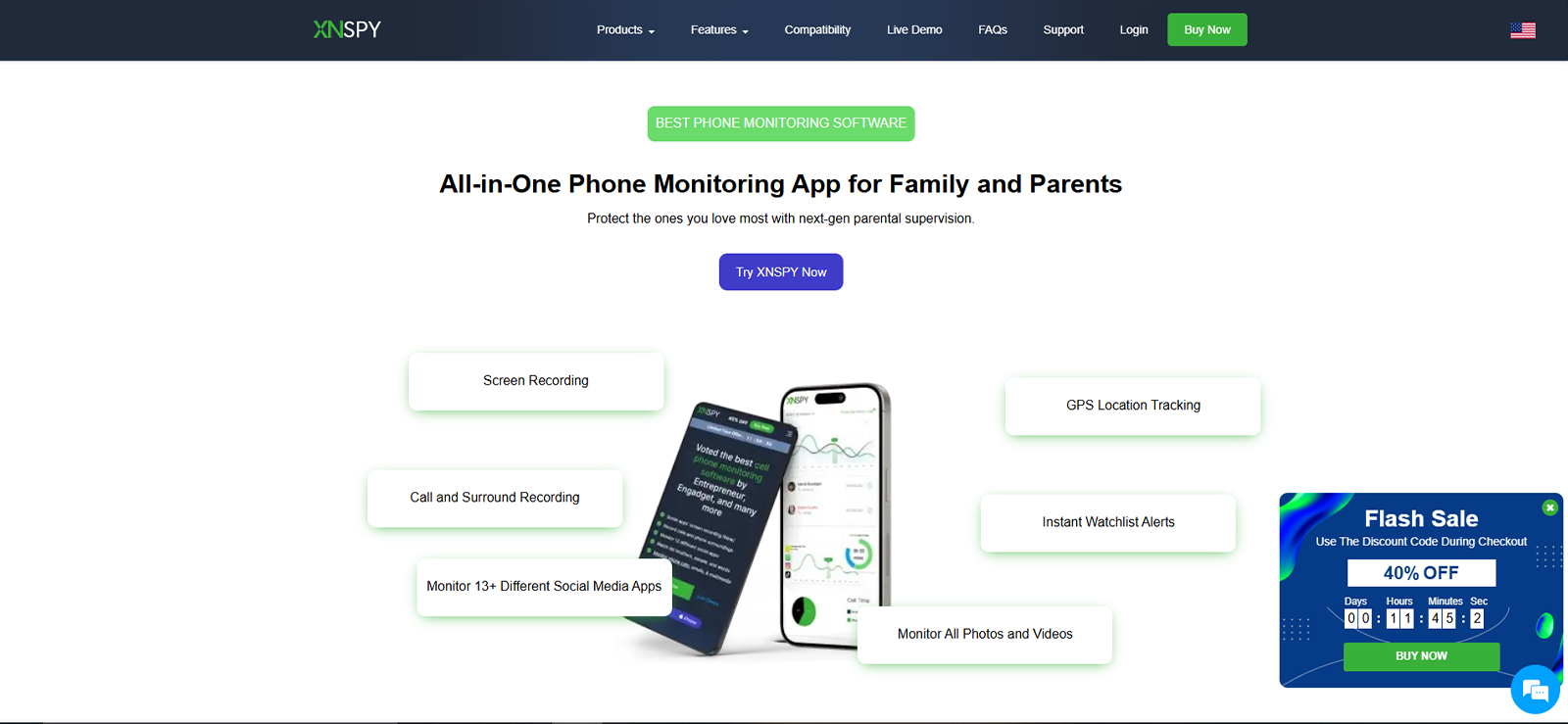
When testing different anonymous TikTok viewer tools, the foremost option was Xnspy. The app goes beyond TikTok viewing and gives parents deeper insight into their child’s device usage. While it’s widely known as a parental monitoring app, it also allows parents to discreetly monitor all sorts of activities on platforms like TikTok.
Xnspy focuses on providing detailed visibility into smartphone usage, making it especially useful for parents concerned about social media exposure, screen time, and online interactions. However, when it comes to TikTok alone, the app offers different features that help you see every app activity possible.
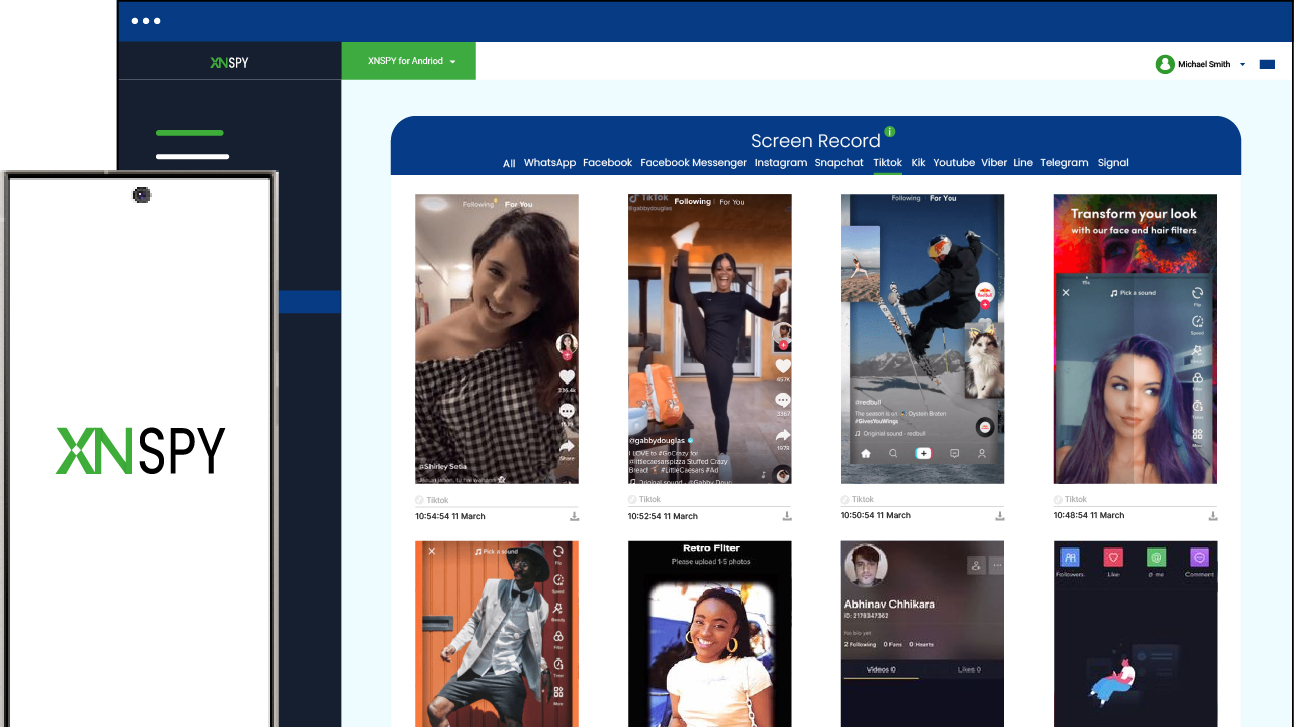
While testing, we were particularly impressed by Xnspy’s screen recording feature, as it showed visual cues of app usage in real-time. With this feature, the app recorded periodic screenshots and uploaded them to the dashboard under the TikTok app tab. We noticed this feature capturing activities like messaging, comments, searches, content, etc.
For a more in-depth knowledge of what the child types in searches, comments, and messages, one can also opt to use the keylogging feature. With this Xnspy feature, we were able to see what had been typed on which app as it recorded all keystrokes for us to monitor, even the ones that were typed but later erased or deleted.
Coupled with this feature come the keyword alerts. Whenever certain flagged words appear during TikTok usage or any other activity, Xnspy gives you an instant email alert. This way, parents can stay ahead of time and intervene when needed. Moreover, the screen time analysis report shows time spent on TikTok as well as its launch frequency.
Now, the new generation is too quick to find loopholes; they may use TikTok via a web browser to escape the app tracking altogether. But with Xnspy’s browser tracking, they simply cannot get away. While testing, we were able to see all the visited URLs as well as bookmarks from the target device.
Xnspy Compatibility
Xnspy works on both Android and iOS devices. Moreover, the dashboard can be accessed through any web browser.
Xnspy Pricing
Xnspy offers Basic and Premium subscription plans, typically billed monthly, quarterly, or even annually. They cost:
- Basic: $4.99/month
- Premium: $7.49/month
Xnspy Pros & Cons
| Pros | Cons |
| – Comprehensive parental monitoring features – Remote dashboard for easy monitoring – Social media and screen recording capabilities – Works on Android and iOS – Can help you view both private and public accounts | – Requires installation on the target device – No free trial available |
Should I Buy Xnspy?
If your goal is to view TikTok stories and profiles anonymously and also includes broader social media monitoring, Xnspy is a strong option. It offers extensive parental control features and deeper insights into social media activity, making it suitable for parents who want full visibility rather than a simple viewer tool.

Anonymous TikTok Viewing Starts with Xnspy
Built for parents who want secure insight into children’s TikTok behavior.
– Monitor TikTok and other social media activity
– Access screen recordings and chat logs
– Get real-time notifications for keywords and suspicious activity
2. TT Viewer
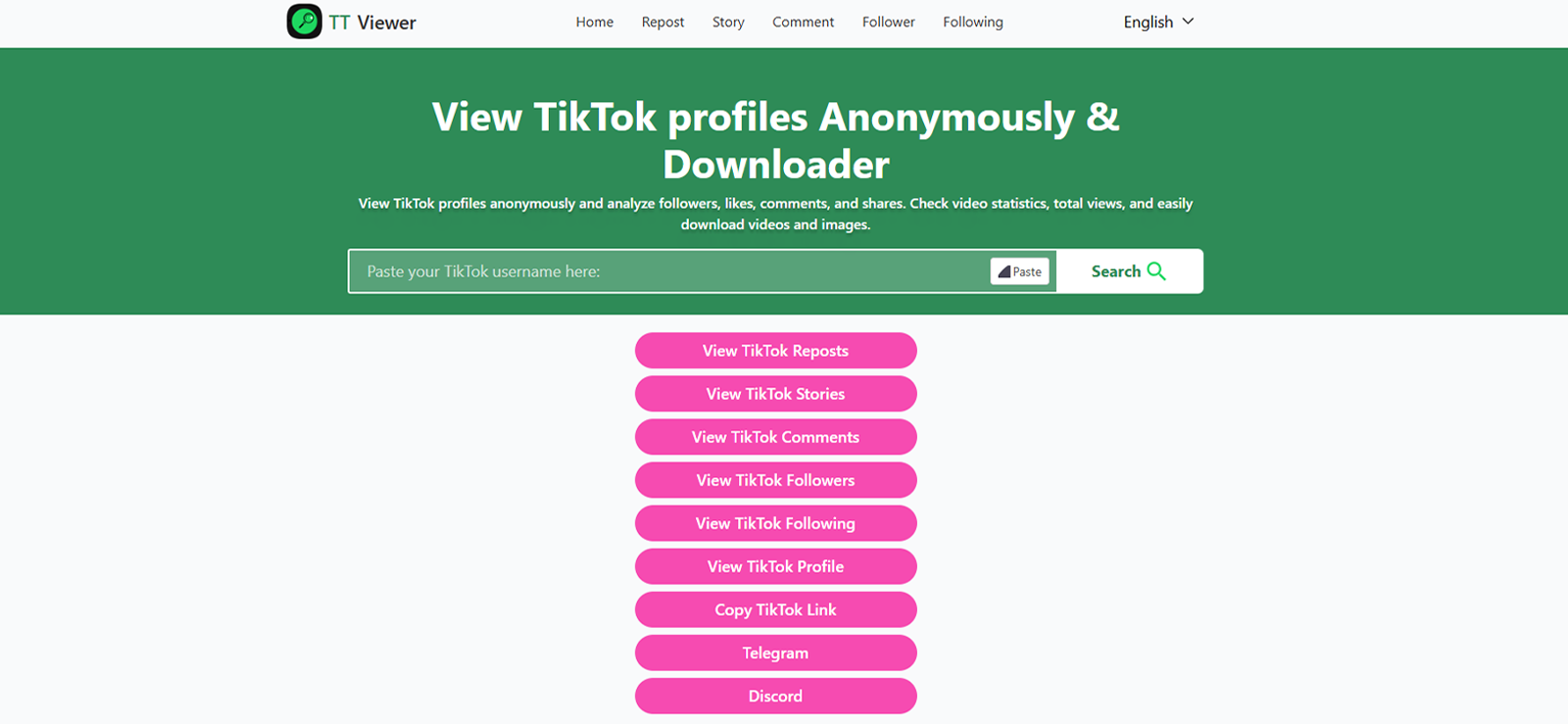
TT Viewer is another specialized anonymous TikTok account viewer tool. It’s designed for users who want quick access to stories and profiles without interacting with the platform directly.
The interface is generally straightforward. Parents simply enter the username of the TikTok profile they want to view, and the tool retrieves available profiles, their stories, and posts. Because the process doesn’t involve logging into a TikTok account, the viewing activity remains invisible to the account owner.
During testing, we found TT Viewer to be particularly useful for viewing profiles and posts, and even downloading them. It also gives you options to increase playback speed and even to play the video in picture-in-picture mode. Moreover, we were also able to see the number of views, downloads, shares, and even comments.
Another benefit is accessibility. Since TT Viewer operates through a web browser, there’s no need to install an application or connect accounts.
However, the service has limitations similar to those of other anonymous viewers. Private accounts and restricted content cannot be accessed, and the tool may not provide deeper monitoring capabilities.
TT Viewer Compatibility
TT Viewer works on smartphones, tablets, and desktop computers through a standard web browser.
TT Viewer Pricing
The platform is 100% free to use and imposes no limits on its use.
TT Viewer Pros & Cons
| Pros | Cons |
| – No account login required – Accessible through web browsers – Quick and simple interface | – Only works with public TikTok profiles – No additional parental monitoring features |
Should I Buy TT Viewer?
TT Viewer is best suited for parents who only want to view public TikTok stories anonymously. If you need deeper monitoring tools, you may want to consider more advanced parental control apps.
3. Tikvib
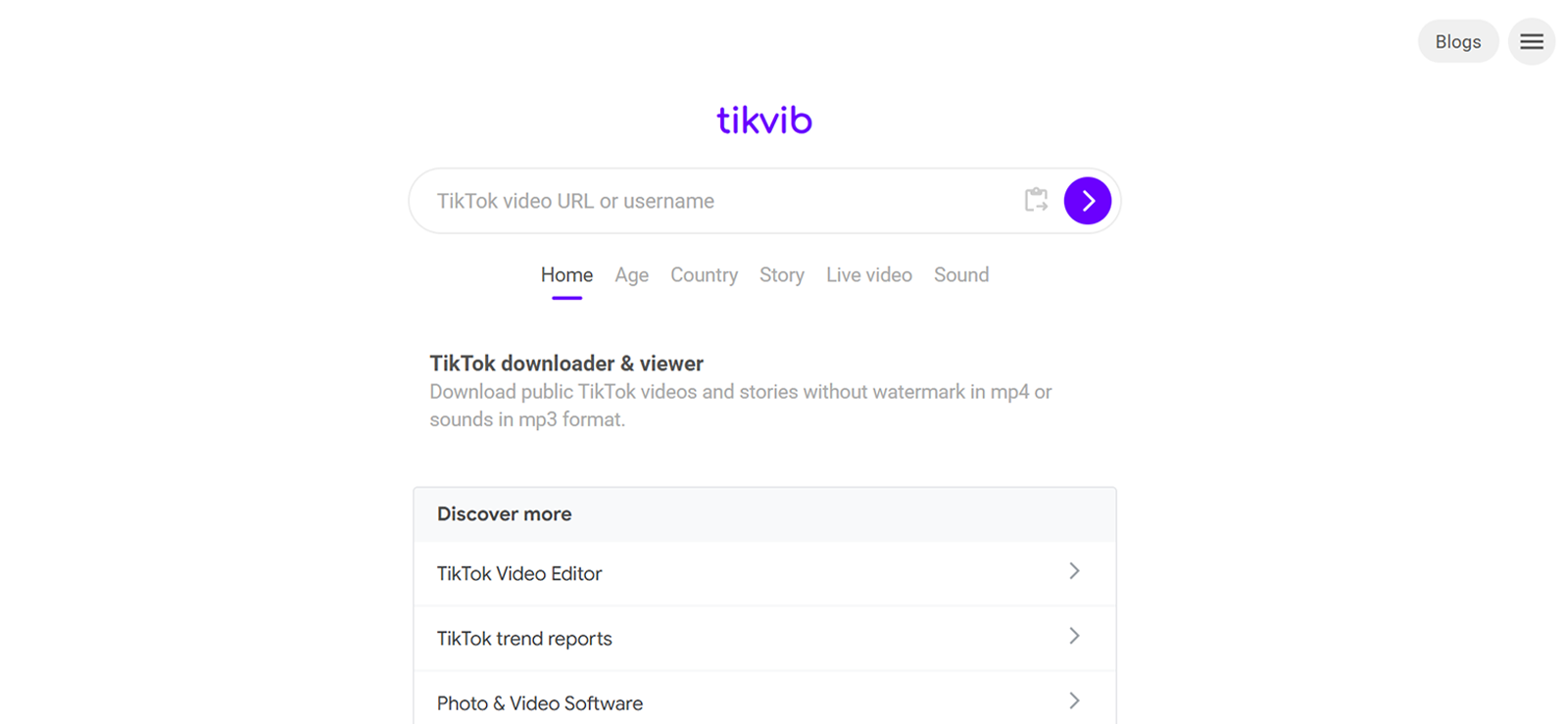
Tikvib is designed specifically for users who want to view TikTok stories and profiles anonymously. Unlike more complex platforms, this TikTok anonymous viewer focuses mainly on stealth viewing. For parents who simply want to check what kind of content their children are interacting with on TikTok, this simplicity can be appealing.
The platform typically works through a web interface where you can search for TikTok profiles and view their stories without logging into your own TikTok account. Because the viewing session is anonymous, the account owner will not receive a notification that their story has been viewed.
While testing, we found out that it shows many things about the profile, including its followers, following, posts, likes, profile picture, and even stories. However, you can have this much access to only public accounts. As for the private ones, you can also see the number of followers and following, as well as the profile picture. So, if your child’s TikTok account is private, Tikvib won’t be able to access the stories or content.
Tikvib Compatibility
Tikvib works on any device with a web browser, including smartphones, tablets, and desktop computers.
Tikvib Pricing
The platform is completely free to use.
Tikvib Pros & Cons
| Pros | Cons |
| – No installation required – Simple and quick to use – Works on any browser-enabled device | – Limited features compared to parental control apps – Cannot access private accounts – Reliability may vary depending on service availability |
Should I Buy Tikvib?
If you’re looking for a quick and simple way to view public TikTok stories anonymously, Tikvib can be useful. However, parents who want deeper insights or monitoring capabilities may find it too limited.
4. AirDroid
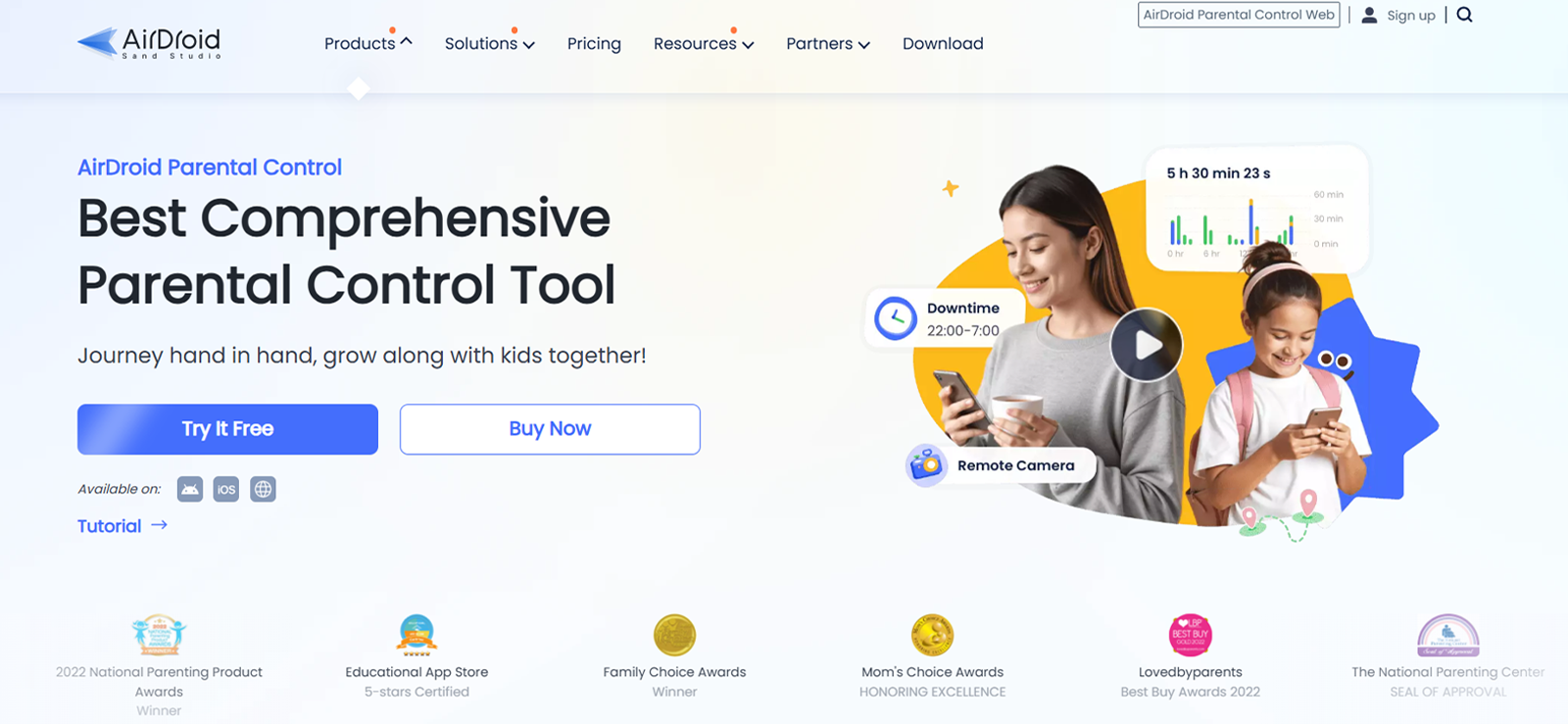
AirDroid is best known for device management and remote control capabilities. Its capabilities to capture device activities remotely make it one of the top anonymous TikTok story viewer tools. Using this app, parents can check their child’s device usage thoroughly, including the use of TikTok.
One of AirDroid’s biggest strengths is the remote screen mirroring feature. We were able to view the live screen of the target device. Although there were occasional lags, we could still see TikTok stories, messages, and video feed, all with remote access. While indirect, this approach gives parents insight into content consumption without directly interacting with the account.
Another very impressive feature for us was the inappropriate content detection. AirDroid can detect inappropriate content and send you instant alerts. Moreover, you can also set a list of keywords to look out for, and the app will send you alerts whenever those words are used. AirDroid also supports notification syncing. This feature helps parents monitor TikTok-related activities from the target device.
The setup process involved installing the app on the target device and connecting it to a parental dashboard. Once configured, we were able to monitor the device remotely from another phone or computer.
While AirDroid provides powerful monitoring features, it may be more complex than simple anonymous viewing tools. It’s better suited for parents who want device management alongside content monitoring.
AirDroid Compatibility
AirDroid works on both Android and iOS.
AirDroid Pricing
AirDroid is available in different pricing plans:
- Monthly: $9.99/month
- Quarterly: $6.66/month
- Yearly: $5.00/month
AirDroid Pros & Cons
| Pros | Cons |
| – Live screen mirroring – Cross-platform compatibility – Device management tools | – Has to be installed on the target device. – A bit complex to use. |
Should I Buy AirDroid?
AirDroid is a good option if you want broader device monitoring rather than just anonymous story viewing. It provides a versatile way to oversee smartphone activity, including TikTok usage. However, when put into comparison with a free tool, you might think it’s pricey if your goal is to just view a TikTok profile.

What Happened When We Tested AirDroid
We used AirDroid just like a parent would in daily monitoring situations.

5. Anonymous Viewer
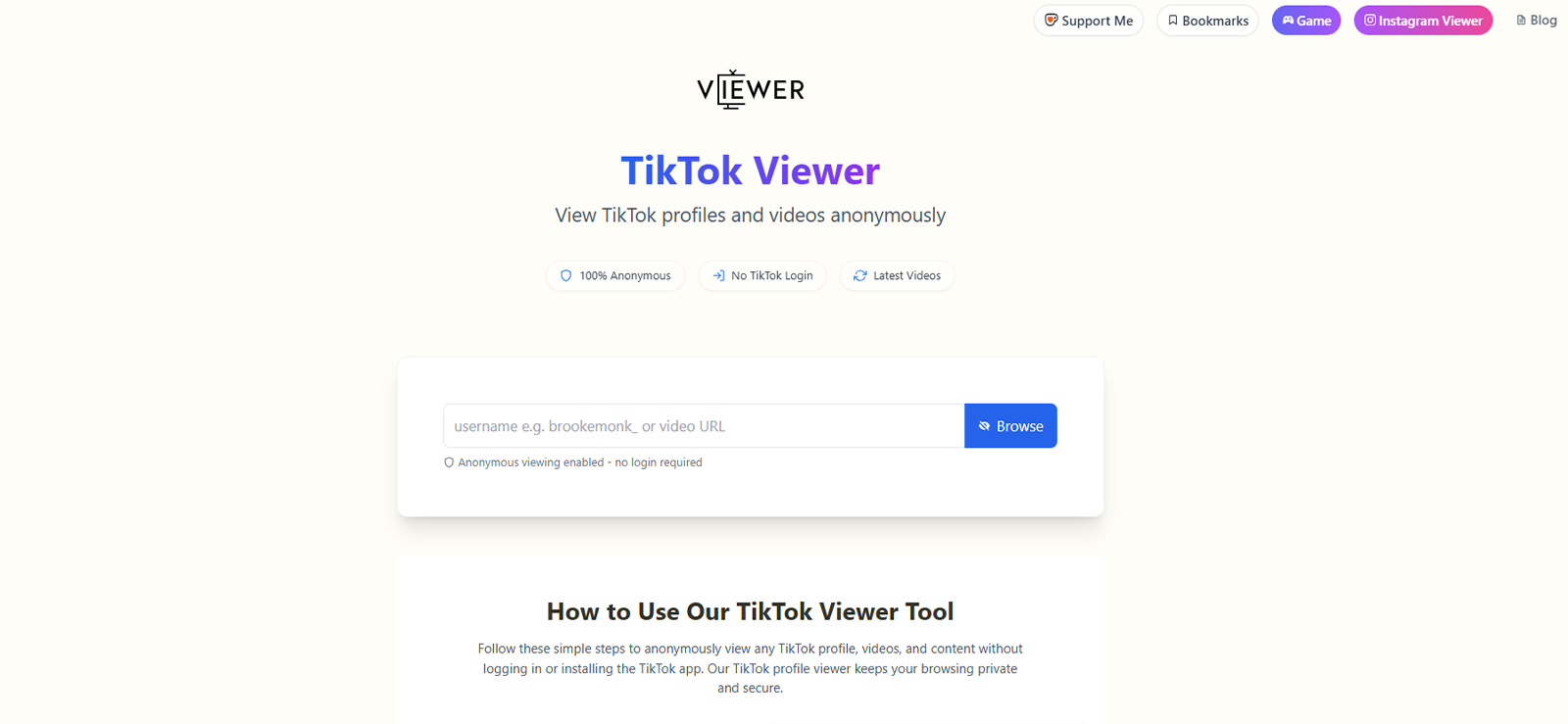
Anonymous Viewer is another web-based TikTok anonymous profile viewer tool that allows users to watch TikTok stories without revealing their identity. Parents who want a straightforward way to monitor publicly shared content on TikTok often find this type of service convenient.
The main attraction of Anonymous Viewer is its simplicity. Users can visit the website, type in a TikTok username, and immediately access available stories or posts. Since the tool doesn’t require a TikTok login, the activity remains anonymous, and the account owner will not be notified.
Another useful feature we noticed while testing this app is the ability to preview content without interacting with the TikTok app directly. However, the app just lets you see posts, not download them for later viewing.
Another downside of this platform is its highly unreliable performance. While testing, we noticed that there were a lot of instances in which we would enter the correct username, but the platform would generate an error against it. At other times, it would work just fine. Other than this, it also cannot give you access to private accounts.
Anonymous Viewer Compatibility
Anonymous Viewer works through a browser, making it compatible with Android phones, iPhones, tablets, and desktop computers.
Anonymous Viewer Pricing
This tool is entirely free to use and does not require you to log into your TikTok account at all.
Anonymous Viewer Pros & Cons
| Pros | Cons |
| – Easy-to-use web interface – Anonymous story viewing – No login required | – Does not allow you to see private accounts – Unreliable working – No option for downloading videos |
Should I Buy Anonymous Viewer?
If your primary goal is anonymous viewing of public TikTok stories, Anonymous Viewer is a practical option. However, it lacks reliability, which makes it less appealing.
6. FamiSafe
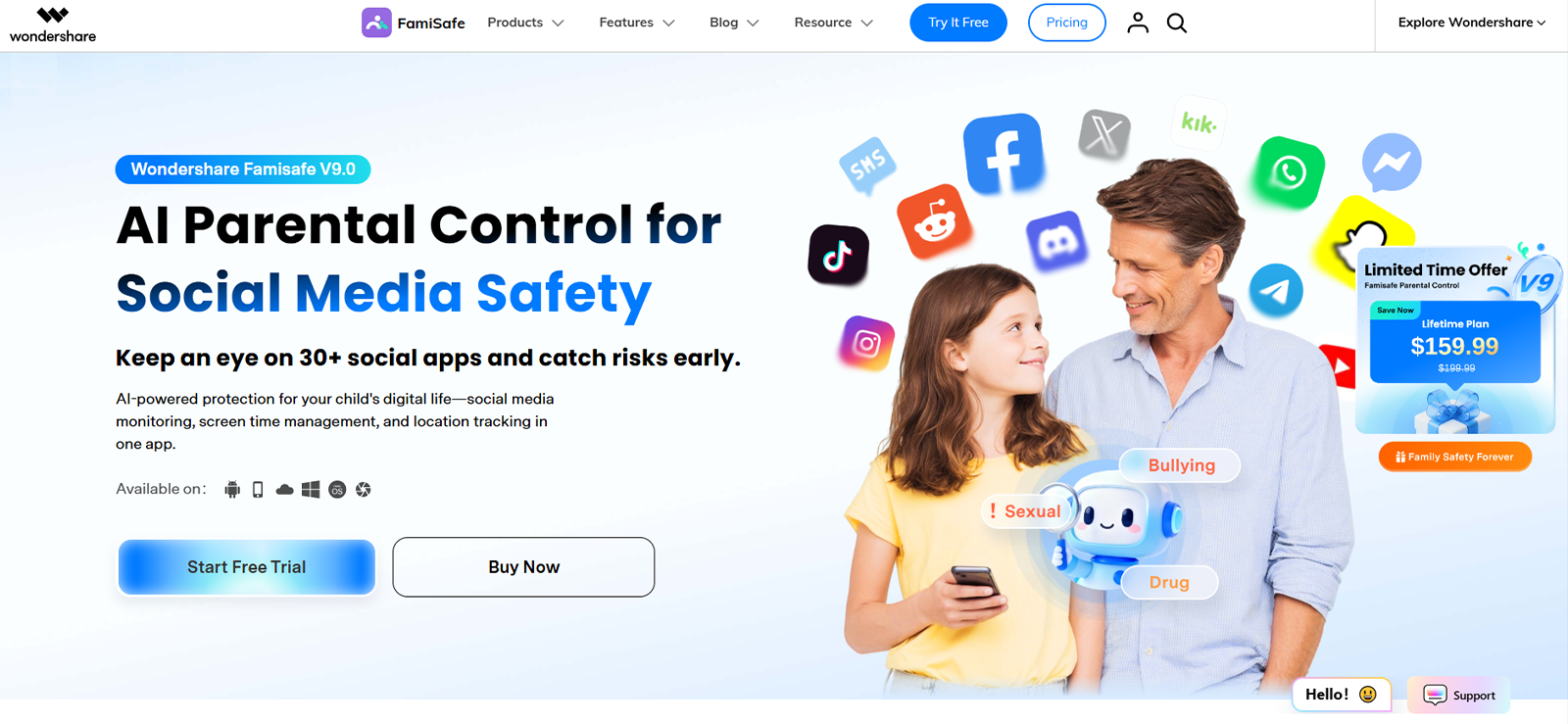
FamiSafe is a well-known parental control solution that also acts as a TikTok anonymous story viewer app. It helps families monitor and manage children’s digital activities and offers several features that allow parents to keep track of social media usage, including activity on TikTok.
One of FamiSafe’s key features is app monitoring. Parents can track how much time their children spend on TikTok and other social media apps. This helps identify unhealthy usage patterns or excessive screen time.
Another useful feature we found during the testing period was the screen viewer. With this feature, we were able to get near-real-time screenshots as well as schedule timed screenshots. This way, we could get visual insights regarding the usage of TikTok.
Other than this, we also enjoyed using the content detection feature. FamiSafe uses AI to identify potentially inappropriate images or videos on a device. This can help parents become aware of harmful or age-inappropriate content appearing on TikTok.
Although FamiSafe doesn’t directly provide anonymous story viewing, its monitoring capabilities make it a valuable tool for parents who want to understand how TikTok is being used on their child’s device.
FamiSafe Compatibility
FamiSafe supports Android, iOS, Windows, and even macOS devices.
FamiSafe Pricing
For familial use, Famisafe comes with the following subscription options:
- Monthly: $9.99/month
- Quarterly: $6.66/month
- Yearly: $4.99/month
FamiSafe Pros & Cons
| Pros | Cons |
| – In-depth monitoring – AI content detection | – Requires physical access to the target device for installation – Takes a lot of time and effort to set up |
Should I Buy FamiSafe?
If your priority is overall digital safety and parental control rather than just anonymous story viewing, FamiSafe is one of the most comprehensive tools available. However, if you are just looking to view a public TikTok profile, you can always choose to go for a free tool.
Inside Our FamiSafe Test Results
We tested FamiSafe across multiple use cases to check real performance.
7. TikFace
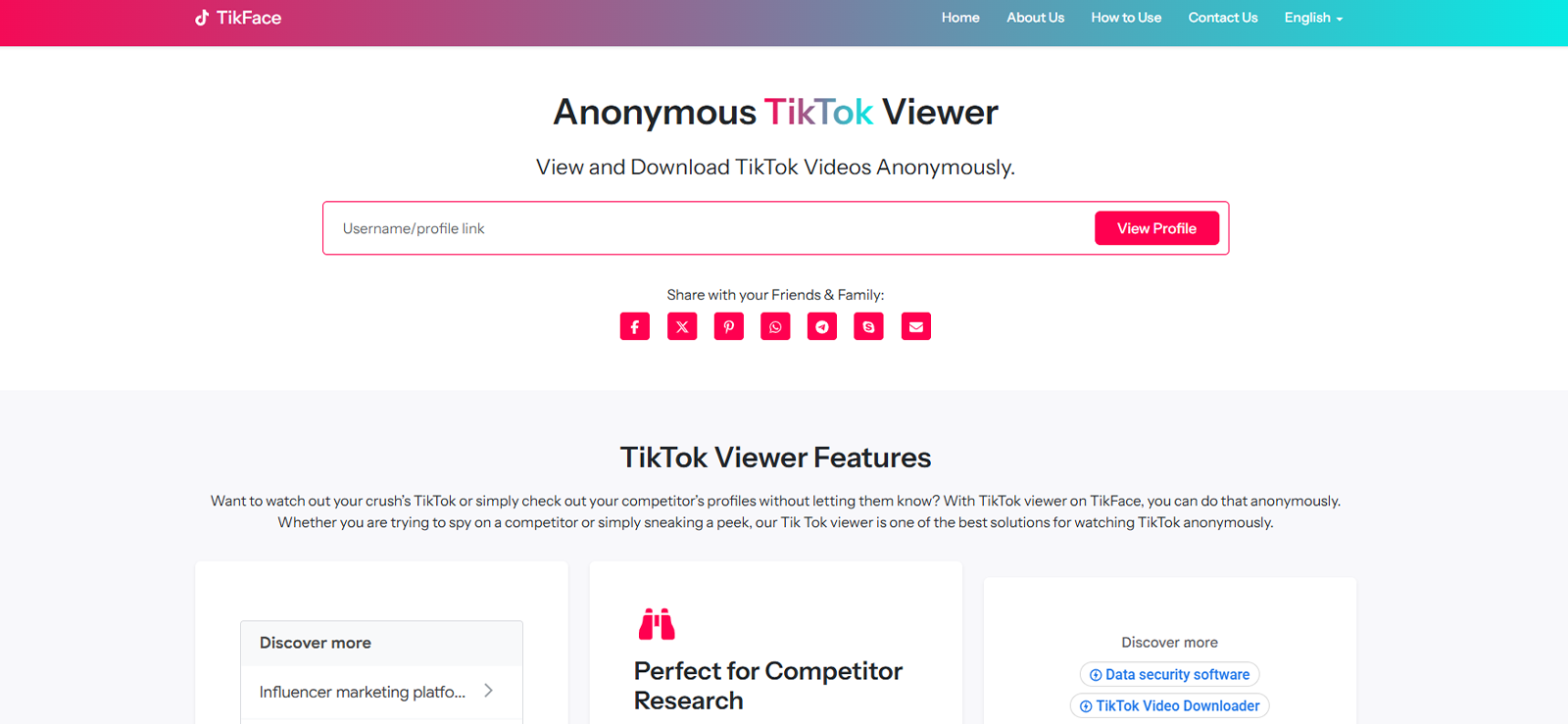
TikFace is an anonymous TikTok profile viewer tool designed to help users explore TikTok profiles and stories without logging into the platform. For parents who want a quick way to observe public activity on TikTok, TikFace can provide a convenient solution.
The platform typically works by allowing users to search for a TikTok username. Once the profile is located, TikFace displays publicly available videos, stories, and profile statistics.
However, while testing, we found it very inconvenient that the platform doesn’t allow you to view any videos online. It just displays a GIF-style thumbnail, and to view the whole video, you must download it on your device, be it a desktop or a phone.
Moreover, it does not let you adjust the playback speed. However, one thing we particularly liked and found different about this platform was that it lets you download an MP3 file of the video.
Other than this, because TikFace is web-based, it doesn’t require downloading software or connecting a TikTok account. This helps maintain anonymity while browsing. However, like similar viewer tools, it only works for public accounts and cannot bypass privacy settings.
TikFace Compatibility
TikFace works on smartphones, tablets, and desktop computers through web browsers.
TikFace Pricing
The platform is completely free of cost and allows you to use it unlimited times.
TikFace Pros & Cons
| Pros | Cons |
| – No installation required – Free to use – MP3 option available | – Only supports public accounts – Does not allow you to play videos without downloading them |
Should I Buy TikFace?
TikFace can be useful if you want anonymous access to public TikTok profiles along with some engagement insights. However, parents seeking deeper monitoring or parental control tools may prefer more comprehensive apps.
FAQs
Can you view TikTok stories anonymously without an account?
Yes, it is possible to view TikTok stories anonymously without creating or logging into a TikTok account, but only under certain conditions. Many anonymous viewer tools allow users to search for public TikTok profiles and watch available stories without being detected. However, these tools cannot access private accounts or restricted content. If the profile is public, you can usually view stories through a browser-based viewer without revealing your identity.
Are TikTok anonymous profile viewer apps safe to use?
The safety of anonymous viewer tools depends largely on the service you choose. Some platforms are legitimate and simply display publicly available content from TikTok, while others may contain intrusive ads, data trackers, or unreliable services. To stay safe, it’s best to avoid tools that require your TikTok login details or personal information. Using well-reviewed tools and sticking to reputable parental monitoring apps can significantly reduce security and privacy risks.
Do anonymous TikTok profile viewer tools require installation on the target device?
Most TikTok anonymous viewer tools do not require installation on the target device. Many operate through a web interface where users simply enter a TikTok username to access publicly shared stories or videos. Because the content is retrieved from publicly available data on TikTok, there is usually no need to install software on the other person’s phone. However, some parental monitoring apps may require installation for broader device monitoring features and accessing private profiles.
Do anonymous TikTok account viewer apps work on both Android and iPhone?
Yes, many anonymous viewers are designed to work across different devices. Browser-based services can be accessed on Android phones, iPhones, tablets, and desktop computers without compatibility issues. Since they operate through a web browser rather than a dedicated mobile application, users can easily view public content from TikTok regardless of the operating system. However, dedicated monitoring apps may have slightly different feature availability between Android and iOS.
Can you download TikTok videos using anonymous viewer apps?
Some anonymous viewers allow users to download public TikTok videos directly from a profile without logging into TikTok. These tools typically provide a download option once a public video or story is displayed. However, this feature varies depending on the service being used, and certain tools only support viewing rather than downloading. Additionally, downloads usually work only for publicly accessible content and not for private or restricted accounts.
Xnspy: Go Beyond With Smarter Phone Monitoring
Get real insight into how your child uses TikTok and other social platforms.
Leave a reply:
Your email address will not be published. Required fields are marked*

Mike Everett
Member since October 20, 2014
Mike Everett
Member since October 20, 2014
Mike Everett is a consumer technology journalist with expertise in hands-on testing and evaluation of iOS and Android monitoring applications. With over 11 years in the industry, he focuses on how mobile monitoring tools perform in real-world conditions, including accuracy, feature reliability, device compatibility, and practical usability for parents.
He conducts live-device testing of monitoring apps to assess how well their features function beyond marketing claims. His work primarily includes comparative reviews, feature breakdowns, and buyer-focused guides designed to help parents understand which tools actually deliver usable results in everyday scenarios.