How to Track Phone with IMEI Number? Here Are 7 Tools That Can Help
 By Jenny Nicole
The complete monitoring experience for your phone
Get XNSPY and start tracking calls, texts, multimedia, locations and more on any phone!
Get Started Now Live DemoSmartphones are now more than just digital devices. They’re everyday accessories that hold all our personal details and information. It’s no surprise that the last thing you need is not being able to find your phone.
You could have forgotten it at a grocery store, it may have slipped from your pocket, or someone might have pickpocketed it. Whatever the reason, the stress and anxiety that come with it can overwhelm almost anyone in this situation. However, don’t panic. Even if all your efforts are in vain, you can track a phone with its IMEI number.
Let’s explore the process and the 7 apps that can help in this regard.
Everything in This Article in 60 Seconds
- Tracking a phone using IMEI tools is often used for identifying lost or stolen devices, checking device details, and attempting recovery.
- XNSPY enables remote monitoring and location tracking via a web dashboard after installing the app on the target device.
- IMEI-based apps like IMEI Tracker – Find My Device, Find My Phone Info: IMEI Track, IMEI Checker, and Phone Finder – Find By IMEI allow users to input an IMEI number to retrieve device details and, in some cases, location-related information.
- IMEI.info is an online lookup service that provides detailed device reports, including specifications, network information, blacklist status, and lost/stolen indicators.
- Built-in tracking tools like Google Find Hub for Android and Apple Find My for iOS use account-based tracking to show real-time device location and work as a helpful alternative to IMEI tracking.
How IMEI Number Helps to Track a Lost Phone
All cell phones, whether Android or iPhone, come with a distinctive 15-digit code called the IMEI (International Mobile Equipment Identity).
IMEI number is a unique identifier assigned to every mobile device. When a phone is lost or stolen, this number can be used to track it. Network providers and law enforcement use the IMEI to locate the device on a cellular network, even if the SIM card has been changed.
Reporting IMEI to the network provider blacklists the phone, which means the phone cannot be connected to any network. This step makes the phone useless if it’s stolen.
Here is how you can know the IMEI of your phone:
- From the Device Itself: The IMEI number is mostly printed on the phone’s back, inside the battery compartment, or on the SIM tray.
- Device Settings: The IMEI number can also be located by going to the phone’s settings. Open Settings> About Phone or General > IMEI.
- Dialing *#06#: You can enter *#06# on your phone’s keypad, and the IMEI number will be displayed on the screen.
The above methods help you find the IMEI number. However, if your phone is lost, you cannot retrieve it, so it is necessary to note it down and save it.
The 7 Best IMEI Tracker Tools
In addition to network providers, tracking apps use the IMEI to help owners recover lost phones by pinpointing their location.
Here are the 7 IMEI tracker apps that can help locate your phone.
1. XNSPY
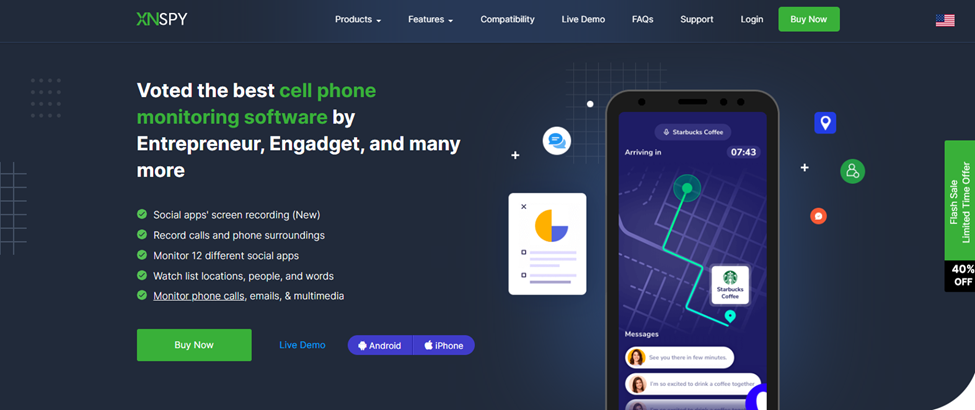
XNSPY is a phone monitoring app that can help track a phone even if you have lost or misplaced it. The app is available and supported on most Android and iOS phones. XNSPY offers remote multimedia access, location tracking, call and message logs, and social media monitoring.
Follow the steps below to use its location-tracking feature:
- Use your email address to sign up for a personal account.
- Pick the plan that suits your needs and enter your details to subscribe.
- Open the email with the download link from your inbox and run it to install the app on the target phone.
- Open the XNSPY website from any browser and log in with the credentials emailed to you.
- To track the phone, click on Location Tracking and find its real-time GPS logs.
You can access this information remotely and get the coordinates and address where the phone is located, along with date and time stamps.
XNSPY helps track the phone on which it is installed without requiring any additional hardware. The app even lets users lock the phone and delete data by sending remote commands from the dashboard.
2. IMEI Tracker – Find My Device
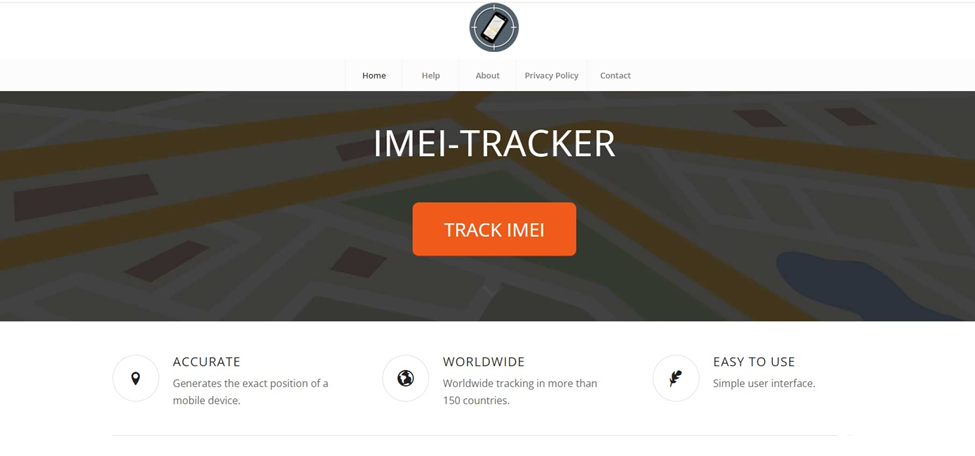
IMEI Tracker – Find My Device is a mobile app that helps locate lost or stolen cell phones. To use it, you need to install it on another phone.
After installing the app, enter the phone’s IMEI number. This tracker app connects with global databases to track the phone’s location. You can even use the app to lock the phone. However, the phone needs to be switched on with an active connection to the internet.
Here is how to use the app:
- Install IMEI Tracker – Find My Device on another smartphone from the app store.
- Open the app and grant the required permissions for it to function properly.
- Enter the IMEI number of the target phone into the designated field.
- Initiate the tracking process to allow the app to connect with its global databases and locate the device.
- View the phone’s location on the interface and use available options, such as locking the device if needed.
3. IMEI.info
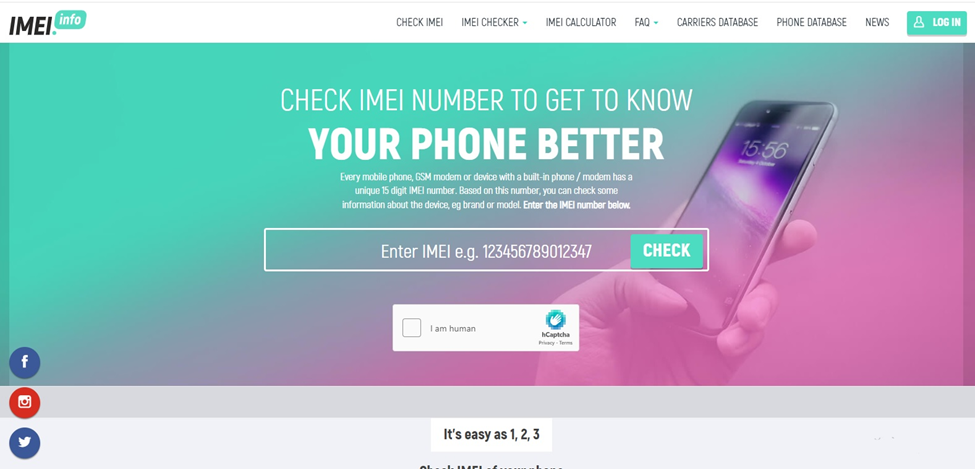
IMEI.info is an online tool that helps locate lost phones. It allows users to check their device’s IMEI number. After entering the IMEI on the website, users can access detailed information about their phone’s make and model, including its current status and if it’s been reported as lost or stolen.
IMEI.info does not directly track the phone’s location. However, it is a free service that helps identify and blacklist devices. This makes the phone harder to resell and increases the chances of recovery.
Let’s see how you can begin using IMEI.info:
- Visit the IMEI.info website on a browser from any device with internet access.
- Enter the 15-digit IMEI number of the phone into the search field.
- Submit the IMEI to run a lookup through the platform’s database.
- View the generated report, which may include the phone’s brand, specifications, warranty status, SIM lock status, and blacklist or lost/stolen reports.
4. Find My Phone Info: IMEI Track
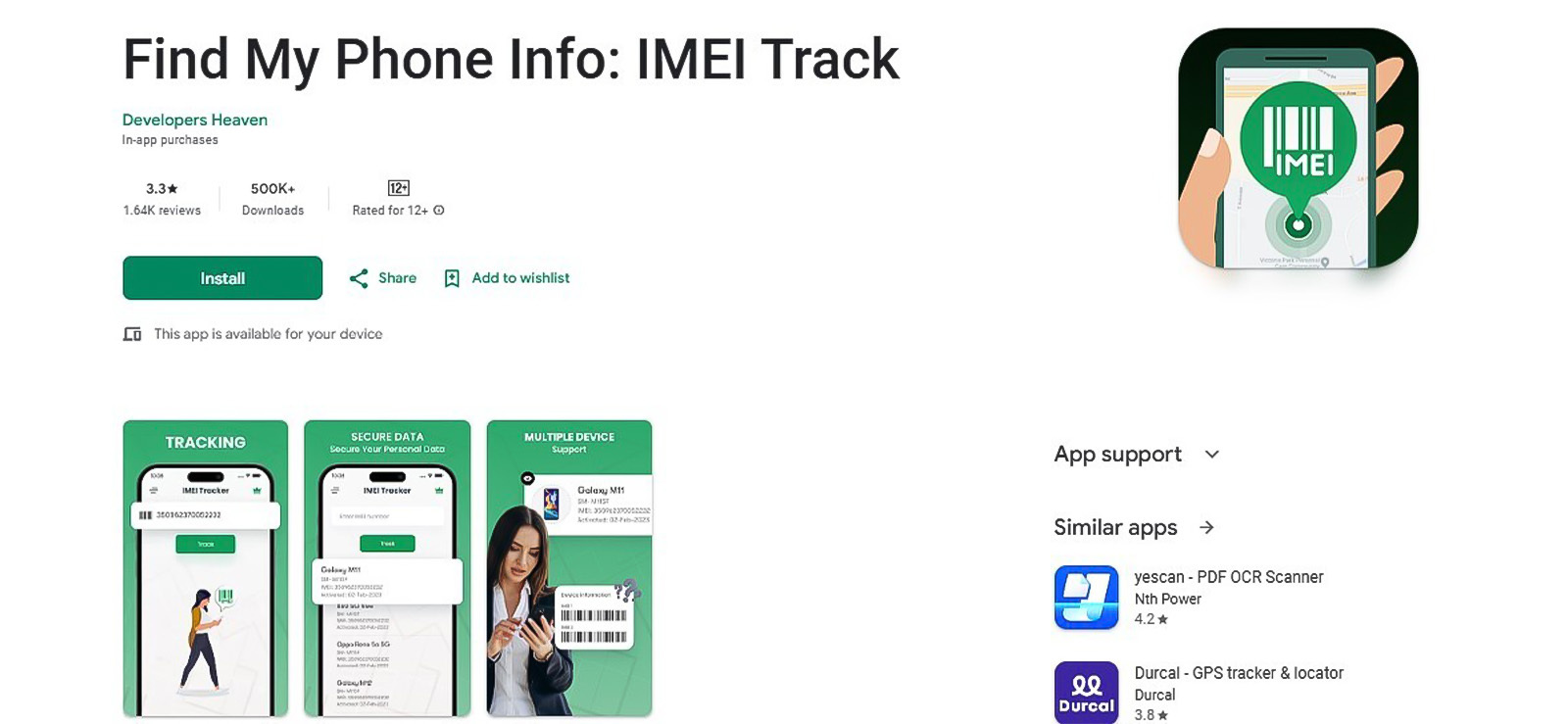
Find My Phone Info: IMEI Track is an app that can help you retrieve your device’s information and track it using the IMEI number.
With the app accessible, you can enter one or more IMEI numbers and access detailed information associated with their corresponding phones.
For example, by inputting an IMEI number into the app’s system, you can find the device’s model, type, and other identification details. Then, you can further use its tracking functionality to find the device’s location within the app’s interface.
Follow these steps to proceed:
- Install and set up the Find My Phone Info: IMEI Track app on a device.
- After granting necessary permissions, enter any 15-digit IMEI numbers into the app.
- Submit the IMEI and use the app’s interface to view the results, where it presents device details and any location-related data.
5. IMEI Checker
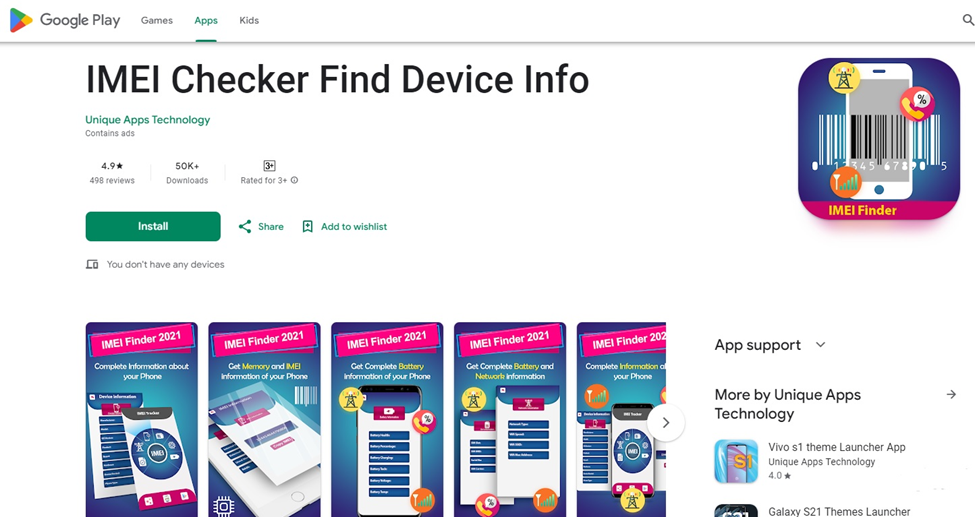
IMEI is another free Android app that provides detailed phone information using the IMEI number of the device. The app is easy to use and has positive reviews from most users.
You need to install the app and input the IMEI number. The IMEI checker app will provide information such as make, model, and blacklist status. This helps to track lost or stolen devices. The app even provides additional information like network information and system details. However, most devices and phones may not support the app, and the lost phone needs to be connected to the internet.
To use the app, follow these steps:
- Download and install the IMEI Checker app on an Android device from the app store.
- Launch the app and proceed to the IMEI input section within the interface.
- Manually enter the 15-digit IMEI number of the device you want to check.
- Run the check and review the generated results.
6. Phone Finder – Find By IMEI
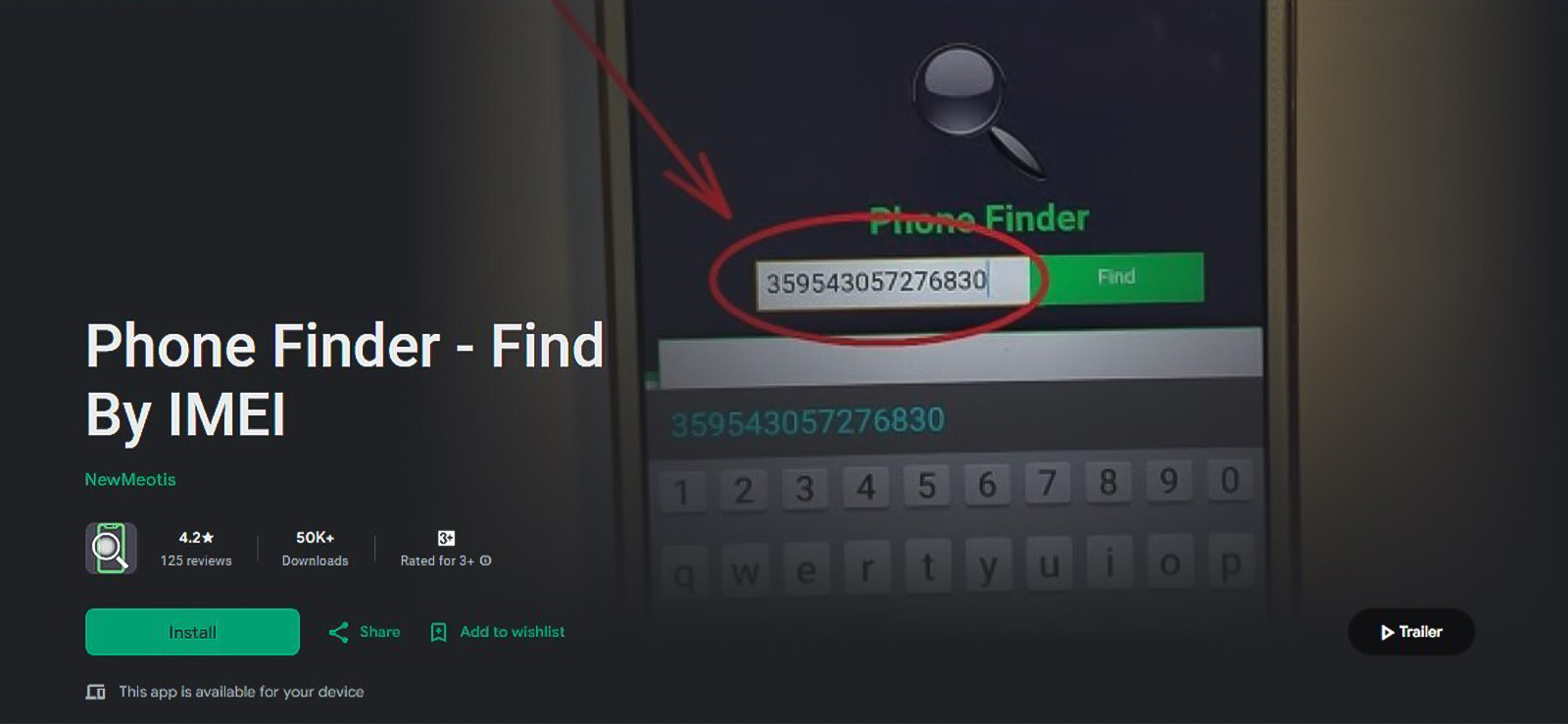
Phone Finder – Find By IMEI is yet another alternative built to locate lost or stolen devices using an IMEI number. It offers a straightforward interface where you can enter the target phone’s IMEI and initiate a search without requiring account logins or prior setup.
Once entered, the app provides device-related information such as the phone’s model, brand, identification data linked to the IMEI, and precise phone location. It also supports managing multiple IMEI entries, so you can track or look up more than one device at a time.
Here is how you too can use the app:
- Go to Google Play Store, look up “Phone Finder – Find By IMEI.”
- Then install and set up the app with the required permissions.
- In the app’s interface, find the input field for IMEI number.
- Write the unique 15-digit combination belonging to your target phone and view the results to track it.
7. Bonus: Built-In Phone Tracking Tools
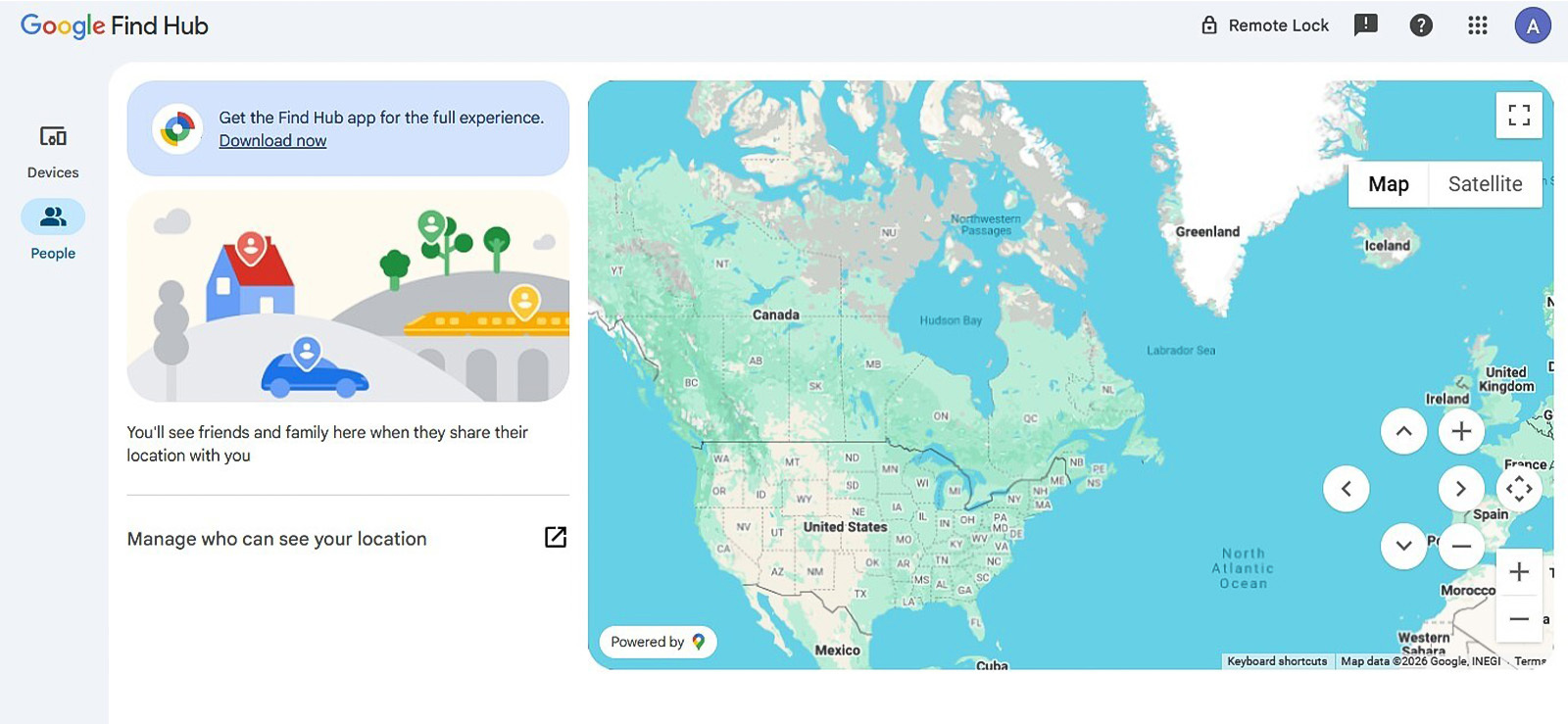
While the previous apps in discussion have been focused on IMEI-based lookup, they can not always suffice. In situations like these, it is better to first use the built-in tracking systems now available in most modern smartphones.
Using these tools’ real-time location tracking, remote locking, data protection, and other functionality, you can recover your phone easily.
For Android users, Find Hub is a reliable option, while for iPhone users, Apple provides Find My.
Follow the steps below to use the built-in phone tracking tools:
- Ensure that the tracking feature is enabled on the phone beforehand and the device is linked to a Google account (Android) or Apple ID (iOS).
- From another device, open a browser or app and sign in to the respective account.
- Access the tracking service and select the lost device from the list of linked devices.
- View the device’s location on the map and use available options such as playing a sound, locking the device, erasing its data remotely, etc.
Verdict
Losing a phone is a misfortune that can happen to anyone at any time. However, these 7 tools can help you track and locate the phone. Each tool serves the same purpose, and you can select one based on your preferences.
If you are looking for a complete solution without any downsides, then XNSPY is the best option. With its advanced GPS tracking, the app helps track lost phones, giving you real-time updates. XNSPY even offers tools to remotely control the device by locking it and even erasing data if it’s stolen.
FAQs
Can I track an IMEI number on Google Maps?
No, Google Maps does not have any functionality to locate a device using IMEI. It only works when the device’s location services are enabled, and the phone is linked to a Google account with location sharing turned on. In such cases, location is shared through account-based permissions, not hardware identifiers like IMEI.
Is it legal to track a phone using IMEI?
Tracking a phone using an IMEI number is generally only legal when done by authorized entities or with proper consent. Mobile network providers and law enforcement agencies may use IMEI for locating or identifying devices in specific situations, such as theft investigations. For individuals, attempting to track someone’s phone using IMEI without their permission can violate privacy laws and regulations in many countries. Personal use is typically limited to reporting a stolen device, requesting a block, and tracking.
Is IMEI tracking accurate compared to GPS tracking?
IMEI tracking is generally less accurate than GPS tracking. GPS uses satellite signals to pinpoint a device’s exact location, often within a few meters, making it highly reliable for real-time navigation and tracking. In contrast, IMEI-based tracking relies on mobile network data from cell towers, which provides only an approximate location based on network coverage areas. The accuracy can vary depending on signal strength, tower density, and environmental factors.
Can IMEI be tracked if the phone is off?
No, an IMEI cannot be actively tracked if the phone is completely powered off. When a device is turned off, it stops communicating with mobile networks and does not transmit signals that can be used for location tracking. As a result, real-time tracking is not possible in this state. However, once the phone is turned back on and connects to a network, its IMEI may be detected by the carrier’s systems.
What is the difference between IMEI tracking and phone number tracking?
IMEI tracking and phone number tracking differ in how they identify and locate a device. IMEI tracking uses the phone’s unique hardware identifier assigned to the device, which remains constant even if the SIM card is changed, to locate or block stolen devices. Phone number tracking, on the other hand, is tied to the SIM card and relies on the active mobile number associated with a user. This form of tracking is typically used for communication-based services and limited location sharing.
9 Comments
Leave a reply:
Your email address will not be published. Required fields are marked*

Kesheven
February 24, 2025 at 8:14 pmFind phone
Mike
June 23, 2025 at 3:07 pmWhat if I do not have their imei tracker? My son's phone got lost a week ago and i cannot find it.
James Aldon
June 25, 2025 at 2:41 pmI HOPE WHOEVER TOOK MY PHONE DIES 😭😭😭😭😭
Jeff L. Baird
July 3, 2025 at 2:49 pmMight have to just buy a new phone but the information provided was genuinely helpful.
Scout Steve
July 7, 2025 at 3:01 pmPlease tell me an iOS alternative for Google find my device so I can use it if I lose my phone again.
Jon Cano
April 21, 2026 at 2:32 pmWhy do people even look for ways to see location with IMEI number when they can do so much with Google maps and other new technologies
Curtis Boyle
May 6, 2026 at 1:07 pmI called my carrier service to ask them if they can help me out with imei number but they refused. I think I need to try one of these methods but the problem is I do not have an imei number right now.
Rhys Coleman
June 2, 2026 at 2:38 pmSome of the other pages I saw said I can use imei number on google maps to track a phone but when I checked it seems to not work. Do you have any information on that? If so, please guide me, I might be missing something
Lillie Stark
July 22, 2026 at 2:57 pmI tried IMEI.info but I did not get enough information, should I just abandon all these apps and go for Xnspy instead? Any advice from my fellow parentS?