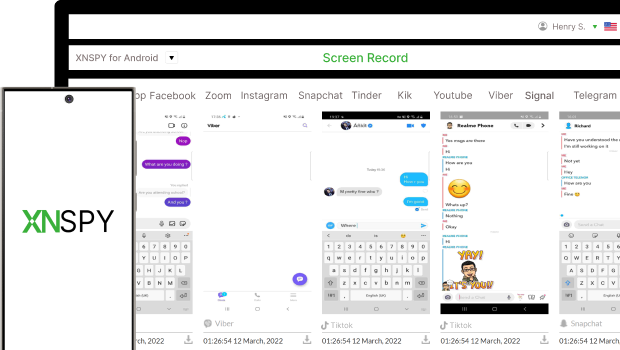
Access all Signal messages in real-time, whether it’s private chats, group discussions, or shared multimedia.
Get complete visibility of disappearing messages and media shares so parents don’t miss vital information
Watch all photos, videos, and documents exchanged via Signal messenger – all from your control panel.
Check detailed call logs of incoming and outgoing Signal calls, including timestamps and call durations.
See all of your child’s Signal contacts, plus the most contacted people and their conversations, to ensure safety.
Access all insights securely and discreetly from your dashboard without ever being detected.
With XNSPY, you won’t miss a single Signal messenger activity.
While people tend to rely on local backups provided by Signal to see messages, the method is not useful when discretion is required. Instead, when needing to see chats on Signal secretly, you can use a more reliable way, i.e., a monitoring app like XNSPY. With a one-time installation on the target device, XNSPY runs in the background, staying undetectable. It gives you full access to all activities, including messages, group chats, calls, media, and contacts.
Absolutely! With a premium app to track Signal Messenger conversations, you can access every message sent in both individual and group chats. One such app is XNSPY which lets you monitor everything – messages, shared media, documents, stickers, GIFs, and even disappearing messages. While Signal's end-to-end encryption and screenshot restrictions make things tricky, XNSPY bypasses these by capturing periodic screenshots in stealth mode, so you won’t trigger any alerts on the target device. It is a discreet and reliable way to keep an eye on all Signal activities.
Yes, an advanced hidden Signal messenger tracking app can retrieve your child’s deleted messages by logging data before they delete them. These apps store message content on their dashboard as soon as it appears on the target device, so even if the target user deletes the message or the message disappears, you can still access deleted messages.
Offline monitoring is complex. Most apps require an active internet connection to secretly track Signal messages and calls, but some sophisticated apps offer offline monitoring too. For example, XNSPY, once installed on the target device, records every online and offline activity. These collected logs are then uploaded to the dashboard once the target device reconnects to the internet. While you can’t monitor in real time when offline, you can still review past activities that were recorded while the device was disconnected.
Checking Signal Messenger activity without installing a Signal Messenger tracker is challenging due to the app's robust encryption and privacy features. Without a software, you might only rely on indirect methods, such as monitoring notifications on linked devices (if synced). Additionally, you can access the backup from the drive or iCloud credentials; however, it can be even more complex.
It really depends on the app you are using to monitor Signal activities. While many apps offer limited features, some technologically advanced apps provide more detailed monitoring, including tracking the device’s GPS location during Signal conversations. The location data is usually timestamped and available on an online dashboard. Some apps even offer features like geofencing or real-time location tracking. To make sure the app fits your needs, it’s best to check the features beforehand.
Yes, a robust secret app for parents to track Signal messages can also capture and store media files shared through the app, including photos, videos, and documents. These tools typically intercept media files at the device level or take screenshots of the entire app's activities, allowing you to view every picture and video. Once captured, the screenshots are uploaded to an online dashboard for review. So, no matter how complex the encryption is, you can view the required insights.
Use This Discount Code During Checkout