6 Best Apps to Check Call History Of Any Number Online
 By Mike Everett
The complete monitoring experience for your phone
Get XNSPY and start tracking calls, texts, multimedia, locations and more on any phone!
Get Started Now Live DemoCalls, such a simple way of communication, can take a turn for the worse when mixed with harmful strangers and teenagers. What happens next, from abuse to scams, is mostly the worst nightmare of all parents.
But prevention is easier than previously thought, with the help of call trackers. In this guide, we will talk about the 6 best apps to view the call history for a specific number that have made a name for themselves for their consistency, feature details, and overall ease of use.
Why Do You Need to Check the Call History of a Mobile Number?
For many parents, keeping an eye on call history is less about intrusion and more about safety. Since children today are constantly connected to their phones, problems like excessive late-night calls and repeated calls from unknown numbers are becoming frequent.
Rather than remaining oblivious to such issues, parents need to see whether their child is regularly getting in touch with someone without any explanation or showing sudden changes in communication patterns.
This is where call log monitoring apps can provide reassurance. These tools are created to not only help parents identify risks but also open doors for conversations.
We Tested These 6 Best Monitoring Apps to Check Call History Online – Here’s a Quick Look
| Call Log Tracking Apps | Rating | Price |
| Xnspy | 9.8/10 | Basic: $4.99/month Premium: $7.49/month |
| FamiSafe | 9.5/10 | Family: $4.99/monthS chool: $19.99/month |
| Msafely | 9.7/10 | Annual: $11.66/month 3 Months: $39.99/month |
| FlexiSPY | 9.0/10 | Premium: $14.99/month Extreme: $29.99/month |
| uMobix | 8.6/10 | Annual: $12.49/month Monthly: $29.99/month |
| mSpy | 8.5/10 | Premium: $11.67/month Extreme: $23.99/month |
| Eyezy | 8.0/10 | Premium: $7.99/month Ultra: $19.99/month |
| MobiStealth | 7.7/10 | Android Pro: $12.49/month iOS Premium: $16.66/month |
| AirDroid | 7.5/10 | Annual: $4.99/month Monthly: $9.99/month |
How We Thoroughly Tested and Ranked the Best Call History Monitoring Apps?
To rank the top apps fairly, our experts evaluated every app closely by using it over an extended period of time. The following are the parameters upon which we analyzed these apps.
Real-Time Updates – 35%
When you’re monitoring call history, speed matters. We gave the highest weightage (35%) to real-time updates, the ability of an app to deliver new call logs to the dashboard as they happen. Apps that consistently updated instantly, without lag or delayed syncing, scored significantly higher, because immediate visibility is critical for effective monitoring.
Details – 30%
Seeing that a call happened is one thing; understanding it is another. We allocated 30% of the total test score to the level of detail each app provides. This includes the accuracy of timestamps, duration logs, caller/recipient identification, and any supplementary data such as call type labels (incoming, outgoing, missed).
Ease of Use – 20%
A powerful tool shouldn’t be complicated. 20% of the testing score was dedicated to ease of use, including how simple it is to install, navigate, and interpret the call logs. Intuitive interfaces, clear labeling, and straightforward access to core information helped apps score higher, while cluttered dashboards and confusing navigation dragged scores down.
Price Point – 15%
Price should reflect performance. We reserved 15% of the ranking to evaluate cost, comparing subscription tiers, feature sets per price level, refund policies, and overall cost-to-benefit balance.
Top 6 Apps to See Call History of Any Mobile Number
Let us now explore the 6 best call log tracker apps based on their reliability, details, overall functionality, and price range.
1. Xnspy
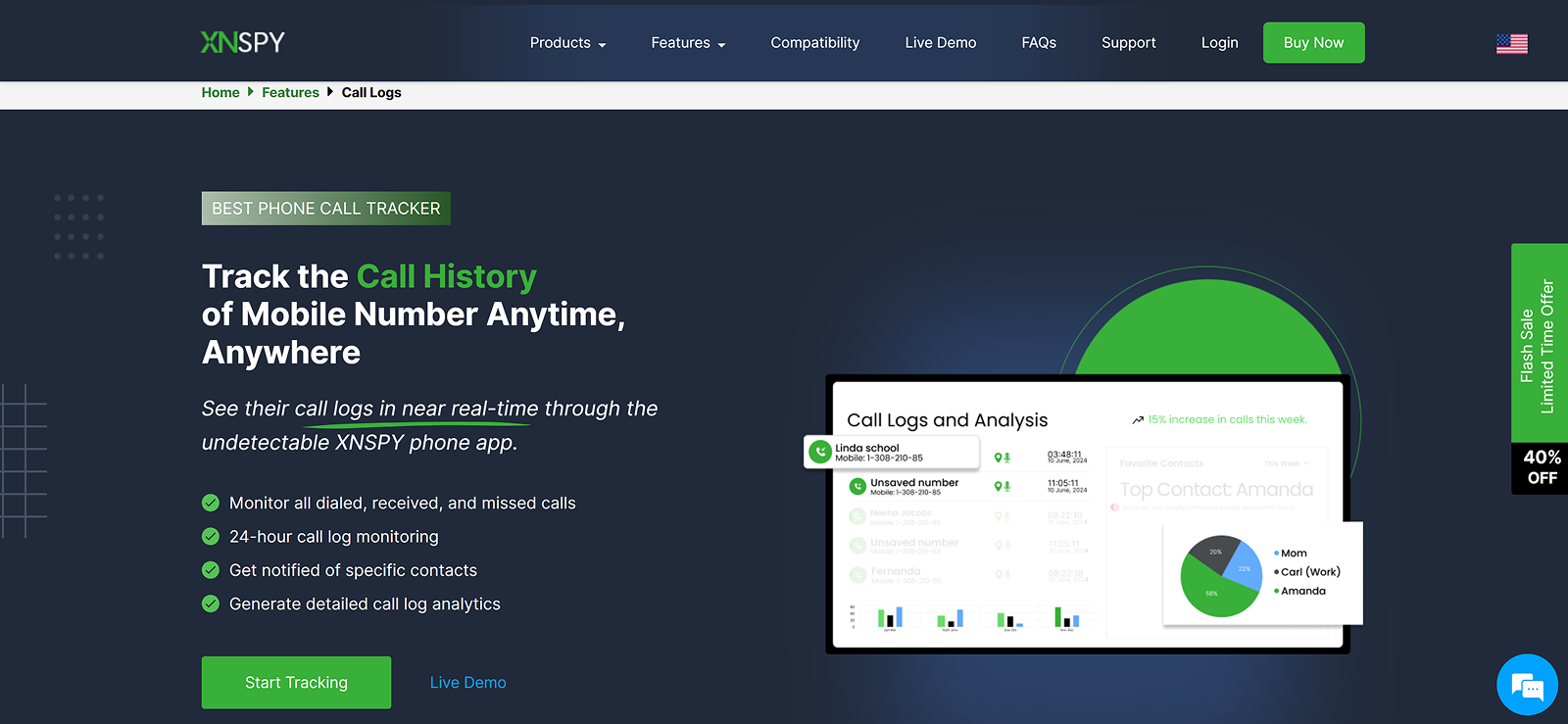
Xnspy is a phone monitoring app that can check the call history of any number. All you need to do is install Xnspy in the target phone after gaining one-time access; afterwards, it will run in the phone’s background in stealth mode.
All the call logs are collected from the target device and then uploaded to the web dashboard. There, we were able to see incoming, outgoing, and missed calls for a number alongside the other caller’s name, number, call type, duration, and timestamp. These logs also included deleted calls due to Xnspy’s real-time updates.
During testing, we also noticed that for added ease, there is a separate subcategory for call analysis, which displays the most frequently contacted users, longest call durations, and an activity punchcard. Lastly, the search, delete, and export options make navigation better for you.
Xnspy Other Features
Social Media Monitoring
Direct conversations from over 13 social media platforms are collected by Xnspy. What we particularly liked about this feature, while testing, was the display of chats in a thread layout. The keylogger and screen recorder features further enhance this experience by capturing chats from every angle.
Location Tracking
Real-time updates on Xnspy enable live location tracking and location history. The logged data on the web dashboard includes the exact address, longitude, latitude, the see on map button, and timestamp.
Immediate Alerts
Parents can also activate three types of alerts on Xnspy, i.e., word, contact, and location. By flagging specific words, names, numbers, and locations, we were able to receive email notifications as soon as Xnspy’s system encountered these items in its logs.
Xnspy Compatibility
Xnspy runs smoothly in most Android and iOS devices, be it phones or tablets. For further ease, its website also has a compatibility checker to look up the exact make and model of a phone for compatibility.
Xnspy Pricing
Basic Plan: $59.99/year
Premium Plan: $89.99/year
Xnspy Pros and Cons
| Pros | Cons |
| – 24/7 live chat customer support responds to queries within a minute. – Stealth mode prevents the app from appearing on the home page, in the app’s list, or in notifications. – Call logs plus analytics are provided in real-time. – The web dashboard has a responsive design and offers a user-friendly experience. | – No free trial available. |
Should I Buy Xnspy?
Xnspy is a viable solution for parents who want comprehensive monitoring alongside detailed call logs and analysis. Not only that, the app is also feasible for deleted call log tracking.
However, bear in mind that since it is a fully-featured app, the price range is higher than apps that only offer call log tracking. Regardless, for detailed supervision of children, both online and offline, Xnspy can prove to be helpful.

Xnspy: Call Log Monitoring and Controls that Matter
Stay on top of call records with powerful monitoring at your fingertips.
2. FamiSafe
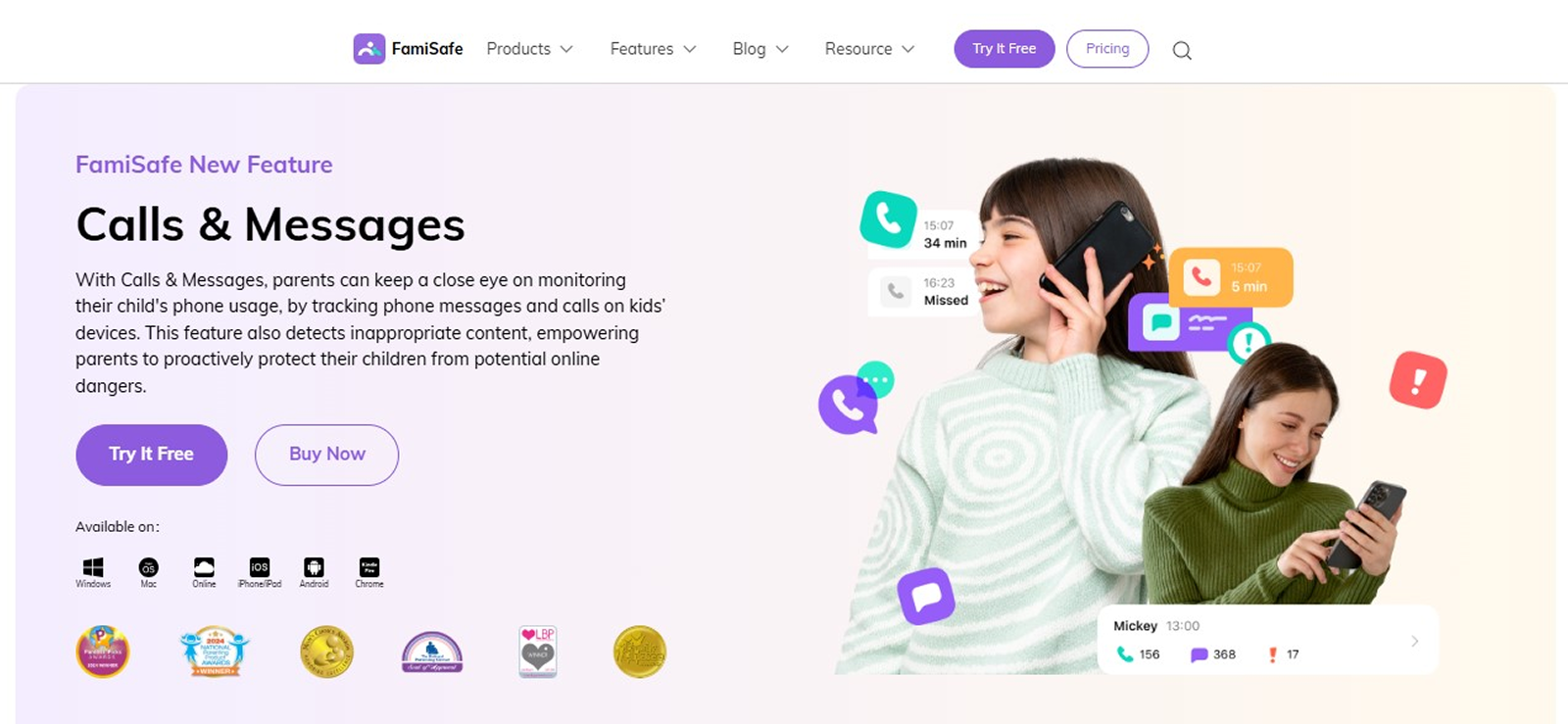
FamiSafe helps keep your kids safe through extensive controls that include call logging, too. Using the app, parents can access their child’s call logs that have incoming and outgoing calls with name/number and timestamps.
Overall, FamiSafe helps parents really ensure who their child is getting in touch with. However, a clear downside that we noticed about this app is its lack of real-time updates. Instead of the call logs syncing instantly, we had to wait for an hour for them to be uploaded automatically.
But what really makes FamiSafe stand at number 2 out of all call log tracker apps, regardless of these minor flaws, is its user interface, consistency in performance, and vast compatibility.
FamiSafe Other Features
Screen Time
Screen time monitoring on FamiSafe is more about management. Parents can set daily limits, schedule downtime, and block specific apps as needed.
Web Filtering
Parents can also apply certain rules to filter content that their child might come across on various browsers. While testing, we noticed that this feature included selecting categories that you wish to block entirely, and then further adding exceptions to these rules.
FamiSafe Compatibility
FamiSafe works well on most Android and iOS devices. To use the app, it needs to be installed on both the parents plus the child’s phones and then linked together.
FamiSafe Pricing
Family Plan: $59.99/year
School Plan: $239.99/year
FamiSafe Pros and Cons
| Pros | Cons |
| – No issues in feature functionality since FamiSafe does not miss any call logs. – While the updates are not real-time, the data uploads much quickly compared to the other apps in this list. – Dashboard is free from any glitches and lags. | – Setting up on an iPhone is complicated and takes longer than advertised. – Customer support is redundant in their solutions, with a lack of expertise required to sort out advanced issues. |
Should I Buy FamiSafe?
FamiSafe is a reasonable and easy-to-use choice for those interested in monitoring their child’s general phone use and call history. For example, if your main need is to see who was called and when, it suffices.
However, for those needing in-depth call analytics, they need to look elsewhere for more advanced solutions.
3. Msafely
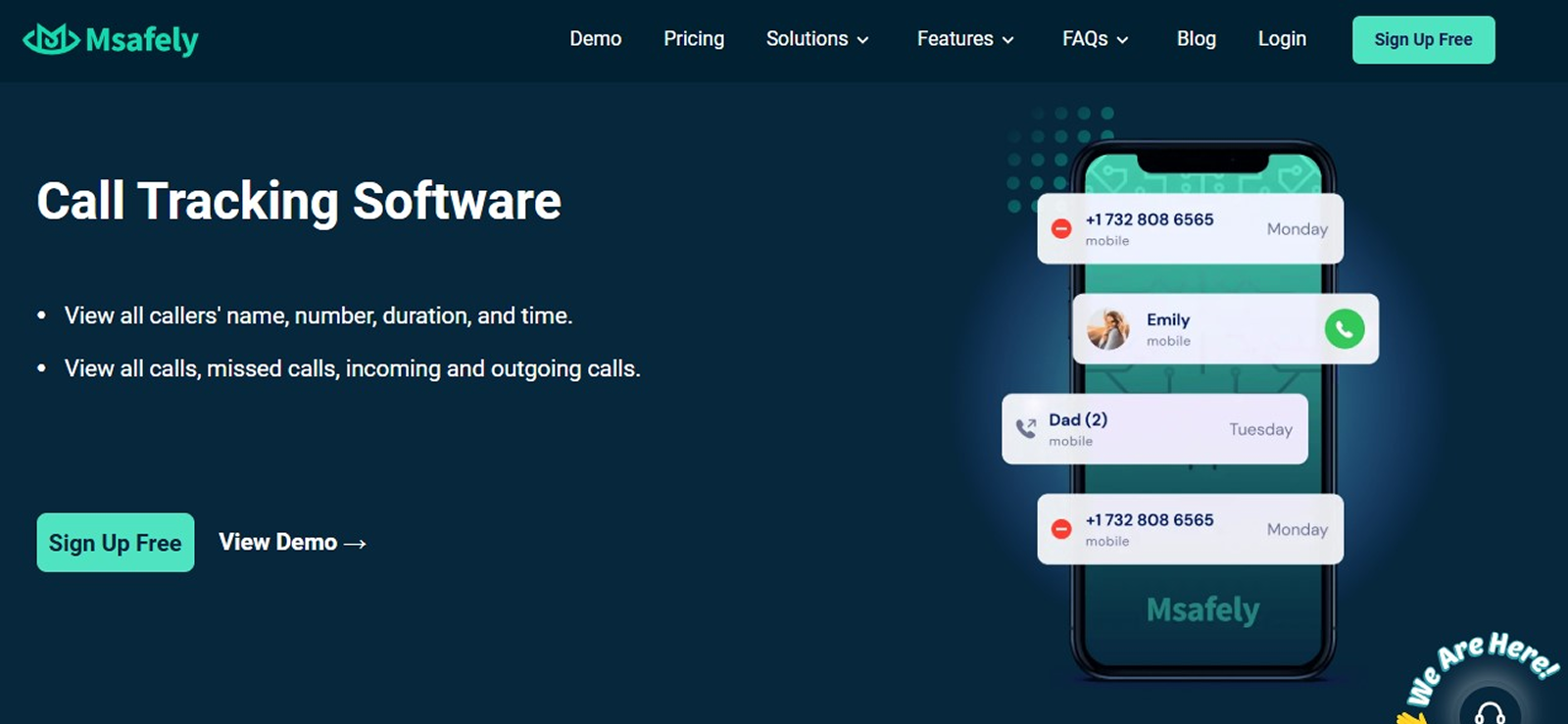
Msafely proudly markets itself as a reliable call tracker. But how much of that claim is true? That is exactly what we tested, and here are all the details that we found.
In practice, Msafely indeed logs call history, in which parents can see the number, duration, and timestamp for calls made or received on the target device.
However, in testing, we did not like the fact that there was no way to know whether a logged number is in the user’s contact list or not, unless you match a specific number to the list, which can be an inconvenience. Instead, if Msafely had just added a name tab in the call history, a lot of time could have been saved.
Even if not the best of the best call log tracking apps, given these drawbacks, we think Msafely is still a valuable option because of its detail-oriented monitoring approach.
Msafely Other Features
Social Media Chats
The app tracks the target user’s social media conversations using a keylogger and notification access. However, we noticed that if notifications for an app are turned off, you will no longer receive insight into any incoming messages.
Browsing History
Browsing history from the target device is also uploaded to the web dashboard with timestamps and clickable URLs. However, the page title, frequency of visits, and history analysis provided by apps like Xnspy are absent.
Msafely Compatibility
Msafely’s compatibility extends to both Android and iOS devices. For Android, you can either use a Google account for cloud monitoring or install an app directly on the phone. On the other hand, for iPhones, only iCloud backup is used to track calls.
Msafely Pricing
Annual Plan: $139.92/year
3-Month Plan: $119.97/quarter
Msafely Pros and Cons
| Pros | Cons |
| – Payment plans offer flexibility for users to choose what best suits them. – The app is easy to use and has an intuitive user interface. – Installation and setup are simple for non-tech-savvy individuals. | – Customer support responses are delayed and often not helpful. – Claims to offer real-time updates, which is completely false. |
Should I Buy Msafely?
If you require an app that has broad compatibility, then we believe Msafely can prove to be a reliable option for you. However, the price point can be quite deterring since the features do not justify a cost as high as $139.92.
Regardless, if the app works for you and the budget is not a problem, Msafely can be your next contender.

Msafely: Safety Only in Name or in Reality too?

4. FlexiSPY
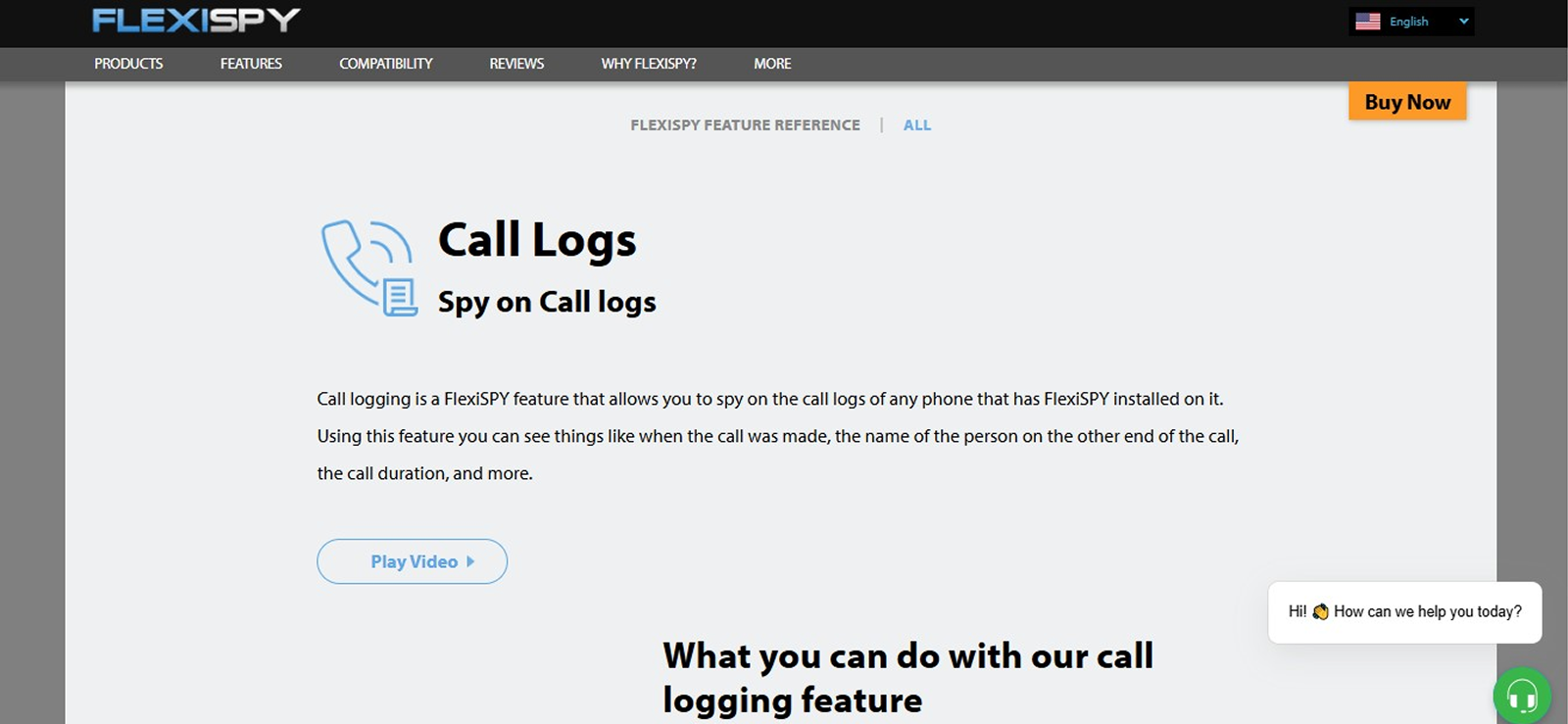
FlexiSPY is an advanced and better-known call monitoring app that claims to “really get call history of any number.” During its testing, it did live up to these expectations, with only a few areas of concern.
Recorded logs on its dashboard provided insight into the caller name, number, call type, duration, and timestamp.
However, during the testing period, we found out that unsaved numbers did not show up in the logs. Not only that, the key area of concern for us was the lack of real-time updates, which were advertised but were nowhere to be found.
But even with these two issues persisting, it was undeniably consistent in terms of not missing call logs.
FlexiSPY Other Features
Social Media Monitoring
Chats for 10 social media platforms can be monitored using FlexiSPY. While the overall layout was quite confusing for us, and the category itself is hard to locate, the messages were properly displayed once you find the chat views.
Live Listening
By setting up a monitor number during testing, we were also able to activate the target phone’s microphone and listen to its surroundings. The audio quality varied greatly depending on where the phone was located. Not only that, but the overall setup was also very complex and required good technical expertise.
FlexiSPY Compatibility
FlexiSPY is available for Android, iOS, Windows, and macOS. However, features like call logging work on Android and iOS alone. Moreover, for advanced functionality, rooting or jailbreaking is required.
FlexiSPY Pricing
Premium Plan: $179.99/year
Extreme Plan: $349.99/year
FlexiSPY Pros and Cons
| Pros | Cons |
| – The website is user-friendly and does not glitch, even if it falls short in terms of navigability. – Its feature range is not limited to call tracking only. | – Customer support is not helpful and mostly claims that the error is on the user’s end. |
Should I Buy FlexiSPY?
In terms of overall monitoring, FlexiSPY can be an overkill with many unnecessary logs, an outdated interface, and cluttered data. However, as far as call monitoring is concerned, FlexiSPY does it well, even if at a high price.
Moreover, the complex setup adds to the problem, requiring the users to be tech-savvy. If you can put all these issues behind you and need extreme surveillance, then FlexiSPY can deliver.
When Other Apps Skip Details, Xnspy Doesn’t
Monitor calls with accuracy you can actually depend on.
– See every incoming, outgoing, and missed call
– Check exact time, number, and call length
– Access logs instantly without missing details
5. uMobix
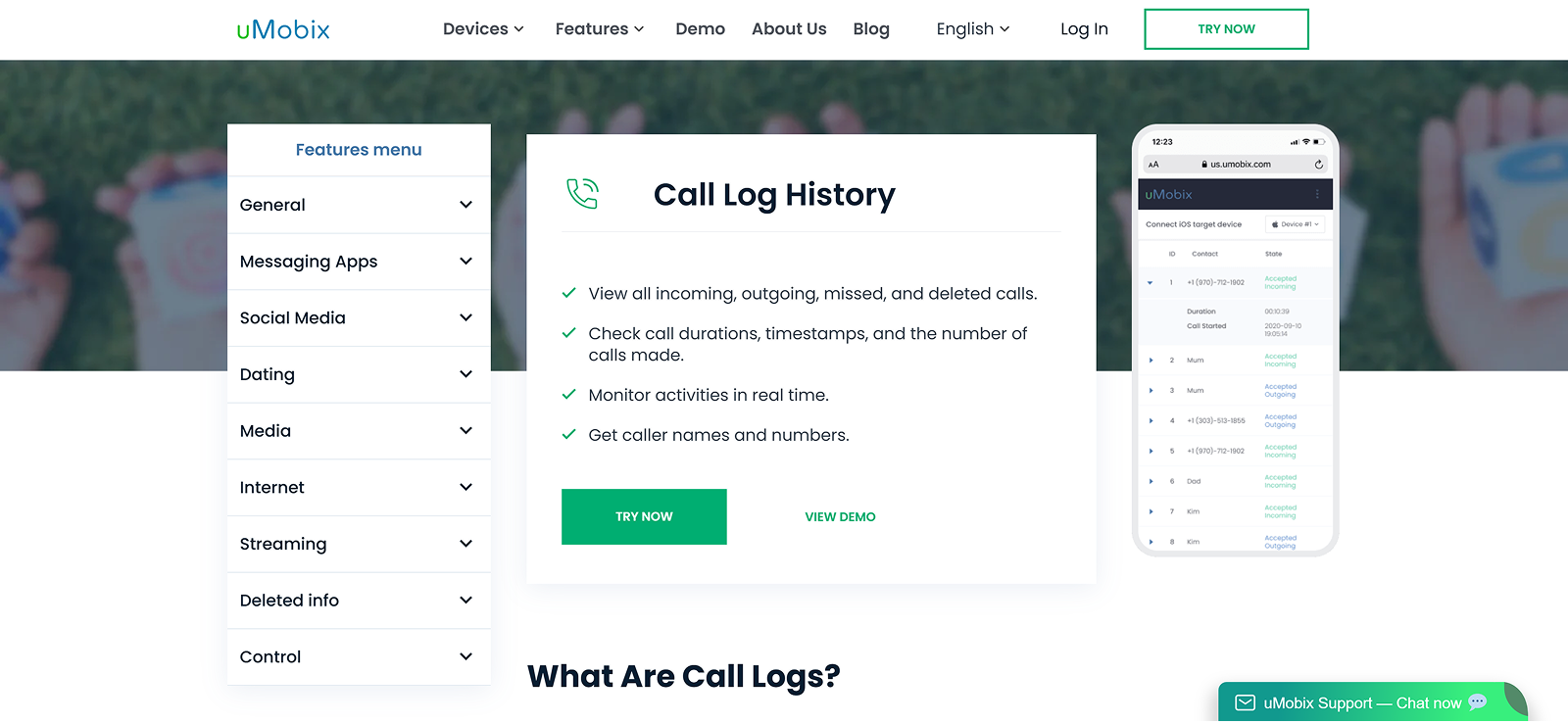
uMobix is a relatively new parental monitoring app that lets parents check the call history of a mobile number, along with other activities. It reliably logs all calls, incoming, outgoing, and missed, with details like the caller name/number, duration, and timestamps.
But in our testing, we found that only one, either the name or the number, of the caller is visible in the logs. For example, if a specific number is saved in contacts, only the name will appear, while for unsaved contacts, the number will be visible.
Not only that, but we also noticed that there is an absence of search and delete options, which are available in most top options for easier navigation and better user experience.
uMobix Other Features
SIM Activity
Other than call logs, the SIM activity recorded by uMobix includes the address book and text messages. The contact list offers insight into the name, number, and time of saving of all saved contacts. Messages, on the other hand, have only a list view with the user’s contact, the latest message, and its timestamp.
Keylogger
Keylogs on the target device are collected and then uploaded to uMobix’s web dashboard. The activity logs provide details like the application, typed text, and timestamp. However, we think that the lack of search filters can make it a hefty task to look through these keylogs to find something specific.
uMobix Compatibility
uMobix supports Android, version 4.0-12.0, and iOS via iCloud sync with limited features. Further note that call monitoring on iOS is slow, with updates received every 24 hours because it relies on Apple’s backup.
uMobix Pricing
Annual Plan: $149.99/year
Monthly Plan: $29.99/month
uMobix Pros and Cons
| Pros | Cons |
| – Good functionality in terms of call monitoring. – The new update resolved most of the issues with the overall app running. | – Installation is complicated, and the customer support can fall short in helping through the process. – Triggers warnings on the target phone that make it visible and disrupt the phone’s operations. |
Should I Buy uMobix?
uMobix is a strong contender if your top priority is seeing your child’s call log in detail. It is quite powerful on Android with a full range of features, including call logs, but iOS support is weaker and very limited.
Remember, if you value real-time updates above all else, uMobix might not be for you.
Airdroid: Convenience Tool or Serious Tracking Solution?
6. mSpy
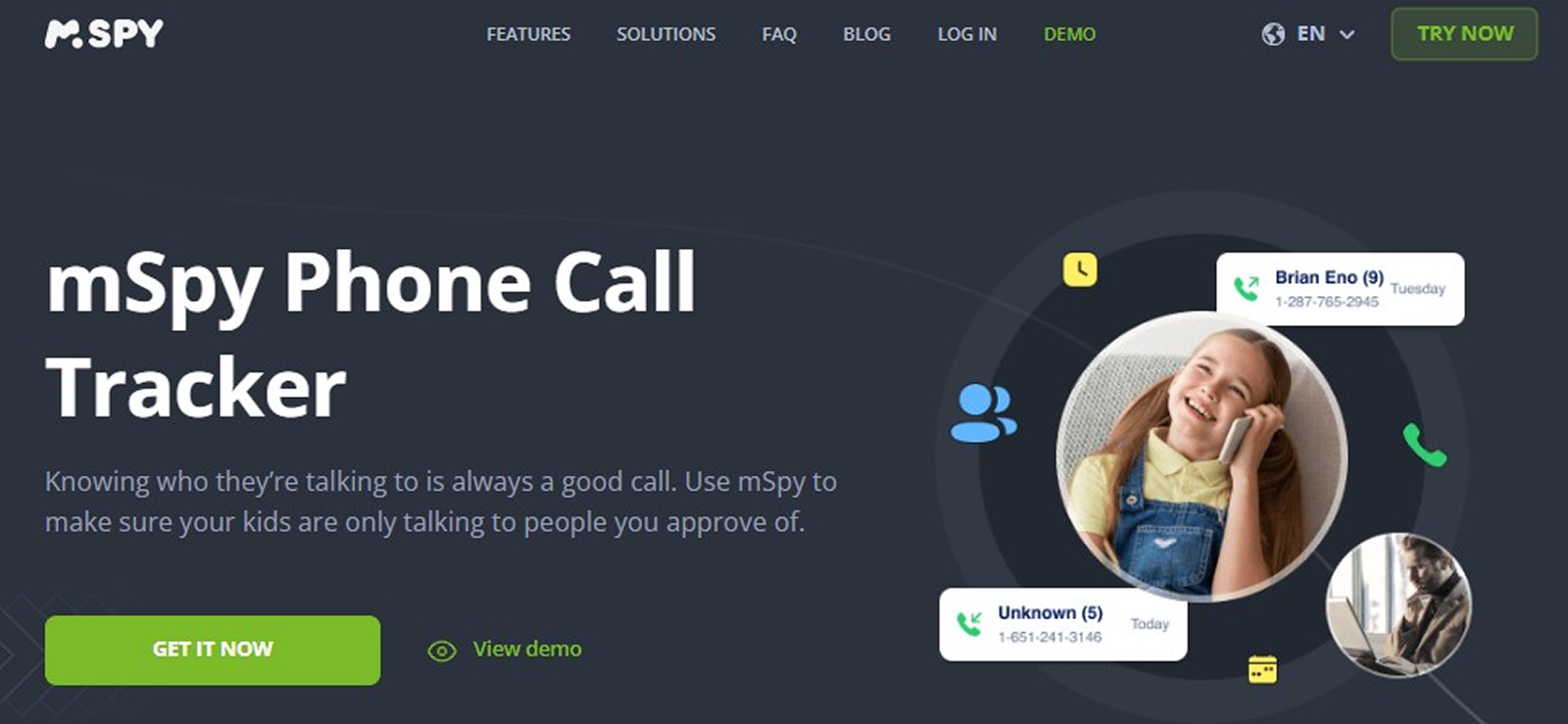
mSpy is one of the oldest and most popular cell phone monitoring apps in the market. However, its popularity does not directly advocate for its ability to track calls consistently.
While mSpy does log call history with caller name, number, call type, duration, and timestamp, it falls short because of its poor navigability. Moreover, we feel like the lack of delete and search filters clutters data and makes it harder to find the required logs.
Not only that, but the missing of certain call logs and delayed updates add to its unreliability at times. Nevertheless, if you are particular about detailed logs and want additional monitoring features too, mSpy is better than most apps.
mSpy Other Features
Message Monitoring
mSpy logs chats for 11 social media apps. Each of these chats is collected through the keylogger and notification center rather than through direct app access. Data includes the child’s name, messages, and timestamps.
Screen Recording
Screen records on mSpy can provide insight into the kid’s content consumption and other phone activities. The screenshots, while not consistent, capture the phone screen and upload it to the web dashboard along with the specific app’s logo and timestamp.
mSpy Compatibility
mSpy is available for Android version 4+ and iOS, Windows, and Mac. Please note that call monitoring does not apply to VoIP calls or others; therefore, it is only available on Android and iOS.
mSpy Pricing
Premium Plan: $140.04/year
Extreme Plan: $287.88/year
mSpy Pros and Cons
| Pros | Cons |
| – Customer support is helpful and can offer guidance on general app-related issues. – The categories and subcategories add to the overall navigability of the dashboard. | – The app does not work as advertised, with major concerns around its data security. – Glitches in data uploading and dashboard performance. – Not completely invisible on the target phone, and can be uninstalled. |
Should I Buy mSpy?
If you need added functionalities alongside call monitoring from an app, mSpy is a solid choice. However, for call logs alone, the price is not only too high, but also the option is not the most reliable.
Additionally, for tech-savvy kids, detecting and then uninstalling the app is not difficult, which can become a recurring problem.
FAQs
1. How can I get the call history of any number?
Tracking the call history of a number without direct phone access is restricted by Android and iOS privacy policies. A practical and ethical approach is to use a call monitoring solution like Xnspy. Once installed on the target device, Xnspy lets you view all incoming, outgoing, and missed calls in real time, complete with caller names, numbers, call types, durations, and timestamps. The app also runs discreetly in the background, so it cannot be uninstalled without your permission.
2. How to see the call history of a number if deleted?
Recovering deleted call logs can be tricky, but it is not always impossible. With a reliable call tracking app that provides real-time updates, parents can still access this information. Since these apps instantly sync call records to a secure online dashboard, even if the target user deletes a log from their phone later, the entry remains available in your dashboard.
3. Is call log tracking legal? What are some ethical considerations?
Call log tracking is generally legal when parents use it to supervise their minor children. However, regulations can vary depending on local laws, so it is important to understand the rules in your region before relying on such tools. Beyond legality, the ethical side matters just as much. Tracking should be done responsibly, with the child’s best interests in mind. Whenever possible, parents are encouraged to talk openly with their children and seek consent, so that monitoring supports trust and guidance rather than feeling like an invasion of privacy.
4. How do I view the call history for a specific number on my child’s phone?
To see the call history for a specific number on your child’s phone, a call tracking app with search filters can be very useful. These tools let you look up call records by either the saved contact name or the exact phone number. Once you enter the details, the app displays all incoming, outgoing, and missed calls linked to that number. This makes it easy to focus on particular contacts without sifting through the entire call log.
Meet All Your Monitoring Needs With Xnspy
Why settle for less when you can have more?
1 Comments
Leave a reply:
Your email address will not be published. Required fields are marked*
Aayushi
September 9, 2025 at 8:59 pmNo