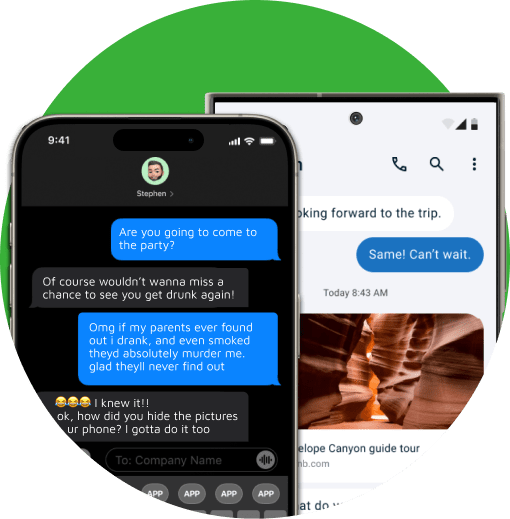
Access every message from any chat or conversation by reading the text history from their phone.
Get exact GPS coordinates of their phone anytime they send or receive a text message.
Set up alerts for specific contacts and words as a parent for immediate insights into your kid’s text activity.
Stay invisible while monitoring their messages—XNSPY keeps you in the loop without them ever knowing.
XNSPY lets you check text messages online without phone access through our easy-to-use dashboard.
What if the messages are deleted from their cell phone? Don’t worry; XNSPY backs up every deleted message.
XNSPY makes sure you see their activity without any hassle.
SMS tracking involves using an app or software to monitor and record text messages sent or received on a target device. The app typically captures text data in real-time and provides access through a dashboard, helping you keep track of conversations discreetly.
A text message tracker app typically provides access to messages' content, timestamps, contact details, and sometimes multimedia, like images and videos sent via text. XNSPY offers all of these features and also gives access to deleted messages.
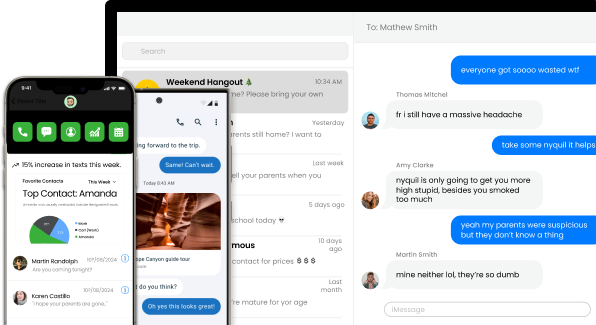
While you may find several ways to view someone’s text messages without installing an app, most of them lack proper functionality and detailed insights. As a result, concerned parents need more advanced solutions, such as SMS tracking apps, that require only one-time installation and then run discreetly in the child’s phone background without interfering with regular functions.
Yes, SMS monitoring enables you to see your child’s text messages online without them knowing. Once installed, apps like XNSPY work in stealth mode, capturing message data without alerting the user.

You can set up text message forwarding by installing an SMS tracking app like XNSPY. You can also use the phone’s built-in forwarding protocol, which may alert the user.

XNSPY allows you to monitor messages remotely by directly syncing data from the phone. However, initial access is still needed for setup.
XNSPY organizes messages by conversation in its chat view, displaying sent and received messages exactly as they appear on the phone, with clear distinctions between the two. Even in list view, incoming and outgoing messages are easy to identify through intuitive icons.
Yes, XNSPY can retrieve deleted text messages. It stores message data before they’re deleted, allowing you to access it via the dashboard.

During installation, XNSPY asks you if you wish to hide the app’s icon. Enabling this lets XNSPY run more as a background service rather than an app.
Yes, parents who are iPhone users with kids who still use Android phones can still view their text message activity using XNSPY. The app, while running on the target Android, collects and then sends data to its web dashboard, which can be easily accessed on an iPhone.
Use The Discount Code During Checkout