


Limited Time Offer :
Why Do You Need a Surround Recording App?
Surround recording is one of the niche features that most people outside strictly espionage-heavy circles don’t think about. But seeing as how the trend of monitoring apps has caught on, surround recording has become somewhat of a necessity.
For parents looking to monitor their children’s online and offline activities, ambient or surround recording can be incredibly important. With this tool, parents can effectively eavesdrop on their children at any given moment and highlight any dangers that may be present around them.
Is your teen chatting to a friend about a new strain of weed they heard is available? Or is your child being bullied in school? In either of the cases, parents can use surround recording to gain some insight into the situation and tackle the issues before they escalate.
All in all, surround recording works as an effective deterrent to many of the issues parents face today.
We Tested These Top 6 Surround Recording Apps For a Month – Here’s How They Ranked
| Apps | Rating | Price |
|---|---|---|
| XNSPY | 9.8/10 |
Basic: $4.99/month Premium: $7.49/month |
| uMobix | 9.0/10 |
Monthly $49.99/month Yearly $11.66/month |
| ClevGuard | 8.5/10 |
Pro for Android $27.99/month Pro for iOS: $34.99/month |
| MobiStealth | 8.2/10 |
Pro: $59.99/month Pro-X: $69.99/month |
| TheWiSpy | 8.0/10 |
Basic $8.33/month Platinum: $19.99/month |
| iKeyMonitor | 7.8/10 |
$49.99/month - |
What Testing Parameters Did We Use to Rank the Best Apps to Record Surroundings?
Not all surround recording tools deliver the same results. Some produce rich audio but struggle to upload quickly; others execute reliably but compromise clarity. To highlight solutions that genuinely perform, we tested each app against three core priorities — focusing on real-world performance that matters most when capturing ambient and multi-directional sound.
Audio Quality - 45%
Above all else, a surround recording app must capture sound with depth, balance, and clarity. That’s why nearly half of our total testing score (45%) centered on audio quality. Apps were evaluated for their ability to reproduce natural sound fields, handle varied sound levels, and keep distortion or noise to a minimum.
Uploading Speed - 30%
Capturing rich multi-directional recordings is only useful if you can access them promptly. We devoted 30% of the evaluation to uploading speed. Faster uploads mean less waiting, more responsiveness, and better usability in situations where timing matters. Apps that lagged or failed to upload consistently scored lower in this category.
Execution - 25%
Execution represents the overall operational performance of each app. This includes stability during recording, resilience under variable device loads, consistency without crashes or dropped files, and a smooth user experience from trigger to playback. We allotted 25% of the total score to execution during testing because a tool that falters in practice simply isn’t reliable in everyday use.
6 Best Apps to Record the Surroundings of Phones: Our 2026 Top Picks
Now, let us see the most reliable options we have when it comes to remote surroundings recording on the basis of overall app functionality.
1. XNSPY

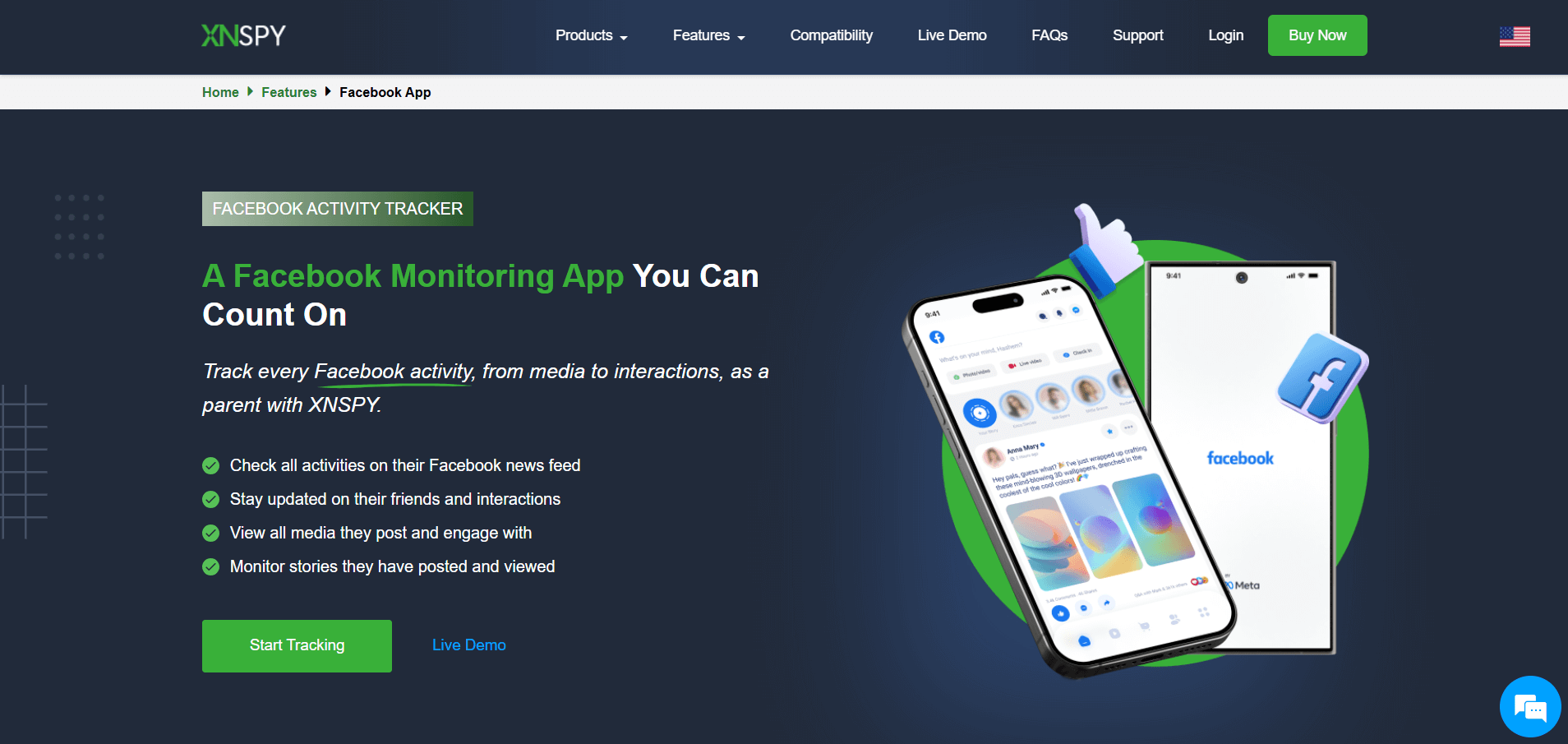
Xnspy’s surround recording app takes the lead in our top 6 list. It is by far the best app to secretly record conversations, and that too on the go. Offering an array of both basic and advanced monitoring features, Xnspy is a popular choice in ambient recording apps. It allows the parents to remotely switch on the microphone of their child’s phone and hear the surrounding voices and sounds.
During testing, we found that a single ambient recording command records up to 30 minutes. You can send more commands if you want to continue to listen live to their phone surroundings. The commands that XNSPY sends are discreet, not arousing any suspicion.
We were impressed by the sound quality of these recordings as we tested them, since there were no prominent distortions or lag. Moreover, the app also allowed us to tweak the playback speed as per our needs. Moreover, unlike many other apps, XNSPY has a built-in audio player, so parents can directly play the audio within the dashboard.
XNSPY Other Features
Here are some other features of XNSPY:
- Monitor text messages and phone calls
- Access chats from instant messengers
- Remotely control the target device
- Track location through GPS
- Monitor social media activity
- Access emails, photos, and videos
- Set alerts on certain words and locations
- Access web browsing history
XNSPY Compatibility
XNSPY is compatible with both Android and iOS devices.
XNSPY Pricing
XNSPY offers its users two editions. The Basic Edition costs $4.99 per month, and the Premium Edition is $7.49 per month. Moreover, there are quarterly and annual subscriptions available as well, along with the monthly subscription plans.
XNSPY Pros and Cons
| Pros | Cons |
|---|---|
|
- XNSPY has an easy and convenient user interface. - It also offers a keylogging feature that records keystrokes made on Facebook, Facebook Messenger, WhatsApp, Skype, Viber, and more. - The app also keeps track of the Wi-Fi connections the target phone regularly connects to. - XNSPY supports offline tracking. - If the target user deletes a call log or text message, you can still access that deleted data. |
- The app does not support desktop monitoring. |
Should I Buy XNSPY?
When it comes to surround recording, we think reliable execution is the foremost thing you should look for, and XNSPY delivers it to you like no other. So, if you are looking for an option that doesn’t cost much while offering quality ambient recording, XNSPY is the way to go.
2. uMobix

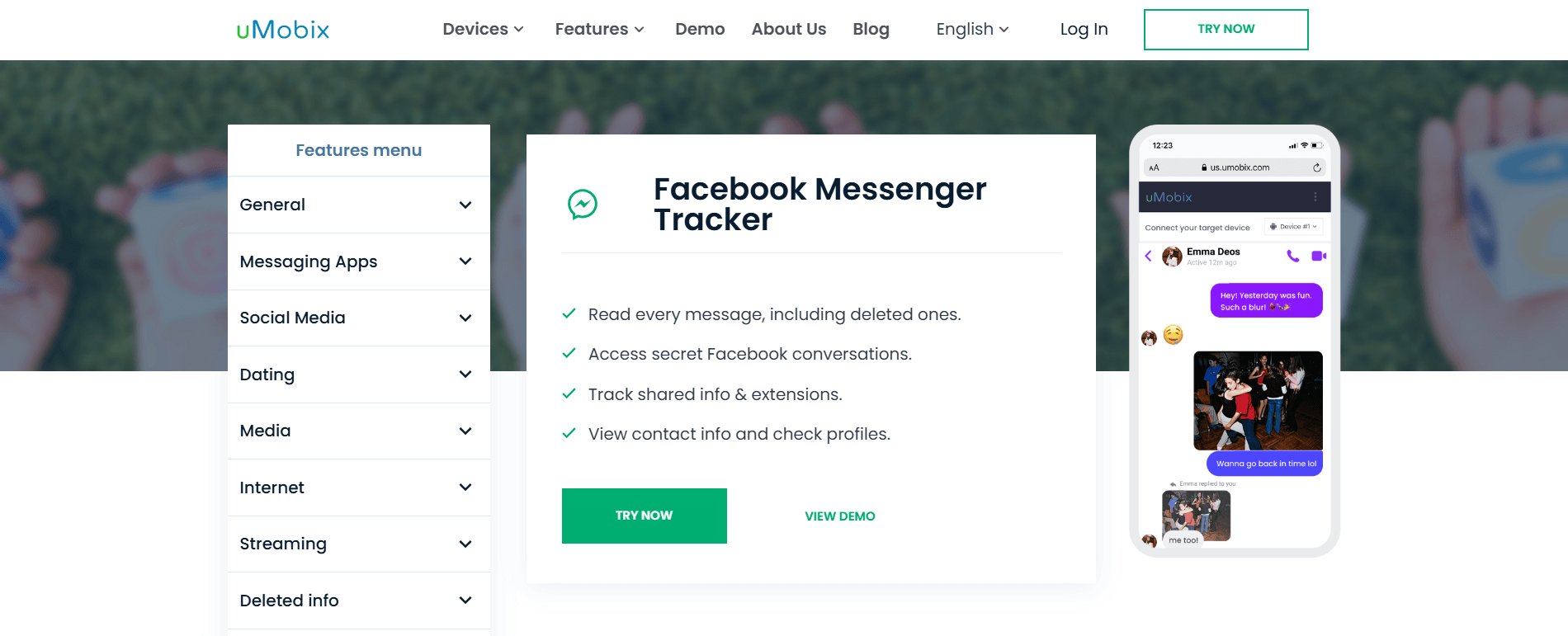
uMobix brands itself as an advanced cell phone tracker for parents and has support for smartphones and tablets. While setting it up, we noticed that this ambient sound recorder app is very easy for anyone to install, and the company claims that it can be ready in as little as 5 minutes.
uMobix can allow parents to listen to a phone's surroundings with its surround recording feature under ‘Audio Stream’, which works the same way as it does on other apps. Parents can then simply log in to their dashboard and listen remotely to their child’s surroundings from their phone.
Alongside the audio stream, we also noticed in our testing that uMobix has something called "Video Stream." This feature activates the tracking phone’s camera in real-time for parents to monitor.
uMobix Other Features
Following are some of the other features the app offers:
- Monitor text messages
- Call monitoring
- Access to contacts
- Monitoring social media activity
- Tracking of online and website activity
- Access to photos and videos captured by the phone
- Remote control of the target device
- Email monitoring
- Access to deleted items on the phone
uMobix Compatibility
During the testing period, we found the app to be compatible with both Android and iOS devices.
uMobix Pricing
uMobix has one premium package, but it is available in 1-, 3-, and 12-month terms. It costs $49.99/month for a single month, $27.99/month for three months, and $11.66/month for the 12-month license.
uMobix Pros and Cons
| Pros | Cons |
|---|---|
|
- uMobix offers data backup and updates to parents every 5 minutes. - The keylogger feature allows viewing of all the text that is entered into the target device. - You can block certain apps. |
- uMobix is new to the segment and hasn’t ironed out all of the app’s bugs yet. - Device backups can be inconsistent, with many users claiming that the backups stopped after a day or two of use. - The app is expensive in the short term. |
Should I Buy uMobix?
If setup speed and simplicity matter to you, we think uMobix can be a good option. It makes getting set up quick and offers a surround recording feature through its audio stream tools. It also adds a video stream feature to access the camera in real time and covers deleted messages, too. It’s strong for parents who want fast visibility into what’s happening around a device without a complicated interface.
3. ClevGuard

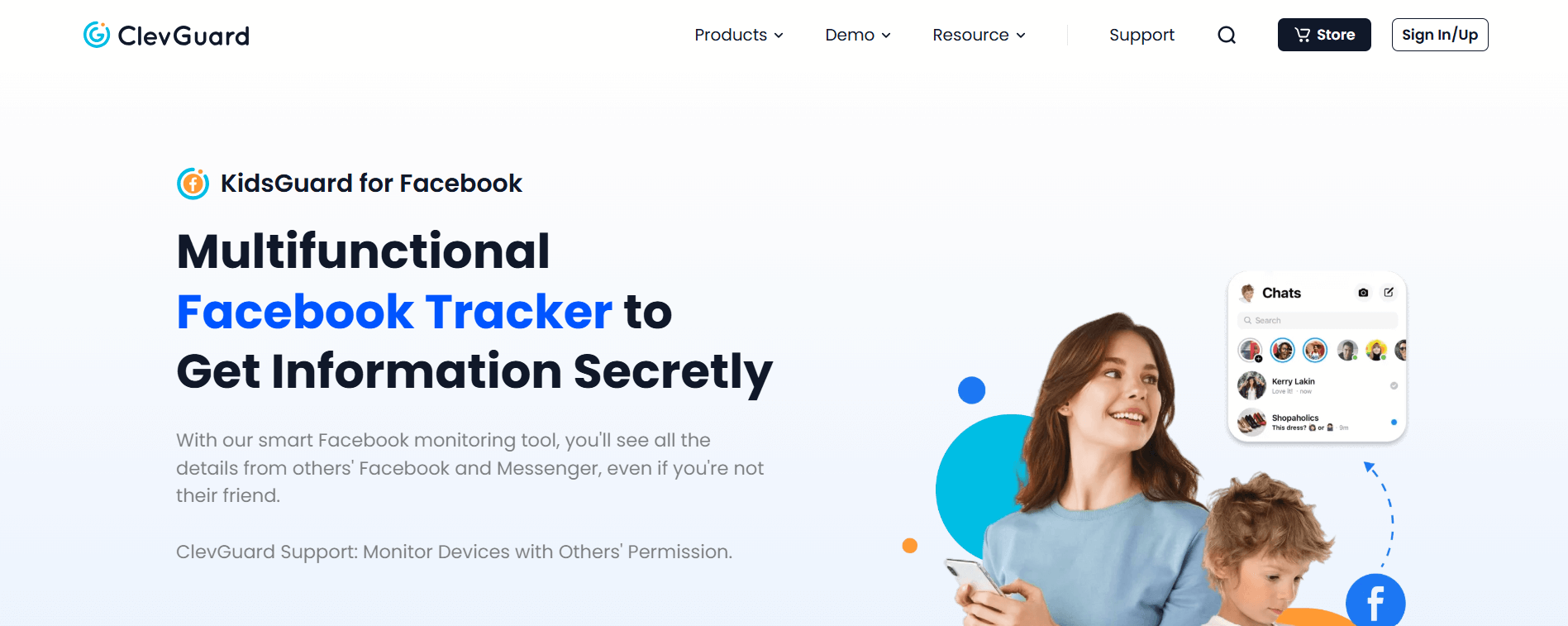
When discussing surround recording apps, only a few are as good as ClevGuard. The app has some of the most personalized plans available and has even been featured in top publications for its capabilities.
For surround recording, parents would want to opt for the Android- and iOS-specific versions, as the feature can be found in them. But where the app lost points for us during the testing phase was its split of app versions by social media and instant messaging platforms. You would be required to pay extra, for instance, if you require surround recording.
But we did like that ClevGuard works in the background and doesn’t feel frustrating to the device user with constant pop-ups. This makes it a great stealth surround recording application, and a generally decent monitoring app too.
ClevGuard Other Features
The following are some other features of the app:
- Monitor text messages and phone calls
- View the installed apps on the target phone
- Access the contacts list
- Track web activity
- Remote functions such as screen locking or device locking
- Geolocation monitoring
- Call filters
- Calendar tracking
- Instant messenger tracking (LINE, WhatsApp, Kik, Viber, WeChat)
ClevGuard Compatibility
ClevGuard works on both iOS and Android operating systems.
ClevGuard Pricing
ClevGuard has distinct plans for various operating systems. We have explained all four of them below
- KidsGuard Pro for Android: $27.99/month
- KidsGuard Pro for iOS: $34.99/month
- KidsGuard for WhatsApp Monitoring: $16.99/month
- KidsGuard Pro for iCloud: $27.99/month
ClevGuard Pros and Cons
| Pros | Cons |
|---|---|
|
- Specific plans for each type of consumer and their specific needs. - Stealth mode works great for all features. - Allows data exporting functionality for all versions. - A wide list of instant messengers that can be tracked. |
- Plan specificity makes it difficult to select the best for the job. - Social media and instant messaging apps can be tracked only with additional plans. - Feature disparity in plans. - Surround recording can only be done for 5 minutes at a time. - Updates can take time to be released. |
Should I Buy ClevGuard?
We think that ClevGuard is worth considering for solid surround recording in stealth mode. ClevGuard blends basic ambient audio capture with broad device monitoring, including text and app activity. The feature set is good, but you may need to pay separately for certain tracking extensions (like social messenger tracking). If you want a balance of stealth and monitoring depth without extreme complexity, it’s a reasonable pick.
4. MobiStealth

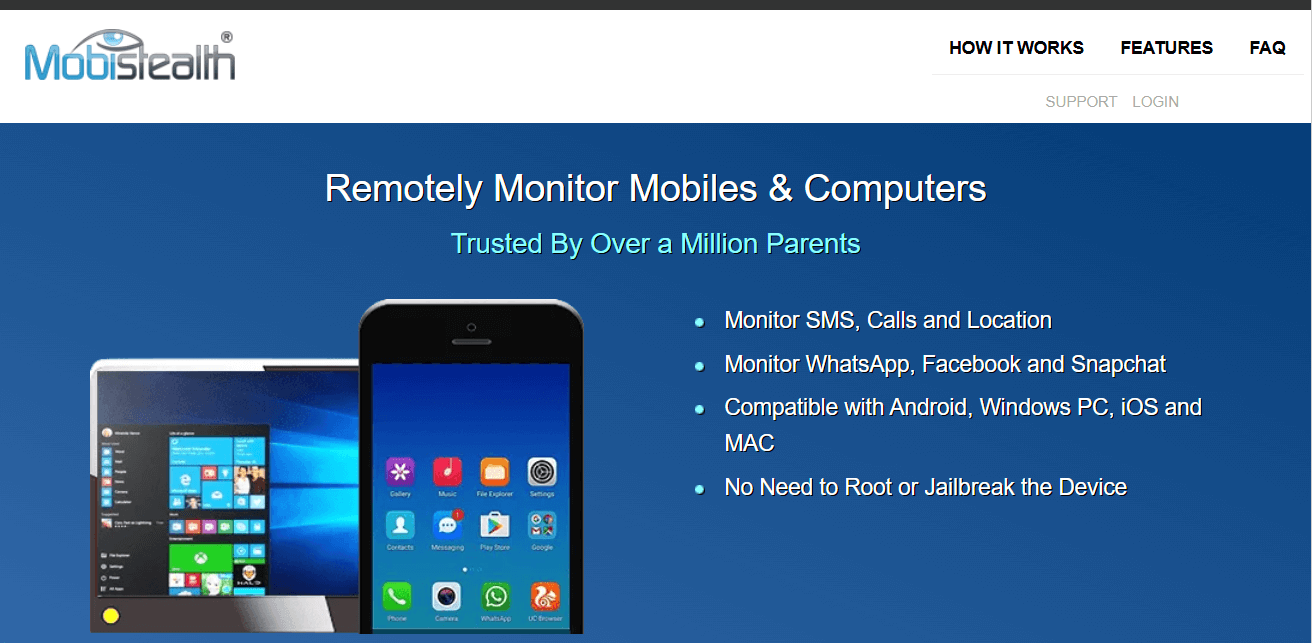
MobiStealth is a smart surround recording app designed to monitor phone activity in a very discreet manner. We picked this app as it allows you to record and listen to others' phone surroundings. In addition to this, while testing, we were also able to record the incoming and outgoing calls from the target phone.
MobiStealth, as suggested by its name, can record the surroundings of any smartphone while remaining constantly in stealth mode.
MobiStealth Other Features
Listed below are some more features of the app we discovered while testing:
- View messages and calls
- Track phone location
- Record calls and surroundings
- Access the email of the target phone user
- Record keystrokes
- Take screenshots
- Monitor social media chats
MobiStealth Compatibility
MobiStealth is compatible with both Android and iPhone.
MobiStealth Pricing
For Android, MobiStealth offers two versions: Pro-X and PRO. Pro-X costs $69.99/month, and PRO costs $59.99/month. The Premium Plus plan is for iOS devices and costs $69.99/month.
MobiStealth Pros and Cons
| Pros | Cons |
|---|---|
|
- The app offers good compatibility. - You can view photos that are taken with the camera. - You can also block certain apps and websites you think are not appropriate. |
- MobiStealth is an expensive monitoring app. - The app does not offer a free trial to its users. - Customer support is not available 24/7. |
Should I Buy MobiStealth?
MobiStealth delivers around-the-clock surround audio recording while staying hidden on the device, along with basic monitoring like messages, calls, GPS, and browser history. It doesn’t have as many advanced options as higher-ranked competitors, but for parents who want straightforward surround recording without an overloaded feature set, it’s decent.
5. TheWiSpy

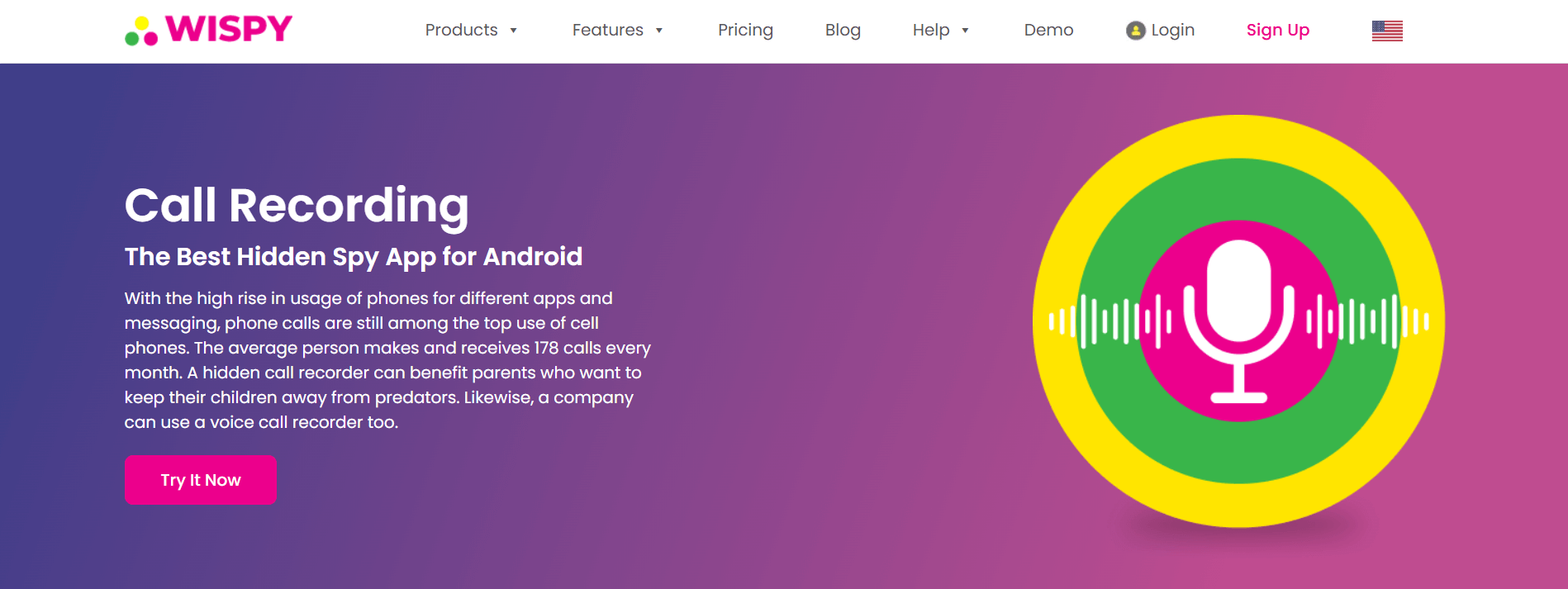
TheWiSpy is another great entry that allows you to hear conversations from far away through an app. Marketed as a parental monitoring application, TheWiSpy has a lot going for it that earns it the number five spot on our list.
The foremost thing that impressed us was that the software works in complete stealth mode, which makes it invisible on the tracked phone at all times.
Overall, TheWiSpy enables parents to listen to the phone surroundings of their children. However, while testing it, we noticed that it does so in a continuous stream. This is a double-edged sword, as it can allow for prolonged periods of listening in, but doesn’t have the capability to save the stream or snippets of it in its present iteration. This may change in a future update, but parents have to rely on third-party software to record the ambient sounds for now.
TheWiSpy Other Features
The following are some other features of the app:
- Text message monitoring
- Call monitoring
- Location tracking with GPS
- Remote device monitoring
- Remote app blocking, phone lock
- Real-time phone tracking
- Access to multimedia files
- Access to internet activities
- Alerts and notifications
TheWiSpy Compatibility
TheWiSpy is only compatible with Android phones and tablets.
TheWiSpy Pricing
TheWiSpy has three plans: Basic, Premium, and Platinum. The Basic plan costs $8.33/month, the Premium sets you back $13.33/month, whereas the Platinum plan comes in at $19.99/month.
TheWiSpy Pros and Cons
| Pros | Cons |
|---|---|
|
- TheWiSpy is compatible with both Android and iOS devices. - You can also record the app usage of a certain app. - It’s relatively affordable compared to other apps. - The app lets you see all the stored notes as well. - You can remotely lock the target device, wipe off data, or block apps. - If you suddenly decide to stop monitoring, you can also remotely uninstall the app. |
- TheWiSpy does not support BlackBerry and Symbian devices. - Many customers have reported issues online about the call recording feature. - The support service of the app is not impressive. - Surround recording cannot be saved. - Surround recording is only available on Premium and Platinum plans. - No iOS version is available. |
Should I Buy TheWiSpy?
TheWiSpy lets you listen to the surroundings continuously, and it stays hidden on the device. However, it does come with some limitations. If you aren’t concerned with saving recordings and like a lower-cost stealth tool, it can work, but it’s less capable than other picks here.
6. iKeyMonitor

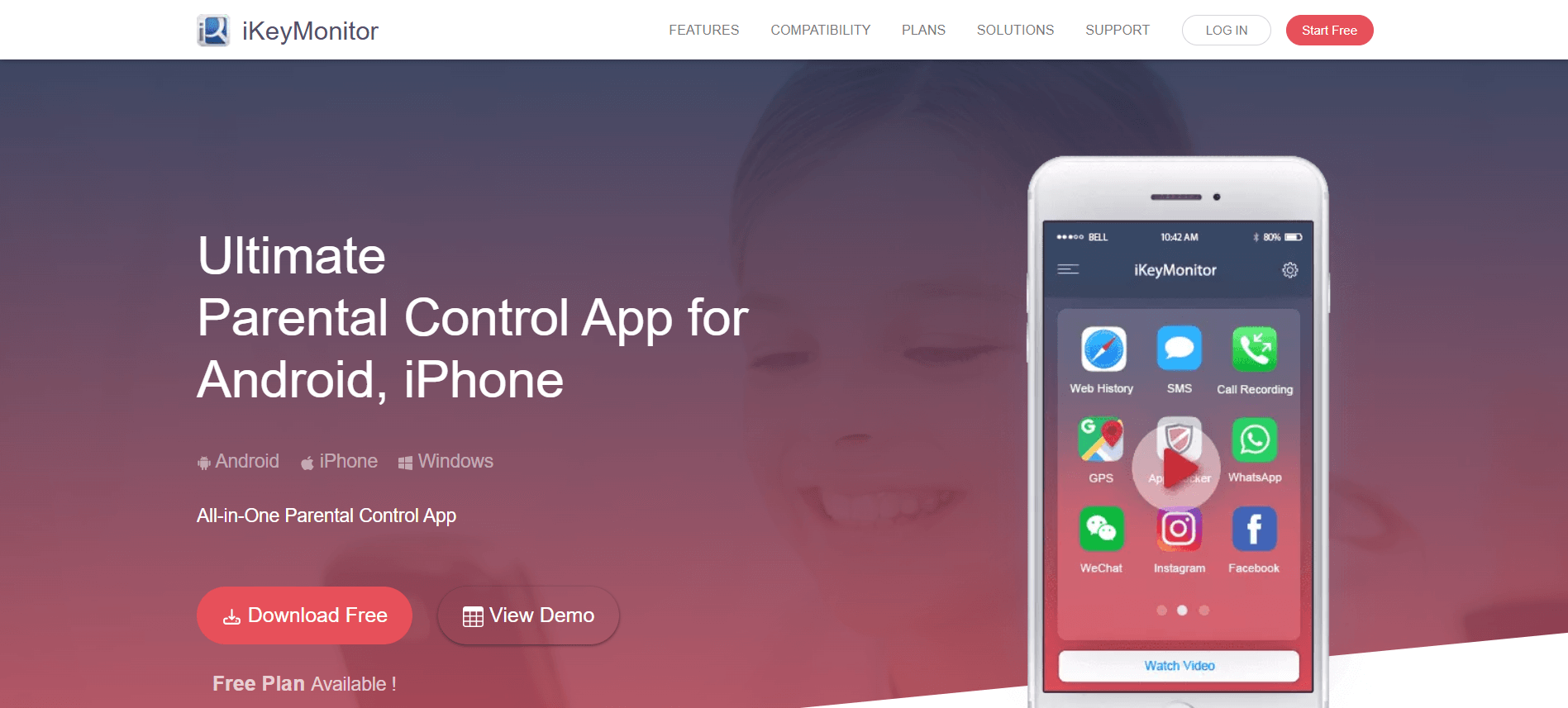
Another surround recording app in our list of six best recording apps is iKeyMonitor. It allows parents to listen to the phone surroundings remotely. The app’s voice message recording feature is pretty great as well. One different thing we noticed about iKeyMonitor during the test run is that it can log voice chat messages sent or received on Facebook, WhatsApp, QQ, and WeChat.
iKeyMonitor Other Features
Some of its other key features include:
- Call history details
- Incoming and outgoing call logging
- Email monitoring
- Wi-Fi connections history
- GPS tracking
- Geofencing
- Browser history tracking
- App blocker
- Screen time limit
iKeyMonitor Compatibility
iKeyMonitor is compatible with Apple iPhone, iPad, Mac, Android Phones, and Windows PC.
iKeyMonitor Pricing
The app offers a free three-day trial for Android, iPhone, and iPad. The app costs $49.99/month.
iKeyMonitor Pros and Cons
| Pros | Cons |
|---|---|
|
- iKeyMonitor supports multiple languages and works on Android, iPhone, iPad, Windows PC, and Mac. - The app offers a 30-day money-back guarantee to users. |
- There is no remote control feature that makes it impossible to control the target device from another place. - Parents require technical skills for advanced features. |
Should I Buy iKeyMonitor?
iKeyMonitor supports Android, iOS, Mac, and Windows, offers voice chat logging, and has solid monitoring tools. But its surround recording features are limited compared with others here, and its interface doesn’t let you control the device remotely as seamlessly. It can be worth it for broad device tracking, but if you’re expecting top-tier ambient audio, we’re afraid you might get a little disappointed.
Making your decision – Things to consider
All of the apps let you monitor text messages, calls, chats, and above all, record a kid’s surroundings. But you, as a parent, should decide by weighing all the factors, such as price, compatibility, and support, against the rest of the apps.
Considering all this, for us, Xnspy takes the lead among the apps that record surroundings. Not only that, but Xnspy’s compatibility and price also make it stand out from other apps.
FAQs
1. I only need the surround recording feature, while all apps come with many other features. What can I do about it?
There’s no standalone software solution that offers surround recording. However, your best bet is to pick an app with the cheapest plans. Xnspy, for instance, comes with the most affordable premium plans with surround recording included. With cheaper alternatives, you can have access to complementary features too which can alleviate your surround recording experience.
2. Which is the best surround recording app?
Many great recording apps could do the job, but if you have a low propensity to pay for an app, we recommend you to try Xnspy. Xnspy has been a pioneer in the surround recording space and has a few years of development of the feature on its side. This is especially true for other apps that have recently begun to include surround recording functionality, which can be marred with bugs. Our premium plan offers not just surround but also call recording. This is on top of 30 other features that the app comes bundled with.
3. How good is Xnspy ambient recording feature?
In terms of reliability of operation, Xnspy’s ambient recording feature has had multiple cycles of development which makes it one of the most stable iterations available online. If you’re interested in audio quality, all surround recordings are generated at the 128Hz bitrate which makes their size compact enough without having to compromise on quality. Typically, the more microphones present on a smartphone, the better the audio capture will be.
4. Are the recorded surrounded sounds crystal clear?
The recorded sounds won’t always sound too clear, as all recording apps rely on the phone’s microphone. And considering cell phone models come with a varying number of microphones, the clarity of the recorded sounds is highly contingent on that. The general rule, in this case, is that the more microphones a phone has, the better the audio signal is going to be. Background noise and other chatter do bleed in too, as active noise cancellation isn’t supported by any iOS or Android app to listen to surroundings.
5. If I buy an app to track smartphone activity, do I need to pay extra for the surround recording feature?
Most monitoring programs come with surround recording included in their plans, but mostly, it's their premium versions. These cost extra as the premium features differentiate the regular plans from the expensive ones. Make sure to choose the right subscription before making a purchase. Most apps list the features present in each plan so it will be well worth your time to see which features you’re actually paying for.
6. Does the target person know that their phone’s microphone is recording?
The target user might know that their phone’s microphone is in use during surround recording if the tracker in use does not offer stealth mode. However, with apps like Xnspy that run in the background and operate without detection, this problem can be tackled. If you wish to maintain discretion then Xnspy can be a reliable option since it does not appear anywhere on the phone or display any icons or indicators that might raise suspicion.
7. How do I record someone surrounding without them knowing?
A manual way to go about recording surroundings is to use your own phone for recording if you’re within earshot of the person. But we all know that situations like these rarely arise. Another alternative could be to manually set up a sound recorder on the person’s phone and let it play in the background. But this can alert the user of an app running in the background, or can be easily dismissed if the user habitually clears apps on their phone. To get around all of these inconveniences, surround recording apps come into play. These work in the background, usually require a one-time setup and can be interacted with remotely.
- Home
- Top 6 Surround Recording Apps
Flash Sale
Use The Discount Code During Checkout
40%
OFF
- Days
- Hours
- Minutes
- Sec
- Flash Sale
- Limited Time Offer
-
OFF