How to Tell If Someone Blocked Your Number: iPhone & Android Methods (2026)
 By Jenny Nicole
The complete monitoring experience for your phone
Get XNSPY and start tracking calls, texts, multimedia, locations and more on any phone!
Get Started Now Live DemoTrying to figure out whether someone blocked your calls or texts can be frustrating because neither iPhone nor Android sends a clear alert when your number is blocked. You have to read the pattern instead. This can include identifying a different but specific set of responses you get when interacting with the recipient.
If you are wondering how to know if someone blocked your number, the most reliable answer is this: no single sign proves it, but repeated one-ring voicemail, missing delivery confirmations, and other such signs make blocking much more likely.
To separate real blocking from confusing scenarios, like weak signal, Do Not Disturb, carrier problems, etc., I tested each method in detail across iPhone and Android devices.
Quick Look Before Getting into the Details
- There is no guaranteed way to know if someone blocked your number, but you can reach a high-confidence answer by comparing several consistent signs instead of relying on one failed call or text.
- If calls repeatedly go straight to voicemail after one ring or no rings across different times of day, your number may have been blocked.
- Text messages that stop showing delivery confirmations, especially after several repeated attempts, can support the blocking theory, but they should not be treated as proof on their own.
- Hide Your Caller ID (iPhone): Calling with a hidden caller ID can show whether the block is tied to your visible phone number, as long as the person does not reject private callers automatically.
- Try FaceTime (iPhone): FaceTime calls that stay on Connecting or fail repeatedly can add useful context when call and message behavior already look suspicious.
- Dial Masking Code (Android): A caller ID masking code, such as *67, where supported by the carrier, may help test whether your visible number is being filtered.
- Call Through Another Number (Android): If another number reaches the person while yours consistently fails, blocking becomes one of the strongest explanations.
- Use Xnspy Screen Recorder (Parents): In a parent-child situation, parents can review Xnspy’s periodic screenshots from a child’s device to look for contact-setting or blocked-number activity.
What Happens When Someone Blocks Your Number?
When someone blocks your number, their device or phone app filters communication attempts from your phone number. Depending on the device, carrier, voicemail setup, and operating system, blocked calls may go straight to voicemail, be declined silently, or fail before the recipient sees a normal incoming-call screen
Text messages behave differently. On iPhone, Apple Support states that blocked messages are not delivered, and the sender is not notified. On Android, behavior varies by Phone app, messaging app, RCS/SMS settings, visual voicemail, and carrier, so the sender may only see a normal-looking sent status.
It is important to understand that blocking is not the only explanation for these behaviors. Poor signal strength, Focus or Do Not Disturb mode, Airplane Mode, carrier outages, spam filters, call screening, Wi-Fi calling problems, and a switched-off phone can all imitate the same signs.
That is why the goal is not to force contact or guess from one failed attempt. The goal is to identify a consistent pattern across several channels and then respect the other person’s boundary if the evidence points toward blocking.
You Might Also Like These Reads

📲  How to See Missed Calls from Blocked Numbers on iPhone [4 Easy Ways]
🕚  How to See Deleted Calls on iPhone: 5 Best Methods
💬  How To See Blocked Messages On iPhone: 4 Methods
5 Signs That Your Number Has Been Blocked
During my controlled before-and-after testing, these are the 5 strongest indicators I found that will help figure out how to tell if someone blocked your number.
1. Calls Go Straight to Voicemail
When a call is blocked, it usually rings once or not at all before being redirected to voicemail.
In testing, this was the most noticeable early sign: blocked calls reached voicemail instantly while normal calls either rang longer or showed a different outcome. However, a powered-off phone, weak service, or Do Not Disturb can create a similar result.
This sign becomes more reliable only when it repeats over several days and appears alongside missing message delivery or a different result from another number.
2. Generic Voicemail Message Plays
Instead of hearing the recipient’s personalized voicemail greeting, you may hear a generic carrier-generated message.
Examples include:
- “The person you are trying to reach is unavailable.”
- “Please leave a message after the tone.”
While this behavior is not universal across carriers, it appeared often enough during blocked-call testing to count as a supporting clue. It should still be paired with other signs because voicemail routing depends heavily on the recipient’s carrier and settings.
3. Text Messages Don’t Deliver
A blocked contact may stop receiving your messages even though the sender side still looks normal.
On iPhone, iMessages may lose the Delivered status after blocking occurs. On Android, delivery indicators vary by messaging app, RCS/SMS settings, and carrier, so a message that looks sent is not always proof that it reached the other device.
This sign is strongest when delivery behavior changes suddenly after a normal communication history and stays the same across repeated attempts.
4. Other Communication Channels Work
One of the strongest clues occurs when phone calls and texts fail, but communication through a separate channel still works normally.
For example:
- Email replies continue.
- Social media messages go through.
- Messaging apps remain active.
Since blocking can be applied to a phone number without blocking every platform, success on email, social media, or a separate messaging app can help narrow the issue to your number or phone channel.
5. Pattern Stays Persistent
Temporary technical problems usually resolve themselves. On the other hand, blocking behavior usually stays consistent.
If the same symptoms continue for days or weeks, blocking becomes more likely than a short network issue.

Worried Your Child Has Blocked Your Number?
If calls and texts suddenly stop going through, get Xnspy and:
– Check screenshots of your child’s phone activity
– Look at contact settings, call logs, and blocked screens
– Match device activity with when calls or texts stopped
– Get added context beyond voicemail or delivery status
How I Tested Different Methods to Tell If Someone Blocked My Number
To determine how to know if your number is blocked, I tested controlled blocking scenarios using an iPhone to see iOS’s behavior, and a Google Pixel to see Android’s behavior. I then compared the results before and after blocking.
Each device was tested by repeating communication attempts over a period of 5 days and changing the phone status during testing, including normal mode, poor signal, Airplane Mode, Do Not Disturb or Focus mode, and powered-off conditions.
The goal was simple: identify which methods consistently pointed toward blocking, which ones created false positives, and which ones should only be used as supporting evidence.
I considered the following factors:
- OS Differences: I tested every method on iPhone and Android separately because Apple, Google Phone, carriers, and messaging apps can route blocked calls and texts differently.
- Communication Channel Differences: I evaluated phone calls, SMS, iMessage, RCS-style messaging, and FaceTime separately because a phone-number block may not affect every communication channel in the same way.
- Phone Status Scenarios: I also compared blocked behavior against the recipient phone being turned off, in Airplane Mode, in Do Not Disturb or Focus mode, or struggling with a poor signal, because each condition can imitate blocking.
- Repeated Outcome Consistency: To ensure consistency, I repeated each test across several attempts and different times of day, because a single failed call or missing delivery status is too weak to be treated as a reliable sign.
How to Tell If Someone Blocked Your Number on iPhone
Apple does not provide a direct ‘you were blocked’ notice. However, Apple Support confirms that users can hide caller ID in iPhone settings when the carrier allows it, which makes caller ID testing a useful supporting check.
| Method | Reliability | Time Required |
| Hide Your Caller ID | High | 2 Minutes |
| Try FaceTime | Medium-High | 1 Minute |
1. Hide Your Caller ID
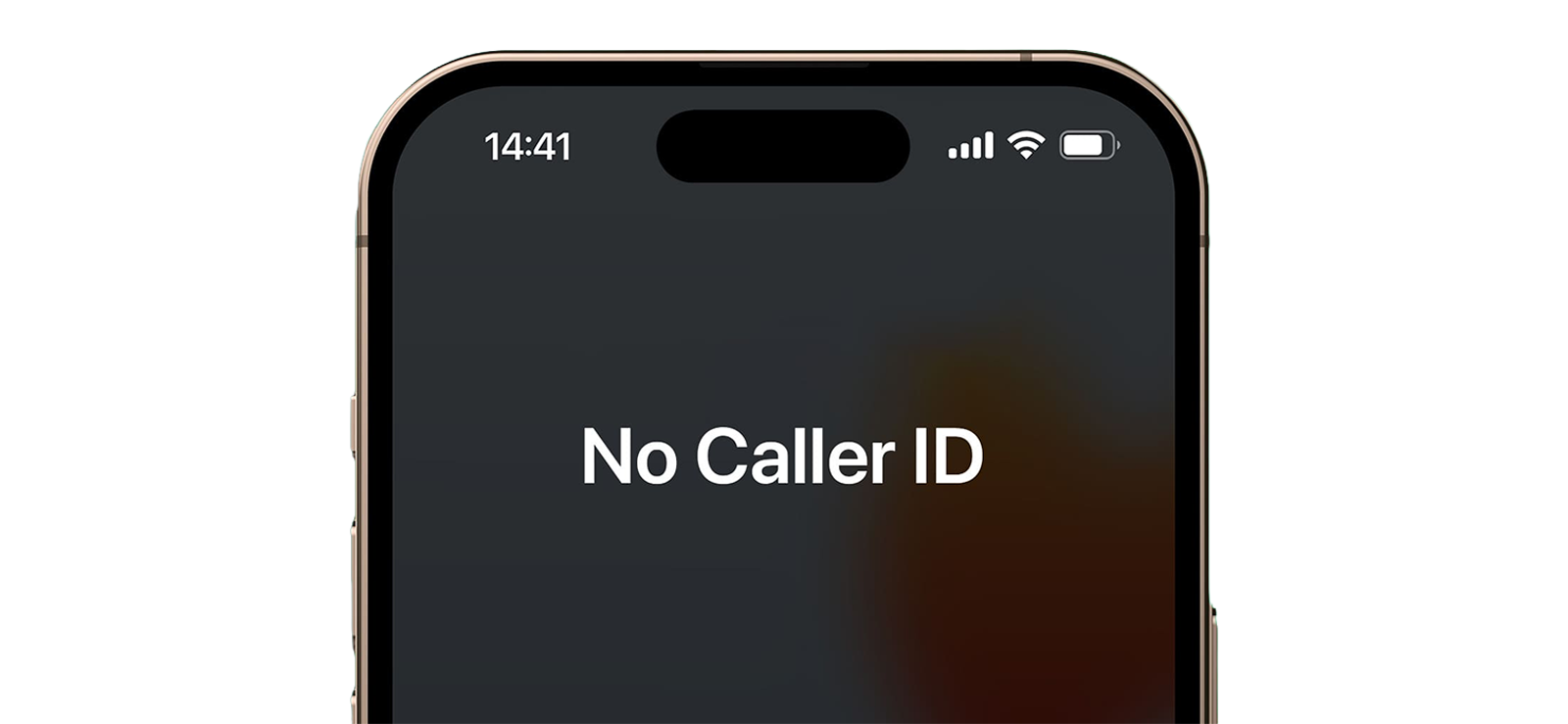
This method temporarily hides your phone number before placing a call.
When someone blocks your number, the filter is usually tied to that specific caller ID. By hiding your caller ID, you can test whether the same call behaves differently when your number is not shown.
If the hidden caller ID call rings while your normal call goes straight to voicemail, blocking becomes more likely.
To hide your caller ID:
- Open Settings.
- Tap Apps, then Phone, or tap Phone directly depending on your iOS version.
- Select Show My Caller ID.
- Turn the option off if your carrier allows it.
- Call and compare the result with your normal call behavior.
How Did It Turn Out in My Testing?
This was one of the strongest iPhone checks because it changed only one important variable: whether my number was visible.
When blocked numbers called, calls moved to voicemail quickly. However, when I hid my caller ID, 9 out of 10 test calls rang through, which suggested the visible number was the problem rather than the recipient’s phone being off. The only call that didn’t go through was when the carrier signals fell down.
However, this method is not conclusive. Some people block unknown or private callers, and some carriers hide or disable the Show My Caller ID setting, so it should be used alongside voicemail, text, and FaceTime indicators.
2. Try FaceTime
If you are trying to determine how to tell if someone blocked your number on iPhone, FaceTime can provide additional clues because Apple lets users block a contact across Phone, FaceTime, Messages, and Mail.
When a user blocks your phone number or contact, FaceTime communication linked to that number may also be affected.
The exact behavior depends on the recipient’s settings, Apple ID, network quality, and whether you are calling a phone number or email address, but repeated failures can still support the blocking pattern.
Here’s how you can do so:
- Open FaceTime.
- Select the contact.
- Tap the FaceTime button.
- Observe whether it rings, fails, or stays stuck on Connecting.
How Did It Turn Out in My Testing?
Blocked contacts frequently caused FaceTime calls to stay on Connecting or fail without a normal ring-through pattern. Out of 10 test cases, not a single FaceTime call connected.
FaceTime was not strong enough as a standalone test, as technical glitches can also result in such outcomes. But it did become useful when the same contact also sent calls to voicemail quickly and stopped showing normal message-delivery behavior.

Did You Know?
It’s possible to find out if someone has blocked you on iMessages, too.

How to Tell If Someone Blocked Your Number on Android
Android devices vary by manufacturer, dialer app, carrier, and voicemail setup, which means blocking behavior is not always identical. Google Phone Help notes that blocked numbers are declined automatically in the Phone app, while voicemail behavior can depend on features such as visual voicemail.
However, two comparison-based methods produced the clearest Android results because they test whether the issue is your number, the recipient device, or the network.
| Method | Reliability | Time Required |
| Dial Masking Code | High | 1 Minute |
| Call Through Another Number | Very High | 2 Minutes |
1. Dial Masking Code
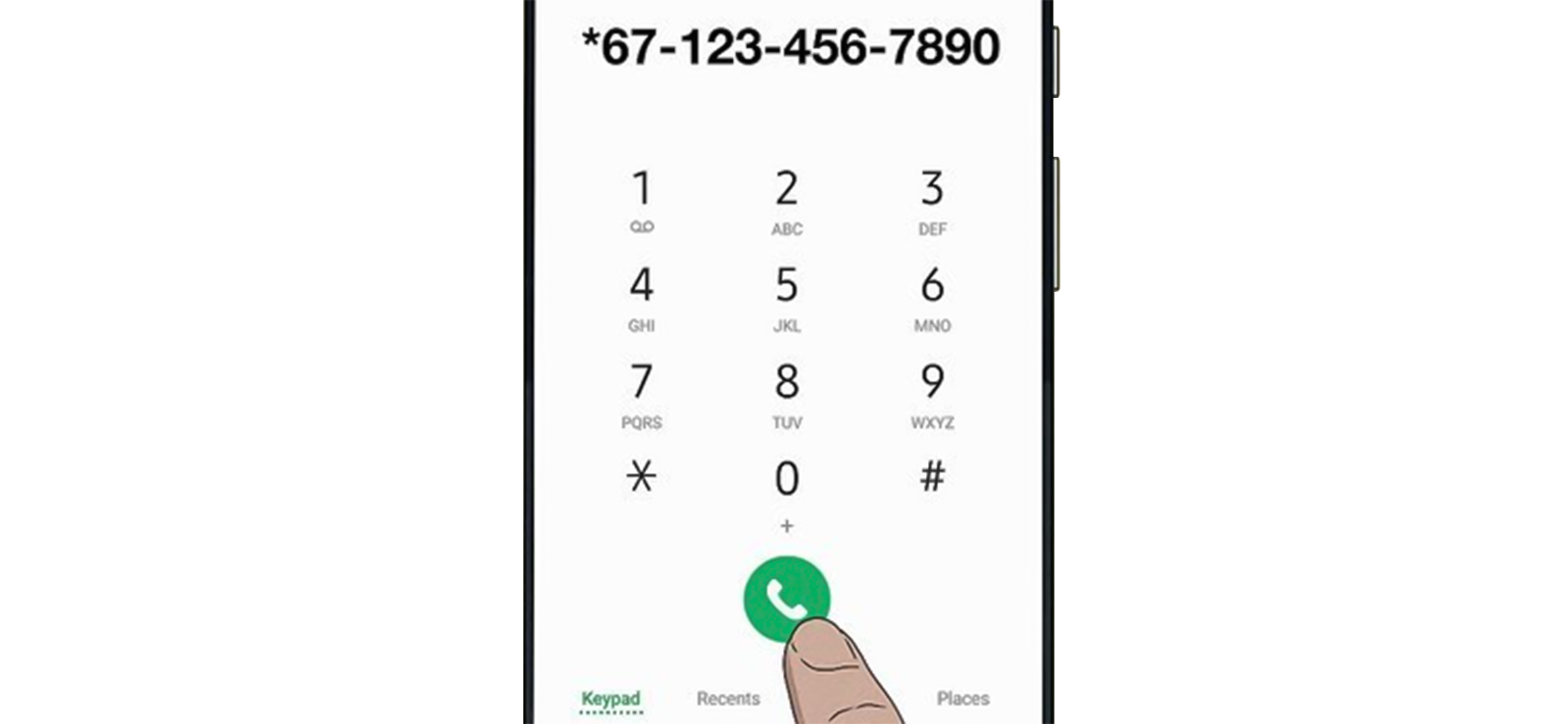
Many carriers support caller ID suppression codes that hide your phone number for a single outgoing call.
The common code in the United States and some other regions is *67. The FCC has recognized *67 as a caller ID privacy request in U.S. caller ID rules, but codes and availability can vary by country and carrier.
When entered before a phone number, the code places the call with the caller ID hidden if your carrier supports the feature.
If the recipient blocked your visible number specifically, concealing your caller ID may allow the call to ring.
To use this method:
- Open your Phone app.
- Enter *67, or your local carrier’s caller ID masking code.
- Enter the target number immediately afterward.
- Place the call and compare the result with your normal call behavior.
How Did It Turn Out in My Testing?
The method worked well as my carrier (luckily) supported caller ID masking.
Several blocked test calls that went straight to voicemail under normal caller ID conditions behaved differently once the caller ID was hidden.
However, if the recipient has DND or Airplane mode on or even has their phone switched off, the call won’t go through. In such coincidental scenarios, the results might leave you more confused.
2. Try Calling Through Another Number
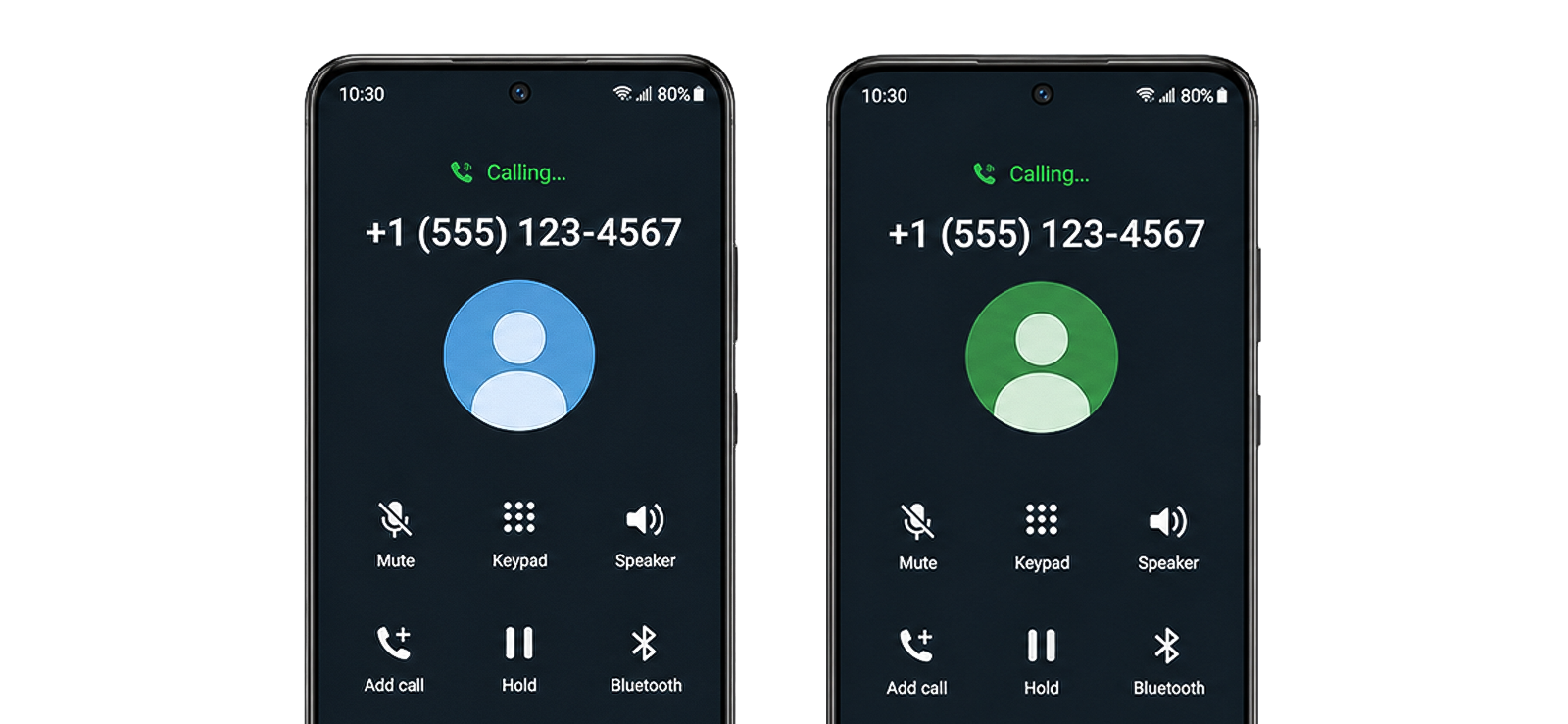
This method compares communication behavior between two different phone numbers.
If your primary number fails consistently while another number connects normally under similar conditions, blocking becomes a strong possibility.
This works because phone blocks apply to the specific blocked number rather than every possible caller.
To do so:
- Use another phone number you are authorized to use.
- Call the same recipient under similar network conditions.
- Compare whether the alternate number rings while yours does not.
How Did It Turn Out in My Testing?
This was the most reliable verification method because it compared two numbers under similar conditions.
Blocked numbers consistently failed while alternate numbers were more likely to connect normally.
Among all techniques tested for how to tell if someone blocked your number on Android, this produced the clearest result because it separated number-specific blocking from phone-off, poor-signal, and carrier-routing issues.
A Different Perspective: How Can Parents Tell If Their Child Has Blocked Their Number
Sometimes the concern is not whether a friend, colleague, or former partner blocked your number. Parents may worry that a child has intentionally blocked communication attempts, especially during a safety concern or emergency.
In situations like these, standard call-testing methods do not always provide enough context because they only show what happens from the parent’s phone.
Xnspy is a phone monitoring solution that can help parents review activity on a child’s device when it is installed lawfully, responsibly, and within the family’s monitoring rules.
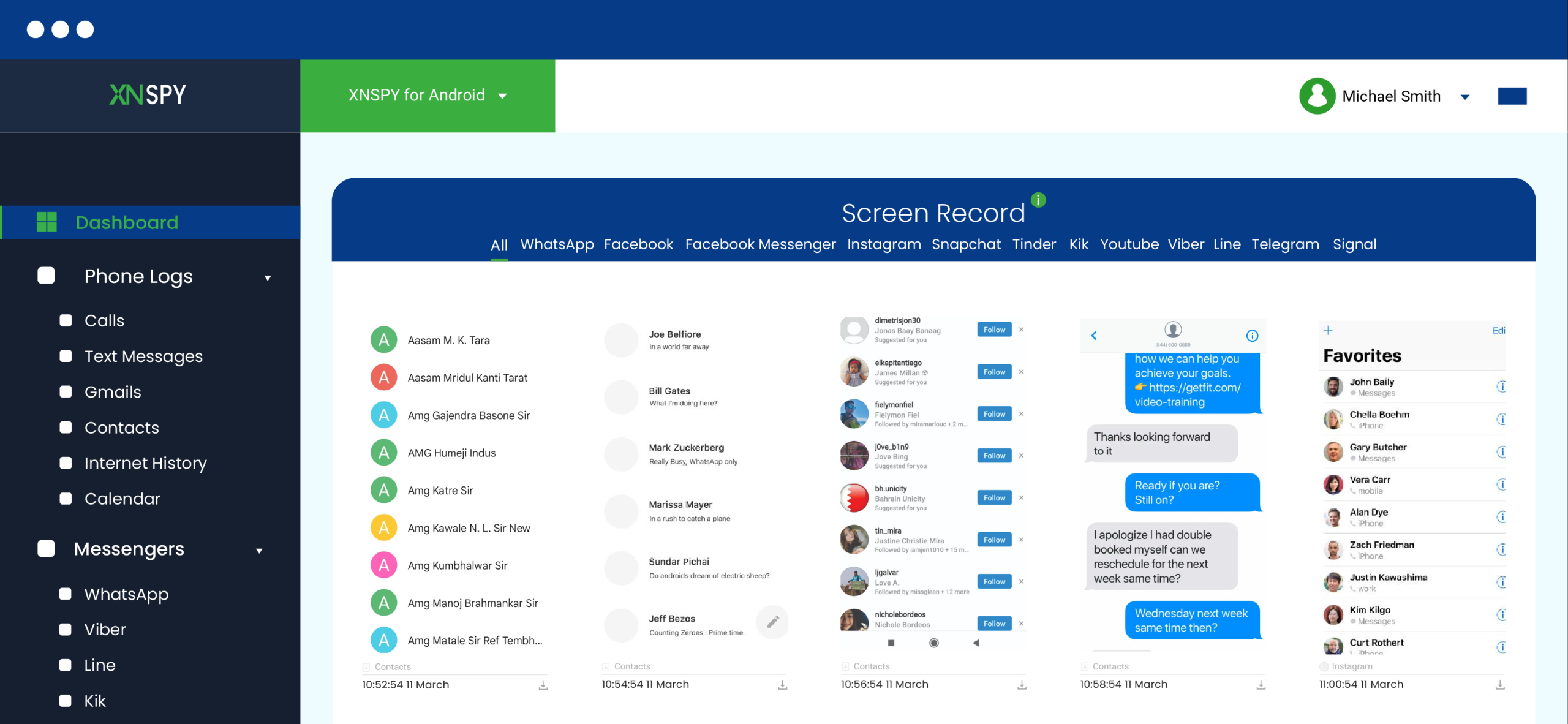
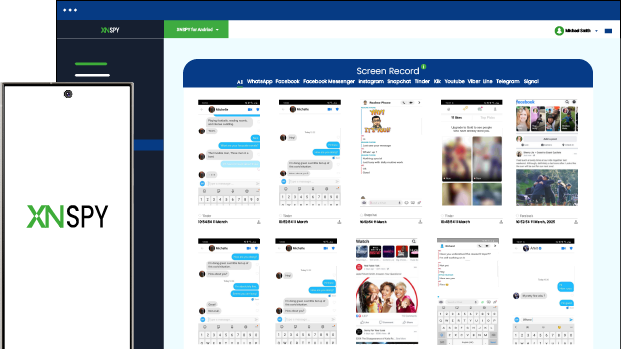
Xnspy’s screen recorder feature periodically captures screenshots of activity occurring on the monitored child’s device. These screenshots are uploaded to a browser-based dashboard where parents can review them remotely.
Because Xnspy organizes screenshots chronologically and in separate categories, parents can check whether contact settings, recent calls, or phone-management screens appeared around the time communication problems began.
If a child opens blocked-number lists, call-management screens, contact settings, or related phone settings, those interactions may appear within recorded screenshots.
To use Xnspy:
- Install and configure Xnspy on your child’s device where you have legal authority to monitor.
- Log in to your Xnspy dashboard.
- Open the Screen Recorder section.
- Review screenshots from the period when calls or texts stopped working.
How Did It Turn Out in My Testing?
During testing, Xnspy’s screen recorder feature provided more context than call testing alone because it showed device-side activity instead of only showing call outcomes from the parent’s phone.
The screenshots helped identify contact-management activity and settings changes that traditional call-testing methods could not reveal.
It still does not directly notify parents that their number has been blocked. Its value is context: it can show whether the child interacted with phone settings around the same time calls stopped going through.
FAQs
If someone blocked me, will they still get my texts?
Usually, no. In most cases, blocked text messages are not delivered to the recipient, even if they appear sent on your device. On iPhone, blocked-message behavior is clearer because Apple says blocked messages are not delivered. On Android, the sender-side status depends more on the messaging app, RCS/SMS setup, and carrier.
How to know if someone blocked your number without calling or texting?
There is no guaranteed method without calling or texting. However, you can look for indirect clues through FaceTime, email replies, social media activity, or other platforms where communication still works. These clues are useful only when they are consistent over time, because phone-off status, weak signal, and Do Not Disturb can create similar behavior.
How do I know if someone blocked my number for free?
The easiest free methods are checking voicemail behavior, watching message-delivery status, hiding the caller ID where your carrier allows it, and comparing the result with another number. The most reliable free approach is not one trick; it is comparing several signs over time and avoiding conclusions from a single failed call.
How can you tell if someone blocked your number when texts show as delivered?
If texts still show as delivered, blocking is less likely for that specific messaging channel. However, it does not fully rule out a phone-call block, especially if the person blocked calls separately or uses different apps. In this situation, compare call behavior, FaceTime response, voicemail routing, and whether the pattern continues over several days.
How to know if your number is blocked or if their phone is off?
A powered-off phone usually returns to normal once the device reconnects to the network. Blocking behavior stays more consistent. If calls go straight to voicemail for days, messages lose delivery status, FaceTime fails repeatedly, and another number rings normally, blocking becomes more likely than the phone simply being off.
Leave a reply:
Your email address will not be published. Required fields are marked*
Jenny Nicole
Member since October 23, 2014
Jenny Nicole
Member since October 23, 2014
Jenny Nicole is a teen psychology and digital behavior specialist with an MSc Developmental Psychology & Psychopathology from King's College London, graduated 2017. Her work revolves around how adolescents communicate and make decisions in digital environments, particularly on social media and messaging platforms. Over the past 5 years, she has written extensively on teen smartphone behavior, online peer dynamics, the psychological impact of social media, and the need for oversight. Her work has helped parents and educators interpret not just what teens are doing online, but why they are doing it. Overall, she has not only authored over a hundred guides breaking down child psychology for parents but also regularly spoken at family safety and internet governance conferences across the UK and US.