
The complete monitoring experience for your phone
Get XNSPY and start tracking calls, texts, multimedia, locations and more on any phone!
Get Started Now Live DemoNo, Instagram does not tell someone if you search their name or profile. The search bar is one of the few corners of the platform that stays completely one-sided; you can type in a person’s handle, tap their profile, scroll through it, and walk away without leaving a single trace on their end.
That said, “searching” and “everything you do after searching” are two different questions, and that’s really where most of the confusion comes from. Below, I tested Instagram’s search behavior directly by using my own account and a dummy account I made just for this, to see exactly where the silence ends and where it doesn’t.
Quick Answers Before You Dive In
- Searching a name or username on Instagram never notifies the other person.
- Viewing a profile, posts, Reels, or followers list is also completely silent.
- The one exception is watching someone’s Story if it’s live for 24 to 48 hours or any kind of interaction Highlight clip.
- Search history is saved only to your own account, not shared with anyone else.
- Repeated searches don’t alert the person, but they can influence what Instagram suggests to you.
- Third-party apps claiming to reveal who searched you are unreliable and unsafe.
- Parents monitoring a child’s phone need a dedicated tool like Xnspy, since Instagram itself shows nothing.
If I Look Up Someone on Instagram, Will They Know?
No, if you look up someone on Instagram, they will not know. This holds true whether the account is public or private or whether you are logged into the app or searching from a desktop browser. Instagram treats searching as a private lookup action rather than a user interaction, so it was never designed to notify the person being found.
However, you can never be too sure, so I did in-depth research into Instagram behavior across different scenarios.
How I Tested Whether Someone on Instagram Knows If I Search for Them
I wanted a real answer instead of a repeated assumption, so I made a dummy account just for this test and used my own account to search for it. That way, I could check the dummy account’s notifications and activity myself after every search, instead of guessing.
To keep the results honest, I varied the conditions rather than testing the same scenario once and calling it done. For instance, I searched the dummy account by both username and display name, then repeated the exact same search across separate sessions over two days to rule out any delayed notification that might not show up right away. I also made sure to test both privacy settings, first while the account was public, then again after switching it to private.
What Happens When You Search for Someone on Instagram?
Nothing happens on the other person’s end. Behind the scenes, though, Instagram does quietly log the action, just not for the target’s benefit. Instagram simply matches your search text to accounts and saves the result to your own history, without sending any data back to the profile you searched. That list isn’t shared with the account you searched, which you can review and clear through Instagram search history settings.
To confirm this behavior, I tested five distinct ways people typically search on the platform, and this is what I found out.
- Username searches: Completely private; no matter how I typed the username, it didn’t send any notification to my testing account.
- Name searches: Searching by name didn’t trigger any alerts on my dummy account, just like username searches.
- Hashtag searches: Also silent. When I searched a tag mentioned on my other account, Instagram pulled all the public posts where that tag was used. Instagram hashtags are used purely to shape your Explore feed, not to alert anyone posting under that tag.
- Location searches: When I searched a location, it pulled up public posts geotagged there, and nothing about that action reaches the people who posted them. This one exists almost entirely for content discovery.
- Keyword searches: Instagram’s keyword search (searching topics rather than accounts) works the same way in the background. It shapes future recommendations for you specifically, and I never found any indication that it surfaces on other accounts, even when the keyword search led me directly to my dummy account.
More Articles You Might Like

🏅  Does Instagram Notify When You Screenshot: The Straight Answer
📷   How to Recover Deleted Instagram Photos: 5 Safe Hacks
🗨️  How to Read Instagram DM Without Seen: 4 Methods
🍡  Does Facebook Notify Screenshots: Clearing Up the Confusion
10 Instagram Activities That Remain Completely Private
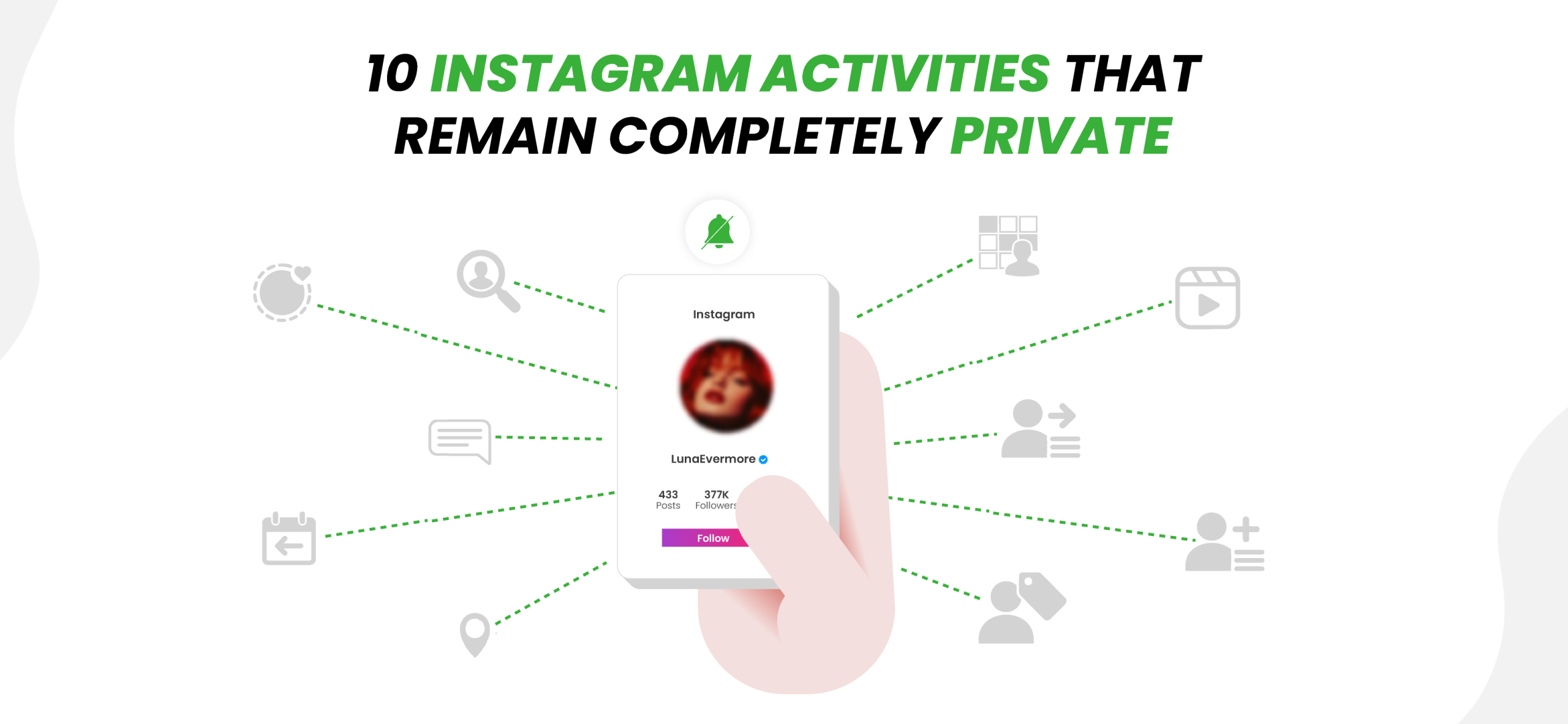
I went through Instagram’s own guidelines and combined that with direct testing on the dummy account to confirm which everyday actions leave zero trace. Here’s what stayed private across every test I ran.
1. Searching for Someone’s Profile
When I typed a username into Instagram’s search bar and opened the matching profile, the other account remained completely silent. I repeated the searches several times to rule out any possible glitches, but no alert appeared on my other Instagram account.
2. Viewing Someone’s Profile
Opening a profile page itself- bio, profile photo, pinned posts, and reels doesn’t trigger anything. I opened the dummy account’s profile eleven times in one sitting, and nothing changed on its side.
3. Looking Through Their Posts
I posted a handful of test photos to the dummy account, then scrolled the grid and opened individual posts repeatedly from my own account. Nothing appeared on that account’s end.
4. Viewing Their Reels
Viewing the other account’s reels didn’t trigger any kind of alert. I uploaded a Reel to the dummy account and watched it repeatedly. The view count went up, but that number is aggregated and anonymous.
5. Reading Their Captions
No interaction is logged just from reading text on the testing account’s posts, even staying on a caption for several minutes.
6. Checking Their Followers List
I gave the other account a small handful of followers, and browsed that list, both while it was public and after switching it private. Neither state triggered any alert on its side.
7. Checking Who They Follow
To test this, I opened the account’s following list from my main account, and simply viewing it did not record any interaction. However, when I tapped the follow button on the dummy account itself, a follow notification appeared there right away.
8. Viewing Tagged Photos
Tapping through my other account’s tagged photos tab behaved identically to browsing the main grid. It was fully silent.
9. Browsing Older Content
I scrolled back through older posts repeatedly over several sessions on my test account. Neither the timestamp nor the depth of scrolling changed the outcome, i.e., absence of any alert when browsing the profile.
10. Looking at Highlights (Under Certain Conditions)
This was the one exception worth flagging. Highlights are built from stories, so if you watch a Highlight that includes a recently posted Story, your username can still show up in the viewer list for that original Story.
In simple terms, for the first 24 hours, the Story is live, and you can see who viewed it. After those 24 hours, the Story disappears from your profile, but you can still check the viewer list through your archive for another 24 hours, and if that Story is part of a Highlight, you can also access the same viewer list from there as long as it is still within that 48-hour window.
However, if your Story Archive setting is turned off, you will not be able to access the Story after it expires.
I confirmed this by posting a fresh Story to the dummy account, saving it directly to a Highlight, and then viewing the Highlight from my main account a few minutes later. My username appeared in the viewer list immediately because the original Story was still within that 48-hour window.
I then repeated the test with a different Highlight after the original Story had been sitting for several days. The Highlight itself was still available to watch, but the list of individual viewers was no longer visible.
Another thing I observed is that if you tap the heart to like a story before it expires, that like stays attached to the same story clip even after it’s saved into a Highlight. When I liked a story from my account and checked the dummy account, my heart reaction was still visible there, well after the original story would have expired on its own.

Xnspy for Parents: Know What They Are Doing on Instagram
Xnspy shows you exactly what your child searches, sends, and sees on Instagram.
– Captures search activity through keylogging
– Screen recording shows profiles and messages
– Get everything on a private dashboard only you can access
– Quiet, background monitoring that doesn’t alert them
Can Someone Know You Looked at Their Profile Multiple Times?
No. Instagram does not reveal how often you view someone’s profile, whether that’s twice or two hundred times. There is no counter anywhere in Instagram’s interface that logs “profile views” the way, say, LinkedIn does.
Instagram has never built that feature for personal accounts, and business or creator accounts only get anonymized reach and impression totals. Repeated visits mainly shape your own experience, since Instagram tends to push a profile higher in your search suggestions the more often you check it, but that’s personalization on your end, not a signal sent back to the account being viewed.
However, Instagram treats interactions with a profile completely differently. If you like a post or leave a comment, the account owner will be notified. Following them does the same, and if the account is private, it will send them a proper request that they must approve. While watching their Story, you are added to a viewer list they can check anytime it’s still active, and reacting or replying to that Story notifies them directly through a message on top of that.
So, instagram only notifies the other person if you go beyond looking and actually interact; that’s when the account owner finds out you were there.

Did You Know?
Hidden social media accounts are easier to uncover than you think.

Does Instagram Suggest Accounts Because You Searched Them?
Yes, searching for someone can influence the account suggestions you see, but the connection is not always obvious. Instagram considers search activity alongside other signals such as mutual followers, profile visits, post interactions, contact syncing, and activity across linked Meta accounts.
Searching for a person once may not noticeably change your recommendations. However, if you search for the same account repeatedly or spend time watching its Reels and posts, Instagram may treat that account as more relevant to you. As a result, it could begin appearing higher in your search results and more often in your suggested accounts.
None of that ever reaches the person you searched for, though. Instagram has been pretty clear that searches and profile views stay private.
Looking at the Other Side: Can Parents See What Their Kids Search on Instagram?
I get this question a lot, and being a parent of three kids myself, I understand why parents worry. It’s not an overreaction because roughly three-quarters of 15- to17-year-olds use Instagram, and over half of teens overall check it daily.
Instagram itself gives parents nothing on this front. There’s no built-in way to view a child’s search history
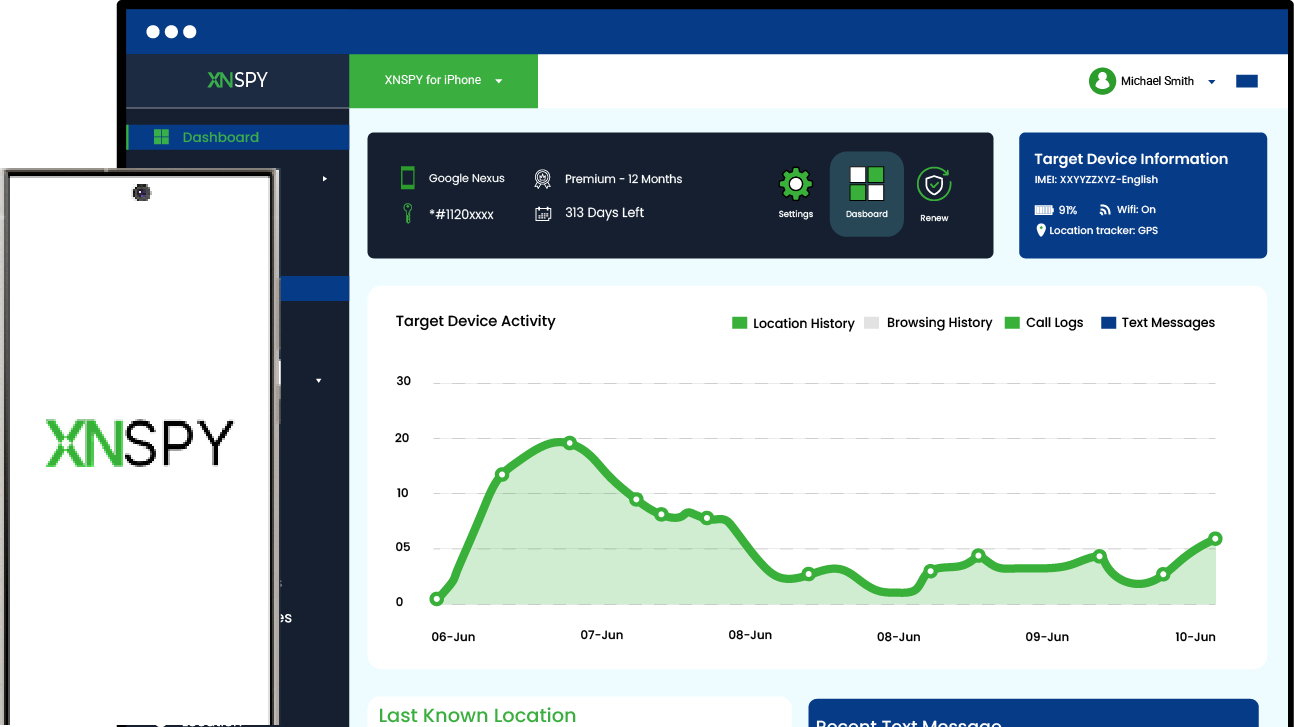
This is where a reliable monitoring tool like Xnspy can help parents stay informed about their kids’ Instagram interactions and activities. Xnspy is a phone monitoring platform built for parents who want ongoing visibility into what their child does on their phone, rather than guessing based on secondhand hints. Once installed on the child’s phone, it works quietly in the background and reports activity to a private dashboard the parent accesses from their own device.
For Instagram specifically, Xnspy’s keylogging feature works by recording every keystroke typed on the phone, and on Instagram, it captures search terms as they are being typed, even if the child deletes them afterward before hitting search. Plus, with keyword alerts, parents can set up alerts for specific accounts and search phrases and get informed instantly if the child looks them up or has any kind of interaction.
On top of that, the screen recording feature captures the screen at every 5-second interval while the phone is in use, so a parent isn’t just relying on typed text; they can also see what appeared on screen around that search, like which profile got opened or what happened next.
To set it up:
- Choose a subscription plan on Xnspy’s website.
- Get brief physical access to the child’s phone to complete the one-time installation.
- Log into the Xnspy dashboard from a separate phone.
- Filter activity by app to isolate Instagram sessions.
- Review screen captures and keylogged text by date and time.
How the Testing Went
I installed Xnspy on an Android phone and then monitored Instagram activity via the web browser dashboard for a week. I searched both public and private profiles from the monitored phone, sometimes typing full usernames and sometimes partial names before backing out, to see how consistently the tool captured the behavior.
The screen recorder picked up every search session I ran, both the typed query and the profile that was opened afterward, without any gaps I could reproduce. Out of 15 separate search sessions across public and private accounts, all 15 appeared in the dashboard with timestamps intact. The keylogger performed just as reliably, catching search terms in all 15 sessions, even when I cleared the search bar before submitting, since it logs keystrokes rather than final actions.
However, one limitation I ran into was that the keylogger logs keystrokes across phone activities and lists them chronologically, rather than sorting them into separate tabs per app, so search terms typed on Instagram sit in the same stream as everything else typed that day, and you have to scan through to pick them out.
FAQs
Does blocking someone on Instagram remove search records?
Yes, it removes them from your visible recent searches, but that’s different from erasing the fact that you searched them in the first place. Blocking someone clears their profile from the “Recent” list you see when you tap the search bar, so you won’t see them come up again on your end.
Can deleted searches still affect recommendations on Instagram?
Somewhat. Clearing your search history stops those specific entries from influencing future suggestions as strongly, but Instagram’s broader algorithm also factors in likes, follows, interactions, and time spent on content, so recommendations don’t reset entirely just from clearing search history.
Can people see if you search their Instagram from another account?
No. Instagram doesn’t connect searches across accounts for the person being searched to see, whether it’s your main account or a completely anonymous one.
Do people know when you search them on Instagram from a web browser?
No. Browser-based searches, logged in or logged out, follow the same silent rules as searching from the mobile app.
Can someone tell if you search them on Instagram through a third-party app?
No legitimate way exists for them to find out. Most third-party apps claiming to reveal or track Instagram searches are unreliable, often request login credentials, and can put accounts’ security at risk.
Leave a reply:
Your email address will not be published. Required fields are marked*
Jenny Nicole
Member since October 23, 2014
Jenny Nicole
Member since October 23, 2014
Jenny Nicole is a teen psychology and digital behavior specialist with an MSc Developmental Psychology & Psychopathology from King's College London, graduated 2017. Her work revolves around how adolescents communicate and make decisions in digital environments, particularly on social media and messaging platforms. Over the past 5 years, she has written extensively on teen smartphone behavior, online peer dynamics, the psychological impact of social media, and the need for oversight. Her work has helped parents and educators interpret not just what teens are doing online, but why they are doing it. Overall, she has not only authored over a hundred guides breaking down child psychology for parents but also regularly spoken at family safety and internet governance conferences across the UK and US.