Limited Time Offer :
dots grill

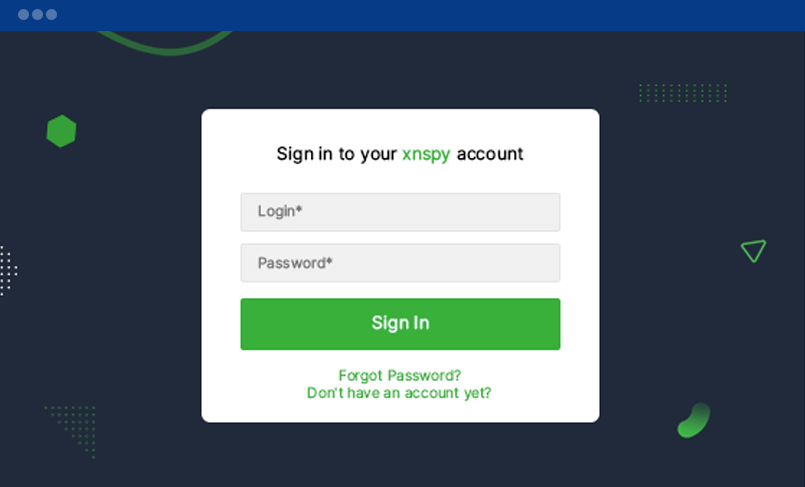
Log into XNSPY CP

It all starts with logging into your XNSPY web account, which you can do by using the login credentials emailed to you. You are also provided the installation and setup links within the same email.
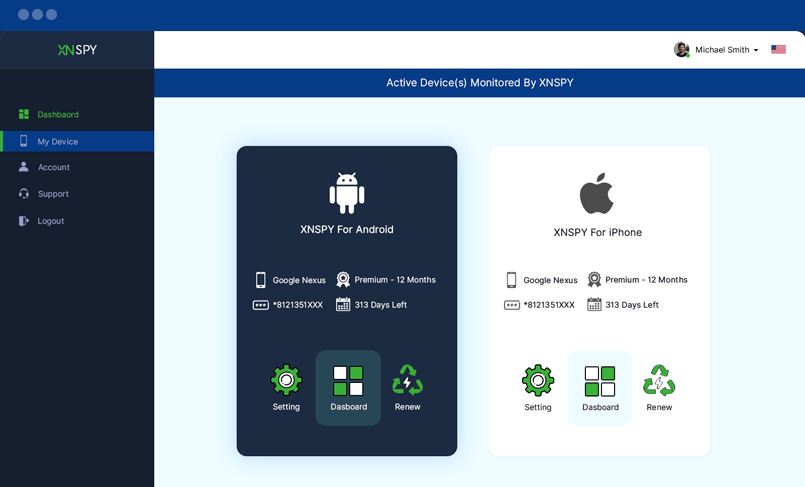
My Devices

Here you can see all your active devices that have the XNSPY mobile and tablet monitoring software installed on them. You can further see all your subscription-related details here.

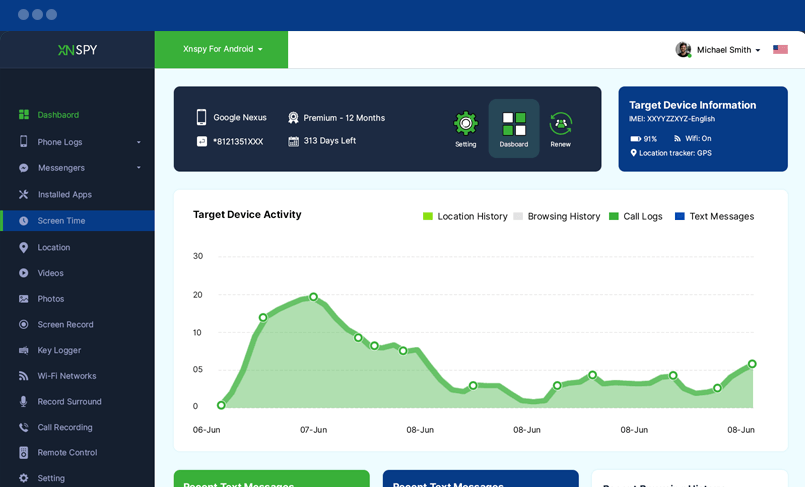
Dashboard

The dashboard gives you a comprehensive summary of all the activities taking place on the target phone throughout the day. Details about the calls, texts, and last known location can be seen at a glance.

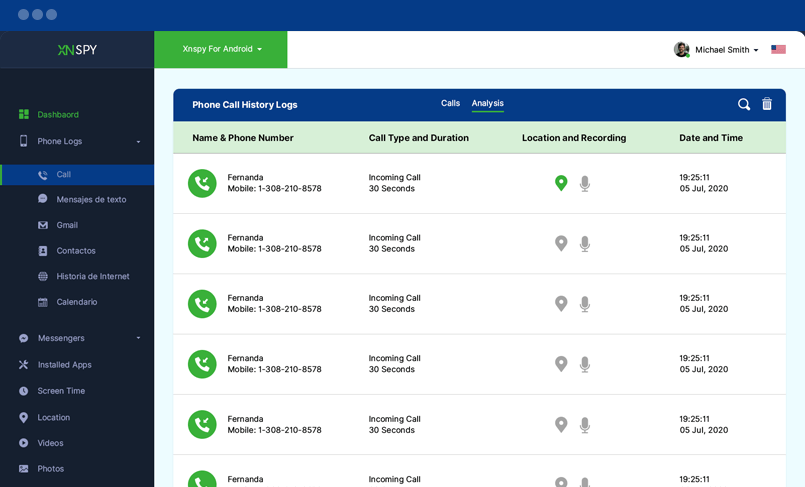
Calls

You can view the list of the target device's phone call history here. You can also monitor the name and number of the caller, along with time and date stamps for each call.

Text Messages

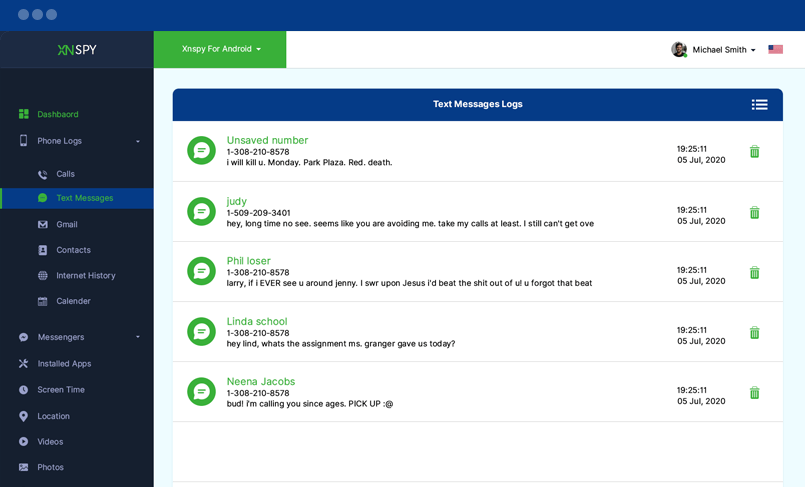
Here are all the messages sent and received on the target device. You can read the text messages, view the sender’s name and number, along with time and date stamps.

Emails

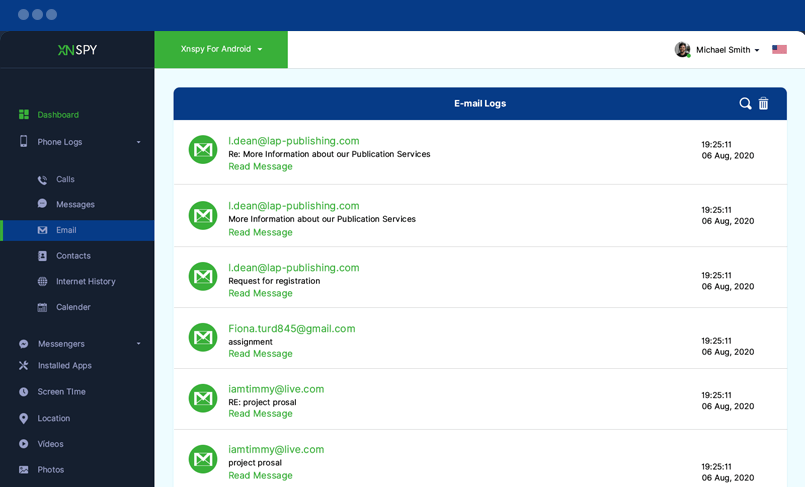
Here are all the emails sent and received on your target device. Using these logs, you can check all emails, view their email IDs of all contacts, and see timestamps.

Gmail

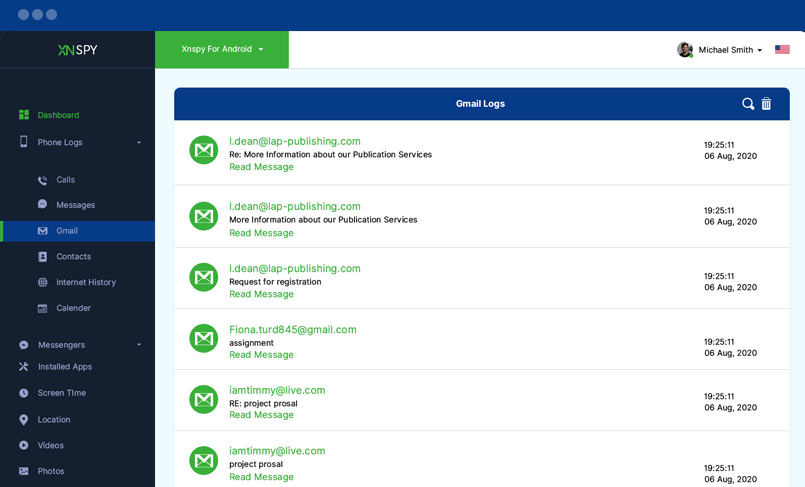
Here is the tab through which you can see all incoming and outgoing emails. XNSPY lets you watchlist specific email addresses and words, as a result of which you receive alerts when any flagged activity happens via Gmail.

Contacts

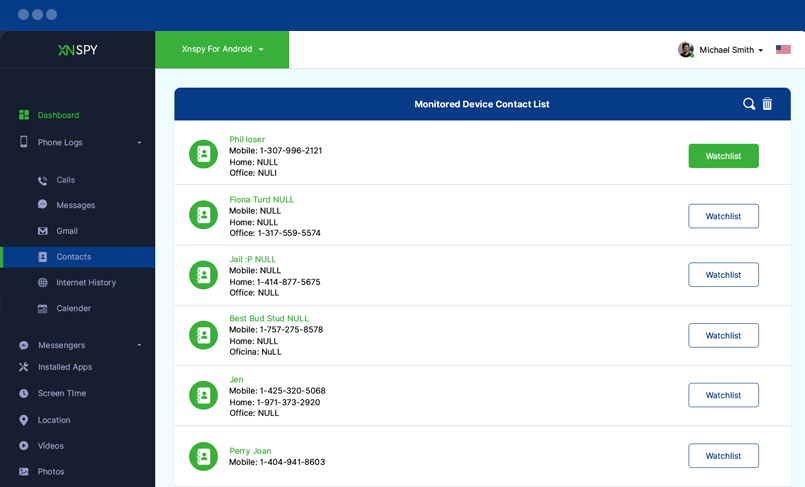
Here is the target device’s contact list, which includes the name and number of each saved contact. For added ease, you can even add contacts to the watchlist by clicking the Watchlist button beside each contact. Upon doing so, you can get instant alerts for any related activity.

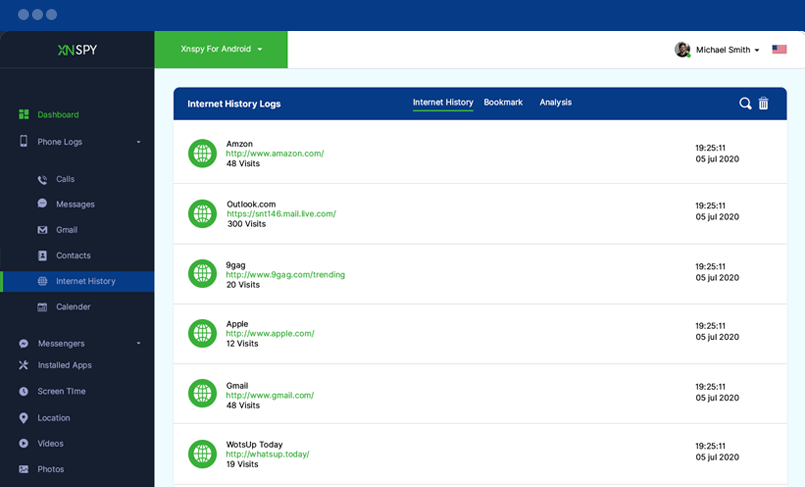
Internet History

Here is the list of all the websites visited by your target smartphone or tablet holder. You can monitor the websites, their URLs and number of times a website was visited. You can also monitor time and date stamps for each website visited.

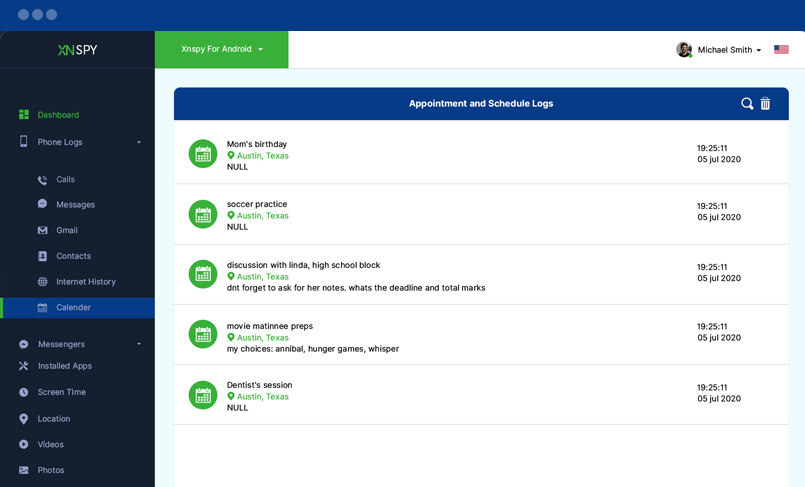
Calendar

Here are all the calendar entries, appointments, notes and schedules saved on the target phone or tablet. You can view all the appointments with their location stats. You can also view the date and time stamps for each calendar entry.

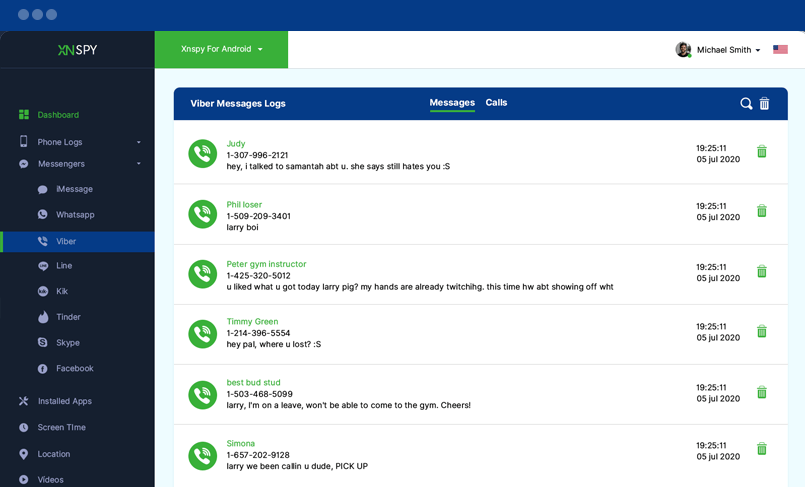
Viber

You can check Viber Logs here. Click on Calls and Messages tab to monitor the Viber Call logs and chat logs respectively. You can also monitor time and date stamps for each call and message.

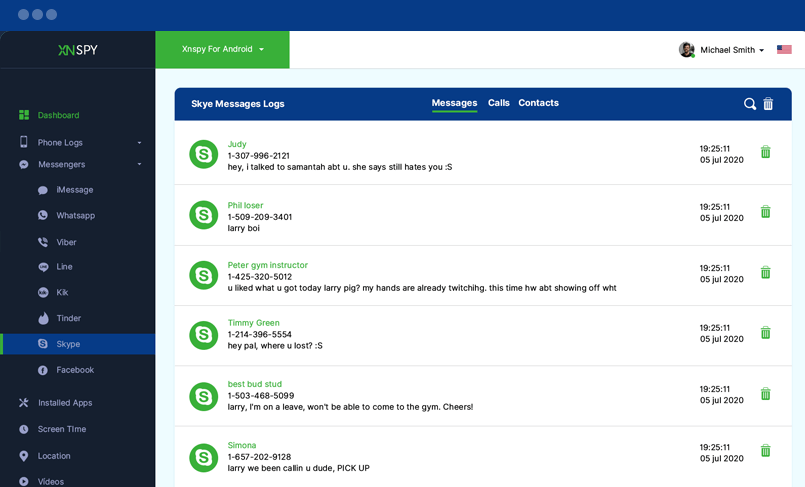
Skype

You can check Skype contacts and logs here. Click on respective tabs to monitor the Skype Contacts, Calls and Chats. You can also view Skype IDs and time & date stamps for each call and message.

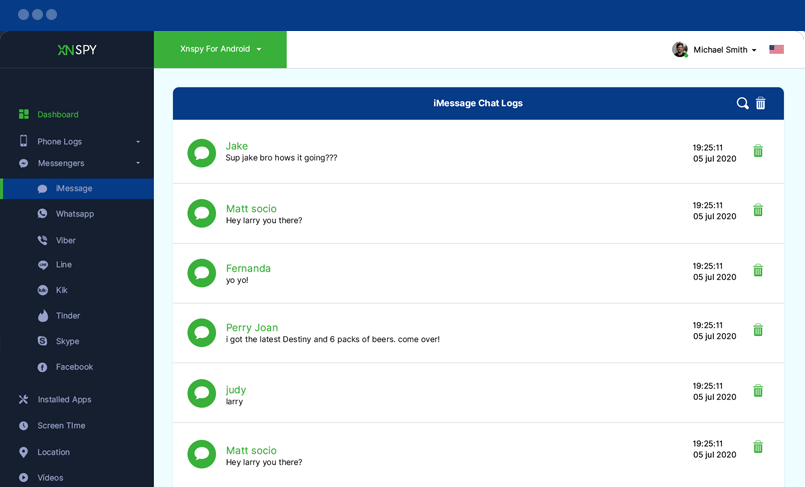
iMessages

Here is the target device’s iMessage chat logs. You can read all sent and received messages along with date and time stamps for each chat.

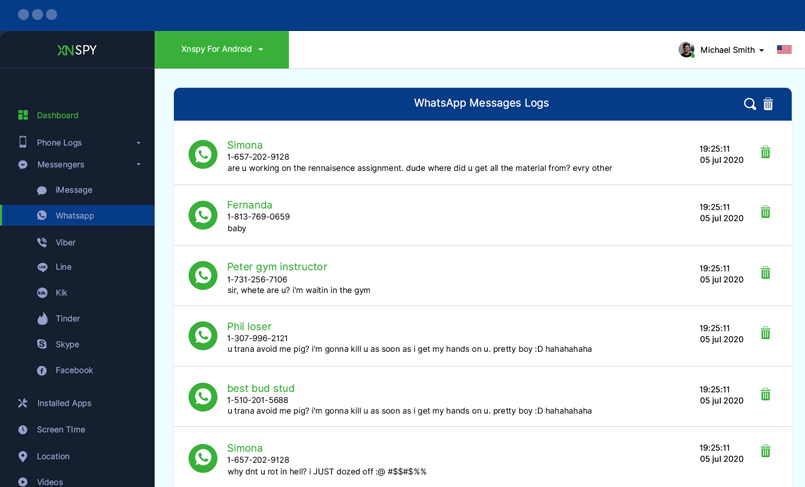
WhatsApp

Here is the list of target device’s WhatsApp chat logs. You can read all sent and received messages along with date and time stamps for each chat.

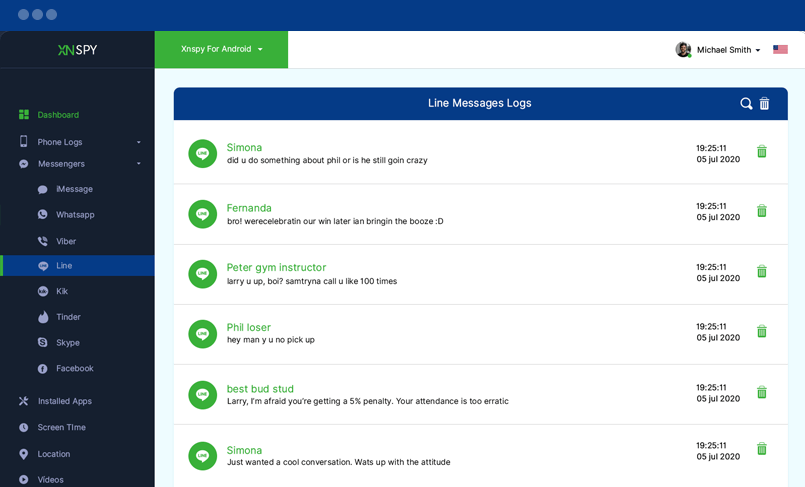
Line

Monitor all incoming and outgoing calls, video calls, and messages via this messenger app. You can see the call logs and receive alerts against watch-listed words used in Line Messenger.

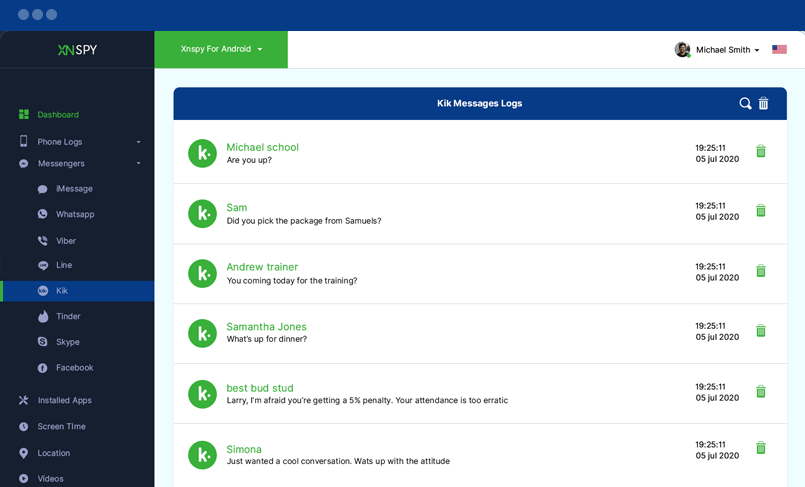
Kik

Without being detected, take complete hold of the target person’s communications via Kik Messenger. XNSPY lets you monitor all messages the target sends and receives via Kik. You can also view all the photos shared via this messenger.

Facebook

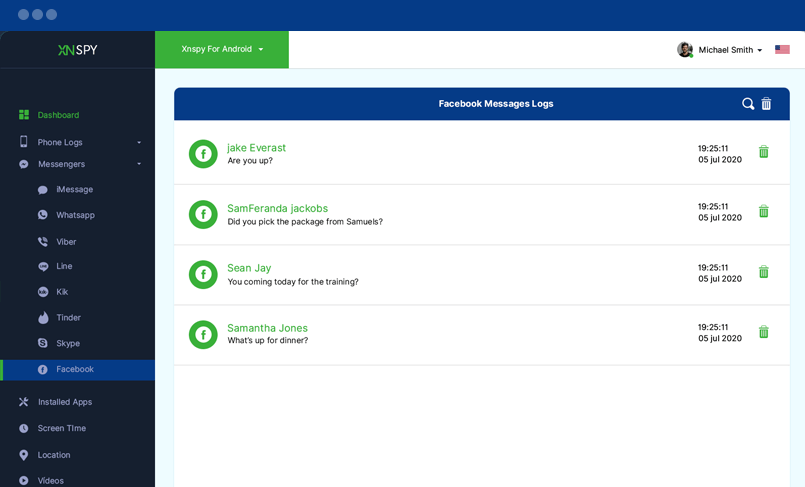
You can monitor all the incoming and outgoing messages sent via the Facebook Messenger app.

Tinder

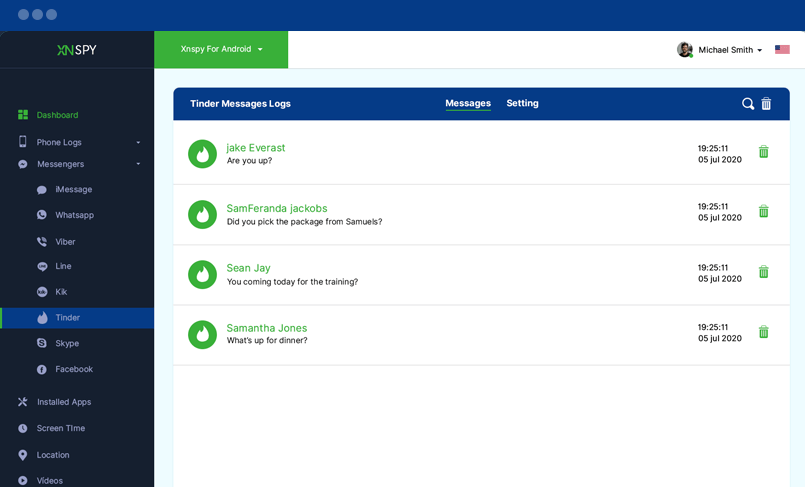
You can monitor all Tinder messages sent and received and also the user settings like age and gender preferences.

Installed Apps

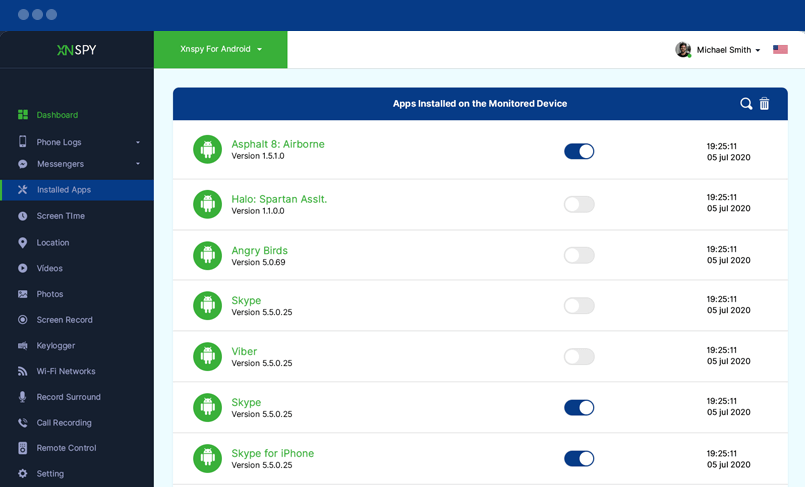
Here is the list of all the applications installed on the target phone or tablet. You can view the application names and their versions along with the time and date of installation for each app.

Locations

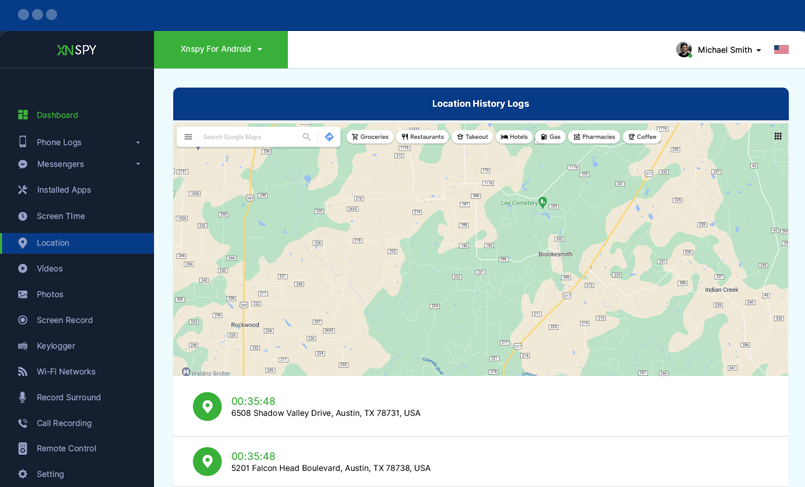
You can view all the places the monitored user visits. The pointers on the map indicate the places visited by target device holder. Clicking on a pointer will show the addresses of those places. You can also monitor the date and time duration of each visit.

Photos

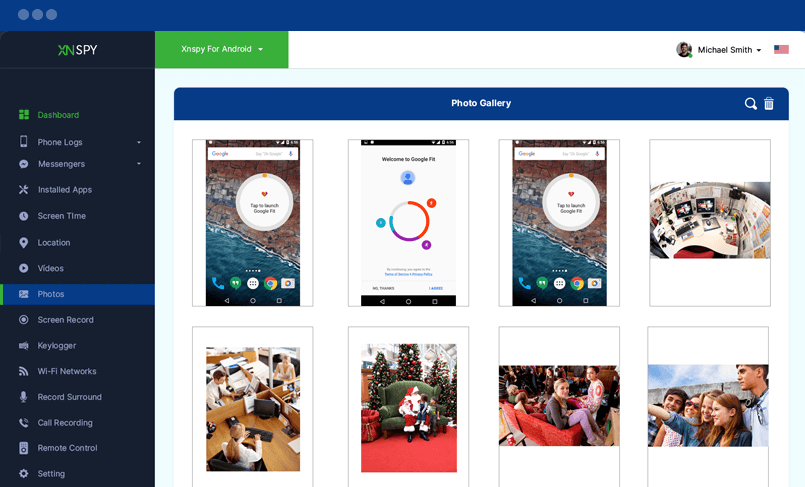
Here are all the photos saved on the target phone or tablet. You can monitor enlarged photos by clicking on them.

Videos

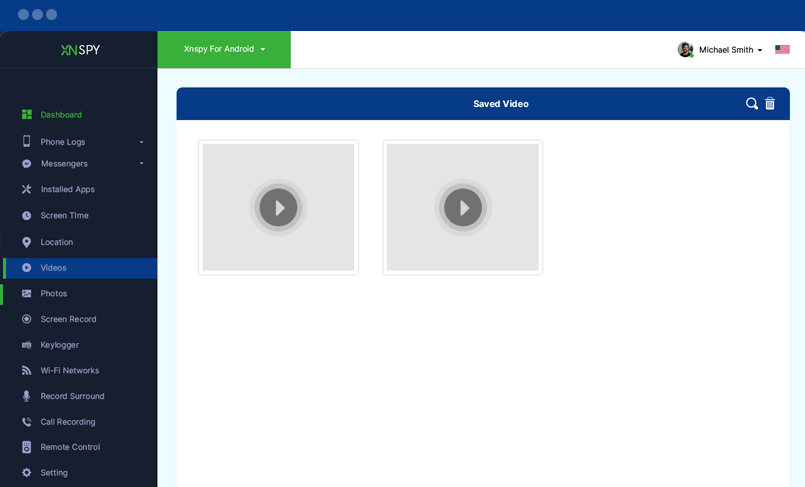
Here are all the videos saved on the target phone or tablet. You can download and play the videos on your computer using VLC player.

Record Surround

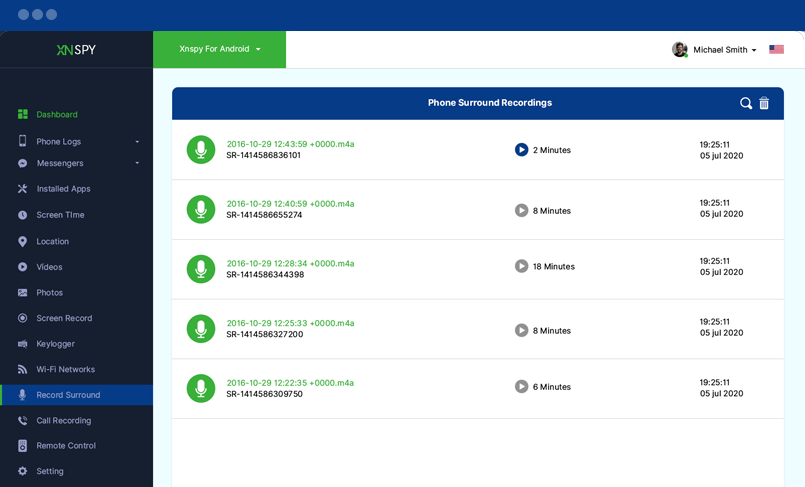
Here is the list of all the recordings of your target device’s surroundings. You can listen to all of them by clicking on the play button. For further insight, you can check out the timestamps of each recording. To remotely activate this recording feature, click on the remote control tab on the left.

Call Recording

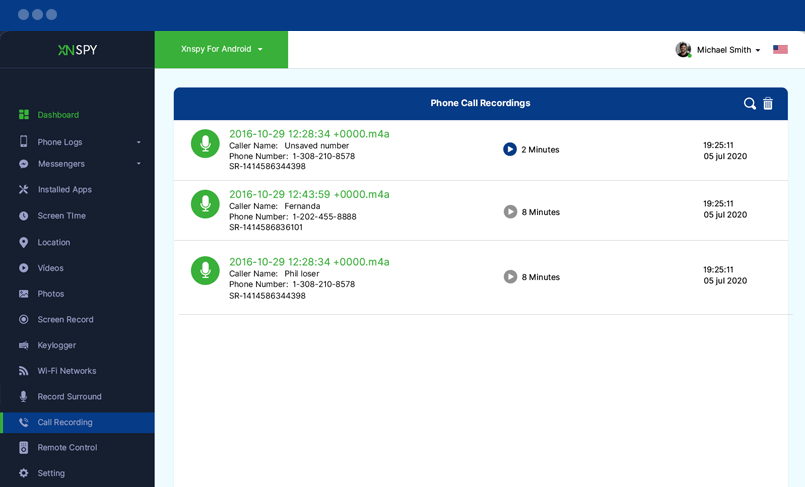
Record incoming and outgoing calls, receive email alerts when watch-listed contacts call your target cell phone and listen to their communication from the web-based control panel of XNSPY.

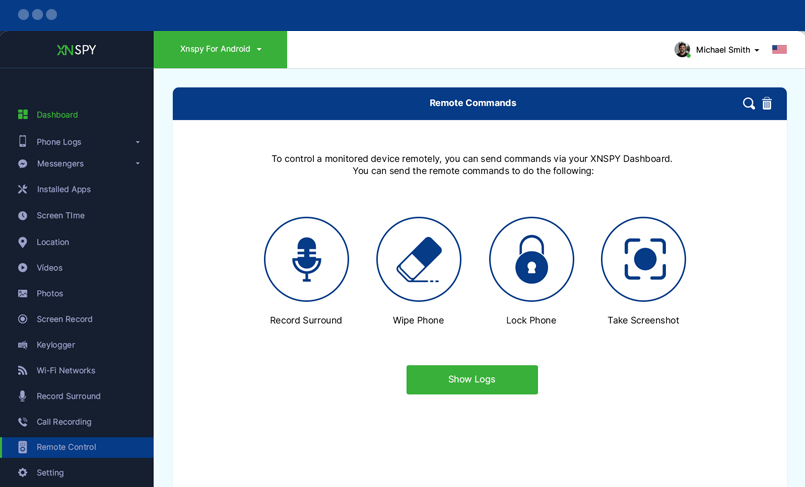
Send Remote Commands

You can send commands to your target smartphone or tablet remotely. Upon sending these commands, the XNSPY software installed on the target device executes them remotely.

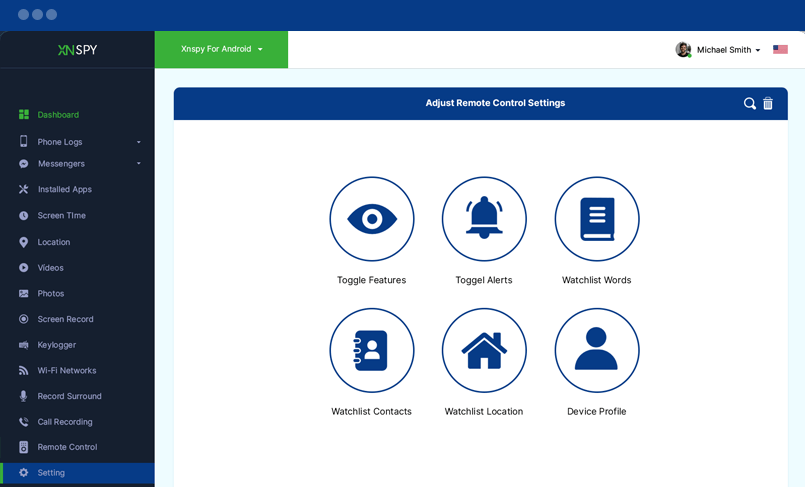
Settings

Here, you can choose from the sections below to adjust settings for various XNSPY features. View and edit features, their functionalities, and active device profiles.

after-bg after-bg after-bg

Got Questions? We’ve Got Answers

Still not sure about something or want to have more information on features and compatibility? Click on the icons below to get the relevant info about your problems and get them resolved in an instant!

after-bg after-bg

You Can Totally Rely on XNSPY - We’ve Got Your Back

When every other app seems to be pushing for subscriptions alone, it is XNSPY that prioritizes user experience. No matter what, your satisfaction truly rests atop everything else for us.

icon

Stealth Mode 100%

Invisible

icon

100% Secure

Satisfaction Guaranteed

icon

24/7

Live Chat

  • Home
  • XNSPY Product Tour: Explore Features and Capabilities

New Year Sale

Use The Discount Code During Checkout

40%
OFF
  • Days
  • Hours
  • Minutes
  • Sec
BUY NOW