
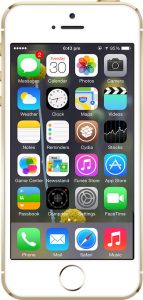
Step 1:
Tap on the “Cydia” icon on your iPhone home screen.
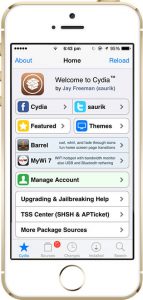
Step 2:
Tap on “Sources” at the bottom of the screen.
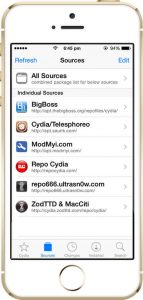
Step 3:
Tap “Edit” on the right side of the screen.
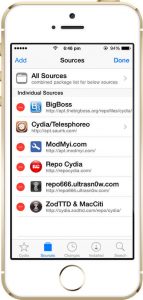
Step 4:
Tap “Add” on the left side of the screen.
Step 5:
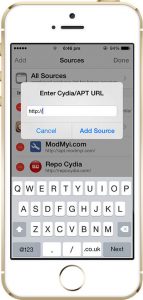
You will see a prompt to enter the download URL.
Step 6:
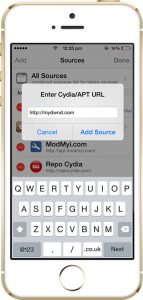
You will see a prompt to enter the download URL.
Step 7:
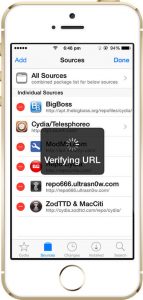
Wait for the phone to verify the URL.
Step 8:
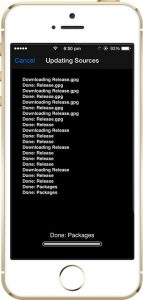
Wait for the system to update sources.
Step 9:
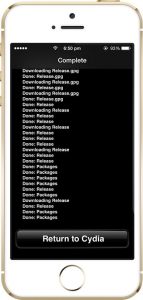
Once the download completes, tap “Return to Cydia.”
Step 10:
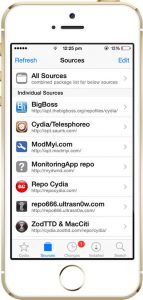
Tap the “MonitoringApp repo” icon from the list.
Step 11:
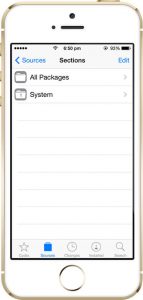
Tap the “System” folder.
Step 12:
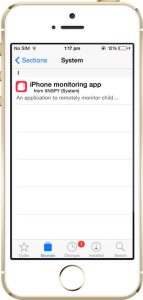
Tap the “Monitoring App” folder.
Step 13:
Tap “Install” from the upper-right side of the screen.
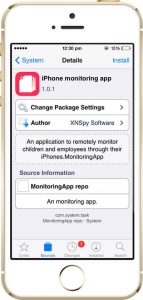
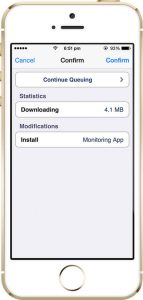
Step 14:
Tap “Confirm” from the upper-right side of the screen.
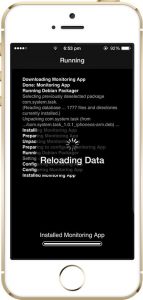
Step 15:
Wait for the system to prepare the monitoring app.
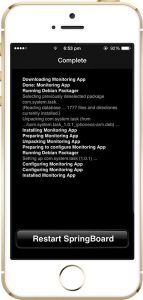
Step 16:
As the installation gets complete, tap “Restart SpringBoard.”
Step 17:
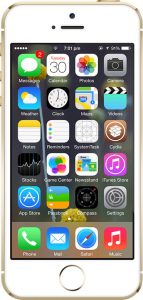
As the screen appears, tap on the “SystemTask” app icon.
Step 18:
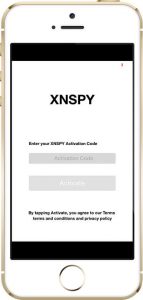
Enter the XNSPY software activation code that has been emailed to you.
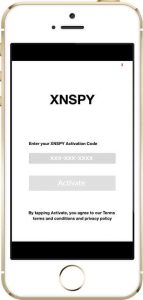
Step 19:
Tap “Activate” after entering your XNSPY software activation code correctly.
Step 20:
You will see a prompt about the software being successfully activated. Tap “OK.”
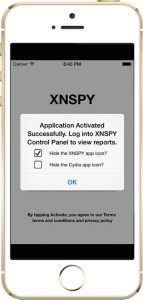
All done! Now you can start monitoring the target iPhone or iPad remotely by logging into your XNSPY control panel online. In case of any help feel free to contact our live customer suport.