
Step 1:
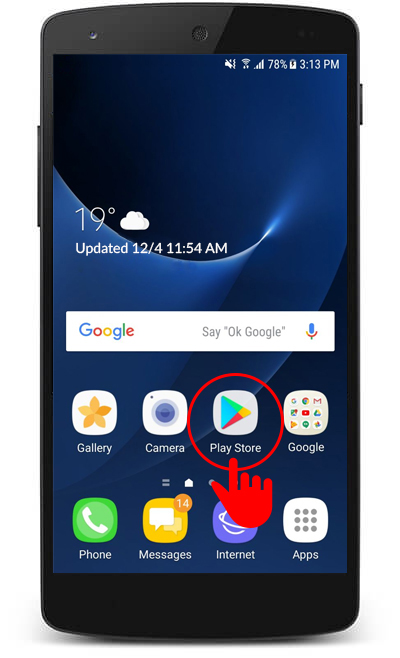
Open the “Play Store” app on the target device.
Step 2:
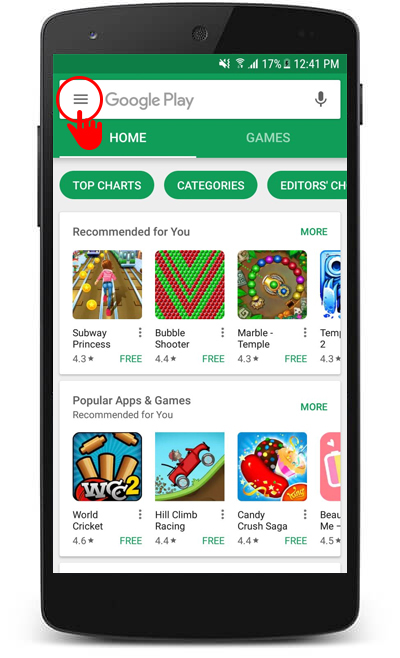
Press the 3-bar button to go to settings.
Step 3:
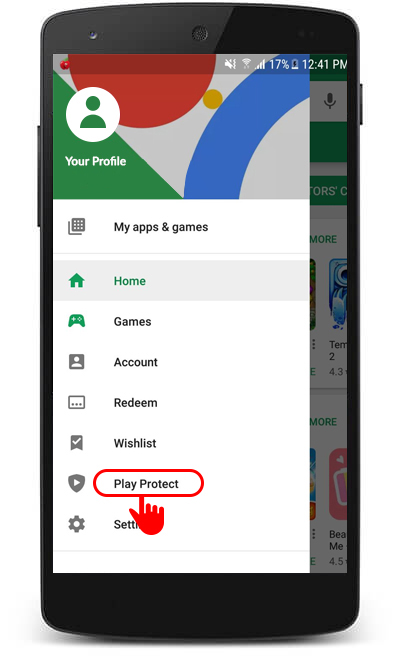
Press the “Play Protect” button.
Step 4:
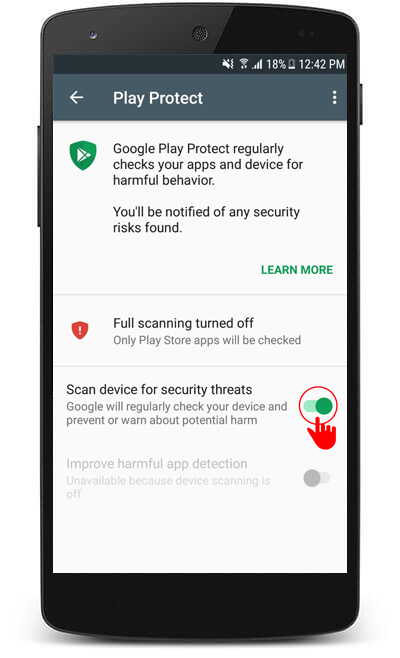
Turn off the “Scan device for security threats.”
Step 5:
All done. Google Play Protect will not show any threats again.