
Step 1 :
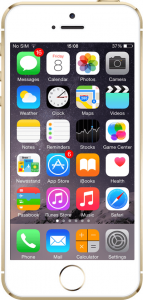
Tap on the “Settings” app icon on your iPhone home screen.
Step 2 :
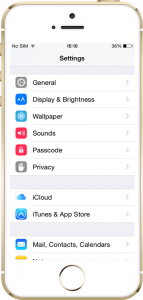
Tap on “iCloud” in the list you see.
Step 3 :
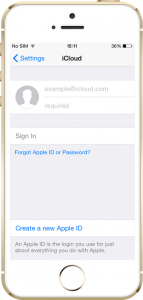
Enter the Apple ID and password in the required fields and press “Sign In.”
Step 4 :
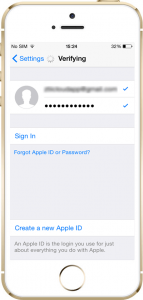
Wait for the device to verify the Apple credentials.
Step 5 :
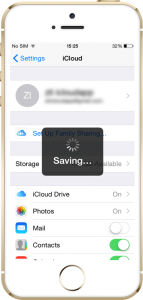
Wait for the device to save your account details.
Step 6 :
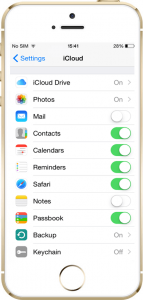
Toggle on all the features except for “Keychain” in the iCloud menu.
Step 7 :
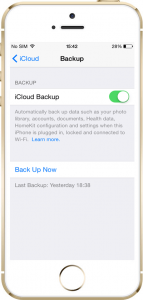
Tap on “Backup” and toggle on iCloud Backup.
All done! Now you can start monitoring the target iPhone or iPad remotely by logging into your XNSPY control panel online.