7 Best Apps to Limit Screen Time: 2026 Parent-Approved Picks

The complete monitoring experience for your phone
Get XNSPY and start tracking calls, texts, multimedia, locations and more on any phone!
Get Started Now Live DemoIncreased screen time has become one of the top concerns of parents, especially when you talk about mental and physical health of adolescents. There has been a lot of debate over whose mistake it is and where we went wrong, but given the technological changes and our screen dependency, there is no point. The only thing that one can do is manage screen time.
According to a recent survey, 81% of kids under 13 now have their own device, whether a laptop, tablet, or smartphone. The thing is, once you introduce a screen to your child, their use is only going to increase. In fact, according to another study, children aged 8-12 spend an average of 4 hours and 44 minutes daily on screen, whereas teens aged 13-18 average about 7 hours and 22 minutes. That is a lot!
Since you cannot eliminate it, you should manage it. The most feasible solution at this time is to use specialized apps for limiting screen time. But the question here is which one.
In this article, we have shortlisted the top 7 screen time management apps based on their functionality and value so you can manage your child’s screen time effectively without compromising your relationship.
Some More Blogs You Must See

👪  6 Best Family Tracking Apps for Android and iOS
👻  6 Best Parental Apps That Monitor Snapchat on iPhone & Android
📍  6 Best Apps That Track Location In Real Time [Android & iOS]
🤙  6 Best Apps to Check Call History Of Any Number Online
Why Parents Need to Invest in Screen Time Apps
Many parents don’t understand that consequences exist and believe that their children will understand themselves, yet the lure of connectivity is so strong that even adults cannot resist using their phones. So here are some reason what they should get apps to reduce screen time.
Physical Health Effects
Excessive screen use often leads to eye strain, headaches, and blurred vision due to prolonged focus on digital displays. It was also seen that teens may also experience poor posture, neck and back pain, and reduced physical activity, which can contribute to weight gain. Moreover, late-night screen use can disrupt sleep cycles by suppressing melatonin, making it harder to fall asleep and stay rested.
Mental and Emotional Impact
Spending long hours on screens, especially on social media, can increase stress, anxiety, and feelings of loneliness. With the increase of influencer marketing and social media advertising, many teenagers compare themselves to unrealistic online images, which can harm self-esteem and body confidence.
Behavioral and Social Consequences
High screen time can reduce face-to-face interactions with family and friends, which affects communication skills and emotional connection. Sometimes teens become irritable or defensive when asked to put their devices away, which can lead to conflicts at home. Apart from that, there is also a higher risk of exposure to inappropriate content, cyberbullying, or online pressure.
Academic Challenges
Too much screen time, particularly for entertainment, can interfere with homework, concentration, and time management. Keeping the phone in hand while studying often reduces information retention and can lead to lower academic performance.
Long-term Habit Formation
When screen use dominates daily routines, teenagers may struggle to build balanced habits around exercise, hobbies, and offline interests. This can make it harder for them to self-regulate technology use later in life, so it is essential to train them to keep a balanced approach in their teenage years so they don’t build their lives around their phone.
We Ran a Month-Long Test on the Top Apps to Control Screen Time — Here Are the Winners
| App | Rating | Price |
| Xnspy | 9.6 | Basic: $4.99/mo Premium: $7.49/mo |
| Google Family Link | 9.1 | Free |
| AirDroid | 8.7 | Monthly: $9.99 Quarterly: $19.99 Yearly: $59.99 |
| Opal | 8 | Free version Pro: $19.99/month Annual: $99.99 Lifetime: $399 |
| Qustodio | 7.5 | Free plan Basic: $4.58/month Complete: $8.33/month |
| Bark | 7 | Bark Jr: $5/month Bark Premium: $14/month |
| Screen Time | 6.7 | Free plan Premium: $6.99/month |
What Testing Process Did We Use to Identify the Best Apps to Reduce Screen Time?
Good screen time apps don’t just block access; they give meaningful insights, offer flexible controls, and make it easy for parents to manage device use without frustration. To identify the most effective solutions, we evaluated each app using four practical performance pillars that matter most in everyday use.
Reporting Depth – 35%
Limiting screen time effectively starts with understanding usage patterns. We allocated the largest portion of the test score (35%) to reporting depth, how much insight each app provides about app and device use over time. This includes detailed breakdowns of time spent on specific apps, daily trends, usage by category, and historical reports that help identify habits.
Remote Controls – 30%
A screen time app isn’t truly effective unless it lets you act, not just observe. We devoted 30% of the ranking to remote controls: the ability to set limits, enforce breaks, pause access, schedule lockouts, and adjust rules from a distance.
Ease of Use – 20%
Even the most powerful tool fails if it’s too complicated to operate. We dedicated 20% of the score to ease of use; how intuitive the setup is, how clear the interface feels, and how easy it is to view reports or adjust settings without digging through menus.
Affordability – 15%
Price should align with performance. While testing, we assigned 15% of the total score to affordability by assessing whether pricing tiers reflect the features and control they offer, whether free tiers are genuinely useful, and how reasonable long-term subscriptions feel relative to the overall experience.
Top 7 Apps That Limit Screen Time and Reduce Phone Addiction
1. Xnspy
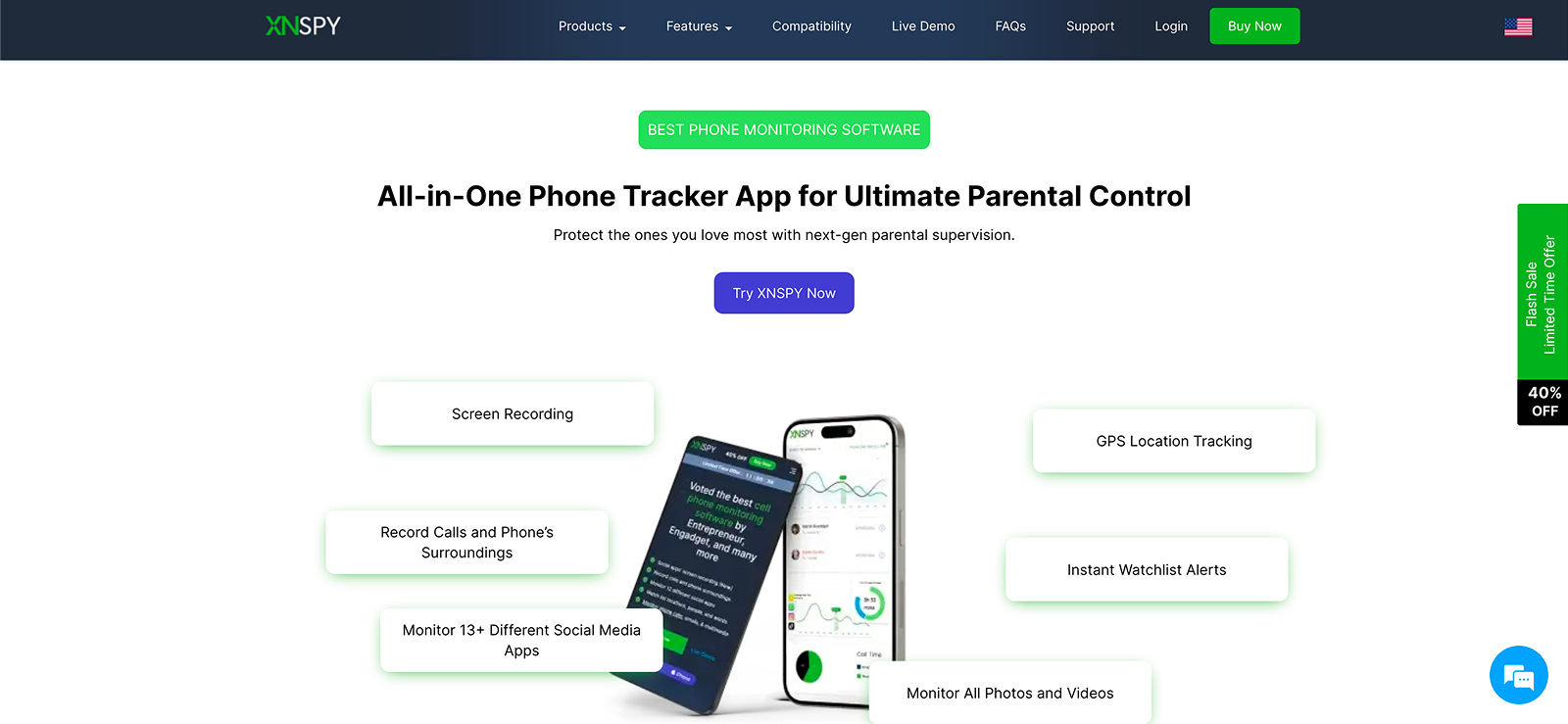
First up is Xnspy, which, per our experience, is one of the top apps for limiting screen time because it provides direct insights into phone usage without being intrusive. It encourages parents to understand the actual reasons for increased screen time before imposing harsh, forced limits.
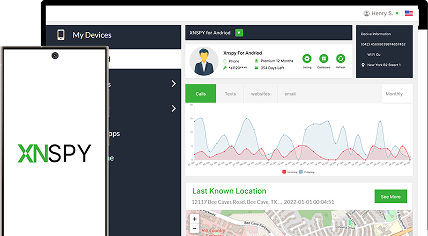
To test Xnspy, we downloaded the app on the target device. It then went into stealth mode and started working in the background. The insights were updated in real time, so that we can get accurate data when it actually matters. Moreover, we were able to access all screen time details and app activities via the secure, web-based dashboard for ease of use.
Features
For screen time information, Xnspy offers the following features.
Screen Time
Xnspy’s screen time feature displays the overall time your child has spent on their device. It also shows the apps they have visited the most. We were able to see the exact visit frequency and the time spent on each app. With this data, parents can see which apps are taking up the most time. They can also check other features to determine the actual reason for the app’s usage.
Phone lock
In case parents feel that the child needs strict rules, they can create a schedule and lock their phone remotely from Xnspy’s dashboard. When we activated this feature during the testing phase, the phone got locked with a temporary password, which means no one other than the parent can unlock the phone. Parents can lock their child’s phone during study time, dinner time, family time, or sleep time.
App Blocker
If you, as a parent, only want to block the app causing the increased screen time, you can use the app blocking feature. You can also unblock from the toggle button when you deem fit. This can help you manage screen time without completely restricting their access, and they can use their phone for essential activities like homework and communicating with friends.
Xnspy Compatibility
Xnspy is compatible with both Android and iOS devices. For Android, it supports versions 4.x up to 15. iOS supports iOS 7 and above. You can check compatibility on their website compatibility portal or confirm with the 24/7 customer service.
Xnspy Pricing
Basic: $4.99/month
Premium: $7.49/month
Xnspy Pros and Cons
| Pros | Cons |
| – Xnspy provides screen time data with context, so you dont make decisions based on just numbers. – It works discreetly in the background without interfering with the phone activities, which makes it one of the best screen time apps. – With real-time updating, Xnspy provides accurate data. – It has 24/7 customer support. | – No free trial available. |
Why Should I Buy Xnspy?
Xnspy is one of the top apps to control screen time for parents because they can manage screen time flexibly without constant arguments. It provides complete data and allows parents to be supportive and strict when needed. With complete data, parents can make more informed decisions about how to tackle the situation.

Xnspy: Control Screen Time Without Hovering
Get quick clarity on every move your kids make on their phones.
– See total screen time and top apps
– View app activity and browsing patterns
– Set phone lock schedules easily
– Restrict apps without limiting essentials
2. Google Family Link
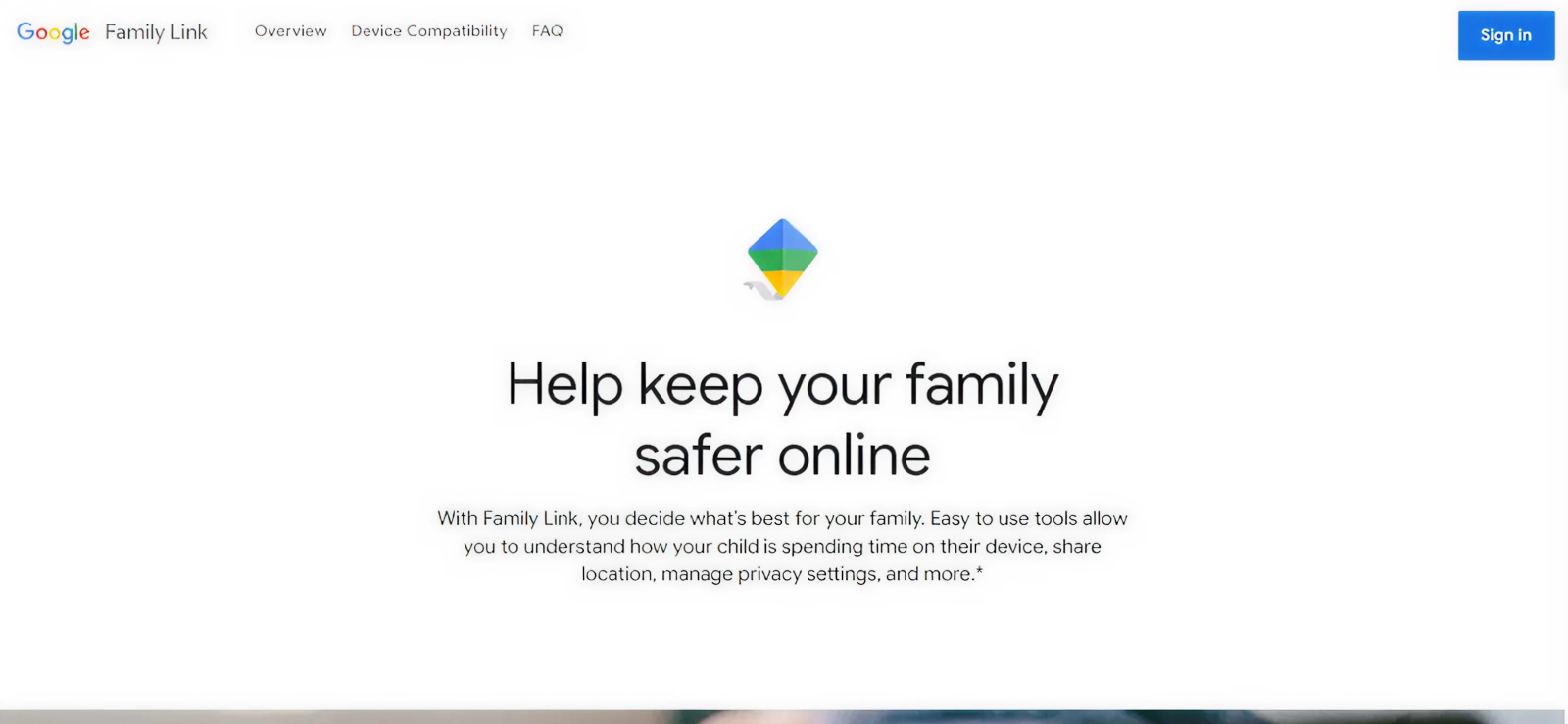
At second spot on our list of the best screen time apps, we have Google Family Link. It helps families stay safer online and develop healthy digital habits. For this app to work, parents have to create a link with their child’s Google account. Once the child signs in to the device, it becomes connected to Family Link, and parents can set rules as they deem fit.
With this app, parents can approve or block apps the child wants to download from the Google Play Store, manage content filters for YouTube and Google Search, and track the device’s location on a map.
Features
For screen time management, Google Family Link offers the following feature.
Screen Time and App Usage
The screen time and app usage feature provides activity reports that show exactly how much time their child spends on specific apps. This data is organized by daily, weekly, and monthly views. Parents can see the visit frequency and the total time spent on a game or social media, and decide whether a limit is necessary based on that usage data.
Daily Screen Time Limits
Google Family Link lets parents set a daily limit for each day of the week. They can set different limits for weekdays and weekends. Once the allocated time expires, the target device automatically locks. Children can make emergency calls, but cannot access anything else.
Bedtime / Downtime
The app also lets parents schedule a specific “Bedtime” or “Downtime.” At the time they set, the app locks and remains locked for the set hours. Similarly, they can use the “School Time” setting to limit distractions during study hours. While testing, we noticed that the feature’s execution had no errors whatsoever.
Google Family Link Compatibility
Google Family Link is compatible with Android. It supports Android version 7.0 and higher. It also works on Chromebooks (ChromeOS 71+). The management app can be installed on both Android and iOS devices, so iPhone users can easily monitor their Android phones.
Google Family Link Pricing
Google Family Link is completely free.
Google Family Link Pros and Cons
| Pros | Cons |
| – Free and backed by Google – Simple setup and easy-to-understand interface – Good for younger children and first-time device users – Strong screen time and bedtime scheduling features | – Limited features for older teens – iOS support is restricted – Less detailed usage insights compared to advanced tools |
Why Should I Buy Google Family Link?
Based on our thorough testing process, we think Google Family Link is a good option if you want an easy-to-use, cost-free solution that covers the basics of digital safety. Among all available apps for limiting screen time, it is a perfect option for parents of younger children who primarily use Android devices and need a simple way to manage app downloads and daily screen time without a complex setup.
3. AirDroid
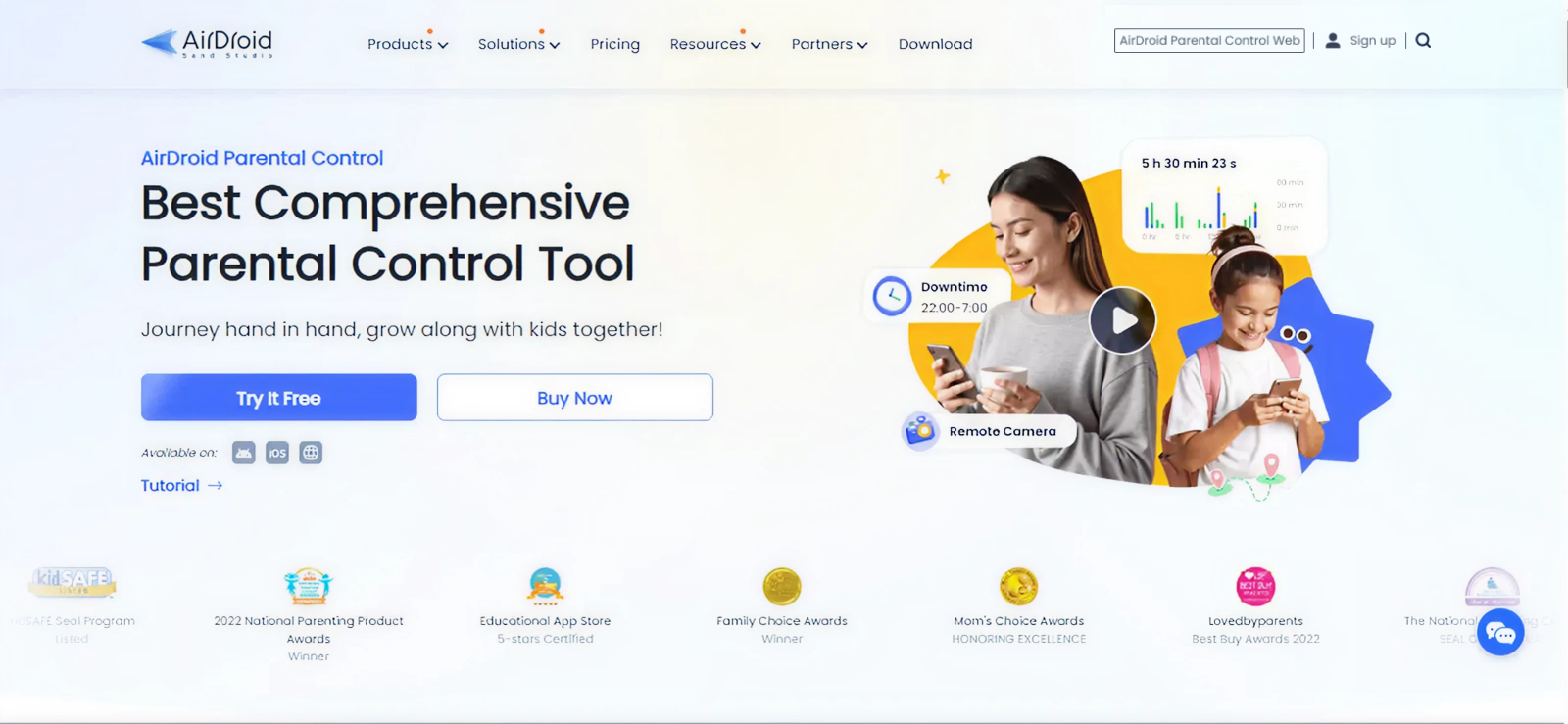
AirDroid Parental Monitoring App is a child safety device that lets parents see an overview of what their child is using on their phone. While testing its features, we loved the range that it offers to ensure safe device usage.
Some of the features that we really liked while testing included inappropriate image detection, location & geofencing, social content detection, and website restrictions.
Features
For managing screen time specifically, the app offers the following features.
Screen Time Limits
AirDroid lets parents set time limits for individual apps or entire app categories. They can view detailed usage reports that show which apps are being used most frequently and for how long. They can also see a clear timeline of daily activities to identify excessive usage patterns.
Scheduled Downtime
The scheduled downtime feature allowed us to specify specific hours when the target device should be locked. Mostly, it is used to restrict access during school hours, sleep time, and homework time. However, during these hours, parents can allow a few apps, such as calls, calculators, and calendars.
Focus Mode
Focus Mode is a specialized setting that helps individuals stay focused during study or rest periods. When parents keep the target device on these settings, they can silence all incoming notifications and restrict the usage to a very limited set of apps.
AirDroid Compatibility
AirDroid Parental Control is compatible with both Android and iOS devices. For Android, version 7.0 or later, and for iOS, version 15.0 or later is required.
AirDroid Pricing
AirDroid offers a 3-day free trial of its premium features. After the trial, users can choose from three subscription tiers:
- Monthly Plan: $9.99 per month (supports 2 devices).
- Quarterly Plan: $19.99 ($6.66 per month, supports 10 devices).
- Yearly Plan: $59.99 ($5.00 per month, supports 10 devices).
AirDroid Pros and Cons
| Pros | Cons |
| – AirDroid’s dashboard is easy to use, thanks to its clean design. – The screen time features can restrict access quite quickly. | – iOS compatibility is much lower. – The monitoring device too have to install an app. – A few basic features, such as social media activity visuals and call monitoring, are not available. |
Why Should I Buy AirDroid
We believe that AirDroid is one of the best apps for limiting screen time without having to look too closely at social media and phone usage. While there are features that can detect problematic content, they may not be enough to detect every activity.
4. Opal
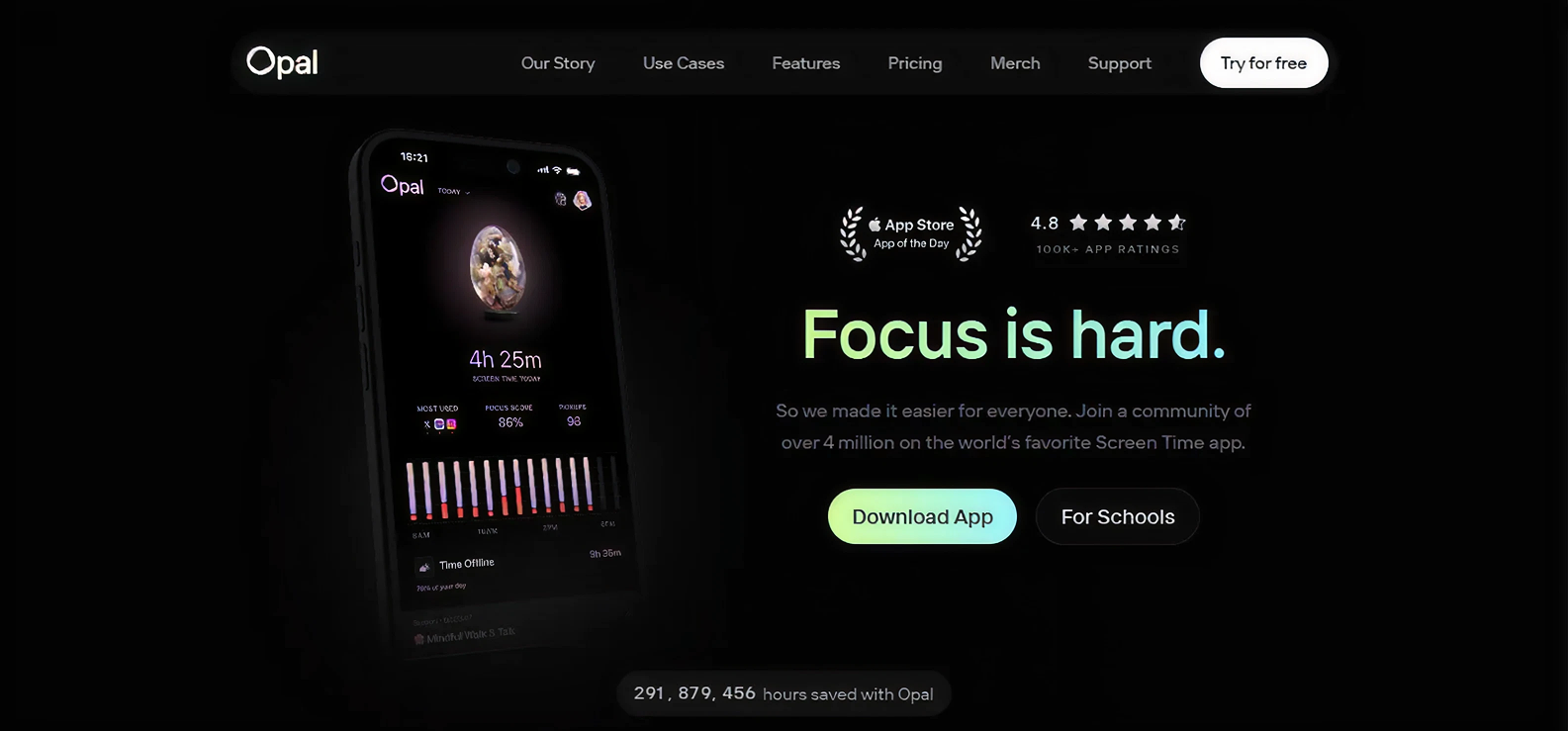
Opal is a screen time and focus app that helps parents reduce digital distractions and build healthier phone habits. Instead of parental surveillance, Opal works by limiting access to distracting apps and websites during chosen times. It can specifically help with screen time increased due to doomscrolling. We found the app’s interface to be quite interactive while testing.
Features
For screentime monitoring, it offers the following features.
Recurring Schedules
Opal allowed us to set recurring schedules that automatically activate focus periods on selected days and times. These schedules can be used during school hours, homework time, bedtime, or work sessions. Once we had set it in the testing phase, the schedule ran automatically, ensuring consistency without daily manual effort.
Deep Focus
Deep Focus is Opal’s strict focus mode that prevents bypassing blocks once a session starts. This feature is useful when strong boundaries are needed, as it reduces the temptation to disable restrictions midway. It encourages commitment to screen limits and uninterrupted focus during important tasks.
App & Website Blocking
With Opal, we were also able to block specific apps and websites that consume the most time. This includes social media platforms, games, and distracting websites. Parents can keep a few essential apps for essential communication.
Opal Compatibility
Opal is currently available for iOS devices and works on iPhones running supported iOS versions. It integrates directly with Apple’s Screen Time system to apply restrictions effectively. At the moment, Opal does not offer an Android version.
Opal Pricing
Opal offers a basic Free version that covers manual sessions and a single daily schedule. If you want more features, Opal Pro is available as a monthly subscription for $19.99 or a much more cost-effective annual plan for $99.99 (about $8.33 per month).
For those who are fully committed to long-term digital minimalism, they also offer a Lifetime access option for a one-time payment of $399.00. Keep in mind that they frequently offer a 7-day free trial and significant student discounts to help lower those costs.
Opal Pros and Cons
| Pros | Cons |
| – Opal offers an interactive, gamified interface that makes it much easier to use. – It offers several features to help maintain focus during busy times. – The free version offers basic app blocking features. | – As of now, no Android support is available. – Opal has much more limited activity insights compared to parental control apps, and it does not show the cause of excessive screen time. – For advanced features, you have to get the paid versions, which can be expensive. |
Why Should I Buy Opal
Opal is a great option for parents and individuals who want screen time-limiting apps for a more direct way to reduce screen distractions without constant supervision. If you are an iOS user and your goal is to limit app usage during key times rather than closely analyze phone activity, Opal offers an effective solution.
5. Qustodio
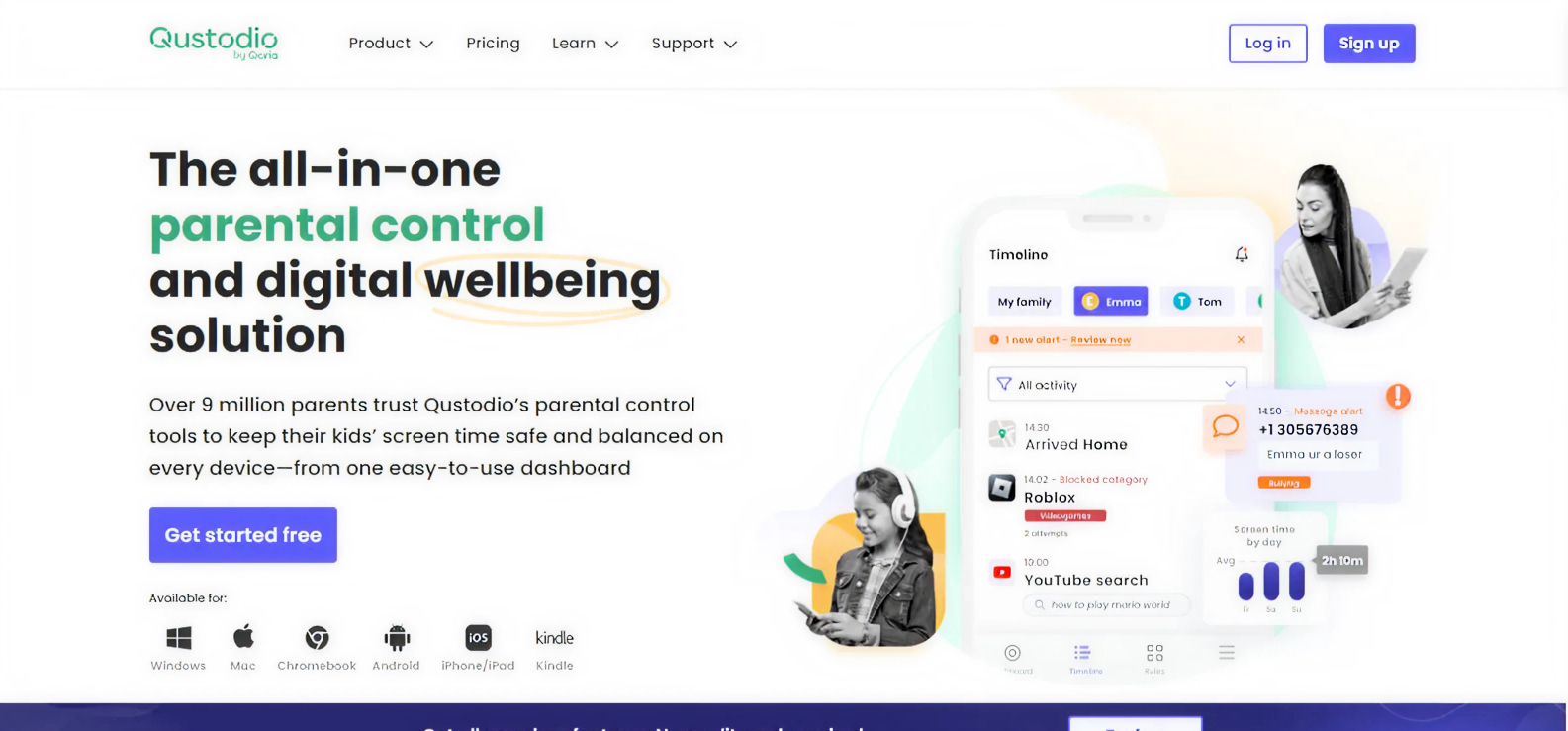
Qustodio is an app that lets parents manage their children’s screen time with clear limits and structured rules. The app’s main focus is to give parents the option to remotely control phone usage.
They can decide how much time children can spend on devices and when those devices should be unavailable. It is commonly used by families. It also offers a few parental monitoring features, including web filtering, location tracking, activity reports, and call and SMS logging.
Features
The following features include Qustodio in the list of top apps to reduce screen time.
Daily Screen Time Limits
We loved the fact that Qustodio lets parents set daily screen time limits for their children’s devices. Once the time is up, the device gets automatically locked. Parents can also define different limits for weekdays and weekends to make it more flexible for children. This feature helps children understand time boundaries and encourages them to prioritize offline activities.
Screen-Free Scheduled Times
With Qustodio, parents can also schedule screen-free periods during specific times of the day. These schedules are useful for school hours, bedtime, dinner time, homework time, or family time. During these set blocks, the access is completely locked.
Lock device
The device lock feature allows parents to immediately block access to the device when needed. Parents can do it remotely through the parent dashboard. During this time, children cannot use the device until you grant permission. It is usually done when children refuse to follow the rules, and you need them to understand the responsible use of the device.
Qustodio Compatibility
Qustodio is compatible with Android, iOS, Windows, macOS, Chromebook, and Kindle devices. However, available features may vary depending on the operating system.
Qustodio Pricing
Qustodio offers the following plans;
- Free Plan: Covers 1 device with basic web filtering and screen time limits.
- Basic Plan: Around $4.58/month (billed annually). Covers up to 5 devices and adds app blocking and location tracking.
- Complete Plan: Around $8.33/month (billed annually). Covers unlimited devices and includes full “Pro” features like game time limits and SMS monitoring.
Qustodio Pros and Cons
| Pros | Cons |
| – Qustodio is specifically a screen time monitoring app, so other features are limited. – Qustodio is compatible with Kindle and Chromebook, so it can be used for younger children as well. – The interface of the app is updated and seems more user-friendly. | – While Qustodio offers a filter, it doesnot show the actual activities of social media and communication apps. – Some features work differently on iOS – For advanced features, you need to buy the paid version, which is expensive considering the monitoring features it offers. |
Why Should I Buy Qustodio
In our opinion, Qustodio is suitable for parents who want structured screen time rules but don’t want detailed insights into phone usage or social media app usage. It usually works for families that prefer predefined limits and automated restrictions to maintain balance and consistency in their children’s device use.
6. Bark
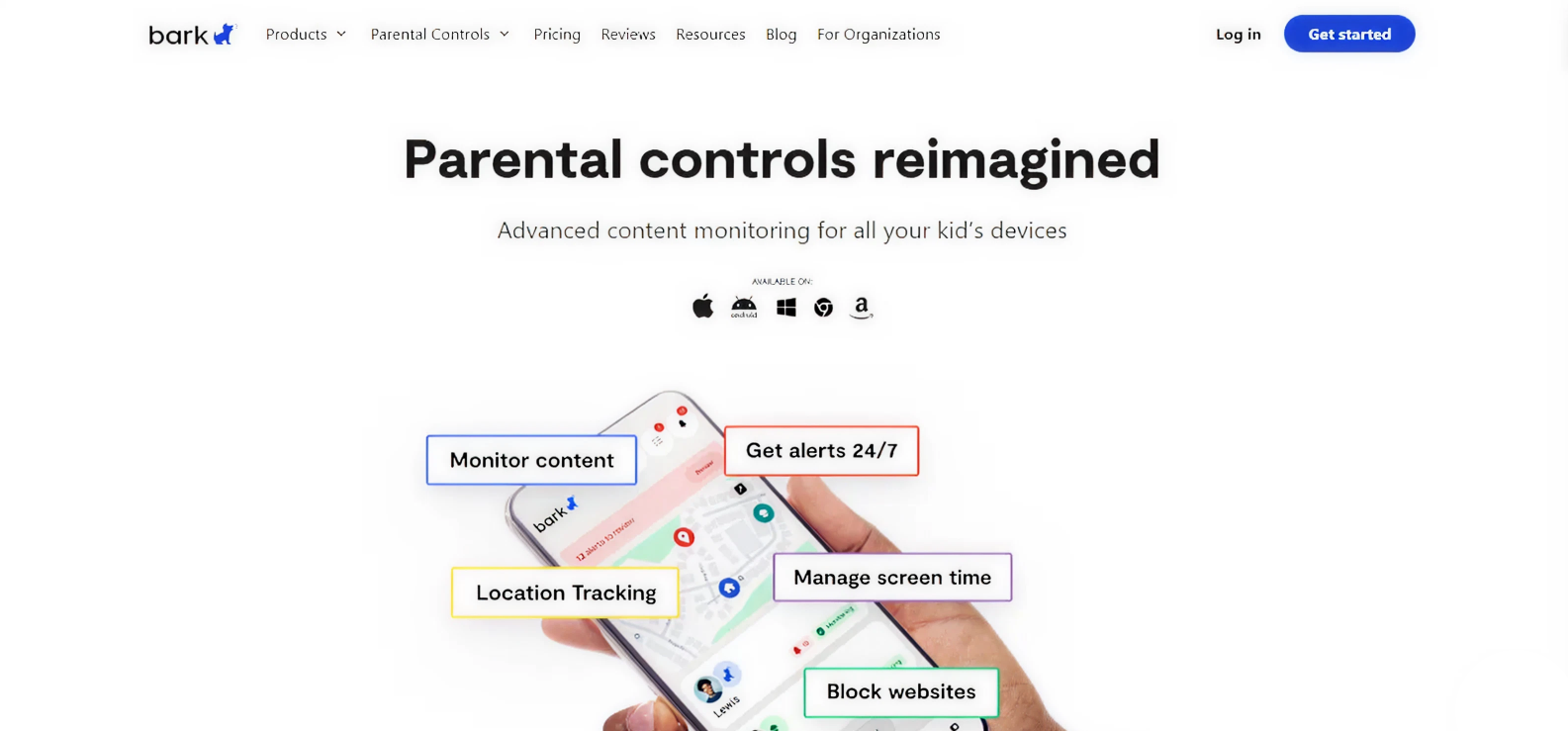
Bark is a parental control app for parents who want insights about their children’s online activities without being too intrusive. It is AI-powered and ensures safety by highlighting messages with problematic text. The reason we have chosen Bark for this list is that it is amongst the very few apps to reduce screen time through machine learning, so it understands modern slang and the conversation’s vibe.
In addition to screen time monitoring, Bark also offers image and video scanning, location tracking, and social media alerts. It is commonly chosen by families who want to balance time limits with safety-focused supervision. Recently, Bark has also launched Bark Phone and Bark Home.
Features
Bark has the following screen time features.
Screen Time Schedules
Bark allows parents to create screen time schedules that define when devices or internet access are available. These schedules can be customized for other activities children have throughout the day. The system is automatic. Once set, it will create routines for your children.
App & Website Blocking by Time
We were also able to block access to specific apps and websites during selected time periods. This feature helps reduce distractions by limiting access to apps that distract children the most. It includes games, social media, or entertainment apps.
Pause Internet Access
Bark includes a pause feature that lets parents temporarily pause internet access on a child’s device. Parents can do so remotely from the Bark control panel. This feature can come in handy when the goal is to restrict social media access, but not cellular calls and SMS. Once paused, internet access remains unavailable until you enable it from the dashboard.
Bark Compatibility
Bark is compatible with iOS and Android devices, as well as Windows, macOS, and Chromebook systems. For iOS, it is compatible with version 16 and above, and for Android, it is compatible with version 8 and above.
Bark Pricing
Bark offers the following pricing plans.
- Bark Jr: It is the entry-level plan, priced at $5 per month (or $49 annually)
- Bark Premium: This plan costs $14 per month (or $99 annually) and adds AI-powered monitoring for texts, emails, and over 30 social media platforms
Bark Pros and Cons
| Pros | Cons |
| – Bark offers AI powered app and website filtering. -It has introduced Bark Phone and Bark Home as more restrictive options for digital safety. – The app’s interface is user-friendly and interactive. | – There is no free trial available. – While it offers filters, it does not show every message your children send or receive. – A few basic features require a paid subscription. |
Why Should I Buy Bark?
Bark is a suitable option for parents who want to manage screen time while keeping an eye on online safety, but don’t want to know everything about their child’s phone use. It works well for families looking for structured screen schedules that don’t require frequent resets.
7. Screen Time
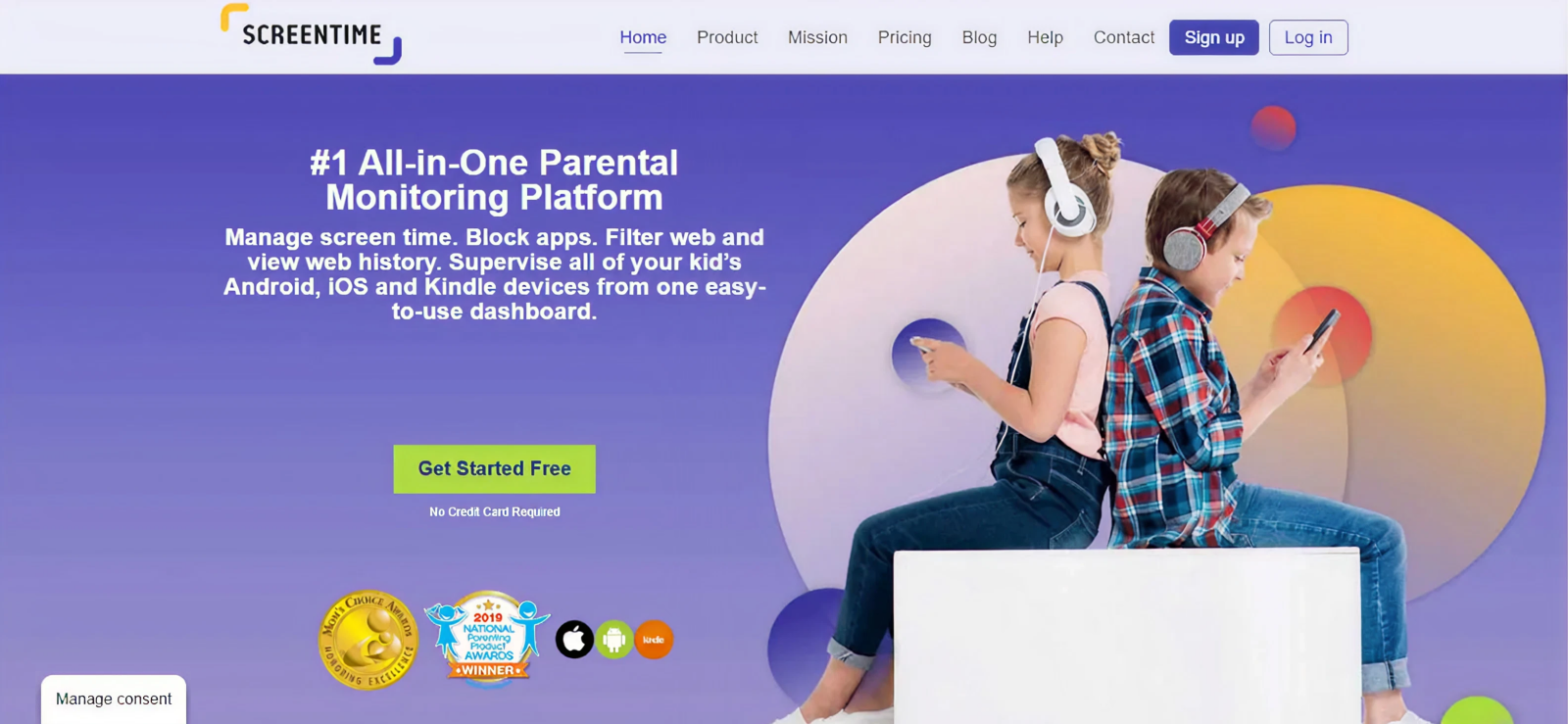
Screen Time takes the last spot on our list of leading apps for limiting screen time. It is a parental control app that monitors digital device usage across Android, iOS, and Amazon Kindle devices. The app gives parents a clear picture of how time is spent on phones and tablets.
To start using Screen Time, we installed the app on the target device and linked it with a dashboard. From there, we were able to set rules remotely, view usage reports, and adjust controls at any time. The app offers many features like location tracking, website filtering, and photos and text monitoring.
Features
For monitoring screen time, it offers the following features.
Daily Time Limits
Screen Time enabled us to set daily screen time limits for each child’s device. It allowed our team to create unique schedules for different days and times, such as more time on weekends and less during school nights. This is more of a daily routie and you dont have to reset the schedule every single day. This helps prevent overuse and encourages structured screen habits.
Blocked Schedules
Parents can also schedule specific periods when device access is restricted. For example, we were able to restrict access to the device during meals, sleep time, etc.
Instant Pause
With Instant Pause, parents can temporarily halt device access with a single tap in their parent app. The Free Play feature lets you temporarily override the limits for special occasions, like travel or downtime.
Screen Time Compatibility
Scree Time is compatible with Android and iOS. It works on Android 4.4 and higher. For iPhone, it supports version 9 or later. In addition, it also supports Amazon Kindle Fire devices.
Screen Time Pricing
Screen Time offers a Free tier that provides basic usage monitoring and daily reports for one device per child. The Premium plan costs $6.99 per month and covers up to 5 devices.
Screen Time Pros and Cons
| Pros | Cons |
| – Screen Time offers a free basic version. – A 7-day free trial is available. | – A few basic features, like Call and SMS monitoring, are not available. – The premium plan price is higher than the features the app offers. – The interface is basic. |
Why Should I Buy Screen Time?
We think Screen Time can be a good option for parents who want a screen-limiting app for their children. The app is non-intrusive, and if you don’t want a detailed look into social media and gaming apps usage.
Conclusion
Screen time schedules are essential for children because digital devices are now part of everyday life. If one doesn’t pay any attention, excessive screen time can slowly affect sleep, focus, physical health, and family interaction.
This is why it is essential that parents set restrictions early and build balanced routines rather than react after habits become unhealthy. However, before applying strict limits, parents should understand the real reason behind increased screen time, whether it’s boredom, stress, or social connection.
Using apps to limit screen time is one of the most effective ways to manage this balance. Screen time apps allow parents to consistently limit, control, restrict, and manage device usage, without daily arguments.
However, it’s important to choose tools that don’t make children feel trapped or punished. Do your research and pick one that fits your needs, supports communication, and encourages healthy digital habits rather than forcing them.
FAQs
Are apps that limit screen time safe for children?
Yes. Reputable screen time management apps are designed to guide children’s device usage without exposing personal data. It is essential to use them adequately without enforcing too much on children. Always choose apps with strong privacy policies and clear parental controls.
Do children know when their screen time is being monitored?
It depends on the app. Some, like Google Family Link, are visible to children, while others, like Xnspy, provide background monitoring with a focus on usage patterns rather than surveillance. Considering that children might tamper with the insights, stealth mode seems more appropriate.
Can I block only specific apps without restricting the whole phone?
Yes. Many screen time limiting apps, including Xnspy, allow parents to block individual apps or websites during certain hours while keeping essential apps like homework tools or communication apps accessible. This can help in an emergency, allowing children to contact their guardian.
How do I choose the right screen time app?
Before investing in a screen time app, consider your child’s age, the device they use, your desired level of control, and the features you want. The best apps to limit screen time have features like app blocking, usage reporting, and scheduling. Choose one app that fits your family’s needs rather than trying multiple apps at once.
Can I see which apps my child uses most?
Yes. Most apps to control screen time provide detailed reports showing which apps your child spends the most time on and how often they open them. For example, Xnspy shows the most used apps by frequency and time spent. These usage patterns can help you make informed decisions about screen time rules and the extent of restrictions.
Leave a reply:
Your email address will not be published. Required fields are marked*
Tiffany Ross
Member since October 8, 2025
Tiffany Ross
Member since October 8, 2025
Tiffany Ross is a child digital safety educator and family technology researcher, with an M.Ed. in Learning Technologies, University of Texas at Austin. After graduating in 2016, she has continued to work in the industry for 9 years. During this time, she has focused on practical digital parenting strategies and responsible use of monitoring apps. Moreover, her work includes abuse prevention, healthy screen habits, social media safety, and other key concerns. Over the years, Tiffany has also contributed to more than 200 research-informed guides and family safety resources covering online risks, screen time management, and digital wellbeing practices for modern households.