How to Use AI Safely for Kids: The Complete Parent’s Safety Framework
 By Jenny Nicole
The complete monitoring experience for your phone
Get XNSPY and start tracking calls, texts, multimedia, locations and more on any phone!
Get Started Now Live DemoIf your child has not talked to an AI chatbot yet, they probably will soon. AI companions are already becoming part of teen digital life, with 72% of U.S. teens saying they have used an AI companion at least once and more than half using them regularly. For many families, AI is no longer a future concern as it is quietly becoming part of everyday routines, right alongside texting, homework apps, gaming, and social media.
That does not mean every AI tool is unsafe. Many can help children learn, brainstorm, create, and explore new ideas. The concern is that many popular AI tools were not originally designed with children’s privacy or emotional development in mind. Some can give wrong advice. Others can be misused to create fake explicit images or bullying content involving real children.
In this guide, we explain what parents actually need to know: the AI tools kids are using, the dangers of AI for children, real incidents that show why parent guidance matters, and practical AI safety tips you can start using at home today.
Everything You Need to Know About AI and Child Online Safety
- Children increasingly use AI chatbots, companions, image generators, and built-in AI across everyday apps.
- Major AI risks include misinformation, deepfakes, privacy leaks, emotional dependency, and academic misuse.
- Real lawsuits and deepfake incidents show AI risks for children are already causing harm.
- Monitor your child’s AI chatbot conversations and track ChatGPT usage for early risk detection.
- Choose AI tools with reliable age verification, privacy protections, crisis safeguards, and parental controls.
- Teach AI literacy, fact-checking, and clear AI rules to encourage safe, responsible AI use.
- Combine open conversations, ongoing supervision, and trusted monitoring tools to strengthen child online safety.
AI Safety for Kids: What Parents Need to Know First
AI chatbots aren’t dangerous by design, but almost none of them do a good job of confirming a user’s real age, and this one gap is behind most of the problems parents are hearing about. A chatbot has no real way of knowing if it’s talking to a 35-year-old or a 13-year-old, so it doesn’t always adjust what it says.
AI chatbots are less like a search engine and more like a stranger your child can talk to any time, day or night: always available, always agreeable, and never tired of the conversation.
That is exactly what makes them appealing to kids… and exactly what makes them risky. For parents, AI and child online safety now means understanding where those risks show up and what you can do to reduce them.
Here Are Some Reads You'll Love
👩❤️👨 6 Best Internet Filters for Families [iPhone & Android]
🌊 Jellyfish Parenting: What It Is & Is It Still Relevant
🔞 7 Best Porn Blocking Apps for Teens (Android & iOS)
⏰ 5 Best Apps like Bark: Our Testing Revealed These Winners
What Types of AI Are Kids Using Today?
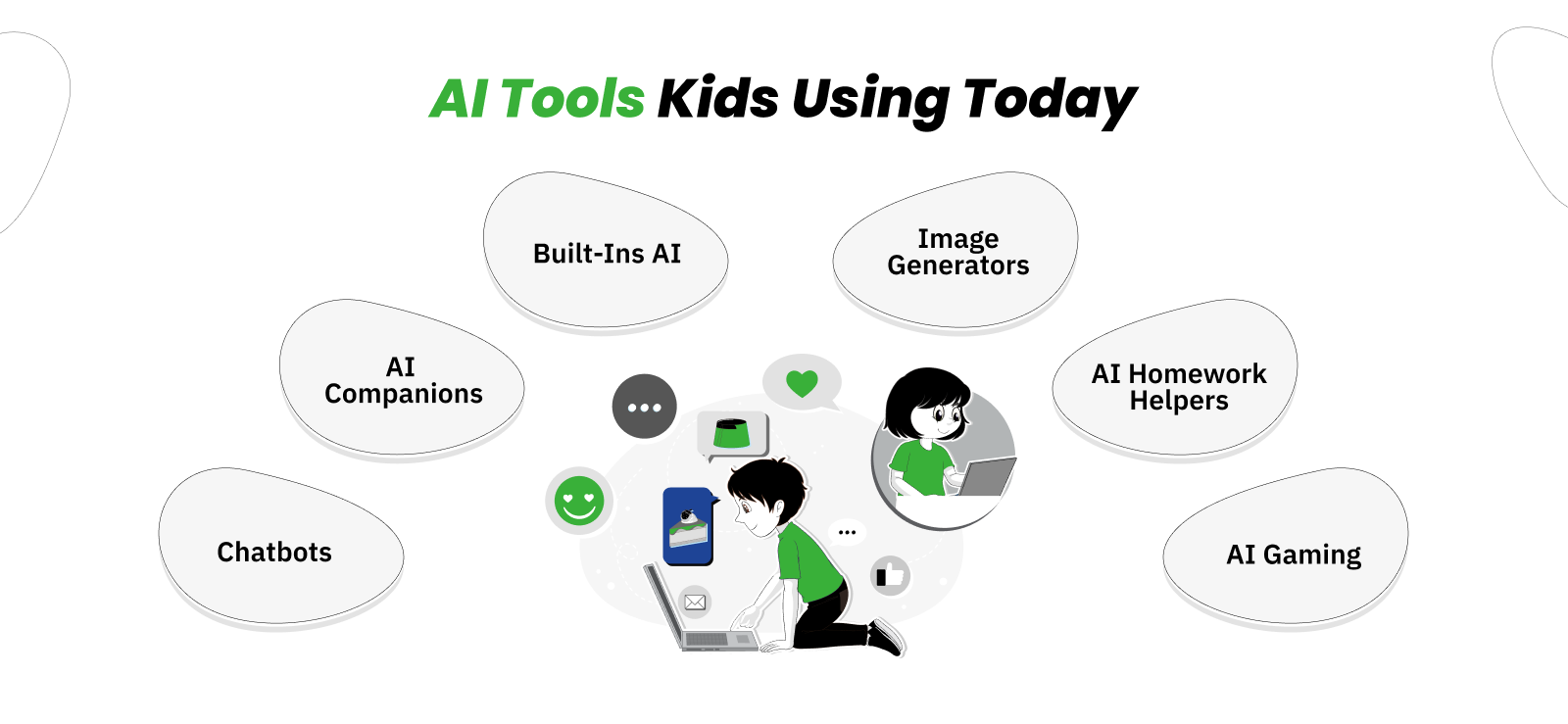
AI tools aren’t confined to one app or one purpose anymore. Kids run into them while doing homework, chatting on social media, playing games, and even editing photos, often without realizing an AI is involved at all.
Some of these tools get deliberately downloaded by your child; others are quietly built into apps they already use every day. This mix matters, because a tool your child sought out and one that showed up automatically inside Snapchat or Instagram carry very different levels of risk and require different conversations.
Not all AI tools are the same, and it helps to know the difference:
1. General Chatbots
ChatGPT, Google Gemini, Microsoft Copilot, Grok, and similar tools come in the general chatbots category. Kids often start here for homework help, but these chatbots will talk about almost anything, where conversations can easily drift into much more personal territory, like relationship advice or emotional struggles.
2. AI Companion Apps
AI companion apps like Character.AI, Replika, Nomi, and others are built specifically to feel like a friend, boyfriend/girlfriend, or confidant. Kids can customize the AI’s name, personality, and even its appearance, which makes the relationship feel more real. These are the riskiest of the bunch, and the ones drawing the most attention from regulators and lawsuits.
These tools are now drawing closer scrutiny from regulators as the FTC opened an inquiry into AI chatbots acting as companions, specifically asking how companies evaluate chatbot safety and inform parents about the risks.
3. Built-in AI Inside Apps Kids Already Use
Snapchat’s My AI and similar features in Instagram and other apps now have built-in AI. Kids don’t even have to look for these, as they are pinned right into the chat list or camera screen, so a curious tap is often all it takes to start a conversation.
4. AI Image and Video Generators
Some AI tools are built legitimately for creative projects, image editing, and video creation, but they also introduce serious AI deepfake risks kids can be exposed to online. Tools like Midjourney, Google’s Nano Banana, and Grok Imagine can create fake photos or videos from a single real picture, often pulled from social media.
A growing number of “nudify” apps, including Clothoff, have been built specifically to misuse this technology and have already been used to create fake explicit images of children without their consent.
5. AI Homework Helpers
Tools like Photomath or writing assistants built into school software or Google Docs can also get kids into shady areas. These are generally lower risk emotionally, since they are built for a narrow task, but they are worth watching so kids don’t lean on them to skip actually learning the material.
6. AI Features Inside Games and Social Apps
Roblox, Discord, and similar platforms are adding AI chat features and AI-generated characters, sometimes with weaker safety checks than the big-name chatbot apps, and often without a clear way for parents to see what’s being said.
The main problem here is that AI has quietly spread into nearly every corner of a kid’s digital life, and it’s not just one app you can keep an eye on. And with that much exposure, it’s worth understanding exactly what can go wrong.
6 Main Dangers of AI That Children Face Today
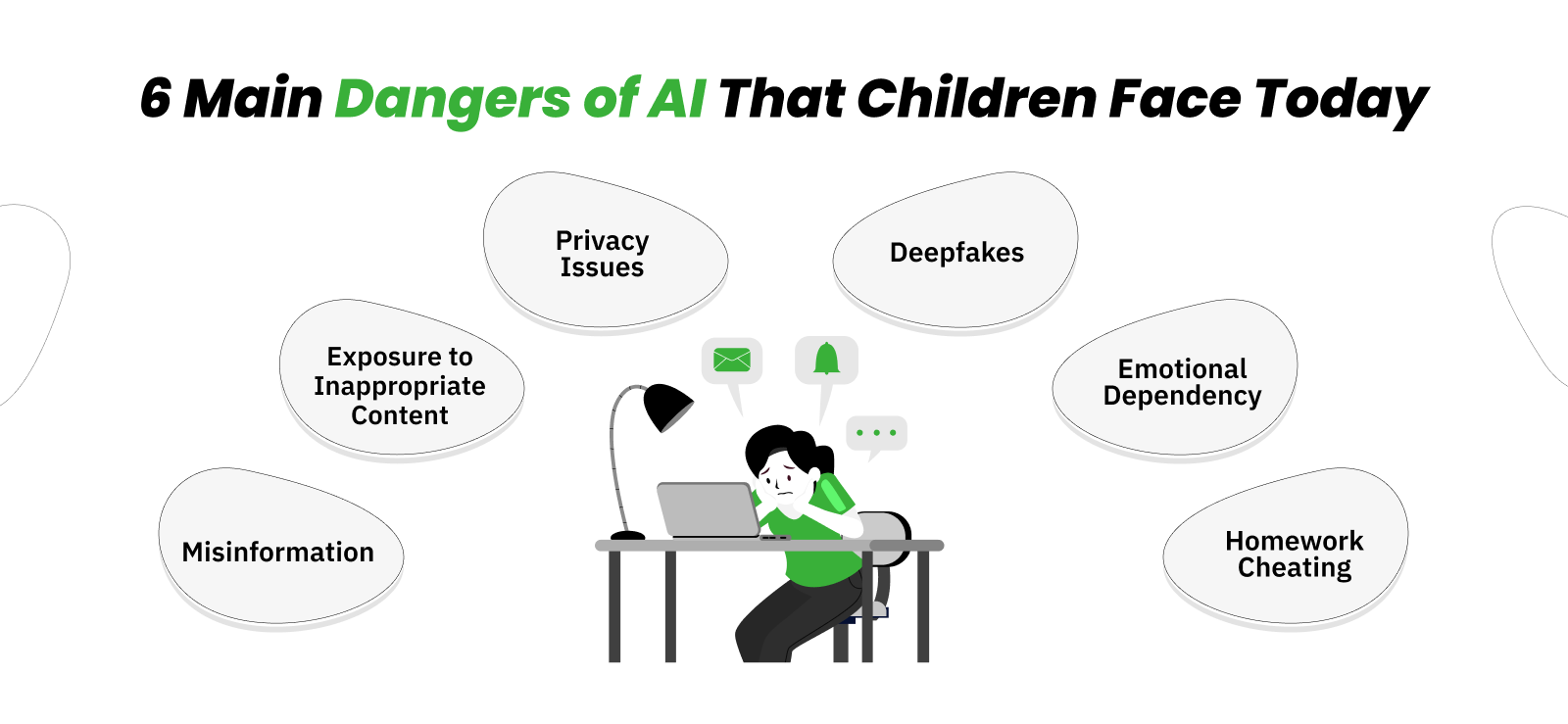
These are not far-off or hypothetical worries. Every risk below has already caused real harm to real families, from kids receiving dangerously bad advice to teens forming unhealthy attachments to a chatbot. That is why AI and child online safety should be treated as a practical parenting issue, not an overblown tech concern.
Some risks build slowly over weeks or months of everyday use, while others, like a single fake image, can cause damage in minutes.
1. Misleading AI Answers
AI chatbots are good at sounding confident, even when they are wrong. They can make up facts, invent sources, and give incorrect information in the same calm, certain tone as when they are right. Kids often don’t have the experience to know when they are being misled, especially with health or safety-related questions.
2. Exposure to Inappropriate Content
Most AI tools have some safety filters, but those filters are far from perfect. Testing has found that researchers posing as vulnerable teens could still receive harmful responses from ChatGPT. This implies that if a child asks a question the “wrong” way, they can often work around the filter and get information about alcohol, drugs, or sexual content that the app was supposed to block.
3. Children Sharing Private Information With AI
AI chatbots are built to sound interested and easy to open up to, which is exactly why kids treat them like a trusted friend instead of a piece of software. A chatbot will ask follow-up questions, remember details from earlier in the conversation, and respond with what feels like genuine concern.
So it doesn’t take long before a child is sharing things they’d normally keep private, like their real name, school, address, daily routine, or personal problems at home.
Unlike a real friend, that information gets stored on a company’s servers, and in many cases, it’s used to improve the AI itself or shared with third parties. That is why parents also need to track their child’s ChatGPT usage and other AI chatbot activity to understand what information is being shared and whether the tool is being used safely.
4. AI Deepfake Risks Kids Face Online
A deepfake used to take real skill and time to make. Now it doesn’t. With just one photo pulled from a social media profile, and no technical know-how at all, free AI tools can generate a convincing fake explicit image in a matter of minutes.
That low barrier is exactly what makes this risk so widespread, because anyone with a phone and a grudge or ill intent can create one. This has already happened at schools across the country, where classmates have circulated fake images of other students, and it’s increasingly being used by online predators to blackmail teens into paying money or sending real explicit images to make the fake one “go away.”
5. Emotional Dependency on AI Chatbots
AI companion apps aren’t built to be neutral. They are designed to keep kids talking for as long as possible, because more time spent chatting means more engagement for the company behind the app.
These AI bots are always kind, always available, never judgmental, and never too busy, which can be genuinely appealing to a lonely or socially awkward teen who feels like they finally have someone who understands them.
But that constant validation comes without boundaries, and over time it can slowly replace real friendships and family relationships. In the most serious cases documented so far, this kind of dependency has played a role in a child’s mental health crisis.
6. AI Misuse for Homework and Cheating
This is the most common issue day to day. Instead of just helping kids study, AI tools can now write entire essays, complete entire homework sets, and even generate answers to take-home tests in seconds. That isn’t life-threatening.
But it does chip away at the thinking and writing skills kids need to develop, with the same critical-thinking skills that would otherwise help them catch AI when it’s wrong about something more serious.

See What’s Happening Between the Conversations
Xnspy helps you catch that pattern before it becomes a headline.
– Spot new AI apps the moment they’re installed
– Review on-screen activity with periodic screenshots
– Catch concerning conversations early through keylogged text
– Block a specific app instantly without taking away the phone
3 Real AI Incidents That Show Why Parent Guidance Matters
Understanding these incidents matters because parents cannot protect children from risks they cannot recognize. AI safety tips for parents are not just about setting screen-time limits or choosing a popular app; they are about understanding how different tools can affect a child’s privacy, emotions, judgment, school life, and online reputation.
Every case below is documented in court filings or verified news reporting, not rumor or secondhand accounts. They span different types of AI tools, from major chatbots to companion apps to image generators, which shows this is not only a flaw in one company’s product but a wider safety challenge across the industry.
| A quick note before you continue: Some of the examples discussed in the following section may not be suitable for all readers. They provide important context for understanding why AI safety matters for kids, but if you’d rather not read about these subjects, feel free to skip ahead to the safety tips later in the article. |
1. The Character.AI Lawsuit
This case drew global attention because it raised urgent questions about how emotionally persuasive AI chatbots can become for vulnerable teens. In October 2024, a lawsuit was filed against Character.AI and Google, alleging that a 14-year-old died by suicide after months of emotionally intense conversations with a Character.AI chatbot modeled on a “Game of Thrones” character.
The complaint claims the chatbot allegedly engaged in romantic and sexual conversations with him and, in his final exchange, told him to “come home” to it. Reuters reported in January 2026 that Google and Character.AI agreed to settle the lawsuit and related cases.
2. The ChatGPT and OpenAI Lawsuit
A 16-year-old died by suicide in April 2025. Like a lot of teens, he started using ChatGPT for homework help, and over several months, the conversations gradually shifted into much more personal territory, eventually including discussions about suicide methods. The family’s lawsuit says OpenAI’s own systems flagged hundreds of messages as concerning, but nothing stopped the conversation or alerted the parents.
The case is still working its way through court. It’s a reminder that even a tool your child is using for something as ordinary as homework can quietly become something else entirely. And this is exactly why you should monitor your child’s AI chatbot conversations and stay aware of how a conversation can drift over time.
3. The Westfield High School Deepfake Case
In late 2023, a group of boys at a New Jersey high school used a free AI app to turn ordinary social media photos of more than 30 female classmates into fake nude images, which then circulated through the school. None of the photos used to create the images were explicit to begin with; the AI tool did all the work.
The story made national news, and one of the victims spent the next two years advocating for stronger protections, which helped lead to a New Jersey state law and a federal law, the TAKE IT DOWN Act, both signed in 2025.
It’s a useful case for parents specifically because nothing about it required any special access or technical skill: any photo posted publicly online, even an entirely innocent one, was enough raw material for the technology to work with.

Not Every Risk Shows Up As An “AI” App
Viral social media challenges are constantly catching kids off guard.

AI Safety Tips For Parents: What to Do If AI Is Harming Your Kids?
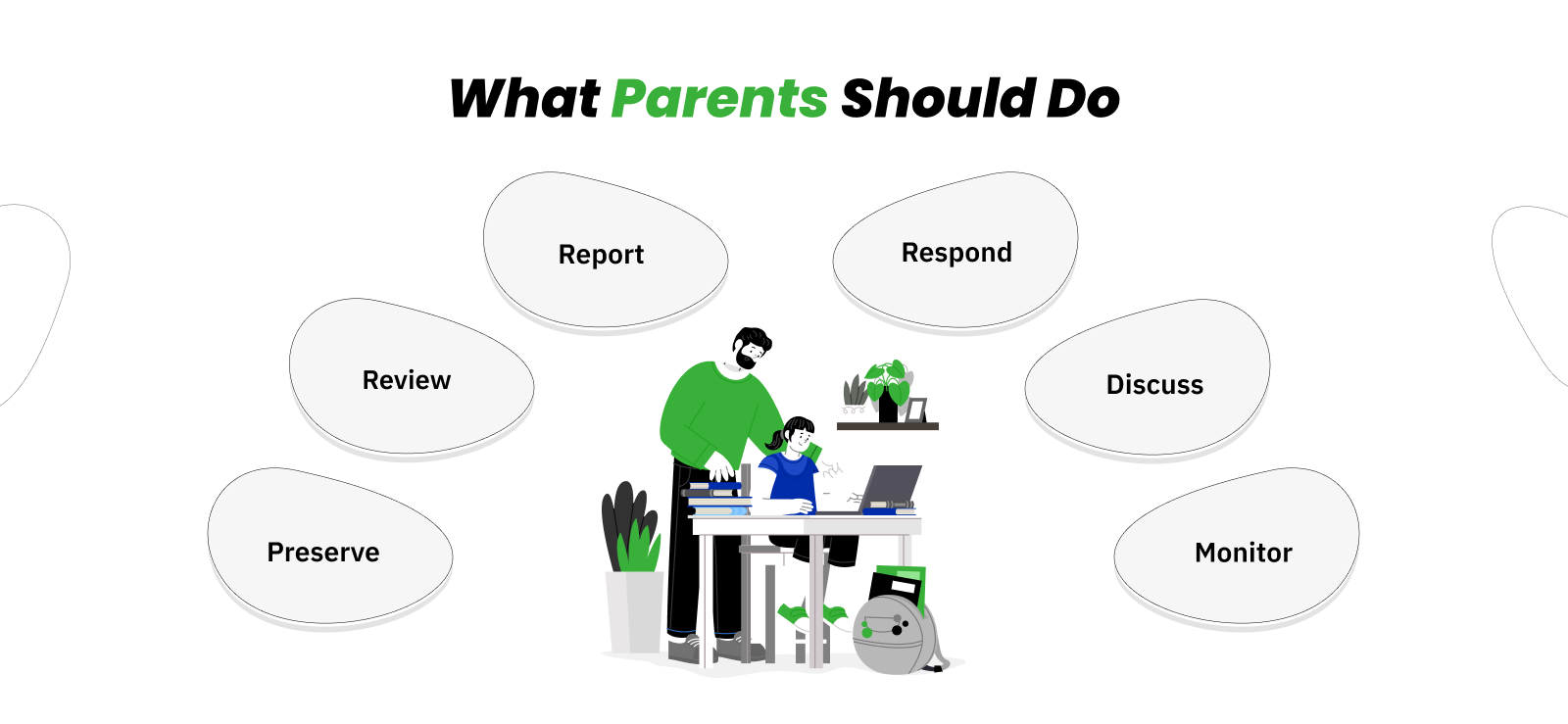
Reading those stories is one thing; knowing what to actually do if you recognize any of those warning signs in your own child is another. If you are worried an AI app is already affecting your child, here’s what to do, in order:
1. Don’t Delete Anything Right Away
If there’s any chance of blackmail or a serious conversation involved, keep screenshots and messages as evidence before you change or remove anything.
2. Look at What’s Been Shared
Review and track your child’s ChatGPT usage as well as their other AI chats for personal details like their name, school, address, photos, or anything else they may have shared. This can help you catch privacy risks before they escalate.
3. Report It
If explicit images of your child are involved, report them to the CyberTipline at report.cybertip.org, which works with law enforcement nationwide.
4. Treat Any Sign of Self-Harm as Urgent
If your child has talked about suicide or self-harm with an AI chatbot, call or text 988 right away and reach out to a mental health professional.
5. Don’t Just Block One App
Kids who are drawn to AI companionship often move to a different app once one is blocked. Talk to them about why, not just what.
6. Keep an Eye on Things Going Forward
Once you have dealt with the immediate issue, ongoing visibility into which apps your child is using helps you catch problems early next time rather than after something has happened.
How to Choose Safe AI Tools for Kids?
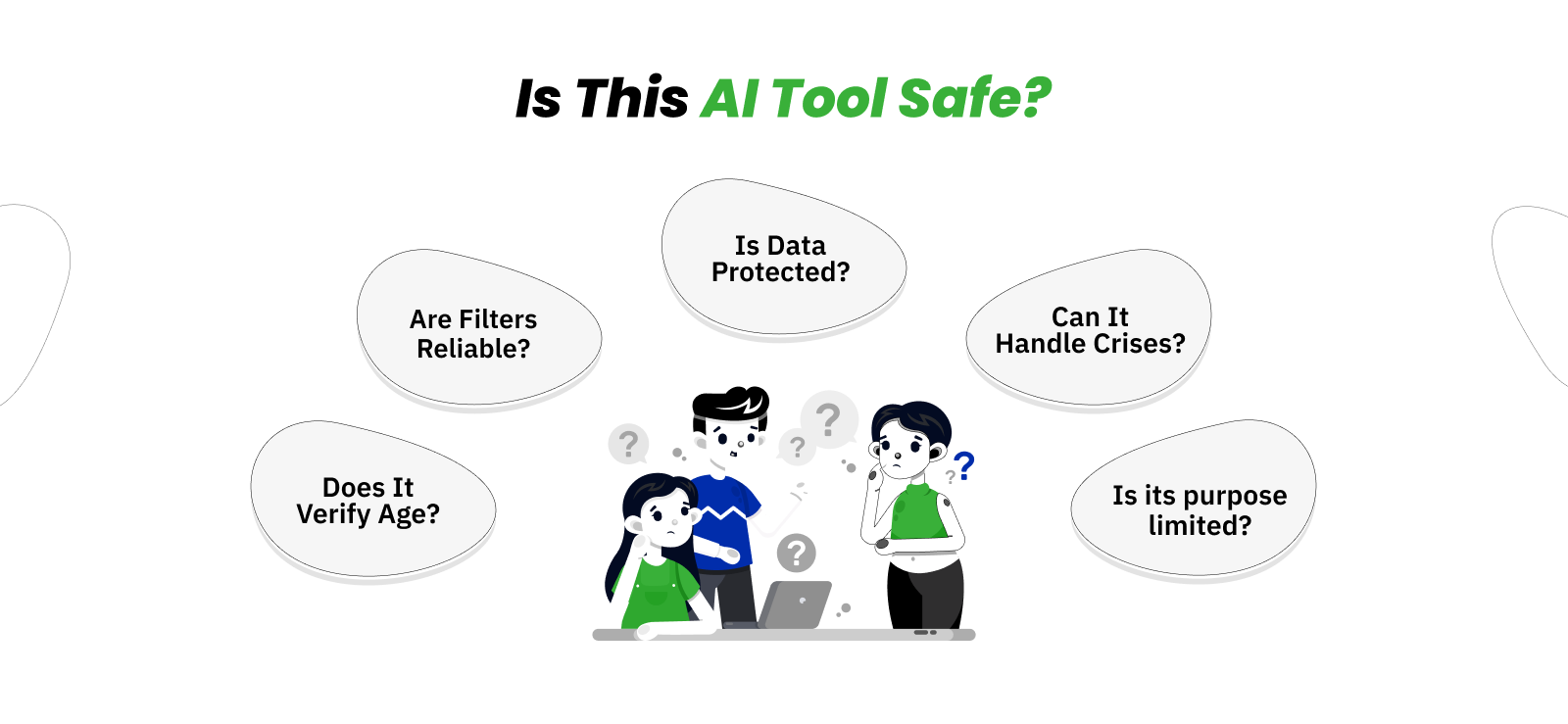
Once you’ve handled anything urgent, the next step is to decide which AI tools are actually worth letting into your house going forward. A few simple things to check before letting your child use any AI app:
1. Does It Actually Verify Age?
Most apps just ask users to type in their birthday at signup, which anyone, including a 10-year-old, can lie about in two seconds. Look for apps that require some kind of parental account approval, or verification step beyond a simple checkbox, since that’s usually a sign the company has put real thought into who’s on the other end of the conversation.
2. Are the Safety Filters Trustworthy?
Every AI company claims its app is safe for kids, but claims and reality don’t always match. Look up independent reviews; Common Sense Media is a good place to start to see whether the app’s safety filters actually hold up when tested by people outside the company.
3. What Happens to Your Child’s Data?
Check whether the app saves conversations, how long it keeps them, and what it does with them, including whether that data is used to further train the AI or shared with third parties. If you dig through the privacy policy and still can’t find a clear answer, it’s safest to assume the worst.
4. Does It Handle Crises Properly?
A good AI tool should be able to recognize signs of self-harm or serious distress in a conversation and point kids toward real, human help, rather than simply continuing the chat as if nothing concerning was said.
5. Is It Built for One Purpose, or Open-Ended?
A homework helper or math tutor is generally much safer than an open-ended chatbot meant to feel like a friend, simply because there’s far less room for the conversation to wander somewhere it shouldn’t.
How to Ensure Safe AI Use for Kids in the Future?
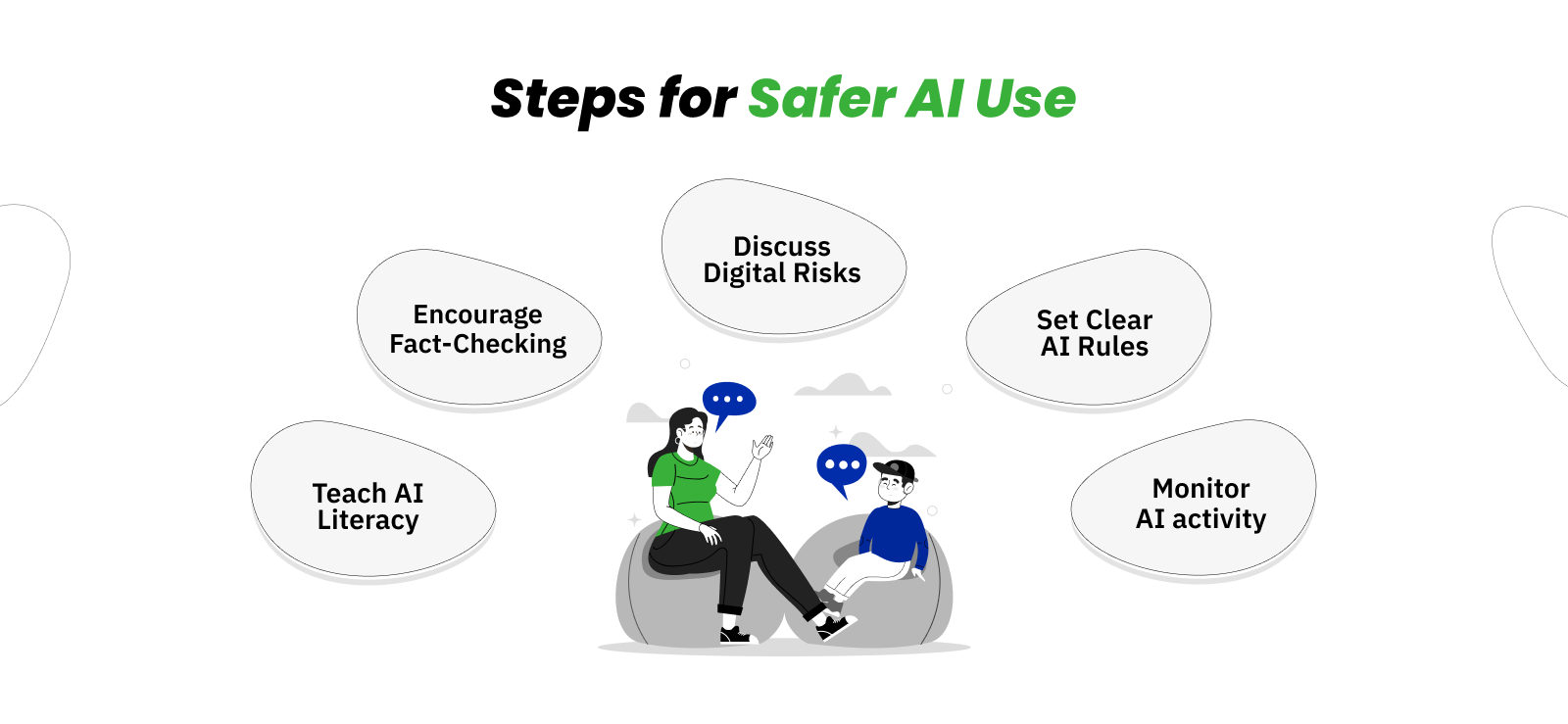
Reacting to a problem or vetting a single app only gets you so far, since new AI tools are showing up faster than any list of rules can keep up with. The more lasting approach is building habits, setting clear AI rules for kids, and establishing household conversations that hold up no matter what new app your child downloads next. Here’s where to start.
1. Teach AI Literacy
Help your child understand that an AI chatbot isn’t a person and doesn’t actually know or care about them, no matter how it may sound. It’s generating responses based on patterns, not real understanding. That mental shift from teaching kids AI literacy alone helps kids treat AI answers with a bit more healthy skepticism.
2. Build Fact-Checking Habits
Get your kids in the habit of double-checking anything important an AI tells them, especially for schoolwork, health questions, or anything that sounds surprising. Treat AI answers as a starting point, not the final word.
3. Discuss Digital Risks Openly
Talk to your kids directly about deepfakes, sextortion, and AI companion apps, using real examples like the ones above. Kids are far more likely to come to you if something goes wrong when they have already heard these topics discussed calmly, without judgment.
4. Set and Update AI rules for kids
Decide together which AI tools are okay to use, for what, and when. Revisit these rules every few months, since new apps show up constantly. Make sure the rules specifically cover AI companion apps and image generators, not just general chatbots like ChatGPT.
5. Use Xnspy Child Monitoring App
Talking with your kids goes a long way, but it doesn’t tell you what’s happening on their phone when you are not around.
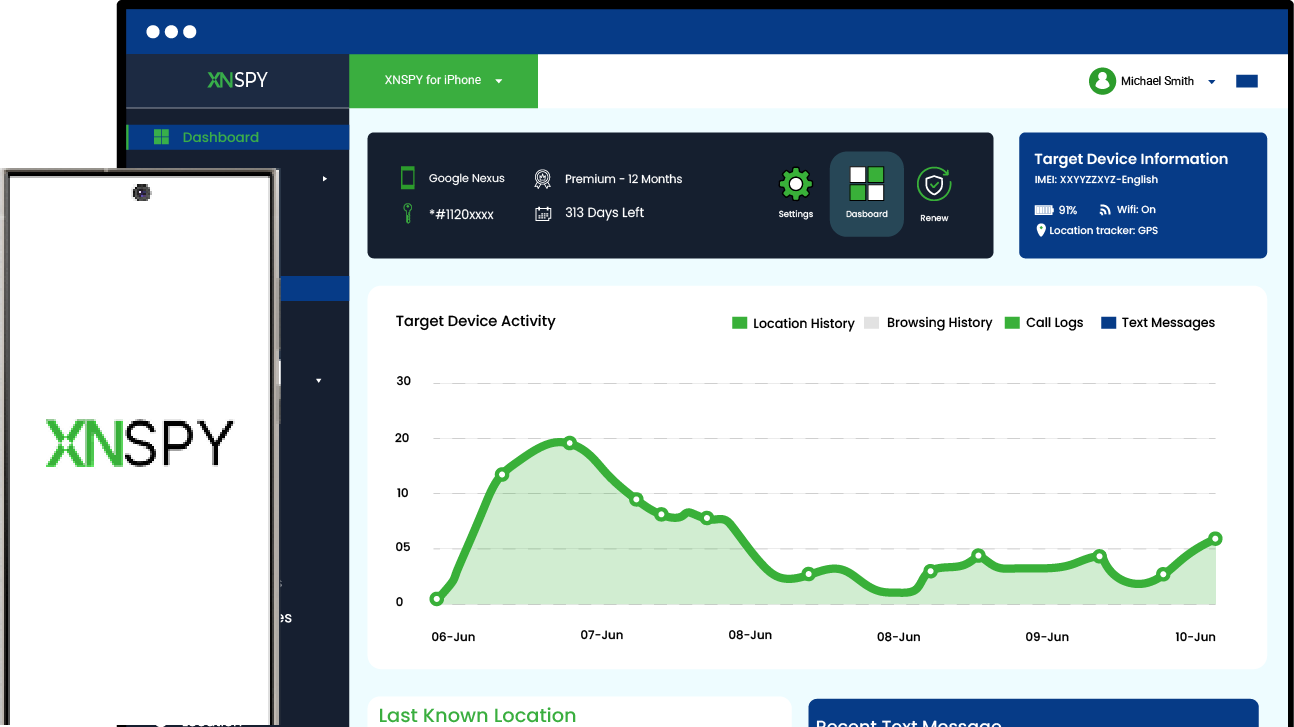
Because much of a child’s AI activity happens inside apps they already use, a tool like Xnspy can help parents monitor their child’s AI chatbot conversations and spot new risks early. It can alert you if your child starts using an AI companion app, interacts with an unfamiliar chatbot, or accesses an AI tool you have not approved.
Xnspy also includes a screen recorder that captures periodic snapshots of what’s happening on your child’s screen and displays them on an accessible web dashboard. This is especially useful for AI chatbots, since a chat can look completely different depending on how the conversation has drifted, and a screen recording gives you a clearer picture than a chat log alone.
In addition, Xnspy’s keylogger records what’s typed on the device, which can help parents notice if the child is asking an AI chatbot something concerning, sharing personal details, or being contacted through a message tied to a sextortion attempt.
If you have already seen enough and just want a specific app gone, app blocking lets you restrict it the moment you decide it isn’t appropriate, without having to take away the whole phone.
Even though no app can replace an honest conversation with your child, a tool like Xnspy can help you stay aware of what’s actually happening between those conversations, which is exactly where most of the cases in this guide went unnoticed for far too long.
Conclusion
AI isn’t going away, and pretending your child won’t encounter it isn’t a realistic plan. What actually helps is understanding the specific tools they are likely to run into, recognizing the warning signs before they turn into something serious, teaching kids AI literacy, and staying involved enough to notice when a conversation has gone somewhere it shouldn’t.
None of that requires becoming an expert overnight. It just means treating AI the same way you’d treat any other part of your child’s digital life: with a mix of trust, open conversation, and a reasonable amount of oversight.
FAQs
At what age can kids safely use AI chatbots?
There’s no single safe age, but most experts agree AI companion apps in particular aren’t appropriate for anyone under 18, given how easily they can be misused. General chatbots like ChatGPT are a bit lower-risk but still need supervision, especially for kids under 13.
Can parents monitor their kids’ AI chatbot use?
Most AI apps don’t give parents a way to see conversations by default, though some have started adding basic parental controls after public pressure. A monitoring app like Xnspy can help fill that gap by showing which apps are installed and what’s happening on the device.
How do AI deepfakes affect children specifically?
All it takes is one photo, often something publicly posted online, for an AI tool to generate a convincing fake explicit image. This has been used to bully classmates and, in some cases, to blackmail teens for money, sometimes with tragic results.
What should I do if my child receives a fake AI image or a sextortion threat?
Don’t pay, and don’t delete the messages. Report it to the CyberTipline at report.cybertip.org and your local police, and if money was demanded, also report it to the FBI at ic3.gov. If your child shows any signs of hopelessness or talks about suicide, call or text 988 right away.
Do AI companion apps store kids’ private conversations?
Yes, in almost all cases. Most AI companion and chatbot apps save conversations and may use them to improve the AI further. It’s worth assuming anything typed into one of these apps isn’t private.
Xnspy: Get Access to Your Child’s Digital World
Stay one step ahead of apps that change faster than you can keep up with
Leave a reply:
Your email address will not be published. Required fields are marked*
Jenny Nicole
Member since October 23, 2014
Jenny Nicole
Member since October 23, 2014
Jenny Nicole is a teen psychology and digital behavior specialist with an MSc Developmental Psychology & Psychopathology from King's College London, graduated 2017. Her work revolves around how adolescents communicate and make decisions in digital environments, particularly on social media and messaging platforms. Over the past 5 years, she has written extensively on teen smartphone behavior, online peer dynamics, the psychological impact of social media, and the need for oversight. Her work has helped parents and educators interpret not just what teens are doing online, but why they are doing it. Overall, she has not only authored over a hundred guides breaking down child psychology for parents but also regularly spoken at family safety and internet governance conferences across the UK and US.